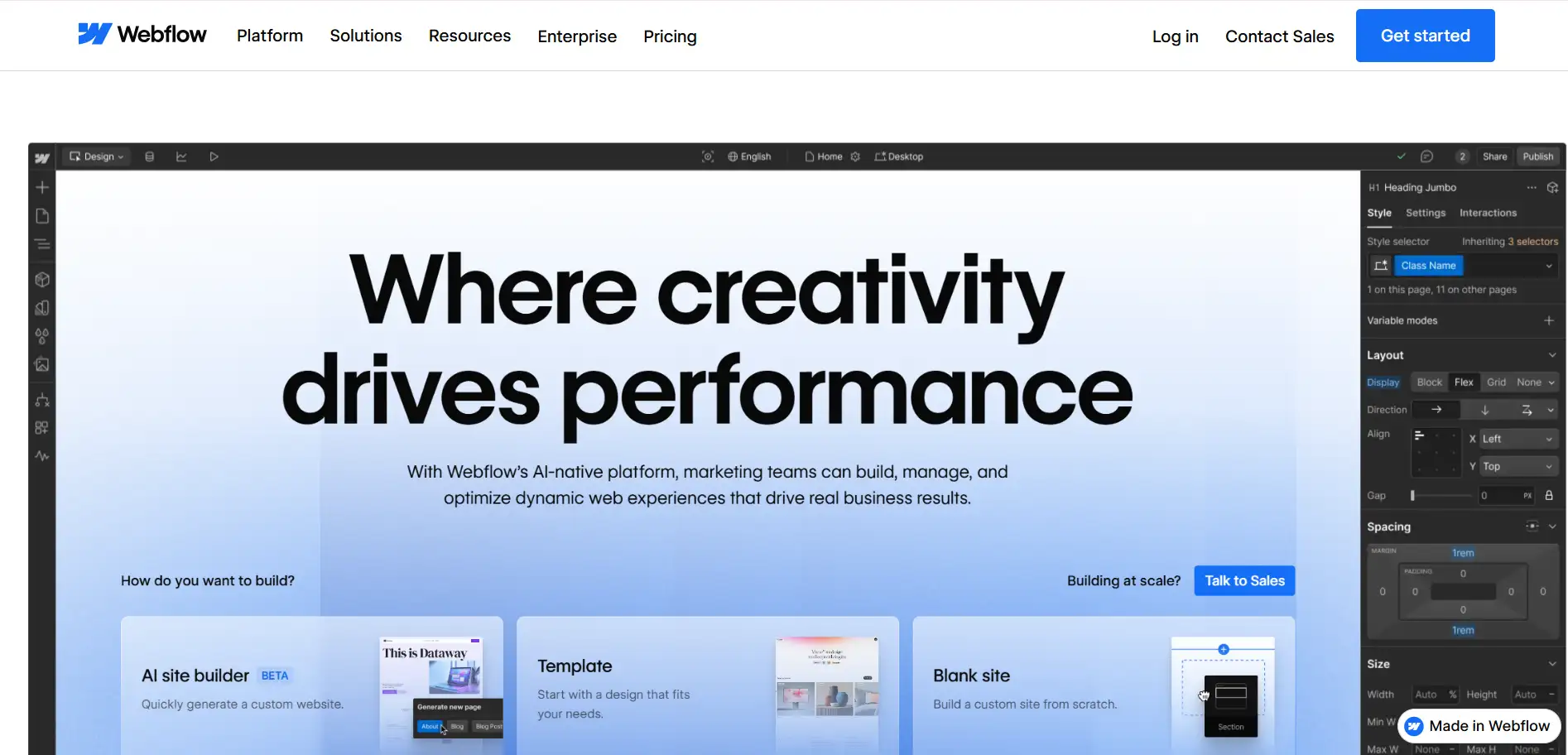
Webflow is a powerful website tool. It is used by 1.2% of all the websites whose content management system we know. This is 0.9% of all websites.(Source: w3techs, 2025) But many people feel it is hard to learn, expensive, and too complex for simple projects. As a result, more users are seeking Webflow alternatives that are faster, more affordable, and easier to use. In 2026, AI website builders are growing fast and changing how people build sites. They let beginners, designers, and small teams create pages with less work and less stress.
This guide will showcase the top Webflow alternatives for 2026, including new AI tools and other notable Webflow competitors. These options are great for designers who want more freedom, startups that need quick websites, freelance creators who want simple tools, and marketing teams that need speed.
By the end, you'll know which tools are the most flexible, the easiest to start with, and the smartest choice for your next website in 2026.
#01 What Makes a Good Webflow Alternative?
When people look for Webflow competitors, they usually want a
website tool that is easier, cheaper, or faster to use. Webflow is powerful, but many beginners feel it is too hard to learn. So when we talk about tools like Webflow, we need to look at the most important things that make a good Webflow alternative.
1. A good alternative should give strong visual control.
Many users want to drag, drop, and design their page without touching code. If a platform is too hard to edit, beginners will feel lost. Good Webflow similar platforms should let users change colors, layouts, and sections in a simple way.
2. A strong alternative needs a good CMS and responsive design tools.
This means the website should look good on computers, tablets, and phones. It should also handle blogs, product lists, or any type of growing content. If the CMS is weak, the website cannot grow with your business.
3. AI automation is now very important.
Many new
no-code builders, like Wegic, help users build pages, text, and layouts with one click. So a modern Webflow alternative should save time with smart AI help.
4. The cost and value must be friendly.
Webflow can be expensive for small teams. A good alternative should offer fair pricing, strong features, and no hidden fees.
5. Rich services
The platform should have templates, good hosting, fast performance, and strong stability. If a website is slow, visitors will leave.
Finally, a top Webflow alternative must be friendly for non-technical users. This is one reason many people compare Webflow vs Wegic, because Wegic uses AI to make building easier for beginners. All these points help you choose the best Webflow alternative for 2026.
#02 Top 4 Webflow Alternatives for 2026
Looking for the best Webflow alternatives 2026? According to data from W3Techs, Webflow still holds a strong market position in terms of popularity and traffic compared to the most popular content management systems. (Source: w3techs, 2025) Many beginners and small businesses want easier, faster tools like Webflow. In this section, we will explore four top Webflow similar platforms—Wegic, Framer, Wix Studio, and WordPress + AI Builder—showing how these Webflow alternatives make website building simpler and faster.
1. Wegic
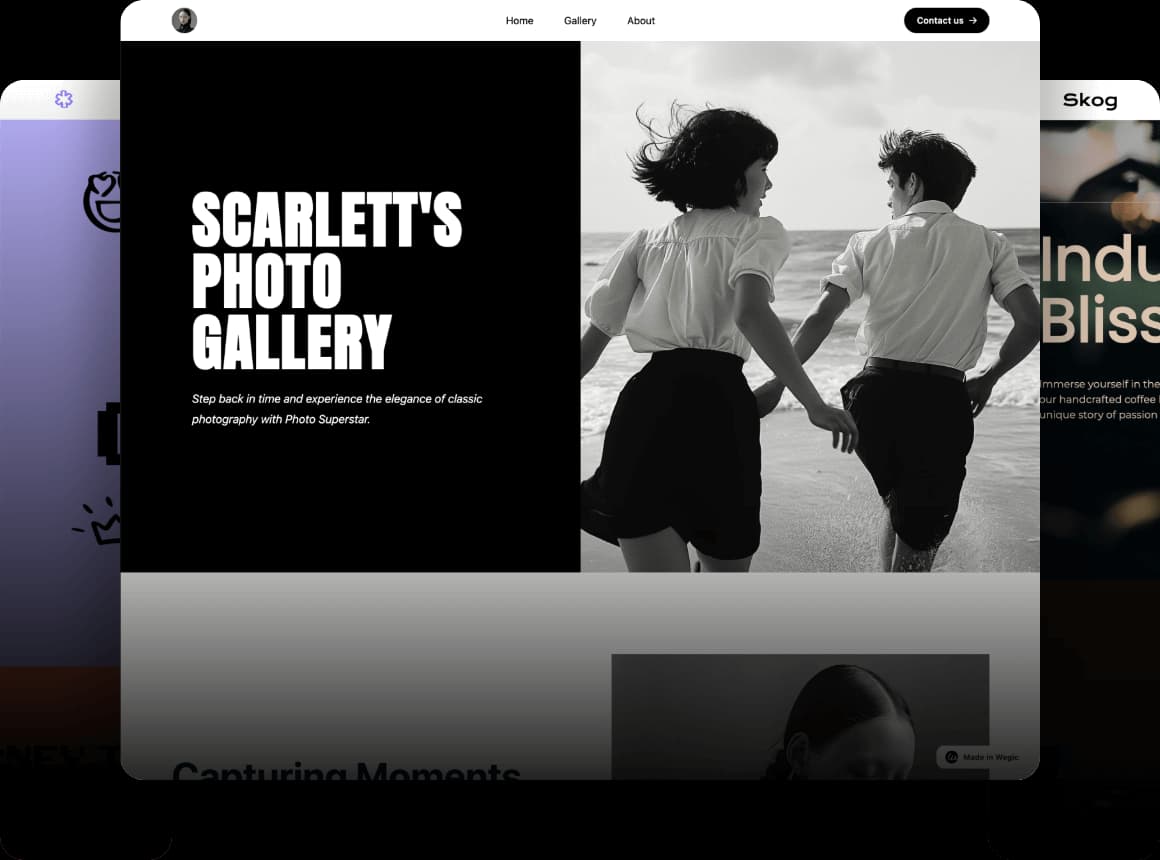
Wegic is an AI website builder that creates full pages, layouts, and text automatically. It is fast, simple, and great for anyone who wants a website without learning design or code. This makes it one of the easiest webflow alternatives today.
Try to use the Wegic AI website builder to get a website👇
Webflow vs Wegic: When we compare Webflow vs Wegic, Webflow gives more design freedom but takes more time and skill. Wegic focuses on speed and automation. Among all Webflow competitors and Webflow similar platforms, Wegic offers the fastest "done-for-you" building experience.
Best For: Wegic is perfect for beginners, personal brands, small businesses, and marketers who need landing pages quickly.
Pro: Wegic has less design freedom than Webflow because AI handles most parts automatically.
Pricing: Wegic's price is more friendly than Webflow and has free credits. You can publish a website in 60s without extra setup.
2. Framer
Framer is great for people who love strong visuals, smooth animations, and modern interactions. It feels a lot like designing in Figma, so many creators find it easy and fun. This makes Framer one of the best Webflow alternatives for 2026, especially for high-quality design work.
Framer vs Webflow: Webflow offers stronger CMS tools and deeper structure control. But Framer is faster to use and has a friendlier interface. Many designers pick Framer when looking for Webflow competitors with better animation and visual freedom.
Best For: Framer is perfect for designers, creative studios, brand websites, and personal portfolios.
Pro: Framer's CMS is not as powerful as Webflow. When encountering complex sites, one may find limits.
Pricing: Framer's plans are simpler than Webflow's and good for small creative teams.
3. Wix
Wix has lots of templates and a simple drag-and-drop editor. It also includes built-in SEO tools, marketing features, and an App Market. This makes it one of the best Webflow alternatives 2026 for beginners and small businesses.
Wix vs Webflow: Compared with Webflow, Wix Studio is easier to learn and faster to start. However, its visual design freedom is not as strong as Webflow vs Wegic. Among Webflow competitors, Wix stands out for simple, ready-to-go websites.
Best For: Wix Studio is suitable for small businesses, personal sites, and service-based websites that need a fast and easy setup.
Pro: While easy to use, Wix Studio cannot match Webflow or Framer for fully custom layouts or advanced design features.
Pricing: Wix Studio offers free plans and affordable paid options, making it a cost-friendly choice for beginners and small teams.
4. WordPress
WordPress with AI builders like Elementor AI or Divi AI is very powerful. It lets you build large websites, blogs, or e-commerce stores with AI help for pages and content. This makes it one of the top Webflow similar platforms for flexibility and scale.
Best For: Perfect for content-heavy websites and SEO-focused teams. And some businesses need custom features or big online stores.
Pro: Requires maintenance, security plugins, and some technical setup. Beginners may need time to learn.
Pricing: WordPress itself is free, but AI builders and hosting cost extra.
#03 Webflow vs Other Alternatives: Side-by-Side Comparison
When choosing a website builder, it helps to see how Webflow competitors and other Webflow similar platforms compare. This way, you can pick the right tool for your needs, skills, and budget. Let's look at eight key points: design freedom, AI automation, performance & SEO, pricing, CMS, who it's for, publishing difficulty, and learning curve.
1. Design Freedom
Webflow gives full design control, but beginners may feel it's tricky. Wegic offers less freedom but creates clean, automatic layouts. Framer is strong for designers with animations and interactions. Wix Studio is easier with drag-and-drop templates. WordPress + AI Builder is very flexible for custom websites.
2. AI Automation
Wegic and WordPress AI Builder can help automatically generate pages and a website. Framer and Wix Studio also offer some AI-assisted features, but users still need to design most elements manually.
3. Performance & SEO
Webflow and WordPress have strong SEO tools. Wegic is fast with AI content optimization. Wix Studio is good for beginners, but large sites may need upgrades.
4. Pricing
Webflow is a little expensive. Wegic and Wix Studio offer lower-cost plans. Framer and WordPress may cost more depending on hosting and plugins.
5. CMS
WordPress wins for large, complex content. Webflow has a strong CMS, too. Wegic is more basic but improving. Wix Studio is simple for small sites. Framer supports limited CMS features.
6. Who It's For
Beginners, small businesses, personal brands, creators, designers, marketers—all can find a suitable option.
7. Publishing & Learning Curve
Wegic is the fastest to publish. Wix Studio is easy to learn. Webflow and WordPress require more time and learning.
| Feature / Platform | Webflow | Wegic | Framer | Wix Studio | WordPress + AI Builder |
| Design Freedom | Full control, highly customizable | Automatic layout, limited manual design | High, Figma-like visuals, animations | Drag-and-drop, template-based | Very flexible, custom layouts |
| AI Automation | Low, mostly manual | High, full AI page & content generation | Medium, some AI-assisted | Low, mainly manual | High with AI builders (Elementor AI, Divi AI) |
| Performance & SEO | Strong, optimized | Fast, AI content | Good, modern design | Good for small sites | Very strong, SEO plugins available |
| Pricing | Medium–High | Friendly, cheaper than Webflow | Medium | Low–Medium | Varies: hosting + AI builder cost |
| CMS | Strong | Basic, improving | Limited | Simple, small sites | Very strong, supports large sites |
| Best For | Designers, creators, medium–large sites | Beginners, small businesses, personal brands | Designers, portfolios, brand sites | Small businesses, personal websites | Content-heavy sites, blogs, e-commerce |
| Publishing Difficulty | Medium | Very easy, 1-click publish | Medium | Easy | Medium–Hard, setup required |
| Learning Curve | Steep | Very low, beginner-friendly | Medium | Low | Medium–High, technical skills helpful |
Overall, this shows the top webflow alternatives in 2026. For quick sites, beginners may choose Wegic or Wix. Designers may prefer Framer. Teams needing a large CMS might pick WordPress. Comparing the best Webflow alternatives side-by-side helps you make the smart choice.
#04 Best Webflow Alternative for Your Needs (Use-Case Breakdown)
When you choose among the top Webflow competitors or Webflow similar platforms, think about what your website really needs. Here are a few real‑world use cases to show how different tools shine — this helps with Webflow vs Top Alternatives side‑by‑side thinking.
1. Fast website for a startup or small shop— Wegic / Wix
For example, tech‑reporting from 2025 shows that small businesses building a site with an AI builder can go online in under 30 minutes. (Source: Forbes, 2025)
That means a small online store owner or local service business can start selling or getting leads fast — no need to wait weeks for a developer. So tools like Webflow, when replaced with AI builders, give real speed and a low barrier for beginners.
2. Creative portfolio or brand site—Framer or Webflow
Designers and artists often choose Framer because it supports advanced animation, modern visual effects, and offers a Figma-like design experience. Framer is also a good choice for those looking to create personal portfolios, brand websites, or creative landing pages.
3. Blog, magazine, content‑rich site — WordPress + AI Builder
For big content websites (blogs, news, product catalogs), WordPress remains a top choice. Because of its strong CMS, plugin ecosystem, and flexible hosting. Add an AI builder or writing assistant, and you get both scalability and easy content production. This makes WordPress among the best Webflow alternatives 2026 for content-heavy projects.
4. Small business needing site templates — Wix /Wegic
These platforms offer the lowest learning curve for local businesses, service providers, or freelancers looking for a simple website (with booking, contact forms, or a basic business platform, along with a large library of templates and drag-and-drop functionality, plus AI assistance).
More broadly, recent market reports show that AI‑powered website builders are growing fast — more small businesses now use them to reduce cost, speed up launch, and avoid technical hurdles.
When choosing a website builder, price matters a lot. Among Webflow competitors and Webflow similar platforms, each tool has different costs, free features, and AI options. Learning these differences helps you pick the best value in 2026.
Some platforms offer Starter, Premium, and other pricing. There are often discounts. For example, Wegic provides AI credits and full features for paid plans. Wix Studio also offers free and paid plans, with extra templates, apps, and marketing tools for paid users. Free features are helpful for beginners. Wix Studio and Wegic let you try the platform before paying. Wegic even gives free AI credits so you can test full AI website building.
AI generation costs can add up. Wegic's paid plans include AI content, layout, and
SEO optimization, so you don't need extra tools. Other Webflow similar platforms may charge extra for AI assistants or plugins. Hosting and domain fees are another factor. WordPress + AI Builder may need separate hosting and setup, which increases cost.
Overall, do you want a fast, easy website? Wegic is very affordable. Wix is beginner-friendly and low-cost. For flexible, large sites, WordPress + AI works but costs more. Comparing Webflow competitors side-by-side helps you find the right balance between price, AI, and features.
Conclusion
How to choose the right website builder? Among Webflow competitors and other Webflow alternatives, Wegic is perfect for fast AI-powered websites and small businesses. Framer is the best Webflow alternative for designers who want full creative control. Wix Studio works well for beginners or personal sites, while WordPress + AI Builder is ideal for large, content-rich websites. Comparing these Webflow alternatives 2026 helps you pick the right tool for your needs.
If you want speed, simplicity, and smart AI features, try Wegic's free tools or demos today. Testing each platform yourself is the fastest way to find your perfect match. These best Webflow alternatives make building websites easier, faster, and more fun than ever.
FAQ
1. Is Webflow still worth using in 2026?
Yes. Webflow gives full design freedom and strong CMS tools. For designers and creators who want total control over layout and interactions, Webflow is still a top choice — especially when you want a custom, polished site.
2. What is the best free Webflow alternative?
If you want a free, easy way to build a site, a platform like Wegic or Wix Studio (with a basic free plan) works well. They offer simple templates and basic tools for free, good for small or personal websites.
3. Which Webflow alternative is best for designers?
Framer is a good choice. It gives strong visual control and a creative design workflow. If you care about look, feel, and uniqueness, Framer is a great Webflow competitor.
4. Can AI website builders replace Webflow?
In many cases, yes. If you want speed, automatic layout, and easy content, AI builders (like Wegic or AI‑powered tools) can replace Webflow in many projects — especially small business sites, landing pages, or quick launches.
5. What is the easiest Webflow alternative for beginners?
The easiest for beginners are those with drag‑and‑drop and AI help — like Wegic or Wix Studio. They need no coding, have simple editing, and let you publish quickly. Great for people new to building websites.