16 Best AI Coding Assistant Tools in 2026
Discover the 16 best AI coding assistant tools in 2026. Detailed reviews of top free AI code assistant software, market data, and features for beginner coding and experts.

What Makes the Best AI for Code Tool?
Top 16 AI Coding Assistants Reviewed
1.GitHub Copilot - The Industry Standard
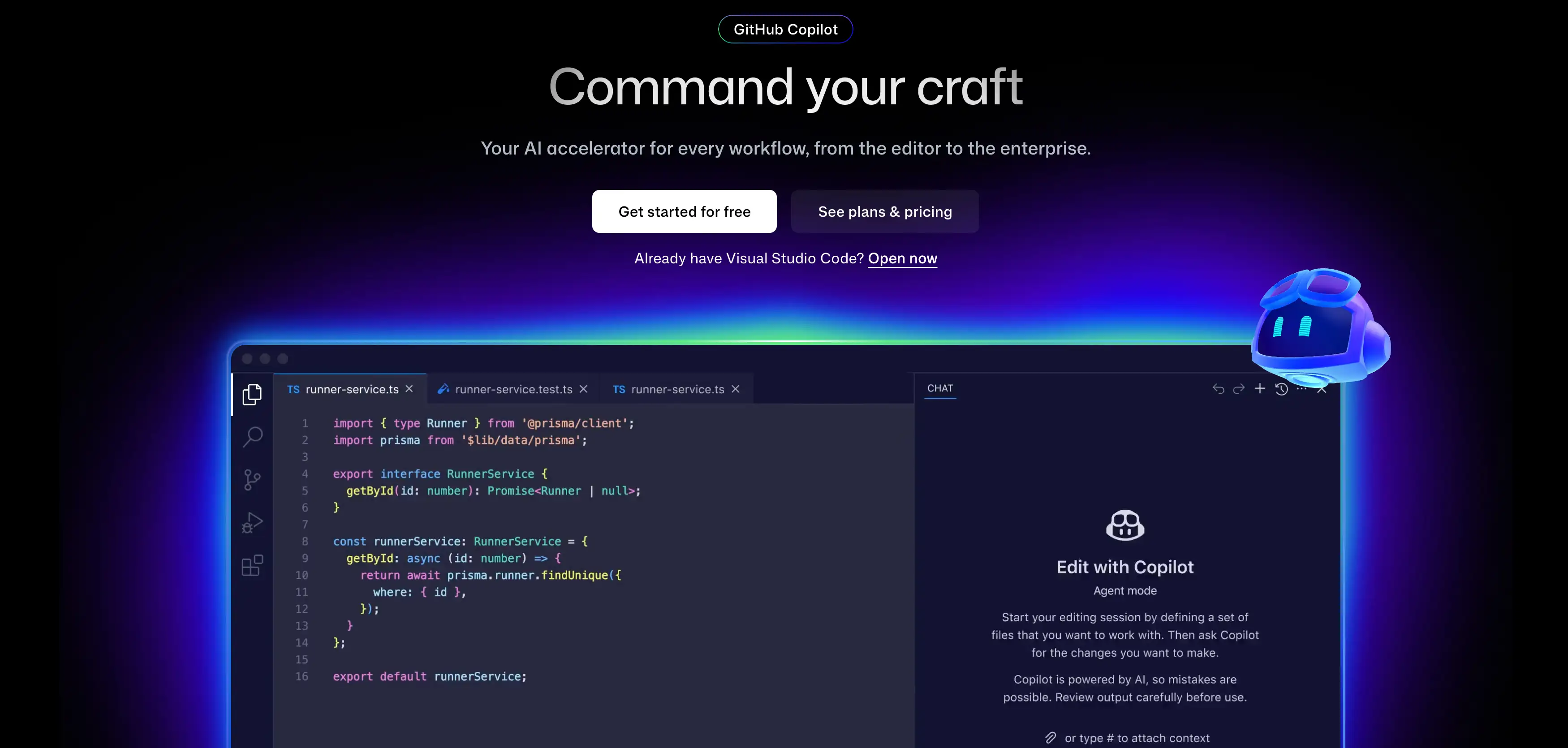
- Functions & Advantages: It reads the code in your other open tabs. This means if you define a variable in one file, it knows about it in another. It supports almost every language, from Python to Go. The chat feature lets you ask "how do I fix this?" without leaving the window.
- Disadvantages: It is not free for most users. Sometimes it suggests code that looks right but doesn't actually work. You still need to know how to read code to use it safely.
- User Experience: Most people feel like it reads their mind. It takes away the boring parts of typing.
- Ghost Text: Gray text appears ahead of your cursor.
- Chat View: a sidebar to ask questions.
- CLI Help: Translates English to terminal commands.
2.ChatGPT (Code Interpreter) - The Versatile Helper
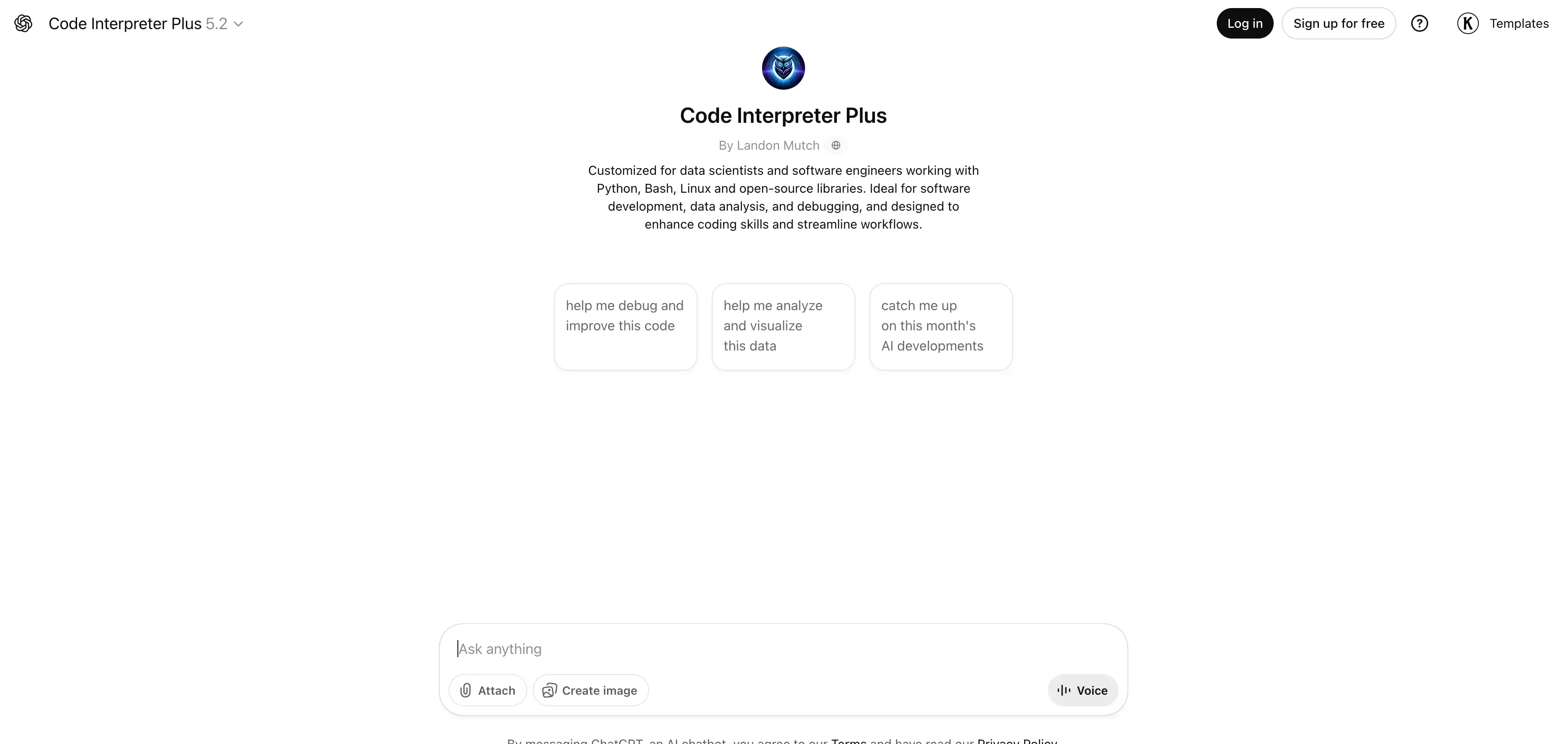
- Functions & Advantages: You can paste a confusing error message, and it will tell you exactly what is wrong. It is great for brainstorming. If you don't know where to start, you can ask it to plan your project structure. It is unmatched for learning new concepts.
- Disadvantages: It does not live in your editor. You have to copy and paste code back and forth. This context switching can break your flow. If you are looking for community opinions on AI tools, many discussions about the best AI website builder on Reddit also touch on which coding assistants developers prefer for different tasks.
- User Experience: It feels like talking to a smart teacher. It is patient and helpful for beginner coding tasks.
- File Upload: Drop a PDF or code file for analysis.
- Data Analysis: It can run Python code to make charts.
- Voice Mode: You can talk to it while you debug.
3.Amazon CodeWhisperer - Best for AWS Cloud
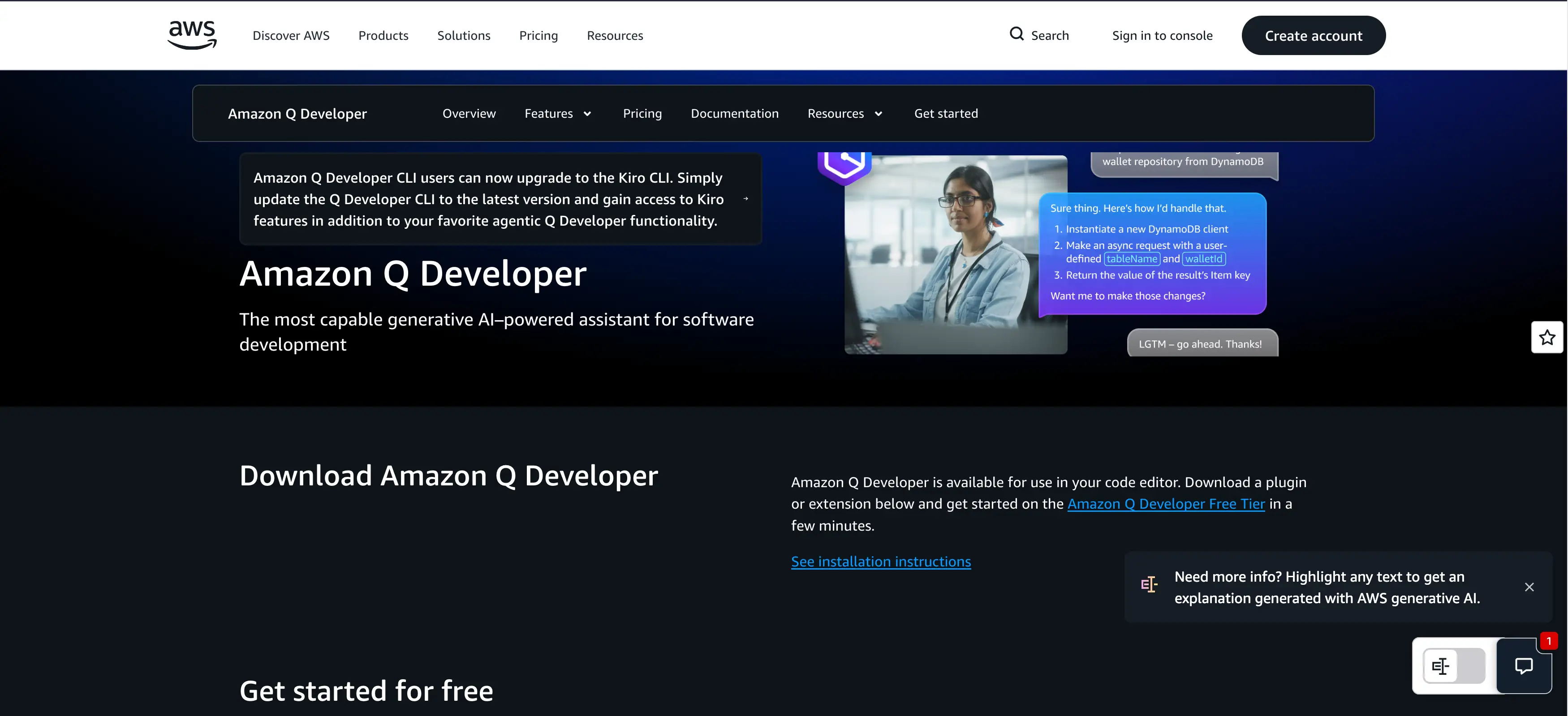
- Functions & Advantages: It is free for individuals. This makes it a great free AI code assistant for students. It scans your code for security holes as you write. It also flags if your code looks too similar to open-source software, which helps with legal safety.
- Disadvantages: It is best for AWS. If you are writing a game or a mobile app, it might be less helpful than other tools.
- User Experience: Setting it up requires an AWS account, which can be annoying. Once running, it is fast and accurate for cloud scripts.
- Security Scans: Find bugs before hackers do.
- Reference Tracker: Protects you from copyright issues.
- AWS Optimization: Knows all the Amazon services.
4.Tabnine - Privacy-First Choice
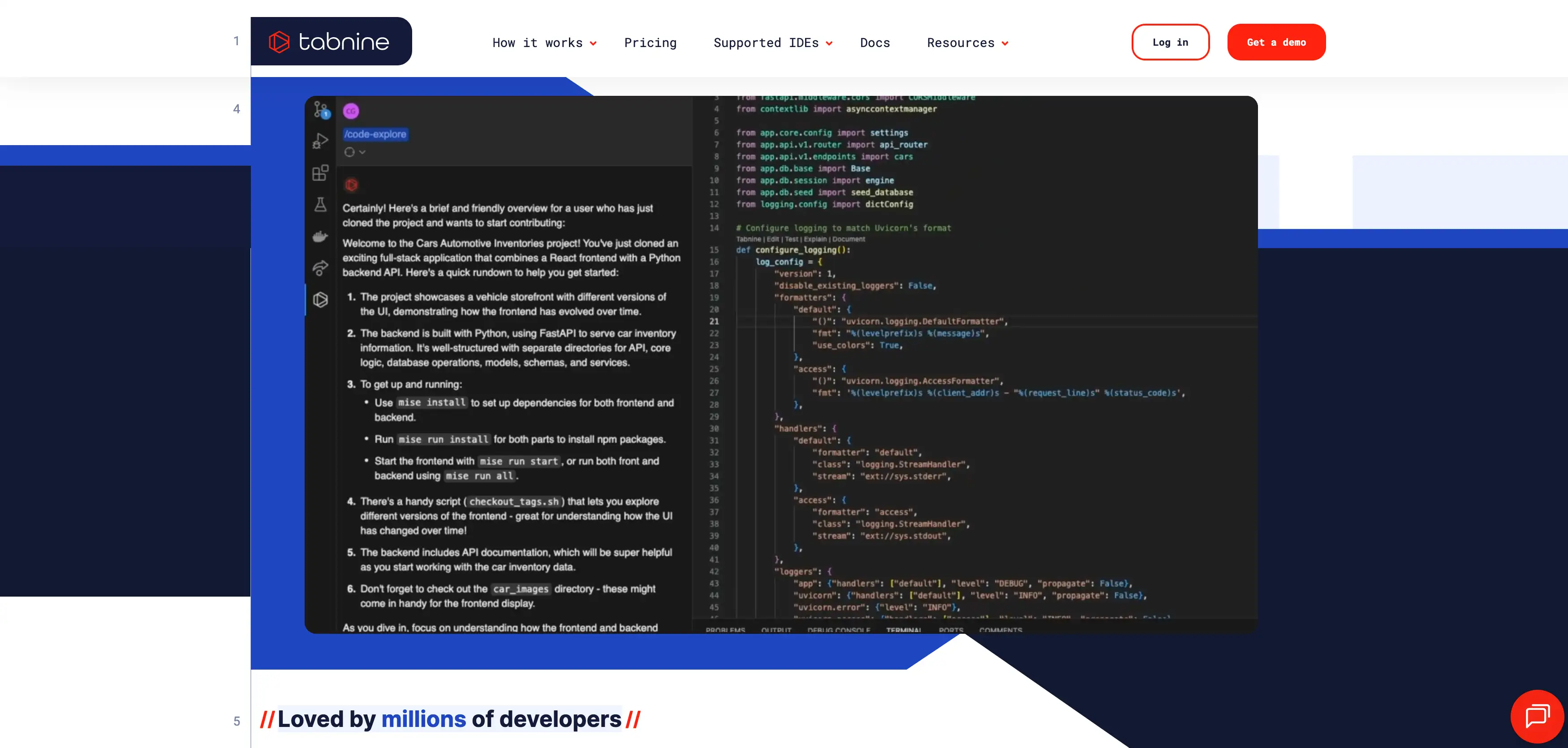
- Functions & Advantages: You can train it on your own company's code. This means it learns your unique style. It has a great free plan. It works offline in some modes, which is rare for coding AI tools.
- Disadvantages: The local model is not as "smart" as the massive cloud models. It might not solve complex logic puzzles as well as GPT-4.
- User Experience: It feels snappy. Because it can run locally, there is almost no lag when you type.
- Local Mode: Code never leaves your computer.
- Team Learning: Adapts to your team's patterns.
- Repo Context: Understands your full project.
5.Windsurf - The Best Free Option
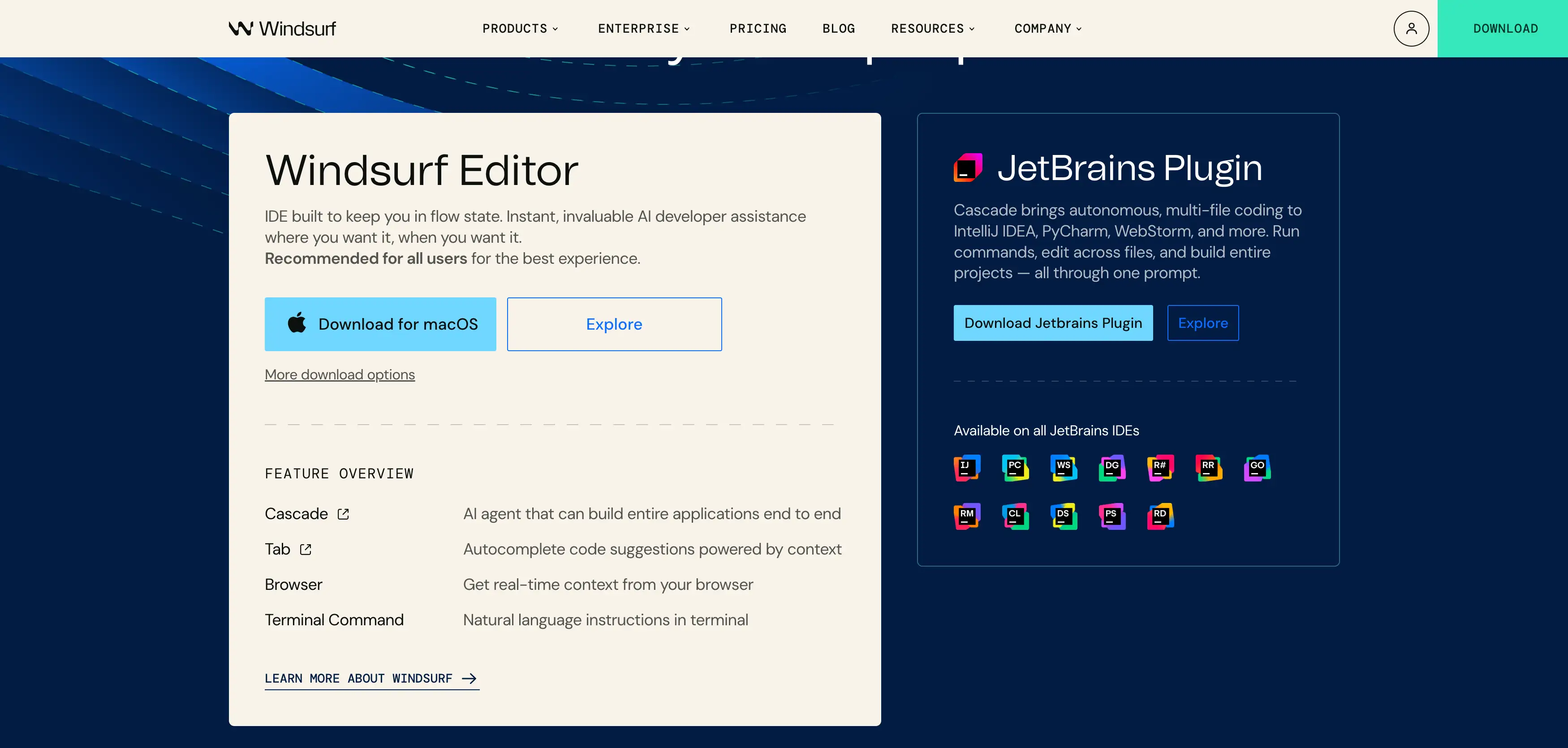
- Functions & Advantages: It is fast. Really fast. It supports over 70 languages. The chat is built into the IDE, so you don't have to leave your code. It is often voted the best AI for code for those on a budget. The capabilities of tools like Windsurf are powered by famous AI engines that interpret billions of lines of code to predict what you need next.
- Disadvantages: As a newer company, it has fewer enterprise integrations than Microsoft or Amazon.
- User Experience: Users are often shocked that it is free. The interface is clean and modern.
- Superfast Autocomplete: Low-latency suggestions.
- Search: Find code across your repository quickly.
- Playground: Test code in the browser.
6.Cursor - The AI-Native Editor
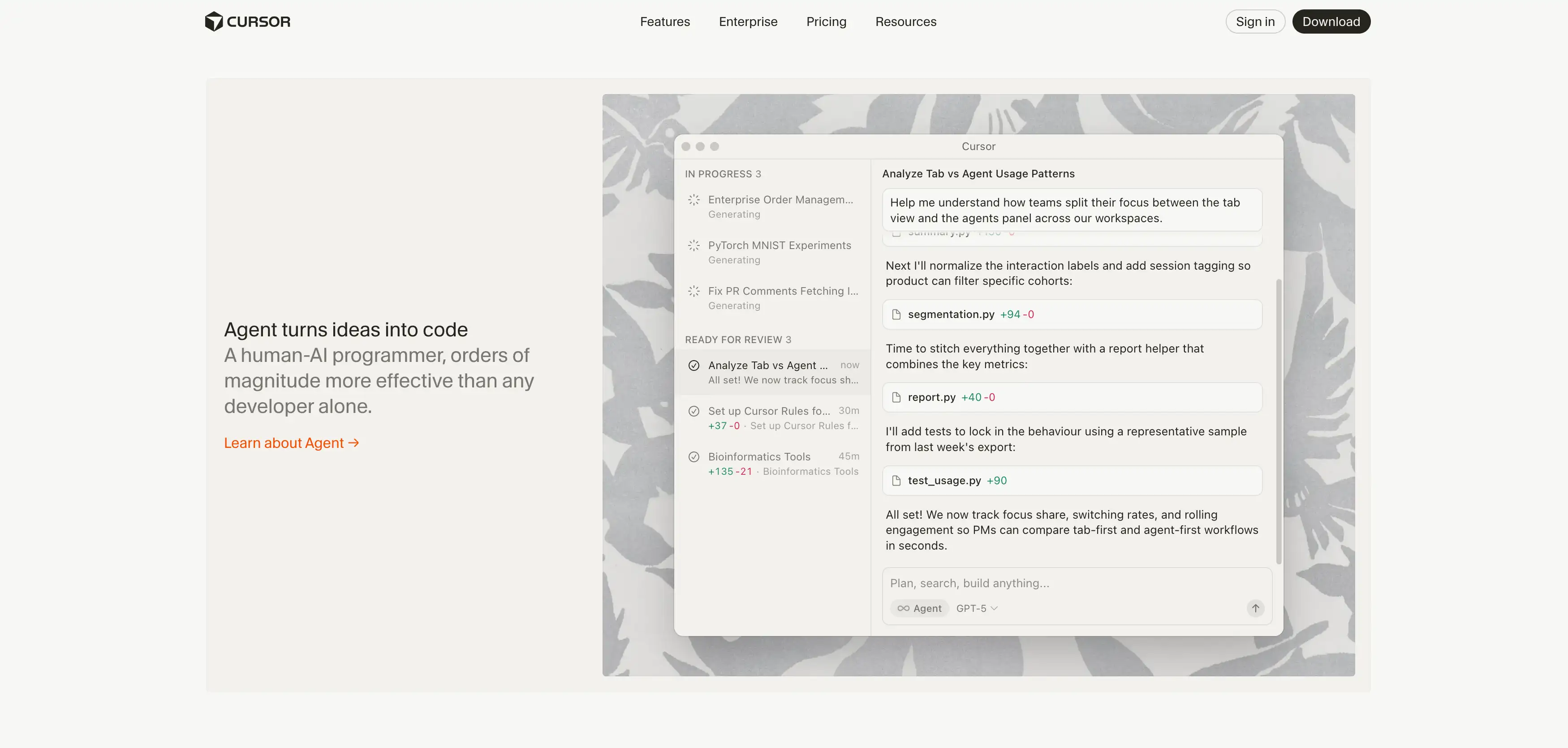
- Functions & Advantages: You can highlight a block of code and type "make this cleaner" or "fix the bug." It does it instantly. You can chat with your codebase. It searches your whole history to find answers. It is one of the most advanced coding apps available.
- Disadvantages: You have to switch editors. If you have a complex VS Code setup, moving to Cursor takes time.
- User Experience: It feels futuristic. It changes how you write code. You spend more time reviewing and less time typing syntax.
- Cmd+K Editing: Edit code with text prompts.
- Codebase Indexing: It "reads" your whole project.
- Privacy Mode: Option to keep code private.
7.Replit AI - Best for Browser Coding
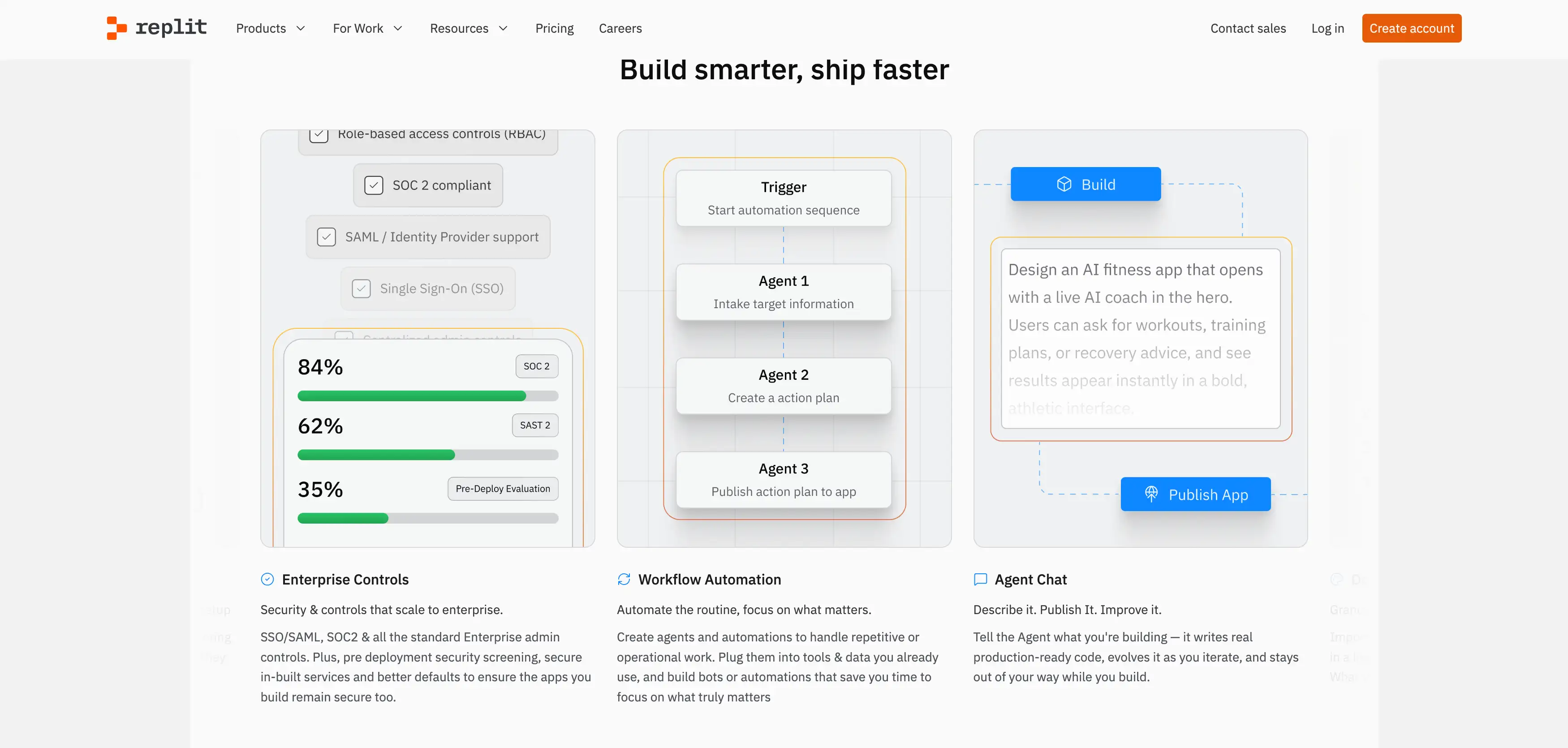
- Functions & Advantages: It handles the environment for you. You don't need to install Python or Node.js. The AI can generate code and then run it immediately. It is perfect for beginner coding because it removes the frustration of setup.
- Disadvantages: It can be slow for very large projects. You rely on your internet connection entirely.
- User Experience: It is fun and social. You can code with friends in real-time, like Google Docs for code.
- Ghostwriter: Their AI completion engine.
- One-Click Deploy: Put your app online instantly.
- Multiplayer: Code with others live.
8.Sourcegraph Cody - The Codebase Expert
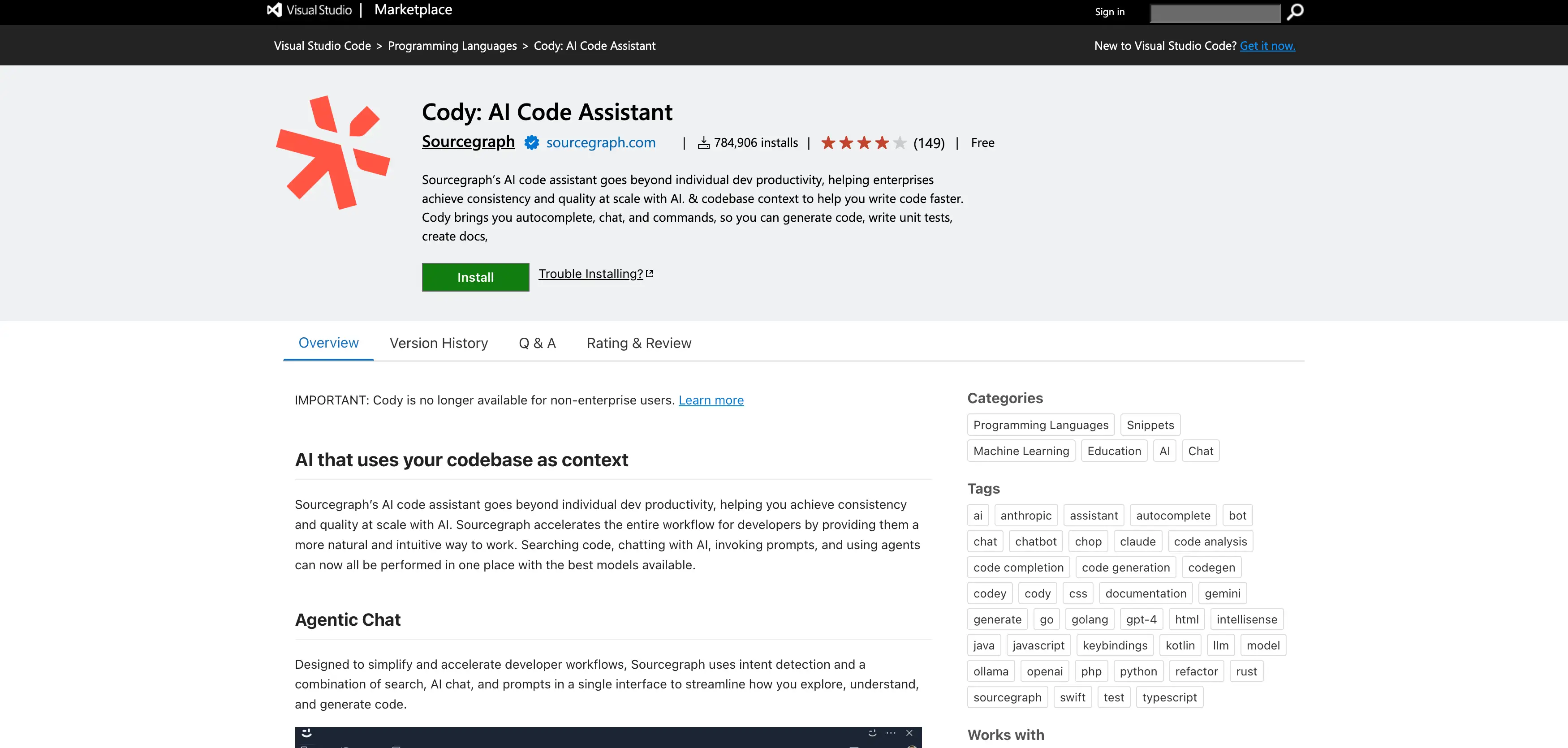
- Functions & Advantages: It answers questions like "where is the user authentication logic?" accurately. It cites its sources. It points you to the exact file. It uses multiple AI tools under the hood to get the best answer.
- Disadvantages: It requires some setup to index your code. It is overkill for a simple one-page website.
- User Experience: For new hires at big companies, it is a lifesaver. It cuts down onboarding time significantly. Sometimes you need raw answers without safety filters for specific testing scenarios. While Cody is enterprise-safe, some developers look for the best unfiltered AI chatbots when they need to test security limits or generate experimental code.
- Context Awareness: Reads multiple files to give accurate answers.
- Unit Test Generation: Writes tests based on your project structure.
- Chat: Ask questions about your architecture.
9.Phind - The Developer Search Engine

- Functions & Advantages: You can ask it "how to center a div in CSS" or complex database questions. It gives you the code and explains it. It checks the web for the newest docs. It is a great companion for coding AI workflows.
- Disadvantages: It is a separate website. You have to leave your editor to use it.
- User Experience: It is precise. Developers love that it doesn't ramble. It gets straight to the technical answer.
- Source Links: Verify where the info came from.
- Pair Programmer Mode: Interactive debugging.
- IDE Extension: Bring search into VS Code.
10.AskCodi - The Snippet Generator
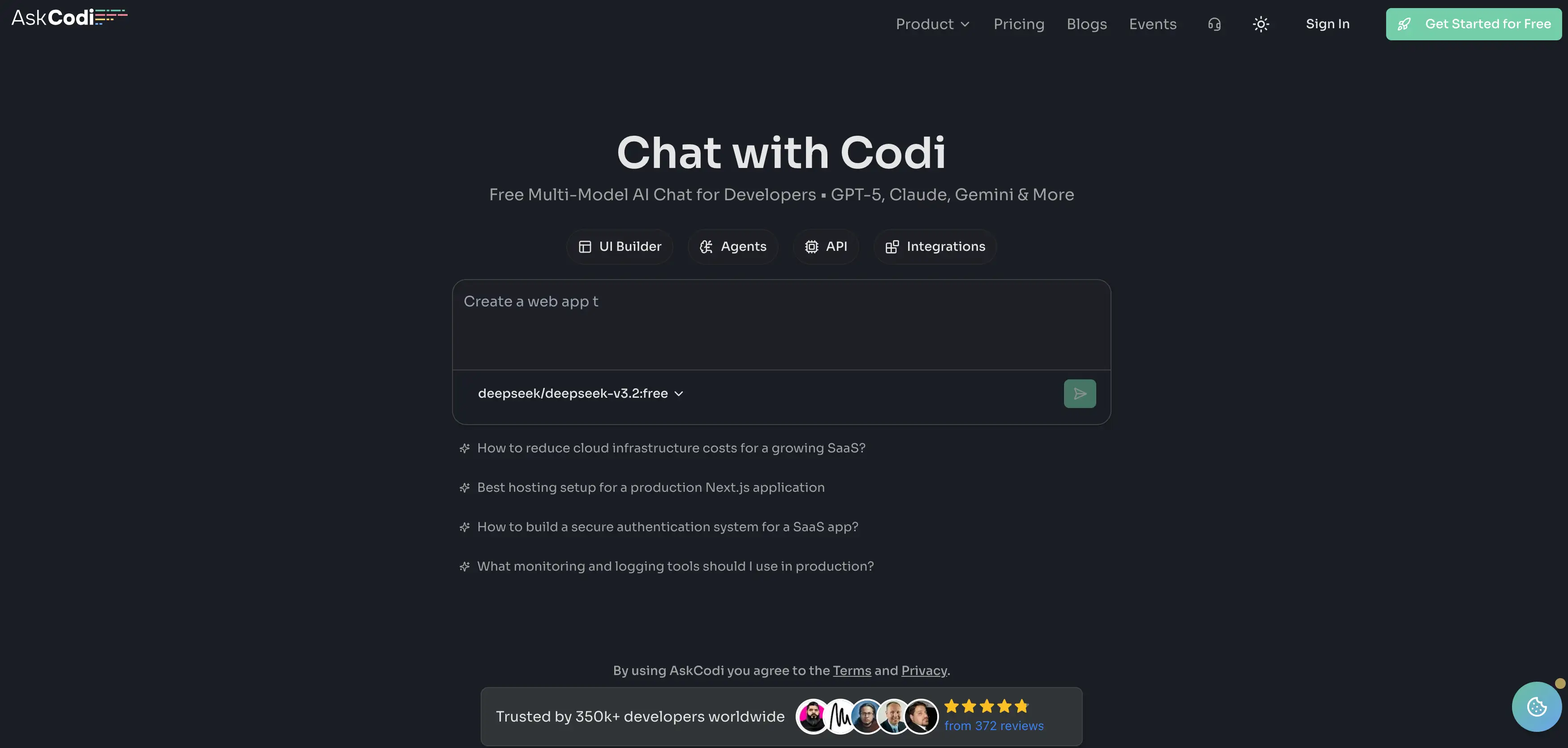
- Functions & Advantages: It helps you organize your snippets. If you often forget SQL syntax, its database workbook is perfect. It is useful for beginner coding learners who need focused help.
- Disadvantages: The interface is not as smooth as Copilot. It feels more like a collection of tools than a seamless assistant.
- User Experience: It is handy to open on a second monitor. It acts like a cheat sheet that writes itself.
- Workbook Mode: Separate spaces for different coding tasks.
- Language Translation: Convert code from Java to Python.
- Test Creator: Auto-generate unit tests.
11.Blackbox AI - The Video Extractor

- Functions & Advantages: If you are watching a tutorial, you don't have to pause and type. You just select the video area, and Blackbox copies the code. It also has standard autocomplete features. It is one of the most unique coding apps for students.
- Disadvantages: Its code generation logic is sometimes weaker than GPT-4.
- User Experience: It feels like magic when it pulls text from a video. It saves hours of typing time. The conversational aspect of the tool is crucial. Many started as simple AI chatbots and evolved into complex development environments that can execute tasks.
- Code from Video: Copy text directly from videos.
- Autocomplete: Standard code suggestion features.
- Chat: Ask questions about the copied code.
12.CodiumAI (Qodo) - The Quality Tester
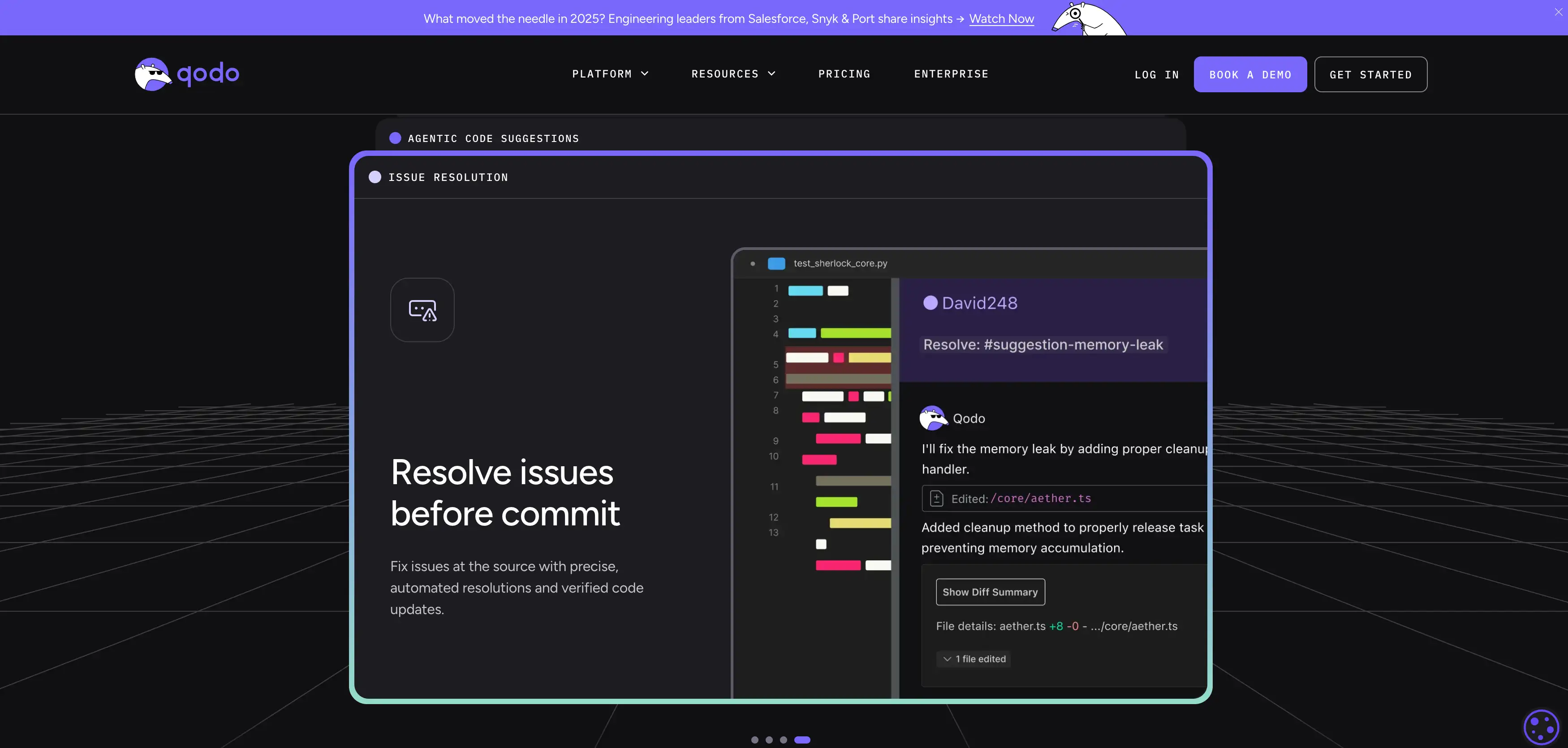
- Functions & Advantages: It analyzes your function and says, "What if the input is null?" It then writes a test for that. It helps you build robust software. It is a different kind of best AI for code tool—one that acts like a QA engineer.
- Disadvantages: It is not a general-purpose "write my app" tool. You use it to refine what you wrote.
- User Experience: It gives you confidence. Seeing all the green checkmarks on your tests feels great.
- Test Generation: Creates tests automatically.
- Code Explanation: Explains what your code actually does.
- Behavior Analysis: Predicts how code acts.
13.DeepCode (Snyk) - The Security Guard
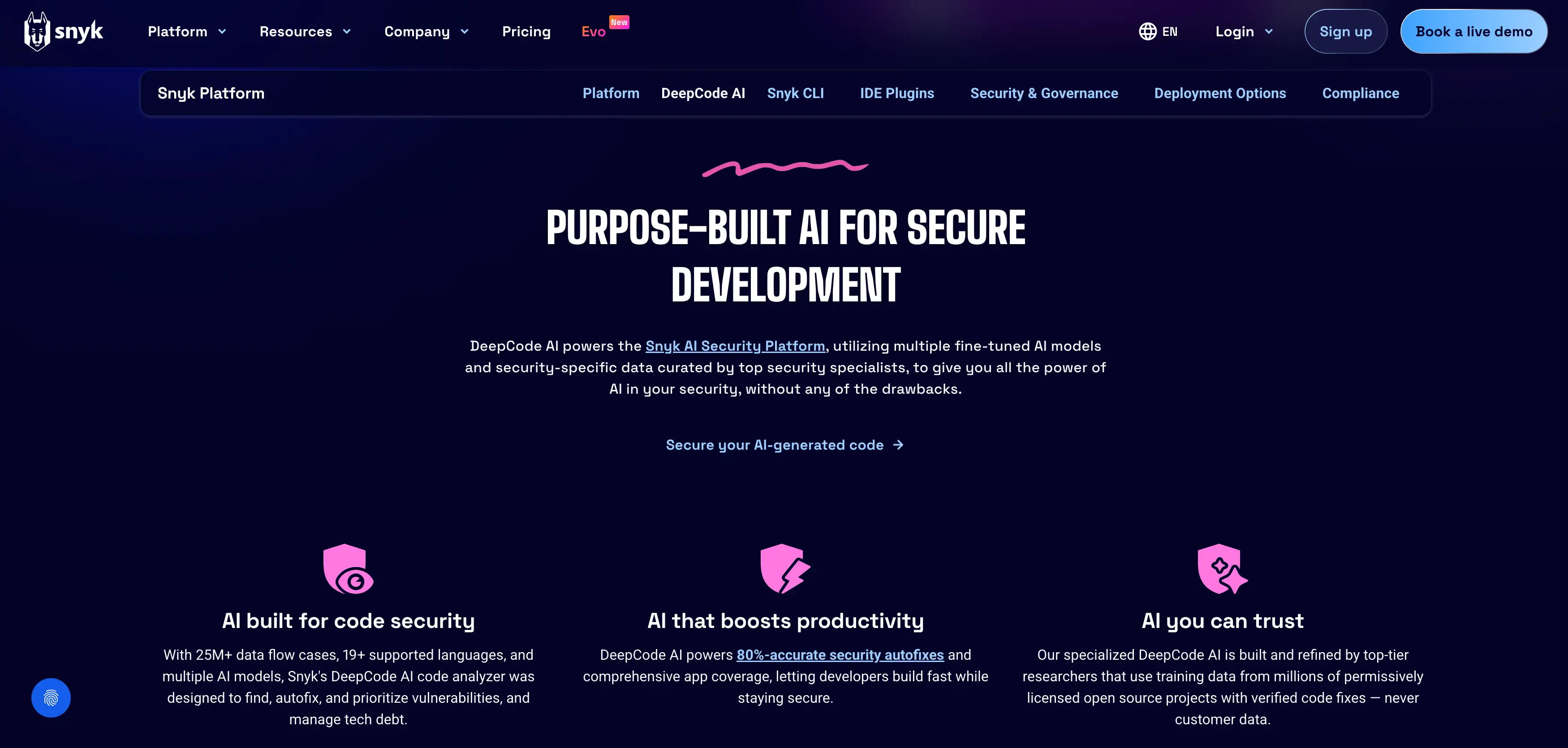
- Functions & Advantages: It learns from millions of open-source commits. It knows how to fix common security bugs. It integrates with your workflow to stop bad code from going live. It is a vital AI tool component for professional teams.
- Disadvantages: It can be "noisy." Sometimes it flags things that aren't actually problems.
- User Experience: It is reassuring. It acts as a safety net.
- Vulnerability Scanning: Finds security holes.
- Fix Suggestions: Tells you exactly how to patch the bug.
- IDE Plugin: Scans as you save.
14.Sourcery - The Clean Code Expert
- Functions & Advantages: It is excellent for turning "spaghetti code" into clean, professional syntax. It doesn't just complete lines; it rewrites entire blocks to be more efficient. It is a different type of coding AI that acts like a strict editor.
- Disadvantages: It has limited language support compared to Copilot (mostly Python/JS). It is a "polisher," not a "creator."
- User Experience: It is satisfying to watch it clean up a file. It makes code easier to read. As the ecosystem grows, we see more comprehensive AI platforms that combine coding, testing, and deployment into a single workflow.
- Real-time Refactoring: Fix code structure instantly.
- Code Quality Score: Rates your code's readability.
- Duplicate Removal: Finds and fixes copy-pasted code.
15.Augment Code - The Context King
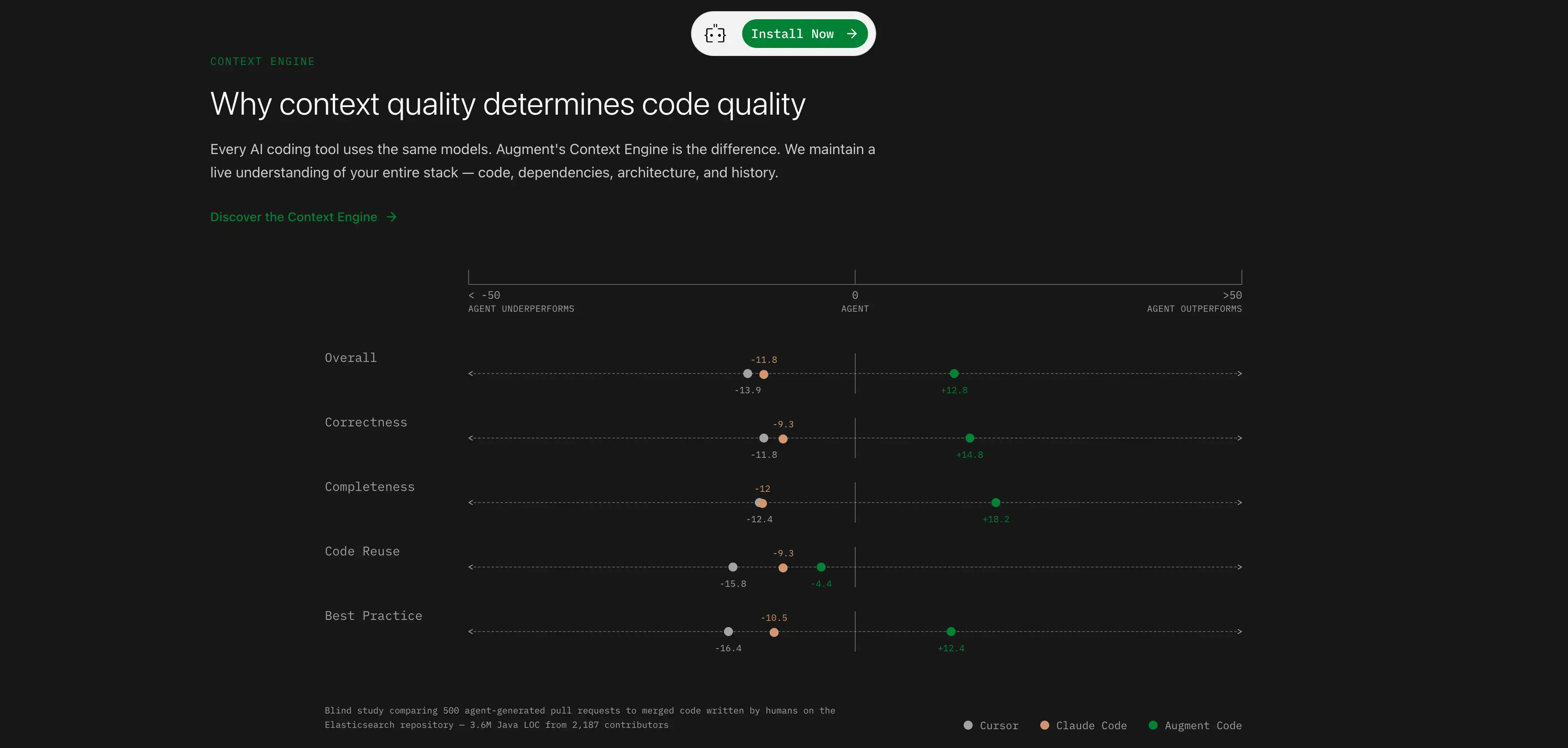
- Functions & Advantages: Its superpower is its "Next Edit" feature. It doesn't just complete the current line; it predicts where you will go next. If you change a function name in one file, it suggests updating it in other files instantly. It has an industry-leading context window (200k+ tokens), meaning it "remembers" far more of your code than Copilot.
- Disadvantages: It is a newer paid tool, so it doesn't have a free tier as generous as Codeium.
- User Experience: It feels incredibly fluid. Developers say it reduces the need to tab between files because the AI already knows what is in them.
- Instant Context: Reads your entire codebase in seconds.
- Next Edit Suggestions: Predicts multi-file changes
- Fast Completions: Ultra-low latency response.
16.Wegic - The AI Web Team

- Functions & Advantages: Wegic changes the game with smartly priced products. It allows you to create a stunning website that rivals professional designs worth $5,000, but costs you less than $50. It is effortless for small business owners because you don't write code; you chat with the AI. It is smartly priced compared to hiring an agency.
- Saving Your Time: A full site generation with the top-tier features (videos, 3 pages) takes about 10 minutes. A partial generation might take 5-8 minutes.
- User Experience: The wait is worth it. Users are willing to wait 10 minutes for a result that looks like it costs thousands of dollars. It is the best AI for code generation when the goal is a finished business product.

- AI Team: Acts as your designer and developer. No coding required.
- Visuals: Creates high-end, agency-level aesthetics.
- Growth Tools: Built to help you make money from day one.
Comparison Chart: 16 Best AI Coding Tools (2026)
Tool Best For Key Feature Pricing Model Type 1. GitHub Copilot Pro Developers Deep IDE integration & "Ghost Text" Paid IDE Plugin 2. ChatGPT General Logic & Learning Explaining complex concepts Freemium Chatbot 3. Amazon CodeWhisperer AWS Cloud Devs Security scans & AWS optimization Free (Individual) IDE Plugin 4. Tabnine Privacy & Enterprise Local mode (offline capability) Freemium IDE Plugin 5. Codeium Students & Budget Devs High-speed autocomplete Free (Individual) IDE Plugin 6. Cursor AI-First Editing Chat with entire codebase Freemium Code Editor 7. Replit AI Beginners & Prototyping No-setup browser coding Freemium Cloud IDE 8. Sourcegraph Cody Enterprise Teams Context awareness for huge repos Paid IDE Plugin 9. Phind Technical Search Verified coding answers with sources Free Search Engine 10. AskCodi Snippet Organization Specialized "Workbooks" for tasks Freemium Web Tool 11. Blackbox AI Video Learners Copy code from videos/images Freemium Browser Ext. 12. CodiumAI (Qodo) QA & Testing Auto-generates test suites Freemium IDE Plugin 13. DeepCode (Snyk) Security Finds vulnerabilities automatically Freemium Scanner 14. Sourcery Clean Code Automated refactoring & cleanup Freemium IDE Plugin 15. Augment Code Large Projects Industry-leading 200k+ context window Paid IDE Plugin 16. Wegic 2.0 Business Growth Full "AI Team" (Design + Dev) Freemium Web Platform
Why Use AI for Beginner Coding?
- Instant Feedback: You don't have to wait for a teacher to grade your work.
- Logic Explanation: You can ask "Why does this loop work?" and get a simple answer.
- Syntax Help: Never worry about missing a semicolon again.
- Fear Reduction: AI makes the blank screen less scary. You always have a starting point.
How to Choose the Right AI Tool?
- For Students: Look for free tools. Coding apps like Replit or Codeium are best. They cost nothing and help you learn. They are forgiving and easy to use.
- For Freelancers: You need speed. Tools like GitHub Copilot or Wegic are ideal. Copilot speeds up your coding. Wegic speeds up your entire delivery. If you can deliver a $5,000 website in 10 minutes using Wegic, your profit margin explodes.
- For Enterprises: Security is key. You cannot use public tools that train your data. You need AI tools like Tabnine or Amazon CodeWhisperer (Enterprise tier). These ensure your intellectual property stays safe. Specifically, choosing the right tool can make or break a launch. Read more about small business website design with Wegic to see how AI is leveling the playing field.
Conclusion
FAQ: Common Questions About AI Coding
Written by
Kimmy
Published on
Mar 12, 2026
Share article
Read more
Our latest blog
Webpages in a minute, powered by Wegic!
With Wegic, transform your needs into stunning, functional websites with advanced AI