Save Big: The Ultimate Guide to Buying Cheap Domains in 2025
Discover how to secure cheap domains, choose the best domain registrars, and optimize your domain names with low-cost extensions for a fast, secure, and SEO-friendly site.

Every business owner, blogger, and entrepreneur building their online presence understands the importance of securing a premium domain name without overspending. Whether you're launching an e-commerce store, starting a blog, or creating a professional portfolio, finding affordable domain names is crucial for establishing your brand's digital foundation.
In this comprehensive guide, we'll discover proven strategies for buying cheap domains in 2025. You'll discover the best domain registrars offering competitive rates, learn essential tips for choosing memorable domain names, and explore real examples of effective domains that drive results. We'll also cover important security considerations to protect your investment and ensure your website remains safe for both you and your visitors. By the end of this guide, you'll have all the tools needed to secure the perfect domain name while keeping your startup costs low.
What Is a Domain Name? Why It Matters
If the internet were a world, then a domain name is like its address. Rather than typing a deep numeric IP address like 172.217.14.206, users type theirdomain.com to access the site. Domain names are essential for:
Memorability: They are easier to remember than long strings of numbers.
Branding: The name of your company or niche is clearly indicated.
SEO Business: Using a certain keyword can help them rank better on search engines.
A domain name is an important brand equity element. It may help to establish trust and credibility in the eyes of the audience. Purchasing domains does not imply that cheapness is associated with low quality; it is rather about knowing the locations and locales of domain registrars and which domain extensions will fit within your clientele's budget and the essence of your business.
Types of Domain Names and DomainExtensions
To find suitable domain name registrations, it is essential to be aware of the dynamics of the domain name market. There are three primary levels:
Top-Level Domains (TLDs)
TLDs appear at the end of your domain name (after the final dot) and fall into these categories:
-
Generic TLDs (gTLDs): Open to all—
.com,.net,.org, and new options like.app,.store, and.blog. These are usually among the most affordable low-cost domain names. -
Country-Code TLDs (ccTLDs): Two-letter codes for specific countries—
.us,.uk,.de, etc., ccTLDs can be great, cheap domains when targeting local markets. For example,.ai(Anguilla) is popular among AI startups despite its original geographic meaning. -
Sponsored TLDs (sTLDs): Restricted and niche—
.edu(education),.gov(government), and industry-specific ones like.bank. These typically cost more and require verification.
Second-Level Domains
URL parts immediately to the left of the TLD—this is the heat-of-the-domain-name (for example, "yourbrand" from yourbrand.com), where you put your brand identity, keywords, and creativity. Most registrars provide a search tool for checking availability; if the name is taken, you may want to ask for negotiation to purchase from the current owner or brainstorm some synonyms.
Third-Level Domains (Subdomains)
With anything accompanying the second-level domain in the way of subdomains, consider blog.yourbrand.com or store.yourbrand.com. Once you have your domain, you can create as many subdomains as you want; hence, your site can be partitioned without ever having to buy new domain names.
5 Steps to Buy Your Domain Name
Navigating the process to buy your domain is easy when you follow this structured approach adapted from GetResponse’s beginner’s guide:
Step 1: Choose the Best Domain Name Option
Brainstorm: List brand-related keywords and check their memorability.
TLD Selection: Decide between
.com (most universal), ccTLDs for local focus, or niche gTLDs (e.g., .tech, .shop).Availability Check: Using a registrar's search tool, we can assess whether the preferred second-level concept, together with the TLD, is free. Do note the price differences: shorter TLDs and industry-specific ones usually sell at premium prices.
Step 2: Check for Preferred Domain Name Availability
-
Insert your suggested domain names through the proposer’s search bar.
-
Compare pricing: initial and upgrade, including services like Whois Shield and SSL certificate protection, and extra charges.
-
If your ideal name is taken, consider these tactics:
-
Add a relevant keyword (e.g., “EcoTravelTips.com” instead of “EcoTrips.com”).
-
Try synonyms or hyphen-free variations.
-
Consider ccTLDs or fresh gTLDs to snag an available option.
-
Step 3: Select a Trustworthy Domain Registrar
After you make the purchase, make sure you pick an ICANN-accredited domain registrar that gives you the best value for money and does not compromise on important features:
Accreditation: Indicates that the registrar abides by the global rules on ensuring that any domain is taken care of.
Pricing Transparency: This goes with both the initial and renewal costs and is necessary when the intention is to acquire the domain for the long term.
Management Service: Ability to change DNS, lock a domain, enable automatic renewal, and enable two-factor authentication.
Bundled Services: In some cases, certain registrars offer hosting services, SSL certificates, or website builders, which can be useful when creating comprehensive packages.
Step 4: Complete the Registration and Purchase
-
Enter your personal or business data as per the ICANN requirements.
-
You can also take a WHOIS privacy service to avoid exposure of your personal details in the public database.
-
Select the registration period (1-10 years). For a longer registration, discounts may be available for renewal, which is a good idea, especially for low-cost domains.
Step 5: Verify Ownership and Configure Your Domain Names
-
If the registrar sends an email with a request to verify domain ownership, accept it.
-
Cross-checking can also be handled by getting information from the WHOIS website.
-
Install a house, CNAME, or an MX and A records for mail.
-
Turn on SSL for a website (the best thing about domain registrars is that most of them offer free certificates or at least work with Let’s Encrypt).
Factors to Consider When Purchasing Cheap Domains
When hunting for low-cost domain names, consider these critical factors inspired by GetResponse’s expert tips:
Brand Alignment
-
It is important that all of your domain names have your business name so as to trap branded traffic. Do not worry if all the names are unavailable; copy-paste in the domain generator box some other relevant and equity-building options.
Long-Term Goals
-
Refrain from using very specific names which might target your current market (i.e, LA-InjuryLawyer.com). However, later you expand to other markets.
-
Employ more generic domain names, which will stand the test of time.
Memorability and Length
-
Short, snappy domains are easier to memorize and type, a crucial factor for direct hits and SEO. Hyphens, numbers, and special characters are recipes for misentries. Avoid them.
Keyword Relevance
-
Create a primary and secondary keyword list from your conceptual list. Incorporate terms from those lists into the text, employing them infrequently and organically to increase SEO without sounding spammy.
-
Try to balance brandability with relevant search terms.
Appropriate Domain Extensions
-
Use
.comand.netfor global reach; ccTLDs for local audiences; new gTLDs if they reinforce your niche (e.g.,.iofor tech startups). -
Your chosen TLD must be familiar to your target audience to avoid confusion.
Top 10 Domain Registrars for Cheap Domains in 2025
To streamline your search for the best deals, here are the top domain registrars offering the most competitive cheap domains and low-cost domain names this year:
| Registrar | .com Intro Price | Renewal Price | Key Features |
| Namecheap | $0.98 | $12.98 | Free WHOIS privacy, intuitive UI, 24/7 support |
| Porkbun | $1.13 | $9.13 | Transparent pricing, free SSL & email forwarding |
| Dynadot | $2.99 | $8.99 | Bulk pricing, aftermarket marketplace |
| NameSilo | $8.99 | $8.99 | Flat renewal rates, complimentary WHOIS privacy |
| Google Domains | $12.00 | $12.00 | Seamless Google integration, no hidden upsells |
| GoDaddy | $0.99 | $17.99 | Frequent promos, extensive support & services |
| IONOS | $1.00 | $15.00 | $1 first-year with SSL & basic hosting |
| Hover | $12.99 | $14.99 | Clean UX, no hard upsells, active community support |
| Domain.com | $2.99 | $15.99 | Bundled website builder, professional email accounts |
| DreamHost | $7.99 | $15.99 | Free WHOIS privacy, optimized WordPress integration |
These services deliver the most optimal combination of promotional cheap domains offers and pricing after that. So, regardless of whether it is a part-time venture or a full-fledged business, with these providers, it will be possible to get domain names, and the cost structure will not be prohibitive.
Here’s a brief introduction to each of the top 10 domain registrars for cheap domains in 2025:
Namecheap
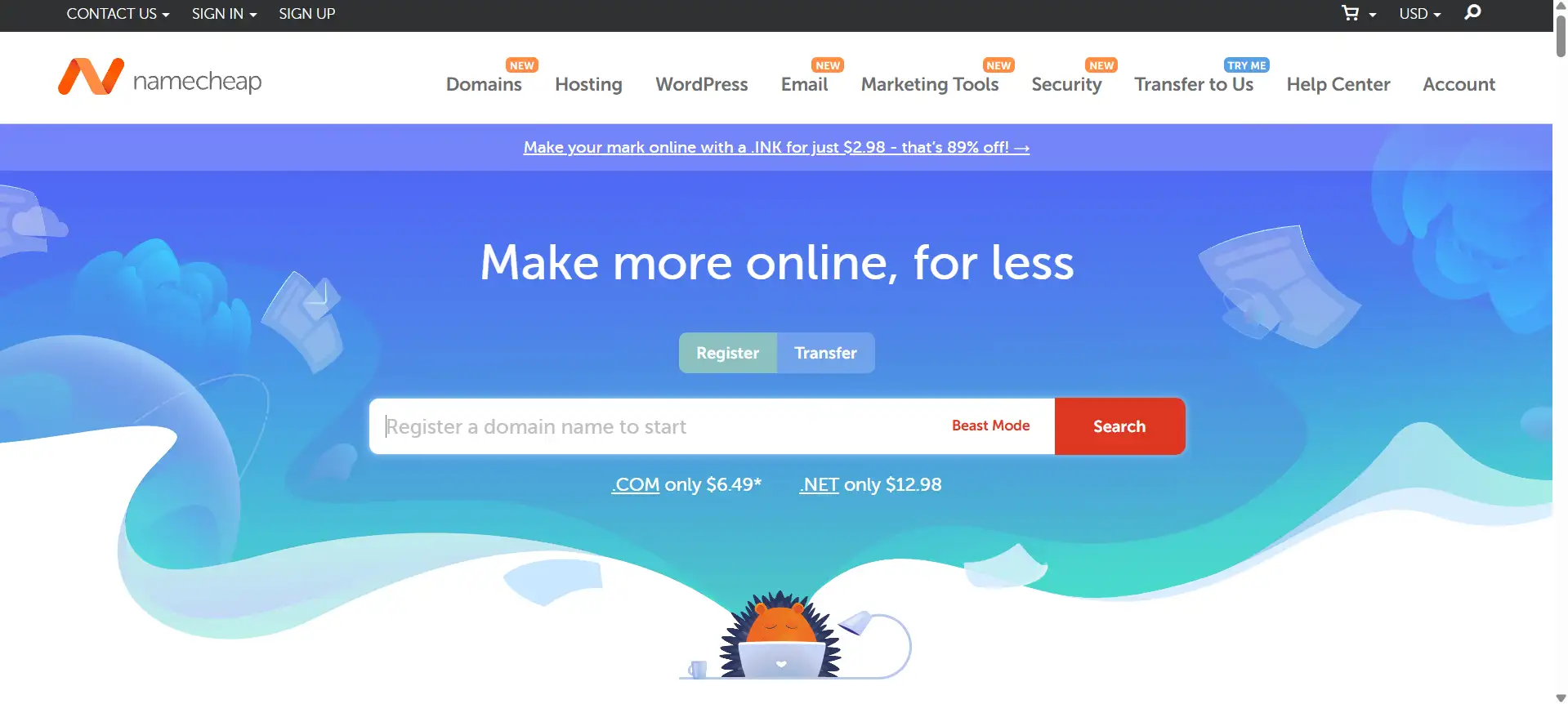
One of the crowd favorites in the budget domain, Namecheap offers .com registrations for just under $1 during the introductory period, free WHOIS privacy, and a user-friendly dashboard safe choice for first-time buyers.
Porkbun
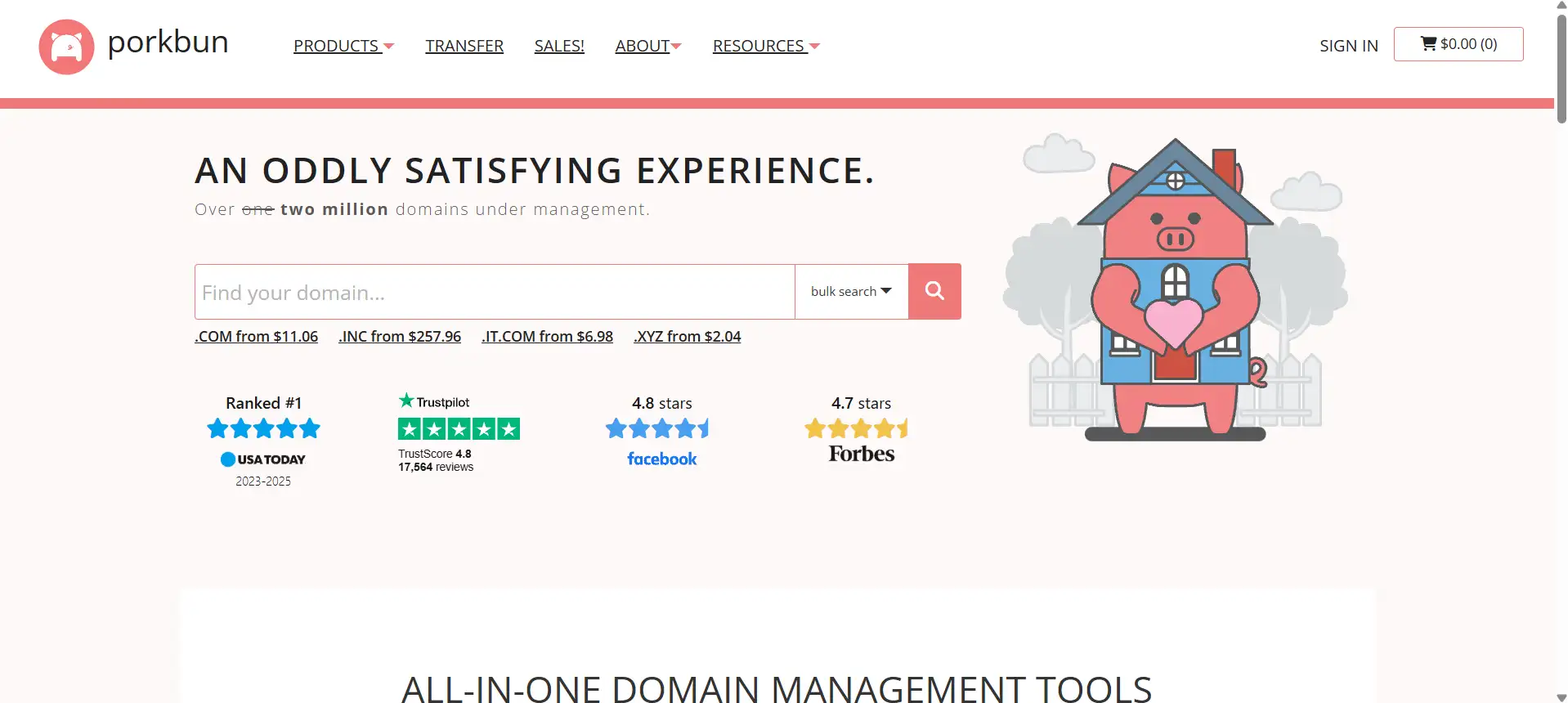
True to its name, Porkbun's pricing is transparent, and one can rarely be hit with surprise costs. In contrast, with a domain purchased with them, one gets the perks of free SSL certificates and free email forwarders through an interface that is quite easy to manage.
Dynadot
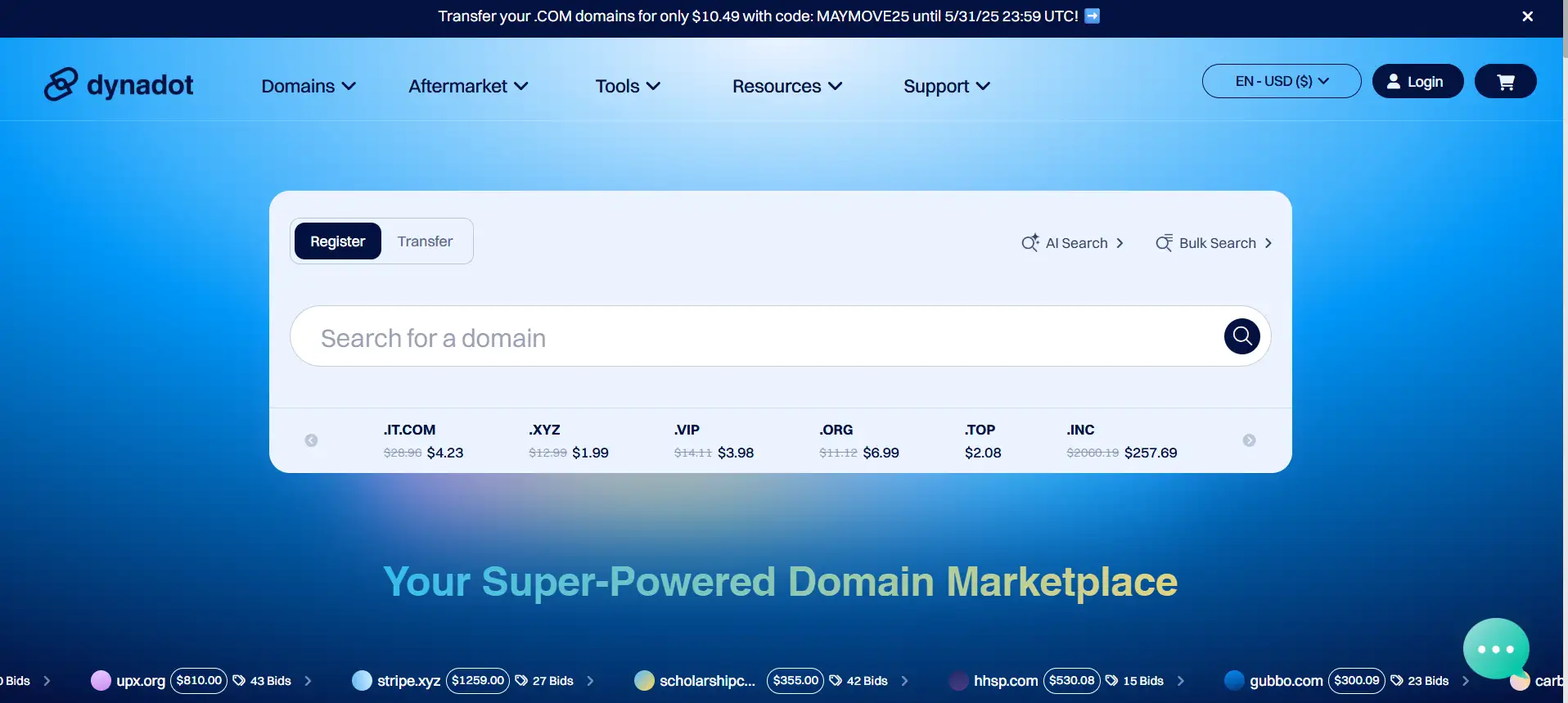
Tiered prices apply for power users and bulk buyers. The integrated aftermarket marketplace is Dynadot's selling point, along with being fully loaded with DNS chops.
NameSilo
If one is planning to hold a portfolio of domains long-term, NameSilo is the perfect option with its straight-flat pricing scheme, low renewal rates, and complimentary WHOIS privacy.
Google Domains
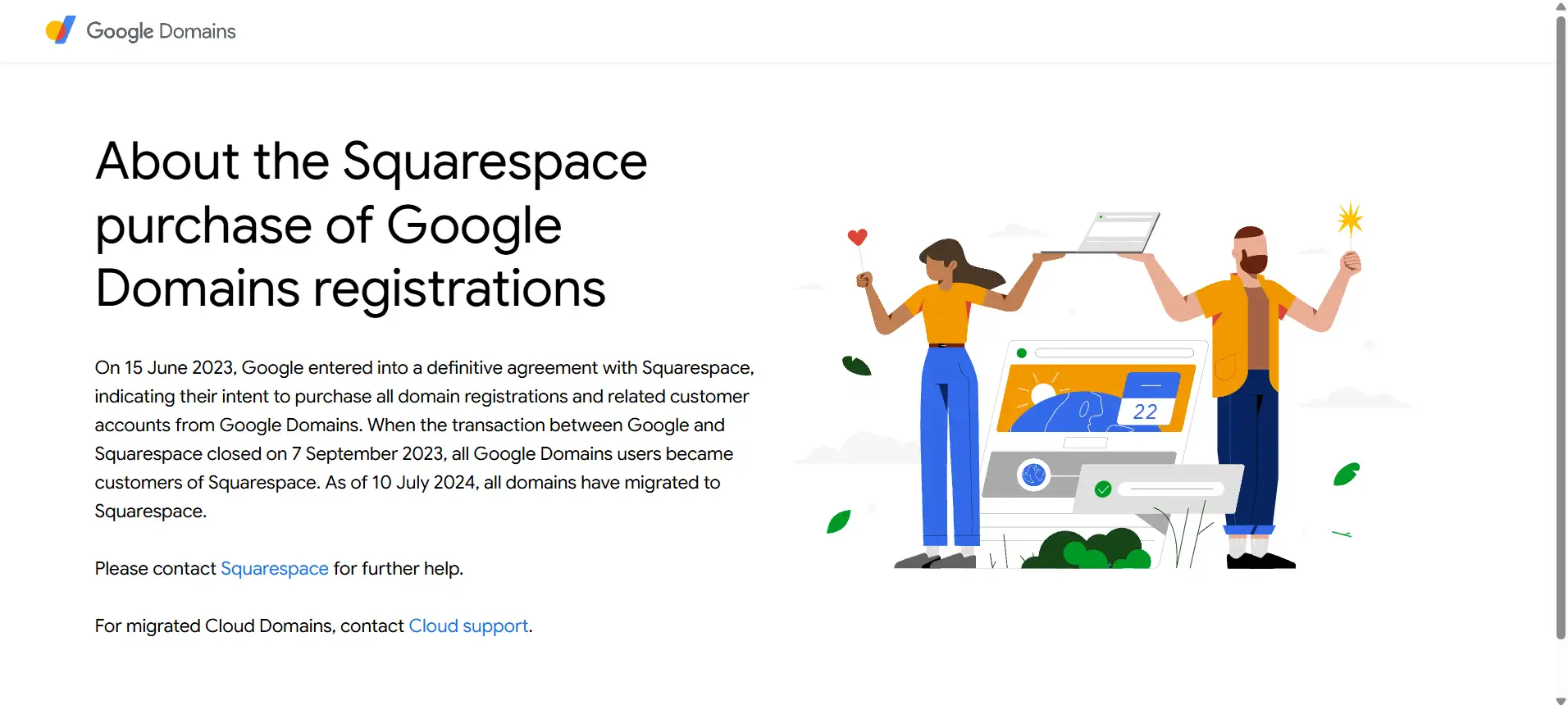
Embedded in the very Google universe, Google Domains sports its straightforward price (no hidden fees), easy-to-set-up DNS, and one-click connectivity to other Google apps.
GoDaddy
GoDaddy is chiefly known for offering rock-bottom first-year pricing in addition to the full suite of add-on services, whereas it is now rarely giving promotional discounts, so people clamor for promotional pricing.
IONOS
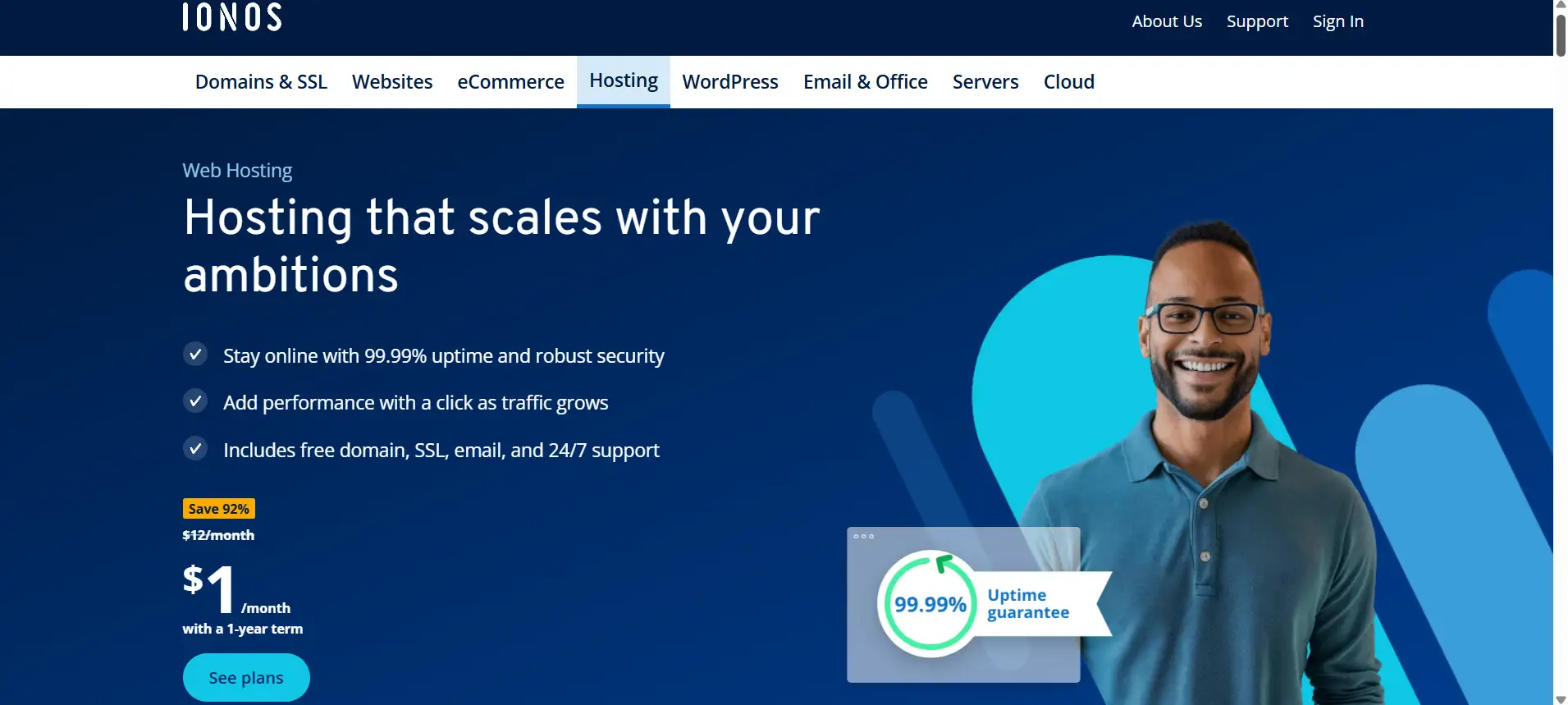
IONOS is for an entrepreneur who needs to get online fast with one-stop shopping. Offering that $1 first-year .com domain name bundled with SSL and basic hosting, IONOS will do the complete work.
Hover
From a client's perspective, Hover promotes a clean, no-upsell experience, free WHOIS privacy on eligible TLDs, and friendly customer support. This really appeals to domain buyers who cherish simplicity in a transaction.

Domain.com
Apart from competitive.com pricing, Domain.com also bundles options for a website builder and professional email, which makes it a force to contend with for small businesses.
DreamHost
Along with cheap domain registration comes free WHOIS privacy and deep WordPress integration from DreamHost—great for when you want to join your domain with managed hosting.
Real-World Examples of Standout Domain Names
Let's say there is a need to illustrate the elements of a powerful and, at the same time, affordable domain name for businesses. Here are five examples of such names to illustrate these ideas. Each of them is a precedent for brevity, simplicity, and use of primary keywords for search engine optimization purposes:
| Example Domain | Length | TLD | Keywords | Why It Works |
| EcoTravelTips.com | 14 | .com | Eco, Travel, Tips | Niche-focused, keyword-rich, excellent SEO value |
| FitFuel.io | 8 | .io | Fit, Fuel | Ultra-short, brandable, appeals to tech audiences |
| LocalBites.co | 10 | .co | Local, Bites | Hyper-local focus, modern ccTLD enhances appeal |
| ArtisanMugs.net | 12 | .net | Artisan, Mugs | Clear product niche, community hub vibe |
| TechGuru.ai | 9 | .ai | Tech, Guru | Expert tone, innovative .ai extension |
EcoTravelTips.com
-
Incorporates valuable keywords in the travel industry, such as ‘Eco’, ‘Travel ’, with ‘Tips’, which is clear and SEO-friendly.
-
The domain name allows you to target the right traffic through SEO and establish a credible presence.
FitFuel.io
-
In a mere eight letters, one can easily enter it, and it is difficult to forget.
-
The .io domain extention is very popular among experts as well as startups.
LocalBites.co
-
Best suited for those food blogs that have a touch of the local culture.
-
.co provides an appealing replacement to .com at low-cost domain names levels, along with the other slightly expensive ones.
ArtisanMugs.net
-
Clearly conveys a specialty market.
-
The
.netTLD suggests a community-oriented resource hub.
TechGuru.ai
-
Merges authority (“Guru”) with a forward-looking
.aiextension. -
Ideal for consulting firms or AI-focused startups.
Bonus Tips: Maximizing Value on Cheap Domains
Promotions and Offers: Keep an eye on the newsletters of various registrars, as they tend to send out coupons, sales, and offers most of the time.
Long-Term Registrations: Try registering the domain names in advance for many years, as renewal rates may be high.
Smart Packages: Opt for registrars that don’t charge for WHOIS privacy, SSL certificates, or email accounts, but include such services within the package.
Domain Transfer Tactics: Transfer your domain names away to a cheaper registrar before the renewal is due if the rate at renewal has increased.
Building Your Own Website: Key Considerations
When you’re ready to turn your new cheap domains into live online assets, keep these essentials in mind:
Design & User Experience
-
Consistency: Ensure a consistent color, font, layout, and style right from where you buy the domain in your registrar to the different pages of the website itself.
-
Mobile Responsiveness: Design web pages that can easily fit and scale to the most popular devices, which are usually mobile phones as well as tablets, where Google uses such domain names and rates them as excellent in mobile UI.
-
Navigation: Ensure that the menu and links are not over-complicated to use and can attain the desired information within 2 to 3 clicks, even when the User is on the core domain extension and when browsing or searching in a particular sub-domain.
Content Strategy
-
Quality Copy: Short and simple titles; direct writings; and all of these, every time, reinforce your audiences and occasionally domain names filled with rich keywords.
-
SEO Basics: Make sure to enhance the title tag, description tag, and heading tag within a page and select the right niche-appropriate domain extension, such as a (com, net, io), that will enhance the page ranking.
-
Multimedia Balance: Incorporate high definition photos and videos, and compress them for efficient loading, with lower costs; SEO improves websites with fast-loading pages with low-cost domain names.
Performance & Security
-
Hosting & Uptime: For your cheap domains, select hosting that provides 99.9% or higher uptime along with fast server response.
-
SSL/TLS Certificate: Don’t forget to install SSL on every domain name because both the users and the search engines look forward to that.
-
Backups & Updates: Ensuring backups of your website and making sure that updates for themes/ plugins are carried out. Enable WHOIS privacy and domain auto-renewal as well on the dashboard of the domain registrars to avoid any unwanted issues later.
Maintenance & Scalability
-
Content Updates: Plan ahead and schedule or share timely content such as blog posts, fresh product information, and/or updated portfolio—and automate email reminders to the team members responsible for getting domain names well before the expiry date.
-
Technical Checks: Use website analysis tools to check optimization, such as speed claims, links, and traffic analytics; it is safe to say that an extended domain confirms domain extension and secures traffic.
-
Growth Planning: Ensuring that an increased audience allows for infrastructure growth – it may be wise to register several low-cost domain names and some of the new domain extensions to allow coverage in more countries.
Wegic: Your Best AI Website Builder
Rather than juggling design, development, and maintenance across different platforms, Wegic unifies everything under one roof:
- AI-Powered Designer & Developer
Without any codes or templates, build a website very fast on your domains, which are affordable, and this process will only take three score minutes. Simply chat about your idea, and Wegic creates it for you.
- AI Manager for Continuous Updates
With Wegic’s AI manager, your DNS zones will always remain relevant and domain names up-to-date, performing all the mundane operations to free up time for the business.
- Effortless Deployment
Buy your domain; you need not do anything more because all the settings like domain name servers, SSL, TLS, and hosting are automatically configured by Wegic.
- Multilingual Support
Any market can be reached: with Wegic’s help, it is possible to prepare and administer materials in multiple languages, utilizing all domain extension capabilities at your disposal.
- Built-In SEO & Analytics
Be it in words or in statistics like Google Analytics, Wegic will enable you to assess and enhance your cheap and low-cost domain names.
Conclusion
Launching a high-impact online presence on a budget comes down to: cheap domains & smart registrars, optimized domain names & extensions, security & management, and leveraging AI with a smart website builder, like Wegic.
Whether you're just starting your company, expanding it, or already have a well-established business, Wegic makes it simple for you to use “choose your domain name” for domain management during the purchase steps. Sign up now and transform the cheap domains you've found into a strong, SEO-friendly website with no effort.
Written by
Kimmy
Published on
Mar 17, 2026
Share article
Read more
Our latest blog
Webpages in a minute, powered by Wegic!
With Wegic, transform your needs into stunning, functional websites with advanced AI
Free trial with Wegic, build your site in a click!
What kind of website do you want to build?