The Essential Guide to eCommerce Automation for Growth
Unlock business growth with e-commerce automation. This essential guide reveals tools, workflows, and strategies to streamline operations and boost revenue fast.


What is E-Commerce Automation?
Core Components of E-Commerce Automation
- Inventory Management: Automatically track stock levels, reorder products when quantities run low, and sync inventory across multiple sales channels
- Order Processing: Handle order confirmations, payment processing, and shipping notifications without manual intervention
- Customer Service: Deploy chatbots and automated response systems to handle common inquiries and support tickets
- Marketing Communications: Send targeted emails, SMS messages, and social media posts based on customer behaviour and preferences
- Financial Management: Process payments, generate invoices, and manage accounting records automatically
Benefits of Implementing E-Commerce Automation
- Operational Efficiency: Use automation to remove obstacles in company processes and thus increase operational efficiency. Things that used to take hours to accomplish can now be done in minutes or even seconds. Its effective performance immediately translates into the actual effect of reducing costs and climbing profits.
- Reduced Human Error: Manual processes are prone to errors, like misprinting an order, miscounting inventory, or not noticing customer needs. They get the job done with extreme reliability, minimising mistakes that could hurt customer relationships or increase costs.
- Enhanced Customer Experience: Automated networks can respond to customer needs immediately, thus improving the customer experience. Whether it is sending order confirmation, updating logistics advancement, or recommending suitable products, they can ensure that customers receive targeted information promptly via automated systems.
- Scalability: As the business grows, automation also develops along with it, which can offer superior scalability. A network system that can handle 100 orders per day can easily handle 1,000 or even 10,000 orders per day without adding staff or equipment.
- Data-Driven Insights: Online retail automation tools can collect a ton of useful data, which includes what customers like to buy, trends in best-selling items, how the company is performing, and more. This information enables you to make better decisions about inventory management, marketing, and corporate strategy.
How to Automate Your E-Commerce Business
Step 1: Assess Your Current Processes
- Order processing from receipt to fulfilment
- Customer service inquiries and responses
- Inventory tracking and restocking
- Marketing campaigns and customer communications
- Financial reporting and bookkeeping
Step 2: Choose Your Automation Priorities
- High-volume, low-complexity tasks: These tasks are simply tailor-made for automation. This could involve sending order confirmations to customers, updating inventory data in a warehouse, or posting new updates on social platforms.
- Customer interaction: Use automated email sequences, abandoned cart reminders, and customer service chatbots to save manpower and greatly optimise customer engagement.
- Data Entry and Analysis: Automate currency conversions, stock updates, and performance analysis to avoid errors associated with manual data entry.
Step 3: Select the Right E-Commerce Automation Services
- Integration Capabilities: The tool should connect seamlessly with your existing e-commerce platform, payment processors, and other business systems
- Scalability: Choose solutions that can grow with your business rather than requiring frequent platform switches
- Ease of Use: Complex systems that require massive technical knowledge may create more problems than they solve
- Assistance and Training: Look for providers that offer comprehensive support and training resources
- Cost Structure: Understand the pricing model and ensure it aligns with your budget and anticipated return on investment
Step 4: Implement Gradually
- Learn how the automation tools work without overwhelming yourself
- Identify and resolve issues before they affect multiple processes
- Build confidence in the technology and its benefits
- Train your team gradually on new systems and workflows
Step 5: Monitor and Optimise
- Review automation performance metrics regularly
- Gather feedback from customers and team members
- Update workflows as your business processes evolve
- Stay informed about new features and capabilities in your automation tools
Best E-Commerce Automation Services in 2025
Klaviyo
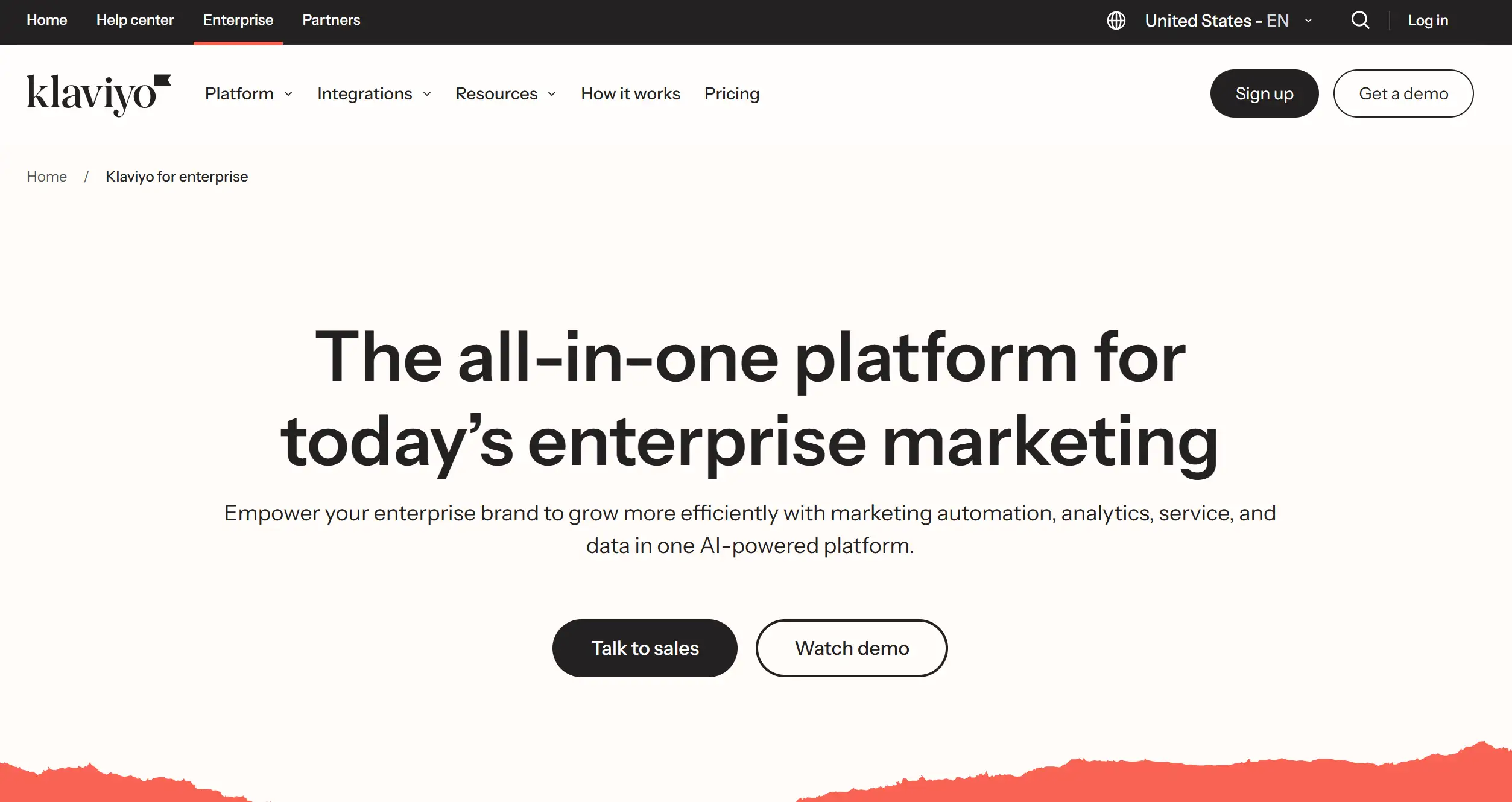
- Behavioural Segmentation: Automatically segment customers based on purchase history, browsing behaviour, and engagement patterns
- Advanced Email Automation: Create complex email sequences triggered by specific customer actions
- SMS Marketing: Integrate text messaging with email campaigns for multi-channel communication
- Predictive Analytics: Use machine learning to predict customer lifetime value and churn risk
- Integration Ecosystem: Connect with over 300 e-commerce platforms and tools
Mailchimp
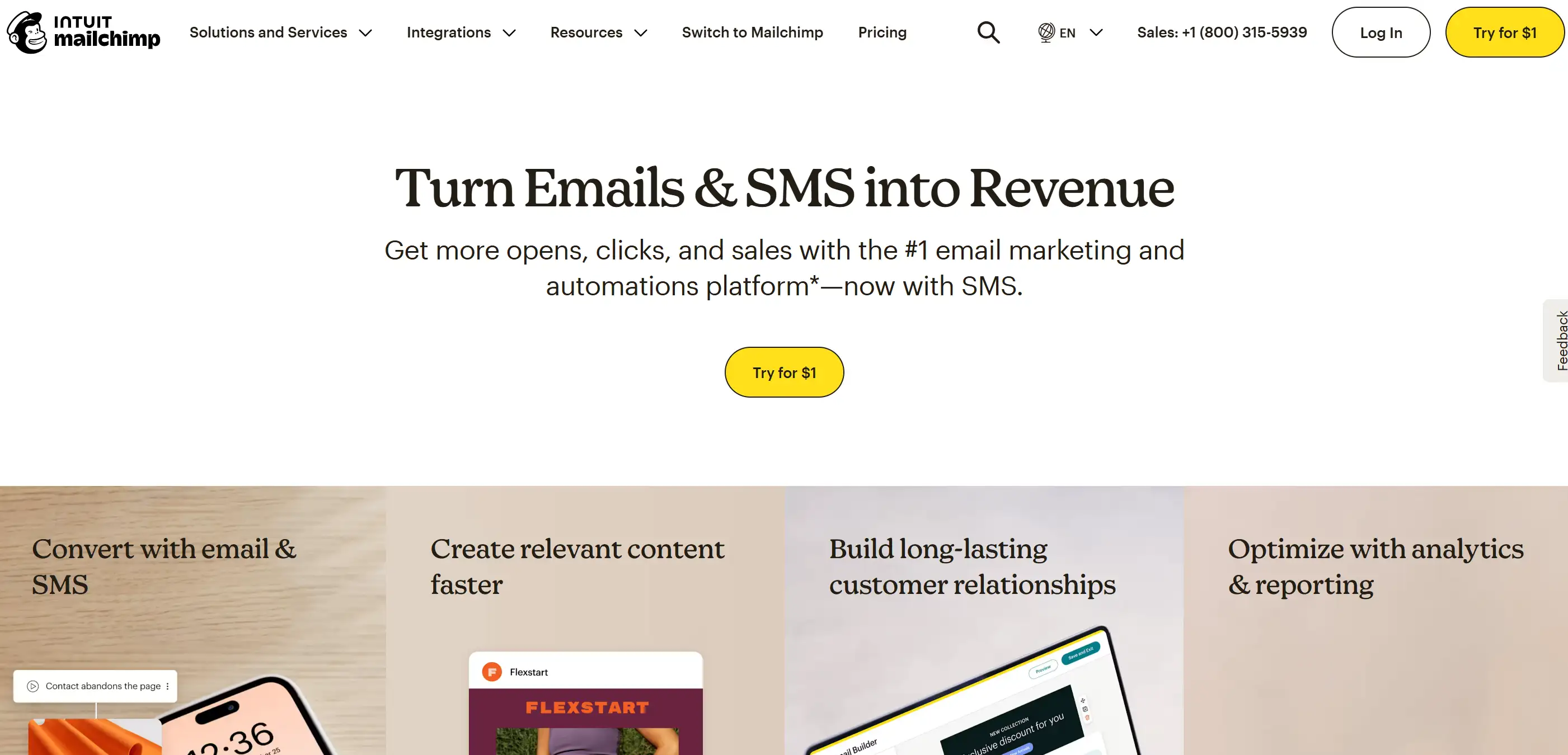
- All-in-One Marketing Hub: Combine email marketing, social media advertising, and landing pages in one platform
- Advanced Automation Builder: Create sophisticated customer journeys with drag-and-drop simplicity
- E-commerce Integration: Connect with popular platforms such as Shopify, WooCommerce, and BigCommerce
- Audience Management: Segment customers based on behaviour, demographics, and purchase history
- Performance Analytics: Track campaign performance and ROI across all marketing channels
HubSpot
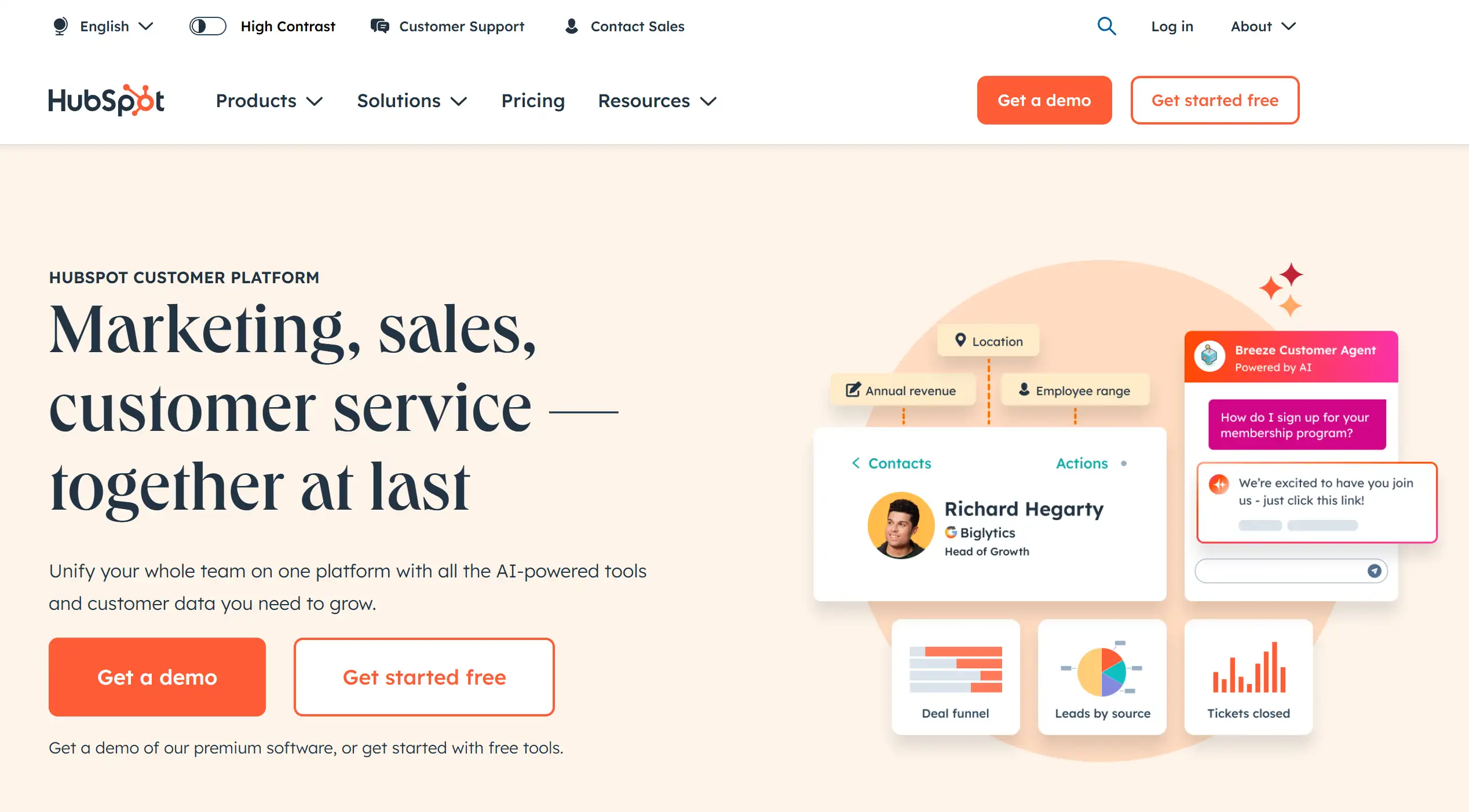
- Unified CRM Platform: Manage customer relationships, sales pipelines, and marketing campaigns in one system
- Smart Content-first Personalisation: Deliver personalised website experiences based on visitor behaviour and demographics
- Lead Scoring and Nurturing: Automatically score leads and nurture them by using the sales funnel
- Sales Automation: Automate sales processes, which include deal creation, task assignments, and follow-up reminders
- Reporting and Analytics: Access complete reports on marketing performance, sales activities, and customer behaviour
ShipStation
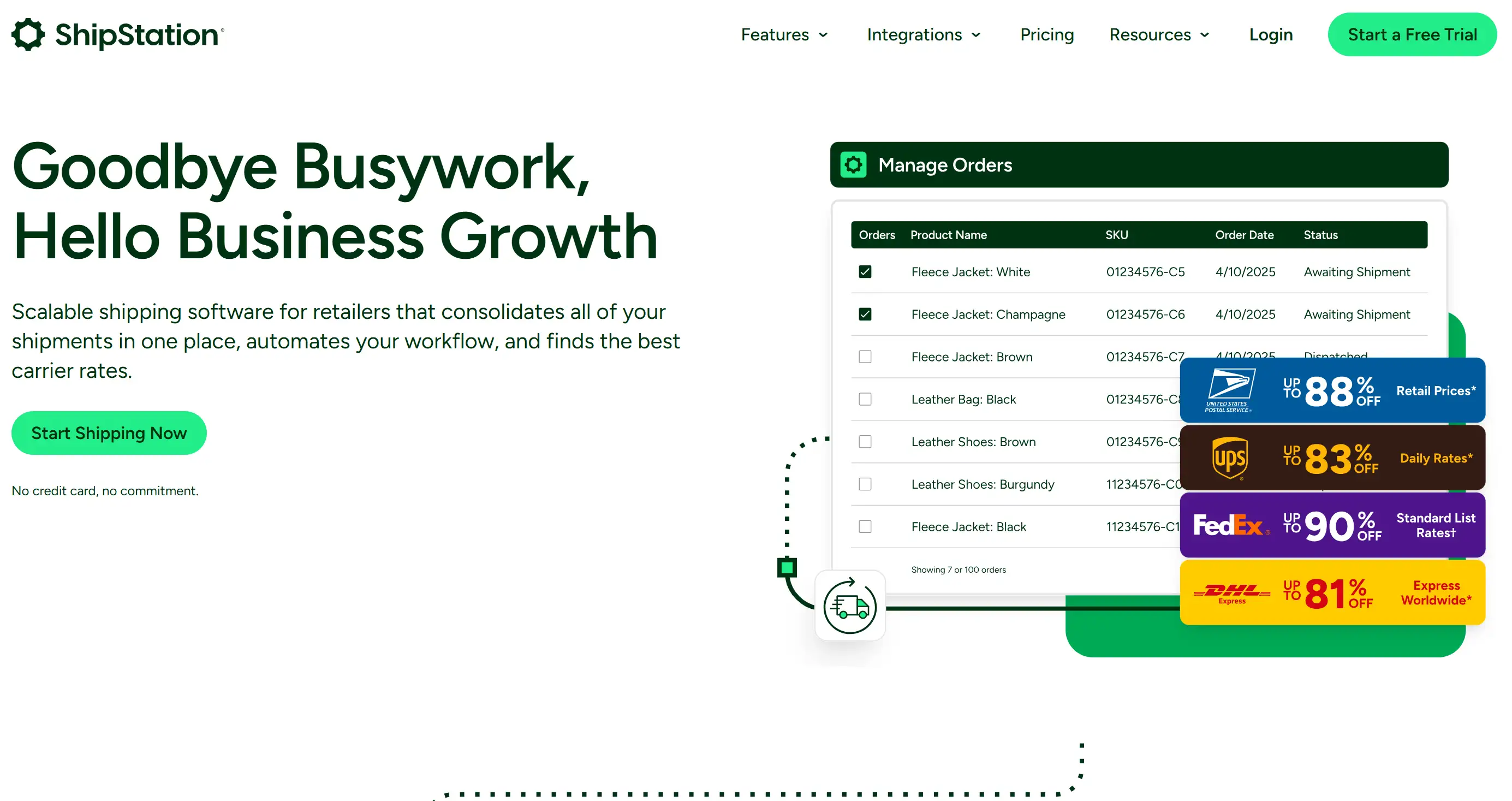
- Multi-Channel Order Management: Consolidate orders from multiple sales channels into one dashboard
- Automated Shipping Rules: Set up rules to automatically allocate the shipping approach based on order criteria
- Carrier Integration: Connect with major shipping carriers to compare rates and print labels
- Inventory Tracking: Monitor stock levels and receive low-stock alerts across all sales channels
- Custom Branded Tracking: Provide customers with branded tracking pages and notifications
Omnisend
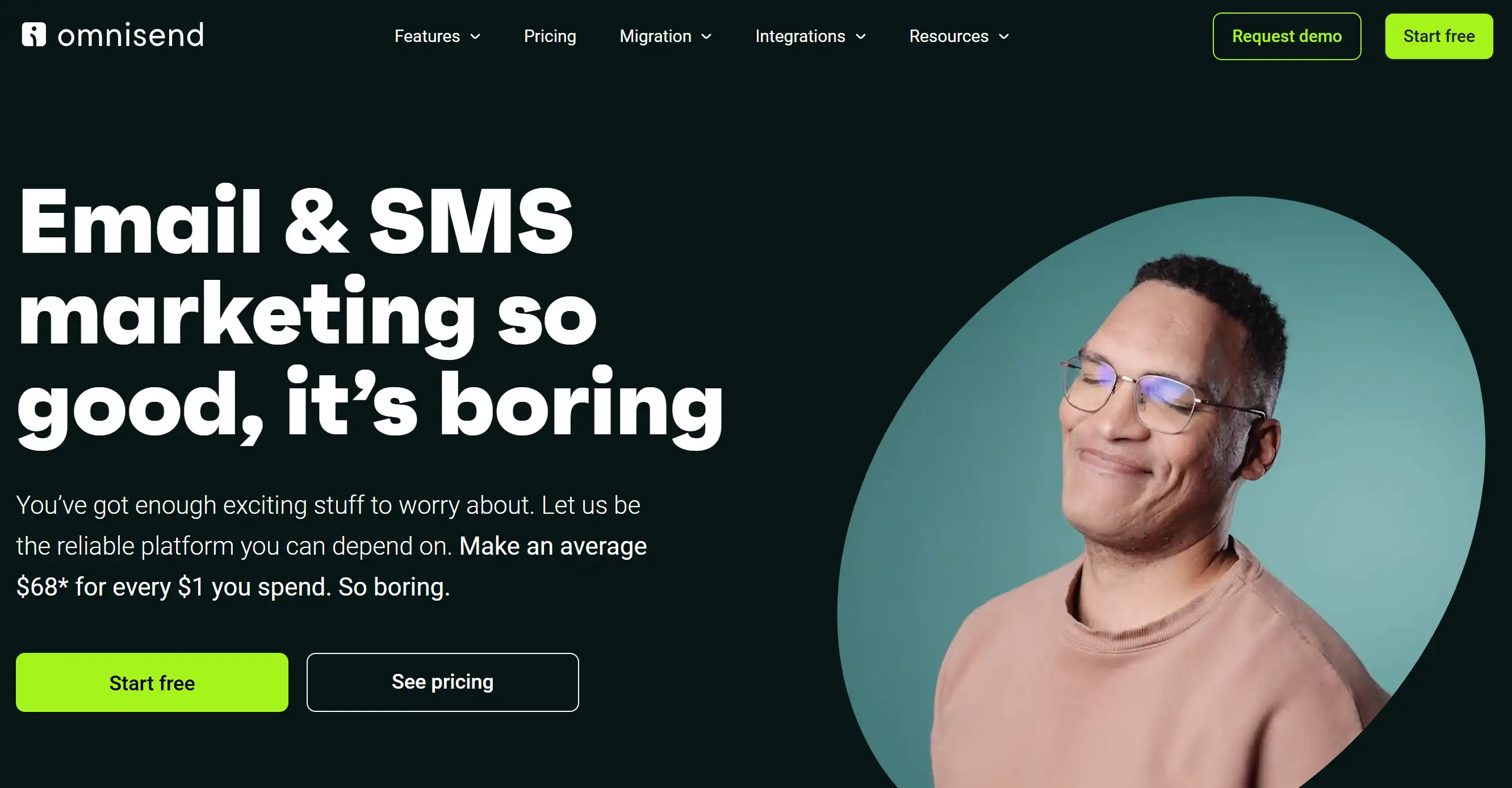
- Omnichannel Automation: Coordinate email, SMS, and push notification campaigns
- Product Recommendation Engine: Automatically suggest relevant products based on customer behaviour
- Advanced Segmentation: Create detailed customer segments using purchase history and behaviour data
- A/B Testing: Test different campaign elements to improve performance
- Revenue Attribution: Track how automation campaigns contribute to total revenue
Atom8

- Native Shopify Integration: Works directly within the Shopify admin panel
- Inventory Management: Automatically manage stock levels, backorders, and product variants
- Order Processing: Automate order tagging, customer segmentation, and fulfilment workflows
- Customer Lifecycle Management: Create automated customer journeys from first purchase to VIP status
- Risk Management: Automatically flag high-risk orders and apply appropriate actions
How to Test Your E-Commerce Automation: Checklist
Pre-Implementation Testing
- Create a testing environment that mirrors your production setup
- Use test data that represents real customer scenarios
- Set up monitoring tools to track automation performance
- Prepare rollback procedures in case issues arise during deployment
- Test each automation trigger to ensure it activates correctly
- Verify that automated actions execute as intended
- Check that conditional logic works properly under different scenarios
- Ensure error-handling procedures activate when expected
- Verify that automation tools communicate properly with your e-commerce platform
- Test data synchronisation between different systems
- Confirm that automated processes don't conflict with existing workflows
- Check that third-party integrations function correctly
E-Commerce Website for Automation Testing
- Test automation triggers across the comprehensive customer journey
- Verify that abandoned cart emails are sent at appropriate times
- Confirm that post-purchase automations activate correctly
- Check that customer segmentation rules work accurately
- Measure automation response times under normal and high-traffic conditions
- Test system performance during peak shopping periods
- Verify that automation doesn't slow down e-commerce website performance
- Ensure that bulk operations complete within reasonable timeframes
- Verify that customer data transfers correctly between systems
- Test inventory updates and synchronisation accuracy
- Confirm that the order information is processed without errors
- Check that financial calculations are accurate
Post-Implementation Monitoring
- Monitor automation completion rates and response times
- Track customer engagement with automated communications
- Measure conversion rates for automated marketing campaigns
- Analyse cost savings and efficiency enhancement
- Set up alerts for automation failures or errors
- Monitor system logs for unusual activity or patterns
- Track customer complaints related to automated processes
- Identify and resolve bottlenecks in automated workflows
- Measure the revenue impact of automation implementations
- Calculate time savings from automated processes
- Evaluate customer satisfaction with automated interactions
- Assess the ROI of automation investments
Essential Testing Checklist
- ✓ All automation triggers function correctly
- ✓ Conditional logic operates as designed
- ✓ Error-handling procedures work properly
- ✓ System integrations communicate accurately
- ✓ Data synchronisation occurs reliably
- ✓ Performance meets acceptable standards
- ✓ Customer segmentation rules produce correct results
- ✓ Pricing calculations are accurate
- ✓ Inventory updates occur in real-time
- ✓ Order processing follows business rules
- ✓ Marketing campaigns target appropriate audiences
- ✓ Customer service automations offer helpful responses
- ✓ Automated communications are professional and helpful
- ✓ The timing of automated messages is appropriate
- ✓ Personalisation elements display correctly
- ✓ Unsubscribe processes work smoothly
- ✓ Customer preferences are respected
- ✓ Data privacy requirements are met
- ✓ Customer consent is properly managed
- ✓ Security protocols are functioning
- ✓ Audit trails are maintained
- ✓ Regulatory compliance is ensured
- ✓ Access controls are properly configured
Common Testing Scenarios
- Test various abandonment timeframes and triggers
- Verify that emails involve the correct cart contents
- Confirm that discount codes work properly
- Check that customers can easily return to complete purchases
- Test order confirmation automations
- Verify shipping notification accuracy
- Confirm that delivery confirmations trigger correctly
- Check that review request emails are sent at appropriate times
- Test new customer welcome sequences
- Verify that customer tier upgrades trigger correctly
- Confirm that win-back campaigns target appropriate customers
- Check that birthday and anniversary emails are sent accurately
- Test low-stock alerts and reorder triggers
- Verify that out-of-stock notifications work correctly
- Confirm that the backorder processes function properly
- Check that inventory synchronisation occurs reliably
Testing Tools and Resources
- Use staging environments that mirror production systems
- Implement automated testing tools for repetitive test scenarios
- Deploy monitoring software to track automation performance
- Utilise A/B testing tools to improve automation effectiveness
- Maintain detailed testing documentation
- Track testing results and issue resolution
- Document automation performance benchmarks
- Create troubleshooting guides for common issues
Transform Your E-Commerce Business with Wegic AI

Escrito por
Kimmy
Publicado em
Jul 7, 2025
Compartilhar artigo
Leia mais
Marketing
How Drone Service Providers Use High-Fidelity Galleries to Land Enterprise Contracts
Feb 26, 2026
Marketing
How Eco-Tourism Consultants Use Immersive Visual Storytelling to Inspire Green Travel
Feb 26, 2026
Nosso último blog
Marketing
Feb 26, 2026
How Eco-Tourism Consultants Use Immersive Visual Storytelling to Inspire Green Travel
Marketing
Feb 26, 2026
How Drone Service Providers Use High-Fidelity Galleries to Land Enterprise Contracts
Other
Feb 24, 2026
How Freelance Business Analysts Use Data Visualization Portfolios to Justify High Daily Rates
Other
Feb 24, 2026
How Independent Food Scientists Use Compliance Blogs to Attract Emerging Food Brands
Páginas da web em um minuto, alimentadas pela Wegic!
Com a Wegic, transforme suas necessidades em sites impressionantes e funcionais com IA avançada