In 2026, more people are looking for a Webflow alternative because Webflow can feel hard to learn, expensive to use, and its Webflow CMS sometimes feels too complex for beginners. At the same time, many new no-code and AI tools are becoming popular. The worldwide market for low-code development technologies is projected to total $26.9 billion in 2023, an increase of 19.6% from 2022. A rise in business technologists and a growing number of enterprise-wide hyperautomation and composable business initiatives will be the key drivers accelerating the adoption of low-code technologies through 2026. (Source: Gartner, 2022)
Platforms like Wegic, Squarespace, Framer, and WordPress now offer easier design tools, faster setup, and smart AI helpers that can create pages, write text, and fix layouts. Many users also look for a WordPress alternative when they want something simpler and quicker to manage.
Today, people expect website builders that are easy, cheap, and powerful. They want clean templates, strong CMS tools, simple editors, and fast publishing. So the no-code and AI builders are becoming the top choices for beginners, small businesses, and creators in 2026.
#01 2026 Webflow Limitations to Know
Webflow is a powerful website builder, but in 2026, many users still feel it is not the easiest tool to start with. This is why people often search for a Webflow alternative like Wegic, Framer, or even WordPress when they want something cheaper or simpler. Interest in
generative AI has also brightened the spotlight on a broader set of AI capabilities. For the past six years, AI adoption by respondents' organizations has hovered at about 50 percent. This year, the survey finds that adoption has jumped to 72 percent. (Source: McKinsey, 2024) Webflow can create beautiful and advanced websites, but it also has several limits that matter to beginners, small businesses, and creators. So what are the key reasons that many users look for easier options? Having gained a deeper understanding of the Webflow platform, let's take a look at the 7 Best Webflow Alternatives in 2026.
1. Steep learning curve for new users
Webflow's editor works more like a design tool for professionals. You must understand layout rules, spacing, containers, and many small settings. For beginners, this feels confusing, especially compared to Wix or Squarespace, where you can drag and drop anything. This is why new users often try a simpler Webflow alternative.
2. Higher pricing, especially with Webflow CMS
Webflow's basic plans are okay, but once you need the Webflow CMS, the cost becomes higher than most competitors. Hosting with CMS and advanced features may be expensive for small teams or creators. Tools like Framer or WordPress often cost less, and many users even search for a cheaper WordPress alternative.
3. Limited AI features compared to newer tools
In 2026, many builders will use AI to create layouts, write text, and auto-design pages. Tools like Framer and Wix ADI offer strong AI features. Webflow does have
AI tools, but they are not as fast or simple as some newer AI builders.
4. Complex animations take time
Webflow can make amazing animations, but they take time to build. You must set triggers, timing, and layers. Many small business owners do not have the time to learn these settings.
5. Clients struggle to edit content
Even once the site is built, many clients find the Webflow editor confusing. They prefer tools like Wix or Squarespace, where editing text or images is simple.
Because of the learning curve, higher CMS pricing, weaker AI tools, and more challenging editing experience, many people in 2026 choose easier or cheaper platforms like Wegic. These reasons explain why interest in a Webflow alternative continues to grow. Having gained a deeper understanding of the Webflow platform, let's take a look at the 7 Best Webflow Alternatives in 2026.
#02 The 7 Best Webflow Alternatives in 2026
Many users now look for a
Webflow alternative that is easier, cheaper, or faster to build with. In 2026, tools like
Framer,
Wix, and several
WordPress alternative platforms will offer stronger AI, simpler editors, and lower costs. So, how do people choose? What are the differences between these platforms? Below are the 7 Best Webflow Alternatives in 2026.We will compare and discuss the different features of a particular platform.
1. Wegic(AI Website Builder)
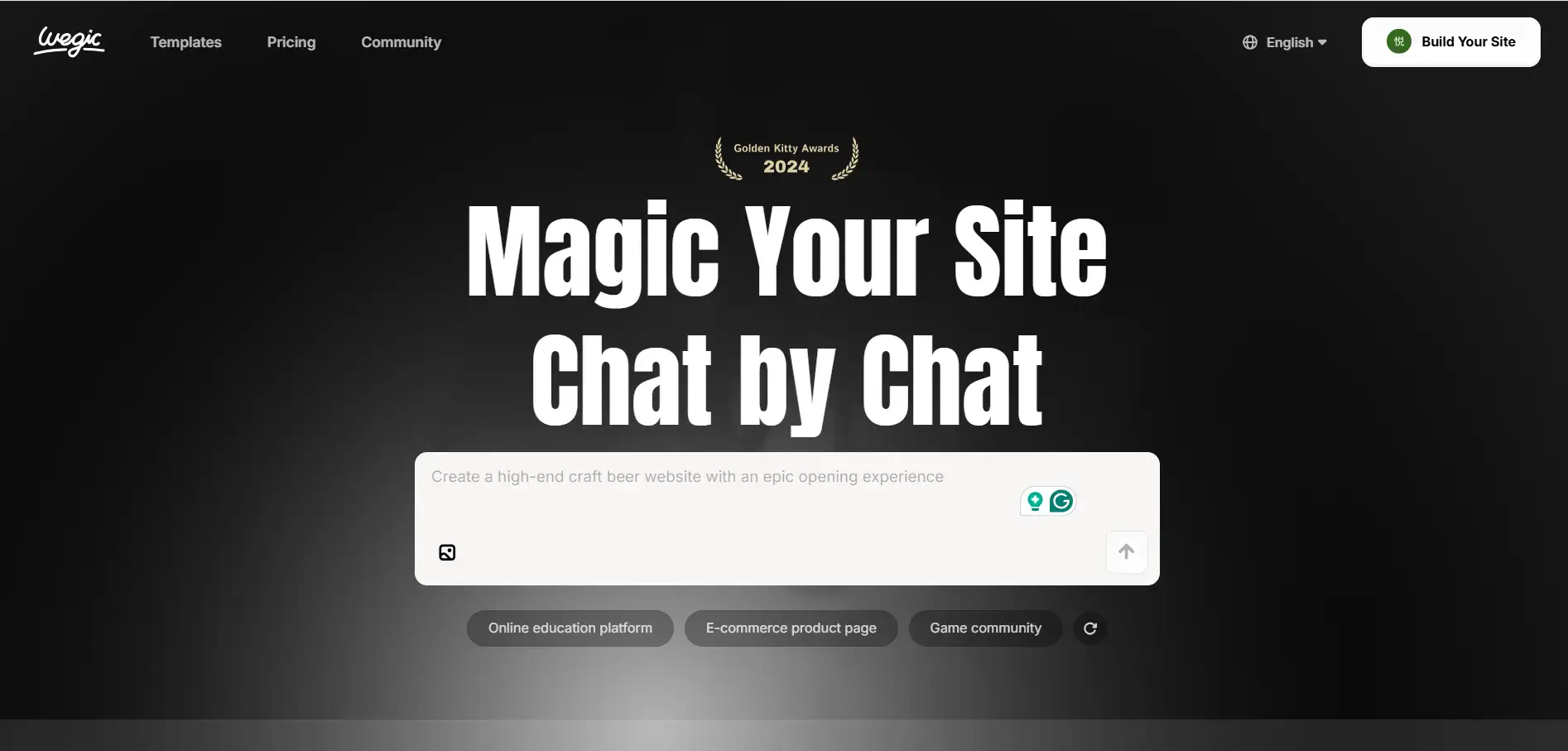
Wegic is becoming a popular AI website builder for people who want a simple and fast Webflow alternative. While Webflow needs more learning and careful setup, Wegic focuses on speed and easy AI building.
Build a website just by chatting with a Wegic AI assistant👇
It is designed for beginners, freelancers, and small business owners who want a clean website without spending days learning a complex tool.
Wegic has a simple CMS that anyone can manage. Webflow CMS is powerful, but harder for beginners to understand.
Wegic offers free credits to start, which helps small teams test ideas. Webflow's CMS plans are more expensive, especially for new users.
Overall, Wegic is great for freelancers and small businesses who want fast AI building, easy editing, and lower cost, making it a strong and simple alternative to Webflow in 2026.
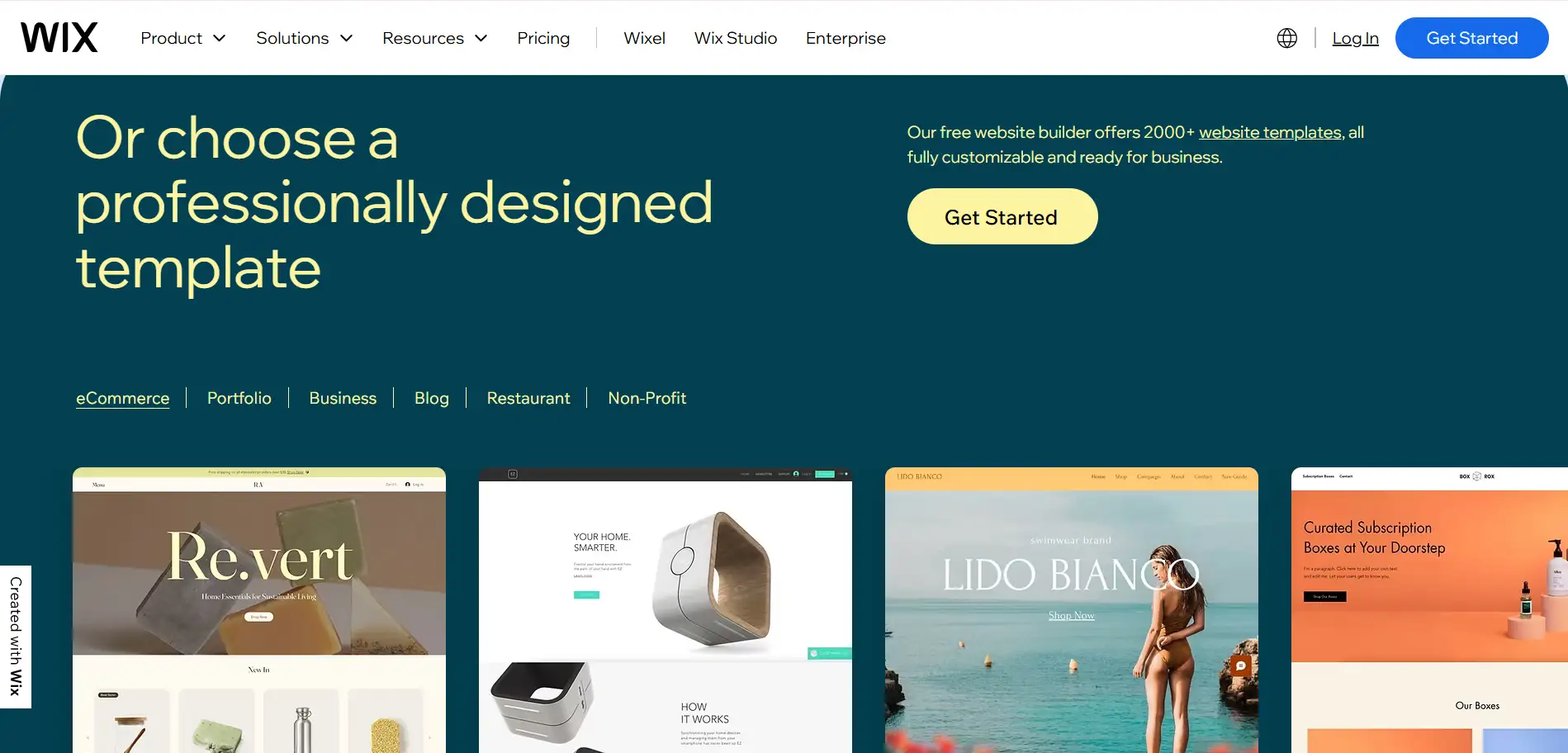
2. Wix (Best all-in-one + big template library)
Wix is one of the most popular Webflow alternative options because it is much easier for beginners to use. While Webflow provides a lot of control but requires more skills, Wix focuses on simple tools, fast setup, and helpful AI features. This makes it great for beginners, small businesses, and anyone who wants a website without learning complex design rules.
Wix lets you move anything anywhere with your mouse. Webflow's editor is powerful but harder to understand because you must know layout and styling rules.
With Wix ADI, you answer a few questions, and AI builds a full site for you. Webflow does not offer the same "instant build" experience.
Wix has booking tools, e-commerce, forms, and marketing features built in. Webflow needs more manual setup and add-ons.
Wix is cheaper for most users, and its CMS is easier to edit. Webflow CMS is strong, but more expensive and harder for clients.
Wix is a simple, all-in-one builder with AI tools, business features, and lower pricing—making it a top choice for beginners and small businesses who find Webflow too hard or too costly.
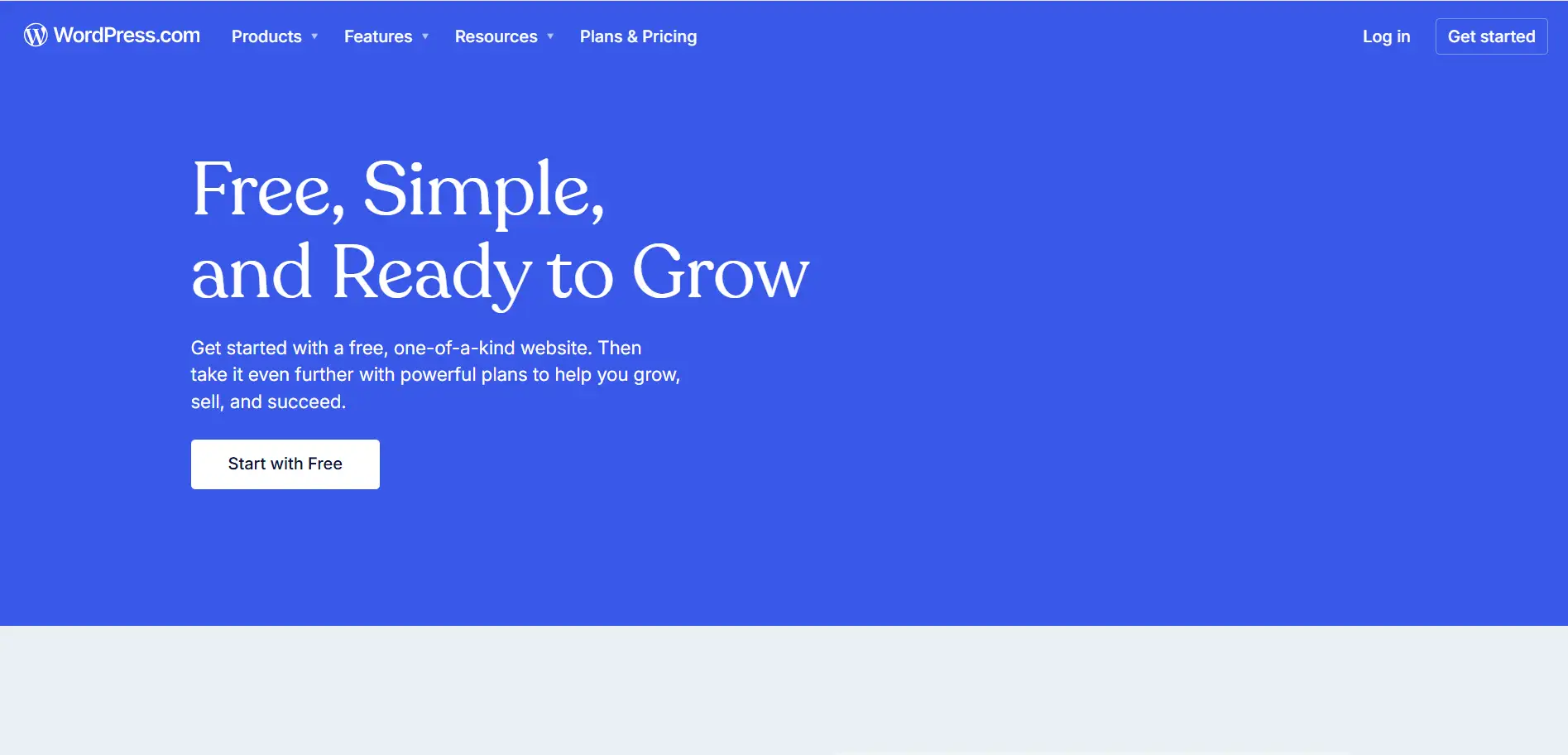
3. WordPress (Best CMS + Most Scalable)
WordPress is still the world's most popular website platform, and it is often the first choice people think of when they want a Webflow alternative. While Webflow is great for design, WordPress is much stronger for blogs, news sites, and large content projects. It also gives users full freedom to choose hosting, themes, and plugins.
WordPress now includes the Gutenberg editor with simple blocks, plus new
AI tools that help write text and build pages. Webflow's editor is more complex and takes longer to learn.
Builders like Elementor, Breakdance, and Bricks let users create advanced layouts without coding. In Webflow, all design must be done inside the main editor, which is harder for beginners.
WordPress is very suitable for blogs, magazines, and big CMS needs. Webflow CMS is powerful but more expensive and limited in content volume.
You can host WordPress anywhere, giving you more price and performance choices. Webflow hosting is fixed and higher in cost.
Overall, WordPress is the best choice for large content sites, scalable projects, and users who want full control—making it a strong and flexible Webflow alternative in 2026.
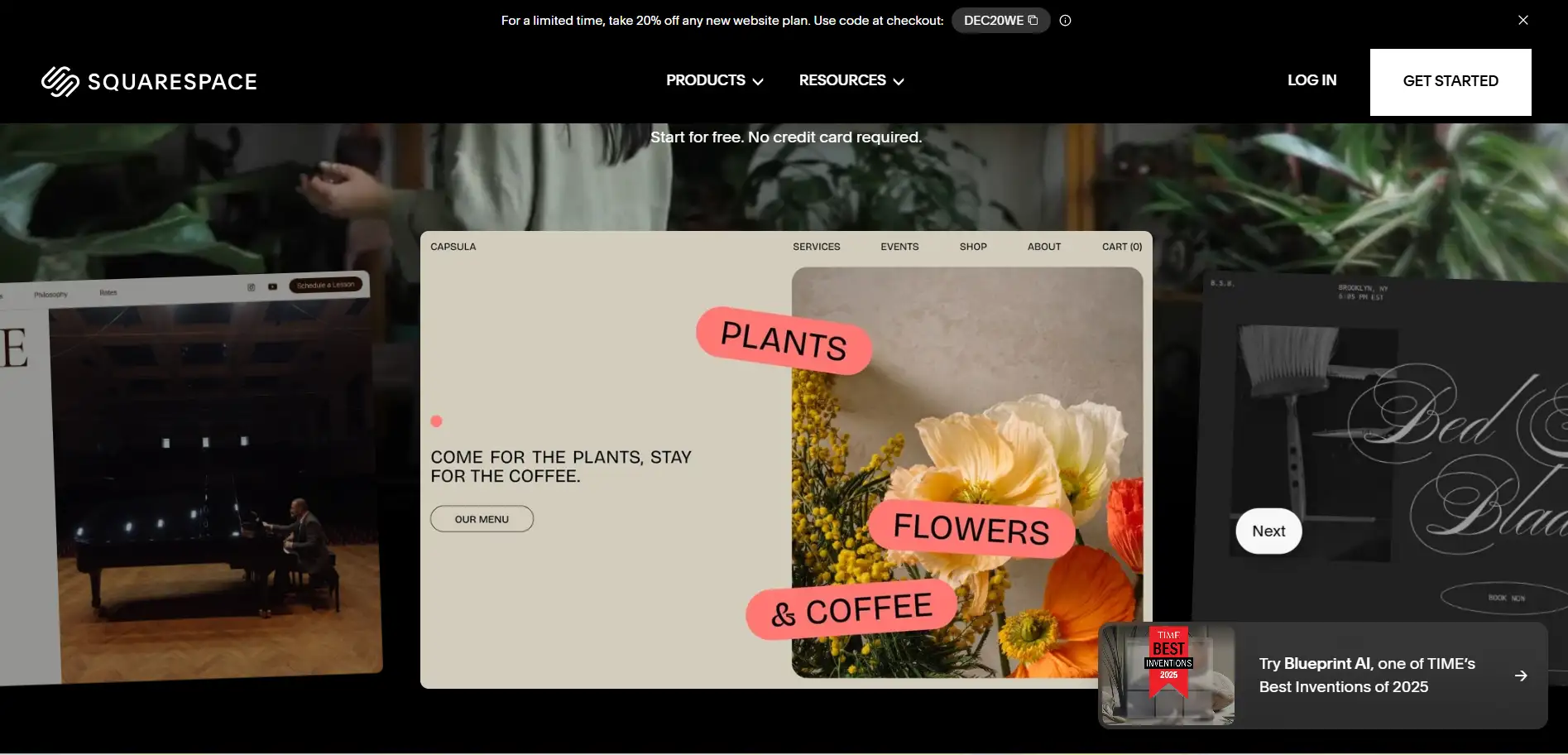
4. Squarespace (Best aesthetics + simple editing)
Squarespace is a popular Webflow alternative for people who want beautiful websites without spending a lot of time learning complex tools. While Webflow is very powerful and flexible, it can be confusing for beginners. It focuses on elegance, simplicity, and speed, making it ideal for portfolios, small businesses, and creative projects.
It offers professional, stylish templates that look great on any device. Webflow can create custom designs, but it takes more time and design knowledge.
It has built-in tools like forms, booking systems, and small e-commerce functions. Webflow also supports these, but its setup usually costs.
Editing in Squarespace is intuitive. You can change text, images, and layouts quickly. Webflow requires more experience to handle its advanced editor and animations.
Squarespace works great for creative portfolios or small online shops, while Webflow may be overkill for simple projects.
I is an easy-to-use, elegant Webflow alternative. It is perfect for beginners and small business owners who want attractive websites quickly without the steep learning curve of Webflow.
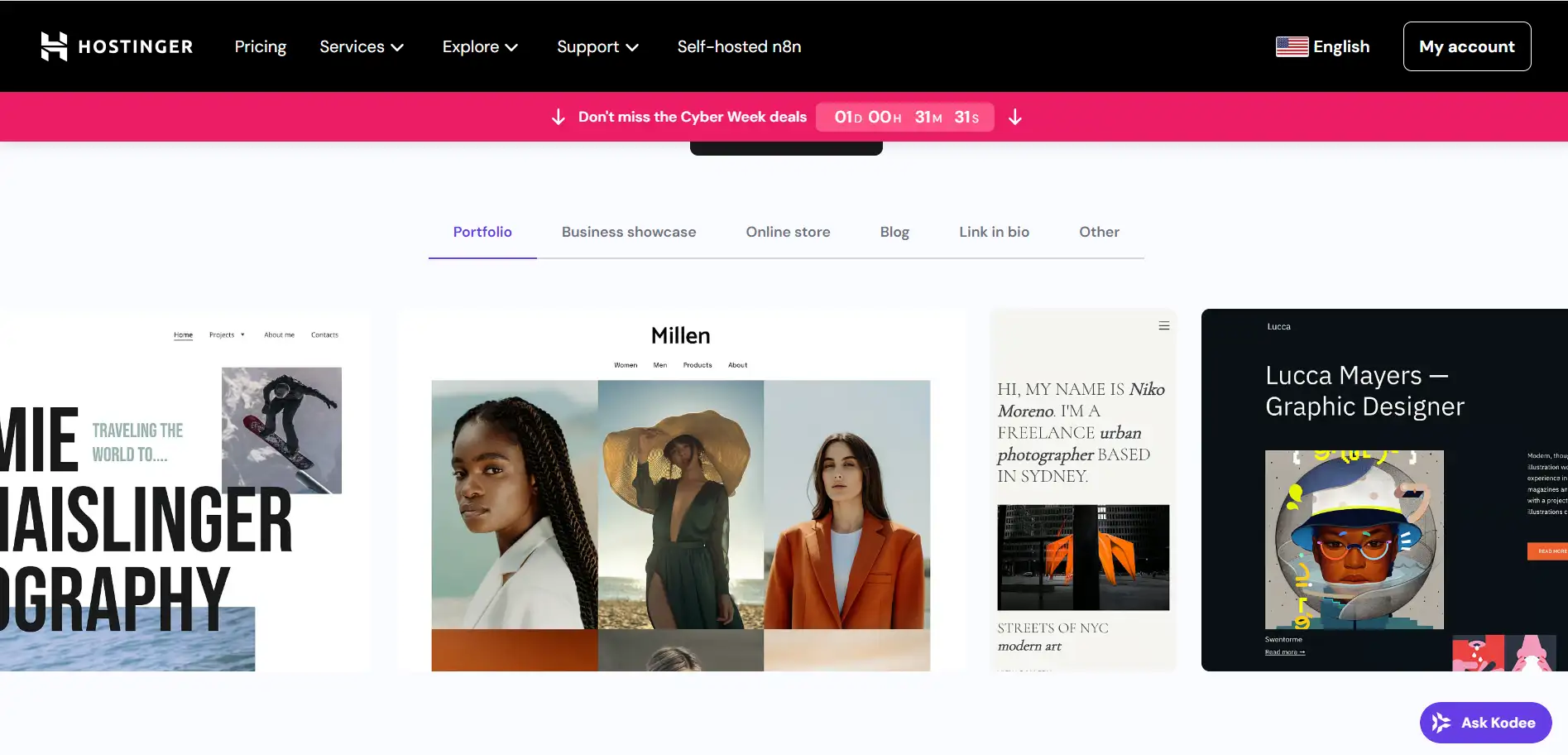
5. Hostinger (AI-Powered Builder)
Hostinger AI Website Builder is a fast and easy Webflow alternative for beginners. While Webflow requires design knowledge and manual layout, Hostinger uses AI to make building a website simple and quick. It is perfect for small business owners or anyone who needs a landing page fast.
Just tell the AI what you want, and it creates the website layout and content automatically. Webflow requires manual setup for both design and text.
Hostinger offers very low starting costs and even free trials for beginners. Webflow CMS plans are more expensive.
You can launch a site in minutes, compared to hours or days with Webflow. Best for Quick Landing Pages and some freelancers or small businesses.
Pros / Cons
Pros: super fast, low cost, AI-powered.
Cons: less design control than Webflow.
6. Shopify (Best for E-Commerce)
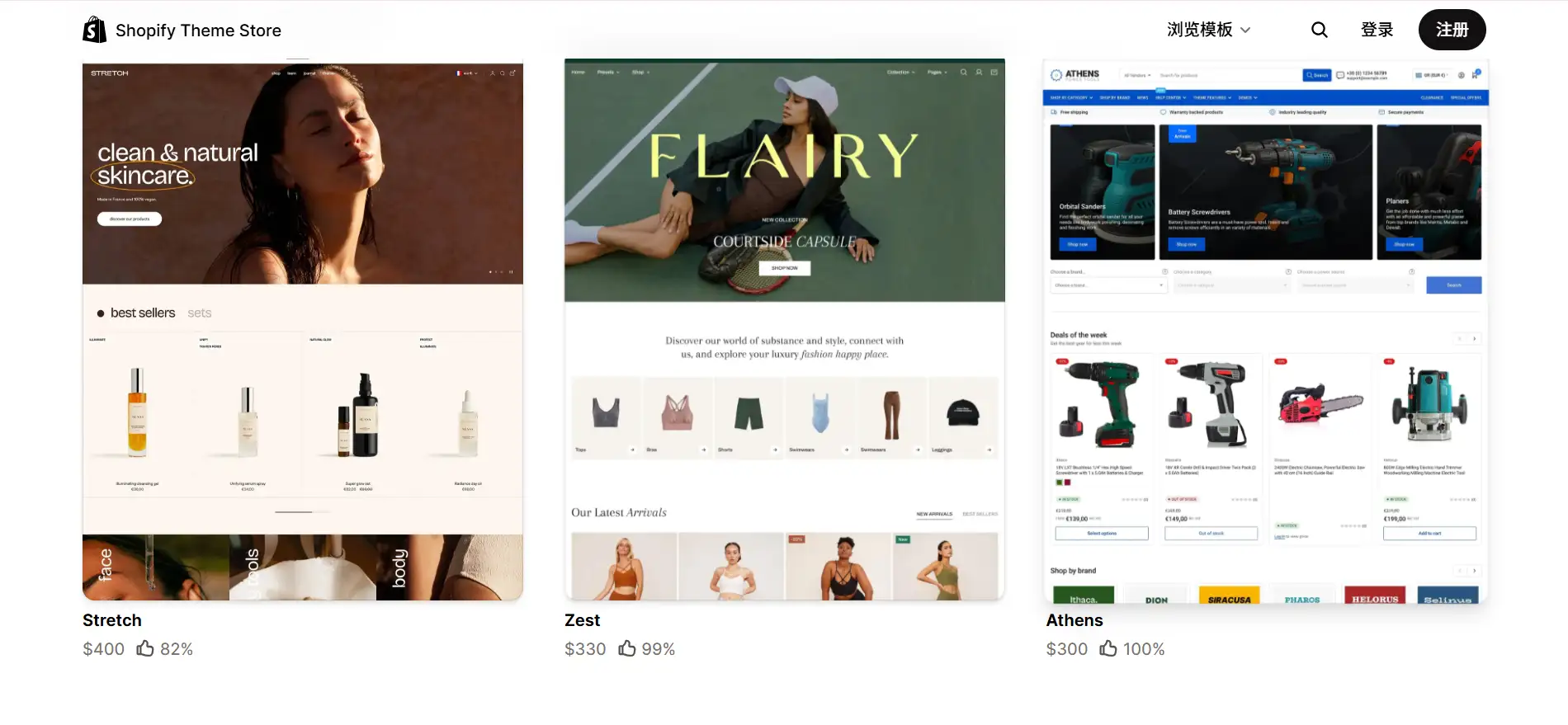
Shopify is the top Webflow alternative for online stores. Shopify's AI suite, "Shopify Magic", is reshaping the e-commerce landscape by equipping small businesses with automation tools once exclusive to retail giants, fueling growth in a challenging retail environment.(Source: Reuters, 2025) Webflow e-commerce is good, but Shopify provides full product management and powerful store tools. It's easy to sell online.
Shopify handles inventory, payments, shipping, and analytics automatically. Webflow e-commerce needs more manual setup.
Shopify AI support to generate product pages, descriptions, and layouts quickly. You just talk to AI about what you want to get. Webflow AI is more limited for e-commerce.
Pros: best for e-commerce, easy store setup.
Cons: less creative design freedom than Webflow.
7. Framer (Best for Modern Design + Speed)
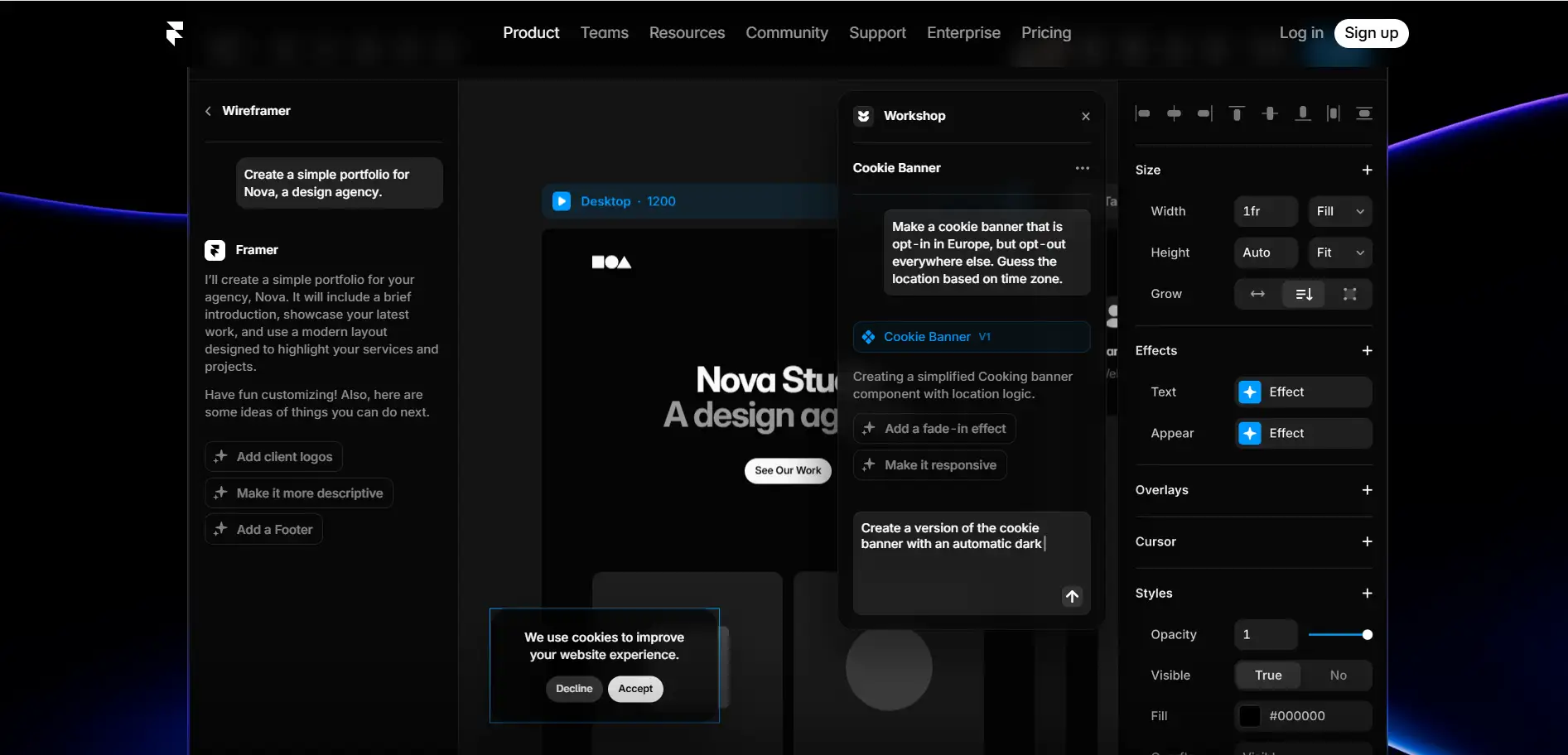
Framer is now one of the biggest Webflow alternatives because it combines speed, modern design, and AI tools. It's ideal for landing pages and agencies.
Framer can generate a complete page in seconds from simple instructions. Webflow needs manual work for layouts and interactions.
Frameroffers many prebuilt templates and easy animations, while Webflow requires more setup time.
Framer has better AI-driven SEO guidance for modern sites.
Pros: fast, AI-powered, modern design.
Cons: slightly less full control for complex custom designs than Webflow.
Here is a Comparison Table: Webflow vs Its Best Alternatives (2026)
In 2026, are you still looking for a more convenient website-building tool? Platforms like Wegic, Wix, Squarespace, Framer, WordPress, Hostinger AI, and Shopify all support AI tools and templates. These website-building tools are simple and easy to use, and might be your best choice.
Conclusion
In 2026, choosing a Webflow alternative is easier than ever. We mentioned some platforms like Wix, Wegic, Framer, and WordPress offer simpler tools, AI helpers, and flexible Webflow CMS alternatives. Beginners, freelancers, and small businesses can choose Wegic AI to build websites faster, cheaper, and without coding. AI web builders are changing the future, making site creation smarter and easier. Now is a good time to explore Webflow alternatives and take advantage of these modern tools to create professional websites quickly. Try Wegic AI to build a website now!
FAQ
1. Why should I choose Shopify instead of Webflow for my online store?
Shopify is made just for online stores. It has full product management, payment processing, and order handling. These store tools are much easier to use than Webflow's e-commerce features.
2. Can I use Shopify if I don't sell products and want a simple website?
Yes. Even though Shopify focuses on e-commerce, other builders like Wegic AI also let you make simple websites easily. Many people choose lighter platforms if they don't need a store.
3. Are Webflow's e-commerce tools enough for a full online store?
For small or simple shops, maybe. But many users say Webflow e-commerce is limited. It can be harder to set up and doesn't have as many advanced store features as Shopify.
4. If I need to build a website fast and don't know coding, which builder should I pick?
Wegic is a good choice. You can create a website just by talking to the AI, using templates, and it's usually cheaper. It's much easier for beginners than Webflow's steep learning curve.
5. Can I start with a simple site and upgrade to e-commerce later?
Yes. Many platforms let you grow your site. You can start with Wix or WordPress, then add store features later or move to Shopify.
6. What trade-offs do I face if I pick a simpler builder instead of Webflow?
Simpler builders usually have less design flexibility and fewer advanced features than Webflow. You might not get perfect pixel layouts or advanced animations.