10 Best Free Website Builders in 2026 for No Code Sites
Discover the 10 best free website builders in 2026 for no-code sites. Compare AI features, ease of use, templates, and SEO tools to choose the perfect platform for your needs.
#01 What Is a No-Code Website Builder?
A no-code website builder is a tool that supports you in making a website without writing any code. You do not need to know HTML, CSS, or any tech skills. You simply click, drag, choose a style, and the site appears on the screen. A roughly comparable AI-fueled explosion in citizen development and AI-Infused platforms could drive the low-code and DPA market to $50 billion by 2028 (Source: Forrester, 2025).In 2026, many of these tools will use AI to help you build faster. They can create the structure of your site, write simple text, choose colours, and even design logos for you. Some can also improve your SEO automatically, so your site has a better chance of showing up on Google.
#02 Top 10 Best Free Website Builders in 2026 (AI + No Code)
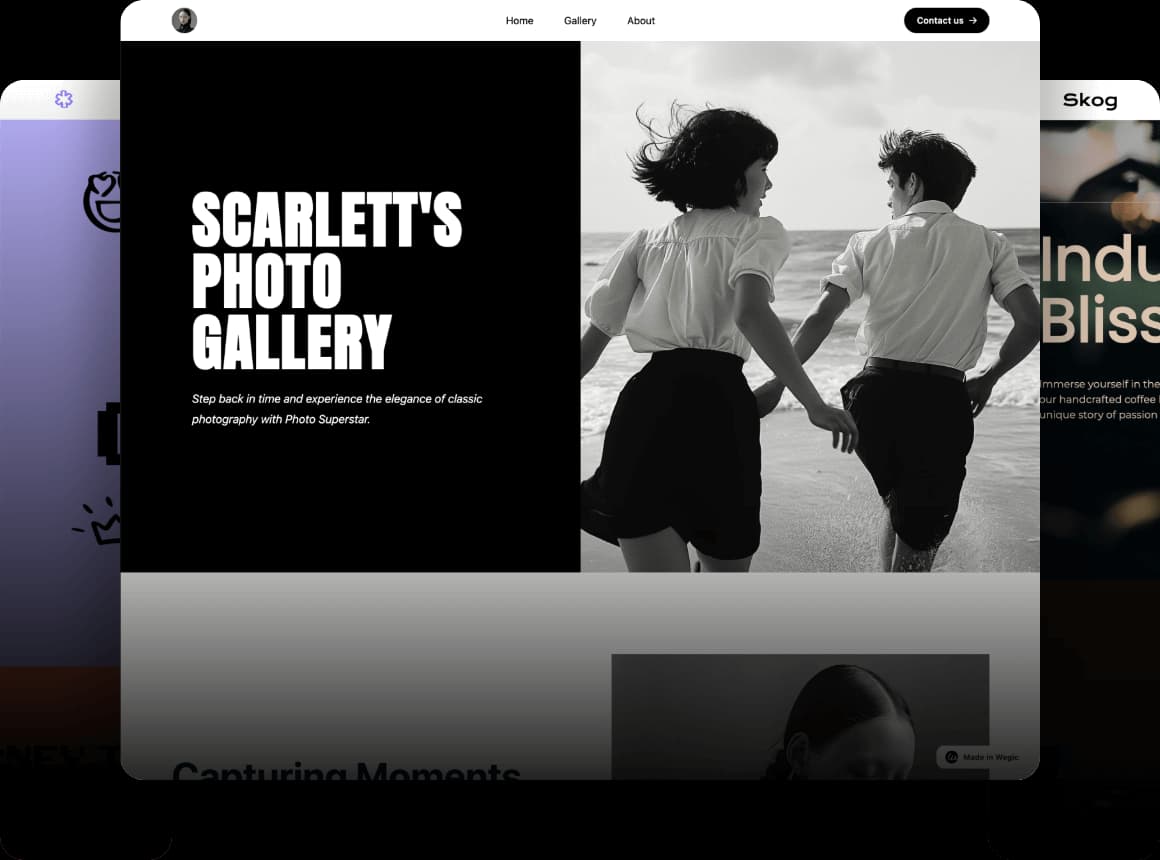
1. Wegic AI
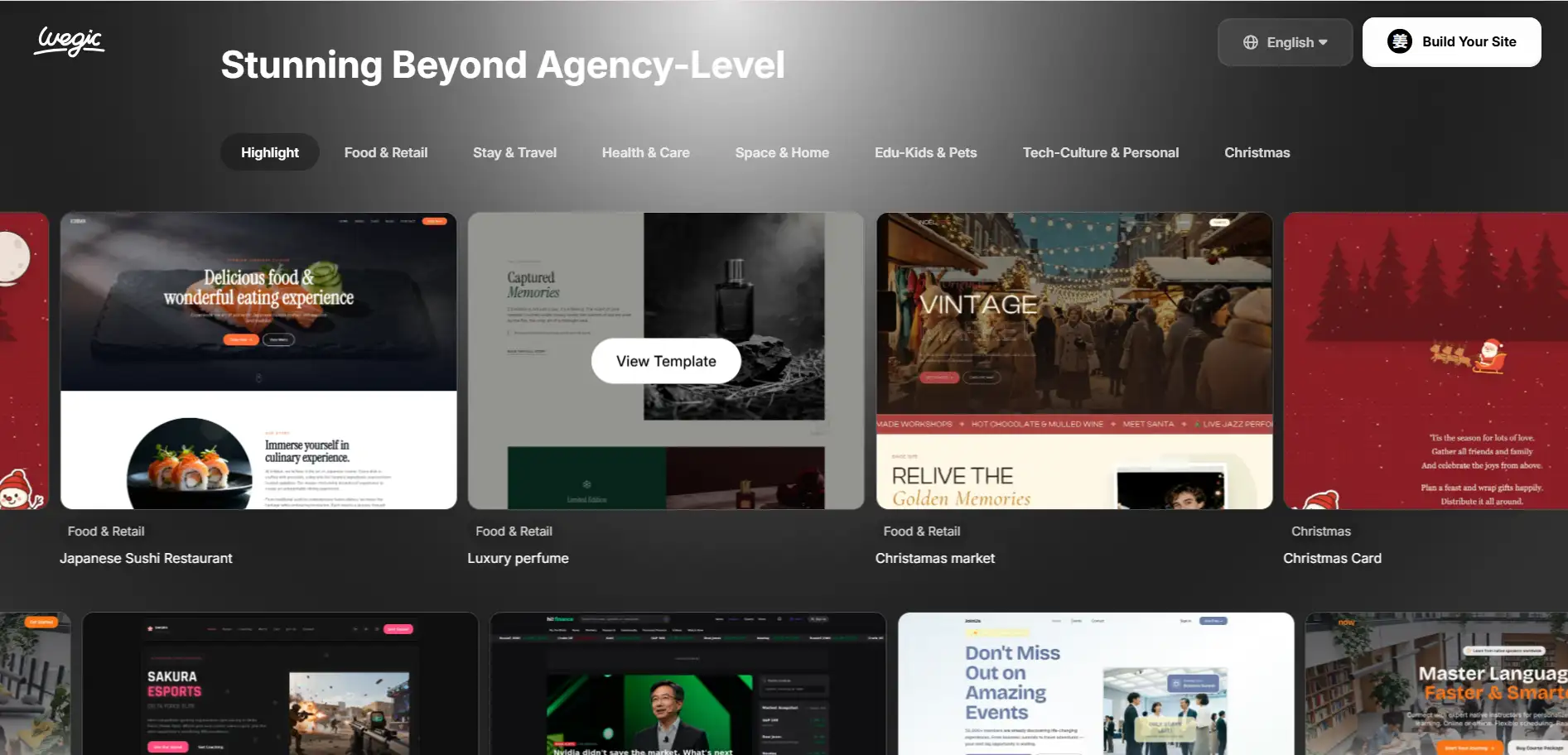
- Chat-to-website generation: you tell Wegic what you want, and it builds the site.
- AI layout, automatic content and styling, and responsive mobile/desktop pages.
- One-click publish and instant website launch.
- People who want an AI website free tool to try building a site fast
- Beginners with no coding skills
- Creatives, small business owners, or anyone needing a quick starter website.
- Very easy and fast — "chat and build" approach simplifies everything
- Good for portfolios, basic business pages, or simple sites without complexity
- Free plan is limited (pages, branding, features)
- Not ideal for complex websites or advanced custom features
2. Wix ADI (AI Website Builder)
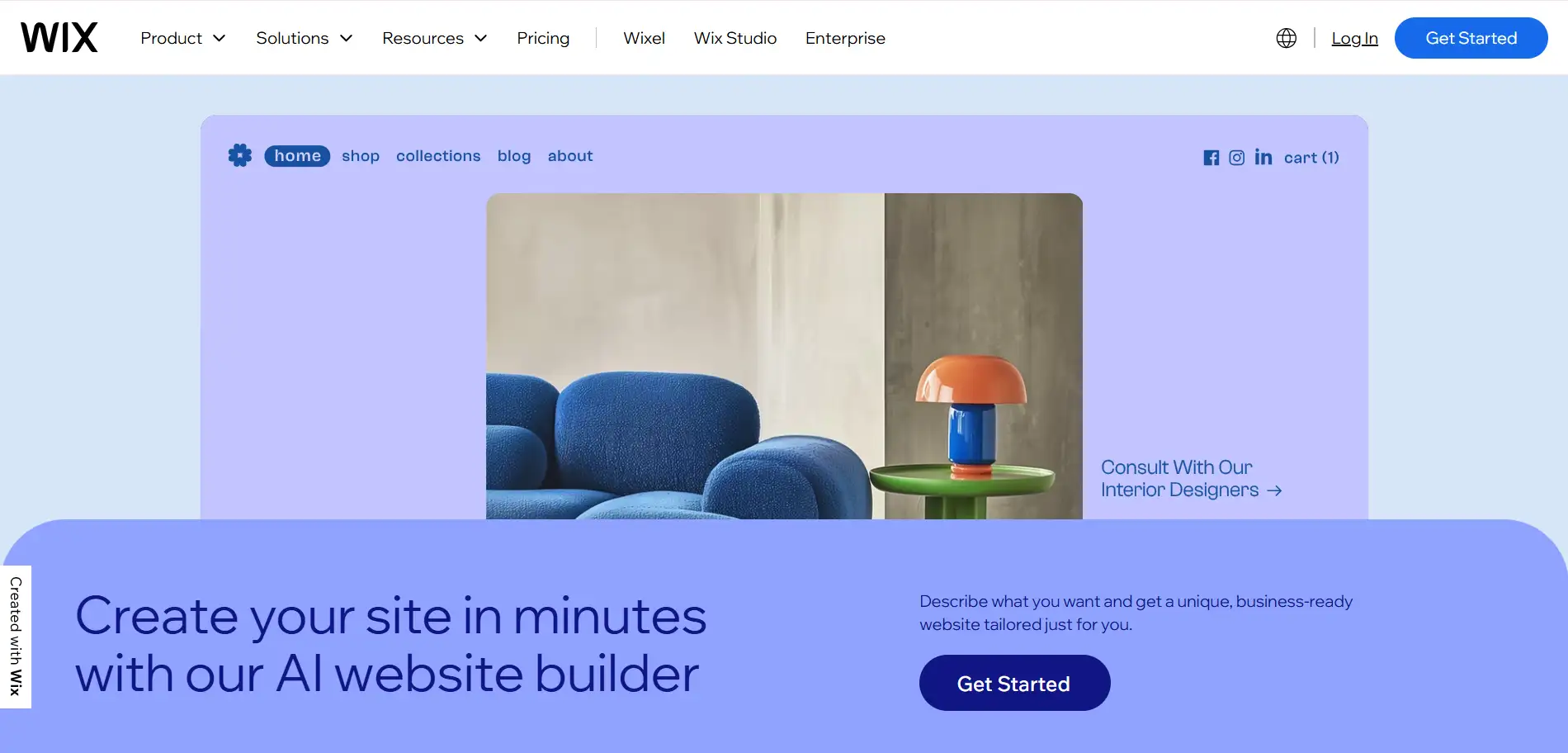
- AI page layout
- AI text suggestions
- AI colour and style matching
- Auto-generated branding
- Basic AI SEO setup
- AI website generator for simple sites
- Best for beginners who want a fast start
- Very easy to use
- Strong AI tools
- Large template library
- Ads on free sites
- Limited e-commerce on the free plan
3. Canva Websites + AI website layouts
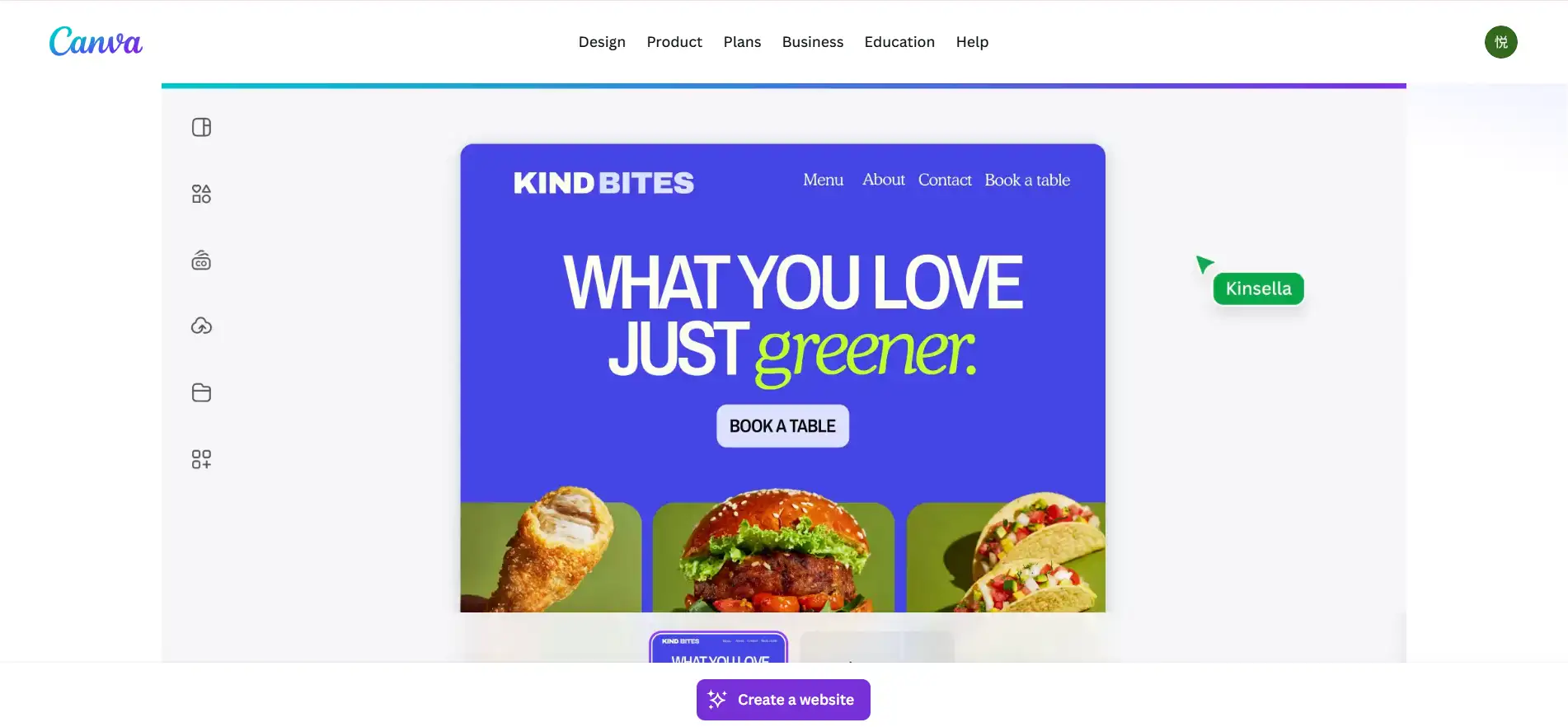
- AI‑powered layout and template suggestions via Magic Design.
- Drag‑and‑drop editor for easy design and customisation.
- Simple content and design generation — good for quick websites.
- People who want an AI website free and simple tool to try building a site fast
- Beginners with no design or coding skills
- Creators, small businesses or anyone needing a quick landing page or portfolio
- Very easy and fast to design & publish
- Lots of templates + simple AI helps with styling
- Website builder for free plan uses Canva-hosted domain (not custom)
- Limited advanced features (custom domain, advanced SEO, big sites)
4. Hostinger AI Website Builder
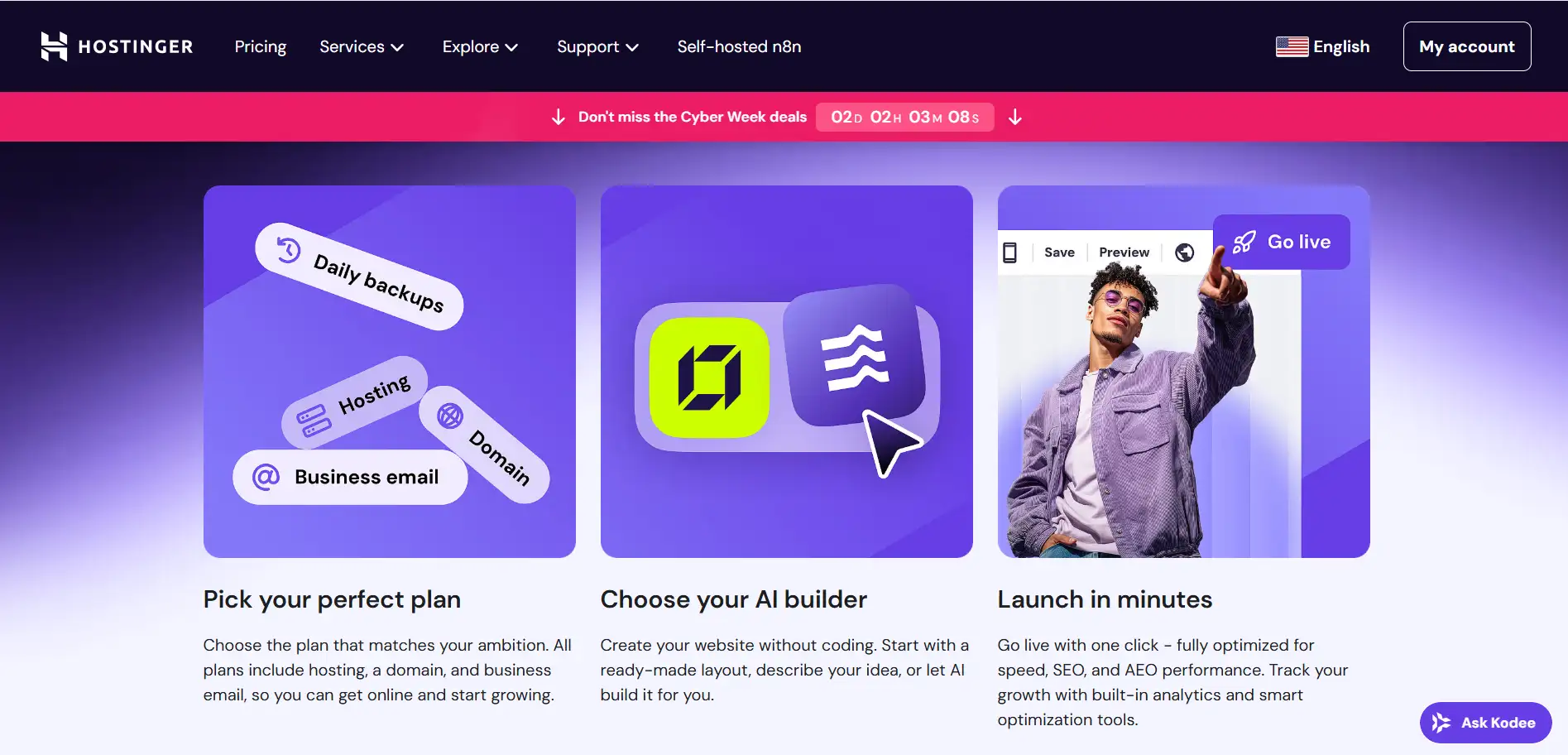
- AI‑powered layout and design based on your description.
- AI content creation: helps write website copy, blog posts, and even generate product descriptions.
- AI‑based logo maker and image generator for visuals.
- Built‑in AI SEO assistant to help your site show up on search engines.
- Hostinger does not offer a permanently free plan, but you can try the AI website builder for free for a short trial period.
- To publish with a custom domain and full features, you need a paid plan.
- People who want an easy, no‑code site quickly
- Beginners or small businesses who want an AI website free trial before paying
- Creators, freelancers, or small shops wanting a simple site without coding
- Very fast to get a website ready — AI does much of the work
- Good mix of design, content, and SEO tools built in
- No truly "free forever" plan
- Limited flexibility and fewer advanced features compared with big platforms
5.WordPress + AI Assistant

- You tell the AI what you want (site type, colours, purpose), and it builds the layout, adds text, images, and sections.
- You can then tweak colours, fonts, text, or images manually or ask the AI to adjust them.
- The AI builder gives you a quick way to start a blog, portfolio, or simple business site.
- The AI builder allows you to create a site for free, but to publish it publicly, you need to pick a hosting plan.
- At launch, AI‑built sites are good for blogs, portfolios, or services — but not for full ecommerce stores or complex custom sites.
- People who want an AI website free tool to try building a site quickly
- Beginners, bloggers, freelancers, or creators who want a simple site without coding
- Those looking for the best website builder free option with an easy start and a friendly interface
- Very easy and fast — AI does most of the work
- Great for simple blogs, portfolios, or small business landing pages
- Let's you start for free and experiment
- Need a paid hosting plan to publish the site
- Not ideal yet for e-commerce or advanced website features
6. Durable AI Website Builder
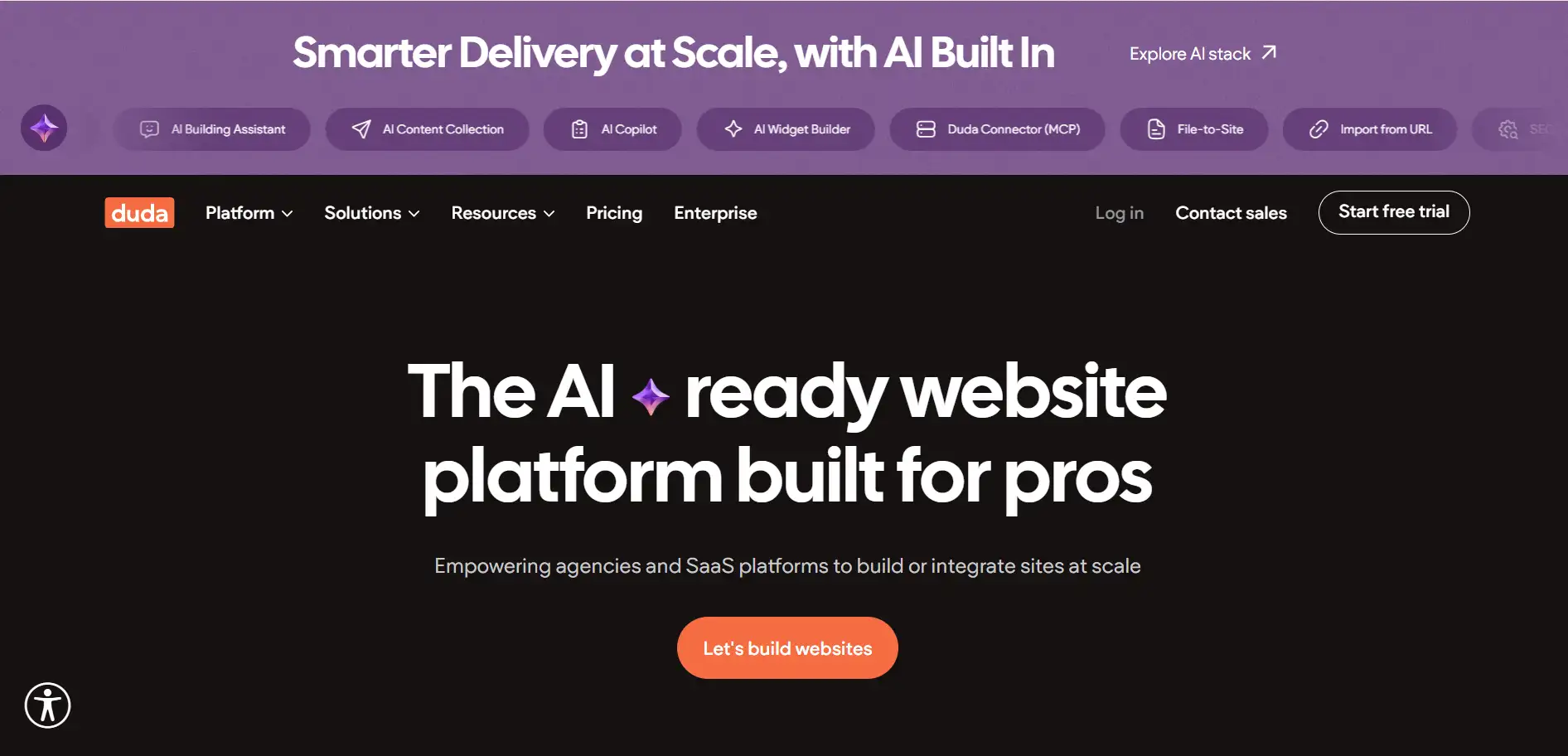
Durable AI- AI‑powered layout and design generation.
- AI copywriting: auto‑writes text for services, about‑us, and call-to-action.
- Built‑in business tools: hosting, SEO help, even invoicing & CRM.
- Durable offers only a free trial, not a permanent free plan.
- After the trial, you must pay to keep the site live and use the full features.
- Very fast site generation — almost instant
- All‑in‑one: design, content, SEO, business tools in one place
- No permanent free forever plan
- Limited design flexibility compared to advanced builders
7. Weebly AI Tools

Weebly AI Tools- Drag-and-drop editor for easy layout and page building.
- Options for basic e-commerce and simple online store setup.
- A free plan exists, but with limited templates, basic ecommerce features only, and modest design flexibility.
- Beginners or small business owners who need a very simple website or a small store without coding
- People on a tight budget need a "website builder for free."
- Easy to use, simple editor, affordable start
- Good for basic storefronts or simple sites
- Templates and features are limited
- Not ideal for complex or big e-commerce sites
8.Webflow + AI (Designer + AI tools)
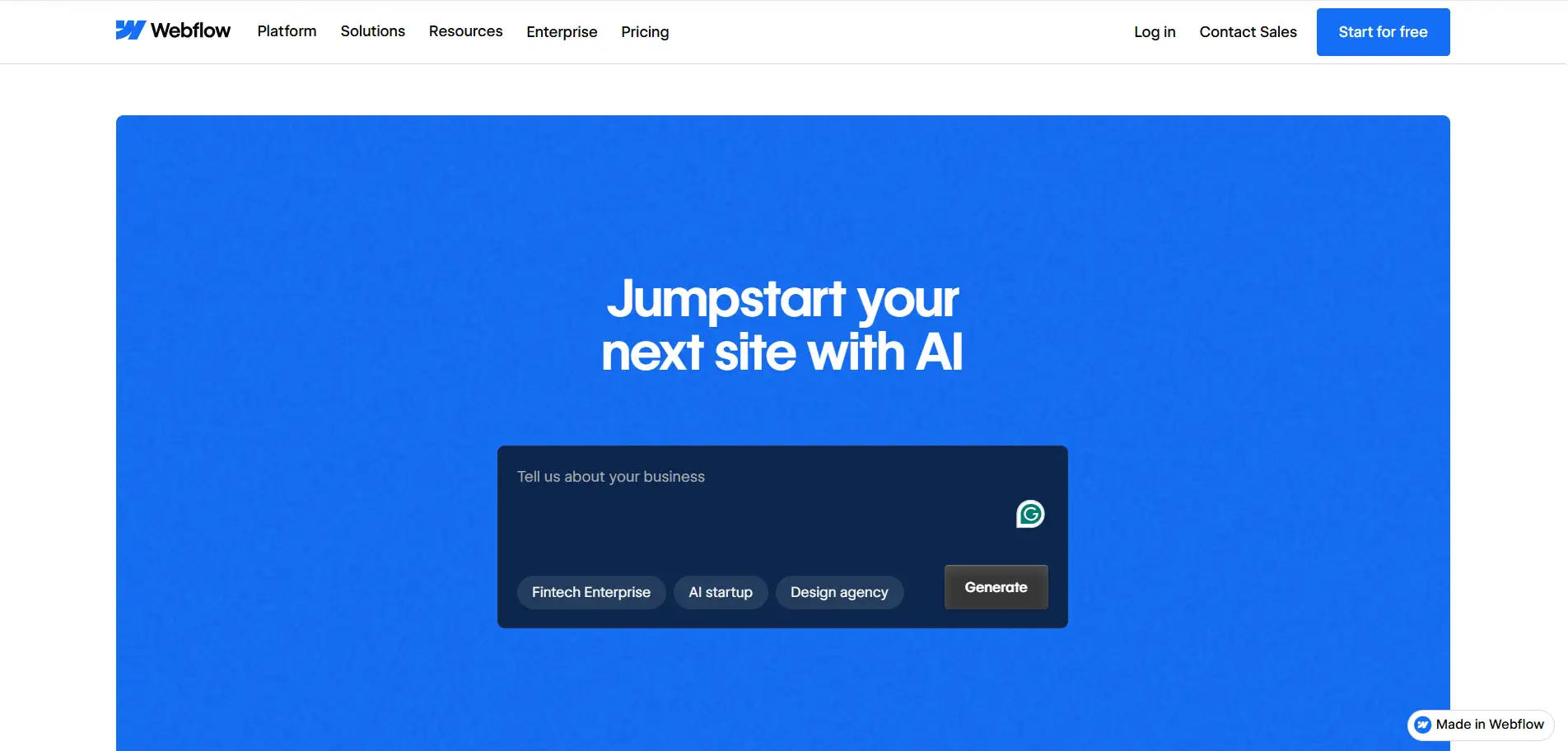
Webflow- AI‑assisted grid or block layout generation — helps build clean, responsive sites fast.
- CMS support, advanced design flexibility, and the ability to export clean code or customise deeply.
- Offers a free basic plan with limits: sub‑domain, limited pages/items.
- To unlock full power (e.g., large sites, ecommerce), you'll likely need a paid plan.
- Design‑focused users who want custom, professional-looking websites
- Users who need clean code, flexibility, and control — while still enjoying AI convenience
- Great design control + AI speed
- Responsive, professional-grade output
- More complex than simple drag‑and‑drop builders — has a learning curve
- The free plan is limited
9. Framer AI
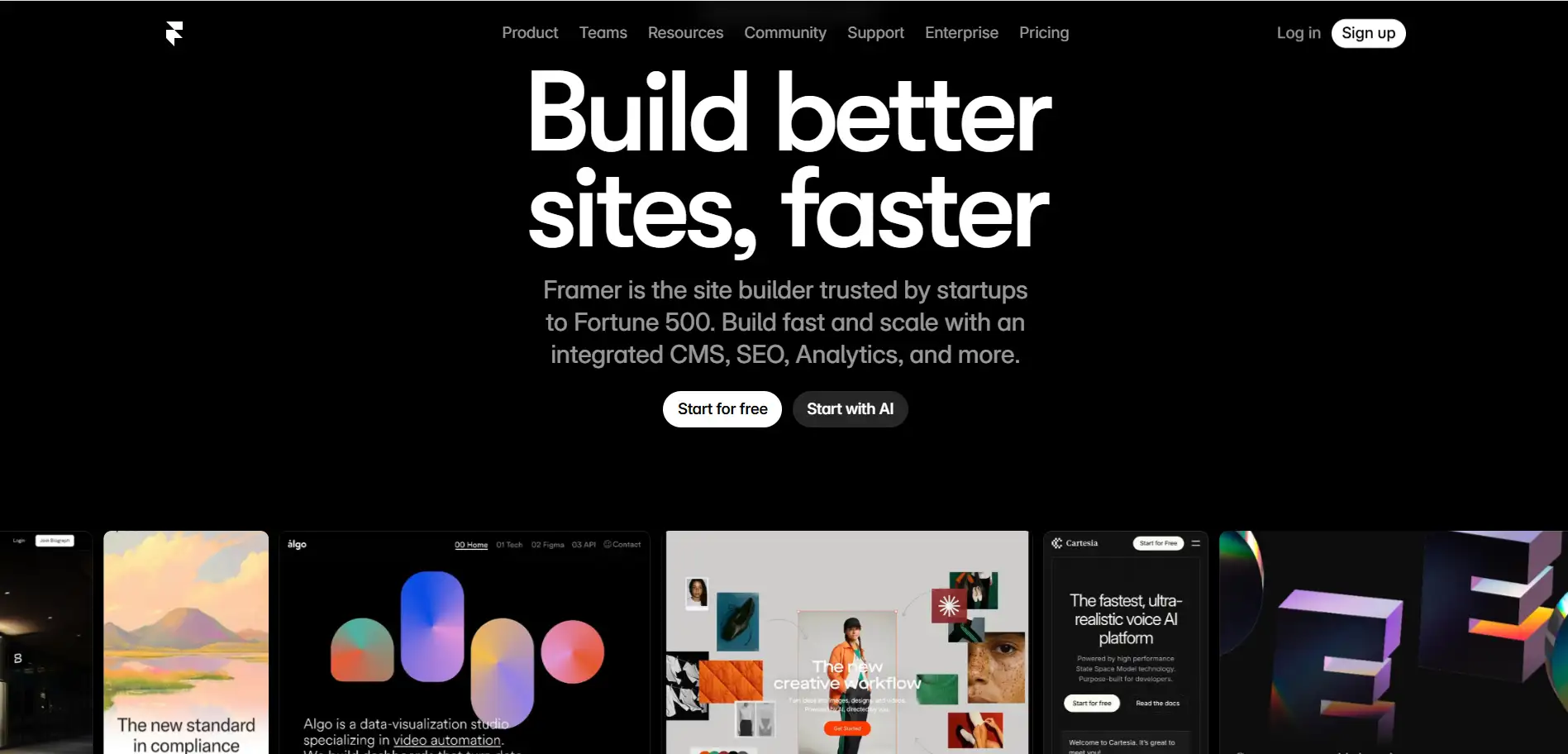
Framer AI - AI generates layout, content, and responsive design quickly.
- Supports motion design/animations, modern visuals, and clean site output — good for portfolios or product launches.
- Free plan available, but limited pages/storage, and you get a Framer subdomain only.
- For bigger projects or a custom domain, you'll need a paid plan.
- Designers, agencies, and creatives want sleek, modern sites quickly
- Landing pages, portfolios, or small startup sites needing good design + speed
- Clean, modern, professional design with little effort
- Good balance of AI convenience and design flexibility
- The free tier is limited in features
- Might require design sense to get the best results
10. Jimdo Dolphin AI Website Builder
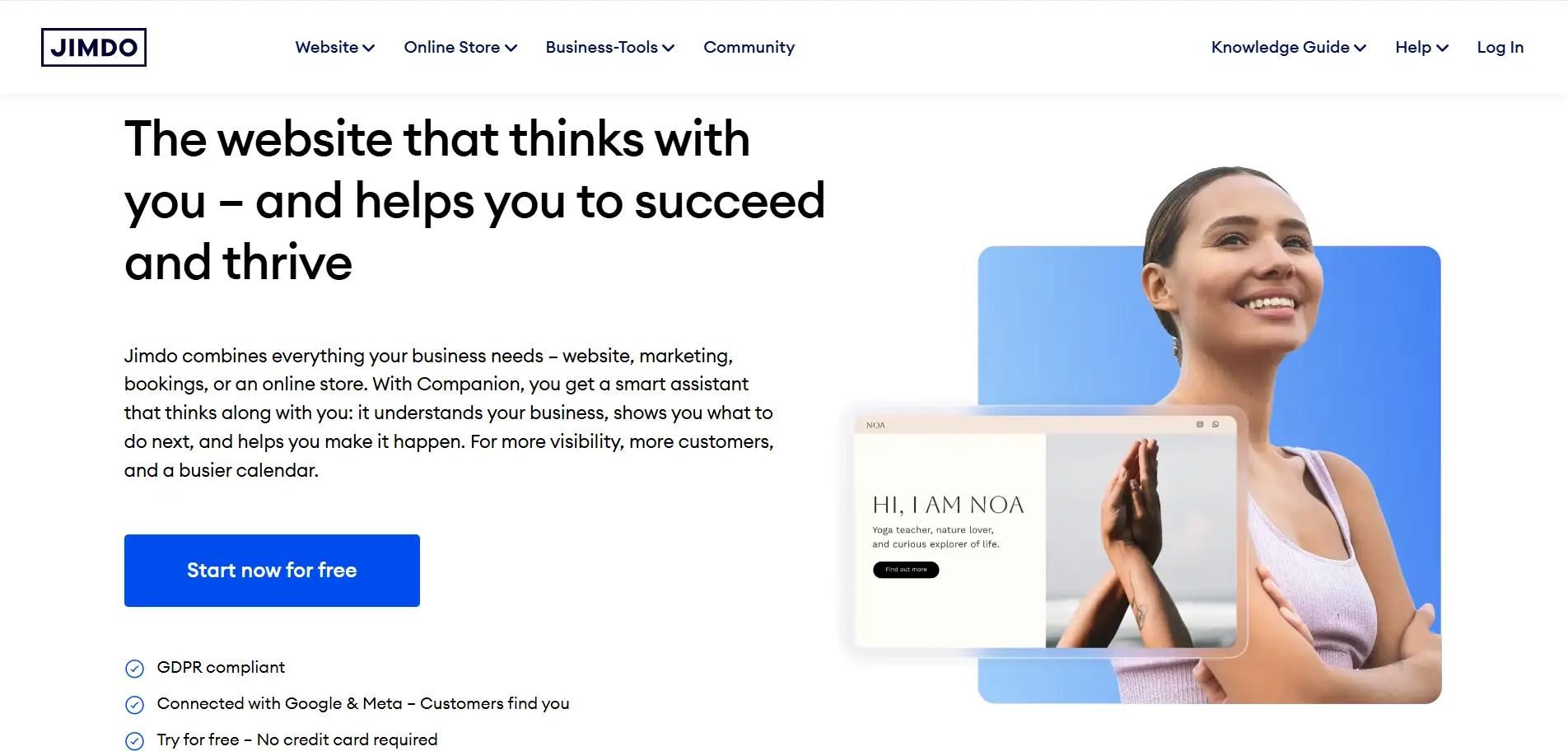
Jimdo Dolphin AI Website Builder- AI generates a layout and builds a basic site structure automatically.
- Pages are mobile-optimised and responsive by default.
- Free plan gives you a subdomain (like "yoursite.jimdosite"), not a custom domain.
- Free plan has limited storage/bandwidth and few features — good for a simple site only.
- Beginners or people who want to try an AI website free tool without risk
- Simple personal sites or small websites for small businesses or hobbies
- People want a quick site online with minimal effort
- Easy and fast to build a working website without coding knowledge
- A free plan exists, so you can start for free and test it out
- Very limited design flexibility compared to more advanced builders
- Free plan uses a subdomain and shows branding — not ideal for a professional site
Conclusion
FAQ
Written by
Kimmy
Published on
Mar 17, 2026
Share article
Read more
Our latest blog
Webpages in a minute, powered by Wegic!
With Wegic, transform your needs into stunning, functional websites with advanced AI