登录
创建你的网站
Top Portfolio Website Examples to Inspire You in 2026
Trying to build your own portfolio website, but don't know how to start? Take a look at these amazing personal portfolio website examples and try Wegic!
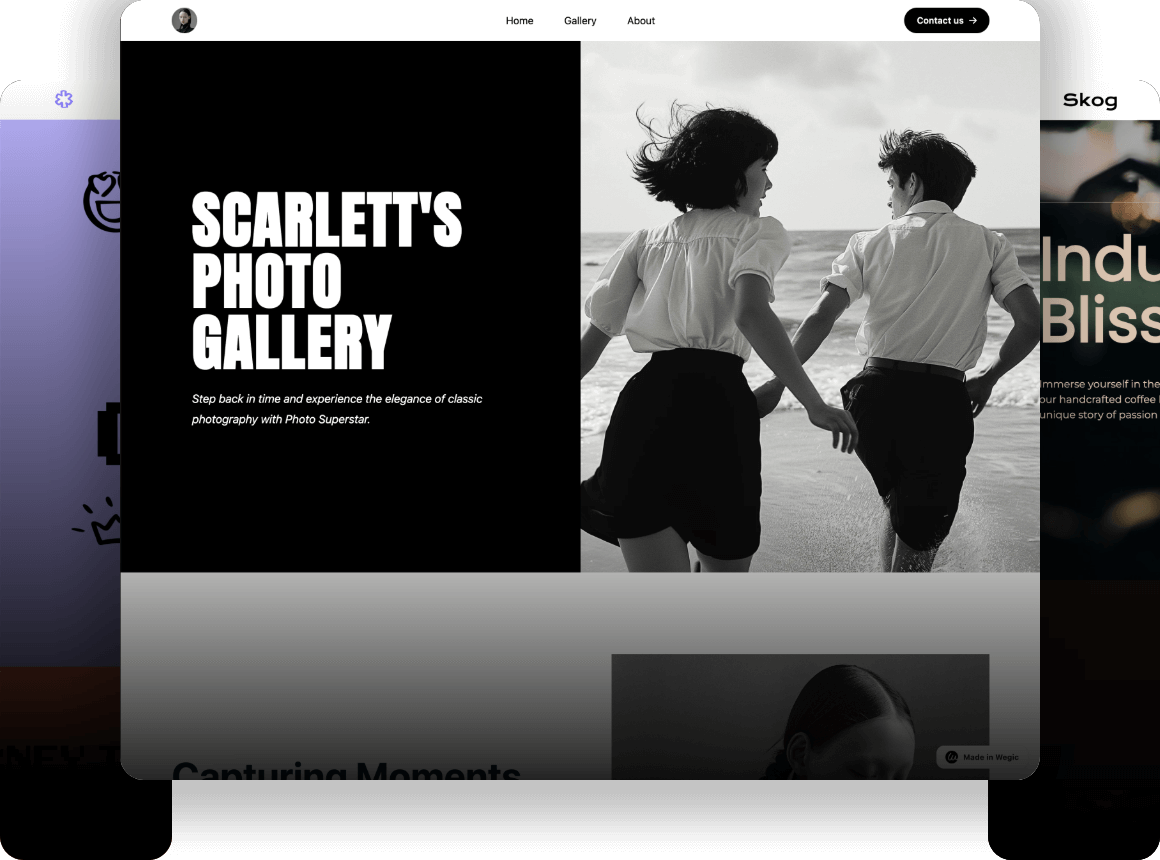
A portfolio website is your digital storefront, but building it shouldn't take weeks of coding or dragging boxes around a screen. Whether you are a creative professional, a developer, or a job-seeking student, your past work needs a clean platform that instantly answers a client's core question: "Can you solve my problem?" That’s where Wegic comes in. As an AI web designer, Wegic allows you to generate a fully functional, highly customized site simply by chatting with it. In this guide, we break down the best portfolio website examples and show you exactly how to execute your own in minutes.

Top Personal Portfolio Website Examples to Elevate Your Brand
According to a report by Forbes, 48%of freelancers find clients directly via their online portfolio, while 91% rely on referrals where an online record of work serves as crucial proof of capability. A strong personal portfolio website isn't just a gallery; it's a sales pitch. Here are three professional website design examples that nail their value proposition.
1. Conor O’Hollaren
When it comes to outstanding portfolio website examples, Connor O’Halloran sets a high standard. Through a highly narrative, comic-style website design, he transforms his personal projects into compelling product stories that feel both logical and engaging.
Structured Case Studies That Show Strategic Depth
One of the most impressive aspects of his portfolio is the phased case study structure. Each project is carefully divided into distinct stages, reinforcing clarity and professionalism.
By organizing his work in this way, O’Halloran demonstrates strategic thinking — a quality that hiring managers and clients value highly in product designers.
Smart Split-Screen Layout for Clear Communication
Visually, the portfolio makes excellent use of split-screen layouts. On one side, he explains the design thinking and problem context; on the other, he presents real interface screenshots or interaction details.
This side-by-side presentation makes abstract product decisions feel concrete and easy to understand. It improves readability, enhances narrative flow, and keeps users engaged throughout the case study.
Overall, this portfolio website stands out for its clarity, refined aesthetics, and meticulous attention to detail. By systematically presenting strategy, process, and impact, O’Halloran elevates his portfolio from a simple showcase of work to persuasive proof of professional capability. If you're looking for inspiration from some of the personal portfolio website examples, this one is definitely worth studying.
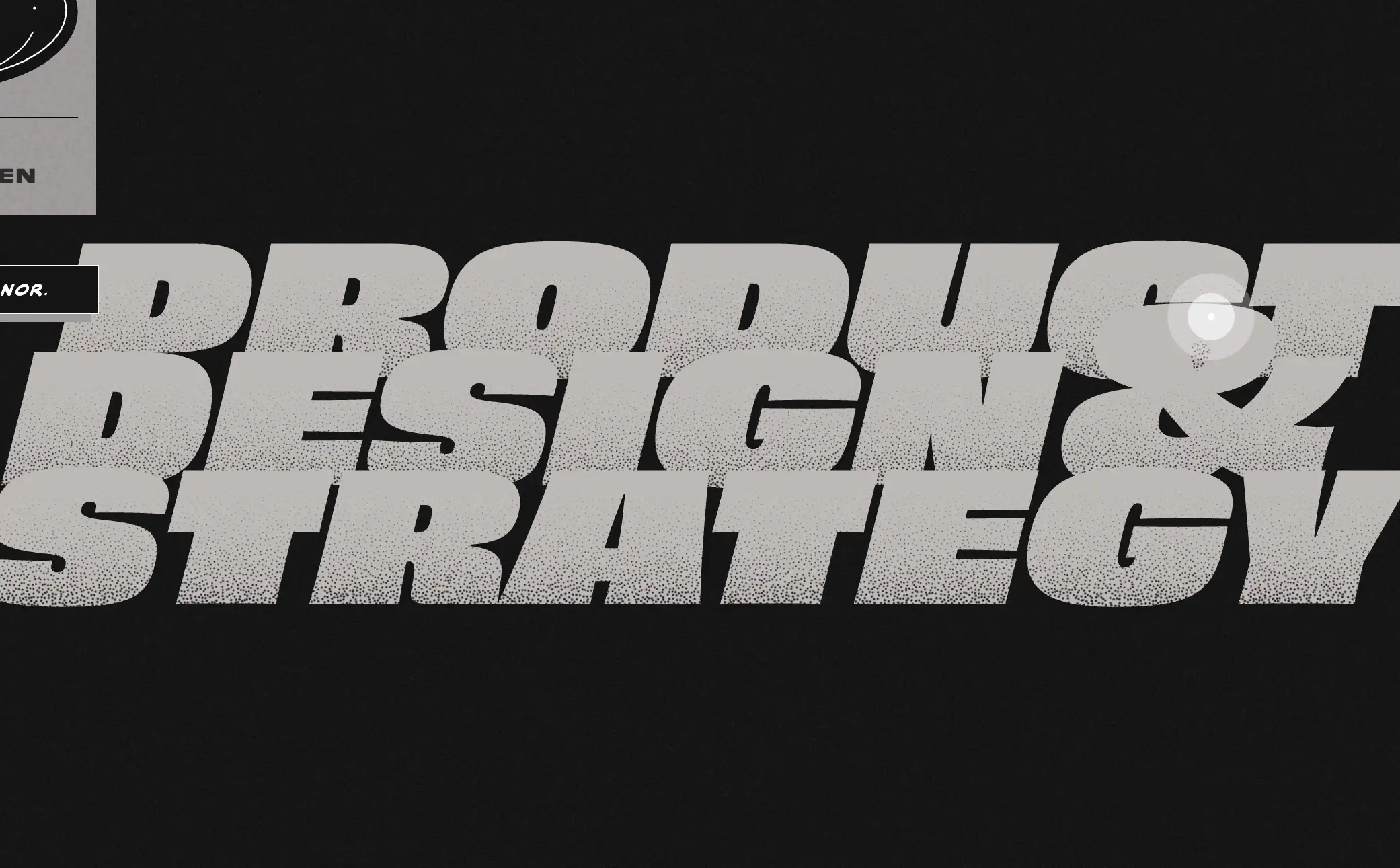
Image by Connor O’Halloran
2. Alice Lee
As an illustrator, Alice Lee brings her artwork to life through a thoughtfully designed portfolio website. Her homepage features subtle and restrained animations, adding a light, playful, and memorable interactive touch to the browsing experience without disrupting the overall visual harmony.
What makes it successful:
This design not only cleverly showcases her technical skills but also allows her vibrant and imaginative illustrations to take center stage against a clean white background. The layout is simple yet far from dull, lively without being overwhelming, ensuring that the artwork itself remains the true focal point. After all, who wouldn’t be drawn to a website design that balances creativity and elegance so effortlessly?
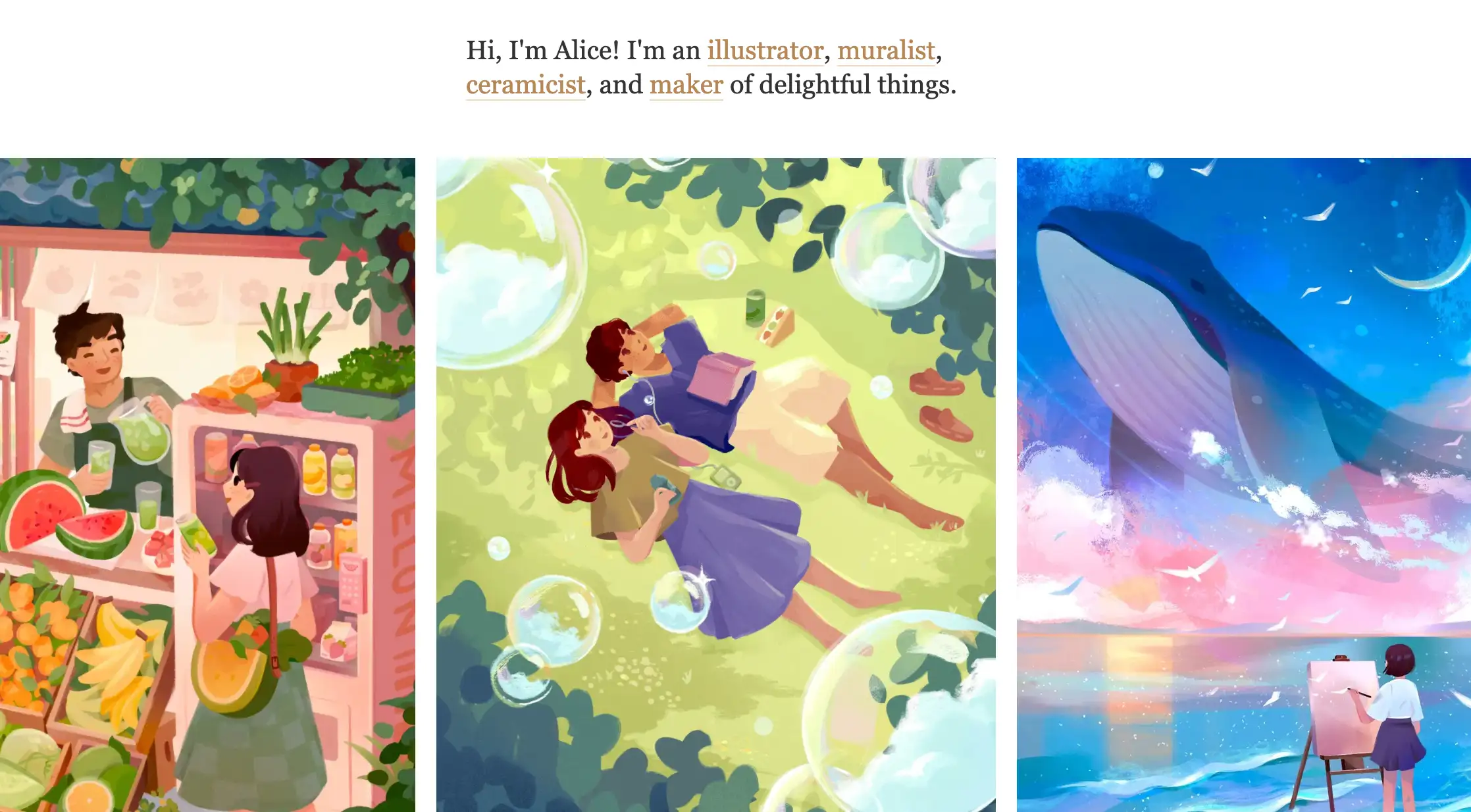
Image by Alice Lee
3. Gabriel Valdivia
Gabriel Valdivia is a New York–based product designer with an impressive client roster, including well-known brands such as Google, Facebook, and Patreon. His portfolio showcases high-quality design work, providing visitors with a clear insight into his extensive experience and strong expertise in user-centered design.
On his website, each project page clearly outlines his role, the project objectives, and the measurable impact achieved. It also includes intuitive product demonstrations. This structured presentation not only strengthens the credibility of each case study but also helps potential clients quickly understand the value he brings.
Additionally, the site features testimonials from clients, partners, and colleagues. These third-party endorsements enhance overall credibility, reinforce his professional reputation, and help build trust with prospective clients. It is one of the best portfolio website examples.
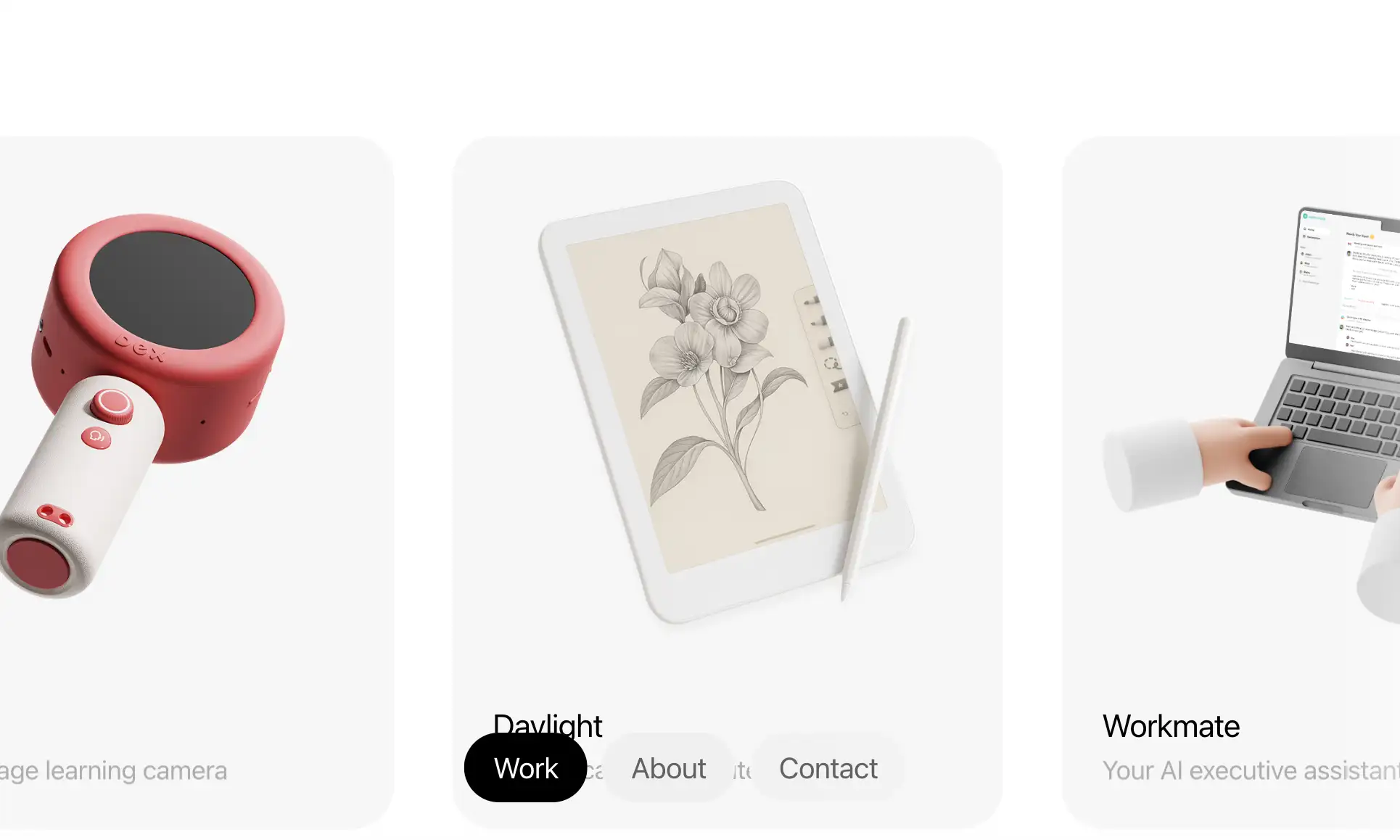
Image by Gabriel Valdivia
How to Create Your Portfolio Website with Wegic (Zero Coding Required)
After looking at those stunning examples, you might be thinking: "I don't have the time or coding skills to build something like that." Traditionally, you’d be right. You would have to dig through hundreds of portfolio website templates, spend hours adjusting margins, and struggle with mobile formatting.
But the game has changed. Wegic can help you to solve all problems with chat! Here is my exact process and how you can replicate it:
Step 1: Start a Conversation
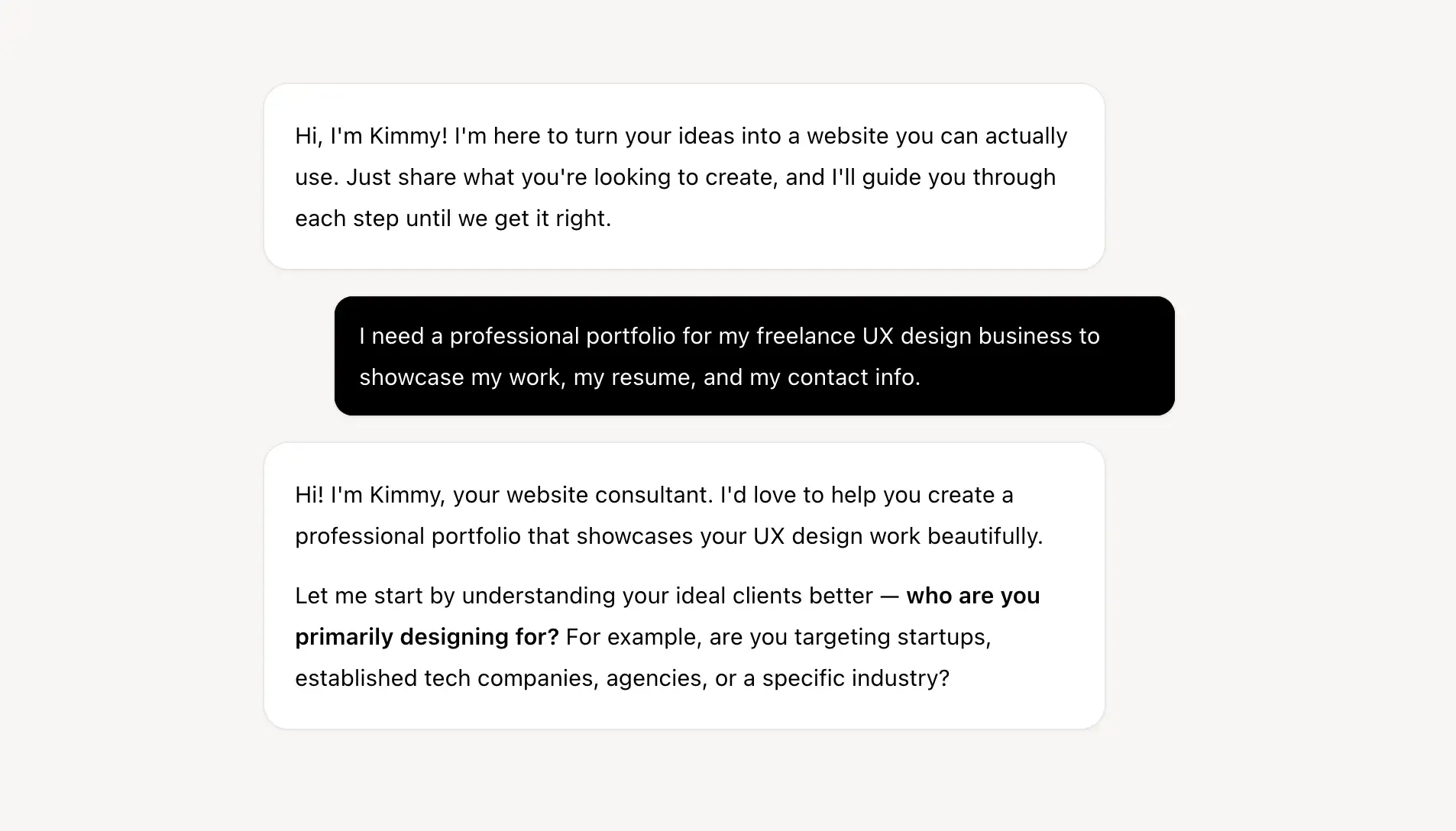
Instead of facing a blank canvas, you can simply click "Create new website" and chat with Kimmy, Wegic's interactive AI assistant. Let's get started!
If we simply typed: "I need a professional portfolio for my freelance UX design business to showcase my work, my resume, and my contact info." Kimmy will not rush to give you the whole website design. This little guy will ask a series of questions about your website design and goals.
Step 2: AI builds the website in minutes!
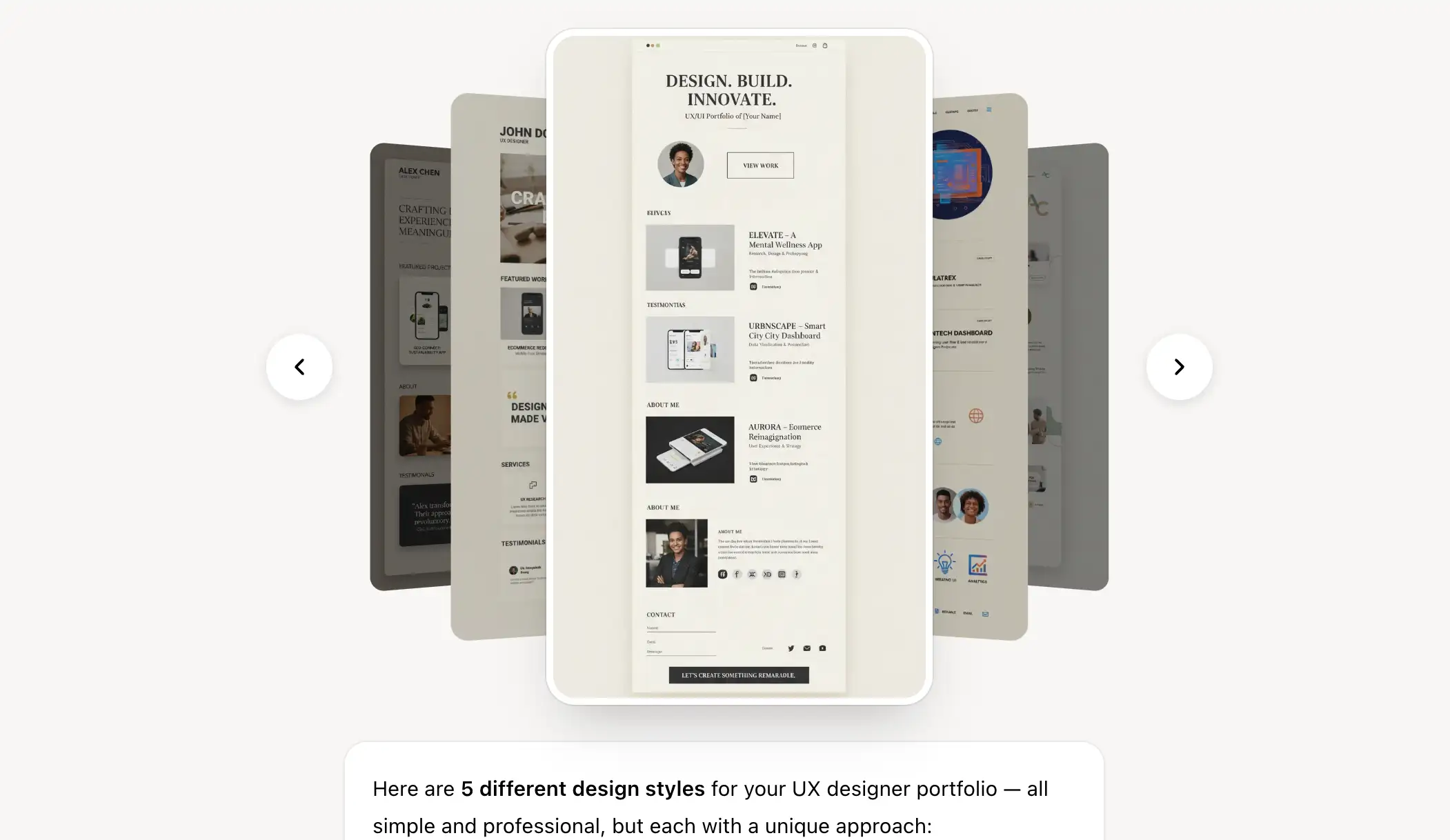
Within minutes, Wegic didn't just give us a single page. It understood the business needs and generated a complete, multi-page website featuring "Home," "About," and "Portfolio" sections. Every page was already fully mobile-responsive, ensuring that potential clients browsing on their phones would have a flawless experience.
Isn't that amazing? What surprises me is that Wegic gives me multiple options! It definitely can help you build a personal portfolio website! Instead of spending hours deciding where to place sections like “About,” “Case Studies,” or “Contact,” the AI automatically structured everything based on best practices for UX portfolios. The navigation was clear, the hierarchy made sense, and the visual balance felt intentional — not random.
Step 3: Ask for Tweaks Naturally
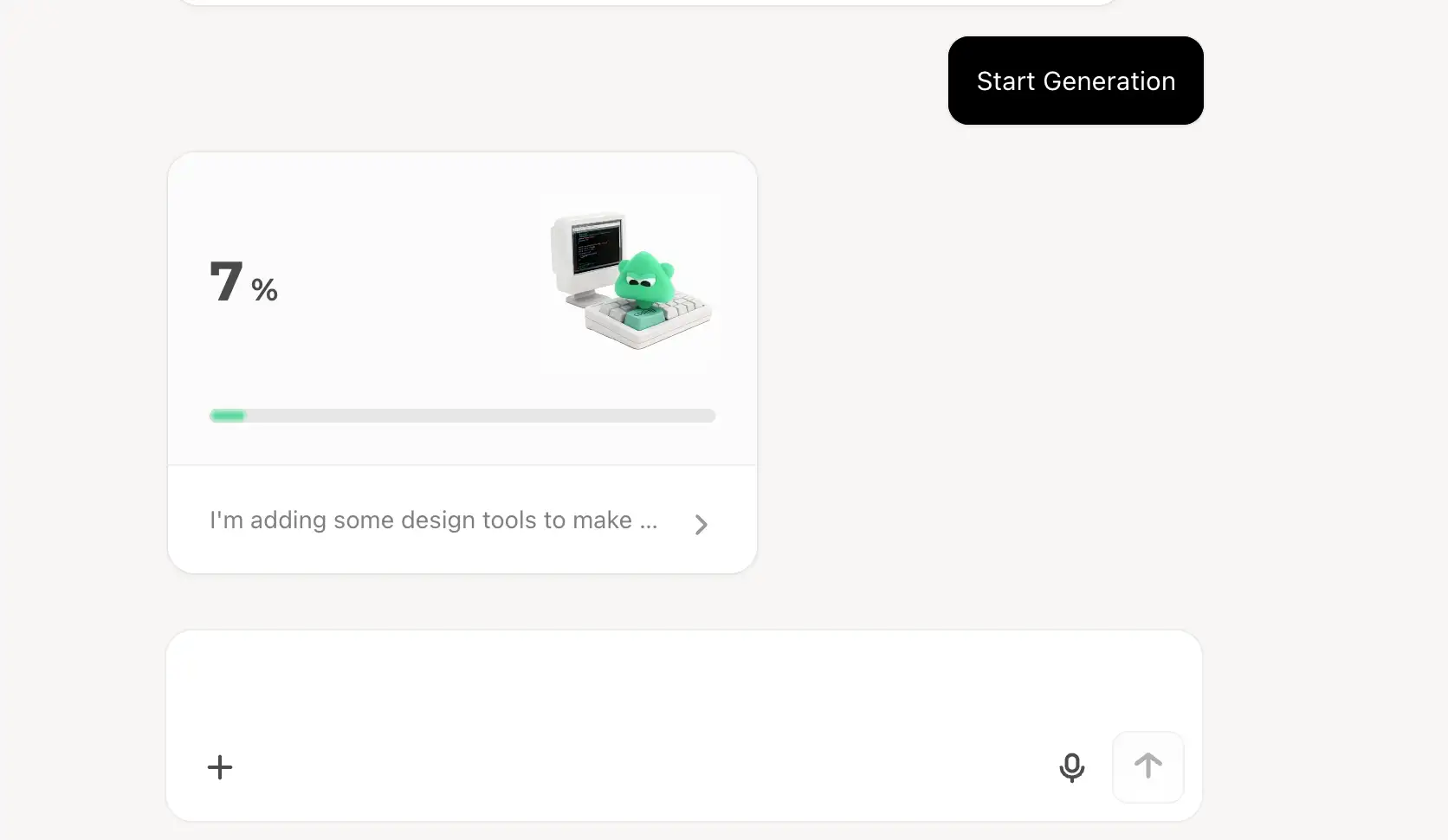
One of the biggest differences between Wegic and traditional builders is how edits happen. If you didn’t like the font choice or the design. Normally, that would mean digging through typography settings, checking font weights, previewing changes, and possibly touching CSS.
In Wegic, you can simply type:
“Make the headings bolder and change the primary accent color to neon green.”
Within seconds, the site updated across all relevant sections. Headings became more impactful, and the new accent color instantly reshaped the brand tone of the portfolio.
No panels.
No hunting through design tabs.
No breaking the layout by accident.
You describe the change — the AI executes it. It feels less like editing a website and more like giving direction to a designer.
Step 4: Publish Instantly
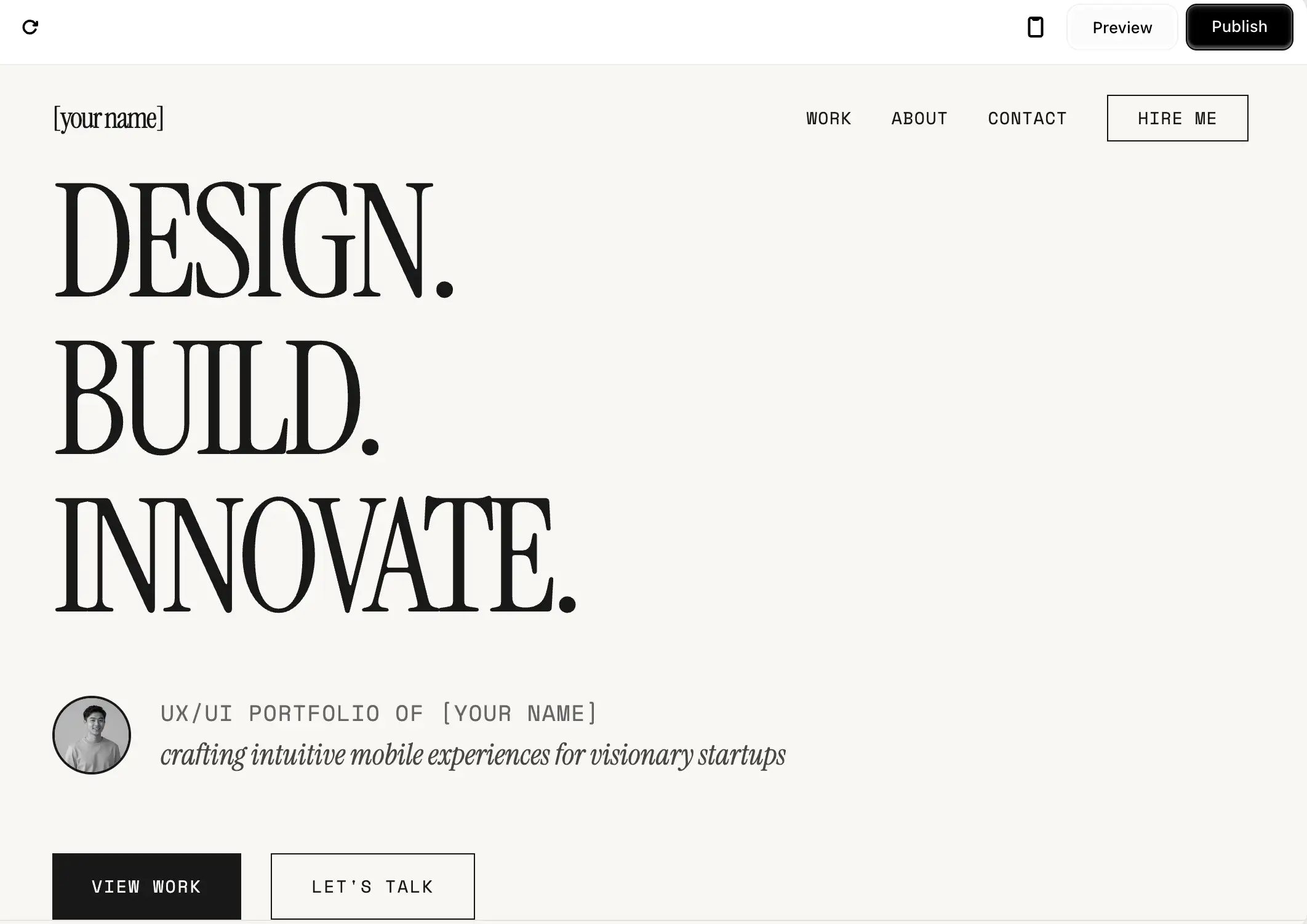
Once we were satisfied with the layout and styling, publishing was effortless. There were no complicated deployment steps, no external hosting configuration, and no domain setup headaches. You can simply click publish, and the site will go live.
Wegic even handles the backend infrastructure, which means free website hosting is included straight out of the box. You don’t need to think about servers, performance optimization, or technical setup.
From a blank screen to a live URL in under five minutes. For small business owners, freelancers, or founders who care about speed and results, that time savings isn’t just convenient — it’s strategic. Instead of spending days building, you can start sharing, promoting, and attracting clients almost immediately. You can bring the inspiration from those portfolio website examples and tell Wegic to build the website immediately! What are you waiting for? Click the image below to start with Wegic!
Picture link: https://wegic.ai/
Essential Tips for your personal portfolio website
If you want your site to actually win your jobs and automate your growth, keep these data-backed tips in mind:
Focus on Quality over Quantity: You don't need to show every project you've ever done. clients prioritize deep, detailed case studies over a massive gallery of uncontextualized images. Show your top 3-4 projects and explain the business results you achieved.
Prioritize the "About" Page:
Your site is a core pillar of yours. Include a professional photo and a brief story about why you do what you do.
Make Contacting You Frictionless:
If a client has to search for your email, you’ve lost them. Put a CTA (Call to Action) in your top navigation menu and at the bottom of every case study.
Conclusion
A great portfolio is no longer an optional luxury. It is the ultimate growth engine for your independent business.
The barrier to entry has never been lower. You no longer need to learn code, hire an expensive developer, or spend weeks updating layouts. With an AI website growth system like Wegic, you have a virtual team ready to design, build, and optimize your online presence.
Ready to let AI help your business grow? Click here to start with Wegic together!
FAQs
What makes a good personal portfolio website?
A good personal portfolio website acts as a business tool rather than just an art gallery. It combines clear navigation, high-quality visuals, and detailed case studies that explain your problem-solving process and the value you bring to clients. Check the Top 3 portfolio website examples and get some inspiration!
Should college students have a portfolio website?
Absolutely. A student portfolio website helps you stand out in a competitive job market. It allows you to showcase university projects and internships in a professional format, acting as a dynamic extension of your resume. Try to search for some portfolio website examples for students; we can always learn from others.
Do I need coding skills to build a portfolio?
Not anymore. While traditional methods required coding knowledge, modern AI growth systems like Wegic allow you to create, manage, and update multi-page, mobile-responsive websites entirely through simple natural language conversations. If you don't want to chat with Kimmy, Wegic also provides multiple templates for you!
撰写者
Kimmy
发布日期
Mar 10, 2026
分享文章
阅读更多
我们的最新博客
Wegic 助力,一分钟创建网页!
借助Wegic,利用先进的AI将你的需求转化为惊艳且功能齐全的网站
使用Wegic免费试用,一键构建你的网站!