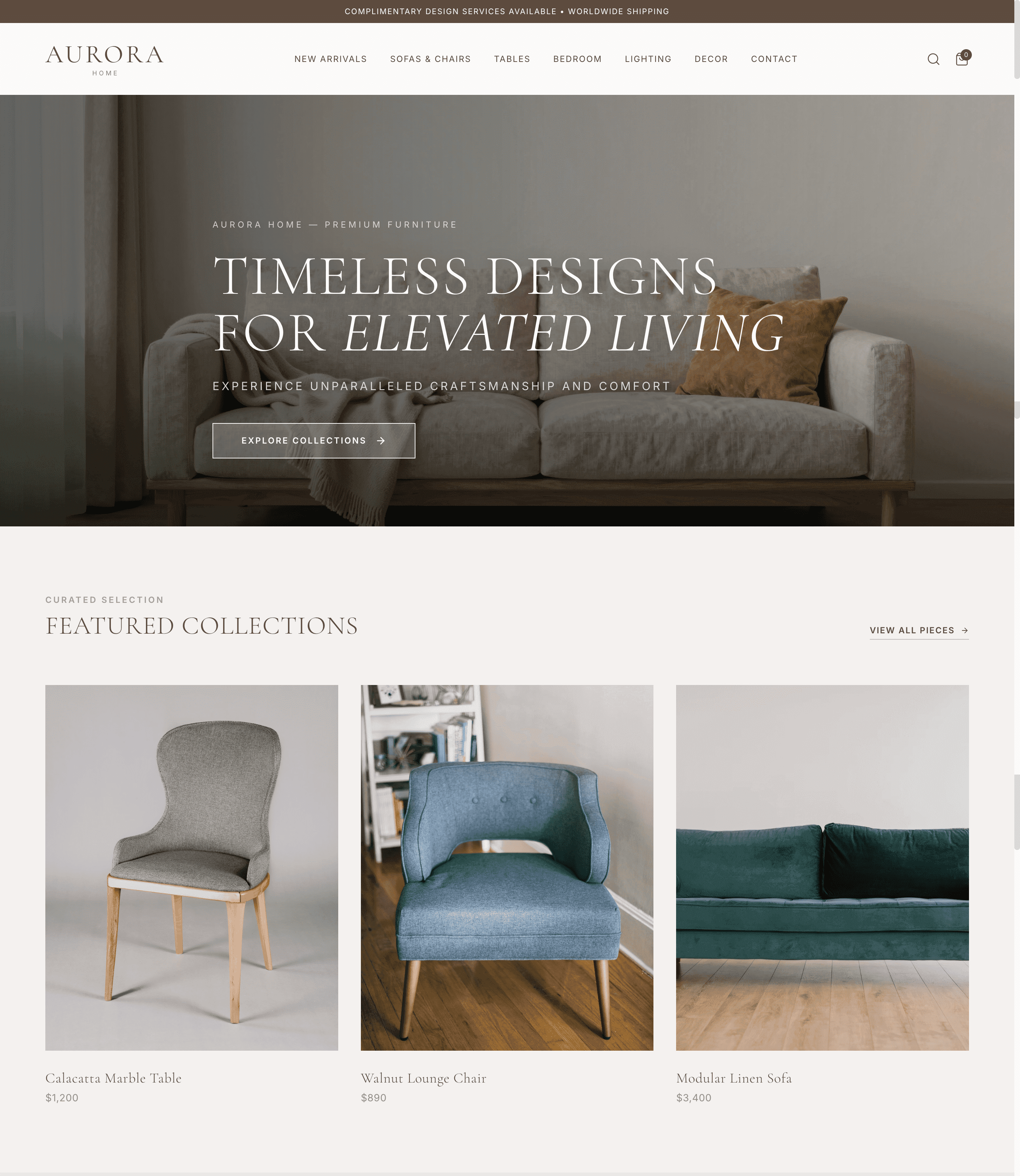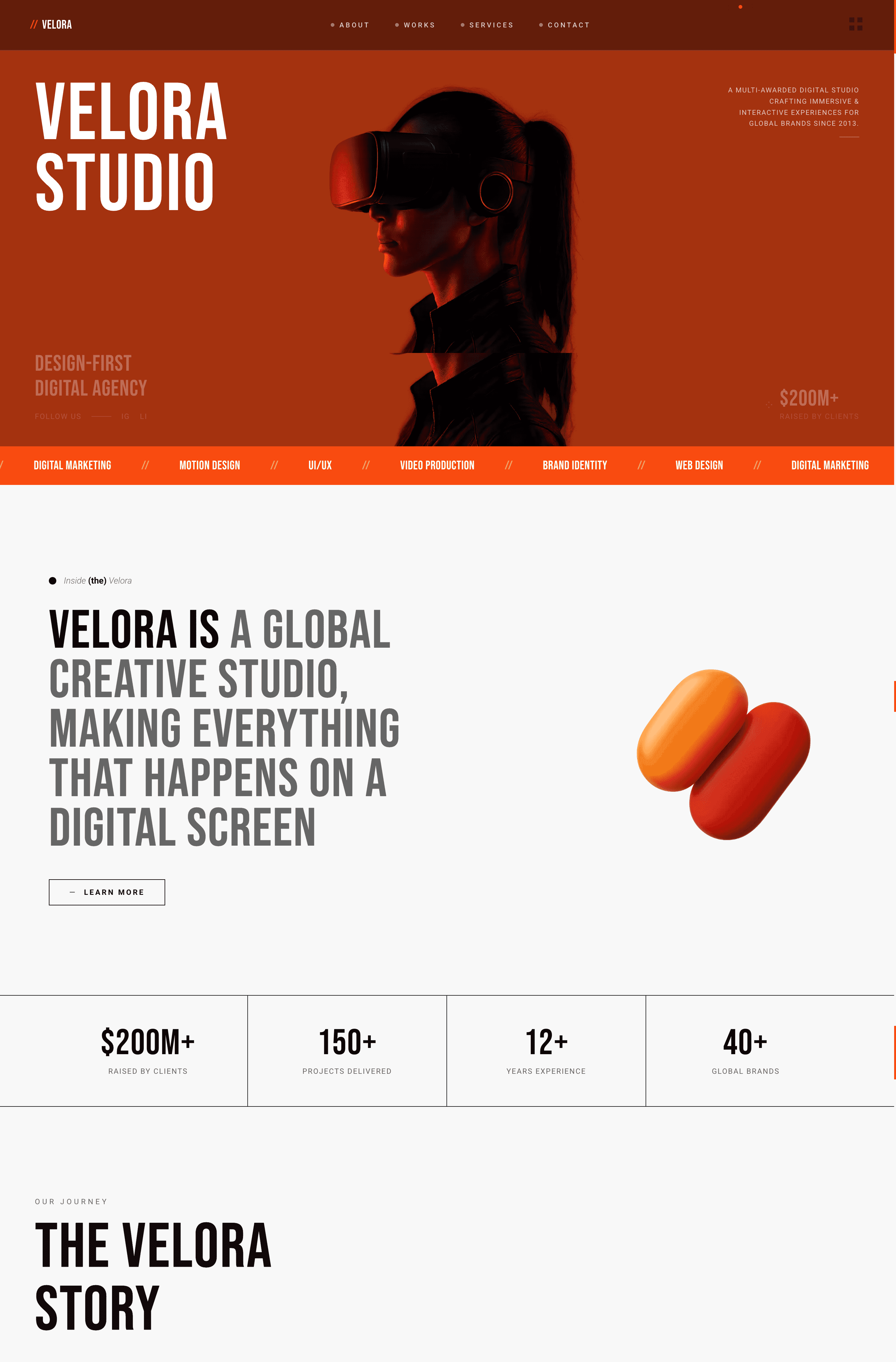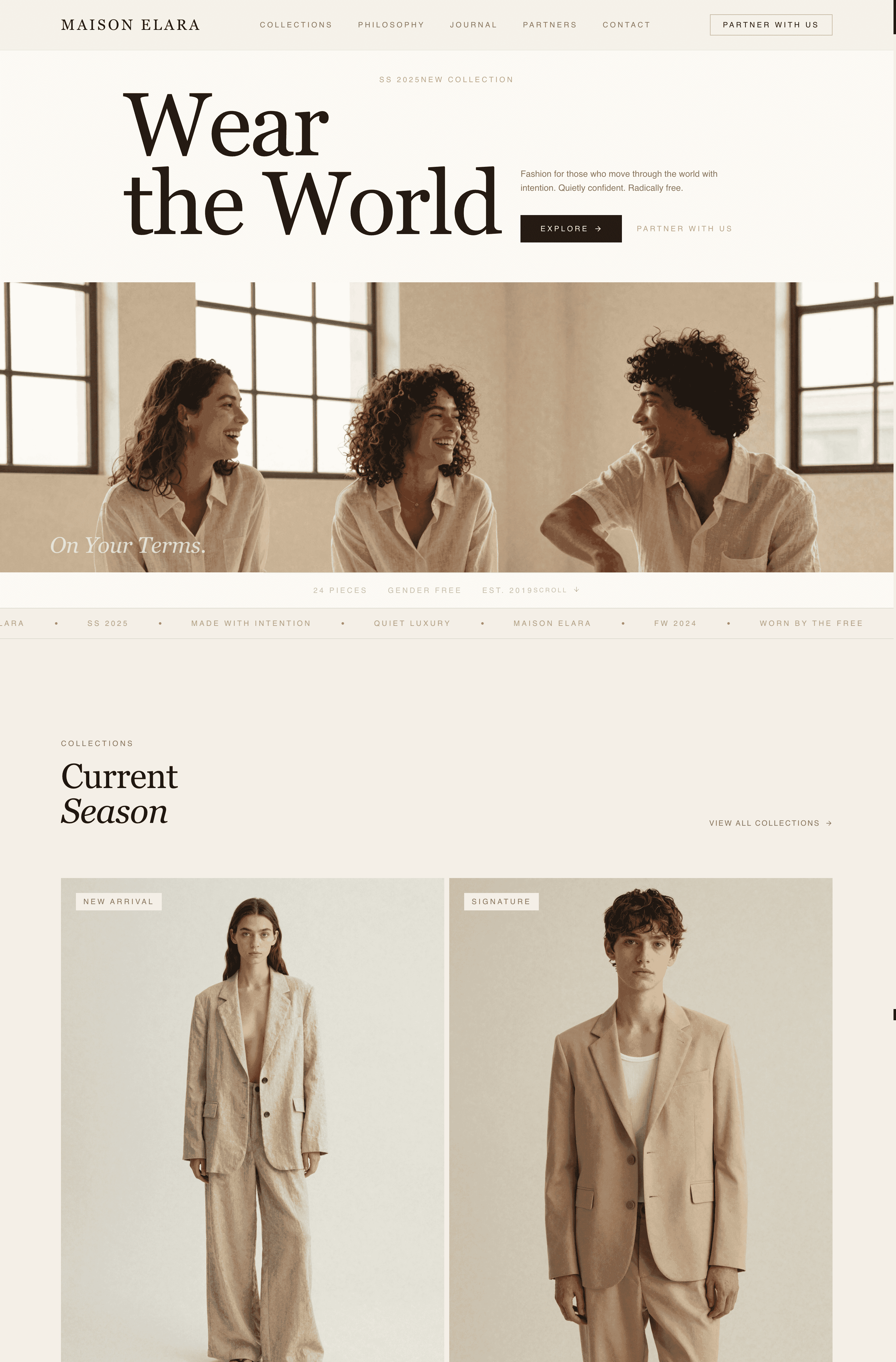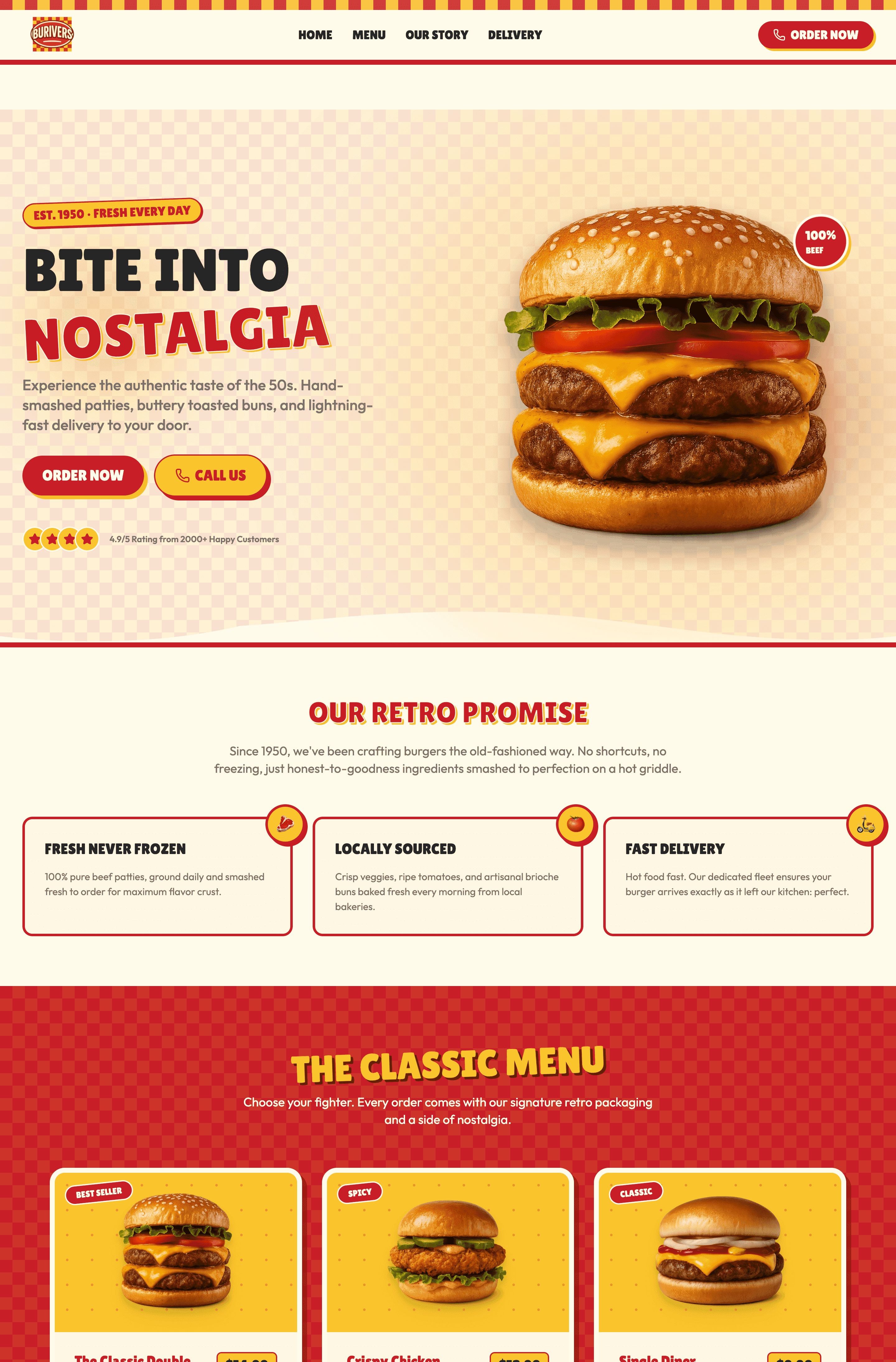
The 10 most effective layout types in 2026: grid, F-pattern, Z-pattern, hero image, split-screen, card-based, magazine, asymmetric, single-page, and parallax. A website layout is the structural blueprint deciding where every element lives, and it directly affects whether visitors stay or bounce. You don't need a developer or a design degree to build any of these layouts. Wegic lets you describe your vision verbally and generates a fully responsive, professional website in minutes.
Why Your Website Layout Is the Most Important Design Decision You'll Make
Pick the wrong layout, and your visitors will leave before reading a single word. Pick the right one, and the same content converts browsers into buyers.
That's not an exaggeration. Layout controls where the eye goes, what gets noticed, and what gets ignored. It's the invisible hand guiding every visitor through your site, and most people never consciously notice it when it's working well.
The following 10 best website layout examples you'll actually encounter in the wild, explains the psychology behind why each one works, and shows you which type fits your specific goals.
The 10 Best Website Layout Examples (With Real-World Breakdowns)
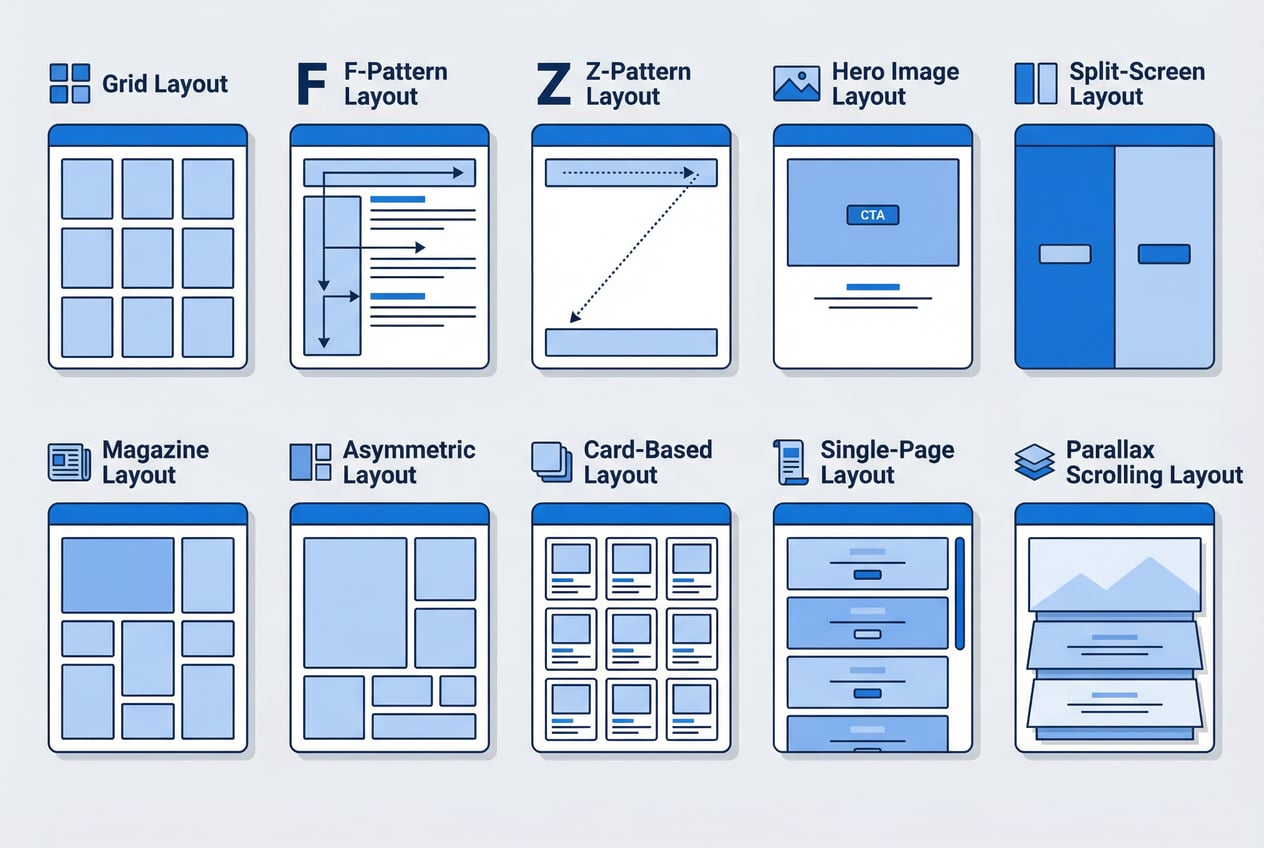
This list breaks down the 10 best website layout examples you'll actually encounter in the wild, explains the psychology behind why each one works, and shows you which type fits your specific goals. Whether you're building a portfolio, an online store, a SaaS landing page, or a personal branding website, there's a layout here that's right for you.
Grid Layout
- Best for: E-commerce, blogs, news platforms, portfolios
If you've ever shopped on ASOS, scrolled through Dribbble, or read The Verge, you've experienced a grid layout.
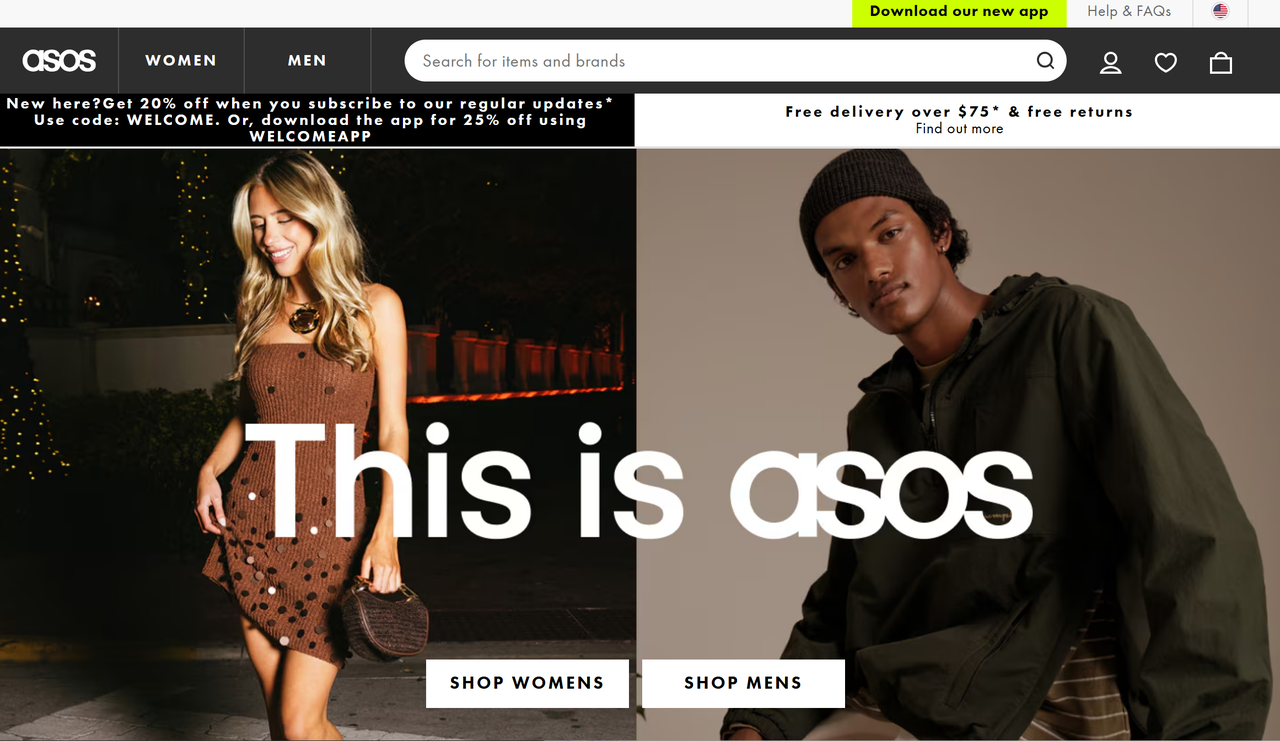
Grid layouts come in several flavors. A column grid splits the page into vertical columns (typically 3–12), keeping text, images, and interactive elements visually aligned. A modular grid uses blocks customizable per content type. It's great for mixed media. A fluid grid scales proportionally across screen sizes, which is why it's the backbone of most modern responsive designs.
F-Pattern Layout
- Best for: Blogs, long-form content, e-commerce product listings, news sites
Nordstrom's product listing pages are a textbook F-pattern implementation.
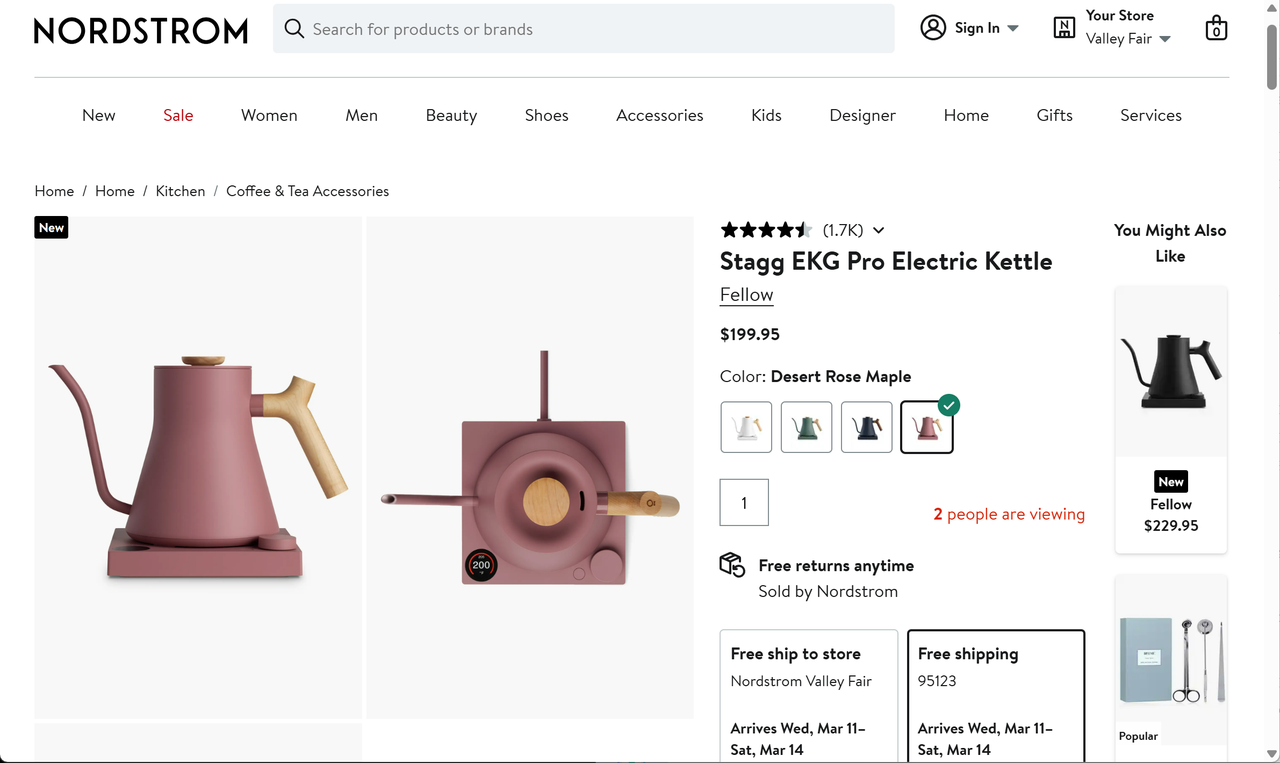
The F-pattern layout is built around this reality. It front-loads the most important content along the top horizontal bar and left vertical axis, putting your headline, key value proposition, and primary CTA exactly where the eye naturally travels.
Z-Pattern Layout
- Best for: Landing pages, homepages, product marketing pages, sign-up pages
Teslal uses Z-pattern logic on their landing pages. The logo sits top-left. Navigation sits top-right. The hero message cuts diagonally through the center. The CTA lands bottom-right.
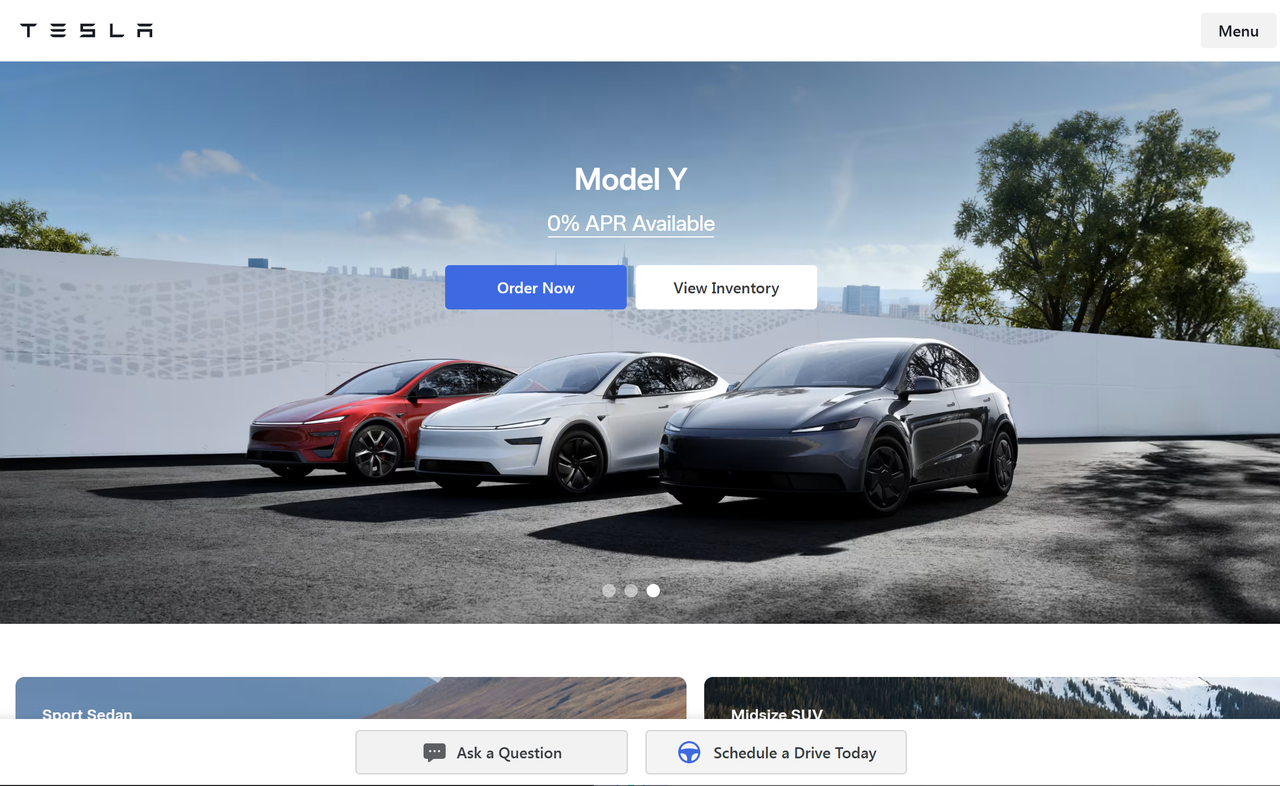
The Z-pattern works differently from the F-pattern. Instead of text-heavy scanning, it guides the eye in a Z-shape across a more open, visually driven page: top-left → top-right → diagonal down → bottom-right.
Hero Image Layout
- Best for: Homepages, landing pages, brand storytelling, product launches
A hero layout places a large, full-width image or video at the top of the page — immediately establishing mood, brand identity, and context before the visitor reads a single word. Below the hero, content flows in a clean, structured format.
Card-Based Layout
- Best for: E-commerce product pages, blog listings, portfolio galleries, app dashboards
Pinterest popularized the masonry variant of card layouts, where cards of varying heights fill the grid without distinct rows.
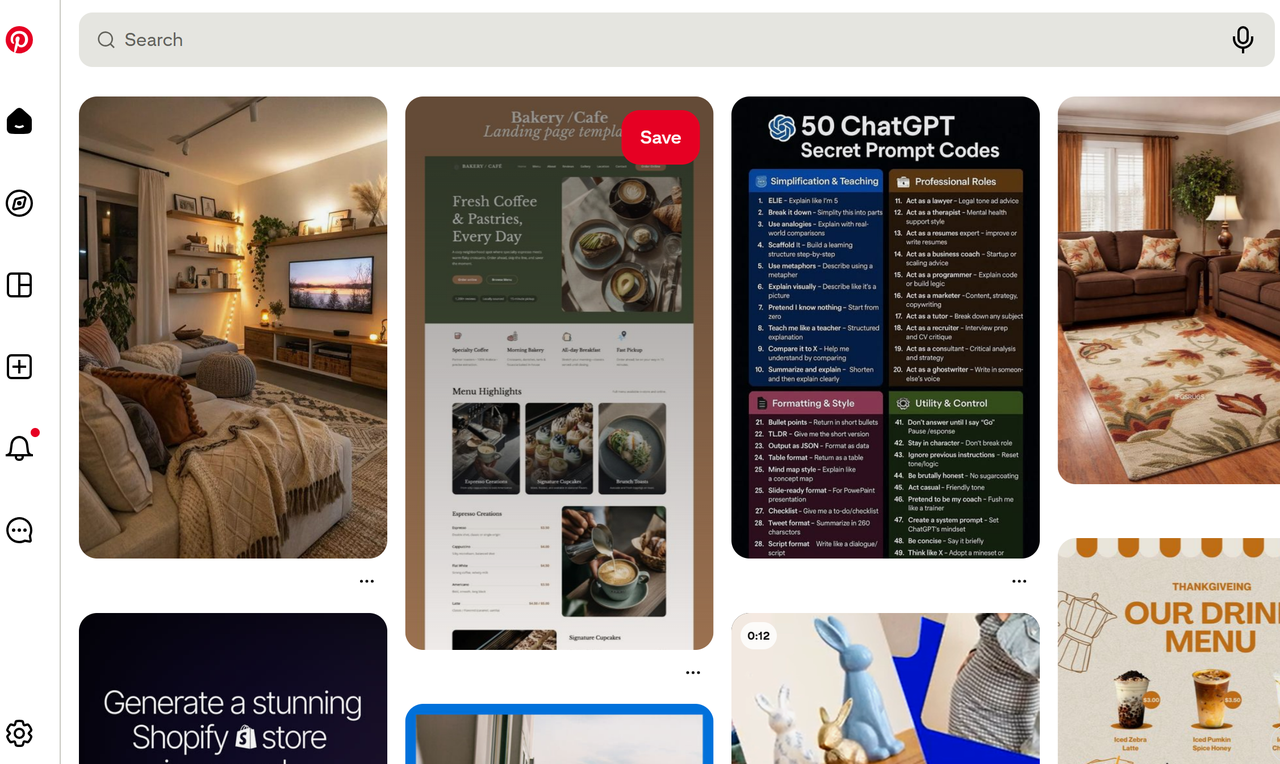
A card layout organizes content into self-contained rectangular units, each typically holding an image, a title, and a brief description. The format lets visitors browse multiple options at a glance without committing to any single one.
Split-Screen Layout
- Best for: Businesses with two distinct offerings, sign-up pages, comparison pages, creative agencies
Split-screen layouts divide the page into two equal (or near-equal) halves, each presenting distinct content. The visual tension between the two sides creates immediate interest and communicates duality — two products, two audiences, two services — without requiring the visitor to navigate anywhere.
Magazine Layout
- Best for: News publications, lifestyle brands, media companies, content marketing hubs
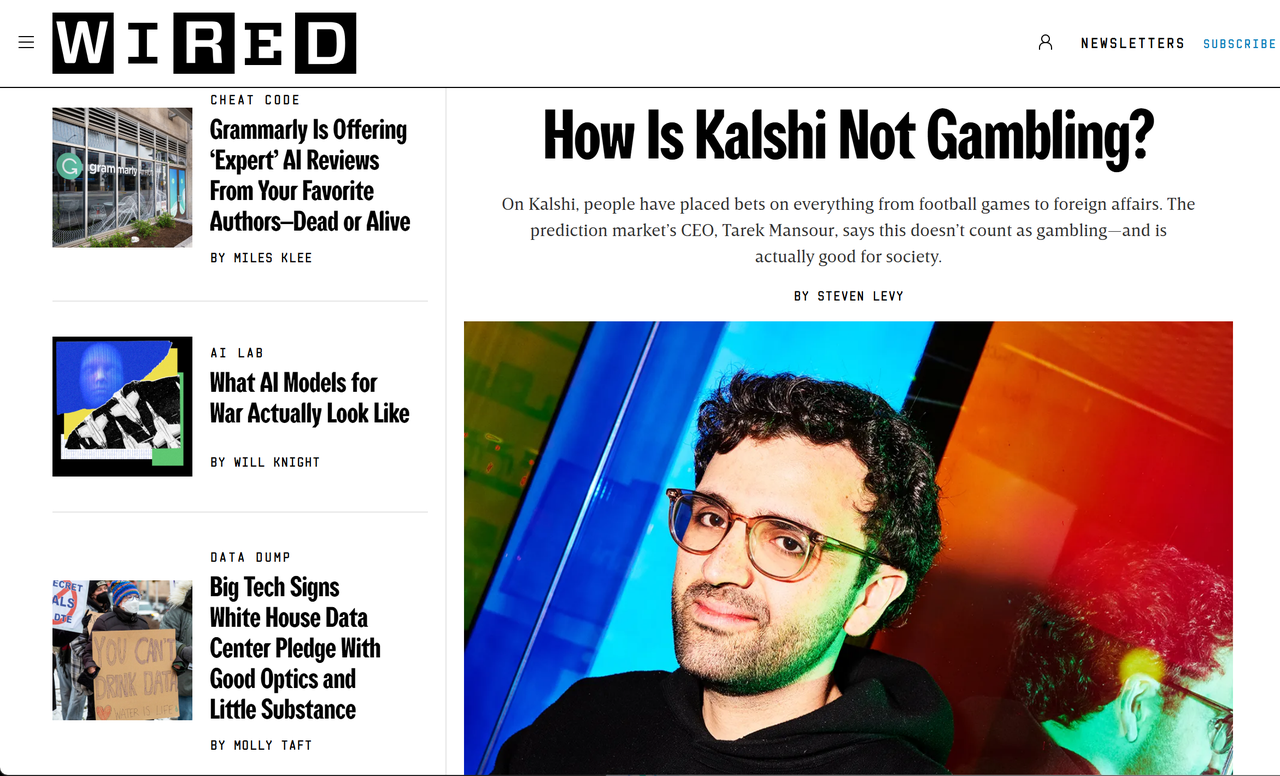
Magazine layouts combine the F-pattern with a complex, multi-column grid to present diverse content types — articles, images, videos, featured stories — in a visually dynamic arrangement. The goal is controlled richness: the layout feels editorial and curated, not chaotic.
Single-Page Layout
- Best for: Startups, product launches, event pages, freelancer portfolios, interactive storytelling
Single-page layouts consolidate all content into one scrollable page, using smooth navigation anchors to jump between sections. There are no page loads, no navigation friction, no dead ends. The entire experience flows from top to bottom like a well-told story.
Asymmetric Layout
- Best for: Design agencies, creative portfolios, fashion brands, innovative startups
The FigJam product page is a great example: its asymmetrical sections use size and imagery to direct attention to key messages and CTAs
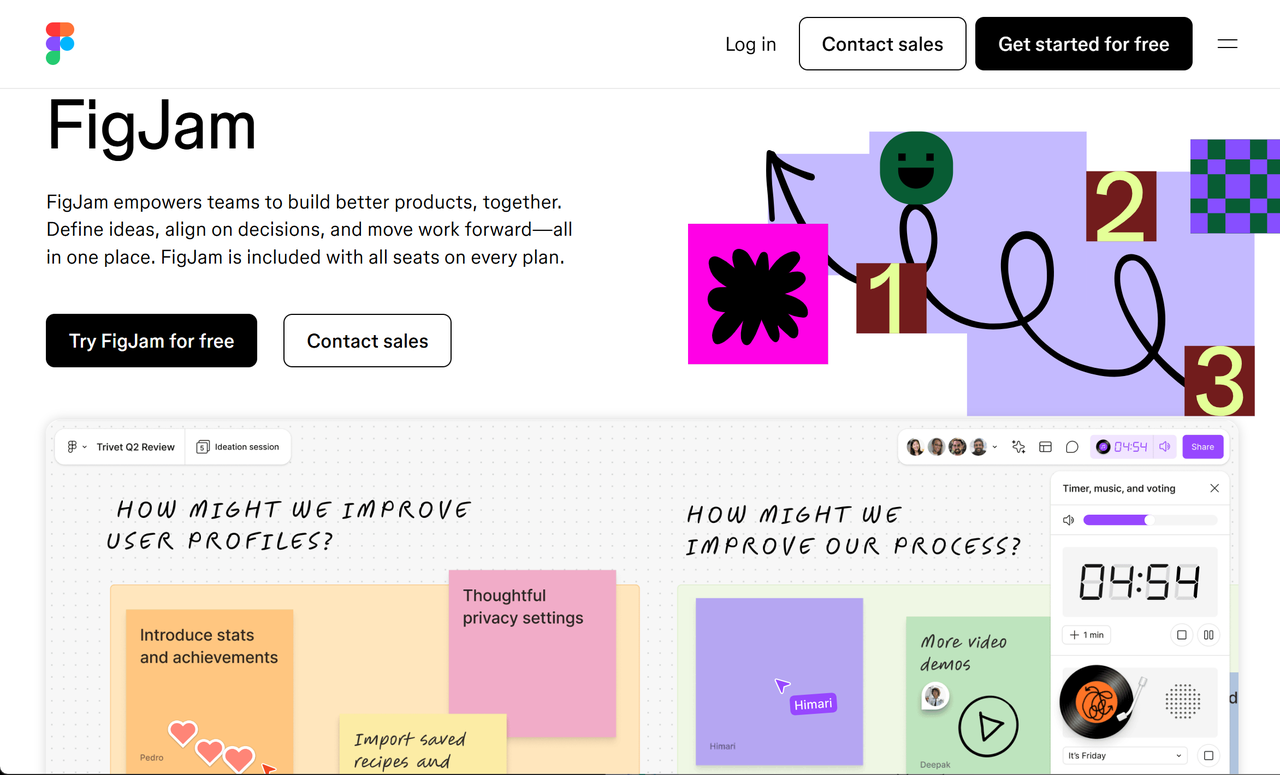
Asymmetric layouts intentionally break the grid, placing elements in unexpected positions to create visual tension and draw attention. Done well, asymmetry feels dynamic and contemporary. Done poorly, it feels like a design accident. The secret to successful asymmetric design is controlled imbalance, using scale, color, and whitespace to create visual weight that compensates for the structural irregularity.
Parallax Scrolling Layout
- Best for: Product showcases, brand storytelling, creative portfolios, interactive experiences
Parallax scrolling creates a sense of depth by moving background elements at a slower speed than foreground content as the user scrolls. The result is an almost cinematic experience — flat screens suddenly feel like they have dimensions.
How to Build Any of These Layouts with Wegic AI
Here's where things get genuinely exciting for anyone who's ever stared at a blank page wondering where to start.
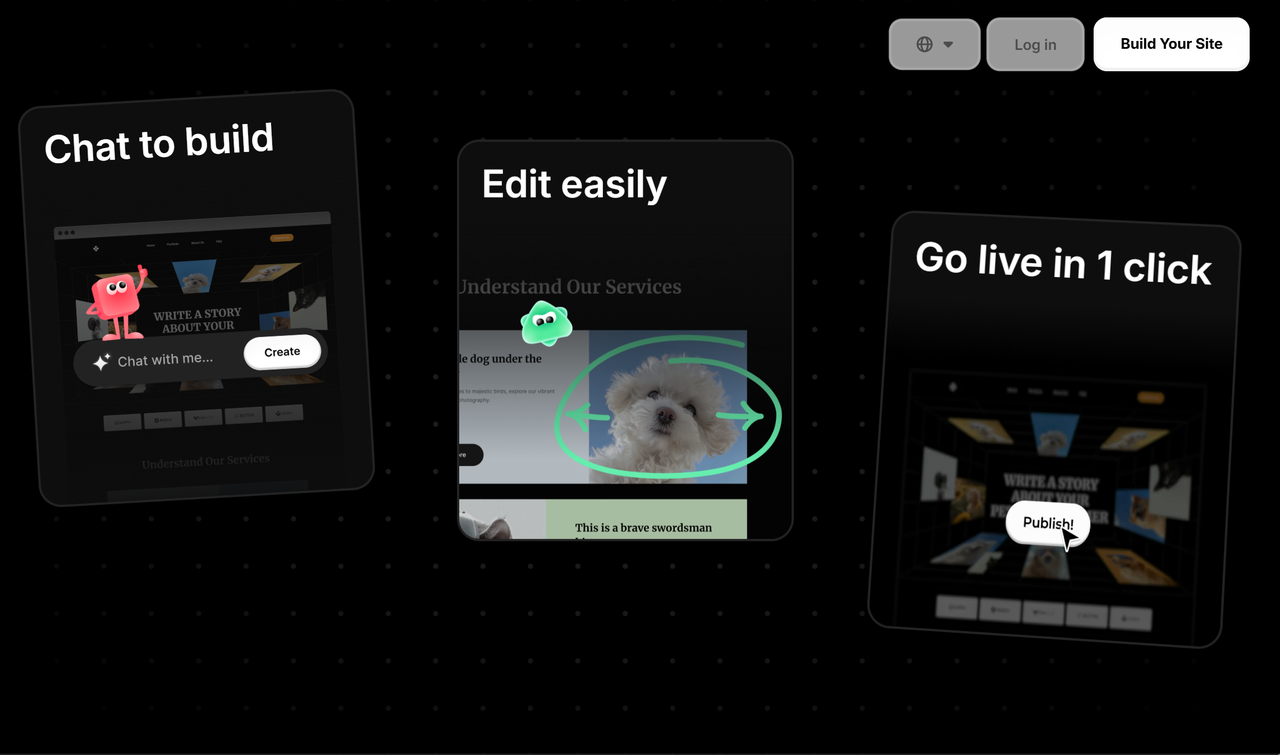
Traditional website builders ask you to pick a template, then spend hours customizing it. Wegic flips that completely. Wegic acts as your AI web designer, developer, and project manager all at once. Here's what the actual process looks like:
Step 1: Start a conversation.
Go to wegic.ai and describe your website. Something like:
I need a portfolio website for a freelance photographer. I want a hero image layout with a full-bleed photo at the top, a card-based gallery section below, and a simple contact form at the bottom.
Step 2: Wegic generates your site.
Within seconds, Wegic produces a complete, multi-page website with the layout structure you described. The AI handles visual hierarchy, spacing, typography, and responsive breakpoints automatically.
Step 3: Refine through chat.
Don't like the color scheme? Tell it. Want the hero image to be a video instead? Say so. Need to swap the card grid for a magazine-style layout? Just ask. Every edit happens through natural conversation.
Step 4: Publish with one click.
When you're happy, hit publish. Wegic handles hosting, SSL certificates, and custom domain setup. Your site is live.
With the AI system, the website building process became much easier. It was simple, quick, and allowed my creativity to flow more freely.
Want to go deeper into web design?
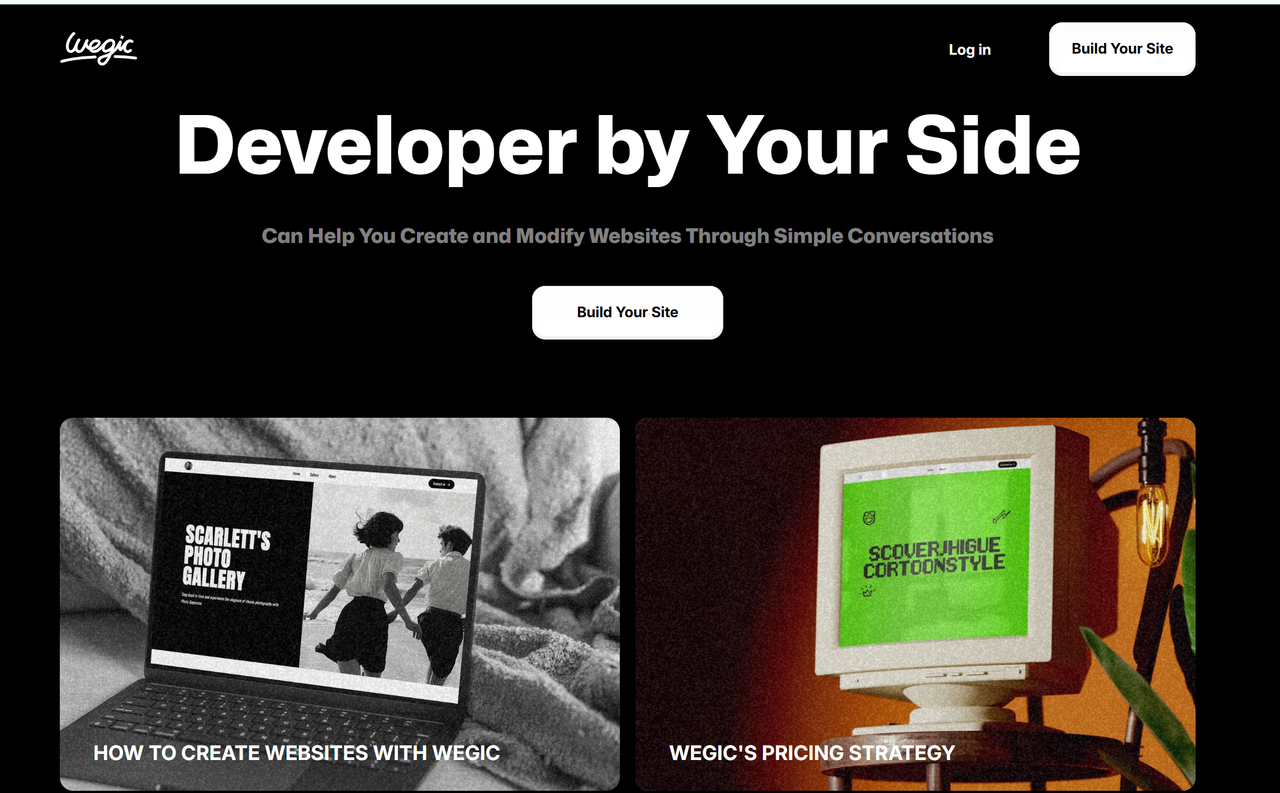
Check out more resources on the Wegic Blog. It coves everything from AI web design trends to step-by-step tutorials for building your first site.
5 Web Design Layout Tips That Separate Good Sites from Great Ones
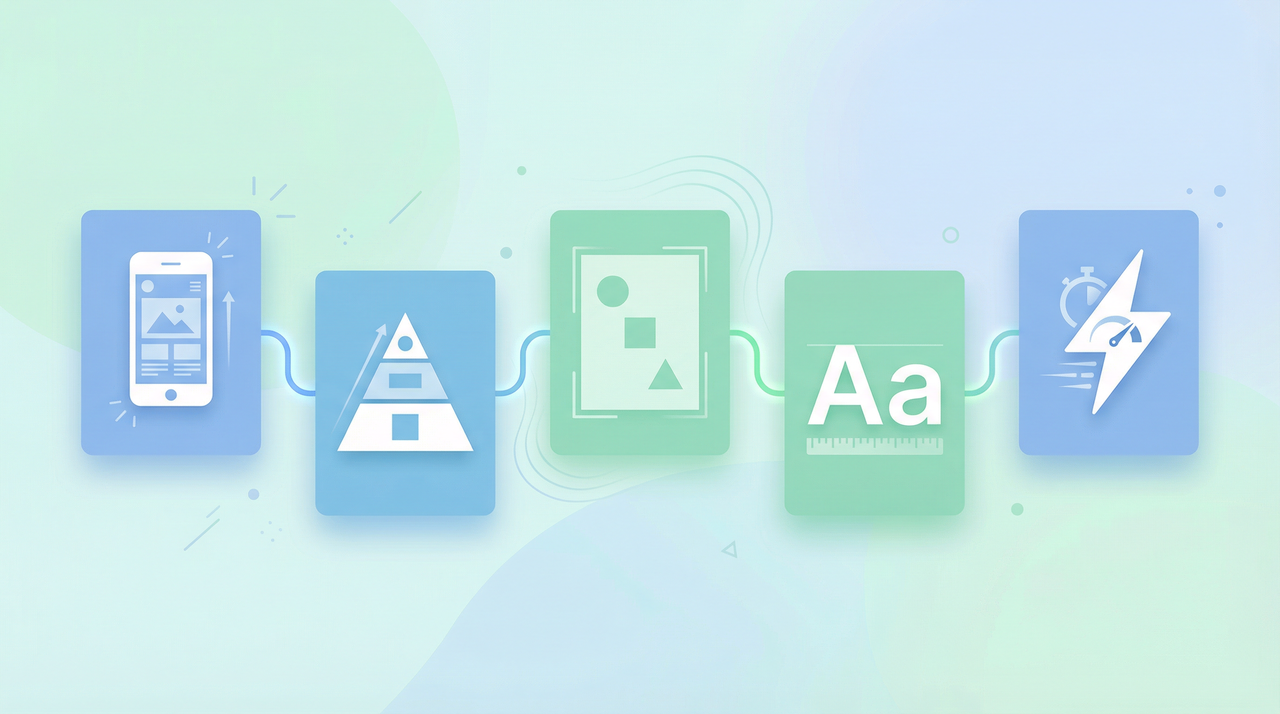
Knowing the layout types is step one. Applying them well is where most sites fall short. These five principles apply regardless of which layout you choose.
Tip 1: Design Mobile-First, Always
Forbes Advisor shows that 62.73% of global web traffic coming from mobile devices as of Q1 2025. Designing for desktop first and then "shrinking it down" is a recipe for a broken mobile experience. Start with the smallest screen, establish your content hierarchy there, then expand upward.
Tip 2: Use Visual Hierarchy to Guide the Eye
Not everything on your page is equally important. Your layout should make that obvious. Use size, color, contrast, and whitespace to signal what matters most. The CTA button should stand out from the background. The most important content should appear before the fold. If everything looks equally important, nothing is.
Tip 3: Whitespace Is Not Wasted Space
Crowded layouts feel cheap and overwhelming. Generous whitespace feels premium and confident. Don't fill every pixel. Leave room for the design to work.
Tip 4: Commit to Typographic Consistency
Your font choices and text hierarchy communicate brand personality before anyone reads a word. Pick two fonts — one for headings, one for body text — and stick to them across every page. Establish a clear size scale (H1 > H2 > H3 > body) and never deviate.
Tip 5: Accessibility Is Not Optional
According to WebAIM's 2025 Million report, 94.8% of home pages have detectable WCAG conformance failures. It's a legal one in many jurisdictions, and it directly impacts your SEO rankings. Ensure sufficient color contrast, use descriptive alt text on images, make sure your layout works with keyboard navigation, and test with a screen reader.
Choosing the Right Layout
Not sure which layout fits your project? Run through these five questions:
Your Situation Recommended Layout Single CTA, minimal text Z-pattern or Hero Image Lots of content to browse Grid or Card-Based Sparse content, focused story Single-Page Two equal offerings or audiences Split-Screen Visually driven brand or portfolio Gallery, Asymmetric, or Parallax News, blog, or media publication Magazine or F-Pattern Creative agency or fashion brand Asymmetric or Grid-Breaking Mobile-first audience Single-Column or Card-Based
Most real-world websites combine multiple layouts across different pages: a hero layout on the homepage, a card-based layout for the blog, an F-pattern for individual articles.
Your Layout Is Your First Impression
The 10 layout types in this article represent the full spectrum of modern web design, from the reliable utility of grid systems to the immersive drama of parallax scrolling.
Now you don't need to be a designer or a developer to put any of these layouts into practice. Wegic makes it possible to go from layout idea to live website in a single conversation. Describe the layout you want, let the AI build it, refine through chat, and publish with one click.
Frequently Asked Questions
What is the most common website layout in 2025?
The grid layout and card-based layout are the most widely used. Grid layouts dominate blogs and content platforms for their simplicity and responsiveness. Card layouts are the standard for e-commerce product pages and any site where users browse a collection of items.
What's the difference between F-pattern and Z-pattern layouts?
Both are based on eye-tracking research, but they apply to different page types. The F-pattern describes how users scan text-heavy pages, reading across the top, then down the left side. The Z-pattern describes how users scan visually-driven pages with minimal text, moving in a Z-shape from top-left to bottom-right. Use F-pattern for content-rich pages; Z-pattern for landing pages and homepages with a single CTA.
Can I combine multiple layout types on one website?
Absolutely. Most professional websites do. A hero layout on the homepage, a card-based layout for the blog, and an F-pattern for individual articles is a very common and effective combination.
How do I make my website layout mobile-friendly?
Design for mobile screens first, then expand for larger devices. Choose layouts that adapt well to narrow screens: single-column, card-based, and alternating layouts all work well on mobile. Avoid layouts that rely on side-by-side elements that can't easily stack vertically. Test on real devices, not just browser simulations.
Do I need a web developer to build these layouts?
Not anymore. AI website builders like Wegic let you describe the layout you want in plain English and generate a fully responsive, professional website without writing a single line of code. You can specify the layout type, content structure, color scheme, and functionality.
What makes a website layout good from an SEO perspective?
A good layout for SEO prioritizes clear information hierarchy, fast load times, mobile responsiveness, and accessible markup. Layouts that use semantic HTML headings (H1, H2, H3), descriptive alt text on images, and logical content flow help search engines understand and index your content more effectively.