Canva has transformed how creatives approach web design, offering a drag-and-drop editor that turns beginners into designers overnight. Reddit users on r/canva frequently discuss these constraints, noting challenges with form integration and search engine visibility. That's where AI-powered website builders like Wegic step in. Wegic combines Canva's design ease with professional features like built-in SEO optimization, unlimited pages, and conversational AI that builds custom sites in under 10 minutes.
With over 100 million users worldwide and a reputation for making design accessible, Canva's website builder has become a go-to for quick, visually appealing one-page sites. According to Statista, while Wix dominates 43% of the global website builder market, Canva carved its niche by prioritizing simplicity and aesthetic templates perfect for portfolios, events, and small businesses. In this article, we'll explore 15 stunning Canva website design examples across categories, then show you how to replicate and enhance them using smarter tools built for 2025.
15 Best Canva Website Examples by Category
Portfolio Website Examples
Elliot Sterling
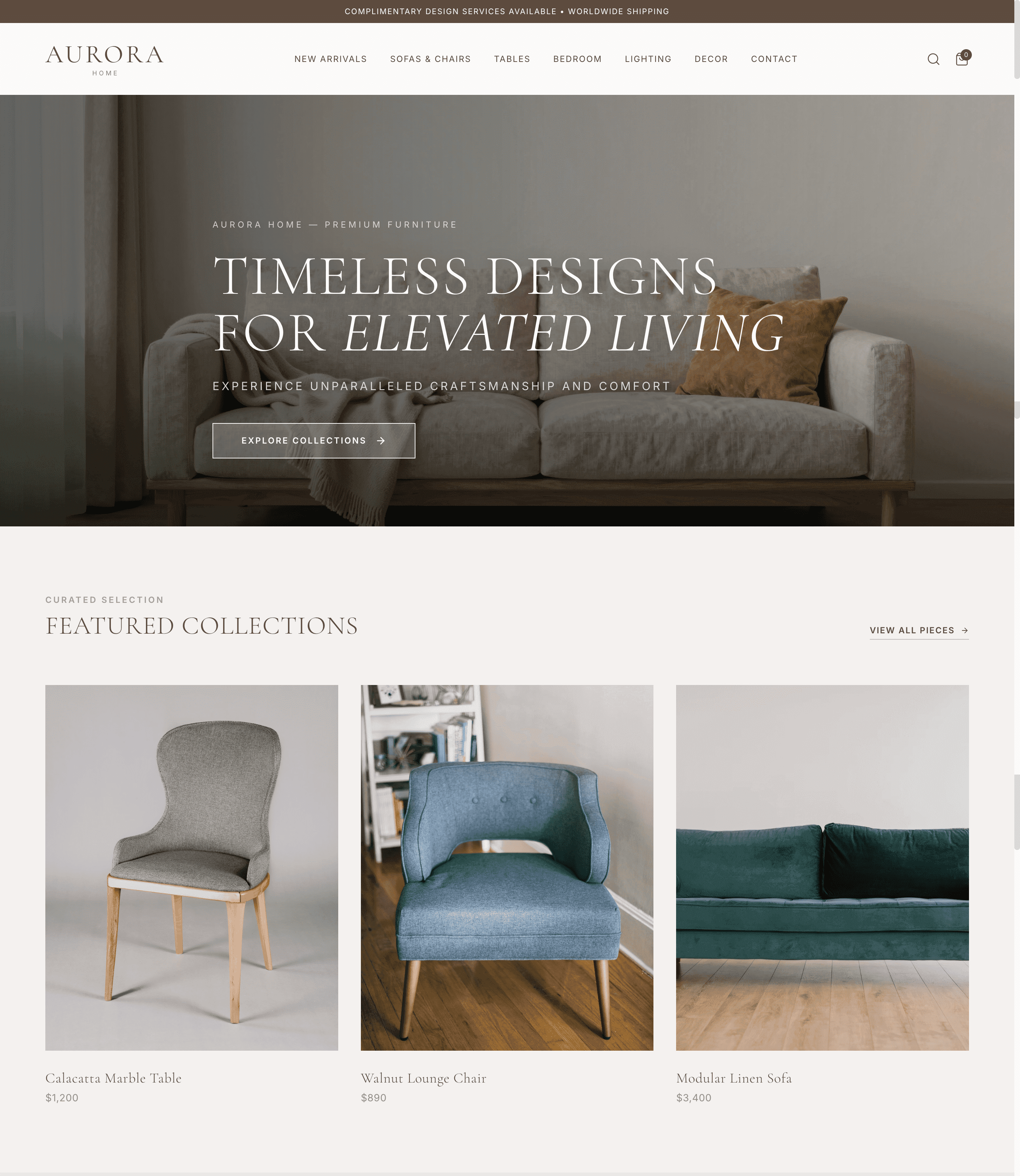
Elliot Sterling's portfolio demonstrates how Canva website templates can showcase creative work effectively. This site features a clean grid layout displaying web, print, and publishing projects with high-resolution images. The monochromatic color scheme with pops of brand color creates visual cohesion, while the single-page scroll keeps navigation intuitive. citation
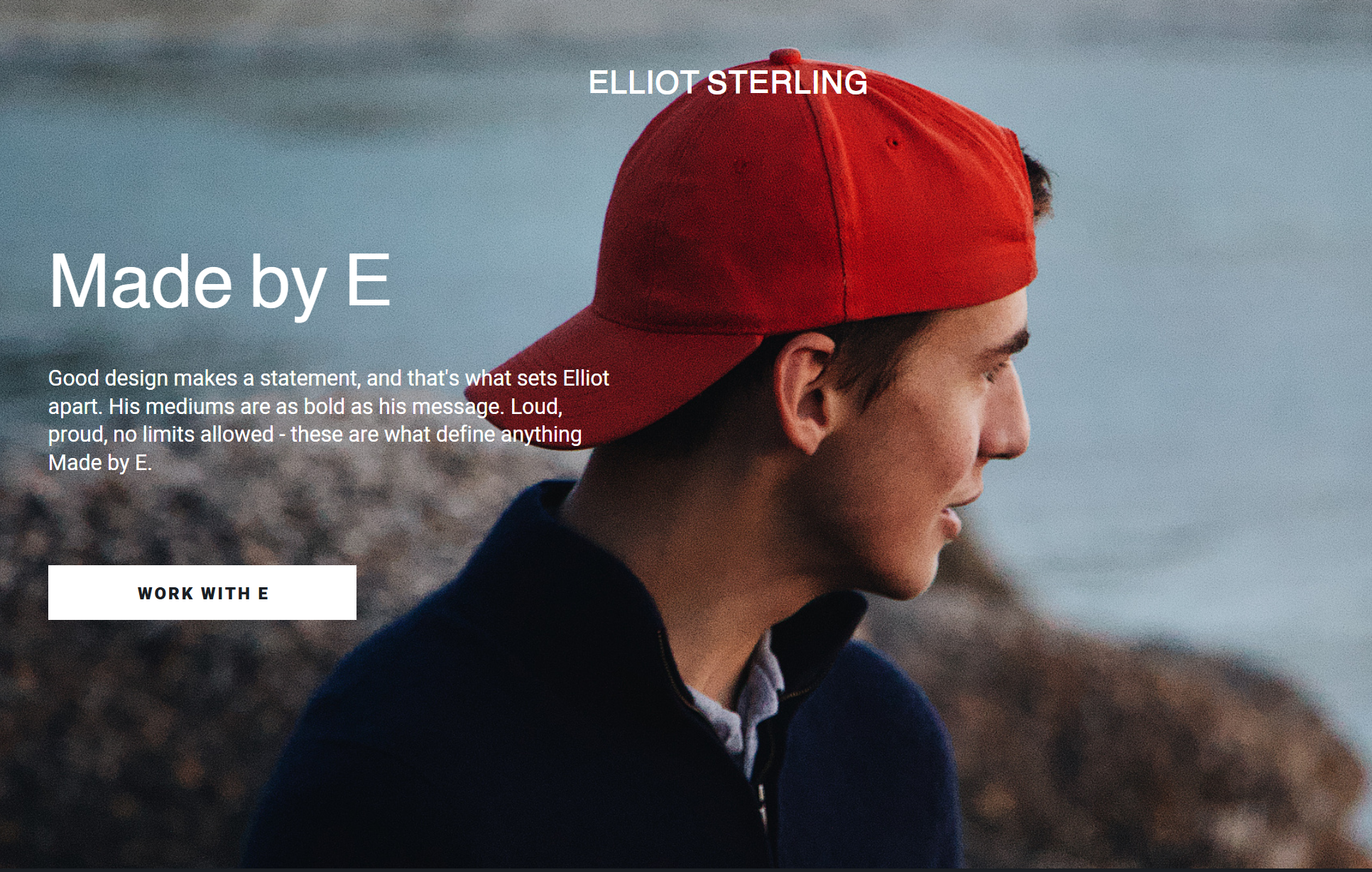
Design Strengths: Minimalist typography, consistent spacing, and strategic white space that lets portfolio pieces breathe. The hero section immediately communicates his specialty without clutter.
- Best For: Freelance designers, illustrators, and creatives needing a quick portfolio launch without coding. However, if you need case study pages with detailed project breakdowns, Canva's one-page limitation becomes restrictive. For a more comprehensive portfolio solution, check out how to build a writing portfolio website that scales with your career.
Ana Ruiz
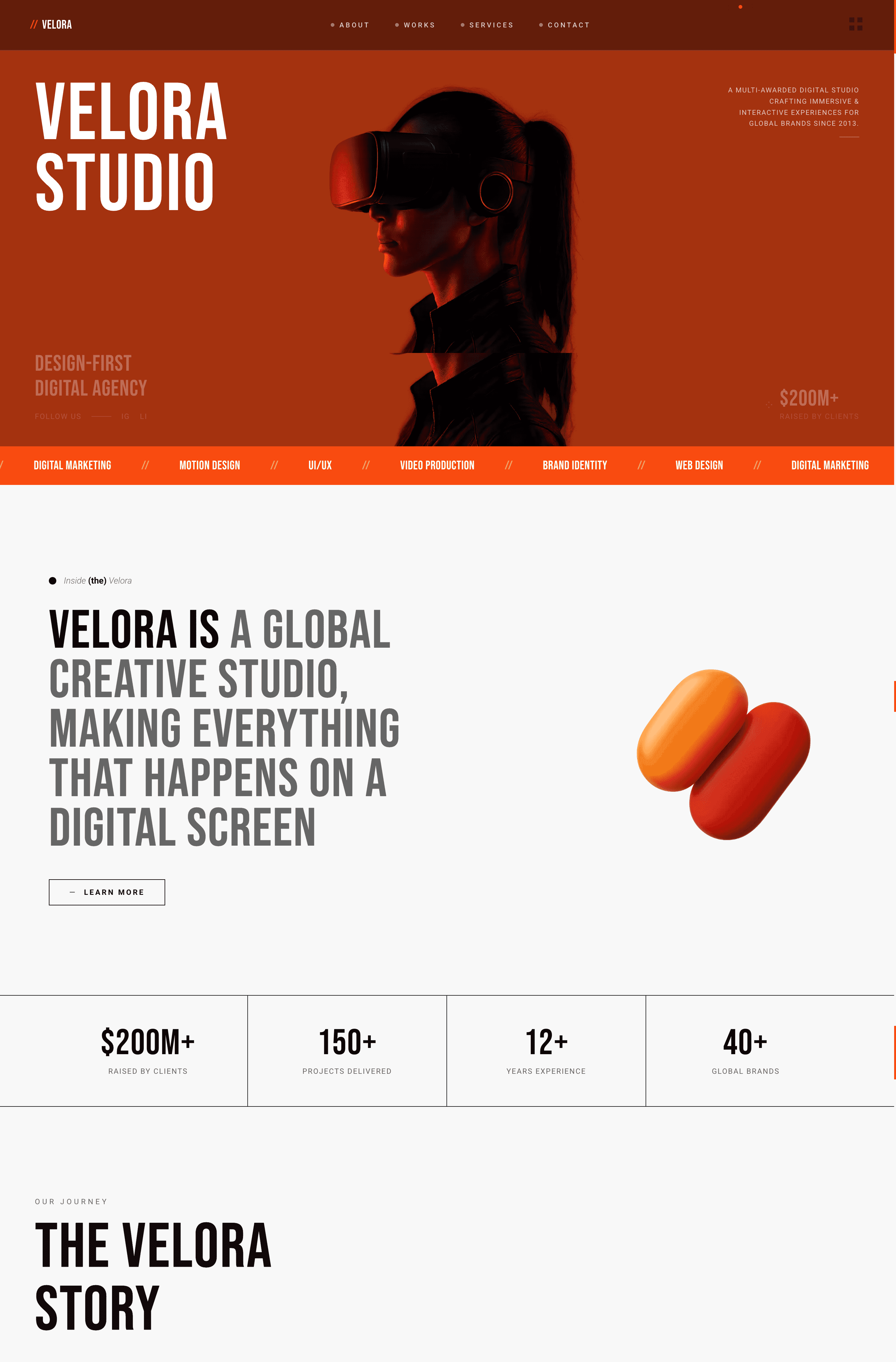
Ana Ruiz built her UGC creator portfolio on Canva, blending travel content, brand collaborations, and personality-driven copy. The site uses Canva's animation features to add subtle motion to images, creating engagement without overwhelming visitors. Her contact section includes social media icons linked directly to Instagram and TikTok.
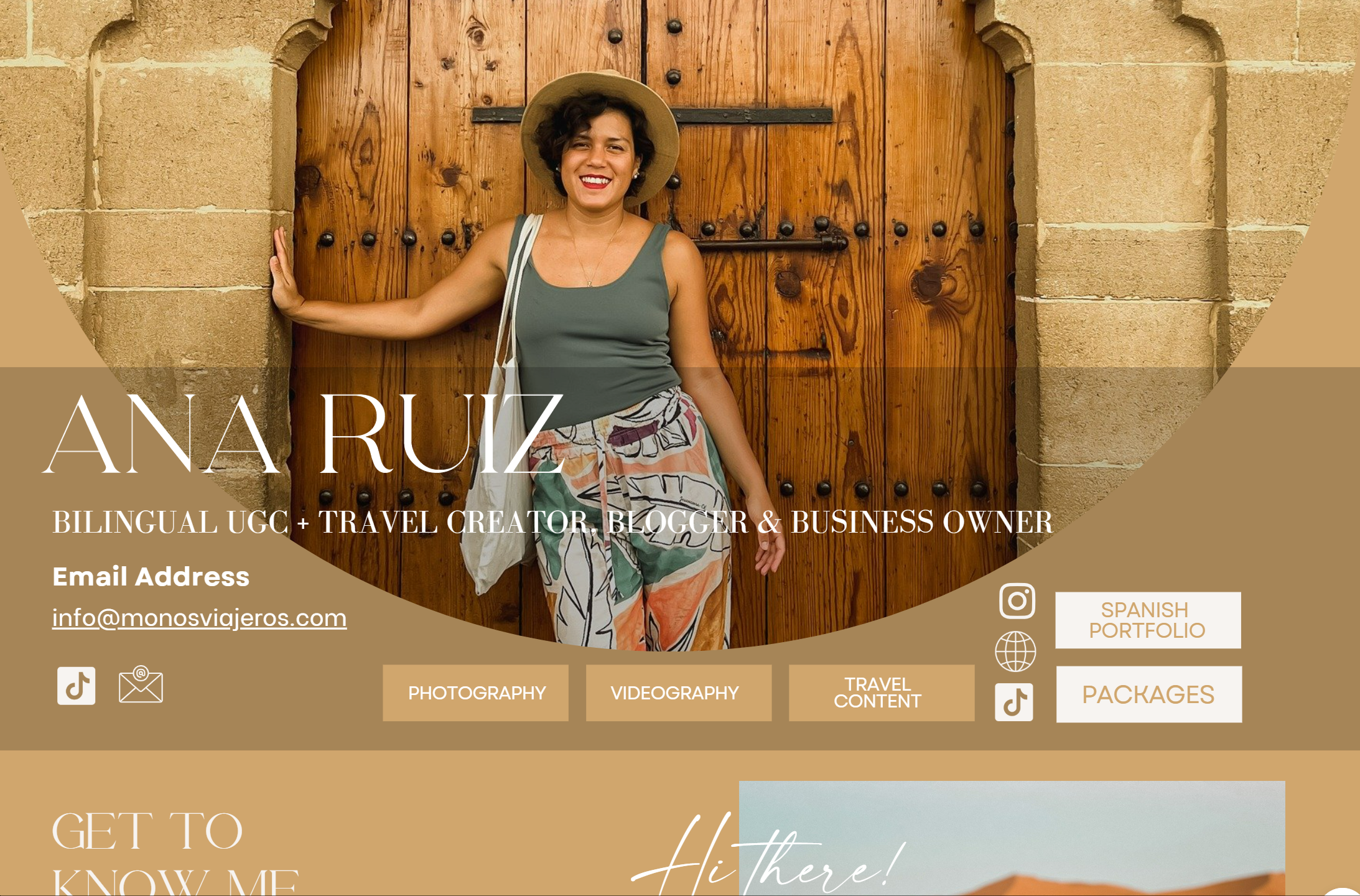
Design Strengths: Bold typography choices, vibrant color palette matching her brand aesthetic, and strategic placement of call-to-action buttons for brand partnerships.
- Best For: Content creators, influencers, and social media managers who want a digital business card that reflects their online persona. The challenge? No blog functionality means you can't host written content or improve SEO through regular updates. Learn more about planning your website structure for better SEO to maximize visibility.
Shaniya October
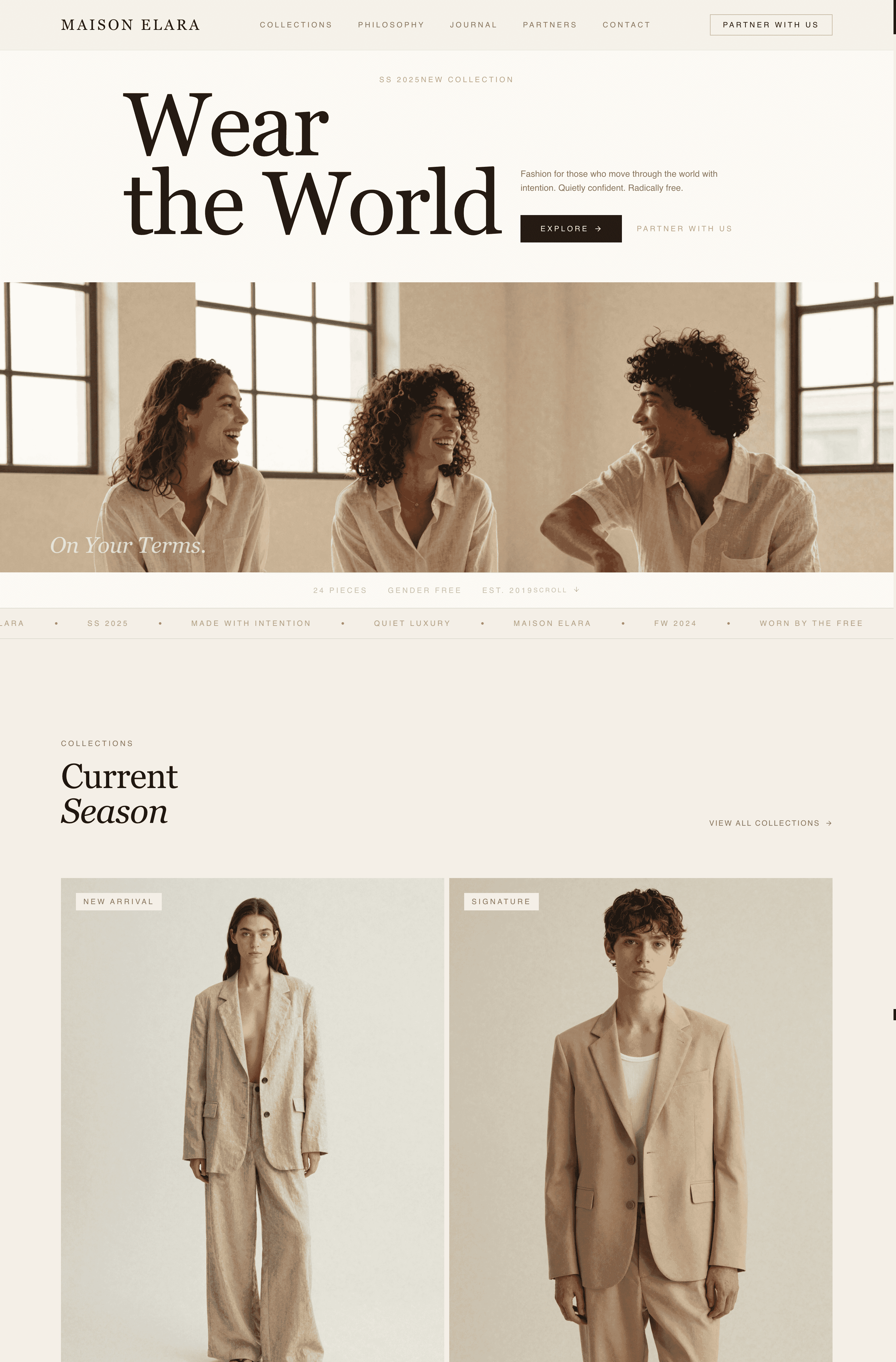
Niyah October's Canva website serves as a central hub for her content creation services. The layout prioritizes her value proposition above the fold, followed by service offerings and client testimonials. She leverages Canva's template customization to match her brand colors precisely. citation
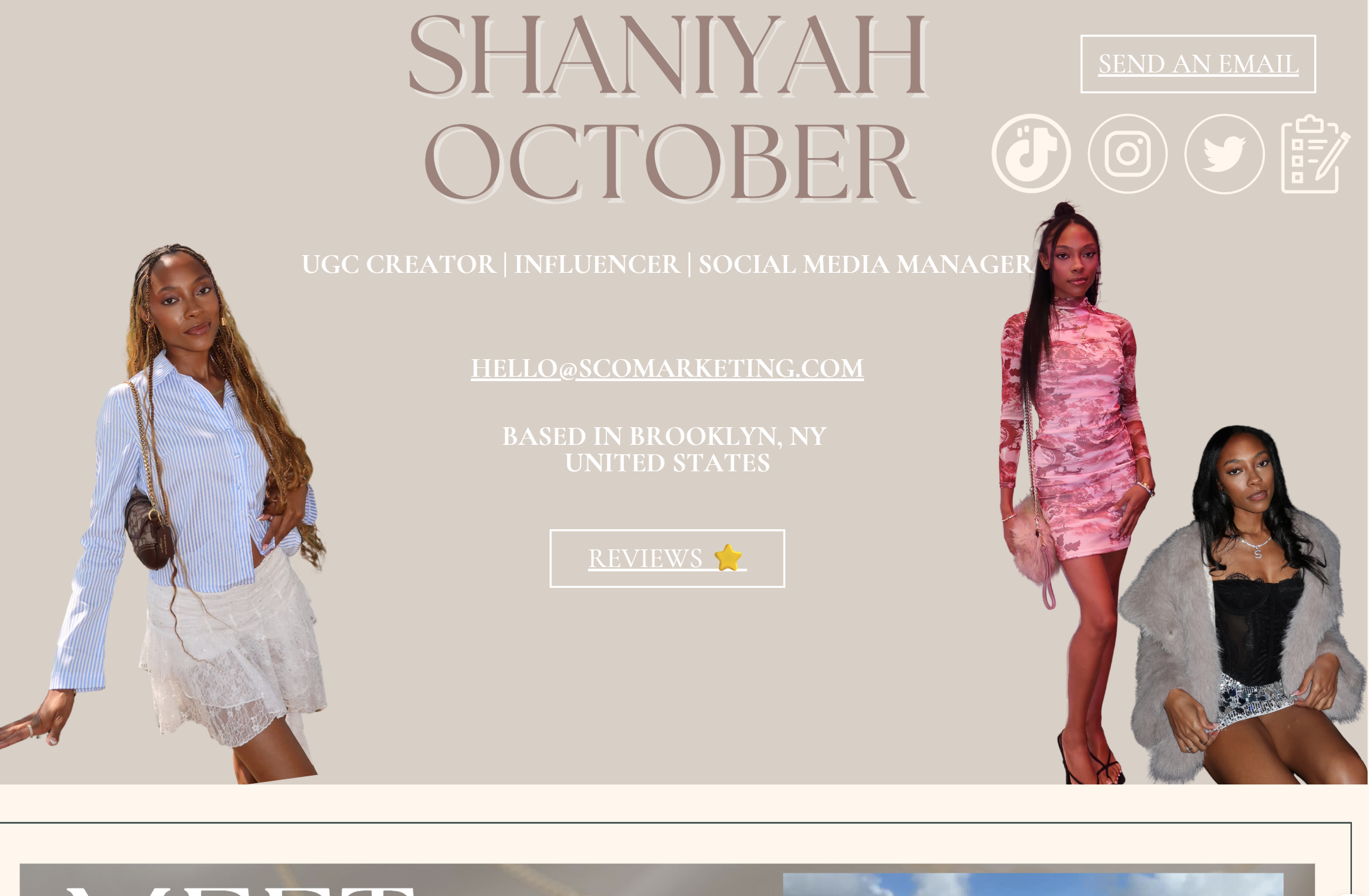
Design Strengths: Clear hierarchy guiding visitors from introduction to services to contact. The testimonial section builds credibility without requiring complex plugins.
- Best For: Service-based freelancers who need a professional online presence fast. The limitation surfaces when clients want to book directly or access a resource library, features Canva doesn't natively support.
Business Website Examples
Resolve Philly
Resolve Philly created a neighborhood dining and entertainment guide using Canva's website builder. The site organizes Philadelphia hotspots by area, incorporating maps and transportation tips. This example shows Canva's capability for information-rich content when structured thoughtfully. citation citation
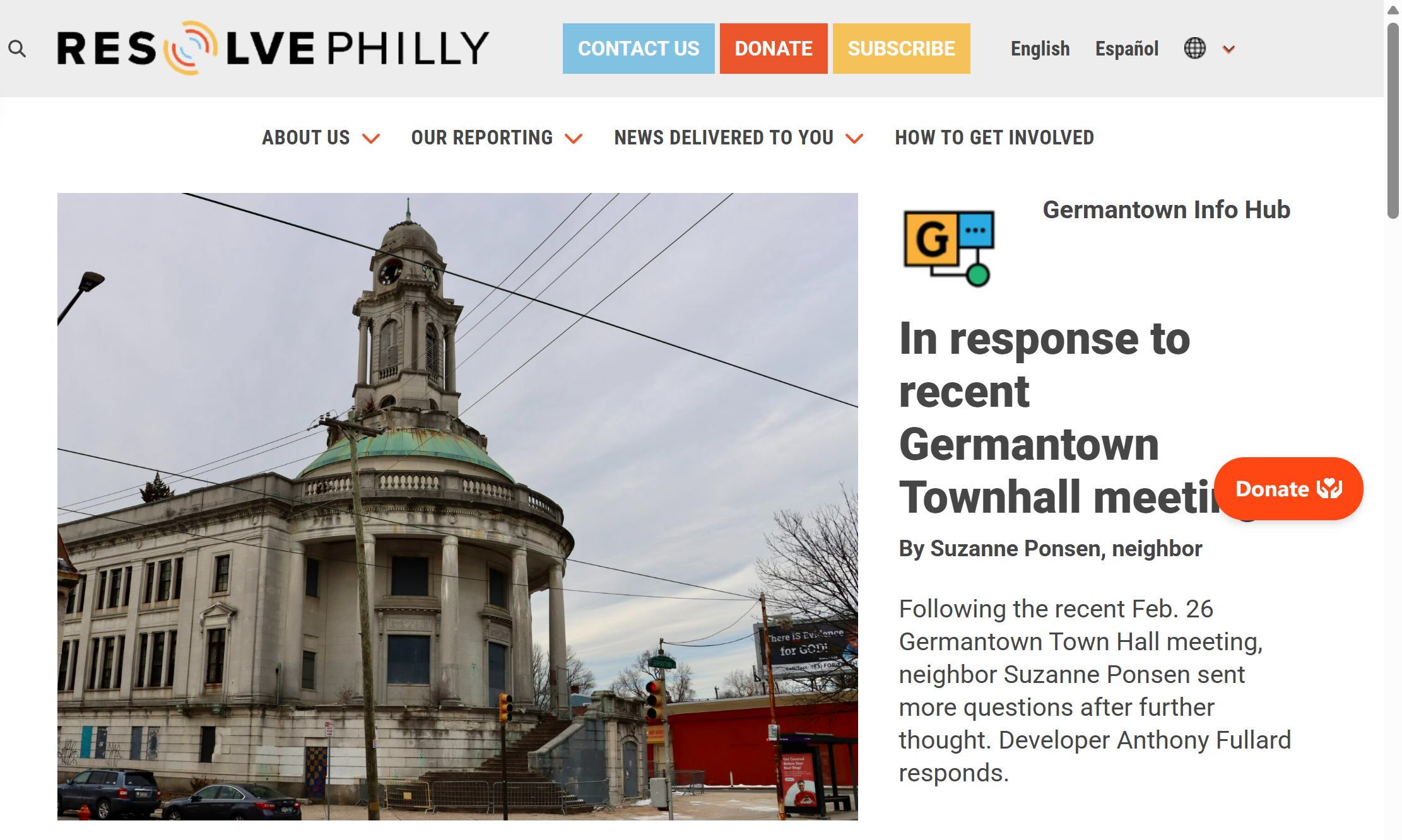
Design Strengths: Geographic categorization makes navigation logical. The use of Canva's icon library adds visual interest to text-heavy sections.
- Best For: Community projects, local guides, and informational microsites. However, as the guide expands, the single-page format becomes unwieldy. Users mentioned on Reddit struggling to create proper navigation menus linking to separate pages.
Small Service Business Sites
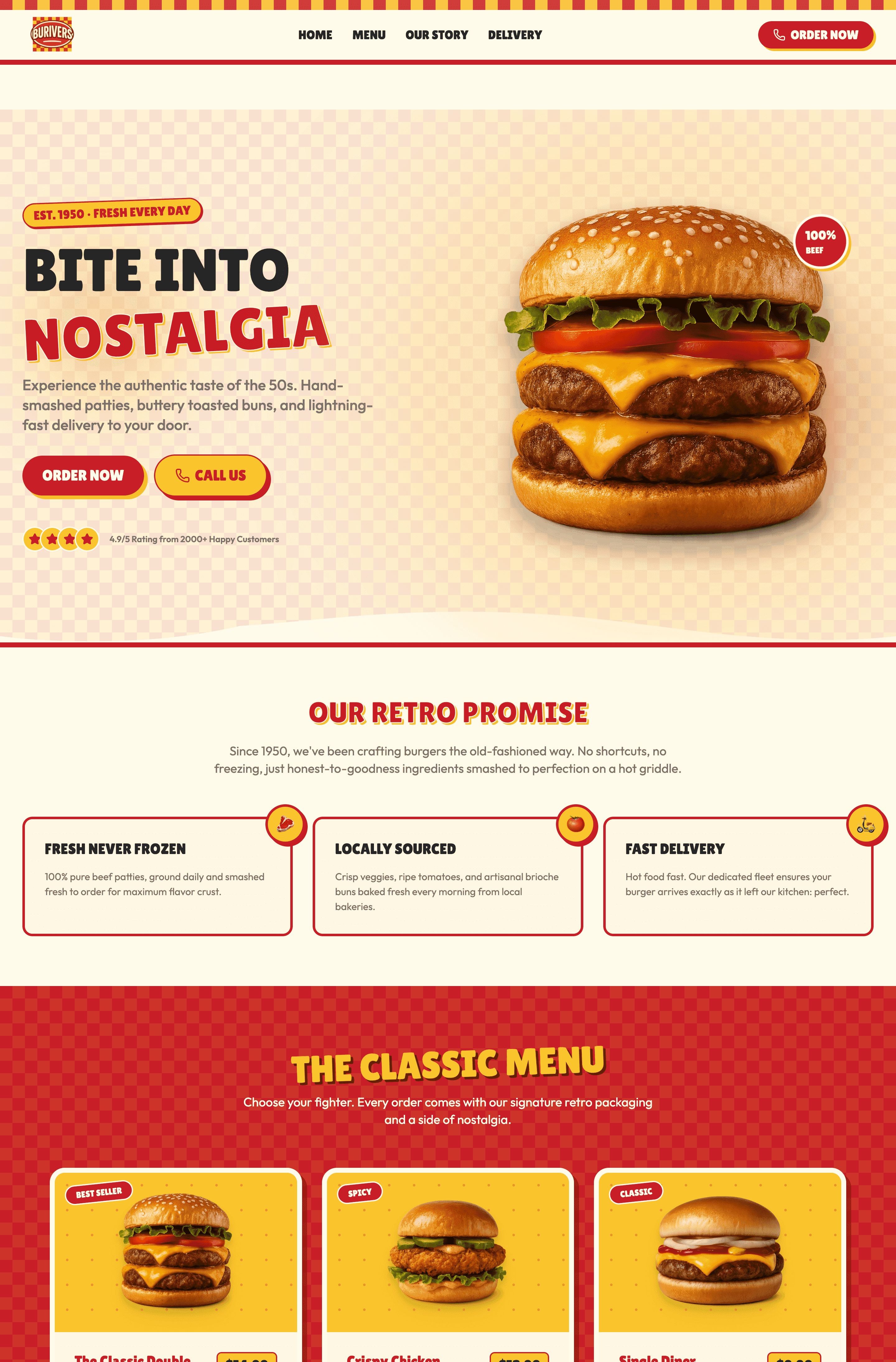
Multiple small businesses on Canva demonstrate effective use of the platform for service promotion. These sites typically feature a hero section with business name and tagline, a services overview with pricing, customer reviews, and contact forms embedded via third-party tools. citation
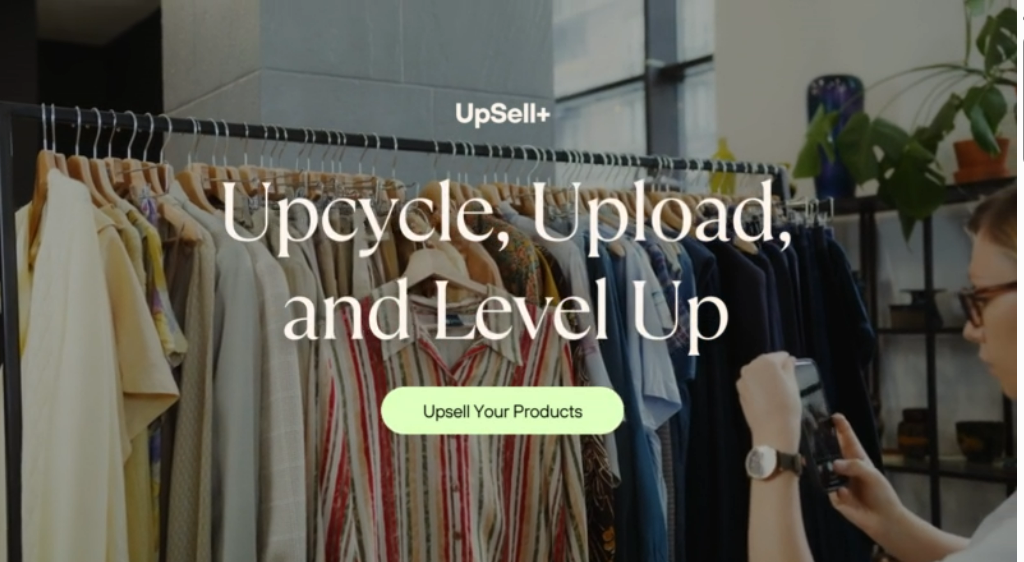
Design Strengths: Fast setup time and easy updates for seasonal promotions.
Best For: Local businesses like pet services, cleaning companies, or cloth store needing basic online visibility. The catch? Limited SEO functionality means competing for local search rankings becomes difficult. As one Reddit user noted, their Canva site struggled to rank despite quality content. citation
Creative Agency Landing Pages
Several creative agencies use Canva for campaign-specific landing pages. These sites showcase recent work, explain agency philosophy, and drive visitors to schedule consultations. The template flexibility allows brand consistency across multiple campaign pages.
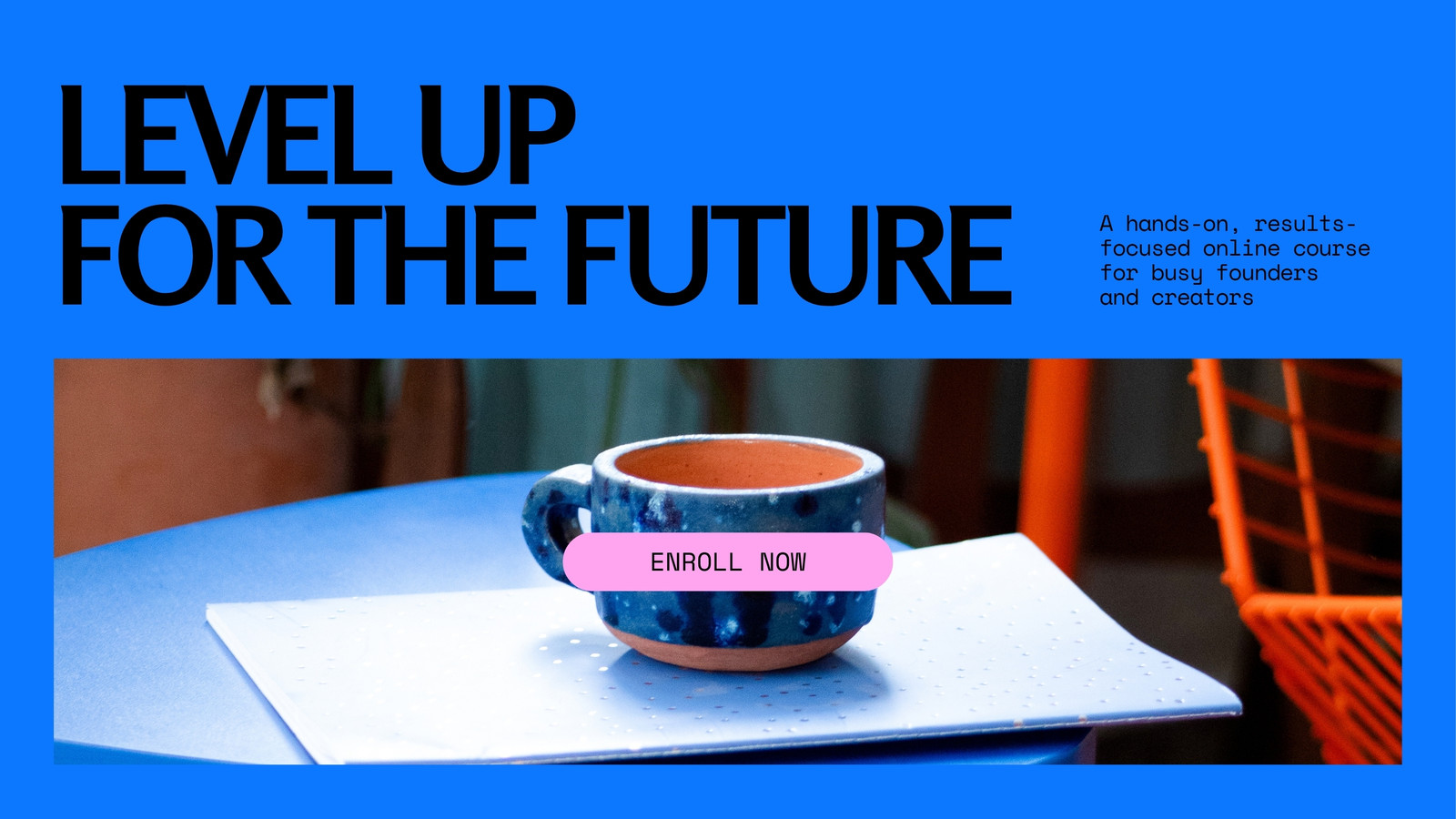
Design Strengths: Quick turnaround for marketing campaigns, ability to A/B test different designs easily, and no developer dependency for updates.
- Best For: Agencies running time-sensitive campaigns or testing market response before investing in full website development. The downside? No analytics integration beyond basic Canva Pro insights, making conversion tracking challenging.
Event & Wedding Website Examples
Wedding Websites
Canva wedding website templates have become popular for couples wanting personalized sites without hiring designers. These website wedding examples typically include ceremony details, RSVP sections, photo galleries, and registry links. The romantic templates with script fonts and floral elements require minimal customization. citation
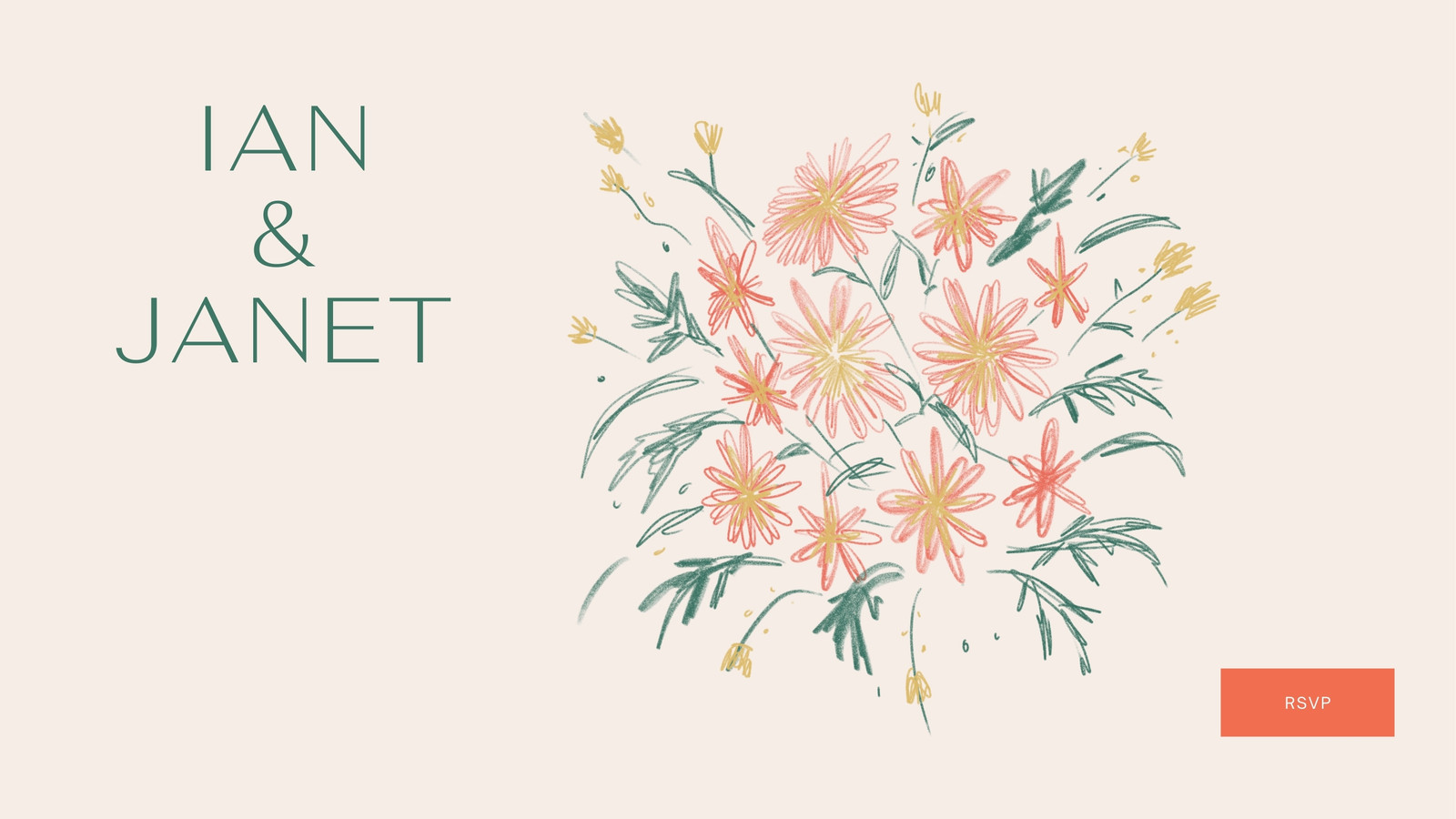
Design Strengths: Beautiful pre-designed aesthetics, easy photo upload and arrangement, and mobile-responsive layouts crucial for guests accessing details on phones.
- Best For: Couples planning weddings who want a centralized information hub. However, RSVP functionality requires external form tools since Canva lacks native form builders, as discussed extensively on Reddit.
Event Promotion Pages
Event organizers use Canva for conference, workshop, and community event promotion. These sites highlight event dates, speaker lineups, ticket information, and venue details. The countdown timer feature adds urgency for ticket sales.
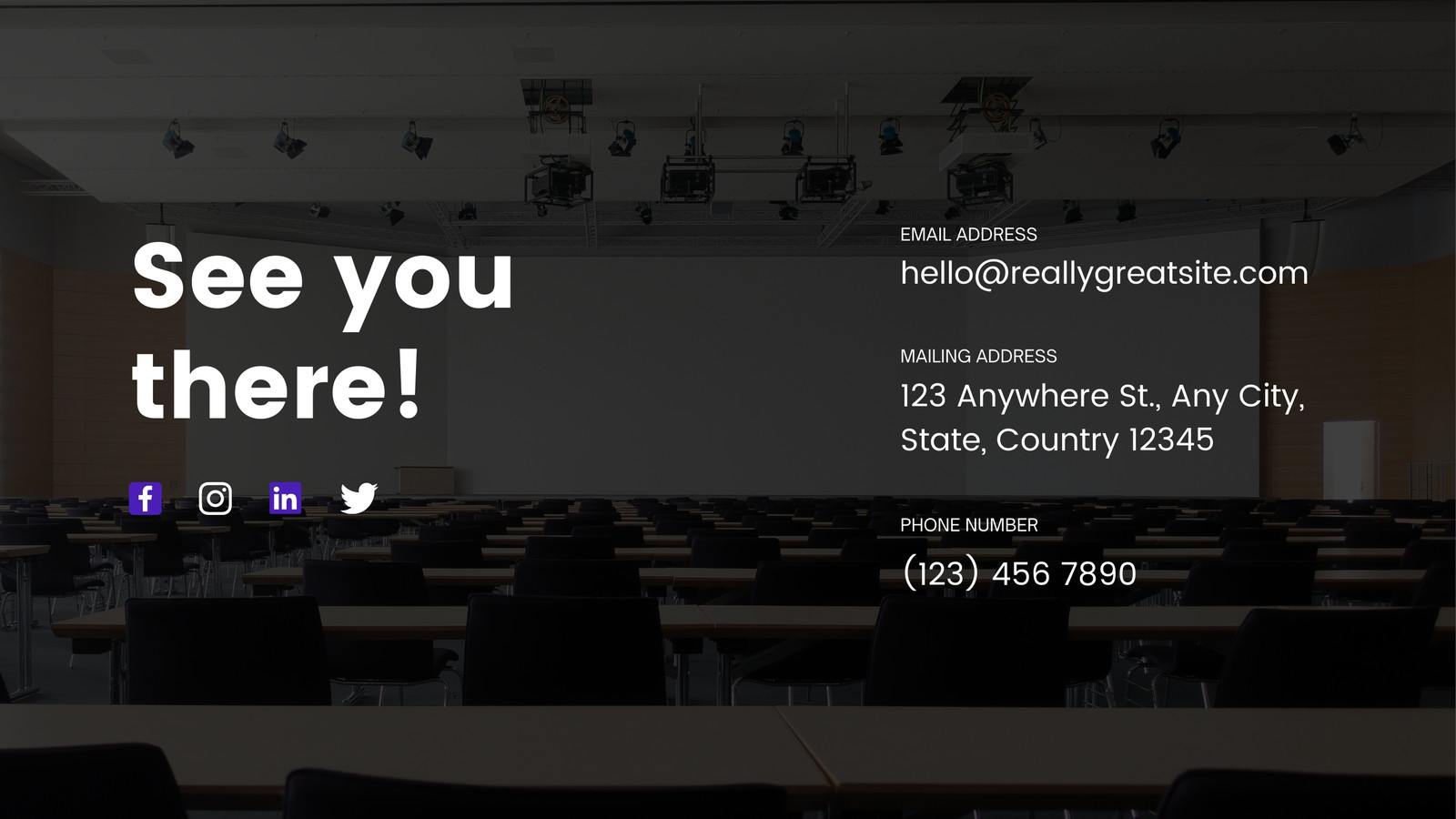
Design Strengths: Eye-catching visuals that capture event energy, easy updates as speaker lineups change, and shareable designs that work across social media.
- Best For: One-time events or annual conferences needing temporary promotional sites. The limitation? No ticket sales integration means linking to external platforms like Eventbrite, creating friction in the conversion funnel.
Creative & Personal Website Examples
Artist Showcase Sites
Visual artists leverage Canva's image-focused templates to create gallery-style websites. These sites prioritize large, high-quality images of artwork with minimal text, letting the work speak for itself. The grid and masonry layout options provide flexibility.
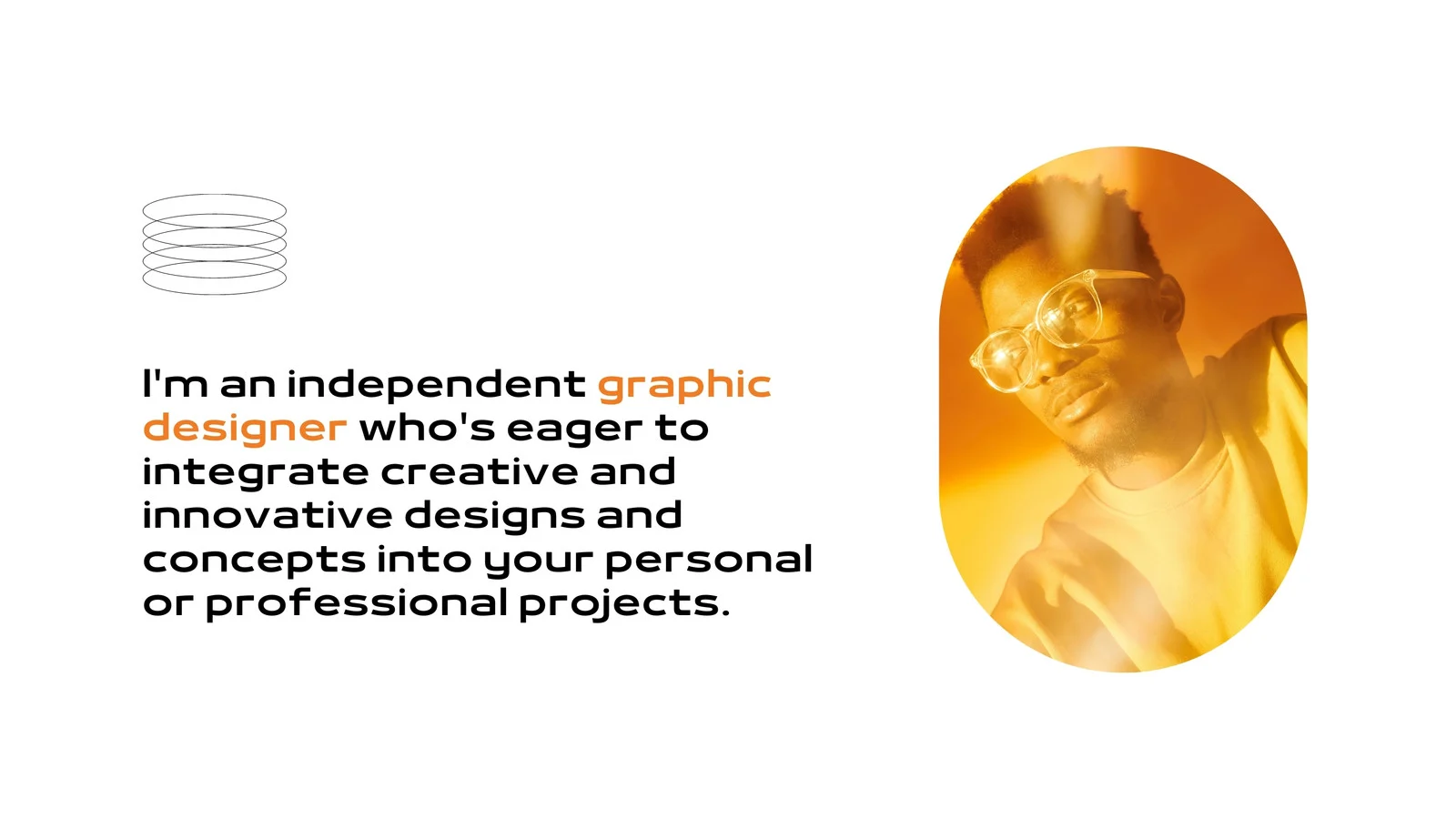
Design Strengths: Image optimization within Canva ensures fast loading despite high-resolution artwork. The full-screen image option creates immersive viewing experiences.
- Best For: Painters, photographers, and digital artists building online portfolios. The challenge emerges when artists want to sell prints directly, as Canva lacks e-commerce functionality.
Personal Branding Sites
Professionals across industries use Canva for personal branding websites that serve as digital resumes. These sites combine professional headshots, career highlights, skills, and contact information in visually appealing formats that stand out from traditional PDF resumes.
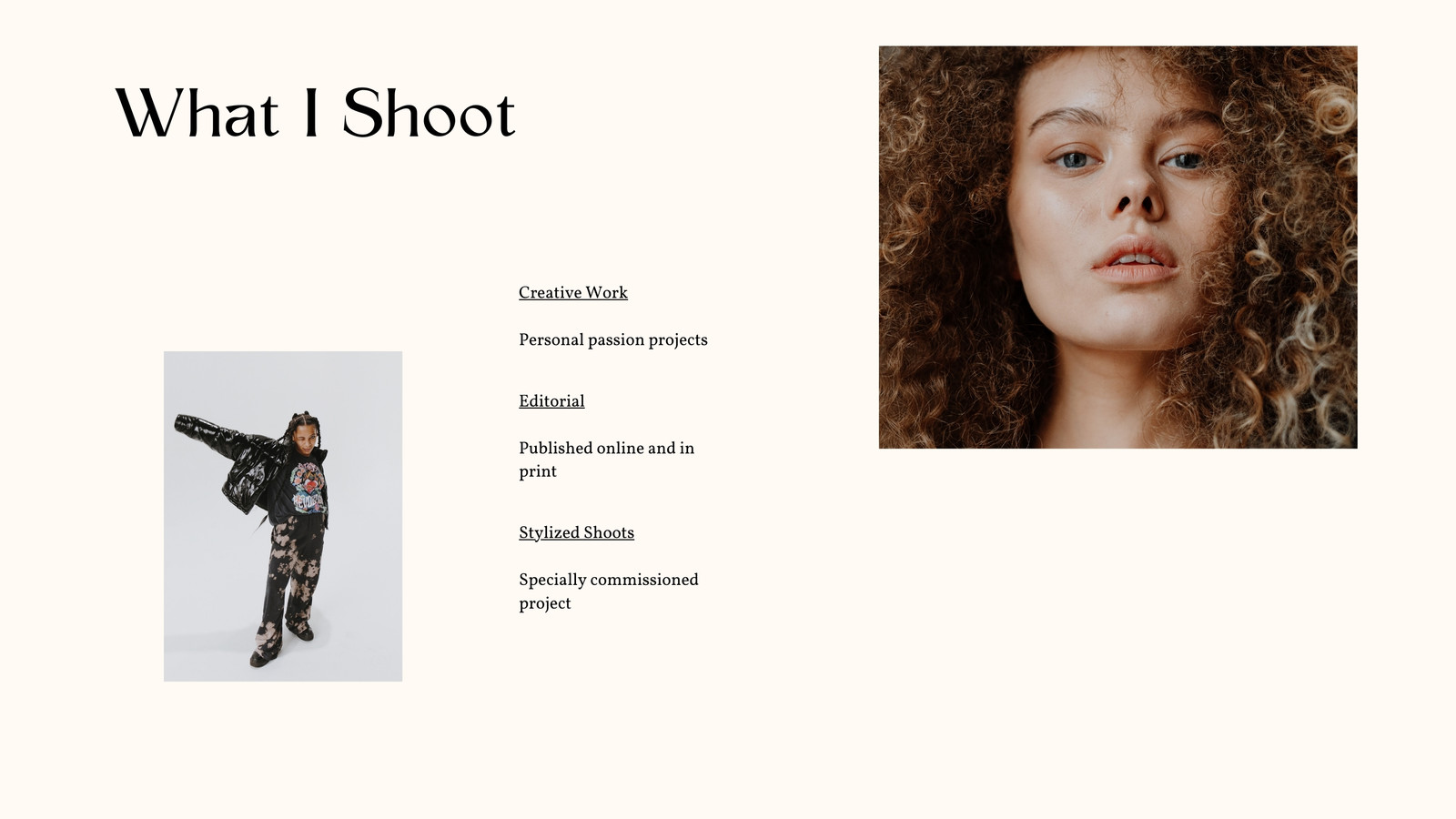
Design Strengths: Templates designed specifically for personal branding ensure professional appearance. The ability to update accomplishments in real-time keeps content current.
- Best For: Job seekers, speakers, and consultants establishing thought leadership. However, without blog capabilities, building authority through content marketing becomes impossible.
Hobby & Passion Project Sites
Enthusiasts create Canva websites for hobbies ranging from book clubs to fitness journeys. These sites document personal projects, share resources, and connect with like-minded individuals. The informal, personality-driven design matches the casual nature of hobby sites.

Design Strengths: Low barrier to entry encourages experimentation. The design freedom allows authentic self-expression without template rigidity.
- Best For: Personal projects where perfection isn't the goal. The limitation? As hobbies evolve into side businesses, Canva's lack of scalability forces platform migration.
Resume & CV Websites
Job seekers transform traditional resumes into interactive Canva websites. These sites present work experience, education, skills, and portfolio samples in engaging formats that differentiate candidates in competitive job markets. citation
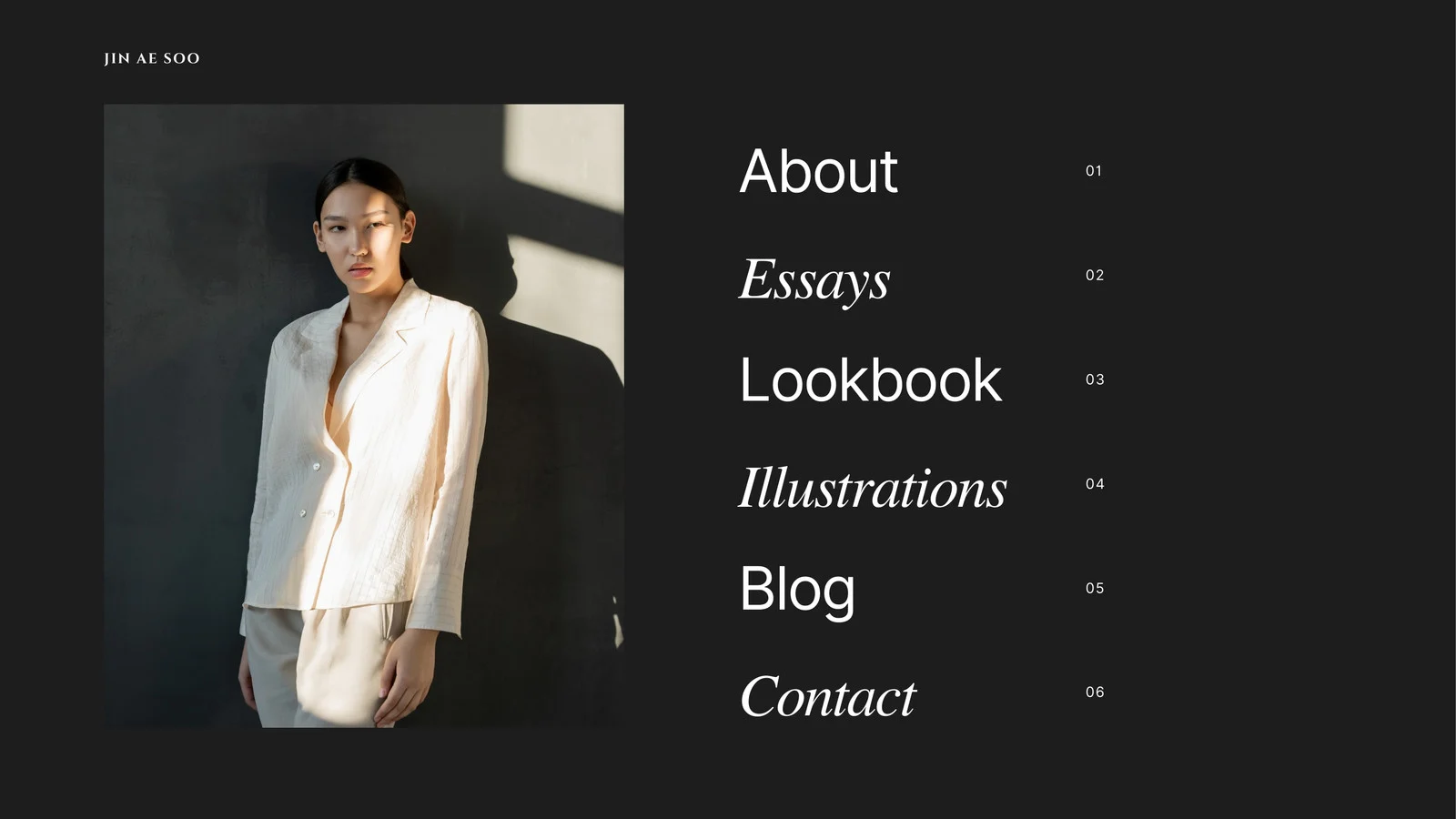
Design Strengths: Visual hierarchy guides recruiters through qualifications logically. Downloadable PDF resume options provide flexibility for application systems requiring file uploads.
- Best For: Creative professionals, marketers, and designers where visual presentation enhances candidacy. However, applicant tracking systems may struggle parsing Canva websites, making traditional resumes still necessary.
Additional Inspiring Examples
Non-Profit Awareness Pages
Non-profits use Canva for cause awareness campaigns, volunteer recruitment, and donation drives. These sites combine emotional storytelling with clear calls-to-action, leveraging Canva's template library for mission-aligned aesthetics.
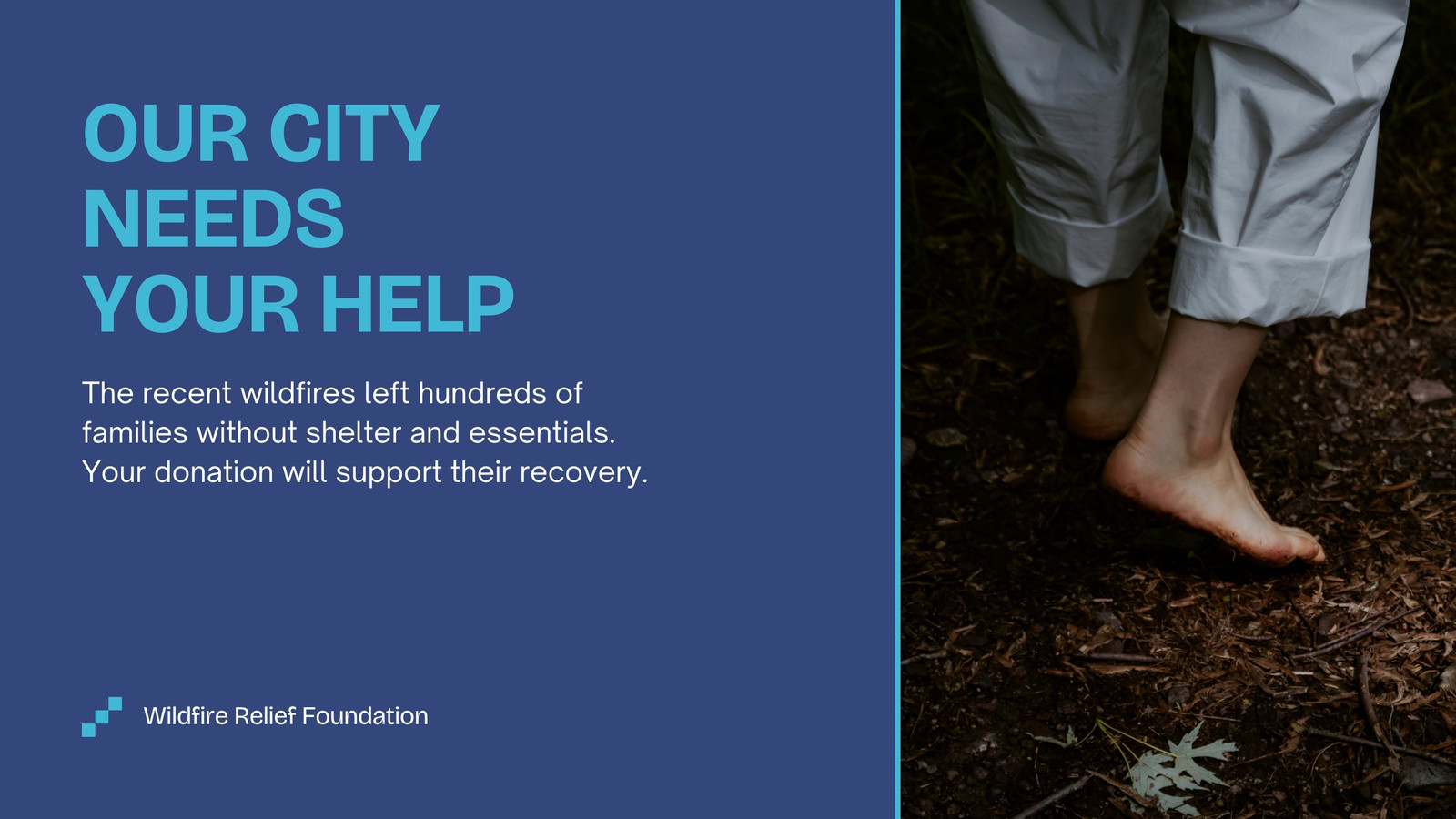
Design Strengths: Donation button placement and volunteer sign-up forms (via embedded tools) convert visitors into supporters. Impact statistics presented visually build credibility.
- Best For: Small non-profits with limited budgets needing professional web presence. The constraint? Payment processing requires third-party integration, complicating donation flows.
Restaurant & Cafe Digital Menus
Food businesses create Canva websites as digital menus, especially post-pandemic when QR code menus became standard. These sites display menu items with photos, prices, and dietary information in appetizing layouts.
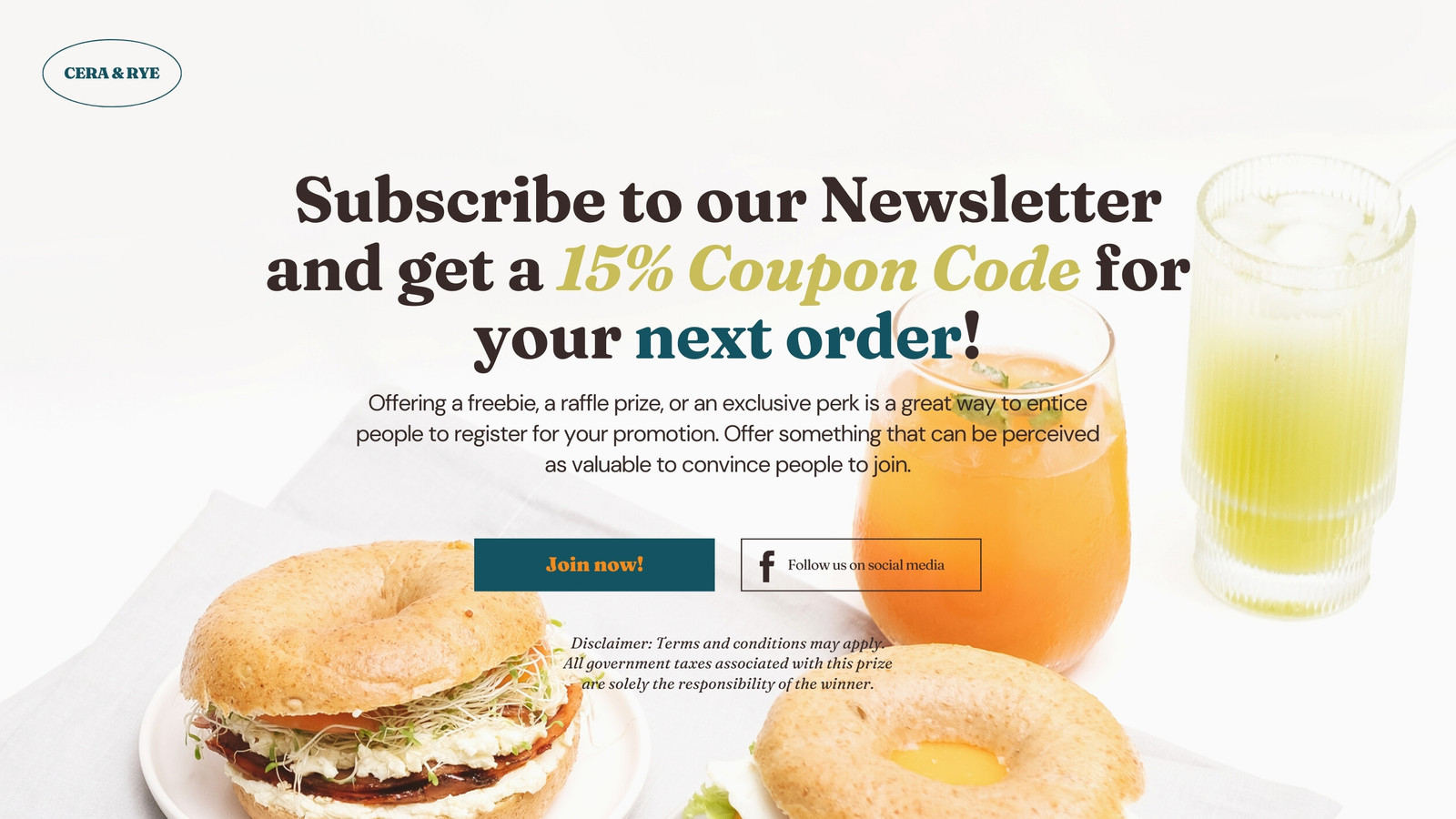
Design Strengths: Easy menu updates as items or prices change. Photo-centric design stimulates appetite and influences ordering decisions.
- Best For: Small restaurants wanting digital presence without complex ordering systems. The gap? No online ordering or reservation functionality means lost revenue opportunities.
Educational Resource Pages
Educators build Canva websites for course syllabi, resource libraries, and student communication. These sites organize learning materials, assignment deadlines, and contact information in student-friendly formats.
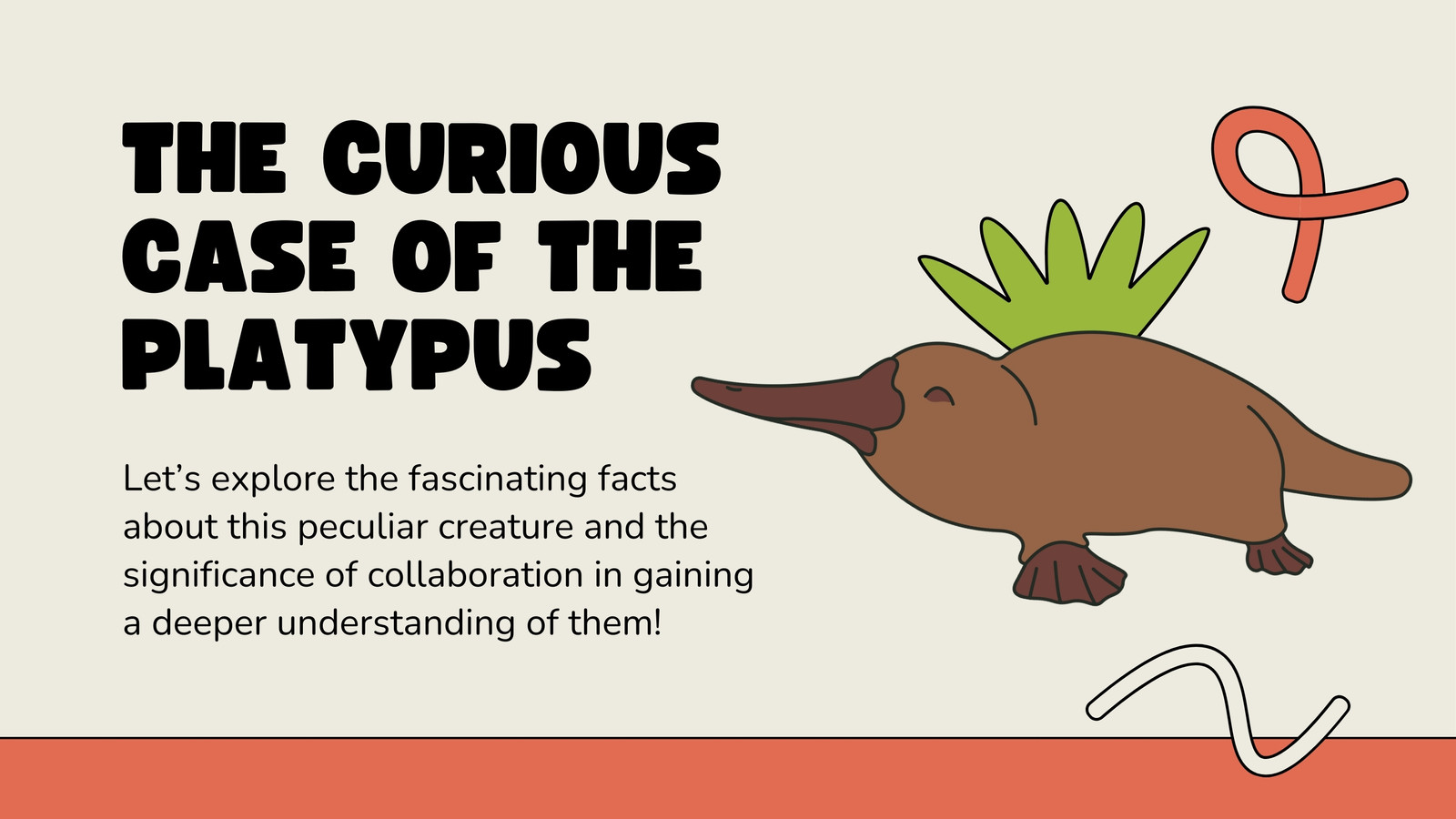
Design Strengths: Clear organization helps students find information quickly. The ability to embed videos and documents creates comprehensive resource hubs.
- Best For: Individual educators supplementing learning management systems. However, without password protection or student-specific content, these sites can't replace full LMS platforms.
How to Use Wegic to Build a Portfolio Website (Step-by-Step)
After exploring these Canva website examples, let's recreate a professional portfolio similar to the Canva examples above, but with enhanced functionality. Discover how to build a website in 2026 with our comprehensive beginner's guide. Here's the process:
Step 1: Start a Conversation with Wegic AI
Visit Wegic.ai and begin by describing your website needs.
"Create a graphic designer portfolio website with a hero section, project gallery, about me page, and contact form. Use a minimalist black and white color scheme with green accents."
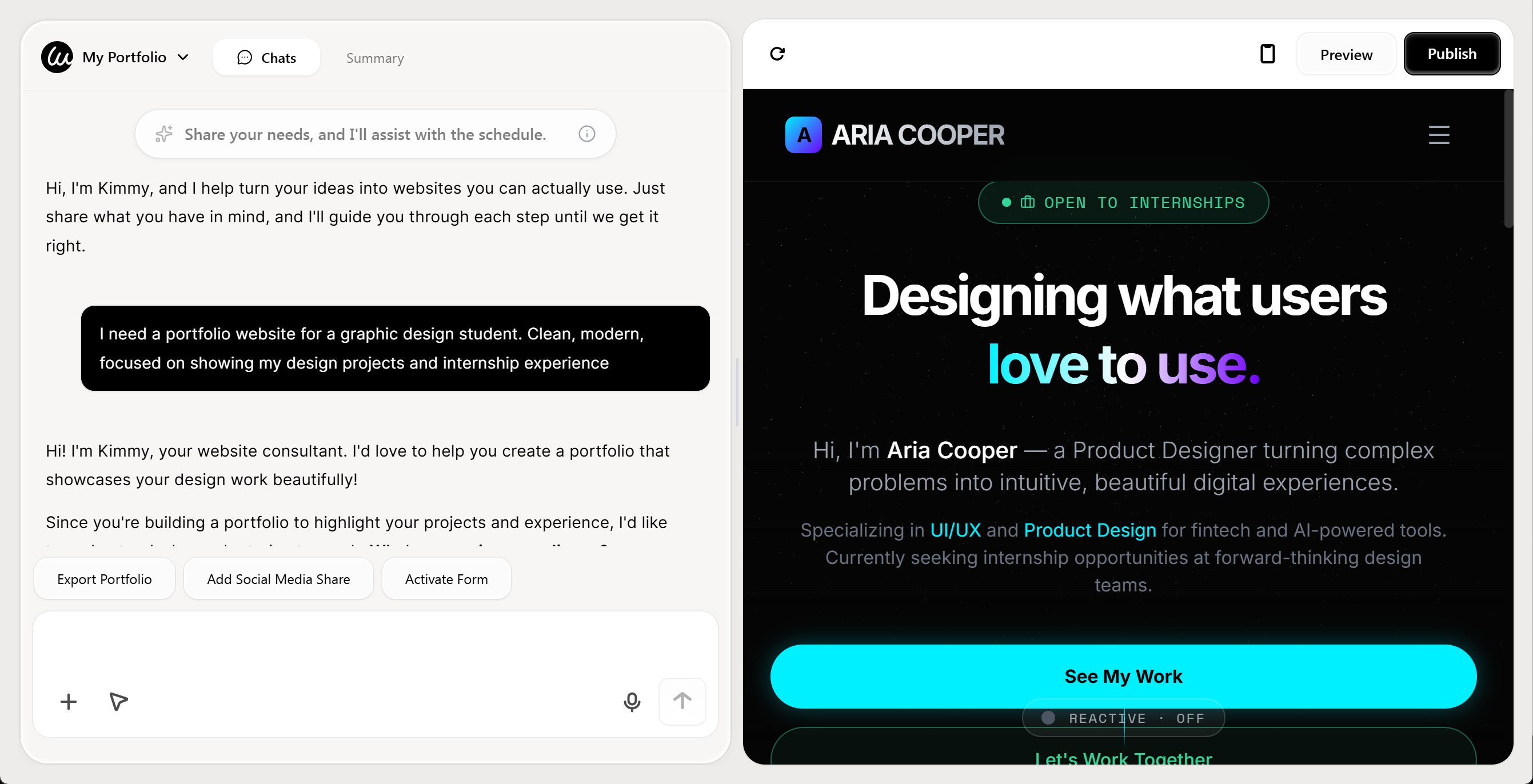
Step 2: Review AI-Generated Design
Within seconds, Wegic generates a complete multi-page website based on your description. The AI selects appropriate layouts, typography, and color schemes while creating placeholder content that matches your industry.
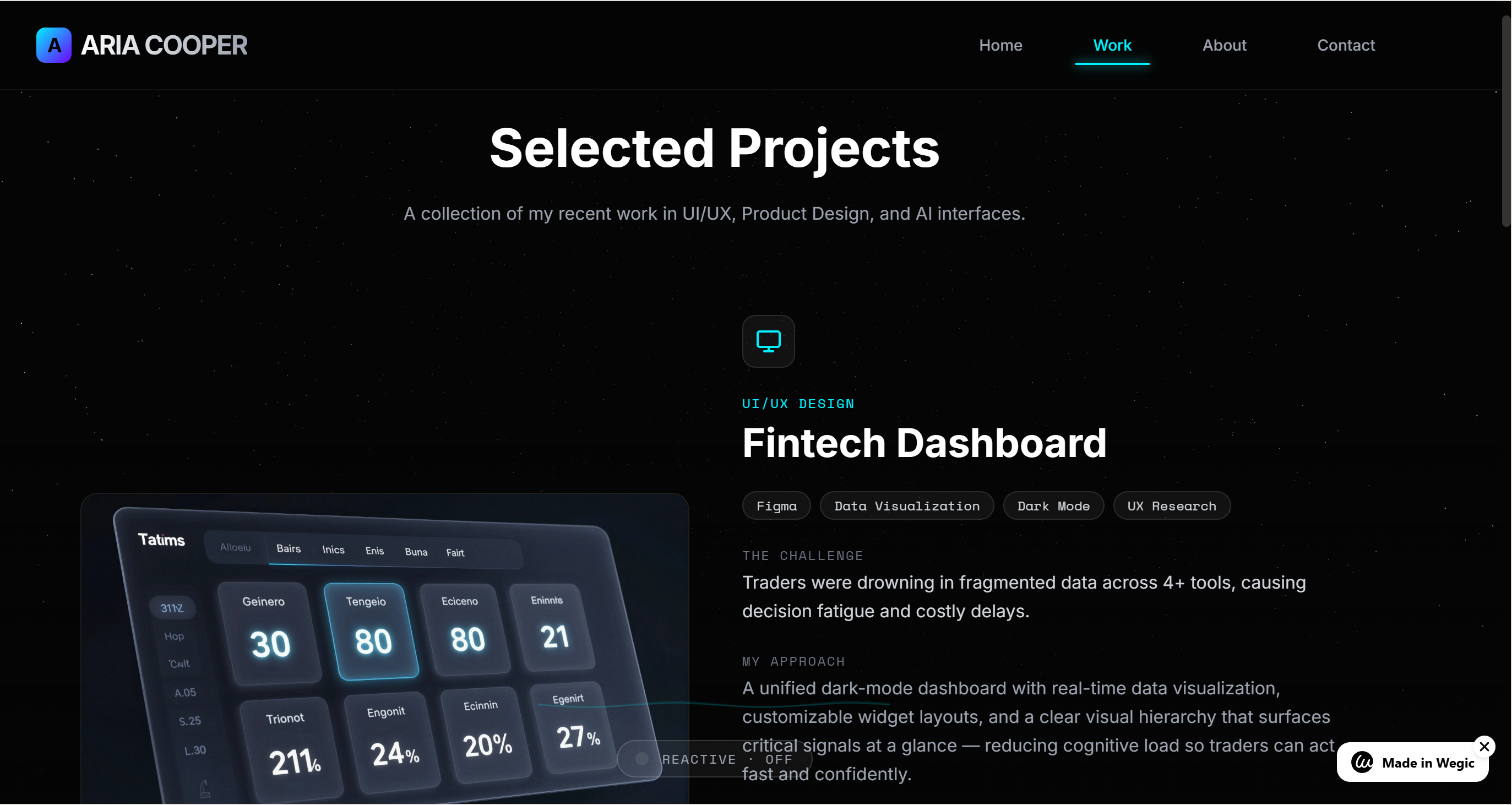
Step 3: Refine Through Conversation
Unlike Canva's manual editing, you refine Wegic sites by continuing the conversation. Say things like:
"Make the hero section image full-screen."
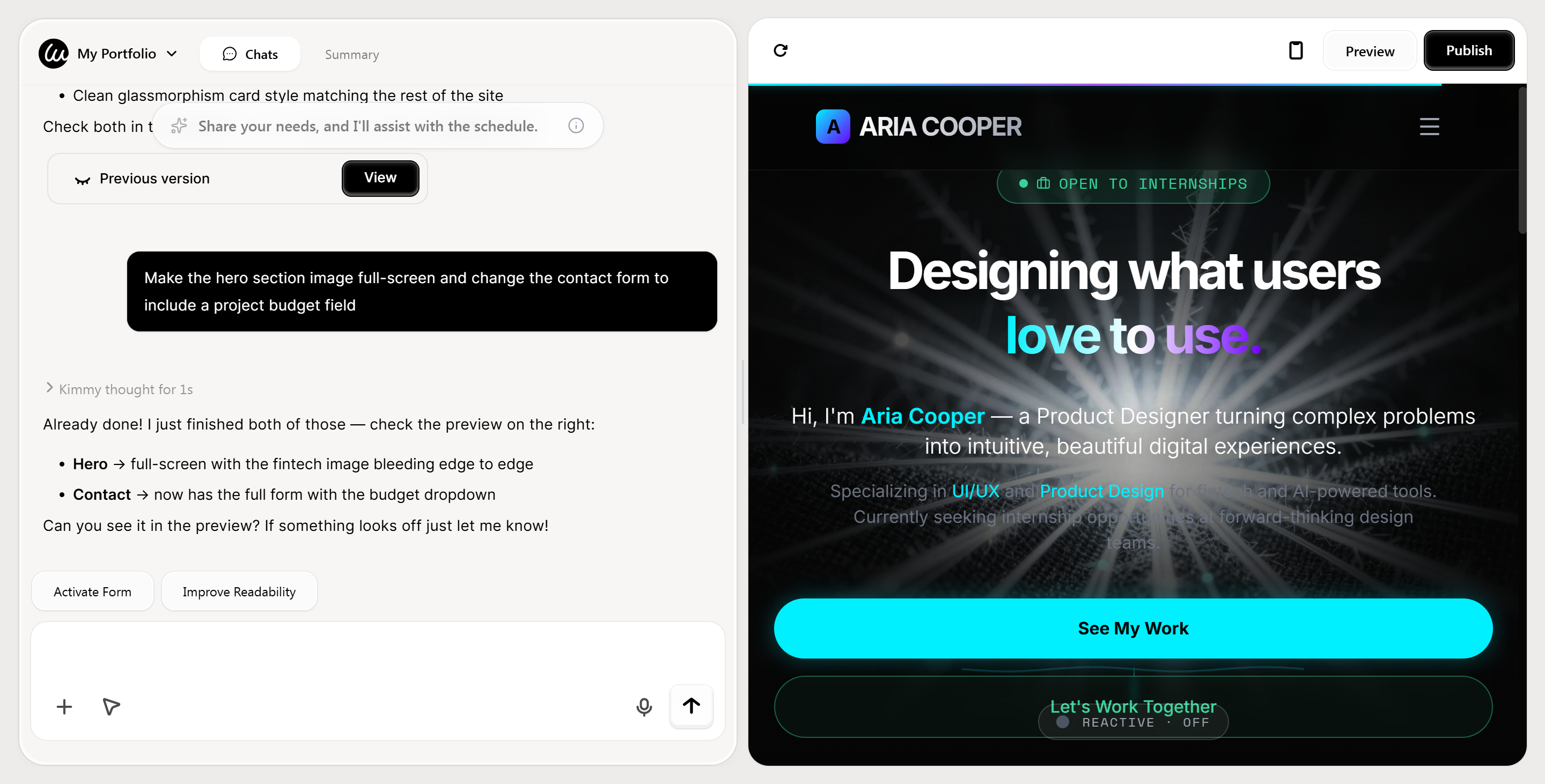
"Change the contact form to include a project budget field."
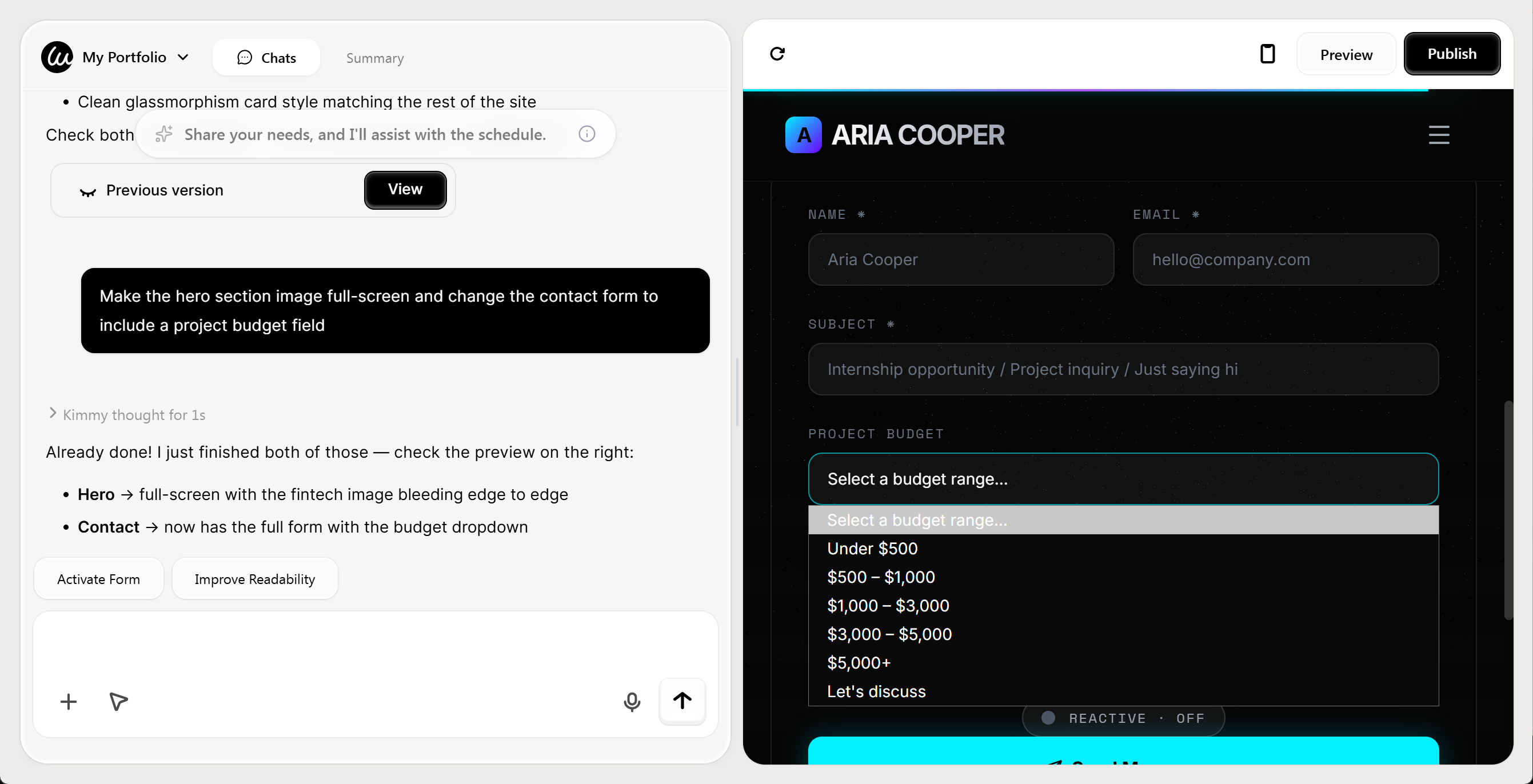
Step 4: Add Your Content
Upload your portfolio images, write your bio, and input project descriptions. If you prefer AI-generated assets, just ask Kimmy to generate compelling copy if you provide key points about your work.
Step 5: Optimize SEO
This is where Wegic outshines Canva. Ask Wegic to "optimize all pages for SEO" and it automatically adds proper heading tags, meta descriptions, alt text for images, and creates a sitemap. You can specify target keywords, and Wegic incorporates them naturally into your content.
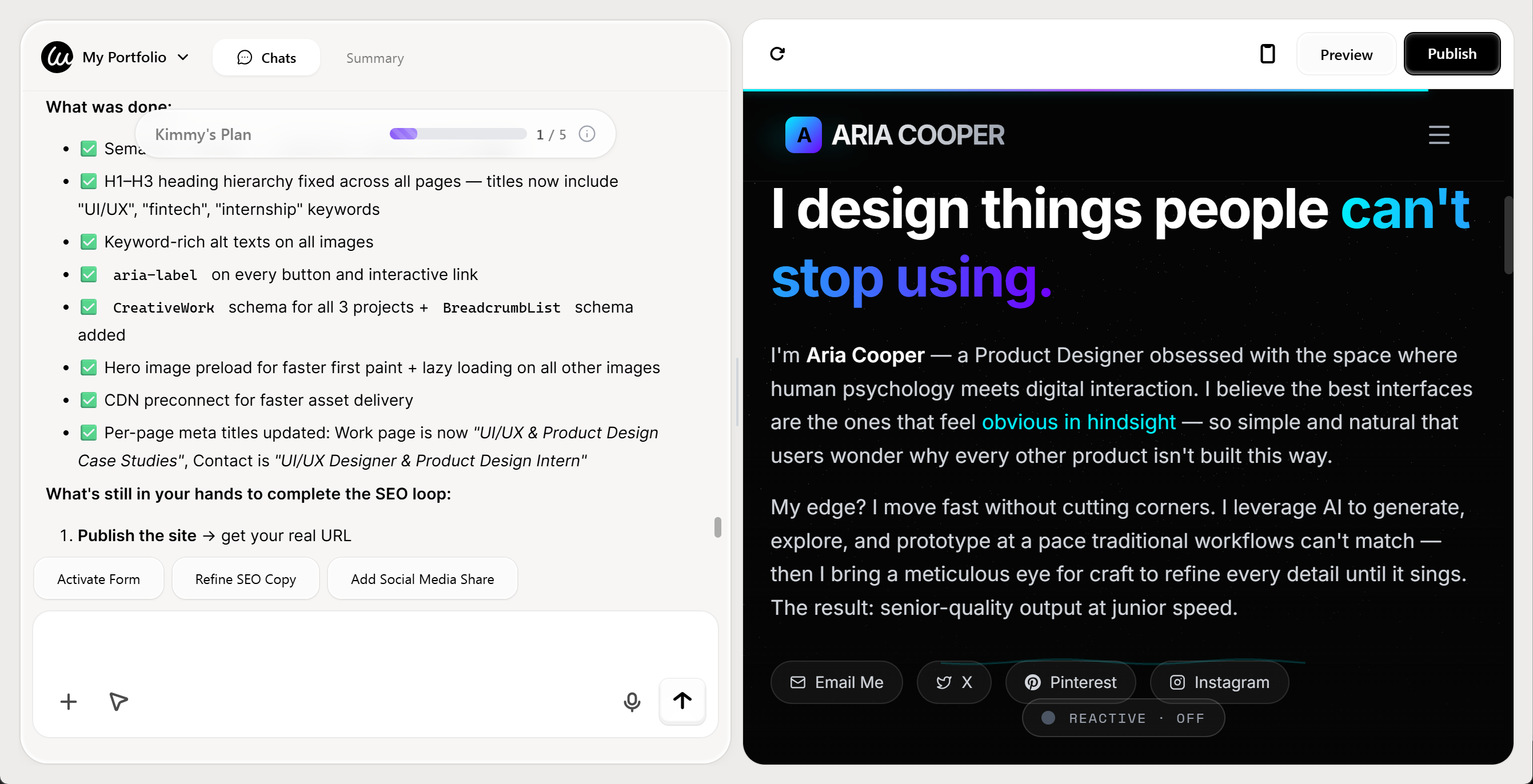
Step 6: Publish with Custom Domain
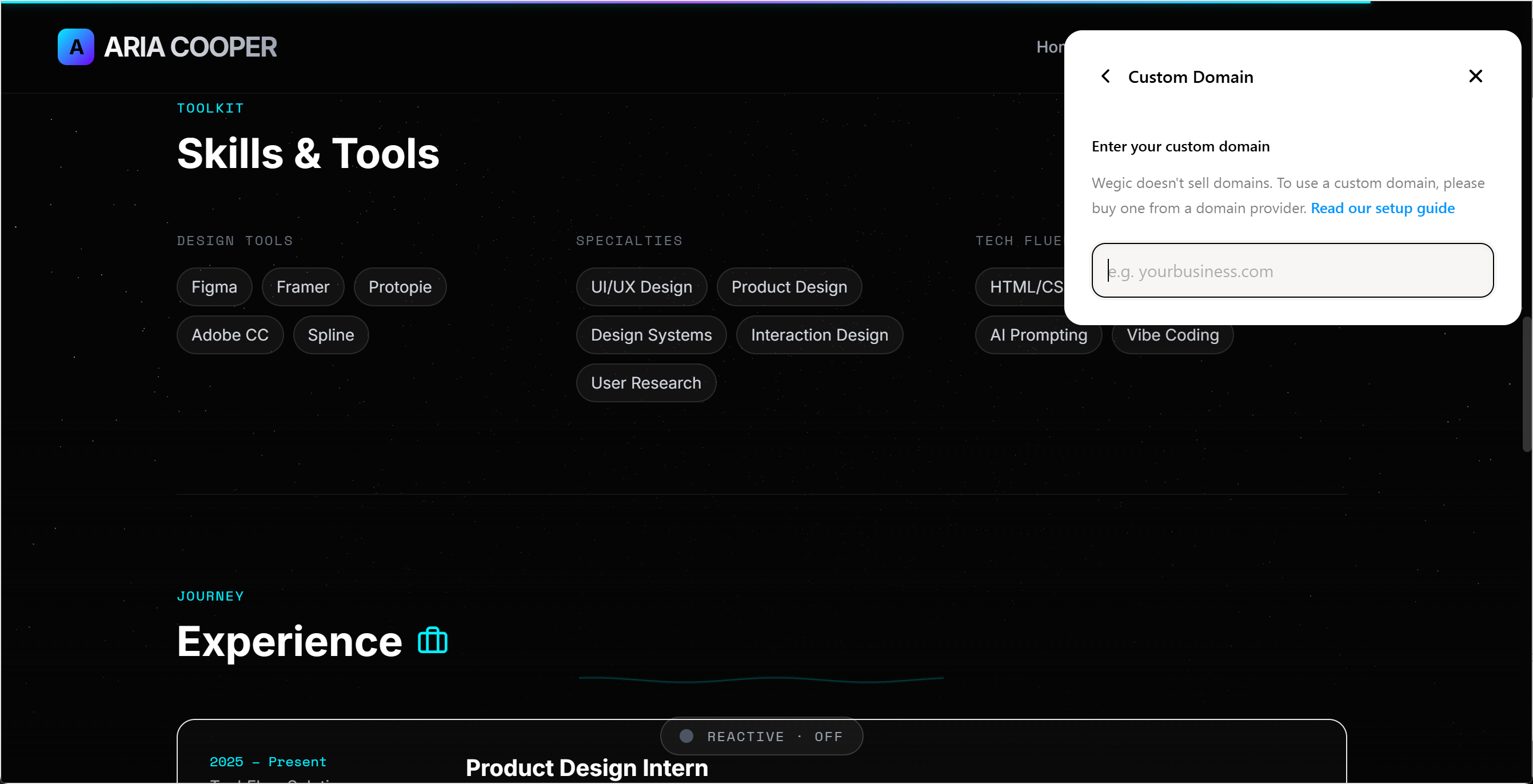
Connect your custom domain directly through Wegic's interface. Unlike Canva's subdomain limitations on free plans, Wegic makes professional domain connection straightforward.
Tips for Creating Effective Websites in 2025
Whether you choose Canva for a quick project or Wegic for a professional site, these principles ensure your website succeeds:
PrioritiseMobile Experience
With over half of web traffic coming from mobile devices, your site must look flawless on smartphones. Test every page in multiple screen sizes. Wegic automatically optimizes for mobile, while Canva requires manual checking of the mobile preview.
Implement Basic SEO From Day One
Search engine optimization isn't optional anymore. At minimum, include target keywords in your page titles, write compelling meta descriptions under 160 characters, add descriptive alt text to every image, and use proper heading hierarchy. Canva's limited SEO tools make this challenging, whereas Wegic builds these elements automatically. For deeper insights, explore our guide on website structure planning for SEO.
Keep Load Times Under 3 Seconds
Slow websites lose visitors instantly. Compress images before uploading, minimize animations that don't serve a purpose, and choose hosting that prioritizes speed. According to Forbes, page speed directly impacts both user experience and search rankings.
Design Clear Calls-to-Action
Every page should guide visitors toward a specific action, whether that's contacting you, viewing your portfolio, or making a purchase. Use contrasting button colors, action-oriented text like Start Your Project instead of generic Submit, and place CTAs above the fold and at natural decision points throughout the page.
Maintain Brand Consistency
Choose 2-3 primary colors, 2 font families maximum, and stick to them throughout your site. Consistency builds professionalism and brand recognition. Both Canva and Wegic make this easy through color palette and font selection tools.
Plan for Growth
Think beyond your immediate needs. Will you want to add a blog in six months? Sell products next year? Expand to multiple service pages? Choosing a platform that scales with your ambitions prevents costly migrations later. This is where Wegic's unlimited page structure and feature expandability provide long-term value that Canva's one-page model can't match. Explore top portfolio website examples for inspiration on scalable designs.
Why Upgrade from Canva to Wegic?
The Forbes Advisor reports that 52.89% of North American web traffic comes from mobile devices, making responsive design non-negotiable. While Canva offers mobile responsiveness, it lacks the SEO infrastructure and multi-page architecture that businesses need to compete online. According to recent data, searches for "AI website builder" surged 500% between 2022 and 2025, signaling a shift toward intelligent, automated web creation.
Wegic vs Canva: Feature Comparison
| Feature | Canva Websites | Wegic AI |
| Setup Time | 30-60 minutes | 5 minutes |
| Page Limit | Single long-scroll page | Unlimited multi-page sites |
| SEO Tools | Basic meta descriptions | Advanced on-page SEO, meta tags, alt text optimization |
| Custom Forms | Requires third-party embeds | Native contact forms, lead capture |
| Blogging | Not supported | Full blog functionality |
| E-commerce | Not supported | Product pages, payment integration ready |
| AI Assistance | Template selection only | Conversational AI builds and edits entire site |
| Code Access | None | Full code export for developers |
| Analytics | Canva Pro insights only | Google Analytics integration |
You can use Canva for inspiration and rapid prototyping, then graduate to Wegic when you're ready to build a website that grows with your ambitions. With Wegic's conversational AI, you get professional results in the same timeframe Canva requires, but with unlimited potential for expansion. Whether you're building a portfolio to land your dream job, launching a business to serve your community, or creating a platform to share your passion, the right website builder makes all the difference.
Ready to move beyond templates? Start building with Wegic today and experience what happens when design simplicity meets professional capability.
Frequently Asked Questions
Can you build a professional website with Canva?
Yes, Canva can create visually appealing websites suitable for portfolios, events, and simple business pages. However, professional websites requiring SEO optimization, multiple pages, blogs, or e-commerce functionality will find Canva limiting. For professional needs, AI builders like Wegic provide design simplicity plus advanced features that businesses require for online success.
Are Canva websites good for SEO?
Canva websites have basic SEO functionality like meta descriptions, but lack advanced features such as proper heading tag structure, sitemap generation, and schema markup. Multiple users on Reddit report difficulty ranking Canva sites in search results. For SEO-focused websites, platforms like Wegic offer comprehensive optimization tools built specifically for search visibility.
How much does a Canva website cost?
Canva offers free website publishing on Canva subdomains. Canva Pro costs around $12.99 monthly and includes custom domain connection, brand kit features, and additional templates. However, this doesn't include domain registration costs or third-party tools needed for forms and analytics that other platforms include natively.
Can Canva websites have multiple pages?
Canva websites are designed as single long-scrolling pages. While you can create multiple separate designs and link them together, this creates a disjointed user experience without proper navigation menus. As discussed on Reddit, users frequently hit this limitation when projects grow beyond simple one-page needs.
What's better than Canva for website building?
For users who value Canva's simplicity but need professional features, AI website builders like Wegic offer the best of both worlds. Wegic provides conversational AI that builds multi-page, SEO-optimized websites in minutes without coding. Other alternatives include Squarespace for design-focused sites, WordPress for maximum flexibility, and Wix for template variety. The choice depends on your technical comfort level and business requirements.
How do I make my Canva website mobile-friendly?
Canva automatically creates mobile versions of websites, but you should always preview and test the mobile layout before publishing. Sometimes elements don't translate well to smaller screens, requiring manual adjustments. Check that text remains readable, buttons are tap-friendly, and images don't slow loading times. Wegic handles mobile optimization automatically through responsive design principles built into its AI generation process.