Accesso
Construye Tu Sitio
Wegic vs Canva Websites: AI Builder vs Design Tool Websites
Compare Wegic’s AI-powered website builder with Canva’s design-focused tools. Explore Wegic vs Canva Websites differences, helping you to choose.
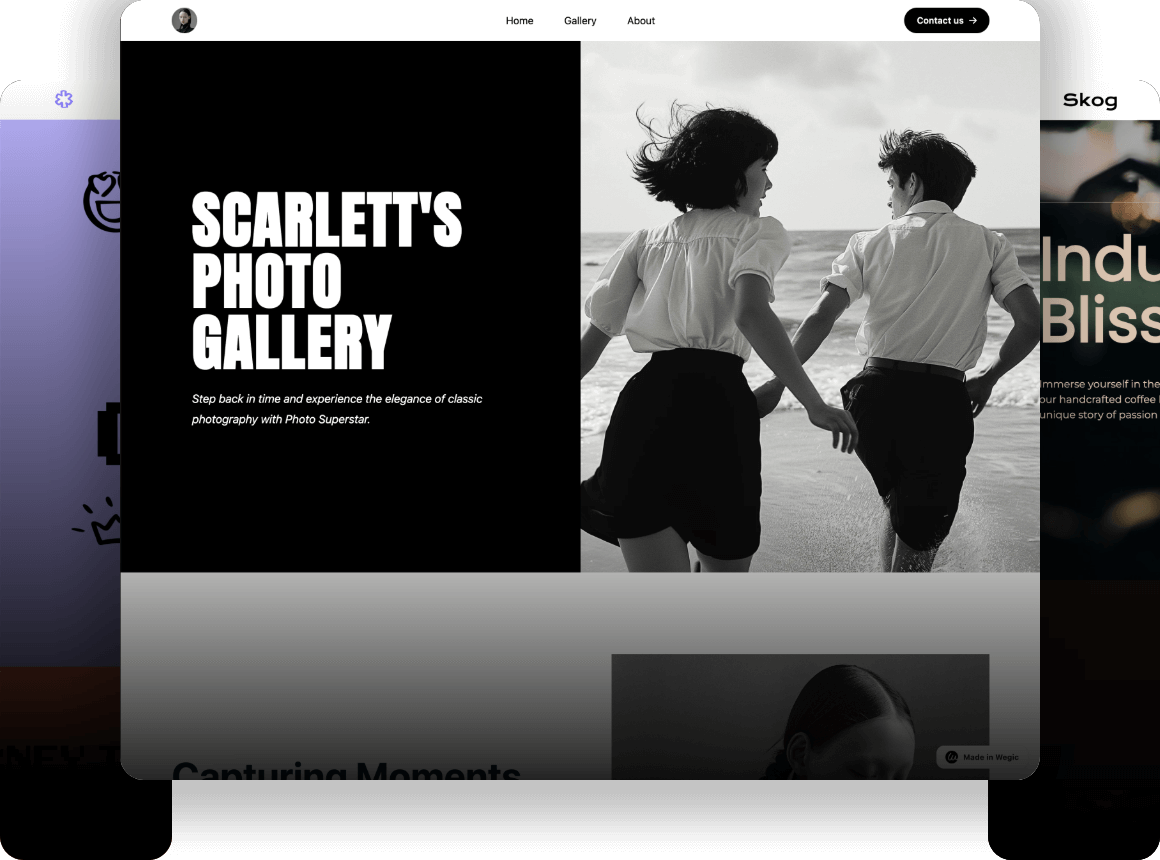
In 2025, building a modern website is no longer limited to coding skills or complicated design steps. The Global Website Builders Market size was USD 2063.16 million in 2024 and is projected to reach USD 2201.39 million in 2025, eventually growing to USD 3946.17 million by 2034. (Source: globalgrowthinsights, 2025)As more people use AI, new AI-powered platforms are appearing. Wegic uses AI to build websites, while Canva lets you design with easy drag-and-drop tools. This makes many beginners and small businesses ask a common question: Wegic vs Canva Websites – which one is better?
In this Wegic vs Canva Websites comparison, we look at the differences between an AI-first builder and a design-first platform, and which one fits your goals best. If you are unsure Wegic or Canva for beginners, this blog will help you pick the right tool based on your skills, needs, and the type of website you want to make.
#01 What Is Wegic? — AI Website Builder Overview
Wegic is an AI-powered website builder that helps anyone create a website quickly and easily. You don't need to know coding or spend hours designing pages. With Wegic, building a website can be fun, simple, and very fast. One of the main ways it works is through chat-based creation, where you just talk or type what you want, and Wegic helps make it happen. Another great feature is fast website setup, which can take as little as 60 seconds.
Wegic also has a special tool called Wegic Ultra. It can make content for your website by itself, keep it up to date, and show useful information about your visitors. This way, your website can get better on its own, without you doing everything yourself.
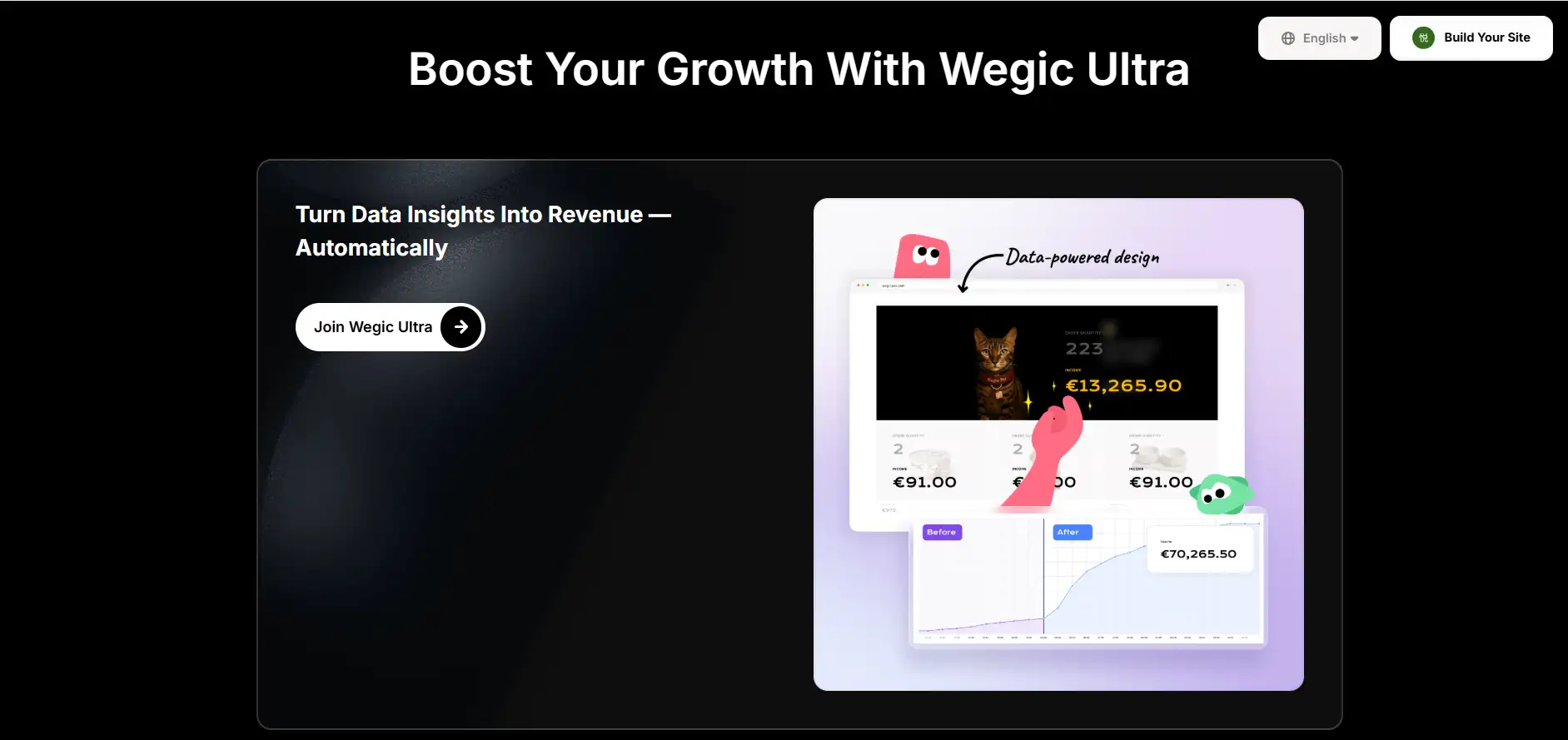
The Wegic AI website builder advantages are clear: anyone can make a professional website without coding skills, the site updates itself automatically, and you can understand your visitors better with smart insights. These advantages save time and let you focus on your business or ideas, instead of technical work.
Another important point is that Wegic can automatically publish and optimise your website. This is why many beginners and small businesses love it. The Wegic AI website builder advantages include simplicity, speed, and smart automation, making it a perfect choice for people who want to create a website without stress.
In short, Wegic is an easy, smart, and fast way to build a modern website. It is designed to help beginners succeed while giving experienced users tools to grow their online presence.
#02 What Is Canva Websites? — Design Tool Turned Web Builder
Canva is a very popular design platform that many people use to make posters, social media graphics, videos, and more. Later, Canva added a website builder to its platform. This tool lets users create simple and good-looking websites without needing to code. Because Canva was already strong in design, its website feature is built around creativity and easy design work.
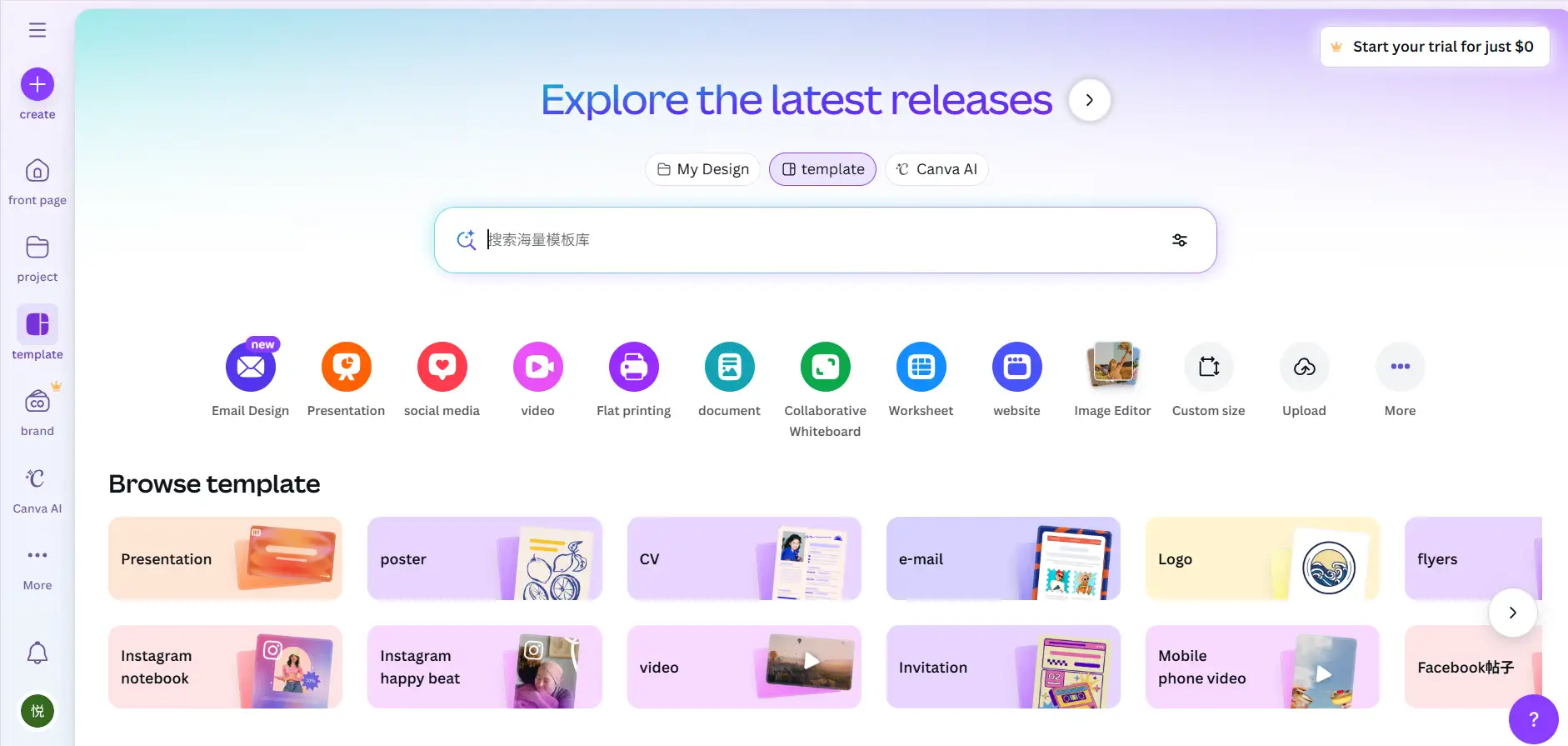
One of Canva's main features is the drag-and-drop editor. You can simply click, move, and place any element you want on the page. Canva also offers a large template library, so beginners can pick a design and start right away. Another good feature is the Brand Kit. It helps you save your brand colours, fonts, and logos so all your pages look the same. Canva websites also work on phones, tablets, and computers.
But Canva has some limits. Some people say it is hard to make many pages. Others say you cannot change the code or do advanced settings. Canva is good for simple websites, but not for websites that need more features.
These points are important when comparing Wegic vs Canva Websites, because Wegic focuses on AI automation, while Canva focuses on design freedom. In the Wegic vs Canva Websites discussion, Canva is often chosen by people who like creative control and visual design.
In short, Canva is a design-first website tool that is easy, friendly, and great for simple creative websites.
#03 Wegic vs Canva Websites Comparison
When comparing two popular tools, Wegic and Canva, it is important to look at their features one by one. 72% of website designers believe AI will significantly alter their industry in the next five years. (Source: wifitalents, 2025)This Wegic vs Canva Websites comparison will help you see how each platform works and which one matches your needs. It also shows the key Canva Websites vs Wegic differences that matter for beginners and small businesses.
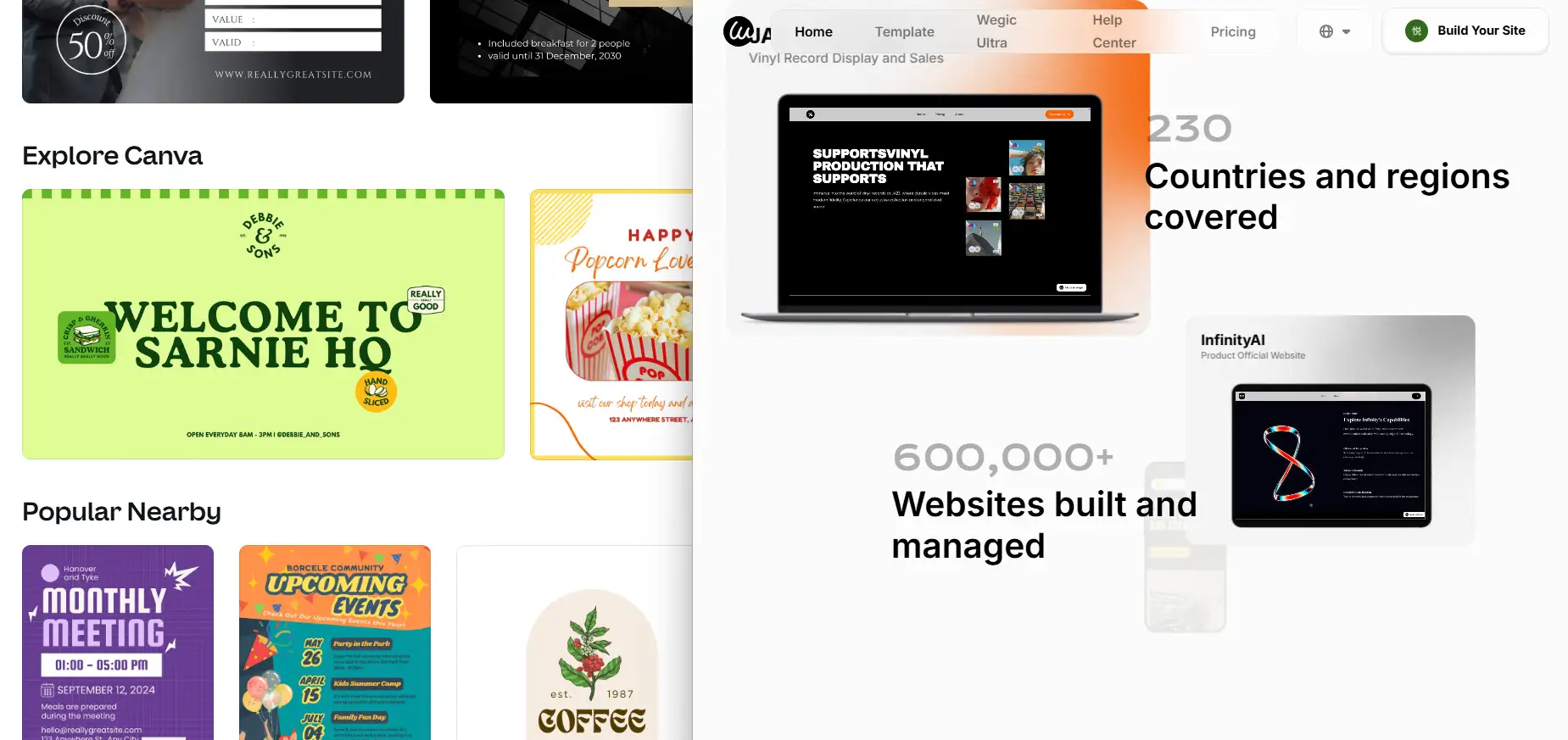
1. Website Building Workflow
Wegic uses a full AI chat workflow. You just type what you want, and the system makes the pages, layout, and structure for you by itself. Canva is different. You use drag-and-drop, which means you put pictures, words, and shapes on the page yourself.
2. Content and Text Creation
Wegic can write content for you, improve your wording, and make your website ready faster. This is one of the strong Wegic AI website builder advantages. Canva mostly depends on you to write your own text, although it does include Magic Write, a simple AI writing helper.
3. Design Flexibility
Canva lets you change many things with templates, visual editing, and the Brand Kit. Wegic also lets you adjust parts, but the design usually starts with a style made by AI.
4. Responsive Design and Publishing
Wegic and Canva both support responsive design for phones and computers. Wegic could offer one-click publishing, and Canva supports using free hosting or connecting to a domain.
5. Visitor Insights and Data Tools
Wegic has AI visitor insights. This helps small business owners see how their customers act and make the website better by itself. Canva has simple analytics and works with Google Analytics, but its SEO tools are easier.
When thinking about Wegic or Canva for beginners, ask yourself: Do you want fast AI help, or do you want full control of design? The Wegic AI website builder advantages are that it is smart and automatic. Canva is better for creativity. Both Canva vs Wegic website tools are useful, but Wegic is faster and smarter for people who want a quick website.
#04 Wegic vs Canva Website Differences — Pros and Cons
When picking between Wegic and Canva, it helps to see their good and bad points. This Wegic vs Canva Websites comparison shows how each tool works and what makes them different. These Canva Websites vs Wegic differences can help beginners, small business owners, and anyone who wants to make a website fast.
Trying to make a website fast now👇
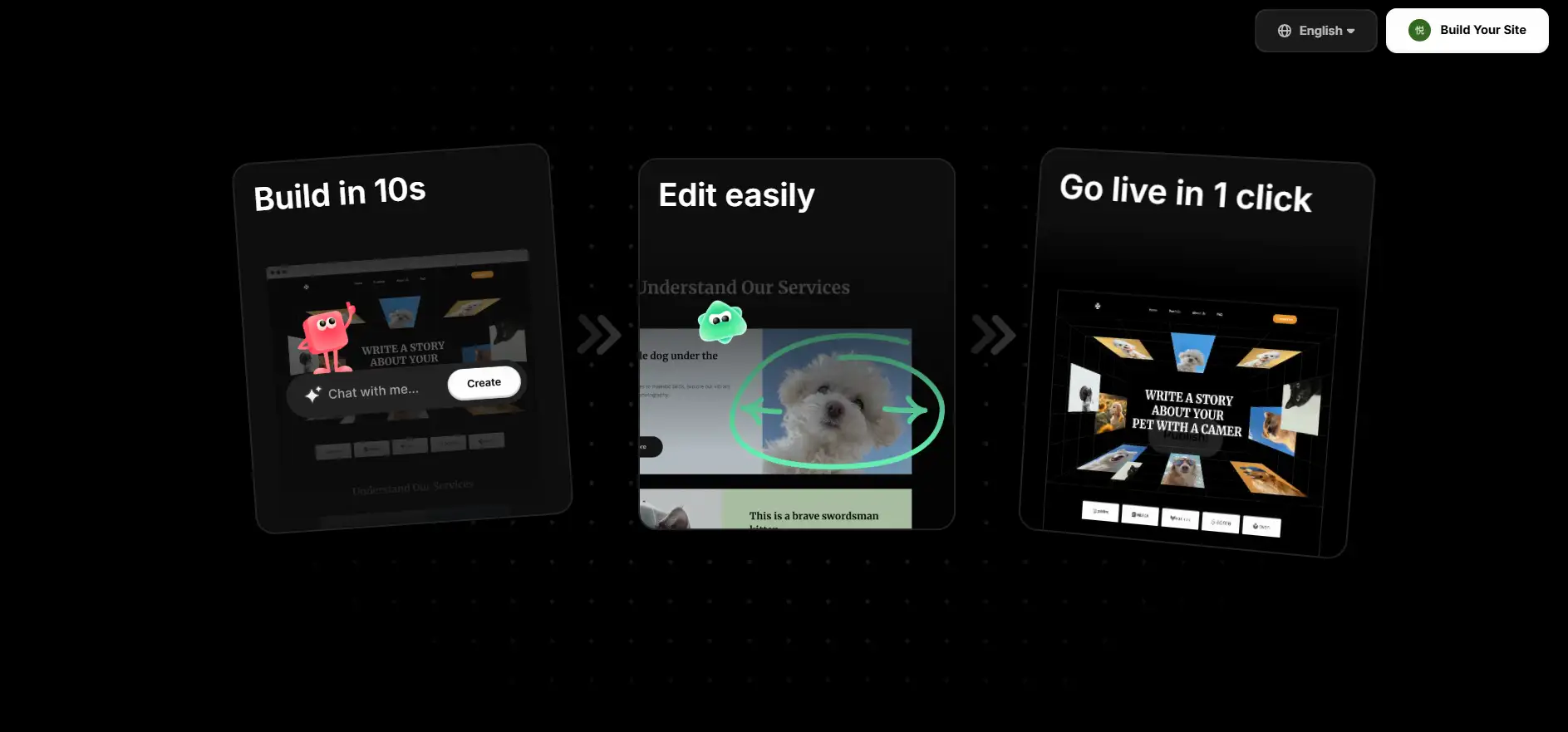
1. Wegic Pros and Cons
Wegic has several big Wegic AI website builder advantages.
Wegic Pros: First, it is extremely fast. You can create a website in just a few seconds using AI. You don't need design skills or coding experience. Simply describe what you want, and Wegic builds it for you automatically.
Another advantage is that Wegic offers continuous automatic updates and AI visitor insights. This means your website can improve itself over time and show you helpful information about your visitors.
Wegic also has a flexible pricing model. It starts with a free plan, and you can upgrade to higher plans if you need more advanced features. These are some of the strongest Wegic AI website builder advantages for beginners or busy users.
Wegic Cons: Wegic is fast, but its design flexibility is more limited. You cannot customise every detail like a professional designer. Some users may feel they don't have enough complex layout control compared to traditional tools.
2. Canva Pros and Cons
Canva is a design-first platform, and its biggest strength is its visual editor.
Canva Pros: The drag-and-drop system makes designing very easy. Canva also has a huge library of templates, photos, icons, and fonts.
For pricing, Canva has a free plan as well as Pro and Teams versions. When building websites, users can choose Canva's free hosting or connect to a custom domain. These Canva vs Wegic website tools make Canva great for people who love design freedom.
Canva Cons: Canva also has some downsides. It does not support advanced customisation like CSS or scripts. Its SEO tools are simple, and many users say that multi-page website support is still limited. These are important Wegic vs Canva website features to compare.
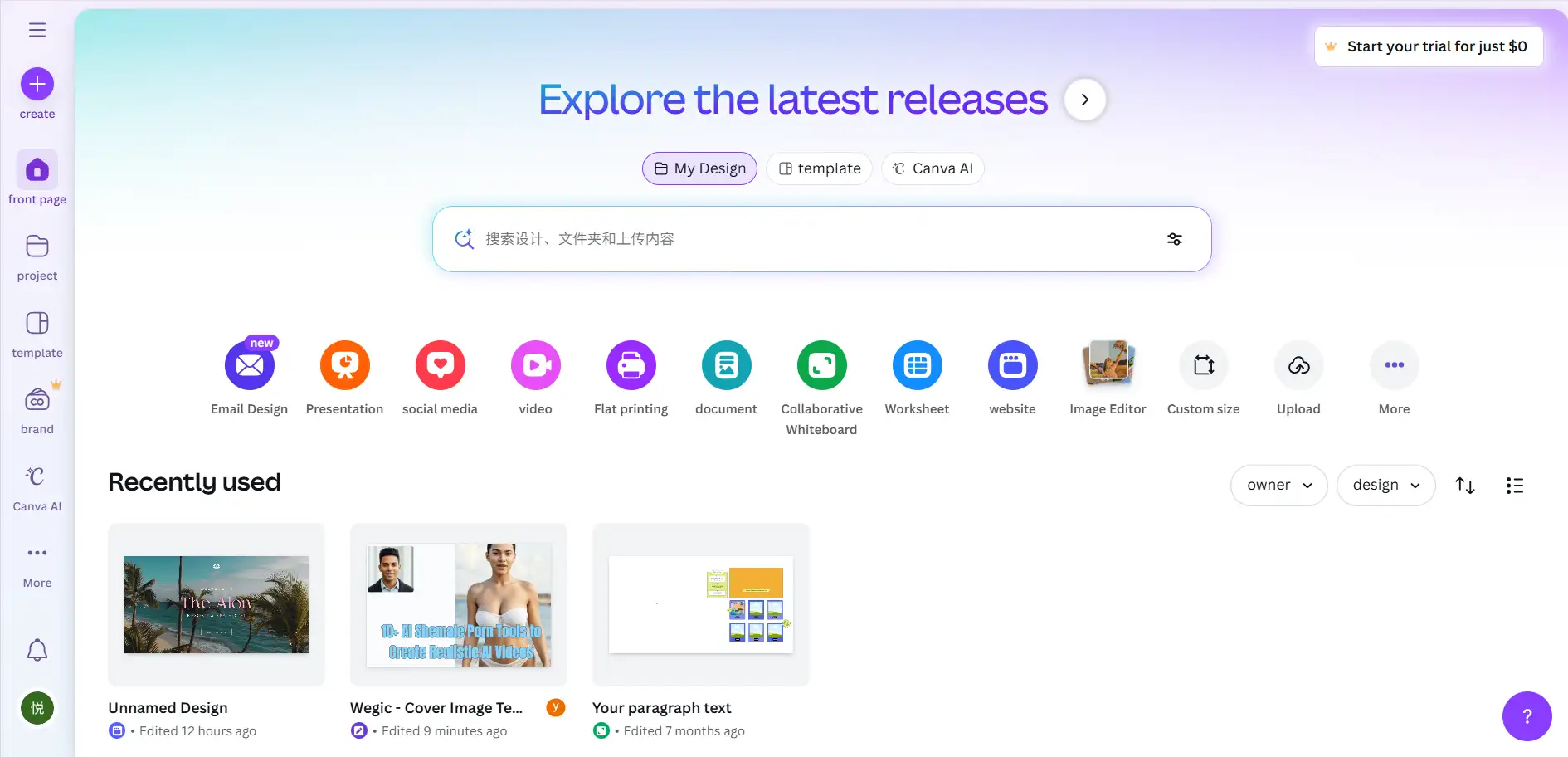
Which One Is Better for You? If you ask Wegic or Canva for beginners, Wegic is better for fast building and automatic help. Wegic vs Canva website features: Canva is better if you want to be creative with design. Knowing these Canva Websites vs Wegic differences can help you pick the best tool for your skills, money, and goals.
| Comparison Criteria | Wegic (AI-First Builder) | Canva Websites (Design-First Tool) |
| Core Workflow | Conversational AI (Chat-based) | Drag-and-Drop Design |
| Build Speed | Extremely Fast (Approx minutes for a full site) | Fast (Relies on template selection and manual adjustment) |
| Content Generation | AI automatically generates, rewrites, and optimizes copy | Requires manual input (with simple Magic Write assistance) |
| Design Freedom | AI-driven layout, quick adjustments (Limited pixel-perfect control) | Very High, complete drag-and-drop freedom (Pixel-level control) |
| Long-Term Automation | Features AI auto-updates, smart visitor insights | Requires manual updates, simple analytics tools |
| Basic SEO Features | Built-in AI optimization, clean code structure | Basic SEO settings (Multi-page support is limited) |
| Multi-Page Support | Supported, with structured management | Supported, but navigation and linking flexibility is limited |
| Ideal User | Non-technical, time-constrained small business owners | Visually driven, focused on design, personal brand/portfolio |
#05 Use Cases: Which Platform Is Best for Beginners?
How to choose between Wegic and Canva? Usually, it depends on the type of website you want to build and how much creative control you prefer. In a Wegic vs Canva Websites comparison, both tools are beginner-friendly. However, these two tools fit very different needs. Canva has limited SEO capabilities, lacking in-depth support for meta tags or structured data.(Source: Methodmi, 2025) Here is an easy and clear list of the best ways beginners can use each platform. This simple guide also shows the main Canva Websites vs Wegic differences so it is easy to understand.

1. Entrepreneurs & Small Businesses
Wegic vs Canva website features. For new business owners, startup teams, or anyone making a small business website, Wegic can help you get your website online much faster.
- Its conversational workflow removes technical barriers.
- The site is generated in the 60s, requiring no drag-and-drop skills.
- AI assistants can continuously provide suggestions.
These Wegic AI website builder advantages make it the better choice if your main goal is to launch quickly, test ideas, or get a professional website online with minimal effort.
Best for beginners who want automation over manual design.
This is where the debate of Wegic or Canva for beginners typically leans toward Wegic.
2. Personal Branding & Portfolios
Wegic vs Canva website features. If you're building a personal brand, portfolio, or creator website, Canva is
a more intuitive and visually expressive option.
- Thousands of design templates
- Drag-and-drop control
- Massive visual asset library (photos, icons, fonts)
Canva is ideal for beginners who enjoy being hands-on with design. These users often prefer crafting layouts themselves rather than letting AI decide.
Best for beginners who are visually driven or want to learn design basics—another angle in the Wegic or Canva for beginners question.
3. Marketing Pages & Campaign Sites
For landing pages, event pages, and promotional websites, Canva performs exceptionally well because:
- Visual storytelling is easy
- Branding assets can be unified across social media
- Templates are optimised for advertisements and campaigns
If your website is part of a broader marketing toolkit, Canva provides a seamless design ecosystem.
4. Long-Term Content or SEO-Driven Sites
Canva provides basic tools for content management and SEO optimisation, though these features are more limited compared to dedicated content management systems. (Source: ToolPicker, 2025) So if you want to create a site that needs continuous optimisation or content growth, Wegic becomes the stronger choice.
- AI can rewrite, expand, and update pages
- Visitor insights help improve website content
- Structure and layout adapt as the site evolves
This highlights a practical part of the Canva Websites vs Wegic differences: Canva excels visually, while Wegic excels in long-term automation and content workflows.
Conclusion
In this Wegic vs Canva Websites comparison, it is clear that each platform serves different needs. Wegic AI-driven builder automates layout, content, and updates, saving time and effort. On the other hand, Canva is famous for its drag-and-drop editor, templates, and rich media resources. Knowing the Canva Websites vs Wegic differences helps you decide which tool fits your project. When comparing Canva vs Wegic website tools, select the right platform for your skills, goals, and style.
FAQ
1. Does Wegic require design experience?
No. Wegic is built for beginners. Its AI-driven builder creates layouts, content, and structure automatically. You don't need any coding or design skills to get started.
2. Does Canva support multi-page websites?
Canva allows multiple pages, but multi-page support can be limited. Users sometimes find navigation and linking between pages less flexible than traditional website builders. This is one key Canva Websites vs Wegic differences.
3. How effective is Wegic's AI automatic content?
Wegic can generate high-quality content quickly and optimise it over time. It helps beginners and small business owners save time while keeping the website updated. This is one of the main Wegic AI website builder advantages.
4. What are the Canva Websites vs Wegic differences?
The Canva Websites vs Wegic differences are mainly in workflow and control. Wegic uses AI to build websites quickly. Canva relies on drag-and-drop editing and visual templates.
5. Wegic vs Canva website features, which is better for small businesses?
Wegic is ideal for small businesses or beginners who want zero-code websites. We can easily generate a website simply by talking to the AI assistant. Plus, there are free trial points available.
Escrito por
Kimmy
Publicado el
Dec 1, 2025
Compartir artículo
Leer más
Nuestro último blog
¡Páginas web en un minuto, impulsadas por Wegic!
Con Wegic, transforma tus necesidades en sitios web impresionantes y funcionales con AI avanzada
Prueba gratuita con Wegic, ¡construye tu sitio en un clic!