Log in
Build Your Site
How to Make a Gaming Website in 2025: Beginner 8-Step Blueprint
Build a gaming website in 2025! Follow this beginner-friendly 8-step blueprint for creating a successful online games website with minimal effort.

In recent years, e-sports, mobile games, and virtual reality games have become very popular. Games are now a big part of global culture and the world economy. The game market keeps growing and changing every day. There are now over 3 billion players worldwide. At the same time, competition in the game industry is getting tougher. If you are a developer or part of a small game team, creating your own game website can help you stand out in this crowded market.
Click on the image to develop game websites without code! ⬇️
In today’s digital world, having your own game website can make your game brand more well-known. It also lets players connect with you directly, which can increase your game’s visibility and keep players loyal. This article will guide you step by step on how to make a gaming website. Doing this can help you reach more players without relying on other platforms, save money, and grow your game’s influence.
Why Do Your Games Need a Website?
In today's highly competitive game market, simply relying on third-party platforms to release games can no longer meet the needs of developers. Having an exclusive online games website is the key to competing with the market, attracting players, and promoting game success.
- Break through platform restrictions: Although third-party game platforms such as Steam and App Store provide convenient release channels, their commission is as high as about 30%. Moreover, the platform's traffic is limited. The exposure of the game often depends on the platform's recommendation algorithm. As a game developer, it is difficult for you to master control and profit space.
- Improve player loyalty: On other platforms, you mostly connect with players through comments and ratings. This connection is not very strong. With your own website, you can build a lasting and steady player community. You can talk to players more directly and often. Your site can add features like forums, member programs, and daily rewards to keep players interested. A website also helps more people find your game. Players can share it on social media and tell their friends about it.
- Master brand autonomy: You can design the website style, functions, and content display according to your own needs and game features, and stay away from the platform's restrictions on game display and recommendation. For example, Genshin Impact displays rich background stories, game world views, and update information through its official website, helping players to gain a deeper understanding of the game and further attract their interest.
- Diversified monetization: When you build a gaming website, you can earn more money by selling game add-ons, extra content, and ad space. These sales don’t require sharing profits with platforms. Selling games and products on your own website cuts platform costs and boosts profits.
- Get SEO traffic: A well-optimized game website can bring you long-term natural traffic. Publishing guides, news, and game reviews can help your website rank higher in search results. This brings more players to your site. Unlike ads, SEO traffic is steadier and lasts longer. It also cuts marketing costs over time.
How to Make a Gaming Website for Beginners?
Although the online games website building process may seem a bit complicated, as long as you follow the steps step by step, you can quickly build an efficient and practical game website without in-depth technical knowledge. Here are the detailed steps on how to make a gaming website from scratch:
Step 1: Determine Your Website Goals
Before you start on how to make a gaming website, you must first clarify the purpose of your website. Different website goals will require different structures and functions.
- If you want to show off your game and sell more copies, your website’s homepage should highlight the game’s best parts. Include pictures and videos of the game.
- If you want to build a community for players, add social features. For example, you can add a forum, let players leave comments, and organize events for them.
- If you want to market your game, add a blog or news section. This way, players can stay updated on the latest game news and changes.
- If you want to help players connect with each other, focus on community features. Add user profiles, leaderboards, and spaces where players can share their own content.
After clarifying the goals, the subsequent design and content planning will be clearer.
Step 2: Choose a Website Building Platform
When choosing a website builder on how to make a gaming website, you need to make a decision based on your technical level and needs. For beginners, WordPress is the most common and easy-to-use choice. It has many ready-made designs and tools. These can help you build a full website fast, even if you don’t know how to code. You are able to select designs and products designed to operate in gaming sites. It is simple to incorporate such things as game listings and methods to make players communicate with each other.
Click on the image to design game websites with AI! ⬇️
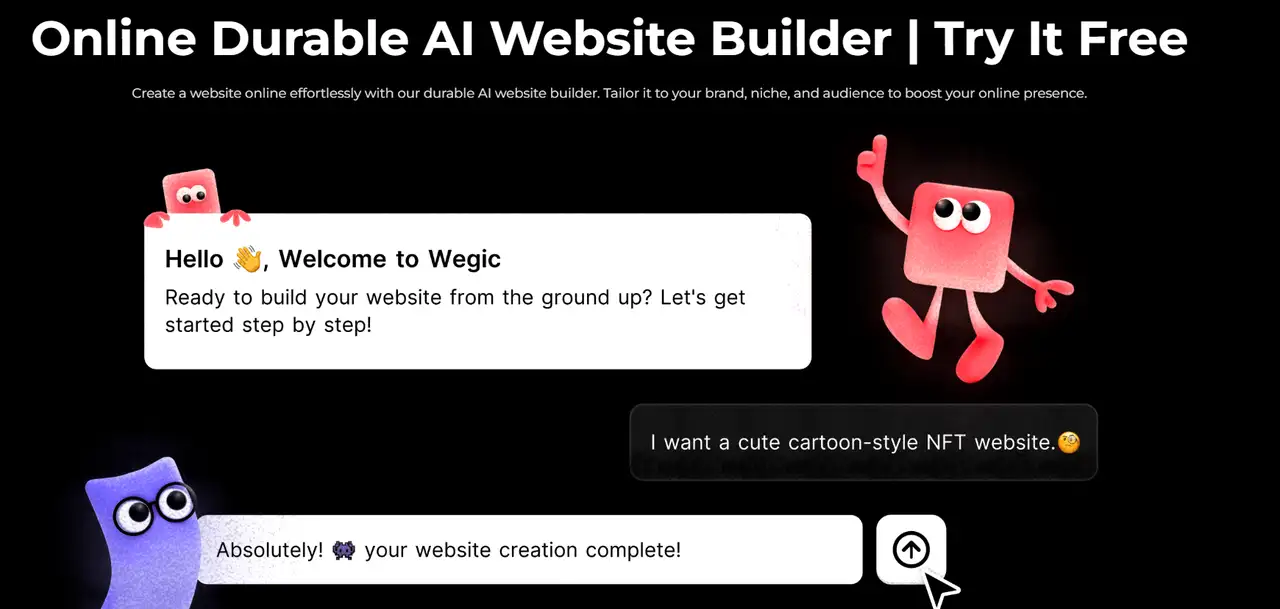
In case you desire a tailored site in the content about games, consider a no-code website builder as Wegic. Wegic is a revolutionary AI web design and development tool that democratizes website creation through its user-friendly chat-based interface.
Considering a website building solution, make sure that this solution can provide what you require. Ensure that it is flexible and you can alter things in the future as your needs increase.
Step 3: Register a Domain and Purchase Hosting
Whenever one is considering how to make a gaming website, one important step is selecting an appropriate domain name. Traffic of the players can be boosted by having a short, catchy domain name that is based on the features of your game. Domain name registration companies like GoDaddy and Namecheap offer the service of querying and purchasing domain names. When buying, ensure that the domain name relates to the game theme and is known as a brand.
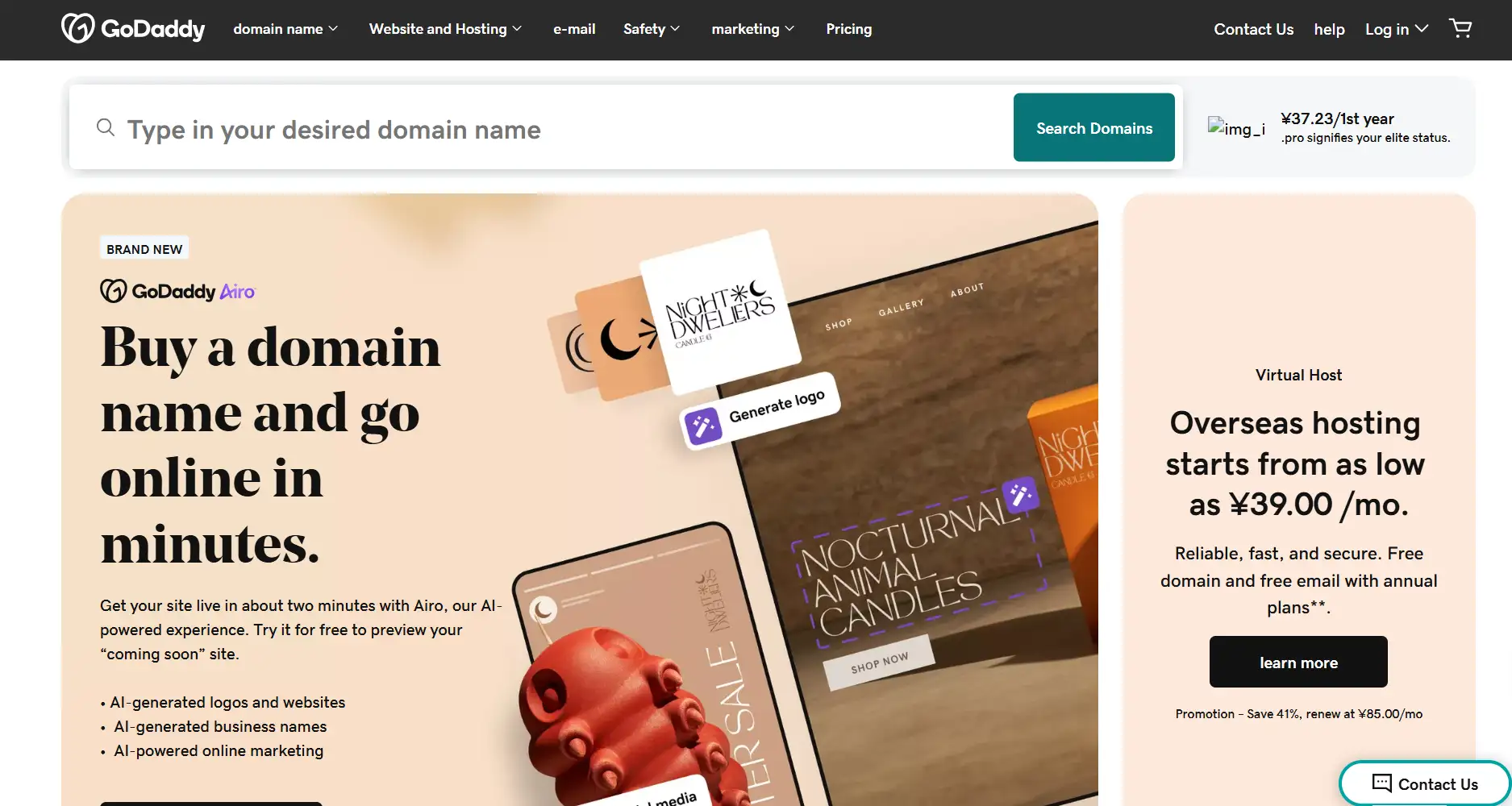
Moreover, you should select a rather stable hosting service. You have the possibility to choose between the known hosting services, i.e., Bluehost or HostGator. They provide decent and swift services. In addition, consider your future requirements. It will be intelligent to select your host who can cater to a large number of visitors in case your site eventually expands.
Step 4: Install the Plugin
Installing the right plugins on how to make a gaming website can enhance website functionality. For gaming websites, you may need to install these plugins:

- SEO optimization plug-ins: e.g., Yoast SEO, Rank Math. You can use these plugins to optimize web content and rank high in search engines. They offer keyword suggestions, meta tag configurations, optimization of links on-site, and so on, so that search engines are in a better position to crawl and index your webpage.
- Comment and social shareware: e.g., Disqus, Social Warfare. Websites can rely on comment plugins to give them a platform of interaction with the users, improve communal feelings, and the enhancement of user stickiness. Plugins which enable social sharing of game content to other social sites provide easy distribution, exposure, and traffic to the site.
- Optimise loading speed: using a loading speed optimisation plugin, e.g., WP Rocket, W3 Total Cache. These plugins will be able to find caching web content and compress the images, cut the HTTP requests, and can greatly speed up the time it takes to load the page. Speedier loading will decrease bounce rate and increase user experience.
Step 5: Design Your Website Structure
The majority of website constructors provide many free and paid templates that fit all kinds of websites. You will have the ability to select a template, which suits your game theme, and you can construct the basic structure of your site fast. Such templates typically possess the following simple page layouts already installed:
- Homepage: Display the main entries of the game, the newest events, and the significant news to promote the interest of the players.
- About us: Give a short story about the background of the game, the development team, and goals or ideas of the game.
- Contact: Give players some options for contacting the developer or customer service team, e.g., email, social media profiles, or customer service on the internet.
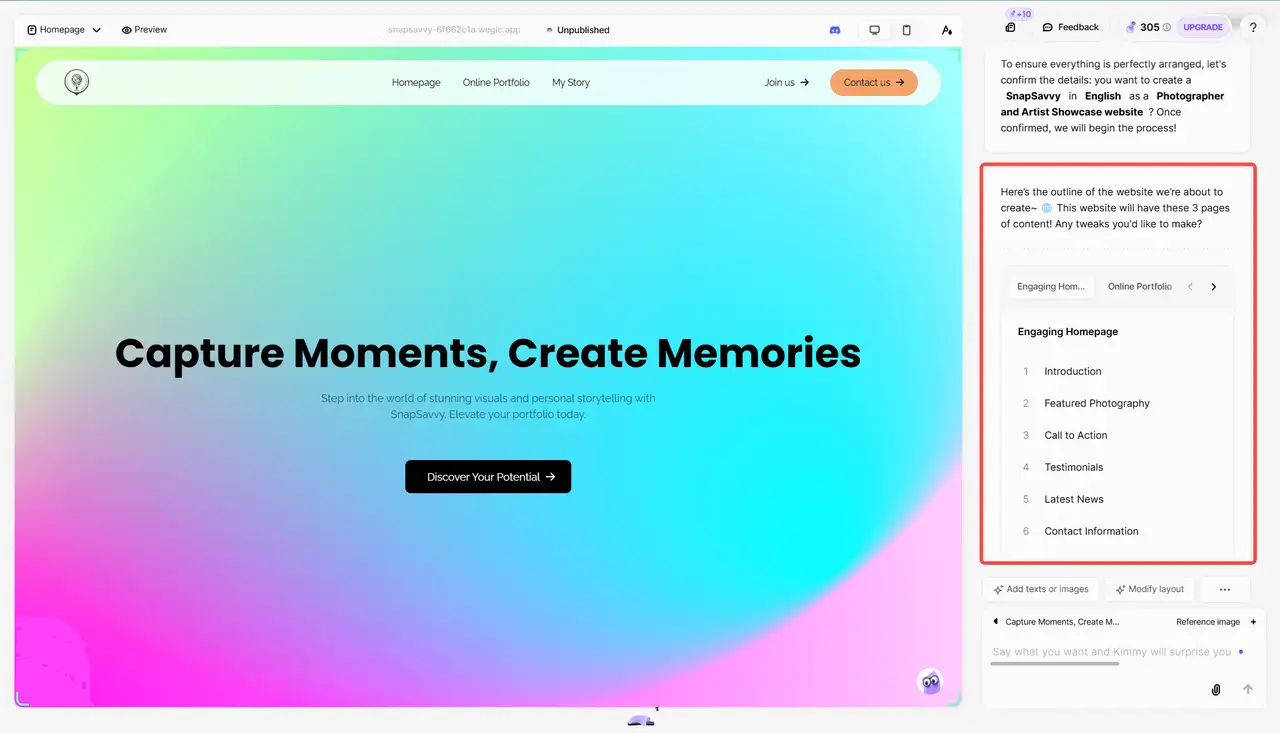
Moreover, you should weigh the presented pages of the game site so that players can find easily required information. The game site pages normally also contain:
- Game introduction: Describes in detail, how the game will be played, the background story, settings of the characters, etc of the game. Demonstrate the peculiar beauty of the game by means of appealing words and visual means.
- News updates: release up-to-date news of the game, update logs, present announcements, etc., so that the players may be informed about the living conditions of the game.
- Player community: Add a discussion forum or chat session so that you can interact with the player or report bugs, etc. Forums will make your players feel more like a part and achieve a stable customer base.
- FAQs Pages: FAQ basically provides probable answers to popular questions: how do I install the game, what to do when I encounter common technical issues, managing accounts, and so on, so that when players encounter these problems, they can figure them out almost instantly.
- Download Center: The client will get the download link of the game, or in case of a web game they will be given a speedy entry. Make sure that the game becomes accessible and can be launched easily.
- Achievements and Leaderboards: Show the achievements of players and in-game leaderboards to foster competitions and communication.
Step 6: Assemble and Publish Content
It is content that will be central in attracting players. Posting blogs, news, and game guides is another way to increase your content on your website. This can also improve your SEO ranking. Your site must not just display the features of the game, but it should also provide the tips that can be used by gamers.
E.g., post about the new actions in the game, new events, and players' stories. This material can be used to market the game and maintain the attention of the gamers. It can also increase their visit to your site. In making content, do it with quality. Do not use long or badly written text. Ensure that there is something new and entertaining about the game whenever they come.

Image by Istock
Step 7: Test Website Functions
Prior to the introduction of the site into business, testing should be completed exhaustively. The test is supposed to test all the components of the site. This concerns the speed of loading of the pages, whether links were all working, the ability to comment, and the registration system. Ensure as well that the site is functional across various devices and browsers.
During testing, run several user experience checks. Make sure users can easily find what they need and use the site without problems. You can ask friends or potential players to help test the site. Use their feedback to fix any issues.
Step 8: Launch, Promote, and Maintain Your Website
Once your website is ready, officially launch it. Promote it on social media like Twitter, Facebook, and Instagram to get players to visit and share game news and updates. You can also use Google ads, work with partners, or try content marketing to reach more people. Share game updates, news, and event details regularly to keep the website fresh. Also, check the website’s security often. Update plugins and templates to fix any safety issues.
After finishing all these steps on build a gaming website, you’ll see that making a full game website takes a lot of work and time. It usually takes at least 3 months to finish. This includes designing, creating content, building the site, and improving SEO. You’ll need some technical skills, and you might have to hire designers, developers, and SEO experts to make sure the website is of good quality. The whole website costs around $5,000, and you’ll need to keep maintaining and updating it over time. For many developers, such time and cost investment may be a bit too heavy.
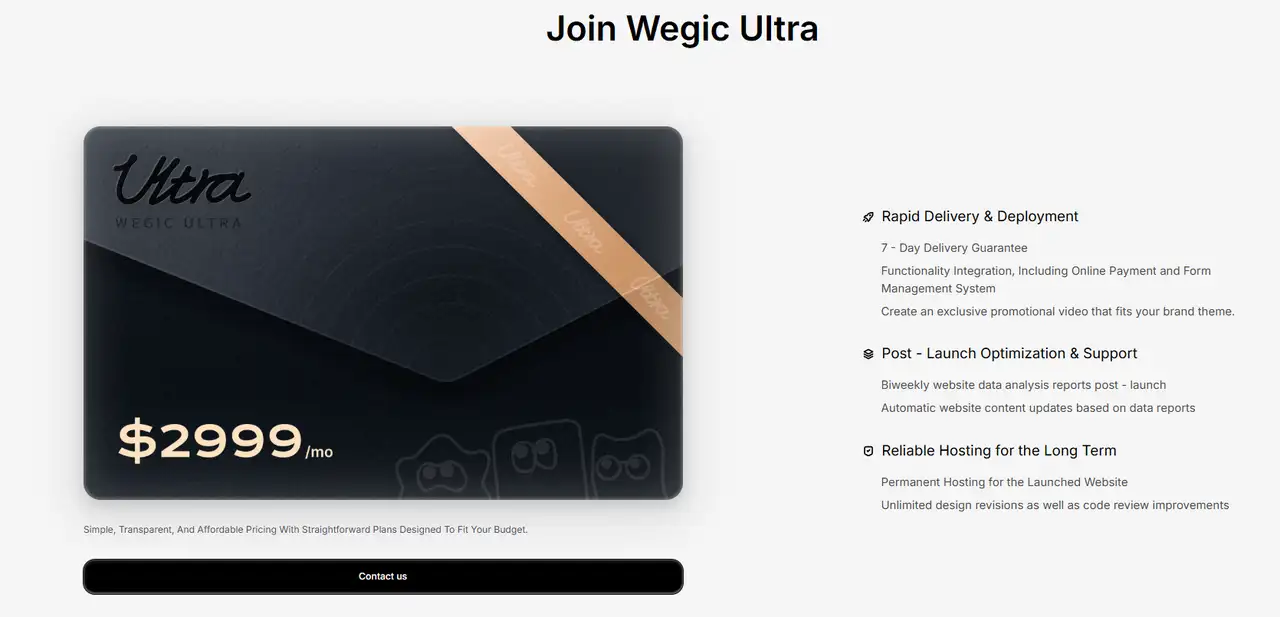
Wegic Ultra provides a one-stop solution for how to make a gaming website, providing users with professional-level design, development, and optimization services. You don't need to master tedious programming and design skills. For only $2999, you can easily build a fully functional and well-optimized game website in 1 week. Whether it is to showcase games or build a player community, professional website builder Wegic Ultra can provide you with efficient and low-cost solutions, allowing you to focus on game development and player experience, and promote your game project to achieve greater success.
Wegic Ultra Makes Online Games Website Construction Easier
Wegic Ultra uses smart AI and the best methods to help you build and improve your website. It lets you build a gaming website quickly. It also changes the website content and layout based on how users act. This keeps your site in top shape. Whether you work alone, have a small team, or run a big company, Wegic Ultra makes it easy to create and manage your game website.

- Wegic Ultra’s AI makes a first design for your site based on what you need. Then, it adds features and layouts that fit the game industry.
- Wegic Ultra includes payment options right on your site. You can sell in-game items, DLC, or ads. The system connects to payment methods fast, so you can start making money from day one. You won’t have to worry about payment safety or tech issues.
- Wegic Ultra provides unlimited design modifications and code review, and improvement services. Every two weeks, it gives you reports on how your site is doing. This helps you see what works and makes changes. With constant updates, your site stays ahead.
- After your site goes live, Wegic Ultra keeps improving it by watching user actions and traffic. You don’t need to make changes yourself. The AI adjusts the layout based on clicks and visits. This boosts sales and makes the site better for users, helping your game site grow over time.
- All Wegic Ultra users get free website hosting for five years. Even if you stop paying, your site stays online for free. This keeps your site running without extra costs. You don't have to worry about website interruptions due to payment issues.
Consluion
The gaming market is very competitive today. Learning about how to make a gaming website can help you grow your brand. It also lets players connect with you more easily. When you own the platform, you don’t have to depend on other websites. You can decide what games to show and how to make money from them.
However, creating a professional online games website involves multiple complex steps. From technical development to design optimization to ongoing maintenance, all require a lot of time and resources. Wegic Ultra breaks this limitation and provides a one-stop website building solution. With Wegic Ultra's AI smart engine, you will get support for continuous optimization and automation to ensure that your website is always in the best condition. This not only saves time and money, but also increases conversion rates and revenue. If you want to build a gaming website, you might as well try the website builder Wegic Ultra.
Written by
Kimmy
Published on
Mar 17, 2026
Share article
Read more
Our latest blog
Webpages in a minute, powered by Wegic!
With Wegic, transform your needs into stunning, functional websites with advanced AI
Free trial with Wegic, build your site in a click!
What kind of website do you want to build?