Home > Embed Google Maps
No code Google Maps generator
Embed Google Maps on website
Seamlessly add Google Maps to your website in minutes with zero setup. No API keys, no code, display the accurate locations to lead customers in-store.

Deploy Google Maps instantly with AI
Let Wegic AI place your store location on your website through a simple chat. No setup, no searching for embed codes, and no iframe generator needed. Just tell AI website generator your address, and Google Maps appears automatically in the right spot on your website.
Add Google Maps now
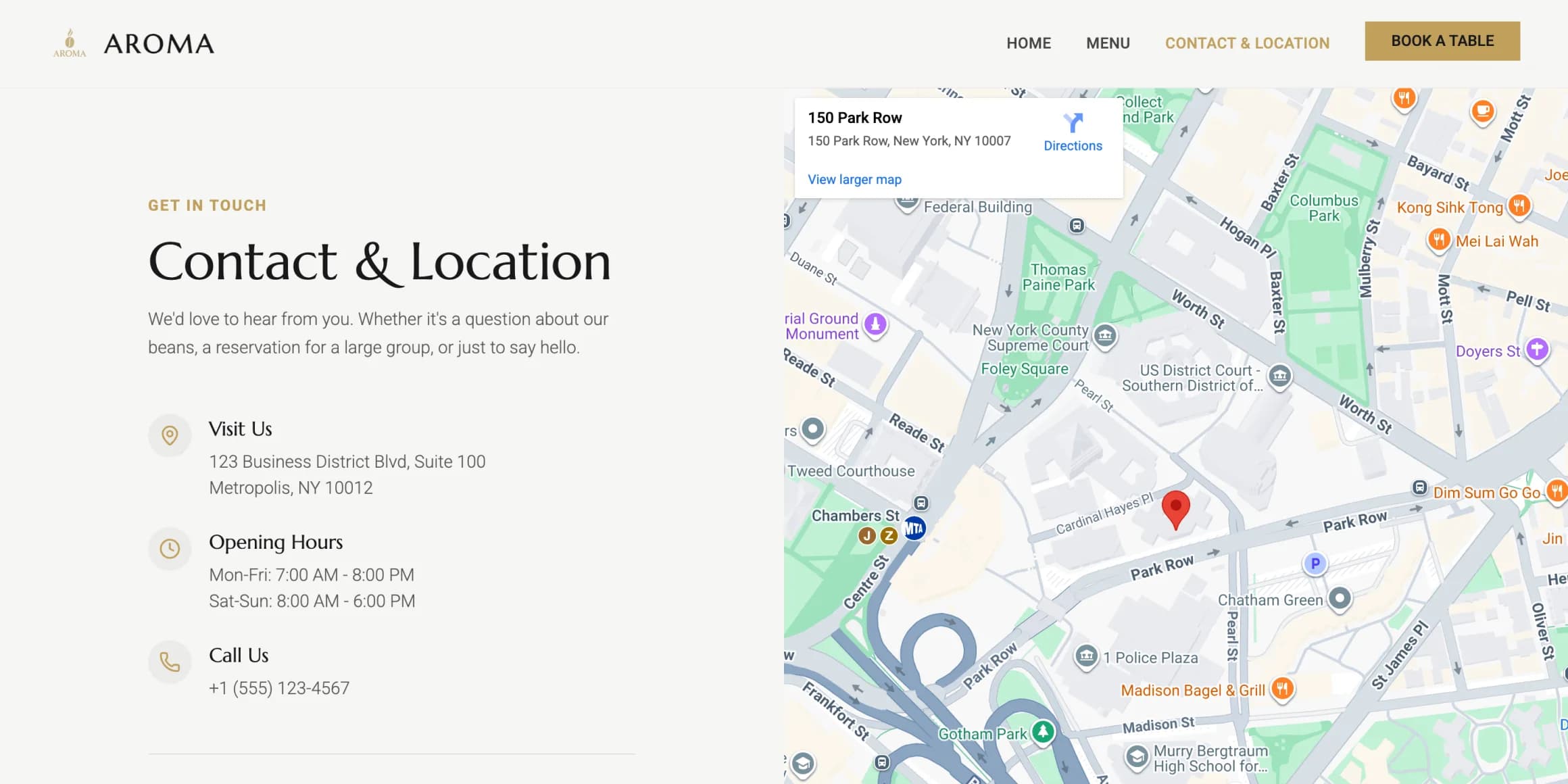
Effortlessly help customers find your store
Embed Google Maps to turn online visitors into in-store customers and increase your sales potential. Wegic AI not only builds your website, but also equips it with seamless, conversion-driven features that guide customers without friction.
Add Google Maps now
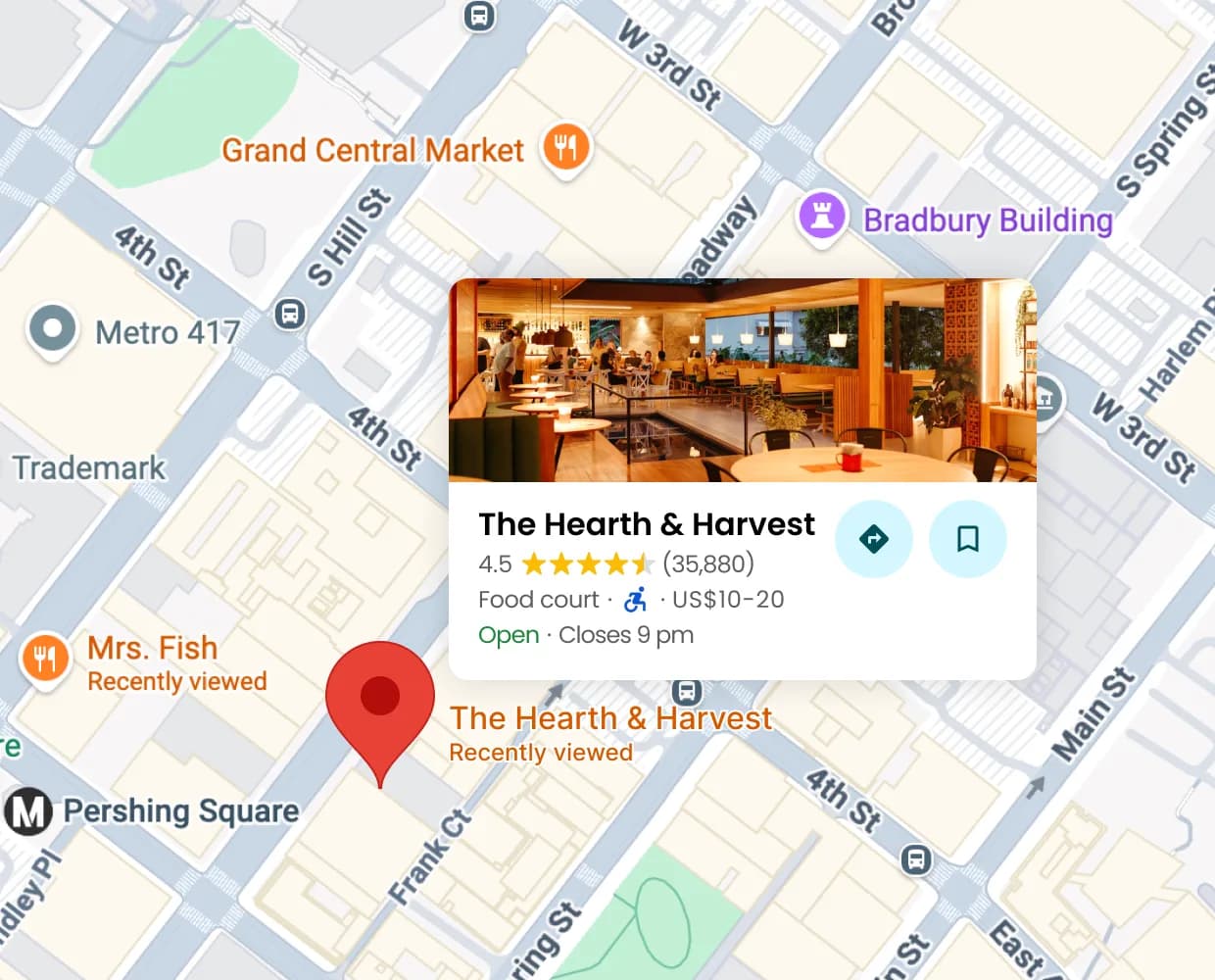
Display your real Google Maps reviews
Show authentic Google Maps reviews on your website to build trust and motivate visitors to visit your store. Wegic AI automatically inserts your location and reviews — no setup, no manual configuration, all done in minutes.
Add Google Maps now
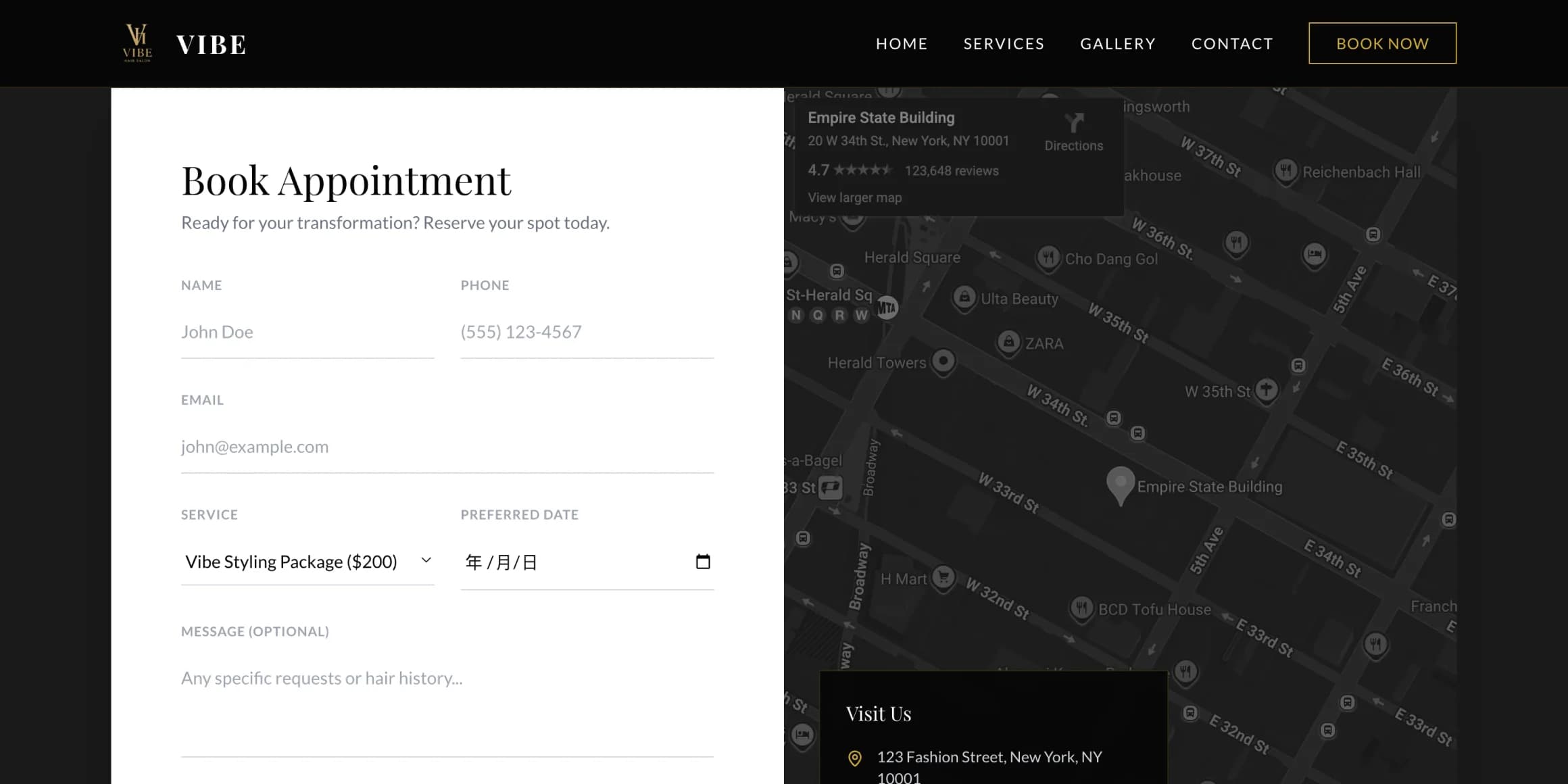
Use cases
Add Google Maps now
Cafés
How to embed Google Maps in Wegic
Add Google Maps now
Chat to start
Tell Wegic AI to add Google Maps to your website and provide more information about your requirements.
Step 01
Generate
Then Wegic will instantly and automatically design, code, and embed Google Maps at the target location on your site.
Step 02
Launch
Once satisfied with the result, launch your website with Google Maps.
Step 03
Publish your site with Google Maps integrated now
Add Google Maps now