Log in
Build Your Site
5 Best Website Compliance Examples (And How to Build Accessible Sites in 2026)
Building a website is never a simple task. But Wegic makes it possible! Let's review the 5 best website compliance examples and see how to use Wegic to generate one in a minute!
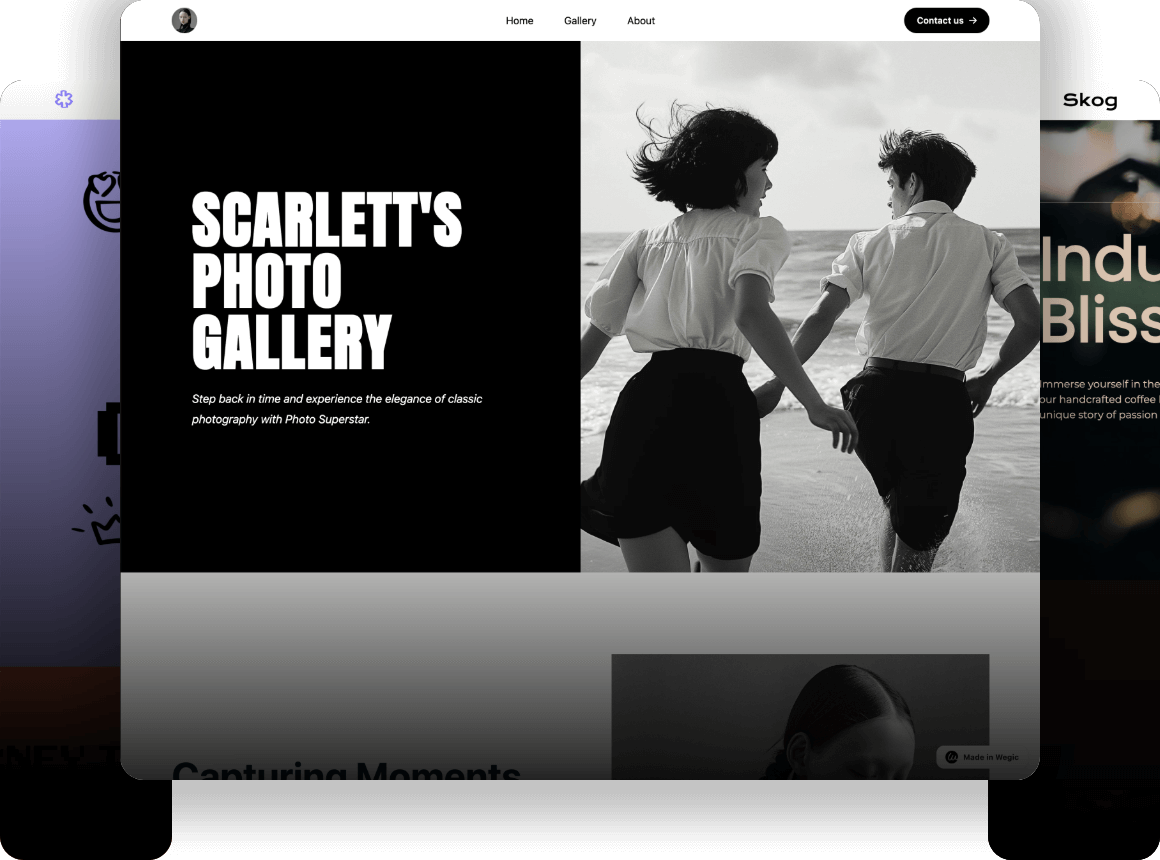
Are you worried about legal risks and searching for the best website compliance examples to ensure your online business is fully accessible and legally protected? In 2026, web compliance isn't just about avoiding lawsuits. It is about ensuring every user, regardless of their physical abilities, can navigate your digital storefront smoothly. However, reading through hundreds of pages of legal documentation and manually coding ARIA labels can be a nightmare for business owners. What if you could bake compliance into your design automatically? Enter Wegic. As an intelligent AI website growth system, Wegic is engineered with accessibility (a11y) in mind from the ground up, generating semantic, keyboard-navigable sites instantly through natural conversation. In this guide, we will analyze 5 world-class examples and show you how to launch a beautiful, compliant site without writing a single line of code.
Why Website Compliance Can Make or Break Your Business
Many business owners mistakenly believe that web compliance only applies to massive tech corporations or government portals. This is a dangerous and costly misconception. According to the latest ADA Digital Accessibility Report by UsableNet, digital accessibility lawsuits reached an all-time high, with thousands of businesses facing legal action due to non-compliant websites. E-commerce accounts for nearly 70% of all ADA network lawsuits. Beyond legal fees, a non-accessible website actively blocks a significant percentage of the global population from purchasing your products. Following accessible website guidelines is not just a legal obligation. It is a massive revenue opportunity. Let’s explore how top organizations handle this!
5 Amazing and Stunning Website Compliance Examples
1. Ultima Replenisher
Ultima Replenisher is a zero-sugar, zero-calorie electrolyte drink designed to help people stay hydrated. The brand offers a variety of refreshing flavors. It makes it easy for consumers to maintain hydration while supporting a healthy lifestyle. The brand’s e-commerce website follows accessible website guidelines. It features a purple and white color scheme that creates strong visual contrast while maintaining a clean and visually appealing aesthetic.
In addition, the site uses large, highly legible text that stands out clearly against the background. This design choice improves readability and ensures that visitors can easily navigate the site and understand product information, providing a more inclusive and user-friendly online shopping experience. It is one of the good website compliance examples.
Image by Ultima Replenisher
2. RNID
RNID, a national charity supporting people with hearing loss, ensures that users can increase text size up to 300% on its website. This complies with WCAG Success Criterion 1.4.4, which requires websites to allow text resizing without loss of content or functionality.
By meeting this accessibility standard, RNID makes sure that users with visual impairments or those using assistive technologies can enlarge text while still maintaining a smooth and fully usable browsing experience. This approach demonstrates how thoughtful web design can significantly improve digital accessibility and inclusivity.
Image by RNID
3. Patagonia
Patagonia provides a strong example of how following accessible website guidelines can improve both usability and conversions. The product page is one of the most critical pages on any e-commerce website, as all marketing efforts, such as ads, email campaigns, and search traffic ultimately lead customers here. If accessibility barriers exist at this stage, they can directly prevent a purchase from happening.
Patagonia’s product pages are designed to work smoothly with keyboard navigation on desktop devices, while also maintaining a clear and intuitive experience on mobile. Important actions and controls remain visible and easy to access across different devices, ensuring that users can complete their shopping journey without confusion.
Product pages are often where accessibility issues become most critical. When users arrive through advertising, email marketing, or search results, encountering a button or control that cannot be accessed may interrupt the entire purchase process.
For users who rely on keyboard navigation or assistive technologies, this is not a minor inconvenience—it can be a complete barrier to completing a purchase. By focusing on the product page as an example, this case highlights how accessible design directly impacts real business outcomes, rather than simply fulfilling compliance requirements.
Image by Patagonia
4. 1% for the Planet
Using high-contrast colors and keyboard-friendly navigation, the 1% for the Planet website delivers a visually appealing user experience while also ensuring strong accessibility. The thoughtful design makes it easy for users with visual impairments to navigate and interact with the site, demonstrating how aesthetic design and accessibility can work together to create an inclusive digital experience.
Image by 1% for the Planet
5. BBC News
The BBC News website is a strong example of accessibility in practice, particularly in relation to WCAG Success Criterion 2.1.1: Keyboard. Every interactive element on the page can be reached and activated using only the “Tab” key, meaning users can navigate the entire site without needing a mouse.
In addition, the site features a clear and highly visible focus indicator, which helps users easily see where they are on the page as they navigate. This makes the browsing experience far more intuitive and efficient for keyboard-only users and individuals relying on assistive technologies, demonstrating how thoughtful design can significantly improve web accessibility.
Image by BBC News
Building an Accessible Website Without Code: The Wegic Workflow
Looking at these magnificent website compliance examples, you might feel overwhelmed. Structuring semantic code, optimizing for screen readers, and managing ARIA labels usually require hiring an expensive web development agency.
But what if your AI builder naturally generated accessibility (a11y) under the hood?
Wegic isn't just a basic tool to create simple websites. Wegic automatically generates websites with accessibility in mind from your very first prompt. Here is how Wegic acts as your technical compliance partner while you focus on the design:
Phase 1: Brief Your Needs to AI
You don't need to worry about writing code. You simply open the chat interface and tell Kimmy (Wegic's AI assistant) your vision:
"I need a professional consulting website. Make sure the design uses high-contrast colors and a clean layout suitable for all users."
Phase 2: Automated Structural Integrity
While Wegic generates your visual site in under 60 seconds, its engine is doing the heavy compliance lifting behind the scenes. It automatically ensures your site is structurally sound by providing:
Semantic HTML: Wegic uses proper functional tags (
<header>, <main>, <nav>, <section>, <footer>) instead of just throwing generic containers everywhere.Heading Hierarchy: Your content is structured logically from
<h1> down to <h3>. This is an absolute necessity for SEO and allows screen readers to navigate your content seamlessly.Phase 3: Built-in Accessibility Features
In traditional builders, you have to manually code interactive elements to make them compliant. Wegic takes care of the technical accessible website guidelines automatically. The AI includes descriptive
alt attributes for your images, inserts ARIA labels where needed, and ensures full keyboard navigation support out of the box.Phase 4: Responsive, Fast, and Live
A compliant site must be usable on any device. Wegic guarantees mobile-responsive designs and fast loading times for all users. When you are ready, simply hit "Publish." Wegic handles the hosting, giving you a beautiful, accessible digital storefront that welcomes everyone.
Click the image below to start with Wegic!
Conclusion
Ignoring digital accessibility and data privacy is a risk no modern business can afford. As we have seen from these excellent examples, adhering to accessibility standards doesn't mean sacrificing creativity.
In fact, clean navigation, semantic structure, and clear typography almost always lead to higher sales and a better overall user experience.
The era of hiring expensive developers just to fix basic HTML structures and ARIA labels is over. By leveraging an intelligent AI website growth system like Wegic, you ensure that your site's foundation is structurally sound and accessible right from the very first prompt.
Don't let technical barriers expose your business to legal risks. Experience Wegic’s conversational website builder today and launch a site that is beautiful, fast, and accessible to all.
FAQs
What are the most important accessible website guidelines to follow?
The most critical guidelines include providing descriptive "Alt Text" for all images, maintaining a logical heading structure (H1, H2, H3), using proper semantic HTML tags (like
<nav> and <main>), and ensuring the entire website can be navigated using only a keyboard.Do I need to hire a developer to make my website compliant?
If you have an incredibly complex, older website, you might need a professional ADA audit. However, if you are building a new site, using a modern AI website builder like Wegic automatically generates clean, semantic HTML code,
alt attributes, and ARIA labels for you, creating a strong, accessible foundation without needing to code.Are website compliance examples usually boring in design?
Not at all! As demonstrated by brands like Apple, accessibility simply means clarity. You can still use beautiful imagery, brand colors, and animations, provided they are structured logically in the background and offer alternative text for users with disabilities.
Written by
Kimmy
Published on
Mar 27, 2026
Share article
Read more
Our latest blog
Webpages in a minute, powered by Wegic!
With Wegic, transform your needs into stunning, functional websites with advanced AI
Free trial with Wegic, build your site in a click!