Build Your UX Portfolio Website with AI
Turn your UX projects into case studies that show more than polished screens. Present the problems you solved, decisions you made, and outcomes you created in a portfolio recruiters and clients can actually evaluate.
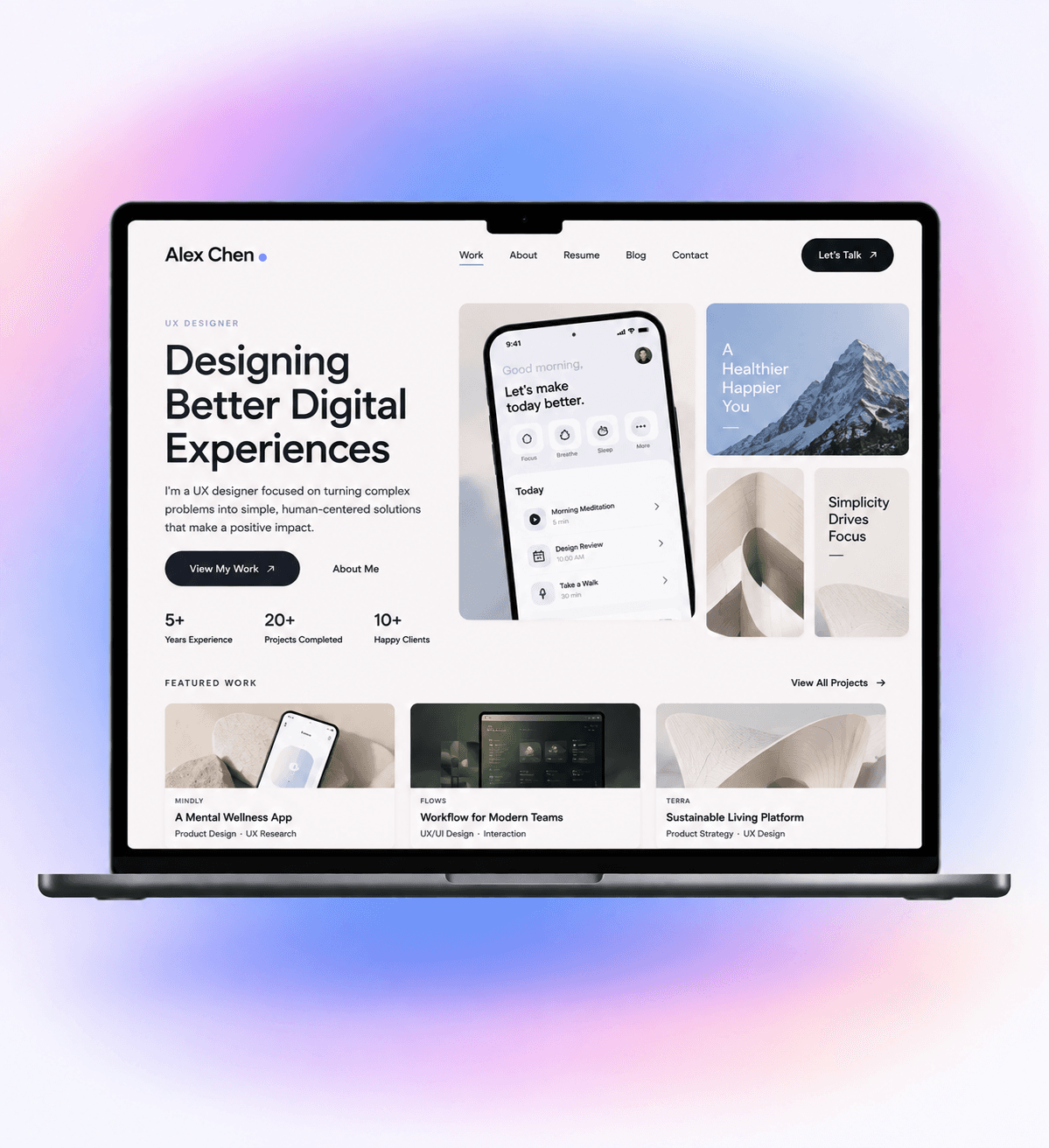
Show the Thinking Behind Your Design
A UX portfolio isn’t just a gallery of finished interfaces. Give recruiters, hiring managers, and potential clients enough context to understand the problem, your role, how you approached it, and why your design decisions mattered.
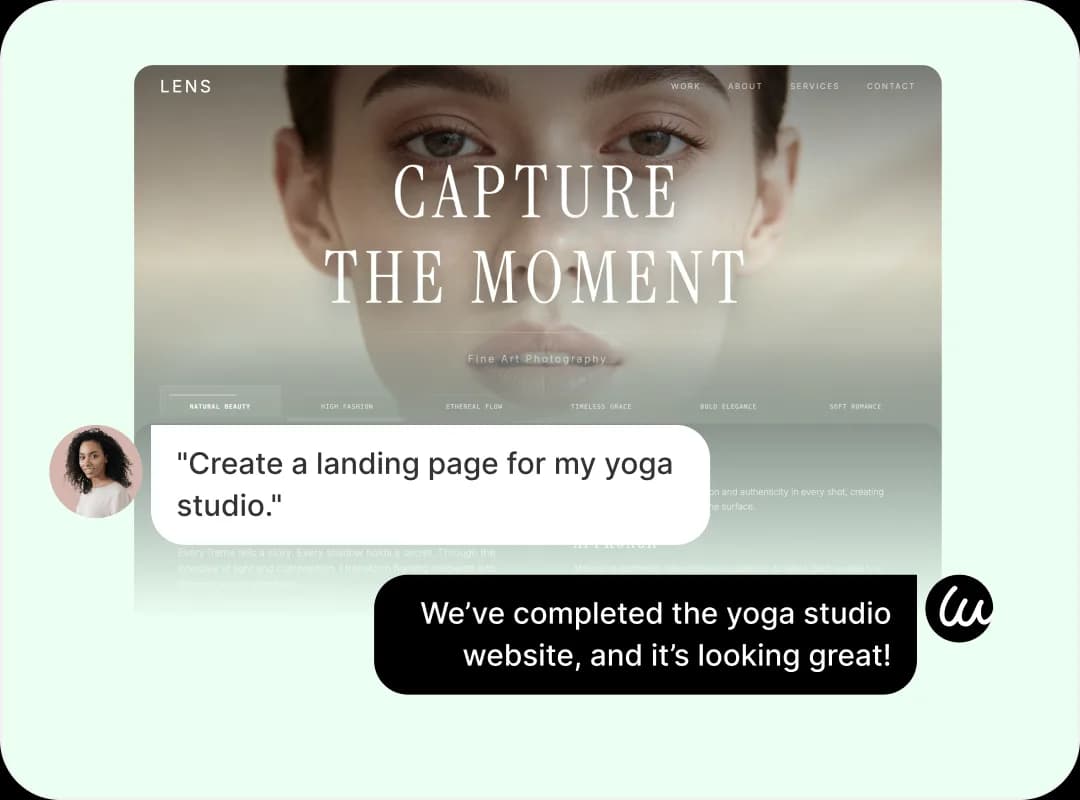
Turn UX Projects into Stronger Case Studies
Use polished screens, prototypes, interactions, and product flows while connecting key decisions back to the original user problem.



Frame the UX Problem
Introduce the product, users, challenge, constraints, your role, and project scope so readers understand what you were trying to solve.

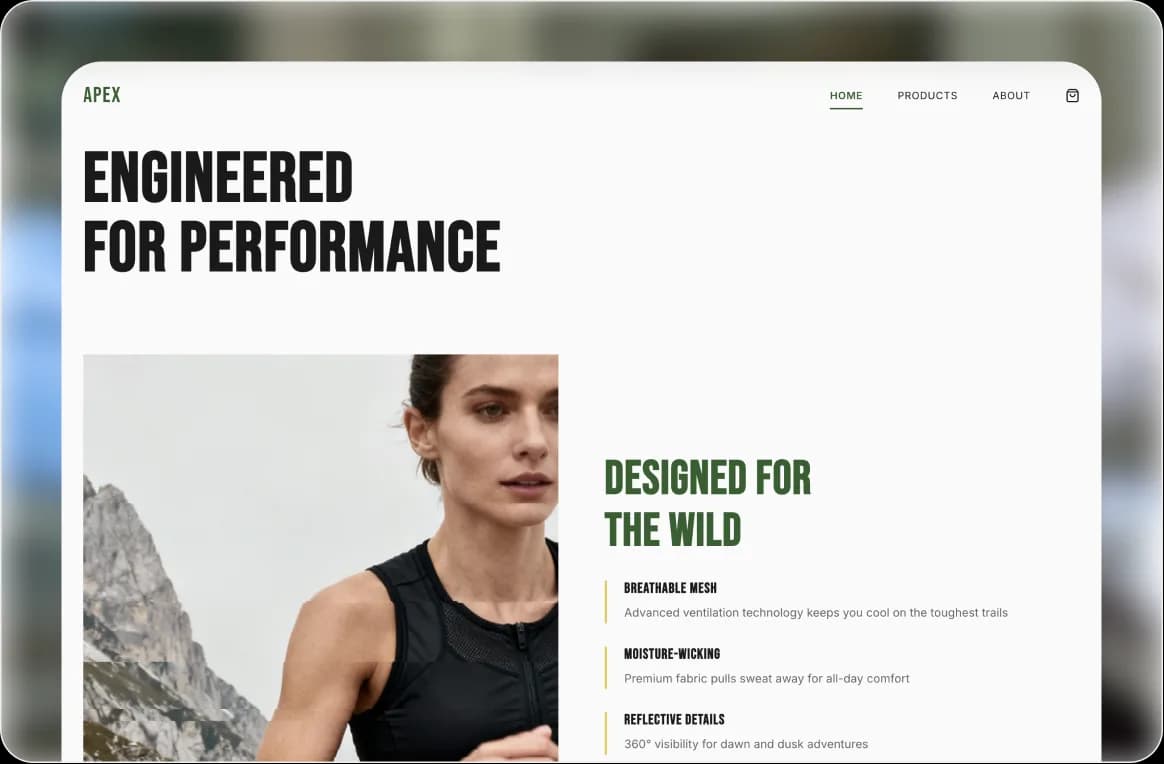

Show Your Design Process
Bring research, user flows, information architecture, wireframes, prototypes, testing, and iterations into a clear narrative.

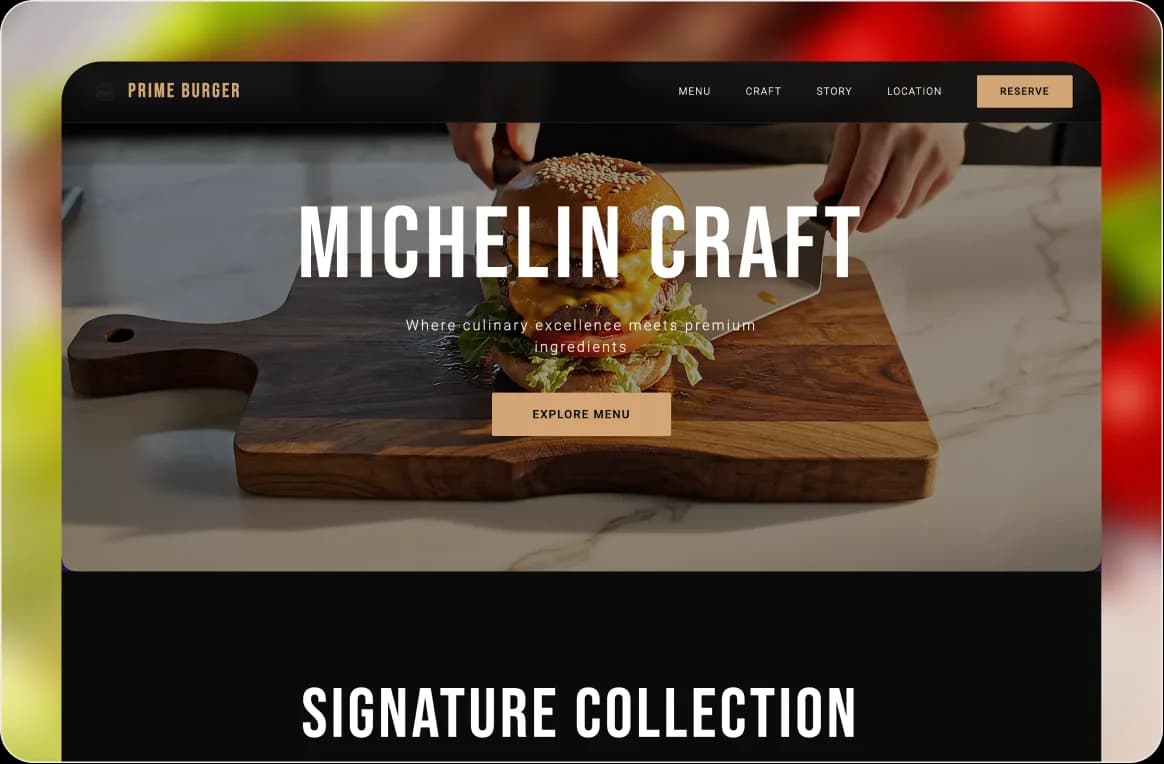

Present the Final Experience
Use polished screens, prototypes, interactions, and product flows while connecting key decisions back to the original user problem.

Find a Portfolio Style That Fits Your Work
Explore portfolio and designer website templates, then customize the typography, project layouts, visual hierarchy, and case study presentation around your UX work.
Trusted by ux portfolio peers across the industry


Help People Understand What Kind of Designer You Are



Connect important design choices to user insights, usability findings, constraints, or product goals so your case studies demonstrate reasoning.
How to Create a UX Portfolio Website with AI
Tell Wegic About Your UX Work
Describe your design background, target roles, strongest projects, skills, experience, and the work you want people to notice.
Build Your UX Case Studies
Add your real research, user flows, wireframes, prototypes, screens, design decisions, outcomes, and project context.
Refine and Publish Your Portfolio
Review each project’s story, remove unnecessary detail, polish the visual hierarchy, add your resume and contact paths, then publish.


Frequently asked questions
What should a UX portfolio include?
An introduction, selected projects, detailed case studies, your role, design process, relevant artifacts, outcomes, experience, and contact information.
How many projects should I include?
Prioritize a smaller number of projects that best demonstrate your skills and thinking rather than every project you’ve completed.
What should a UX case study include?
The problem, users, your role, process, important design decisions, iterations, final solution, and relevant outcomes or learnings.
Should a UX portfolio show the design process?
Yes. Include research, flows, wireframes, prototypes, testing, and iterations when they meaningfully contribute to the story.
Can I create one without professional experience?
Yes. Student work, personal projects, redesign exercises, internships, or other relevant projects can demonstrate UX skills when their context is clearly explained.
Do I need separate case-study pages?
For substantial projects, dedicated pages give you more space to explain the problem, process, decisions, and outcomes.
Can I add my resume?
Yes. You can present your experience and skills and provide an appropriate way for recruiters to access your resume.
Can I build it without coding?
Yes. Wegic AI can generate the initial portfolio and let you refine its case studies, content, visual presentation, pages, and supported functionality through conversation.
Explore More Designer Portfolio Ideas

Nonprofit website builder

Blogs website builder

Interior Designers website builder

Podcasts website builder

Life Coaches website builder

Insurance Agents website builder

Turn Your UX Work into a Portfolio That Shows How You Think
Bring your strongest projects, process, decisions, and outcomes together in a portfolio that makes your design capabilities easier to understand.