Lịch trống. Lịch đầy đủ — Một AI đặt lịch hẹn Trình tạo trang web ở giữa chúng.
Menu dịch vụ, đánh giá của khách hàng, Câu hỏi thường gặp — tất cả được tích hợp xung quanh tiện ích Calendly, Acuity, hoặc Cal.com mà bạn đã sử dụng. Được soạn thảo bằng trò chuyện trong 90 giây.
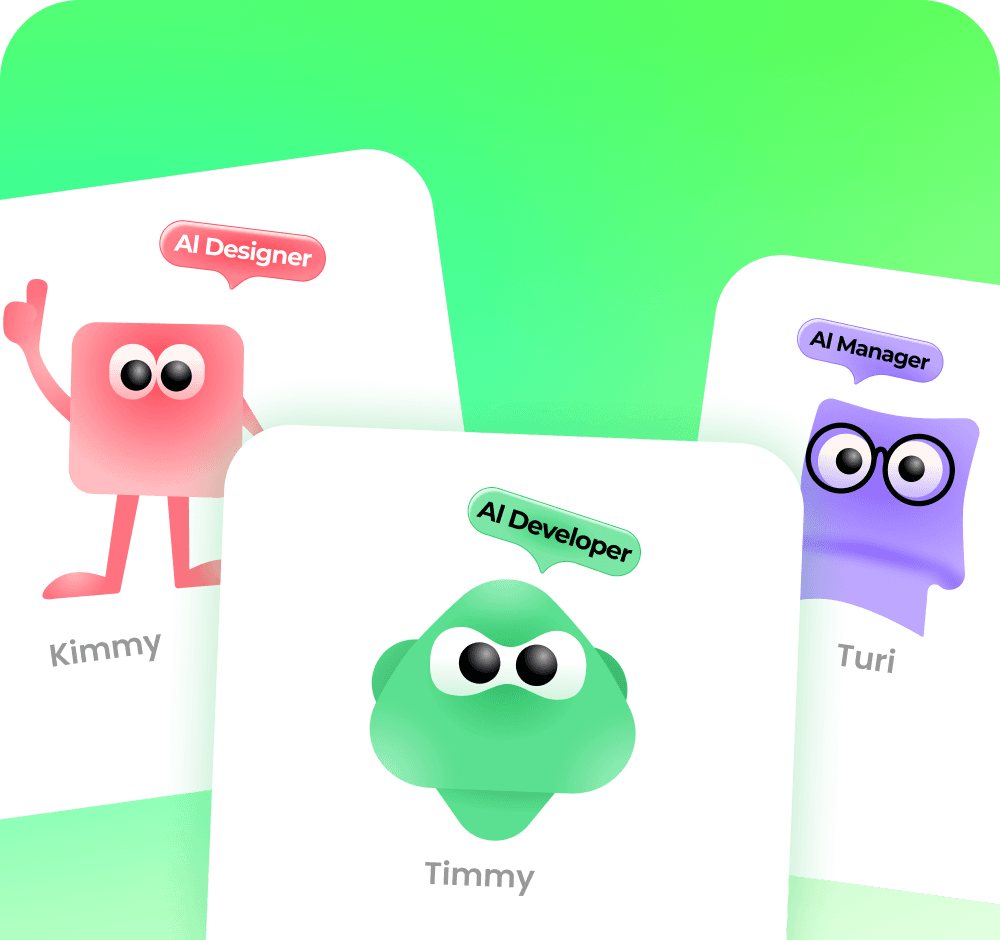
Cho Chúng Tôi Biết Dịch Vụ Của Bạn. Cho Chúng Tôi Biết Liên Kết Lịch Của Bạn. Nhận Lại Một Trang Web Hoàn Chỉnh
Cung cấp cho trình tạo trang web AI cho việc đặt lịch hẹn URL Calendly của bạn, danh sách dịch vụ của bạn, các đánh giá của bạn — nó sẽ soạn thảo phía thương hiệu của một doanh nghiệp dịch vụ chỉ trong một cuộc trò chuyện.
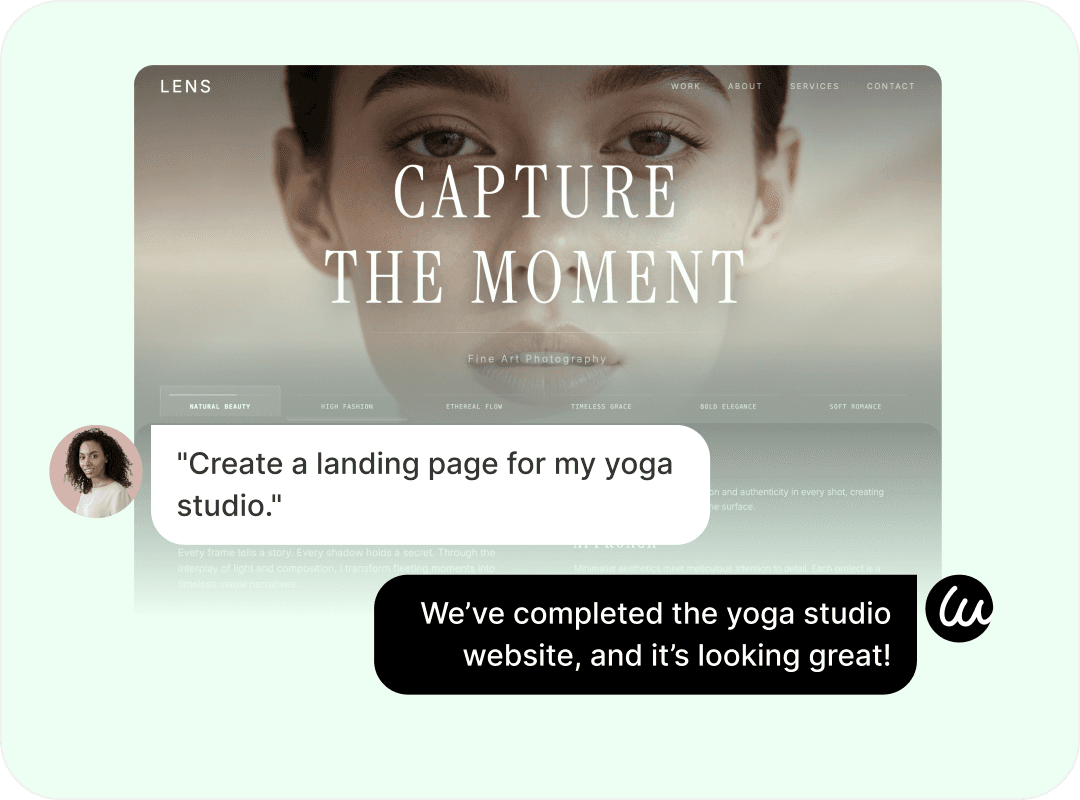
Menu dịch vụ. Đánh giá. Đặt lịch. — Ba ô giúp người mua dịch vụ nhấp chuột
Nhúng tiện ích Calendly, Acuity, Cal.com, Square Appointments hoặc SimplyBook.me của bạn — AI đặt tiện ích đó vào nơi người mua mong đợi. Wegic bao bọc trang web xung quanh việc đặt chỗ của bạn, không bao giờ thay thế nó.



Họ đọc Menu trước khi nhấp vào "Đặt lịch."
Thả danh sách dịch vụ của bạn vào trò chuyện — trình tạo trang web Đặt lịch hẹn bằng AI sẽ sắp xếp một menu rõ ràng với giá cả, thời lượng và các nút "Đặt lịch này" trỏ thẳng đến tiện ích đặt lịch của bạn.



Họ lướt qua các đánh giá trước khi tin tưởng vào việc đặt lịch
Dán năm bài đánh giá trên Google hoặc Yelp vào cuộc trò chuyện — AI sẽ xây dựng một khối lời chứng thực với xếp hạng sao và ghi nhận nguồn đánh giá. Đây là điều mà người mua dịch vụ thực sự tìm kiếm.



Họ nhấp vào "Đặt lịch". Họ đến đúng vị trí của bạn, trong công cụ của bạn
Nhúng tiện ích Calendly, Acuity, Cal.com, Square Appointments hoặc SimplyBook.me của bạn — AI đặt tiện ích đó vào nơi người mua mong đợi. Wegic bao bọc trang web xung quanh việc đặt chỗ của bạn, không bao giờ thay thế nó.

Mở. Hôm nay. — Một mẫu đặt lịch cho mọi loại dịch vụ bạn bán
Chọn gói phù hợp với hoạt động kinh doanh của bạn. Mỗi mẫu đặt lịch AI đi kèm với cấu trúc menu dịch vụ, bố cục giá và khối đánh giá dành riêng cho ngành, được điều chỉnh theo từng lĩnh vực. Duyệt tất cả →
Đã kín lịch — Ba chủ sở hữu dịch vụ đã lấp đầy tuần của họ với Wegic


Bộ phận lễ tân — Cách Wegic vận hành mọi thứ xung quanh việc đặt lịch



Phác thảo bố cục trên bất kỳ phần nào — khối giá, ô dịch vụ, hàng đánh giá — trình tạo trang web đặt lịch hẹn sẽ tạo lại để phù hợp.
Từ Lịch Trống Đến Đặt Chỗ Đầu Tiên — Ba Cuộc Trò Chuyện Nhanh
Mô tả những gì bạn bán và đối tượng khách hàng của bạn
Hãy cho Wegic biết danh sách dịch vụ, giá cả, giờ làm việc, địa điểm và công cụ đặt lịch mà bạn đang sử dụng. Hoàn thành trong một đoạn văn.
Thêm liên kết đặt lịch, đánh giá, ảnh của bạn
Dán URL Calendly/Acuity/Cal.com của bạn, năm đánh giá trên Google và một vài ảnh trước/sau. Trình tạo trang web đặt lịch hẹn bằng AI sẽ soạn thảo phần còn lại — nội dung, bố cục, cấu trúc.
Xuất bản. Đăng liên kết. Nhận đặt chỗ đầu tiên
Kết nối tên miền tùy chỉnh của bạn, nhấn Xuất bản, cập nhật liên kết tiểu sử Instagram — đơn đặt chỗ đầu tiên thông qua trang web mới, thường là ngay trong ngày.


Các câu hỏi thường gặp
Wegic thay thế Calendly, Acuity, hoặc Cal.com — hay hoạt động cùng với chúng?
Nó hoạt động cùng với chúng. Trình tạo trang web đặt lịch hẹn bằng AI là một trình tạo trang web, không phải là một ứng dụng đặt lịch. Wegic xây dựng phần thương hiệu của doanh nghiệp dịch vụ của bạn — menu dịch vụ, giá cả, đánh giá, Câu hỏi thường gặp, thư viện trước/sau, trang liên hệ — và nhúng tiện ích Calendly, Acuity, Cal.com, Square Appointments, SimplyBook.me, GlossGenius, Setmore, hoặc Bookedin hiện có của bạn vào bất cứ nơi nào phù hợp. Công cụ đặt lịch của bạn tiếp tục làm tốt công việc của nó; Wegic cung cấp cho nó một trang web không khiến khách hàng mới nhấp đi trước khi họ đặt lịch.
Trình tạo trang web đặt lịch hẹn bằng AI hỗ trợ những công cụ đặt lịch nào?
Hầu hết các nền tảng đặt lịch lớn đều hoạt động thông qua tiện ích hoặc nhúng iframe tiêu chuẩn: Calendly, Acuity Scheduling, Cal.com, Square Appointments, SimplyBook.me, GlossGenius, Setmore, Bookedin, Picktime, YouCanBookMe, và Appointlet. Nếu công cụ của bạn cung cấp cho bạn mã nhúng hoặc URL đặt lịch công khai, hãy dán nó vào trò chuyện — AI sẽ đặt nó vào các trang phù hợp. Wegic không tự xử lý việc đặt lịch, thanh toán hoặc logic lịch; đó là tất cả công việc của công cụ đặt lịch của bạn.
Tôi có thể xây dựng một menu dịch vụ với giá cả, thời lượng và các nút "Đặt dịch vụ này" không?
Có. Mô tả các dịch vụ của bạn trong trò chuyện — ví dụ: "ombre nails 85/90 phút, Frenchmanicure 55 / 60 phút, gel removal $20 / 30 phút" — và trình tạo trang web AI để đặt lịch hẹn sẽ sắp xếp một menu dịch vụ rõ ràng với giá cả, thời lượng và một nút "Đặt dịch vụ này" trên mỗi hàng liên kết trực tiếp đến tùy chọn đặt lịch phù hợp trong công cụ đặt lịch của bạn.
Tôi có thể thêm đánh giá và lời chứng thực của khách hàng vào trang web đặt lịch của mình không?
Có. Dán 3-7 đánh giá từ Google, Yelp, Trustpilot hoặc mạng xã hội vào trò chuyện — trình tạo trang web đặt lịch hẹn bằng AI sẽ xây dựng một khối lời chứng thực với xếp hạng sao, tên người đánh giá và nguồn đánh giá. Người mua dịch vụ cuộn qua các đánh giá nhiều hơn các menu trước khi đặt lịch; khối này quan trọng hơn hầu hết các chủ dịch vụ nhận ra.
Tôi có thể tạo các biểu mẫu nhập liệu, bảng câu hỏi sức khỏe hoặc bản tóm tắt dự án không?
Có. AI Form của Wegic tạo các biểu mẫu nhập liệu khách hàng mới, lịch sử sức khỏe, bản tóm tắt dự án, sàng lọc trước tư vấn — từ một lời nhắc trò chuyện. Các bản gửi sẽ đến hộp thư đến của bạn trước cuộc hẹn, vì vậy bạn sẽ tham gia buổi làm việc với ngữ cảnh, không phải một bảng kẹp giấy.
Trang web doanh nghiệp dịch vụ của tôi có hiển thị cho các tìm kiếm "gần tôi" không?
Có. Mọi trang web đặt lịch hẹn bằng AI được xây dựng bằng Wegic đều được cấu trúc cho SEO địa phương — đánh dấu schema cho LocalBusiness, sơ đồ trang web tự động, phản hồi trên thiết bị di động, thời gian tải nhanh — đây là những gì Google thưởng cho các tìm kiếm "tiệm làm tóc gần tôi" / "nhà trị liệu gần tôi" / "tư vấn viên gần tôi". Để kiểm soát nâng cao, mã tiêu đề tùy chỉnh hỗ trợ Google Analytics, xác minh Google Search Console và Meta Pixel.
Trình tạo trang web đặt lịch hẹn bằng AI có miễn phí dùng thử không?
Có. Wegic cung cấp cho mỗi chủ dịch vụ mới 70 tín dụng miễn phí để tạo, chỉnh sửa và xuất bản một trang web đặt lịch hẹn bằng AI hoàn chỉnh — không yêu cầu thẻ tín dụng. Để có tên miền tùy chỉnh (cần thiết khi khách hàng thấy "yourbiz.com" thay vì tên miền phụ wegic.top), số trang không giới hạn và loại bỏ thương hiệu Wegic, hãy xem Giá của Wegic.
Tạo trang web cho mọi doanh nghiệp bằng AI

Trình tạo website Trang web hẹn hò

Trình tạo website Danh mục đầu tư sáng tạo

Trình tạo website Nhà làm phim

Trình tạo website Giáo dục

Trình tạo website Tin tức

Trình tạo website Đặt chỗ trực tuyến

Ba cuộc trò chuyện nữa là bạn có cuộc hẹn đầu tiên. — Lên lịch ngay tối nay
Bắt đầu miễn phí với 70 tín dụng. Xây dựng trang web đặt lịch hẹn AI của bạn xung quanh công cụ lập lịch mà bạn đã sử dụng — ngay tối nay.