Constructeur de site web de fichiers IA File — Un hub de fichiers de marque, pas un lien Google Drive
Le constructeur de site web de fichiers qui génère votre bibliothèque de ressources, votre portail de livraison client ou votre centre de soumission de documents — professionnel, personnalisé et en ligne en une seule session de chat.

Ce que le créateur de site web de fichiers IA génère au lieu d'un autre lien de dossier
Les liens Google Drive donnent l'impression que vous n'avez pas une entreprise sérieuse. ShareFile coûte 16 $/mois avant même d'avoir envoyé un fichier. Les plugins WordPress se cassent le jour de la mise à jour. Le constructeur de site web de fichiers de Wegic génère un hub de fichiers structuré et de marque à partir d'une seule description de chat — pas de plugin, pas de niveau de forfait, pas de liens brisés.
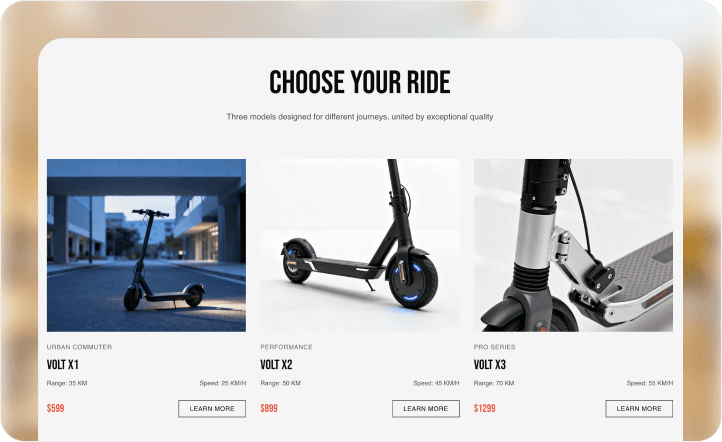
Bibliothèque de ressources avec filtres de catégories et listes de fichiers prêts au téléchargement
Décrivez vos catégories de fichiers à Kimmy — rapports, modèles, formulaires, guides, documents de politique, supports de cours — et le créateur de site web de fichiers IA génère une bibliothèque de ressources structurée avec navigation par catégorie, fiches de fichiers, descriptions et boutons de téléchargement. Les visiteurs filtrent pour trouver exactement ce dont ils ont besoin sans faire défiler un dossier Google Drive plat ou décoder un lien partagé.
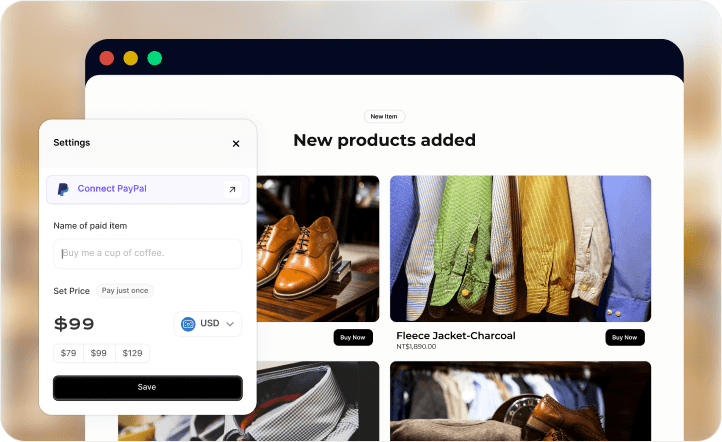
Paiement Stripe et PayPal pour les fichiers premium et les packs de ressources fermés
Ajoutez des niveaux de fichiers payants — un pack de rapports premium, un ensemble de modèles, une bibliothèque de ressources exclusive — à votre site de fichiers via le chat. Le constructeur de sites de fichiers de Wegic connecte directement Stripe et PayPal aux pages de fichiers sécurisées afin que les utilisateurs payants accèdent instantanément aux fichiers lors du paiement, aux tarifs du processeur et sans commission de plateforme.
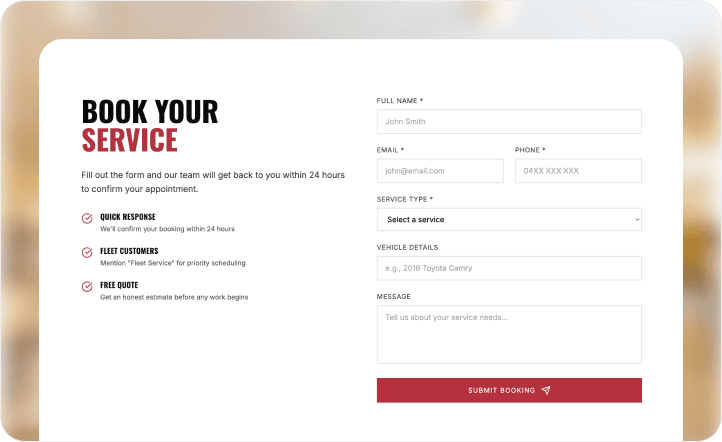
Formulaire de téléchargement de fichiers client — collectez directement les briefs, les actifs et les soumissions
Dites à Kimmy que vous avez besoin que les clients soumettent des fichiers — briefs de conception, documents de candidature, formulaires signés, actifs bruts — et le constructeur de site web de fichiers IA génère un formulaire de téléchargement structuré avec des indications sur le type de fichier et une confirmation de soumission. Wegic Cloud collecte chaque soumission dans un tableau de bord organisé afin que rien ne se perde dans un fil d'e-mail.
Pages protégées par mot de passe pour un accès aux fichiers spécifique au client ou réservé aux membres
Protégez des pages de ressources spécifiques par un mot de passe afin que seuls les clients invités, les membres payants ou les partenaires approuvés puissent accéder aux documents confidentiels, aux livrables ou aux modèles propriétaires sur votre site de fichiers. Décrivez les niveaux d'accès à Kimmy et elle structurera les pages protégées — aucun système d'adhésion basé sur un plugin n'est requis.
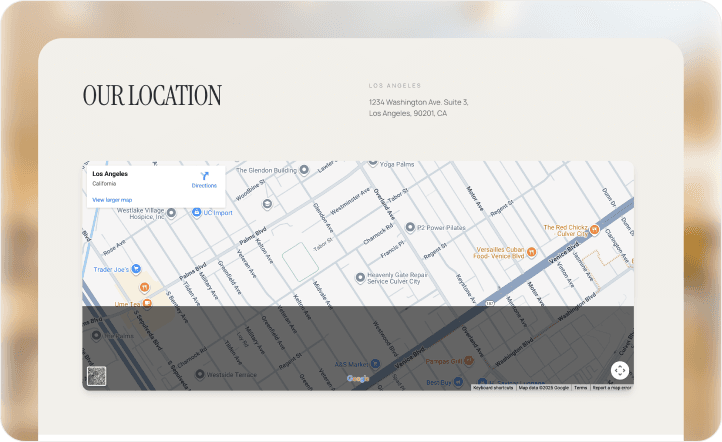
Portail d'adhésion pour les clients réguliers et les abonnés aux ressources
Ajoutez un niveau d'abonné, un espace de ressources pour les clients fidèles ou une bibliothèque pour les membres professionnels à la sortie de votre constructeur de site web de fichiers IA via le chat. Wegic Cloud gère les enregistrements des membres, les états d'accès et l'historique des abonnements — afin que vos clients les plus précieux disposent d'un espace dédié et personnalisé pour tout ce que vous avez partagé avec eux. Lisez le guide de Wegic sur la création de sites web gratuits pour les entreprises pour en savoir plus sur l'importance de posséder votre présence web professionnelle.

https://wegic.ai/blog/free-website-for-business
Ce que les professionnels disent du créateur de site web de fichiers IA de Wegic
Nous gérions l'échange de fichiers clients via des fils de discussion par e-mail et un dossier Dropbox partagé chaotique. Les clients ne trouvaient pas leurs briefs, nous ne trouvions pas leurs assets, et l'intégration de nouveaux projets était un cauchemar administratif du lundi matin. Nous avons décrit l'ensemble de la configuration à Wegic : un portail client de marque avec une structure de dossiers par projet, un formulaire de téléchargement pour les briefs clients, et une section de livrables protégée par mot de passe par client. Kimmy l'a construit en un après-midi. Wegic Cloud collecte tout. Le volume d'e-mails avec les clients a chuté de 40 % le premier mois. Nous envoyons maintenant aux clients une seule URL au lieu de trois liens de dossiers différents.

Pourquoi le constructeur de site web de fichiers IA est une plateforme de fichiers professionnelle
Un hub de fichiers qui fonctionne pour les professionnels ne se contente pas d'être propre au lancement — il doit gérer de nouveaux fichiers quotidiennement, rester sécurisé et permettre aux clients ou aux utilisateurs de trouver ce dont ils ont besoin sans vous appeler. Voici comment Wegic est conçu pour cela.
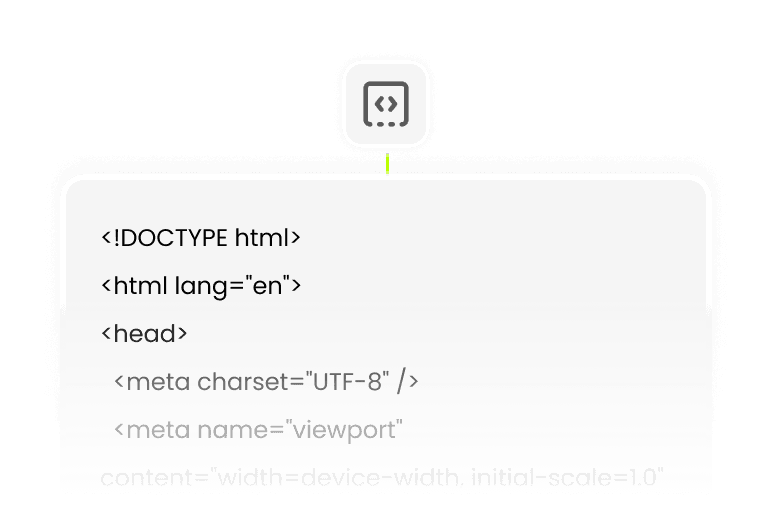
Mises à jour de la bibliothèque de fichiers basées sur le chat — ajoutez de nouvelles ressources sans développeur
Ajoutez de nouveaux documents, mettez à jour un pack de ressources ou restructurez une catégorie de fichiers en discutant avec Kimmy — le constructeur de sites web de fichiers IA met à jour le site en direct sans reconstruction de CMS ni poussée de plugin.

Pages de ressources indexées pour le référencement afin que vos fichiers soient trouvés organiquement
Wegic génère automatiquement des méta-titres, des descriptions et des titres structurés pour chaque page de ressource — ainsi, votre site web de fichiers est classé pour les recherches «

Pages de fichiers réactives pour mobile afin que les téléchargements fonctionnent sur n'importe quel appareil
Chaque sortie de constructeur de site web de fichier IA est mobile-responsive par défaut. Les fiches de fichiers, les boutons de téléchargement et les formulaires de téléchargement fonctionnent parfaitement sur les téléphones et les tablettes — ce qui est important lorsque les clients accèdent aux livrables loin de leur bureau.

Téléchargement de code pour que votre portail de fichiers soit portable et jamais verrouillé à une plateforme
Téléchargez la sortie de votre constructeur de site web sur les plans Starter et Premium. Contrairement à un compte ShareFile ou à un multisite WordPress, votre hub de fichiers créé avec Wegic est exportable, auditable et vous appartient.
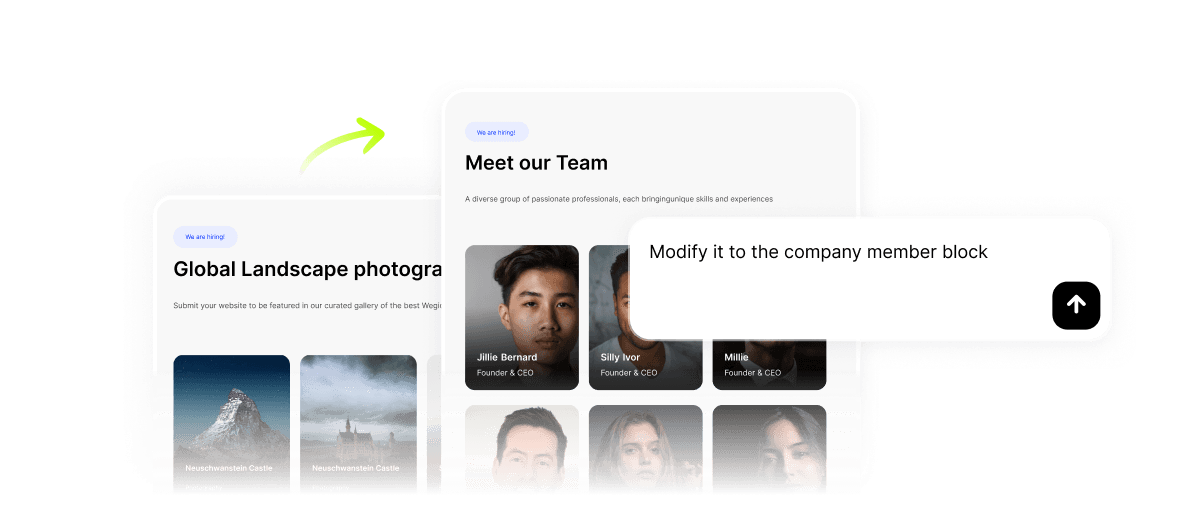
Wegic Cloud + Agent IA pour les demandes de fichiers et la gestion des soumissions
Wegic Cloud organise les soumissions de fichiers, les enregistrements d'accès des membres et le suivi des téléchargements. L'Agent IA répond à des questions comme "Où dois-je télécharger mon brief ?" et "Comment puis-je accéder à mes livrables ?" sur votre site web de fichiers en direct 24h/24 et 7j/7 — mettant fin aux e-mails de support.
Trois étapes pour votre site web de fichiers IA en direct
Décrivez votre flux de travail de fichiers et votre structure d'accès
Dites à Kimmy quels fichiers vous partagez, qui les reçoit, si l'accès est ouvert ou restreint, et si vous avez besoin de téléchargements clients ainsi que de téléchargements. Le créateur de site web de fichiers IA part de votre flux de travail, et non d'un modèle de stockage générique.
Affiner la structure de la bibliothèque et les niveaux d'accès en discutant
Le premier brouillon est prêt en quelques minutes avec les catégories de ressources, les fiches de fichiers, les flux de téléchargement, le formulaire de téléversement et les sections à accès restreint déjà structurées. Ajoutez une nouvelle catégorie, mettez à jour la description d'un fichier, resserrez les autorisations d'accès ou intégrez un tableau de prix pour les fichiers premium — tout cela en discutant avec Kimmy.
Publiez, envoyez aux clients une URL, et mettez fin au chaos des dossiers d'e-mails
Cliquez sur Publier. Connectez votre domaine sur Premium. Envoyez aux clients une URL de marque au lieu de trois liens de dossier différents. La sortie de votre constructeur de site web de fichiers est en ligne, indexée et opérationnelle — fini l'administration des fichiers le lundi matin.
Questions fréquemment posées
En quoi un site web de fichiers est-il différent de l'utilisation de Google Drive ou de Dropbox ?
Google Drive et Dropbox vous offrent du stockage et des liens — ils ne vous offrent pas une présence professionnelle de marque, une navigation par catégorie, des pages de ressources indexées pour le référencement, ou la possibilité de collecter des fichiers via un formulaire structuré. Le constructeur de site web de fichiers IA de Wegic génère un site qui ressemble à votre entreprise, pas à un dossier partagé. Les clients et les utilisateurs découvrent votre marque ; vous possédez l'URL et la relation.
Le constructeur de site web de fichiers IA peut-il permettre aux clients de me télécharger des fichiers ?
Oui. La fonction de collecte de fichiers dans Wegic Cloud gère les soumissions de fichiers entrants — briefs de conception, documents de candidature, formulaires signés, actifs bruts. Décrivez le flux de téléchargement à Kimmy et elle générera un formulaire de téléchargement structuré avec des indications sur le type de fichier ; Wegic Cloud organise chaque soumission dans votre tableau de bord.
Puis-je facturer l'accès à des fichiers premium via mon site web de fichiers ?
Oui. Décrivez vos niveaux de fichiers payants à Kimmy — un rapport premium, un pack de modèles, une bibliothèque de ressources exclusive — et le constructeur de site de fichiers IA générera des pages de fichiers sécurisées avec paiement Stripe ou PayPal. Les utilisateurs payants accèdent aux fichiers immédiatement après l'achat aux tarifs du processeur, sans commission de plateforme supplémentaire.
En quoi cela diffère-t-il des pages de produits numériques ou de téléchargements numériques de Wegic ?
Le constructeur de site web de produits numériques IA cible les créateurs vendant des biens téléchargeables (ebooks, modèles, préréglages) comme activité principale. La page de téléchargements numériques IA couvre les mécanismes de livraison de fichiers automatisés après l'achat. Le constructeur de site web de fichiers IA sur cette page cible les professionnels et les organisations utilisant le partage, la collecte et la livraison de fichiers comme flux de travail — le fichier sert un service, pas une vitrine.
Existe-t-il un plan gratuit pour le constructeur de site web de fichiers IA ?
L'inscription gratuite vous donne des crédits de démarrage pour discuter avec Kimmy et prototyper votre hub de fichiers. La publication nécessite l'essai du premier site web à 2,99 $ ou un plan Starter/Premium. Le domaine personnalisé — essentiel pour un portail professionnel de marque — est inclus dans le plan Premium. Consultez les tarifs de Wegic pour les détails actuels des plans.
Mon site web de fichiers généré par l'IA sera-t-il classé sur Google pour les recherches de documents ?
Oui. Wegic génère automatiquement des titres méta, des descriptions, un balisage de schéma, un sitemap et une structure d'URL propre pour chaque page de ressource. Les hubs de fichiers qui ont des pages structurées et indexées pour chaque catégorie de document sont classés pour les recherches "[type de document] téléchargement gratuit", "modèles [industrie]" et "[type de ressource] PDF" — attirant des visiteurs qualifiés qui recherchent activement exactement ce que vous avez mis à disposition.
Créez un site web pour toute entreprise avec l'IA

créateur de site web Armes à feu

créateur de site web Forum

créateur de site web E-commerce gratuit

créateur de site web Essai gratuit

créateur de site web Français