Wegic Cloud: Access Back-end Capabilities for Your Wegic Website
Effortlessly manage your client data and build more with Wegic Cloud's back-end capabilities.

Introducing Wegic Cloud
Wegic Cloud adds back-end capabilities to your Wegic AI website, allowing you to collect, manage, and organize client data in one place. Easily handle submissions and connect with third-party integrations (beta), all within Wegic Cloud.
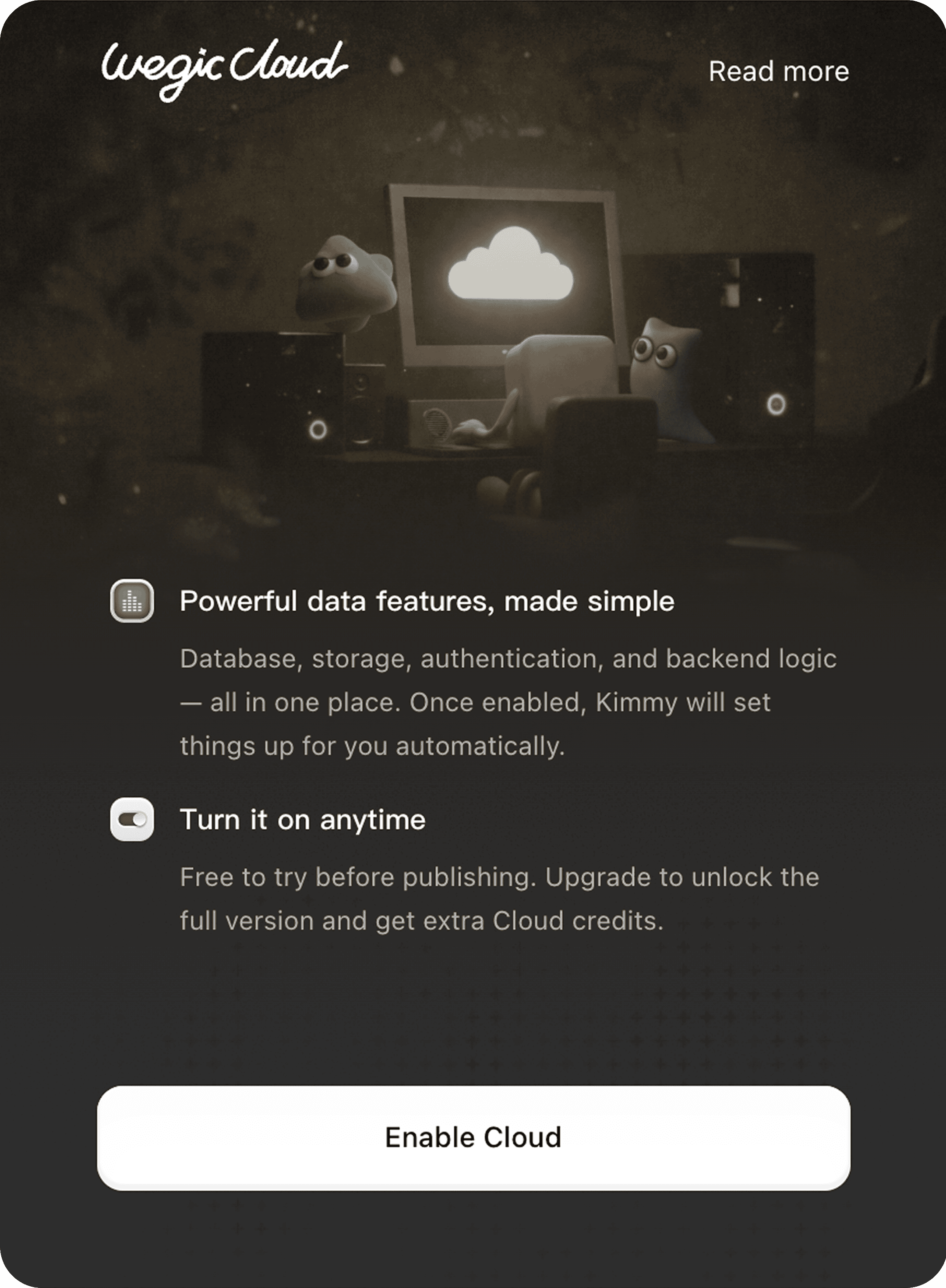
What You Can Do
Booking Management
View and manage appointment details and client information.
Best for: service providers, consultants, agencies
File Collection
Collect and manage images, videos, documents, and other files from users.
Best for: client submissions, design assets, applications
Lead Collection
Collect and manage customer inquiries, contact details, and form submissions.
Best for: marketing campaigns, inbound leads, client inquiries
Inventory Management
Manage product stock or service availability with structured data in real time.
Best for: e-commerce, limited services, event-based businesses
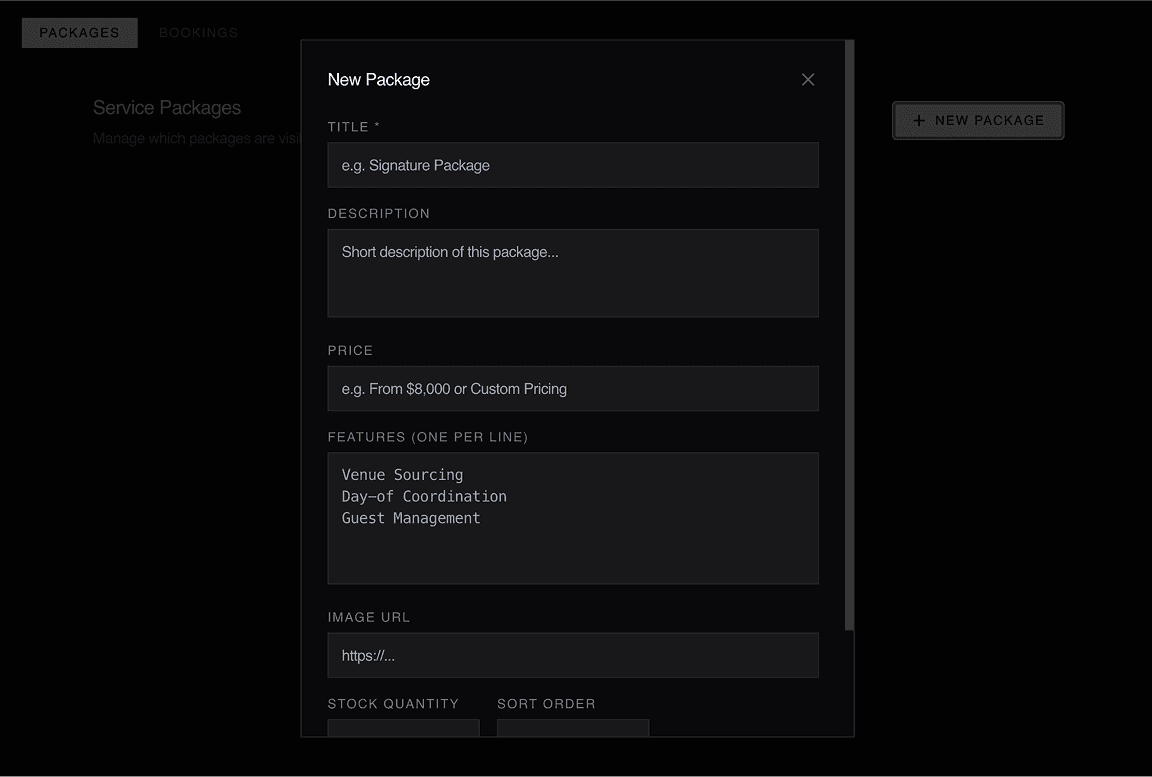
Manage with AI-Generated Admin CRM System
Use Wegic AI to generate a complete admin system with secure access, allowing you to organize, structure, and manage your client data — like a lightweight CRM, without manual setup or deployment. All data stays consistent with your Wegic Cloud dashboard, while giving you more flexibility to manage and operate your business.
Connect Your Backend with Your Frontend
Keep your website content in sync with your data in real time through your AI-generated admin system.
• Display dynamic content based on user submissions.
• Update availability, listings, or information automatically.
• Connect your backend data with your live pages.
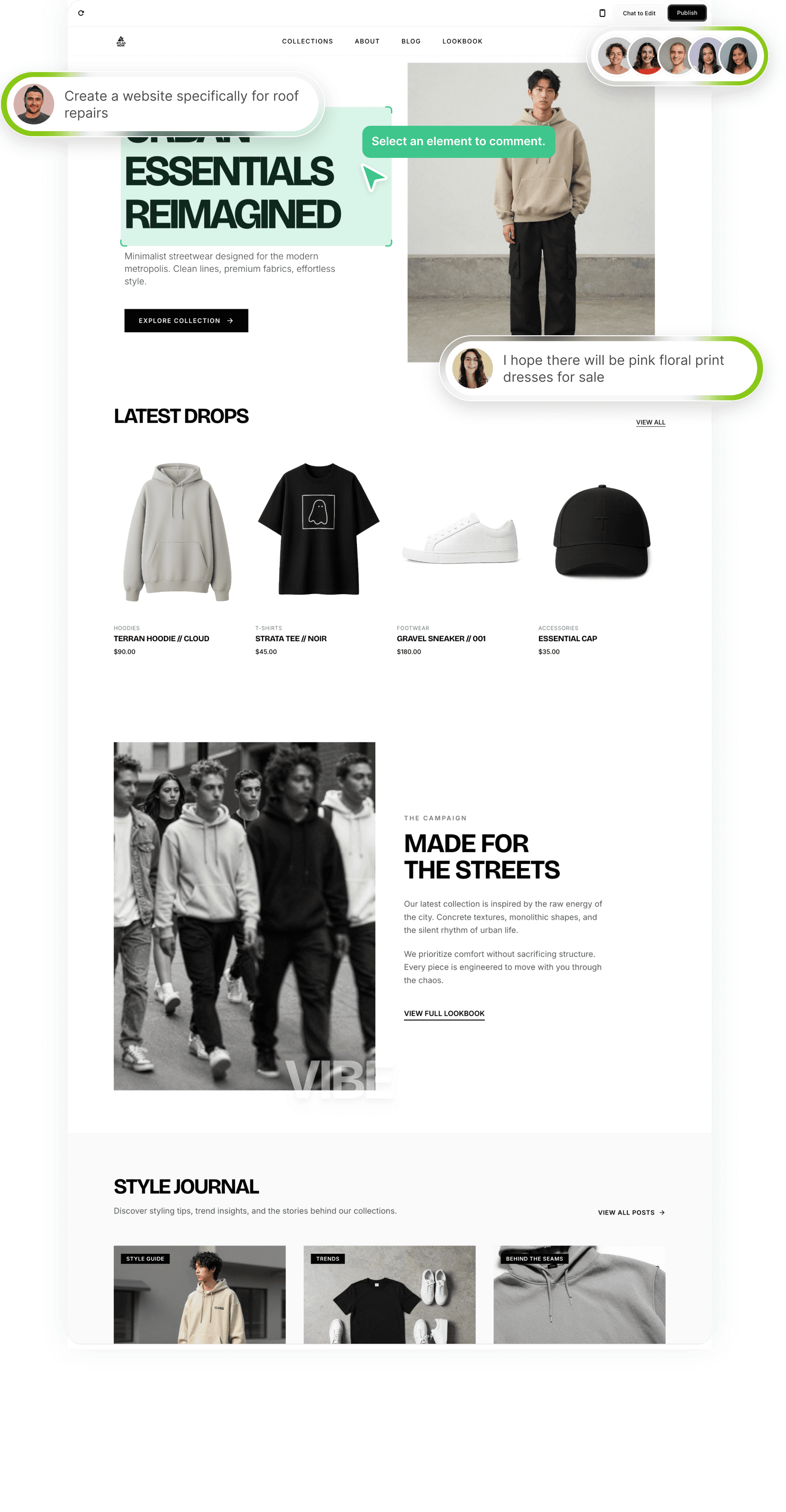
How to Use Wegic Cloud
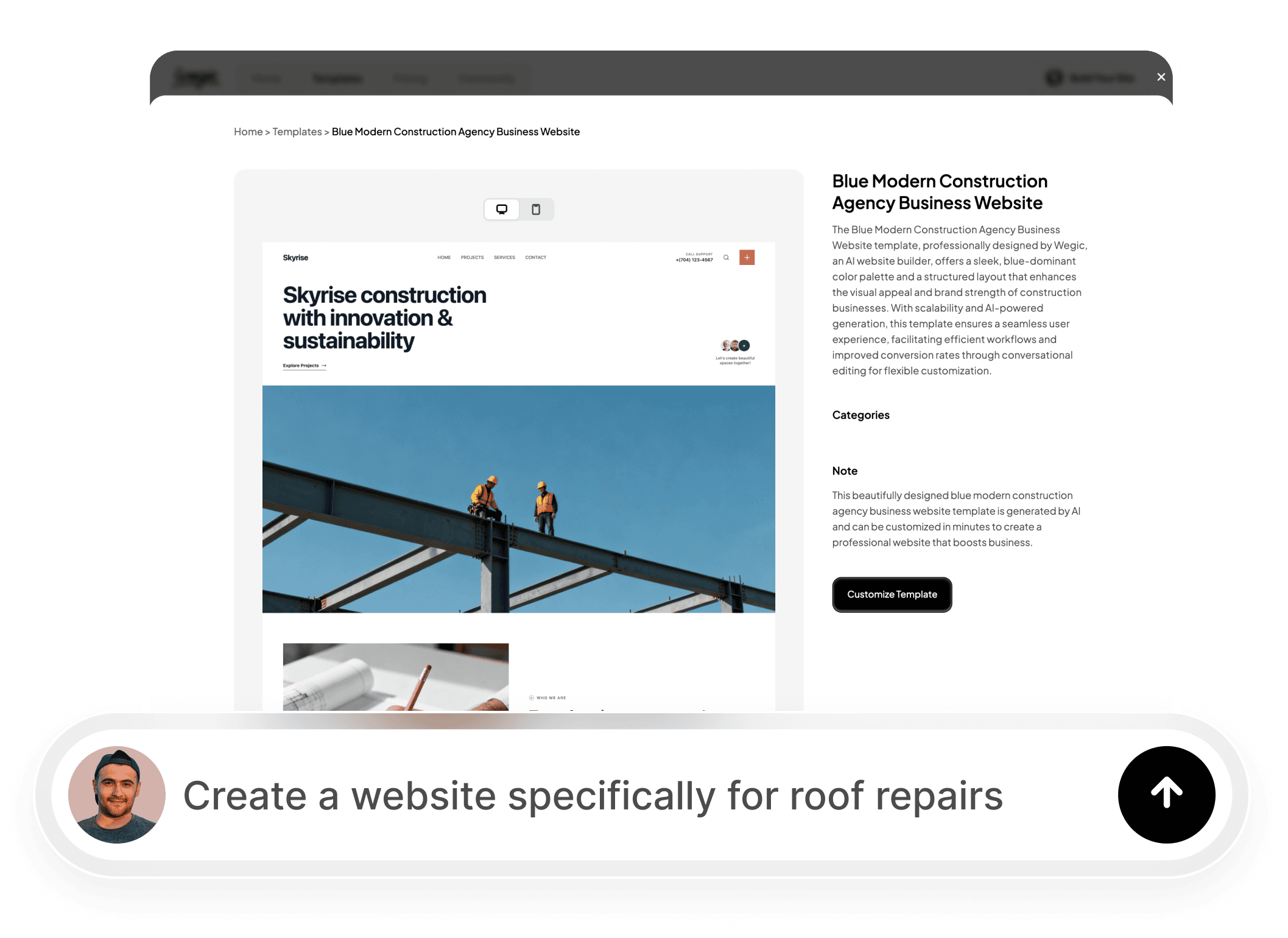
Build your website using Wegic AI chat or templates.
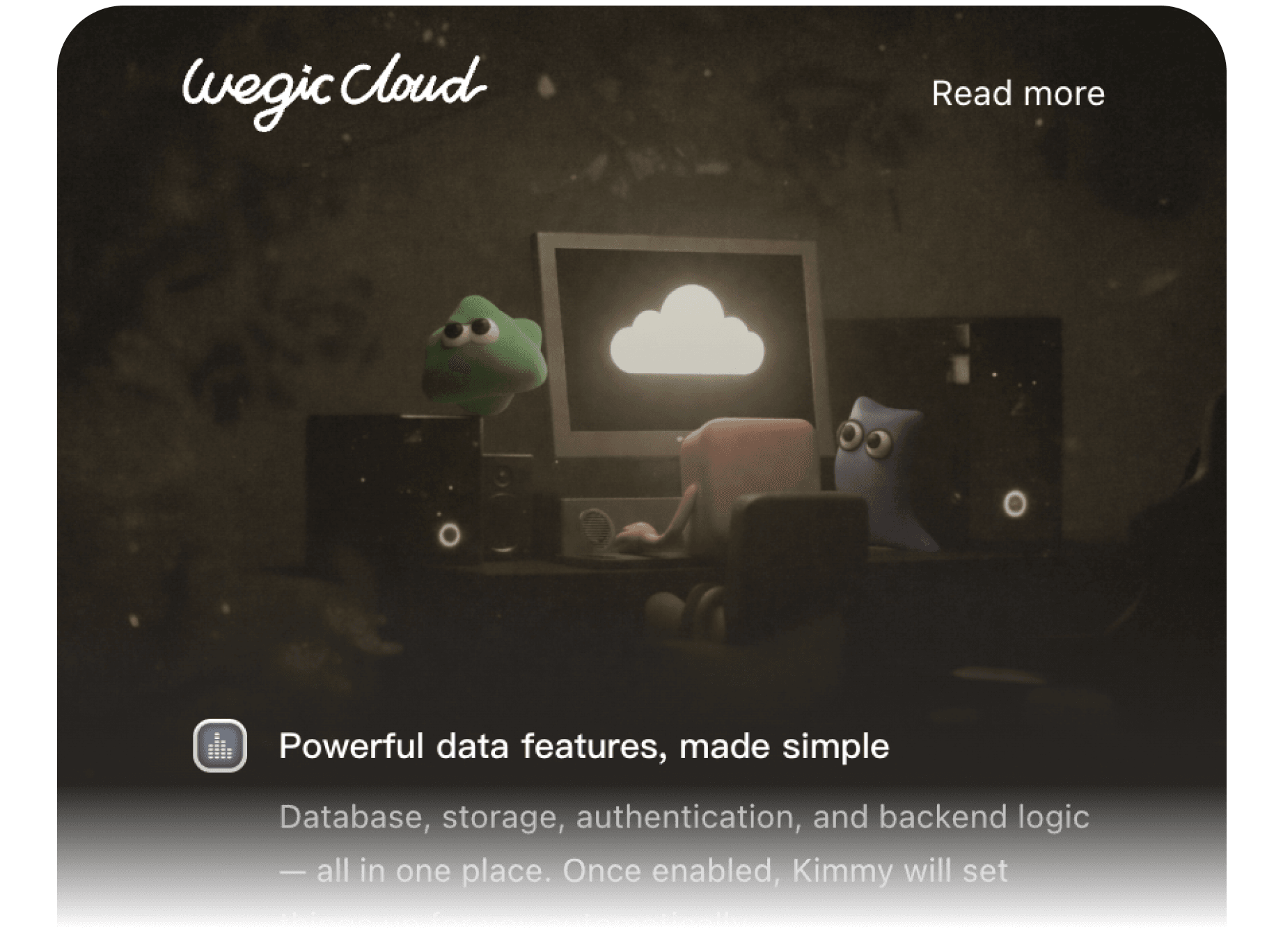
Describe your business needs, and Wegic AI will automatically set up Wegic Cloud for you — or enable it manually if needed.
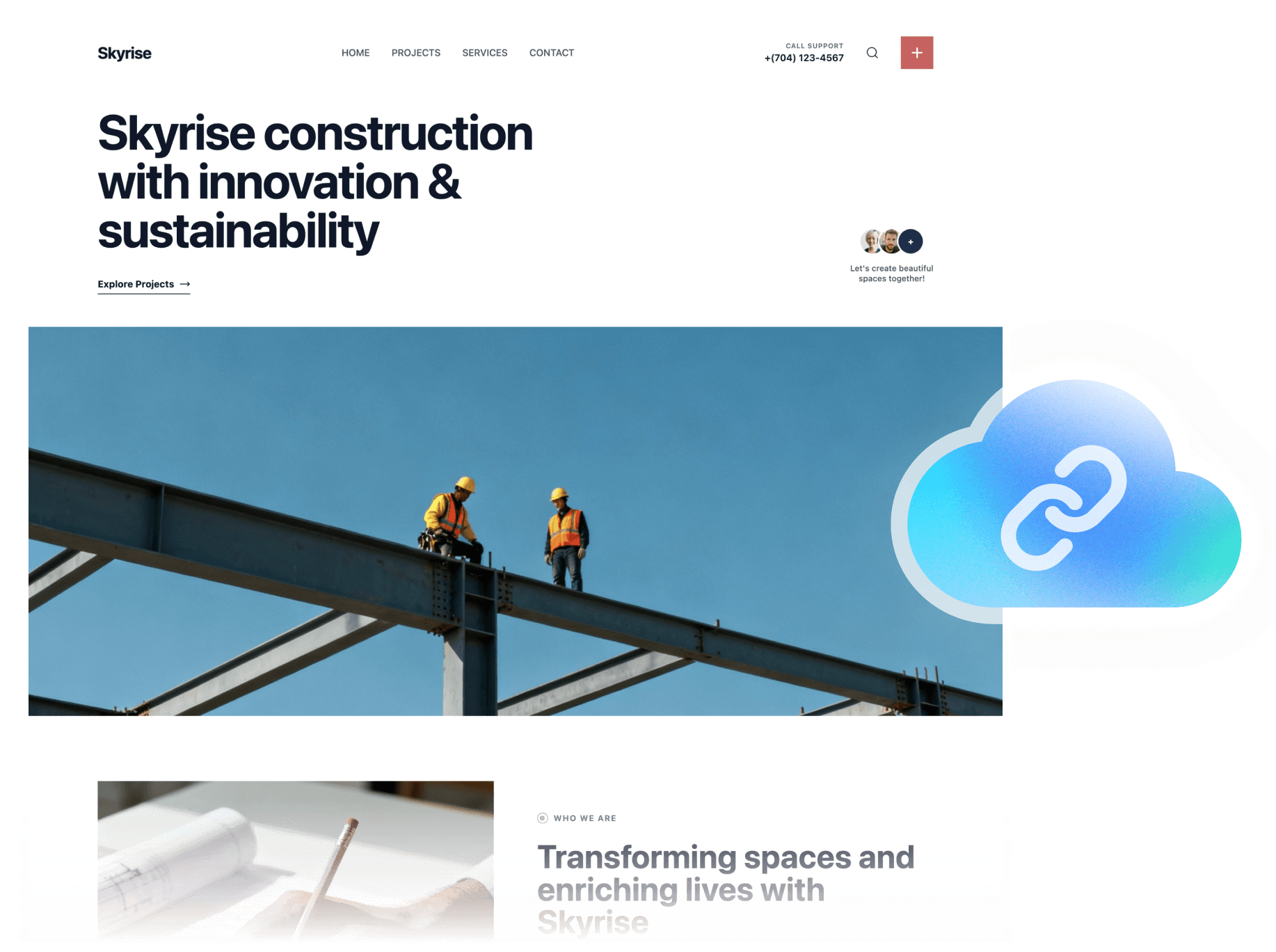
Grant permissions to connect Wegic Cloud to your AI-generated website.
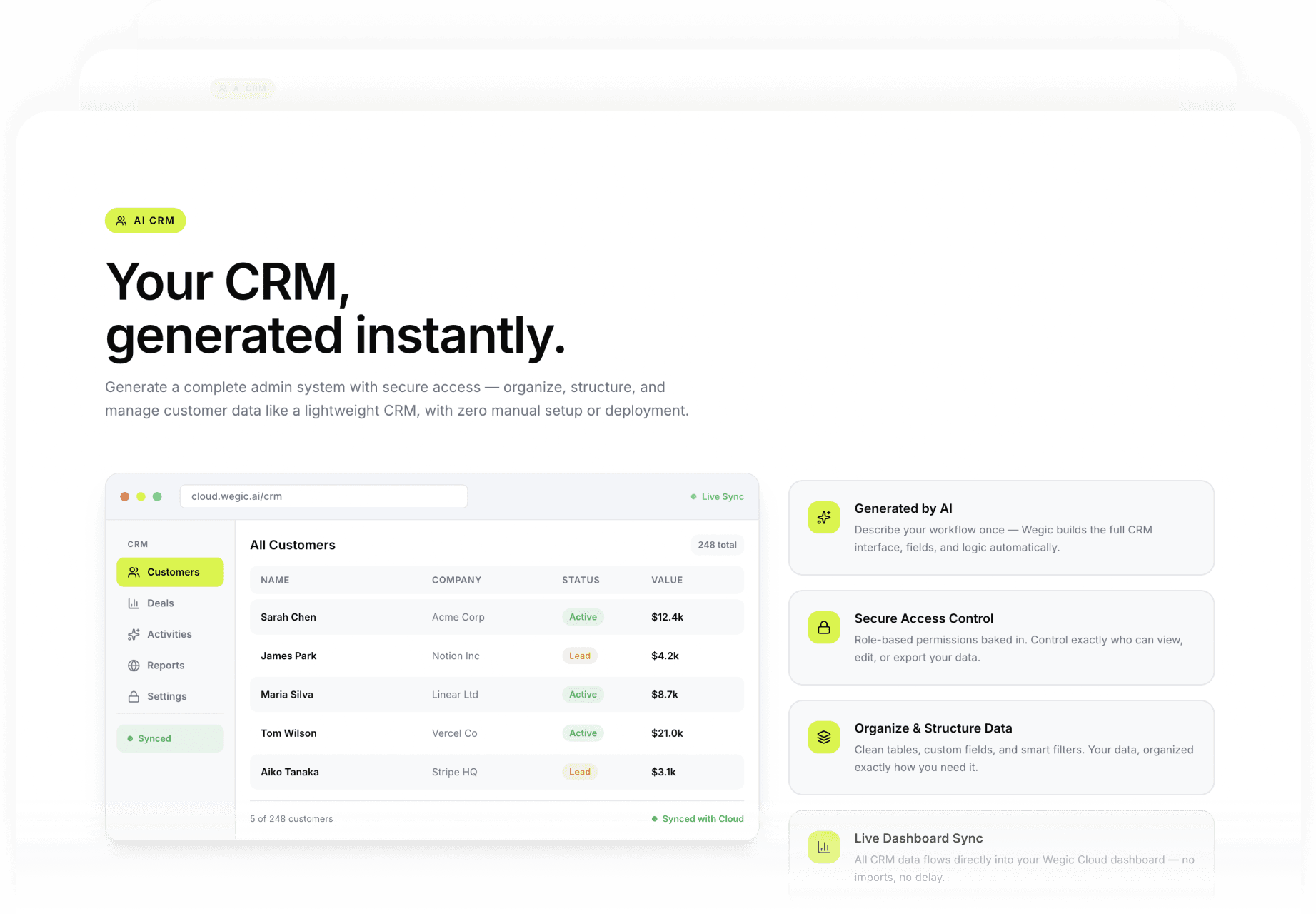
Start managing your data through the Wegic Cloud dashboard, or ask Wegic AI to generate a custom admin system for more advanced use.
Wegic Cloud Plans

 Sandbox onlyFull featuresFull features
 Cannot publishAllowedAllowedNoYesYes
 NoYesYesNoData preserved, new submissions pauseData preserved, new submissions pauseNot supportedSupportedSupported
Frequently asked questions
Is it free to use Wegic Cloud?
Wegic Cloud requires a subscription. Full features are available in Starter and Premium plans.
What can I do with Wegic Cloud?
You can collect, manage, and organize client data on your website. Forms, files, and leads are all handled in one place. AI can generate a custom admin system for advanced workflows. Backend data can sync with your website for real-time dynamic content.
Can I disable Wegic Cloud?
Yes, Cloud can be turned off anytime. Connected forms will pause and new submissions will fail. Re-enabling Cloud restores all features. Existing forms are not deleted.
What happens if credits run out?
When Cloud credits are exhausted, new submissions pause but existing data remains. Adding more credits automatically resumes all features.
How do Cloud credits work?
Monthly credits reset every month and cannot carry over. Add-on credits do not expire and can accumulate until fully used. Monthly credits are used first, followed by add-on credits. Upgrading your plan or adding credits only increases your limits; it does not restore previously used credits. Usage updates daily, and recent activity may take a little time to appear.