Design Your Simple Portfolio Website Easily with Wegic
Wegic helps you build a simple portfolio website with custom layouts, easy editing tools, and a mobile-friendly structure in minutes.

Home
Design Your Simple Portfolio Website Easily with Wegic
Instantly Generate a Complete Simple Portfolio Website

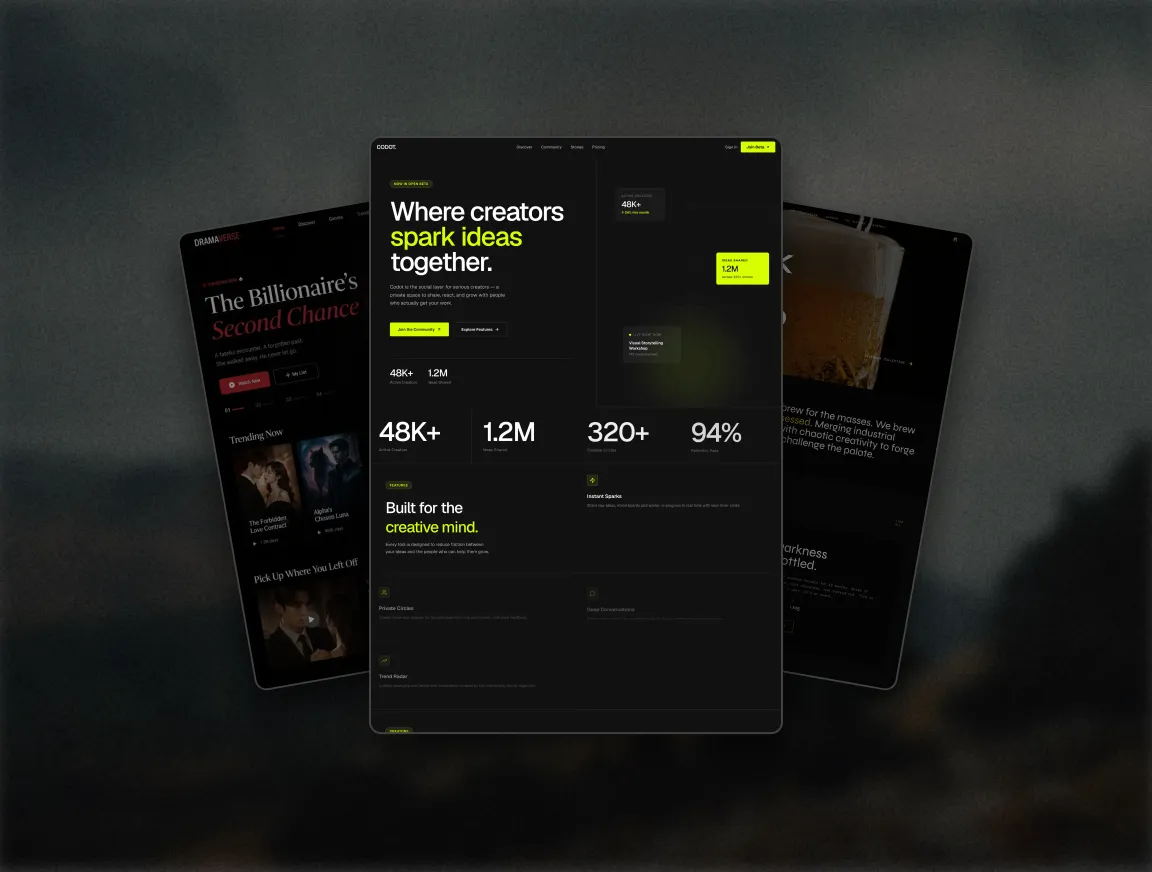
Wegic makes creating a simple portfolio website incredibly fast. Just tell the AI your niche and audience, and it will generate a full website structure—including homepage, portfolio, about me, and contact sections—in minutes. This process requires no technical skills and is ideal for designers, developers, and freelancers. Everything is editable, and Wegic offers multiple simple portfolio website templates. Whether you need a simple portfolio website free or want more customization, Wegic ensures efficiency from the start and helps you get online with a clean, professional presence.

Clean, Minimalist Designs That Showcase Your Work

Wegic excels at minimalist layouts, making your simple portfolio website clean and distraction-free. With smart use of whitespace, color, and fonts, every page highlights your work clearly—even with just one or two pages. This design approach is perfect for creating a professional image while keeping content well-organized. Wegic's simple portfolio website templates come optimized for clarity, ensuring a seamless browsing experience. For those wanting a simple portfolio website free of clutter, this builder helps visitors focus on your content, not the interface.

Effortless Editing with AI or Manual Options

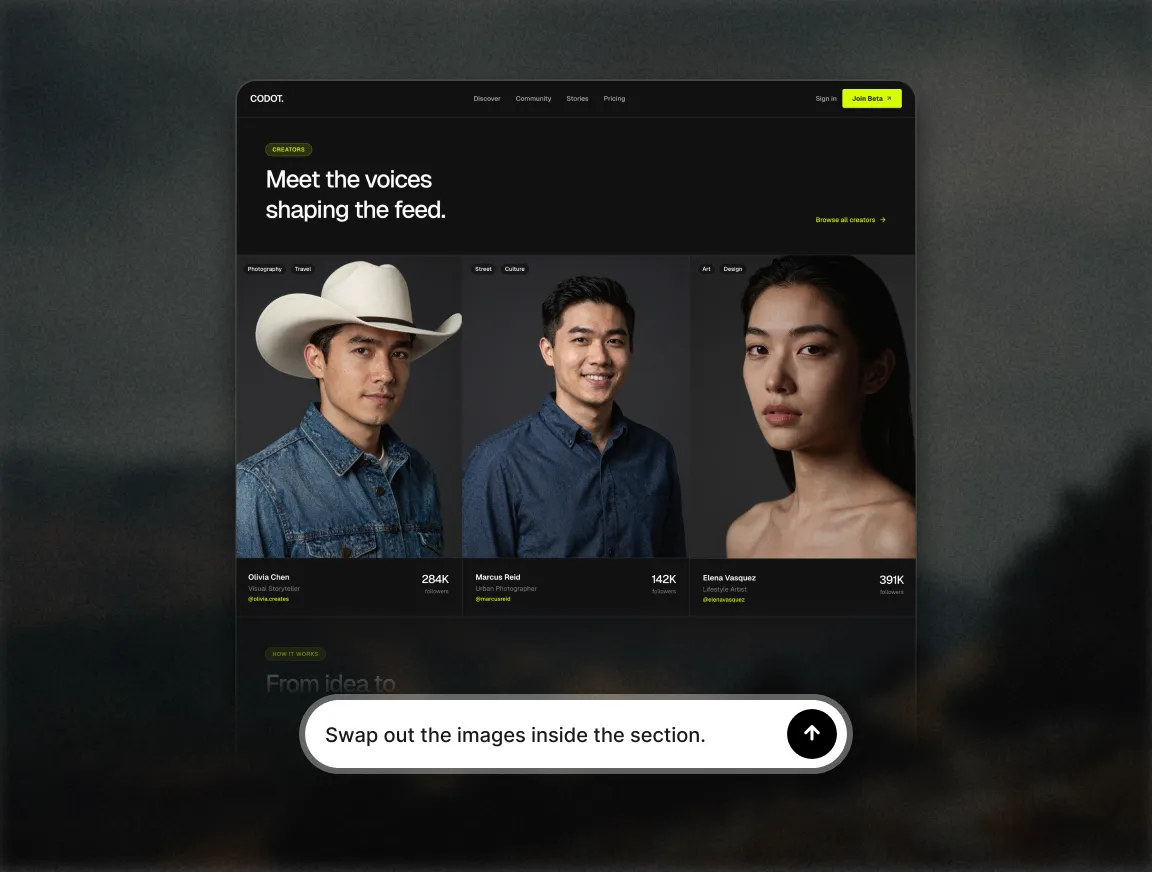
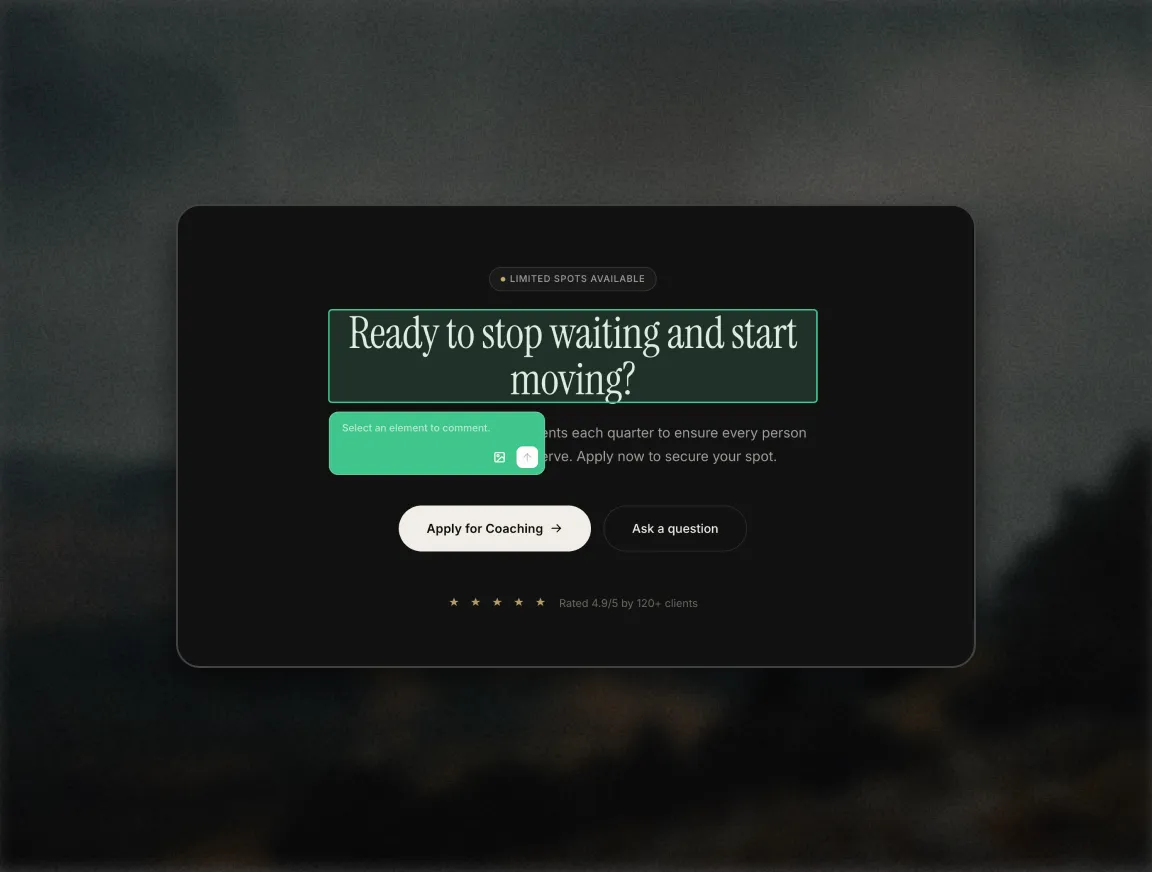
Wegic allows you to customize your simple portfolio website easily through drag-and-drop editing or AI-assisted design. Select and modify content blocks manually, or use circle mode to highlight areas for AI to improve. Need broader design changes? Just tell the AI what you want, and it will generate multiple new options. Whether you're refining a simple portfolio website free version or enhancing templates, editing is intuitive and fast. Wegic saves you time without sacrificing control, making updates and layout changes simple for all skill levels.

Mobile-Responsive for a Smooth Visitor Experience

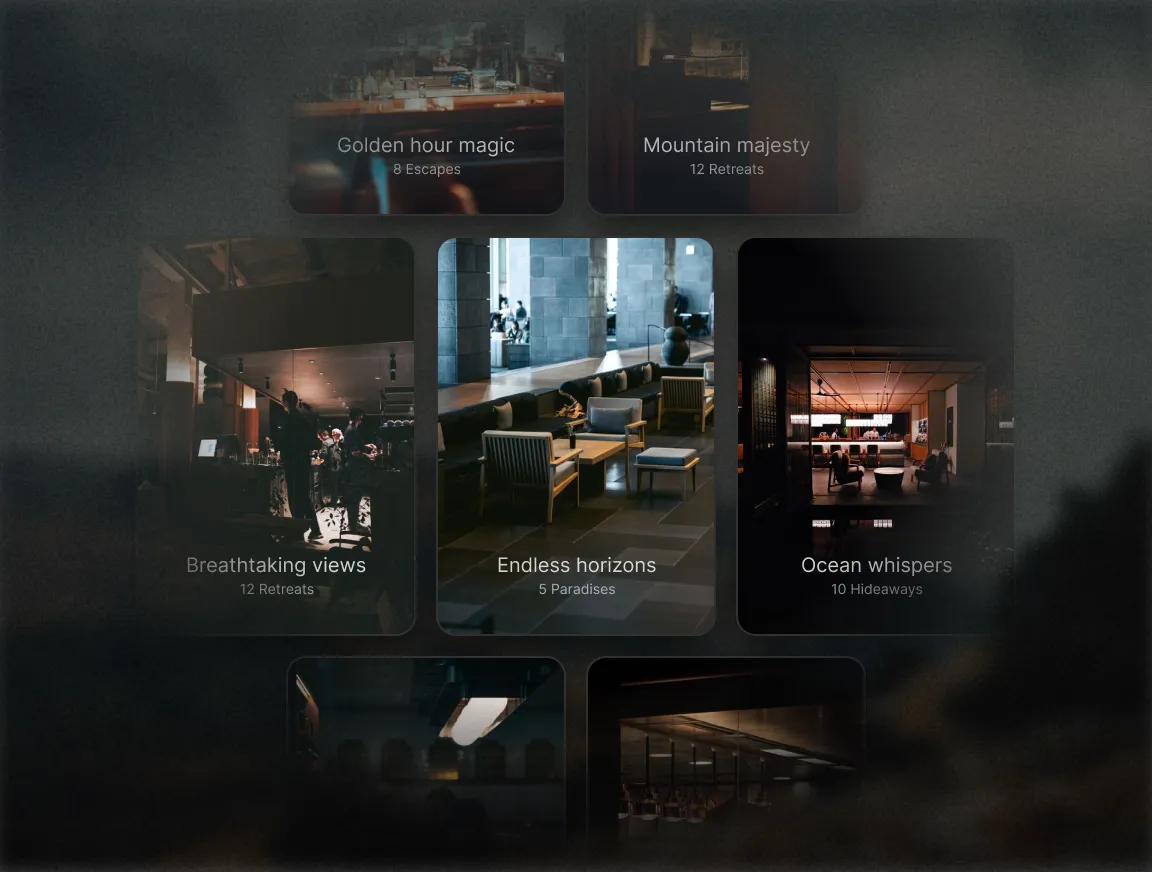
With Wegic, your simple portfolio website looks and works great across all devices. Its responsive design ensures proper layout and fast loading on phones, tablets, and desktops. This is especially important when using simple portfolio website templates, as formatting is auto-adjusted to fit any screen size. Even the simple portfolio website free version is mobile-optimized. Before publishing, you can preview how your site appears on mobile to ensure a flawless user experience. Fast, functional, and professional—your visitors get the best view every time.

One-Click Publishing with a Free Domain Included

Wegic makes launching your simple portfolio website incredibly easy. As soon as your site is ready, you can publish it with just one click—no coding or setup required. Wegic even generates a free domain name that matches your site's theme. Whether you're using the simple portfolio website free version or a paid plan, going live is fast and seamless. Choose your favorite template, edit your content, and your simple portfolio website will be online in minutes—simple, smart, and stress-free.

Free Trial with Flexible and Affordable Plans

Wegic offers a generous free trial ideal for simple portfolio website beginners. The simple portfolio website free plan lets you build up to three pages with seven AI editing credits. When ready, you can upgrade to Starter or Premium for advanced features like custom domains and full editing access. Whether you're a freelancer or a small studio, there's a plan that fits your needs and budget. Wegic also provides Ultra plans for full hosting and optimization. Paired with beautiful simple portfolio website templates, Wegic is powerful and accessible.

More topic recommendations
Learn more about wegic. Start your website design journey from here.
Other
MAR 2, 2026
Website Promotion Strategy: Turn Your Traffic Into Revenue
Master the art of website promotion with Wegic. From AI-driven SEO optimization to seamless social integration, we provide the tools you need to boost visibility, attract high-quality leads, and maximize your online growth.
Other
MAR 2, 2026
Web Developer Portfolio Examples: Launch Your Career with AI-Powered Precision
Stop fighting your personal site's technical debt. Wegic empowers developers to showcase complex tech stacks and project logic through high-performance portfolio examples that impress recruiters and peers alike.
Other
MAR 4, 2026
Showcase Unique Style with AI Modeling Portfolio Examples
Effortlessly create modeling portfolio examples that highlight your personal charm, style, and versatility—all with just a simple chat.
Other
MAR 4, 2026
Best AI Assistant to Showcase Company Video Game
Wegic designs pages that match your company video game style, guiding players to try, download, and help you earn profits.
Frequently Asked Questions
What's the best simple portfolio website builder?
Wegic is one of the best options for building a simple portfolio website. It offers a free trial and supports fast setup through AI-powered guidance. You don't need coding experience—just describe your website needs in a chat, and Wegic will generate a full layout. It supports over 10 languages, mobile responsiveness, and built-in SEO optimization tools. Whether you're showcasing design work, photography, or creative projects, Wegic provides a flexible, intuitive, and beginner-friendly platform to help you create a simple portfolio website that looks polished and professional.
What should a simple portfolio website include?
A good simple portfolio website should start with a clear personal introduction, including your name, background, photo, and key skills. Then, feature your most impactful work—choose projects with strong results or user feedback, and present them with full context: inspiration, process, and outcome. Finally, add a dedicated contact section with your email, phone number, social media links, or even a studio address. Keeping things clear and minimal helps your audience focus on your strengths. A well-organized simple portfolio website reflects your professionalism and design thinking.
How do you build a simple portfolio website?
To build a simple portfolio website, first clarify your goal and audience. Then, select the projects you want to highlight and prepare supporting content like descriptions, images, or videos. Use a builder like Wegic to generate a professional template that suits your theme. Fill in your materials and use AI suggestions to fine-tune layout and wording. Finally, choose a domain name, test your site, and hit publish. Wegic makes the entire process beginner-friendly, so you can focus on content while it handles the technical side of your simple portfolio website.
Can I build a simple portfolio website with no experience?
Absolutely. With Wegic, you don't need any coding or design skills to build a simple portfolio website. The platform is powered by AI, which means you can just explain your creative ideas in a chat, and Wegic will generate the layout, structure, and content blocks for you. You can edit and customize anything using a drag-and-drop interface or ask AI to help revise your design. Even if you're a complete beginner, Wegic simplifies every step—so you can launch a professional simple portfolio website quickly and confidently.
How many pages should a simple portfolio website have?
A simple portfolio website usually works best with 3 to 5 pages. This may include a homepage, an About Me section, a portfolio page showcasing your best work, and a contact page. If your content is minimal, a one-page scroll site can also work well—just ensure each section is clearly defined. The goal of a simple portfolio website is clarity and impact, not volume. Keep the layout clean and the navigation intuitive, so your visitors can easily find your work, understand your skills, and contact you if needed.
More articles

Top 10 Sites Like Coursera for Online Learning in 2025
Explore the top 10 online learning alternatives to Coursera, compare the differences between different platforms, and find the online platform that suits your needs.

What’s the Average Cost for a Website Developer in 2025?
Planning to hire a website developer in 2025? Our guide breaks down the average costs you'll encounter and what to expect based on your project's needs.

Top 10 Freelance Websites for Beginners and Pros in 2024
Discover the top freelancing websites of 2024 that cater to beginners and pros alike. Explore platforms like Upwork, Fiverr, and Toptal to find your next gig and kickstart your freelancing career today!

503 Error Code Troubleshooting: Get Your Site Back Online
Discover the definition and the causes of the 503 error code, learn how to quickly fix it, and prevent this server issue. Get your site back online with Wegic!
Webpages in a minute, powered by Wegic!
With Wegic, transform your needs into stunning, functional websites with advanced AI
Free trial with Wegic, build your site in a click!
What kind of website do you want to build?