Business info
Goals
Wegic AI
Layout
Copy & visuals
AI-Powered Creation
Automatically generate a complete static site draft based on your input, saving time and effort in the initial build process.

Effortlessly build static site with Wegic AI and create and launch a static website with ease.
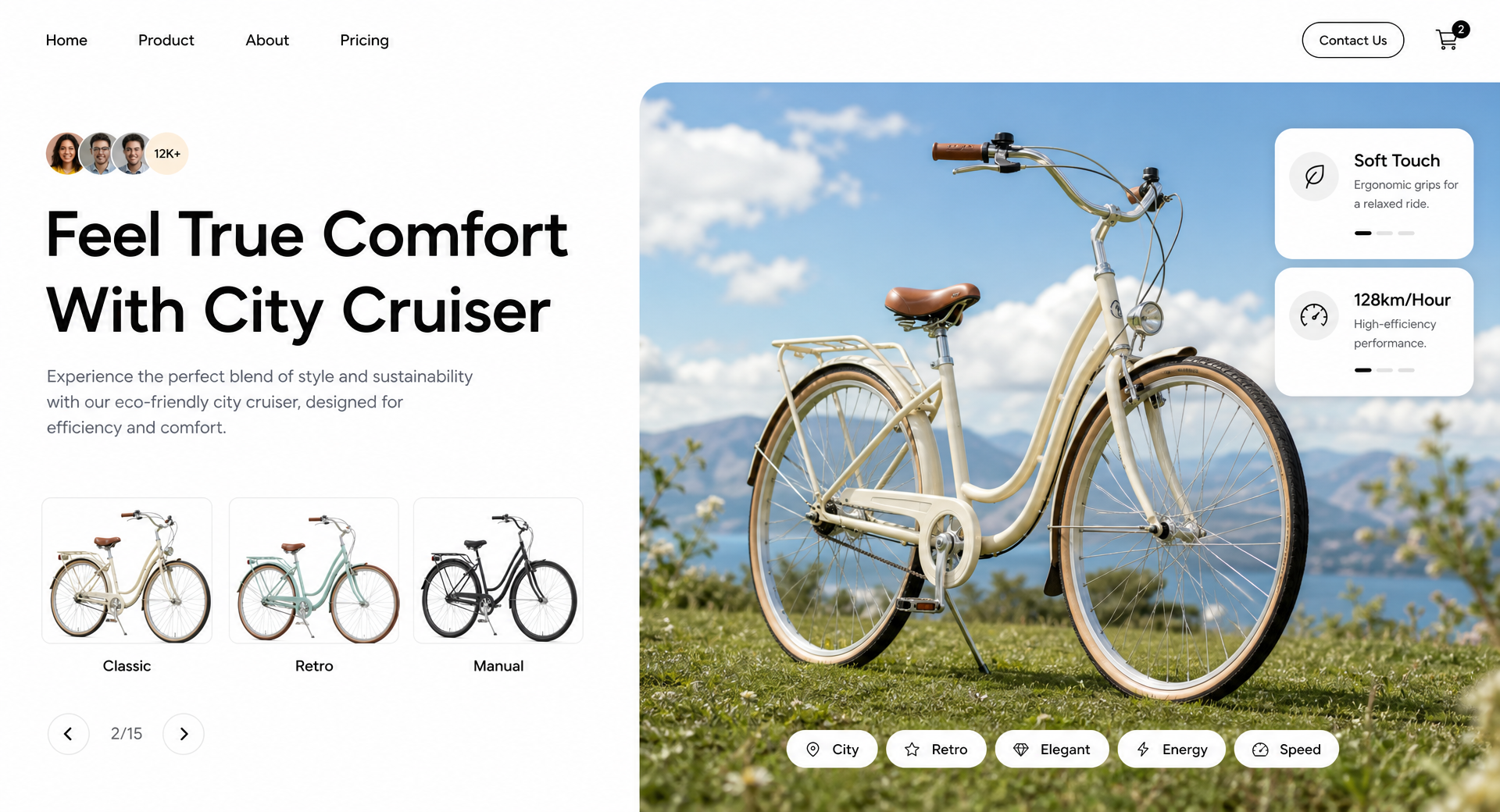
Wegic AI simplifies building static sites by automating site creation and enabling easy customization without coding, helping users launch their websites faster with less technical effort.
Automatically generate a complete static site draft based on your input, saving time and effort in the initial build process.
Easily adjust colors, content, images, and layout to match your brand and preferences without technical skills.
Receive well-organized site structures tailored to your goals, ensuring a logical flow and user-friendly navigation.
Publish your static site online with a single click, making your website instantly accessible to your audience.
Follow these simple steps to build your static site with Wegic AI, from initial chat to customization and final publishing.
Tell Wegic AI about your business, goals, and website ideas. Wegic will understand your requirements and generate plans for you to choose from before creating your website draft.
Review your AI-generated website and refine it through conversations with Wegic. Adjust colors, images, content, sections, and features based on your needs.
Once you are satisfied with your website, click "Publish" to launch your site and make it available online.

Start building your static site today with Wegic AI’s guided assistance for easier creation, customization, and publishing.