Log in
Build Your Site
Best Free Website Creator for Students Online
Create a professional website effortlessly using an AI-driven web builder. Simple to navigate and highly customizable, Wegic is the top choice for students seeking the best AI website creator.
Home
Best Free Website Creator for Students Online
Create a Website with Powerful AI

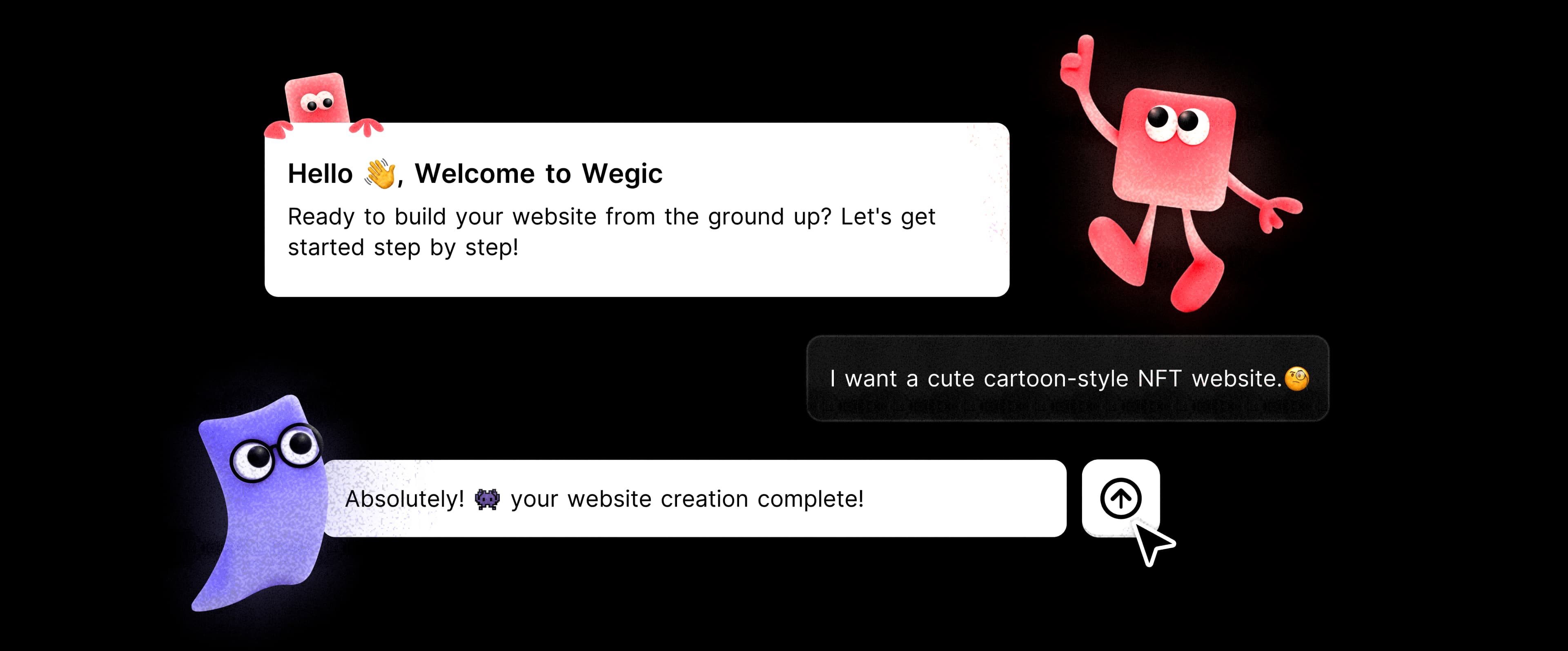
Wegic is one of the most user-friendly website creators for students, and our AI web designer stands out as one of the best. You don’t need to be a programmer or a professional web developer—simply tell Wegic the type of website you want to create. In just a minute, your ideal website will be ready to view.

Make All Tweaks Online

Wegic supports both AI-driven and manual adjustments. You can request Wegic to remove titles, enlarge text, reduce page height, automatically switch background colors, and add interactive hover effects to images. Additionally, you can manually replace images and icons or modify the navigation bar to suit your needs.

Accessible Website Management

After publishing, click the drawer icon at the bottom of the website interface to access the settings menu. From there, you can easily update your website’s logo, name, and description. Managing your site is as effortless as enjoying a cup of coffee.

Free Website Builder for Students

Wegic is dedicated to becoming the ultimate website builder for students, enabling them to unlock their creativity by designing web pages through intuitive, conversation-based tools. To support aspiring creators on a budget, we provide a free version specifically tailored for students, complete with 70 complimentary credits to get started.

Easy to Add Video to Website

Videos are a powerful way to showcase your brand image and quality. With Wegic, there’s no need to download any plugins to add media to your website. Insert an online video link that begins with "https" and ends with ".mp4," or click the "Add Attachment" icon and paste the YouTube link directly.

Responsive and Mobile-First Design

Easily view and monitor your website on mobile phones or tablets with Wegic’s responsive design. Wegic-generated websites automatically adjust to any screen size, providing a seamless experience for users on all devices. This mobile-first, adaptable design enhances accessibility and user engagement, helping you effectively reach a broader audience.

More topic recommendations
Learn more about wegic. Start your website design journey from here.
AI Building
MAR 4, 2026
The Fastest Way to a Stunning Writing Portfolio Website: Wegic AI
Launch your professional writing portfolio website in seconds with Wegic portfolio builder. Ditch complex coding and showcase your work effortlessly.
AI Building
MAR 4, 2026
AI Blog Website Builder: Easy Design with Wegic
Create stunning blog websites quickly with Wegic’s AI-powered builder, offering intuitive tools and customization without coding expertise
AI Building
MAR 4, 2026
Build Your Own Personal Website Without Limits - Wegic
Try Wegic to create your personal website. Here, you have enough space to show yourself and present your work.
AI Building
MAR 4, 2026
Build A Businessman Website in Seconds with Wegic
Create a professional businessman website in seconds with Wegic. No coding needed, perfect for entrepreneurs and small businesses.
Frequently Asked Questions
How can students create a website for free?
Wegic provides a platform for creative students to build websites for free. With Wegic, students can create wonderful websites just by chatting with this AI-driven web builder. Free credits are available. Wegic's free plan includes 1,000 monthly visitors, 3 pages per website, an SSL certificate, one website publication with AI generation or multiple AI modifications, and free credits for easy setup.
Can a student create a website?
Yes, absolutely. Whether you're a student, freelancer, business owner, or blogger, you can create a website on your own. Choose a web builder that suits your needs. I recommend Wegic, a completely code-free website creator that lets you focus on aesthetic design rather than technical skills.
Which plan supports custom domain?
To enhance your brand awareness and online presence, a custom domain is essential. Wegic's Pro plan allows you to use a custom domain, along with access to the Google Analytics plugin. Priced at $15.90 per month, billed annually, the Pro plan includes 1,000 credits per month, supporting up to 25 website AI generations or 100 AI modifications, with unlimited pages and unlimited monthly visitors.
What is Wegic's Draw Reference Sketch feature?
Wegic's Draw Reference Sketch feature is a unique tool that saves you time on descriptions. Instead of typing out your layout ideas, simply sketch them on a blank canvas. Use a colored pen to highlight the areas you want to modify, and enter your prompt in the text box. Wegic will then adjust the layout according to your preferences, giving you a design that aligns with your vision.
How to choose the best website builder for education?
When choosing the best website builder for education, prioritize ease of use, affordability, and customization options to meet diverse learning needs. Look for platforms with mobile-responsive designs and collaboration features to support group projects. Additionally, ensure the builder offers reliable support and resources to help educators and students succeed.
More articles

10 Basics on How to Create A Dentist Website?A Must-Read for Entrepreneurs
Learn 10 basics on how to create a dentist website designed to attract patients and grow your practice, a must-read guide for entrepreneurs and startups.

Best Proxy Services: Free or Paid, Which Wins?
Discover the best proxy websites for privacy, security, and bypassing restrictions. Compare free and paid options, including picks for school, Chromebooks, and Reddit recommendations.

Wegic vs Framer: AI Speed vs Design Control (2026 Guide)
Deciding between Wegic vs Framer in 2026? We tested both to see which tool balances AI speed with design control. Find the best fit for your business growth.

33 Free Traffic Sources to Explode Your New Website in 2025 (Updated Weekly)
Unlock 33 free strategies to explode your new website's traffic in 2025! Master SEO, boost visitors & get an instant web boost.
Webpages in a minute, powered by Wegic!
With Wegic, transform your needs into stunning, functional websites with advanced AI
Free trial with Wegic, build your site in a click!
What kind of website do you want to build?