Are you scrolling through countless WordPress website examples to decide if it is the right platform for your next project? WordPress powers about 43.5% of all websites worldwide. From massive media empires to small local businesses, its flexibility is unmatched. However, with great power comes a steep learning curve. Navigating complex WordPress website templates, managing hosting, and learning block editors can be overwhelming for beginners who just want to get their business online quickly. What if you want the premium look of a top-tier WordPress site, but prefer a simpler, purely conversational building experience? Enter Wegic. As an AI website growth system, Wegic offers a lightweight, chat-based alternative for those who want to skip the learning curve entirely. In this guide, we dive into 5 world-class examples to inspire you and show you a smarter way to launch your site instantly.
Why WordPress Dominates the Web
Before we admire the beautiful designs below, we must acknowledge why WordPress is so widely used. WordPress offers an incredibly robust ecosystem. With tens of thousands of plugins and themes, developers can build virtually anything—from complex e-commerce marketplaces to highly secure corporate portals. For enterprises with dedicated IT teams, it is often the go-to choice.
Let’s explore how top-tier organizations and creators structure their sites to maximize their brand impact.
2 World-Class WordPress Website Examples (Brands & Media)
WordPress shines when handling massive amounts of content. These iconic brands use custom-built WordPress architectures to deliver premium digital experiences.
1. The Walt Disney Company
Disney’s corporate website runs on WordPress. Despite representing one of the largest entertainment empires in the world, the site is surprisingly clean, focusing on corporate news, investor relations, and philanthropic efforts.
Authority through minimalism. By utilizing generous whitespace, clear typography, and high-definition hero images of their properties, Disney prevents cognitive overload. The site proves that even multi-billion-dollar companies prioritize clean, highly scannable layouts over complex animations. It is one of the best wordpress website examples for sure.
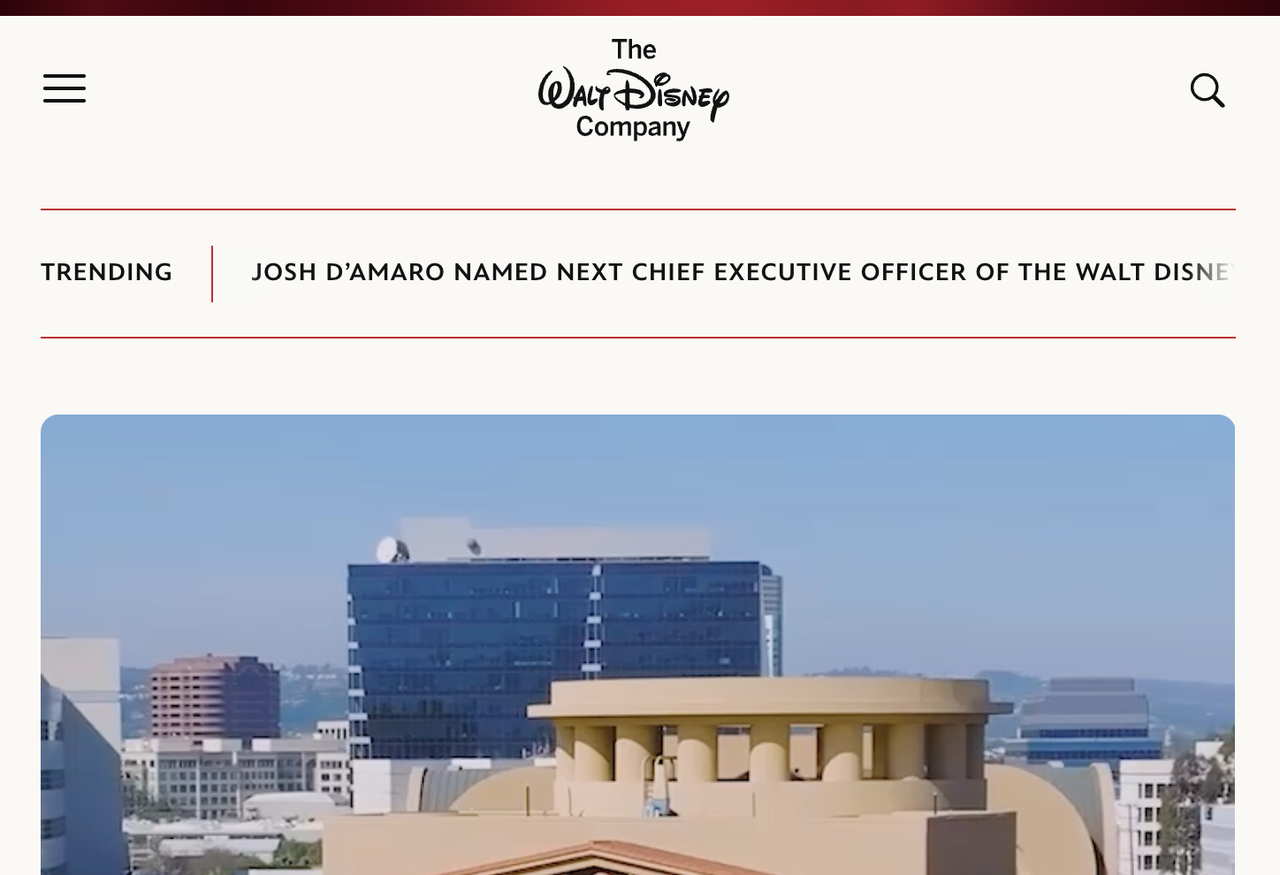
Image by The Walt Disney Company
2. Vogue
Vogue is the pinnacle of global fashion, and is powered by WordPress. The homepage includes highlights trending articles, exclusive interviews, and runway photography. Content hierarchy is the ultimate driver of time-on-page. By using varying image sizes (large for hero articles, small for secondary news), Vogue guides the reader’s eye predictably, significantly lowering bounce rates and increasing ad revenue. If your want to design the website like Vogue, try to learn how they structure website. Is it the best wordpress website templates? If you have a lot of information for your business, Yes.
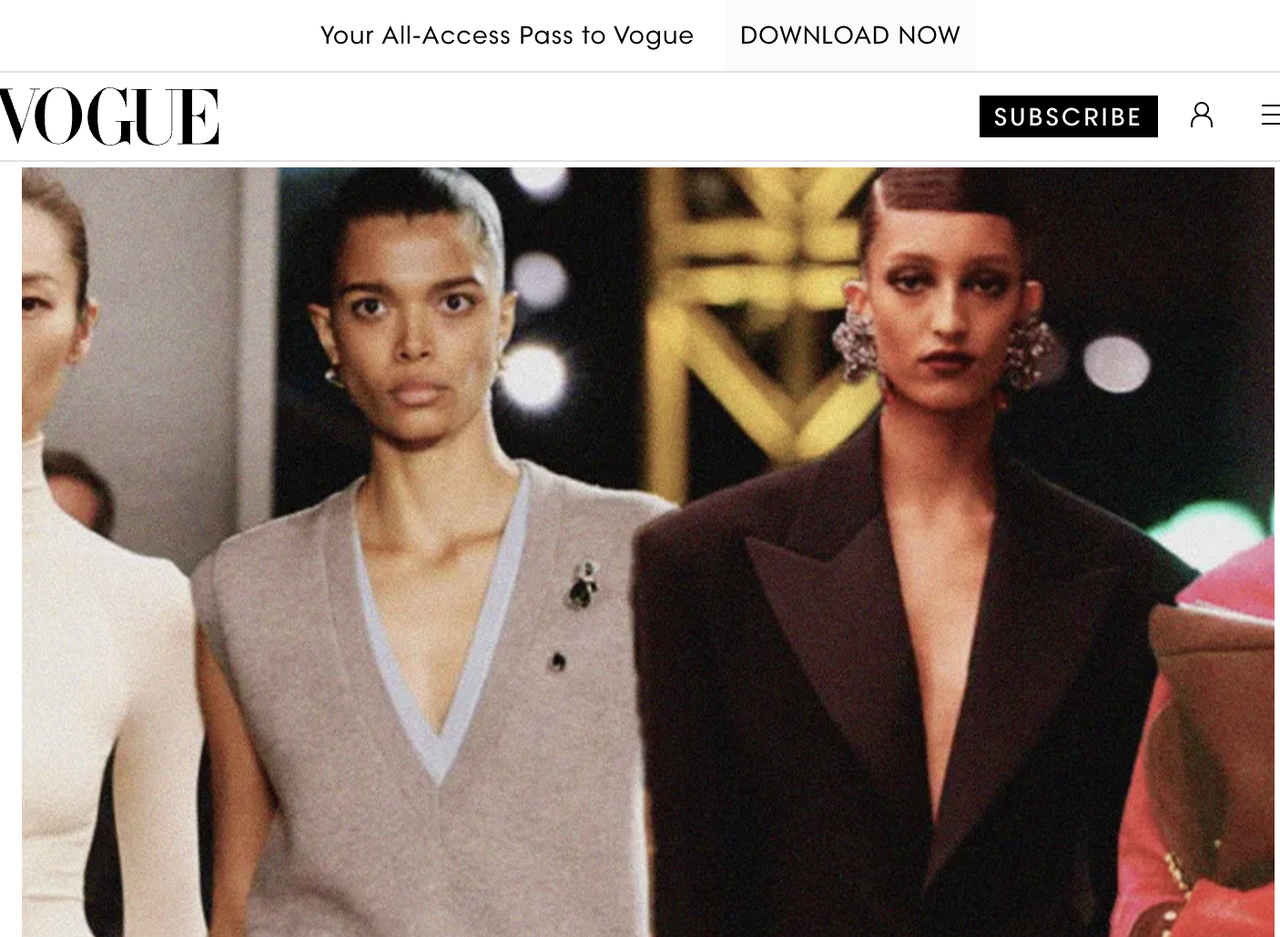
Image by Vogue
3 Simple WordPress Website Examples (High Conversion)
You don't need a massive corporate budget to succeed. In fact, many creators explicitly look for simple wordpress website examples because a focused, minimalist layout drastically reduces user friction and increases lead generation.
1. Sylvester Stallone
The legendary actor’s official website is astonishingly straightforward. It features a dark-mode theme, a classic navigation bar, and high-quality photography from his film career and art exhibitions. It respects the visitor's intent. Fans visit the site to see his work, not to navigate complex dropdowns. By presenting the content in a clean, distraction-free grid, the site ensures a flawless user experience on both desktop and mobile.
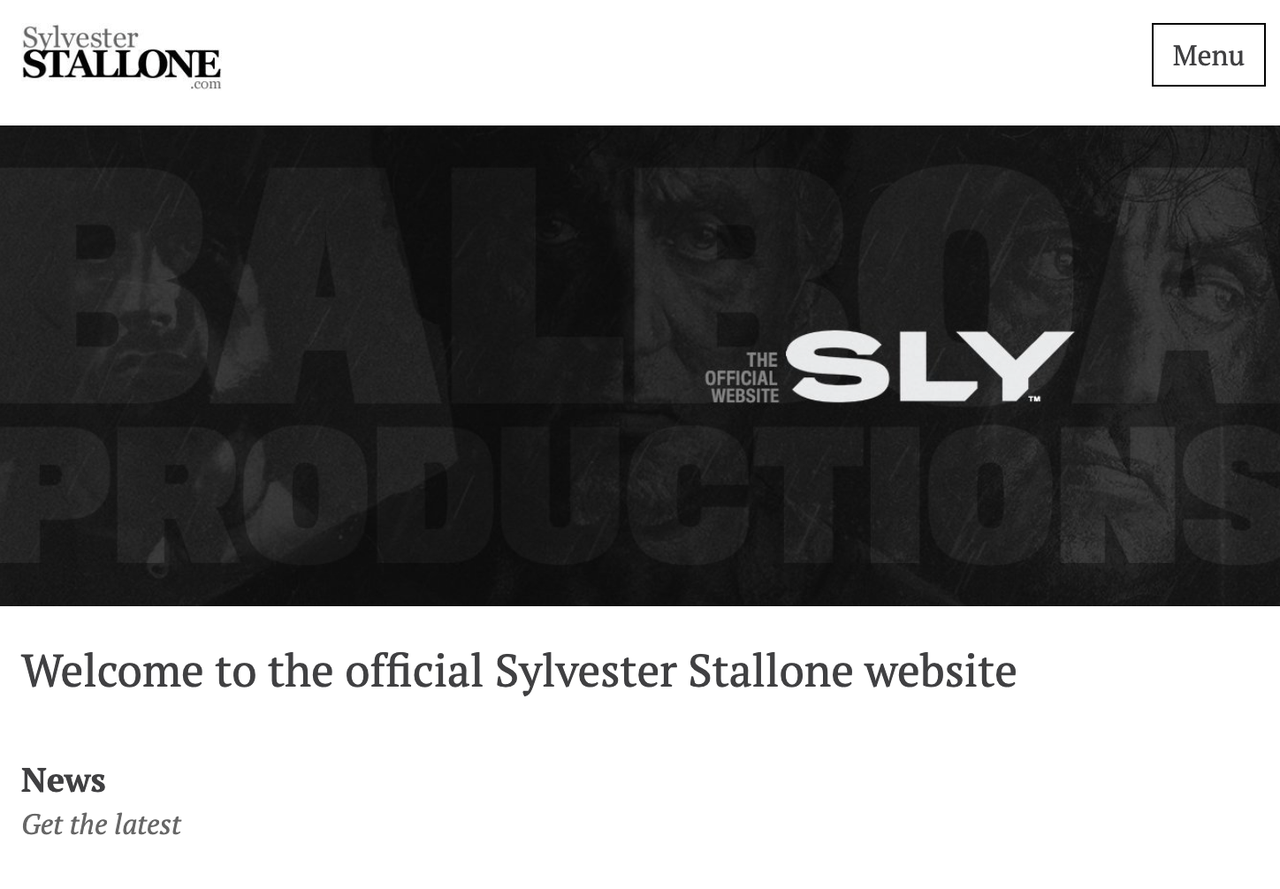
Image by Sylvester Stallone
2. Jane Goodall Institute
This global wildlife and environment conservation organization uses a clean, bright WordPress layout. The site relies heavily on earthy greens and powerful photography of nature and chimpanzees.
For non-profits, trust and clarity drive donations. The "Donate" button is highlighted in a contrasting color in the sticky header, ensuring that whenever a visitor feels emotionally moved by an article, the conversion point is just one click away.
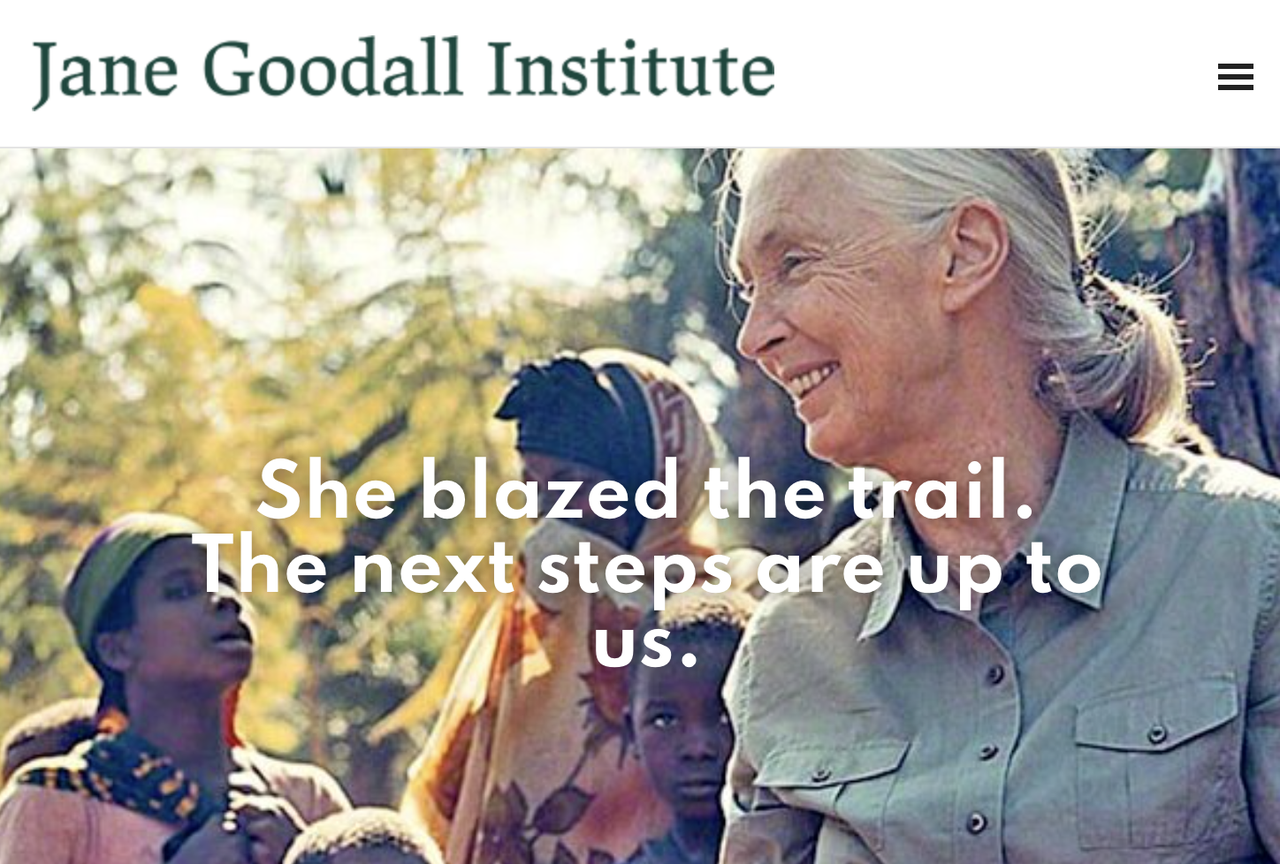
Image by Jane Goodall Institute
3. Awesome Motive
The company behind massive WordPress plugins naturally uses a simple WordPress site. Predictability builds confidence. In B2B software, buyers want information quickly. By using a standardized layout with clear value propositions, they reduce cognitive fatigue and funnel visitors directly to their product pages. It is one of the best simple wordpress website examples.
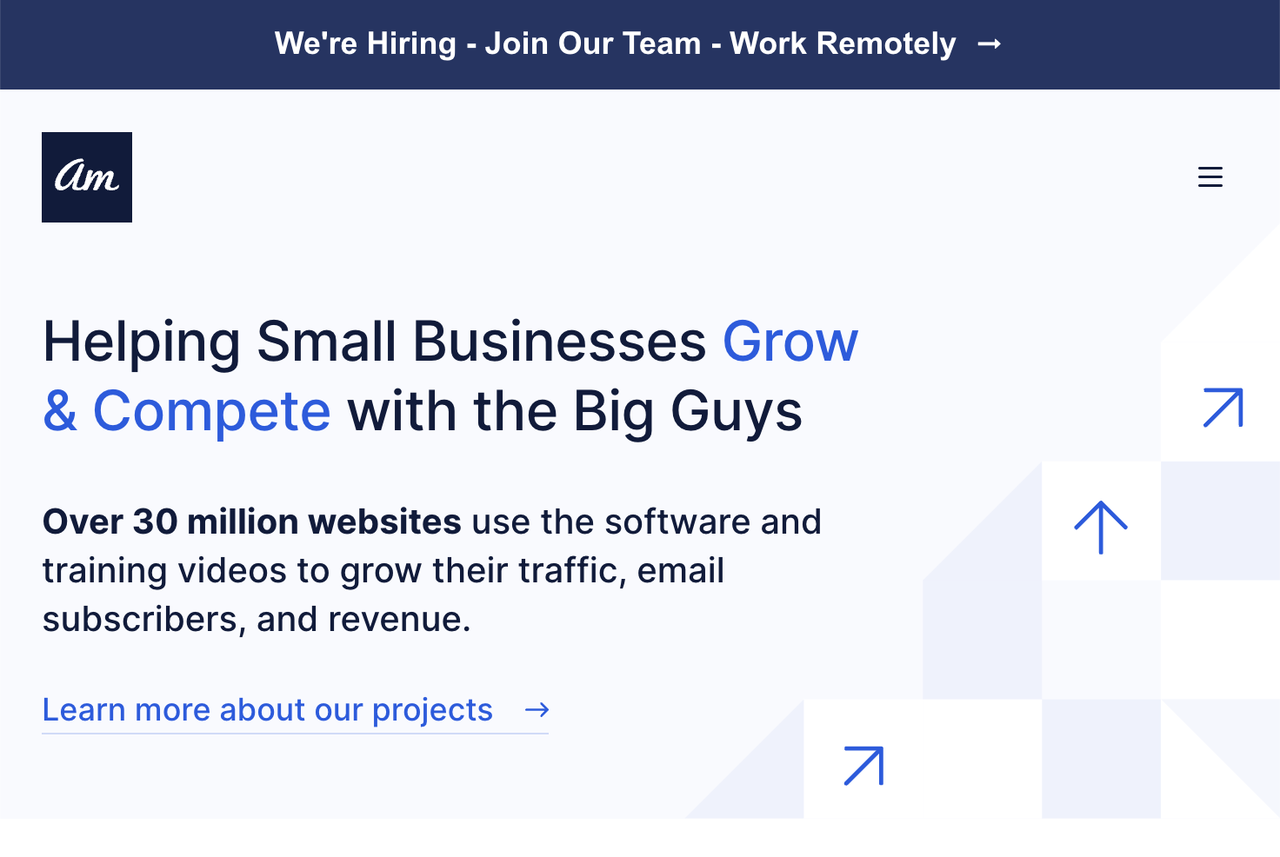
Image by Awesome Motive
Is WordPress Right for You? A Smarter Alternative for Beginners
Looking at these fantastic wordpress website examples, you are likely fired up to start building. WordPress is undeniably powerful. It even offers excellent AI tools to help generate initial layouts.
However, you must ask yourself: do you need a heavy-duty Content Management System (CMS)?
If you are a freelancer, a small business owner, or a creator who just wants a beautiful, high-converting digital storefront without managing hosting servers, updating plugins, or learning a complex dashboard, WordPress might not the top choice.
Wegic introduces a pure, conversational AI paradigm. Wegic isn't trying to be a complex CMS; it is designed for absolute simplicity and speed. You don't build the site; you simply chat with your AI assistant, and the site is built and edited for you. Here is the workflow for those who value their time:
Phase 1: The Discovery Chat (Brief Your AI)
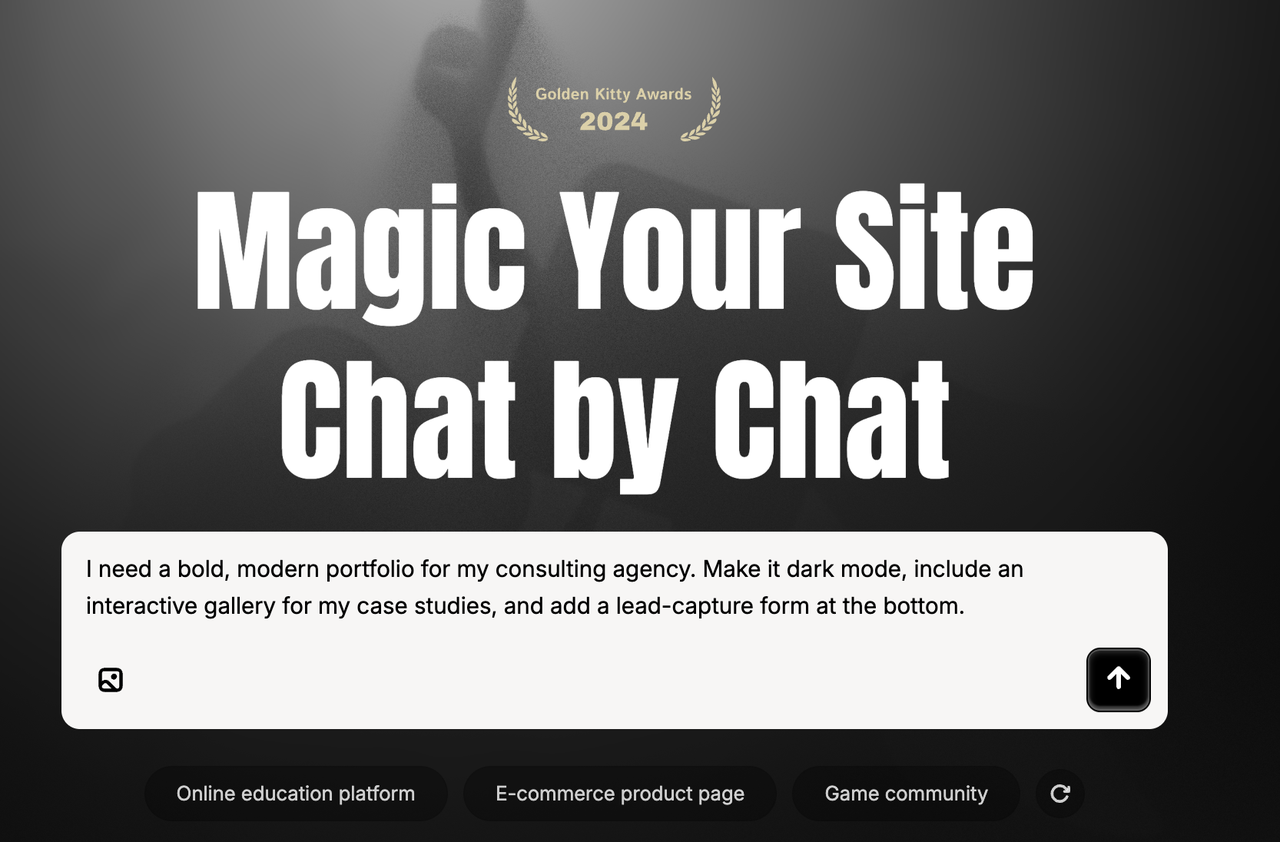
Skip the overwhelming theme stores. Open Wegic and chat with Kimmy, your AI project manager. Describe your vision naturally:
"I need a bold, modern portfolio for my consulting agency. Make it dark mode, include an interactive gallery for my case studies, and add a lead-capture form at the bottom."
👇Click the image below to start with Wegic!
Phase 2: The Blueprint Generation (AI Assembly)
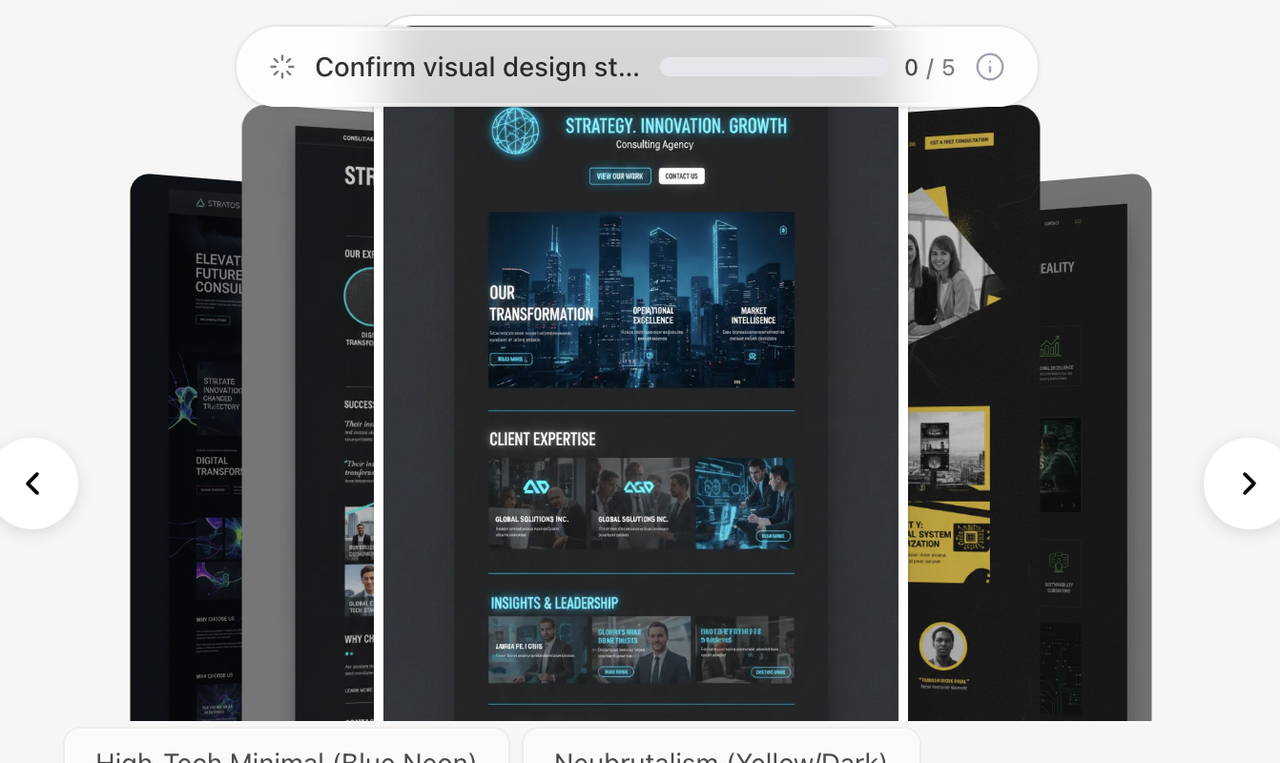
In under 60 seconds, Wegic’s advanced GPT-4o engine processes your request. It automatically writes clean semantic code and generates a multi-page, 100% mobile-responsive prototype. It applies UX best practices instantly, saving you from navigating complex settings.
Phase 3: Continuous Edits
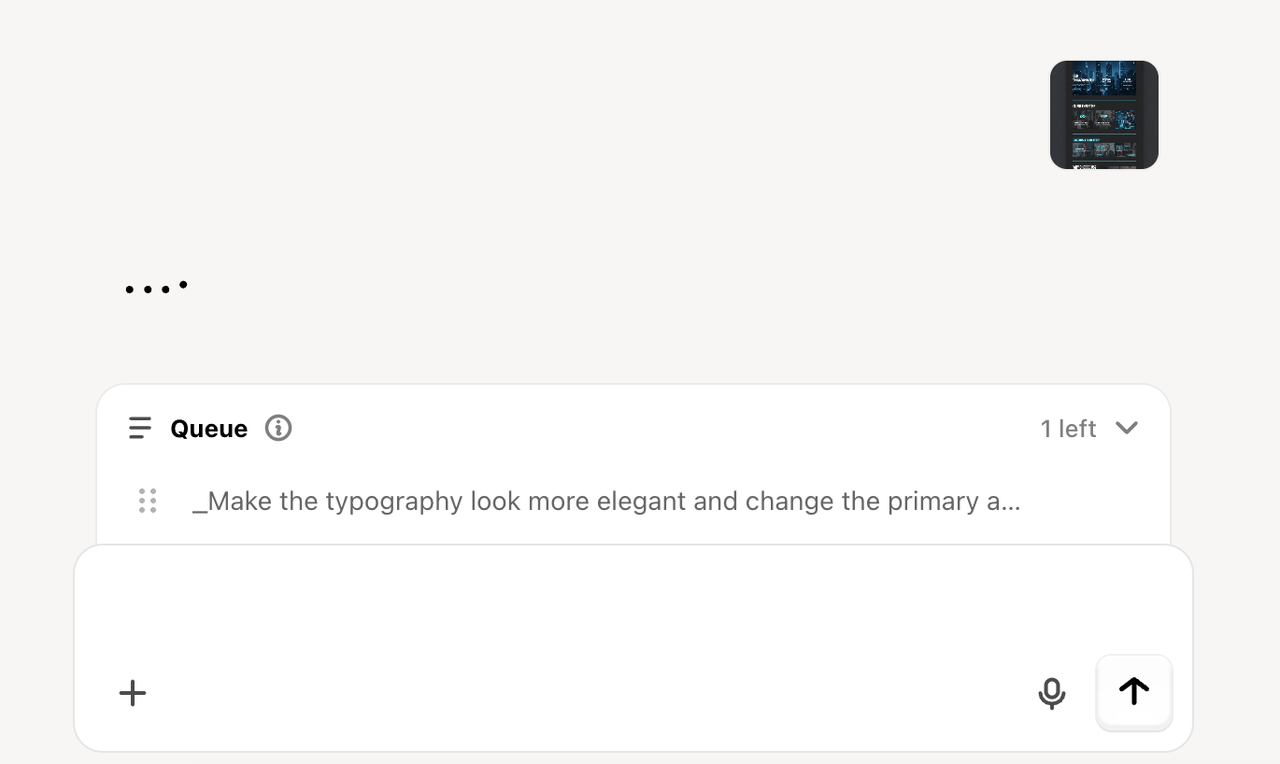
If you want to change the layout in Wegic, you simply act as the creative director and chat:
"Make the typography look more elegant and change the primary accent color to a high-contrast orange."
Wegic provides design reasoning, offers options, and updates the site instantly. You never have to touch a block editor.
Phase 4: The Zero-Maintenance Launch
When your digital storefront looks perfect, hitting "Publish" handles the rest. Wegic provides website hosting, top-tier security, and custom domain support natively. Your business is live, with zero maintenance required.
Phase 5: What if I want use templete?
You may not know how to start—and that’s completely okay. Building a website can feel overwhelming at first, especially when you’re staring at a blank page with no clear direction.
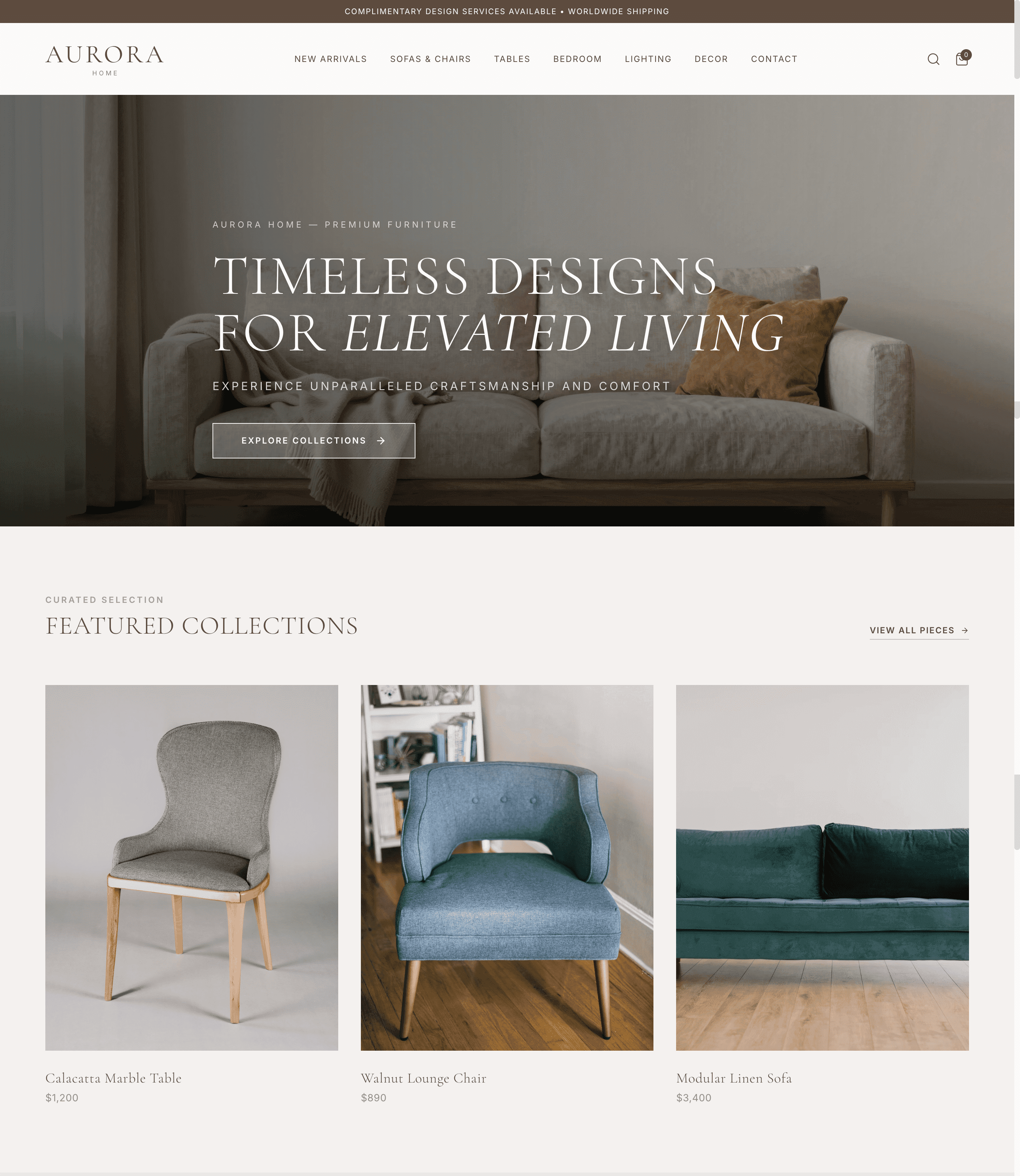
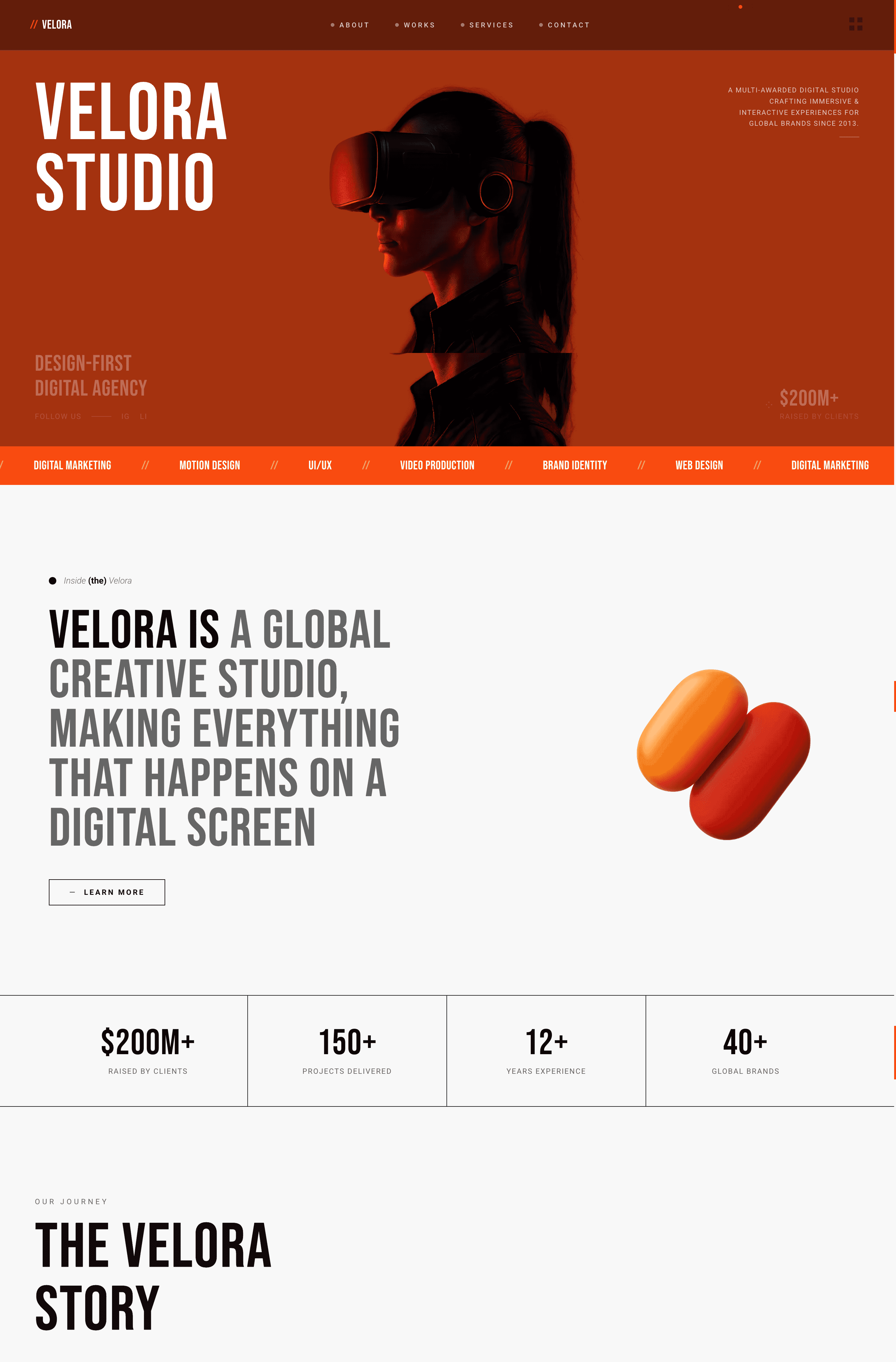
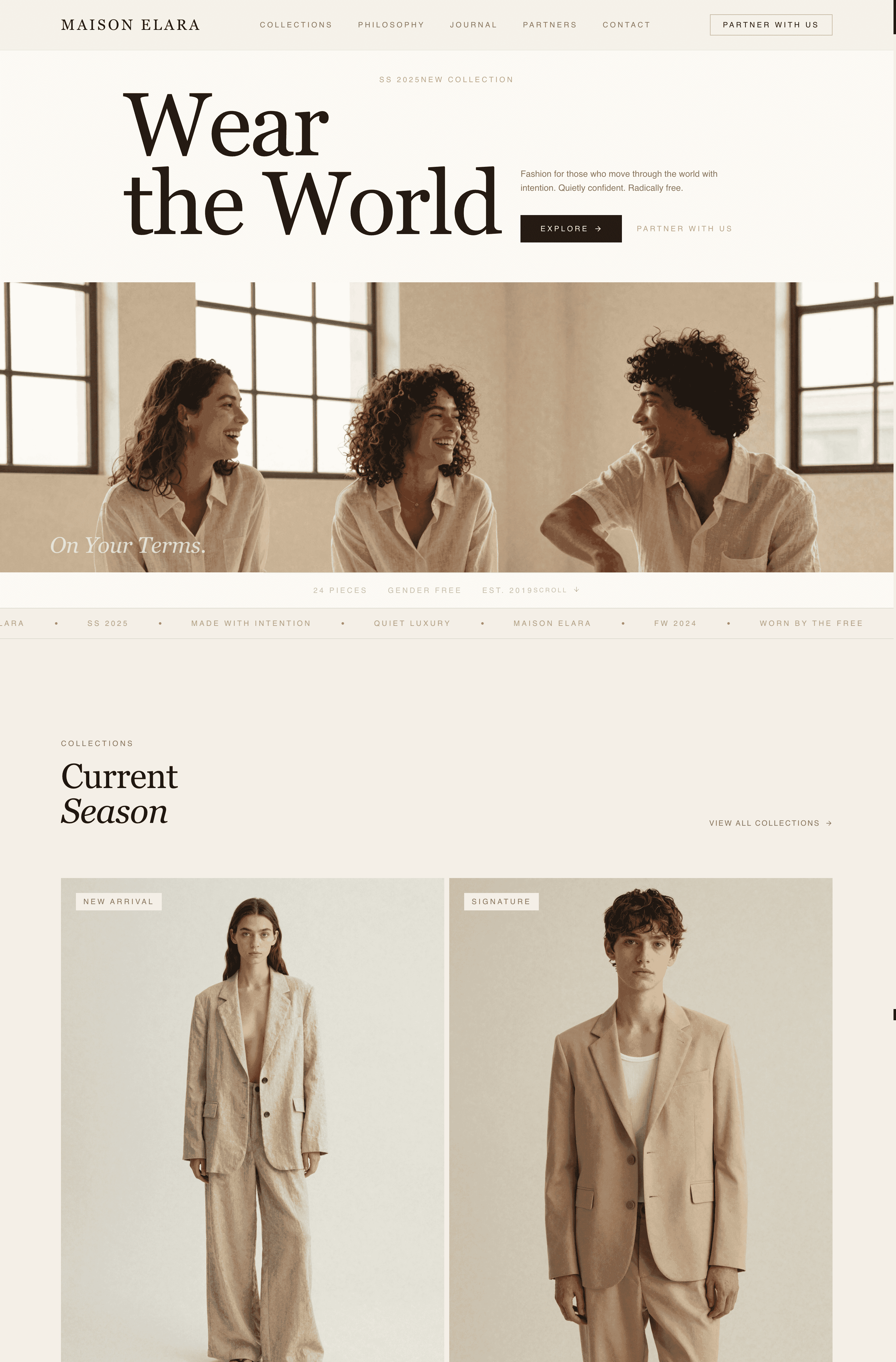
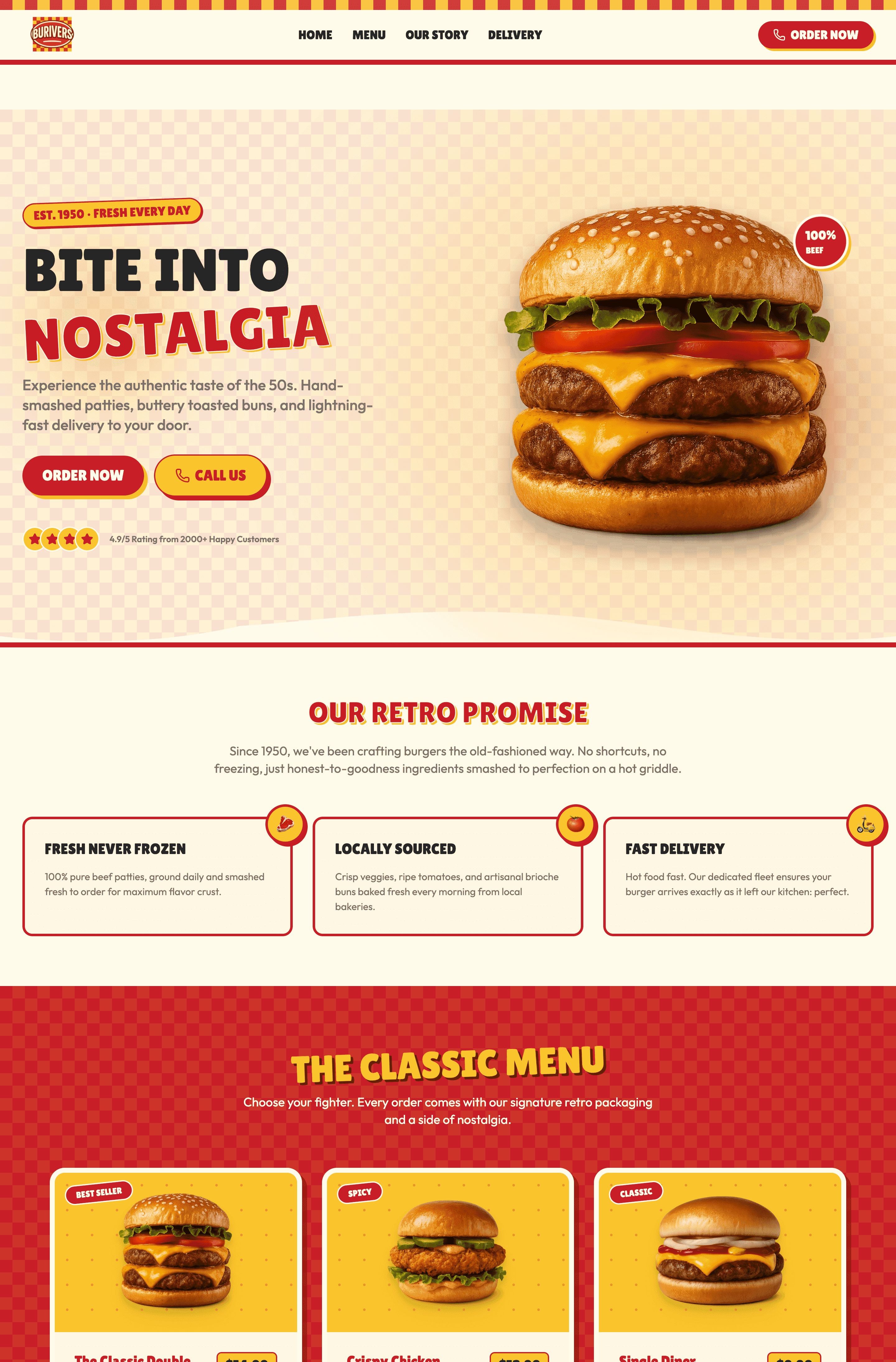
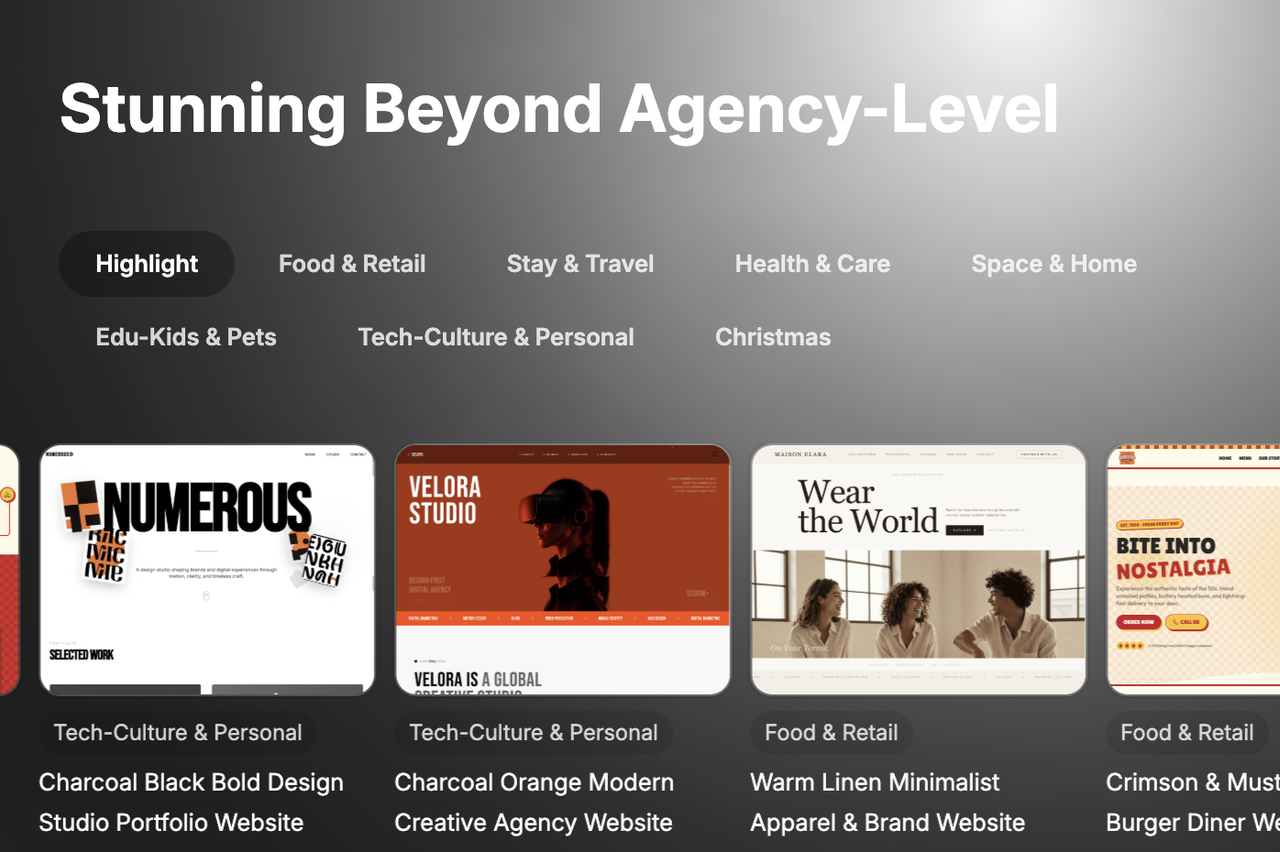
That’s where Wegic comes in. It offers multiple options to help you get started quickly and confidently, with a wide range of website templates across different industries—from restaurants and portfolios to e-commerce and personal brands.
You can simply choose a style you like, and instead of figuring everything out on your own, just chat with Kimmy—your built-in AI assistant. Tell Kimmy what you need, adjust details through conversation, and watch your ideas turn into a polished website step by step. It’s like having a designer and developer guiding you through the entire process.
Conclusion
Building a high-converting website shouldn't feel like a second full-time job. As we've seen from these magnificent examples, clarity, strong branding, and flawless user experience are the true drivers of online success.
WordPress remains an incredible platform for complex, large-scale projects. But for entrepreneurs and creators who want to bypass the learning curve and simply get a stunning site online fast, conversational AI is the future. By leveraging a system like Wegic, you gain a virtual design team ready to execute your creative vision in minutes.
Stop tweaking templates and start generating revenue. Experience Wegic’s continuous conversational builder today and launch an automated sales engine before your coffee gets cold.
FAQs
Why do I need to look at wordpress website templates before building a site?
Studying top-tier wordpress website templates helps you understand the foundational architecture of good design. It shows you how successful brands place their Call-to-Action (CTA) buttons, structure their navigation, and use whitespace. You can then use these insights to guide whatever website builder you choose to use.
Is WordPress the right choice for a beginner?
WordPress is powerful but has a steeper learning curve compared to modern alternatives. You will need to learn how to manage plugins, themes, and web hosting. If you prefer a platform where you don't have to manage any technical aspects, an AI-driven system like Wegic might be a better fit for launching simple portfolios and landing pages.
How does Wegic's building experience differ from WordPress?
WordPress is a traditional CMS that requires you to manually arrange blocks, configure settings, and handle your own hosting. Wegic is a fully hosted, conversational AI system. With Wegic, you simply describe what you want in a chat interface, and the AI generates and edits the website for you, entirely removing the manual design process.