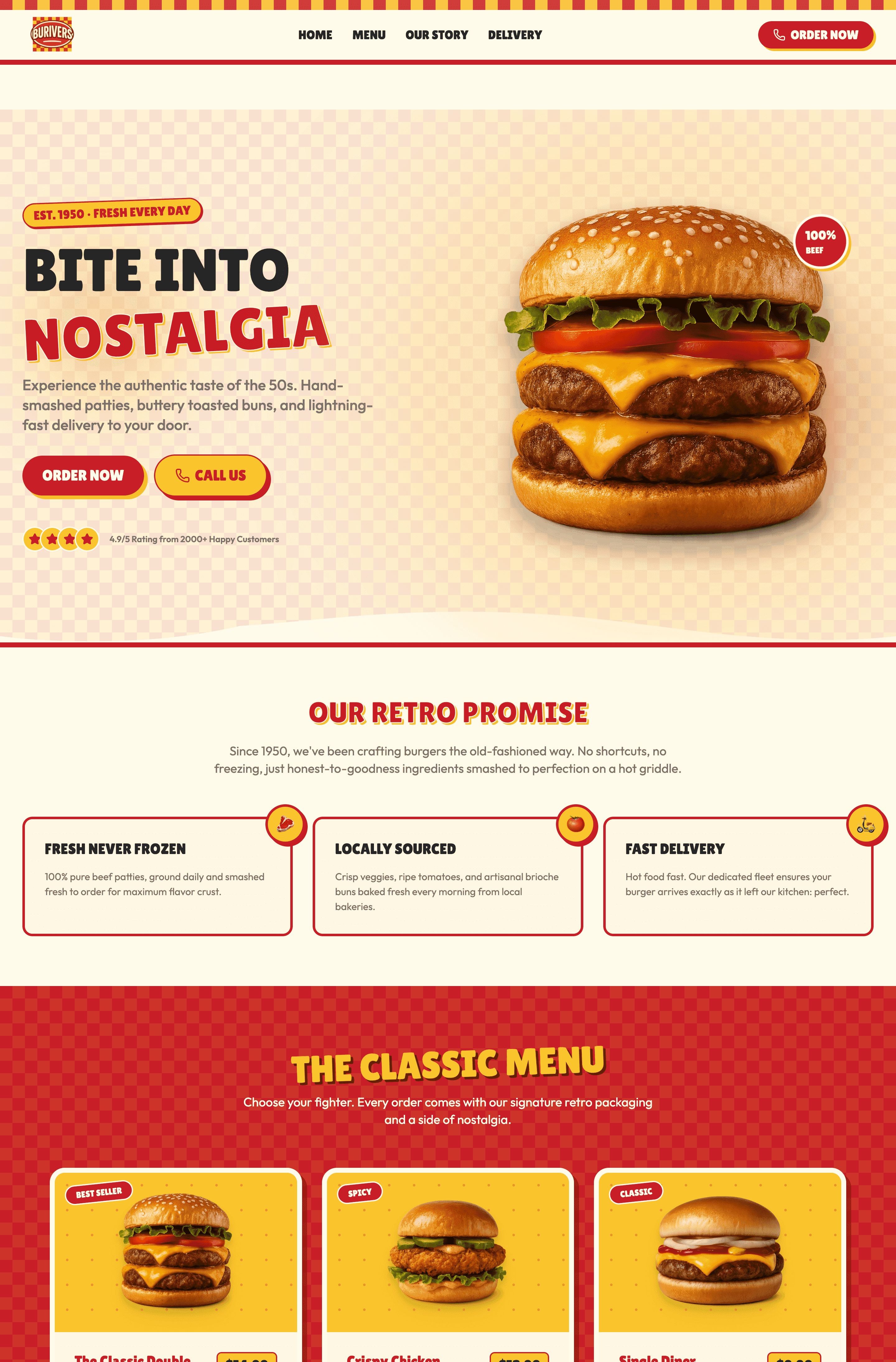
What you'll see in this article: 15 real-world website structure examples across different industries, a clear framework for choosing the right structure for your goals, and well-structured website examples shown on Wegic AI. It is an AI website builder generates professional site structures and eye-catching website deisgn through simple conversation.
Research from Stanford University shows that 75% of users judge a company's credibility based on website design, and structure plays the starring role in that first impression. Your website structure determines whether visitors stay or leave within seconds. A messy, confusing site architecture frustrates users and tanks your search rankings, while a well-planned structure guides visitors effortlessly to what they need.
4 Core Website Structure Types You Need to Know
Before exploring specific examples, understanding the four fundamental web page structures helps you make smarter decisions. Each structure serves different purposes and user behaviors.
| Structure Type | Best For | Complexity | Scalability | User Control |
| Hierarchical | E-commerce, Corporate sites | Low-Medium | High | Guided navigation |
| Linear | Courses, Onboarding, Checkout | Low | Low | Fully controlled |
| Matrix | News sites, Blogs, Knowledge bases | Medium-High | Medium | Free exploration |
| Database | Real estate, Job boards, Large catalogs | High | Very High | Search-driven |
Hierarchical Website Structure
The hierarchical structure remains the most popular choice for good reasons. You can take it as a family tree: your homepage sits at the top, with category pages branching below, and individual pages forming the leaves. This top-down approach mirrors how people naturally organize information in their minds.
- Best for: E-commerce sites, corporate websites, educational platforms, and any site with clear content categories.
Linear Website Structure Examples
A linear structure guides users through a predetermined sequence, like chapters in a book. Each page connects to the next in a specific order, making it ideal when you need to control the user journey or present information that builds progressively.
Checkout processes on e-commerce sites follow linear structures, cart, shipping, payment, confirmation, because skipping steps would break the transaction.
- Best for: Online courses, tutorials, onboarding flows, checkout processes, storytelling websites, and any scenario requiring step-by-step progression.
Matrix Website Structure
Matrix structures offer maximum flexibility by interconnecting pages without strict hierarchy. Users can jump between related content freely, exploring based on their interests rather than following a predetermined path. News websites and knowledge bases thrive with this approach.
- Best for: News sites, wikis, large content libraries, social platforms, and sites where users need multiple entry points to the same information.
Database Website Structure
Database structures dynamically generate pages based on user queries and filters. Rather than pre-building every possible page, the site pulls information from a database in real-time, creating personalized experiences.
- Best for: Real estate platforms, job boards, large e-commerce sites, social networks, and any site with vast amounts of searchable, filterable content.
15 Good Website Structure Examples Across Industries
Let's examine real websites that nail their structure, breaking down why they work and how you can apply similar principles.
E-commerce Website Structure Examples
Amazon's Hierarchical Mastery
Amazon website showing clear category navigation with Books, Electronics, and Fashion sections organized in a hierarchical tree structure
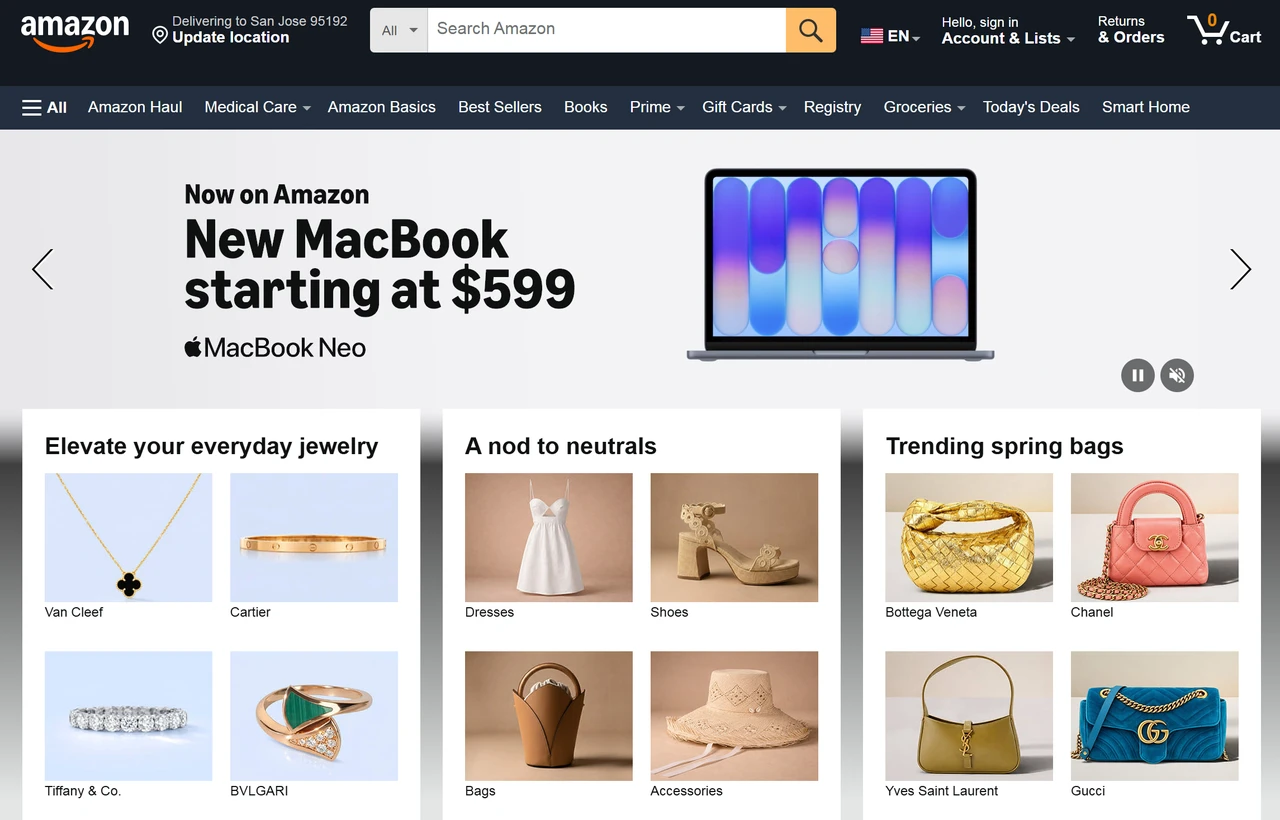
Amazon website showing clear category website navigation with Books, Electronics, and Fashion sections organized in a hierarchical tree structure
Amazon's structure handles millions of products through meticulous categorization. The homepage branches into main categories (Electronics, Books, Fashion), which split into subcategories (Laptops, Tablets, Accessories), then into specific products. Breadcrumb navigation shows exactly where you are: Home > Electronics > Computers > Laptops > Gaming Laptops.
- What makes it work: Clear category labels, consistent navigation across all pages, and strategic internal linking that suggests related products. The structure never leaves you lost, even when browsing thousands of items.
Store Structure
Small e-commerce sites typically use simplified hierarchical structures with 3-4 main categories maximum. A boutique clothing store might organize as: Home > Women/Men/Accessories > Specific Product. This shallow structure ensures customers reach products within three clicks.
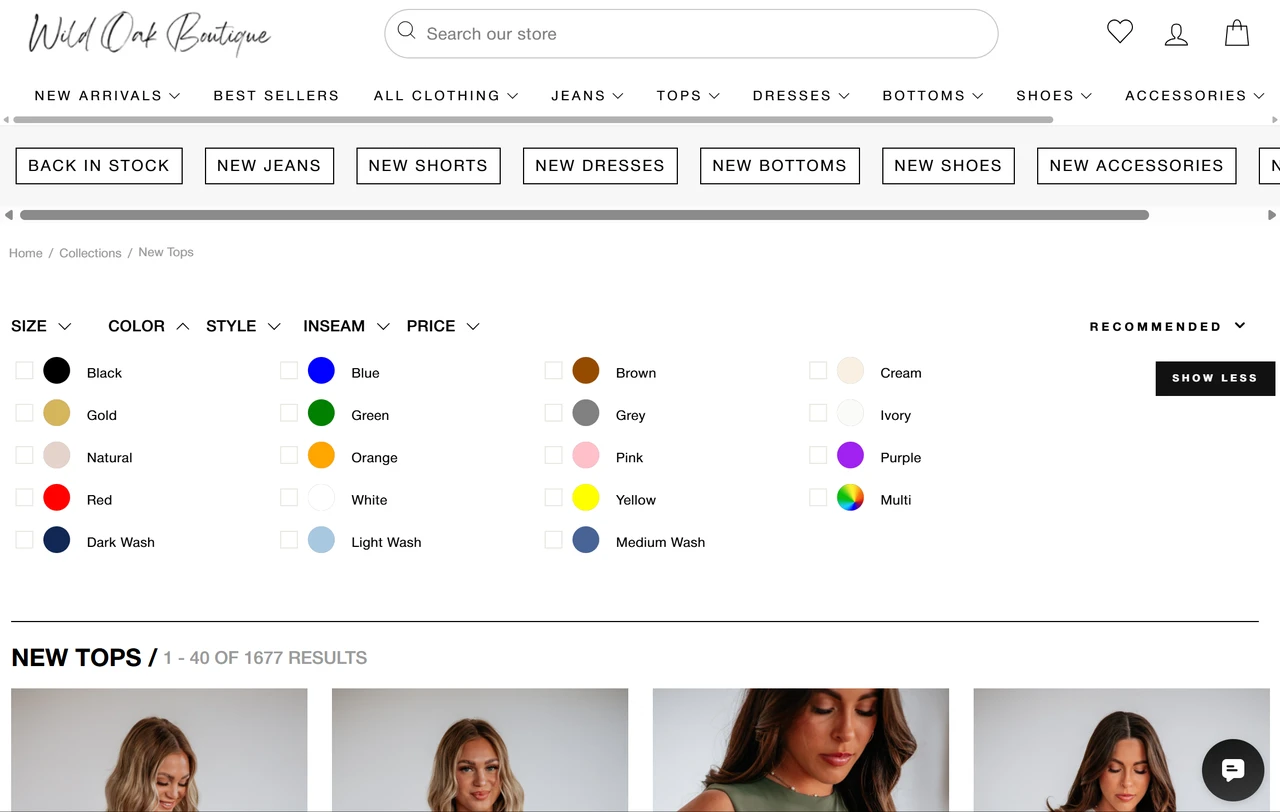
According to Shopify's 2026 merchant data, stores with clear three-tier structures see higher conversion rates than those with deeper, more complex hierarchies. If you're choosing an e-commerce platform, our guide to the best ecommerce platforms for small business compares structural capabilities across different solutions. citation
Service Business Website Structures
Marketing Agency Portfolio
Service businesses often combine hierarchical and linear structures. The main navigation uses hierarchy (Services, Portfolio, About, Contact), but individual service pages follow linear flows guiding visitors toward consultation bookings.
A typical structure: Homepage → Services Overview → Specific Service (SEO, PPC, Content) → Case Study → Contact Form. Each page includes strategic CTAs pushing users down the conversion funnel. For agencies looking to showcase their work effectively, our guide on creating a portfolio website for marketing provides detailed structural strategies that convert visitors into clients.
Local Restaurant Website
Local businesses need simple, mobile-friendly structures since 76% of local searches happen on mobile devices. An effective restaurant site structure looks like:
- Homepage (with menu highlights and reservation CTA)
- Full Menu
- About/Story
- Location & Hours
- Reservations
- Contact
That's it. Five main pages with clear purposes.
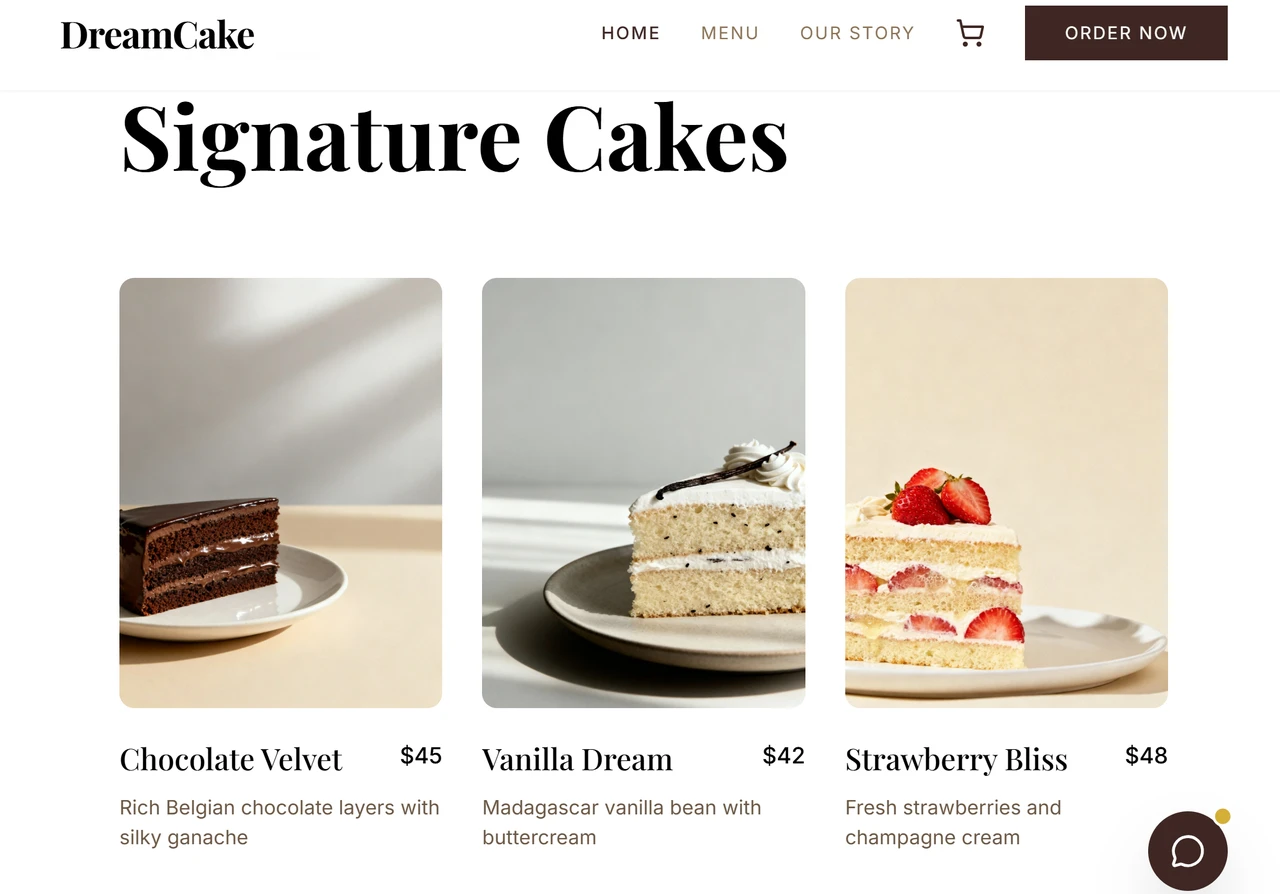
Overcomplicating local business sites reduces conversions because hungry customers want information fast. For more inspiration on effective small business website structures, explore our collection of small business website examples that demonstrate proven layouts across different industries. citation
Portfolio and Personal Brand Structures
Designer Portfolio with Project-Focused Structure
Creative professionals often use flat structures where all projects live one level below the homepage. Navigation might include: Work, About, Contact, with individual projects accessible from the Work page in a grid layout.
This approach puts the portfolio front and center. Visitors can browse projects in any order (matrix-style), while the overall structure remains hierarchical. Designers like Tobias van Schneider use this effectively, letting their work speak first.
Writer's Blog with Category Clusters
Content creators benefit from silo architecture, grouping related articles under topic categories. A freelance writer might structure their blog as:
- Homepage
- Copywriting Tips (category)
- How to Write Headlines
- Email Marketing Copy Examples
- Landing Page Formulas
- Freelancing Business (category)
- Finding Clients
- Setting Rates
- Client Management
This structure boosts SEO by establishing topical authority. Search engines recognize your expertise in specific areas when related content clusters together logically. citation
Educational and Course Websites
Online Course Platform Sequential Structure
Educational platforms like Udemy or Teachable use sequential structures within hierarchical frameworks. The main site uses hierarchy (Browse Courses > Category > Specific Course), but once enrolled, students follow a linear path through modules and lessons.

This dual structure accommodates both browsing (hierarchical) and learning (sequential) behaviors. Students can explore freely until they commit to a course, then the structure guides their learning journey step-by-step.
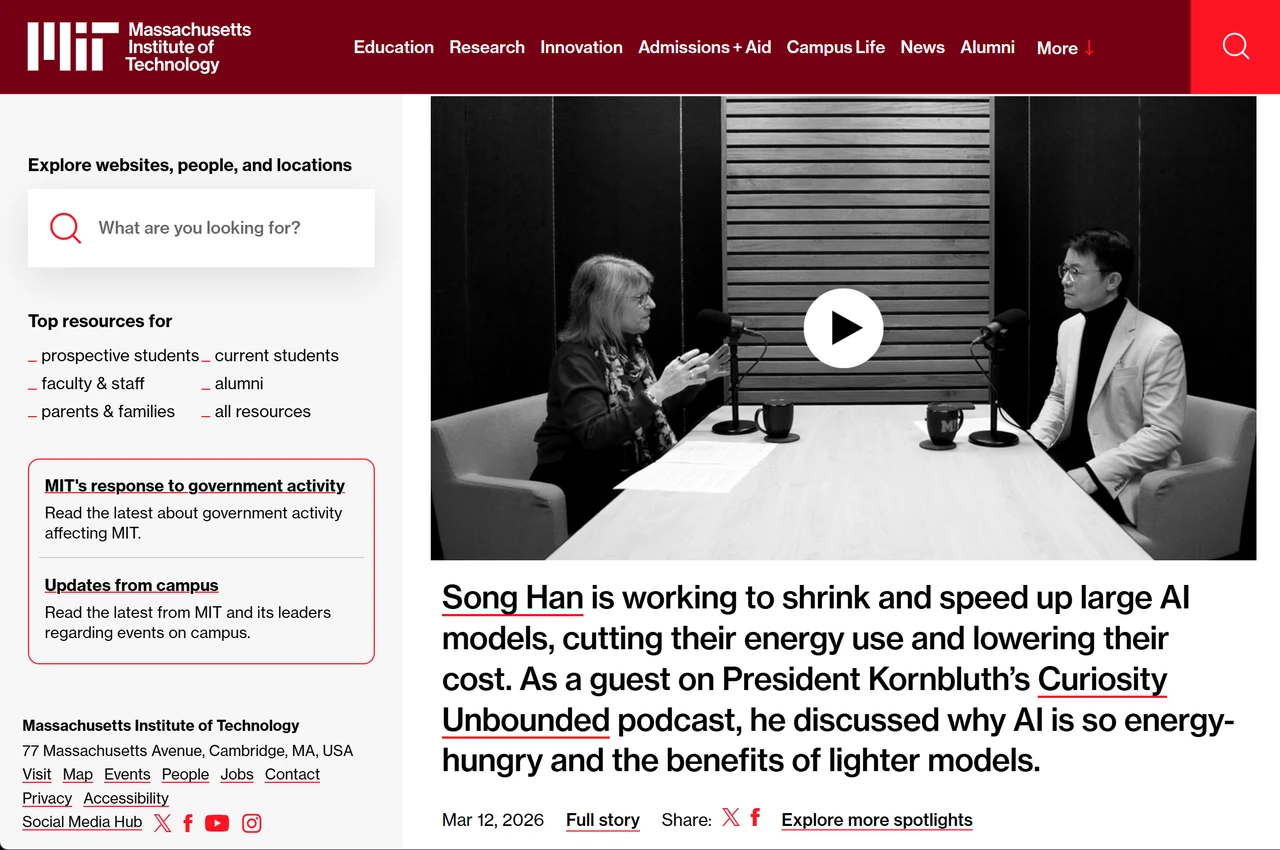
University Website Mega-Structure
Large educational institutions often employ hybrid structures combining all four types. The main site uses hierarchy (Admissions, Academics, Campus Life), individual programs might use sequential structures for degree requirements, course catalogs function as databases, and news sections use matrix structures.
MIT's website exemplifies this complexity done right. Despite housing thousands of pages, clear navigation and robust search functionality prevent users from getting lost. The key are consistent navigation patterns and comprehensive internal linking.
SaaS and Tech Product Structures
Slack's Product-Led Structure
SaaS companies typically structure sites around the customer journey: Awareness → Consideration → Decision. Slack's structure reflects this:
- Homepage (awareness: What is it?)
- Features + Solutions (consideration: what can it do?)
- Enterprise (special segment)
- Resources (support: how do I use it?)
- Pricing (decision: what does it cost?)

Each section targets different buyer stages. The structure anticipates questions users have at each phase and provides answers exactly when needed.
Developer Documentation Sites
Technical documentation requires searchable, interconnected structures. Stripe's documentation uses a matrix approach with powerful search, allowing developers to jump between related API references, guides, and code examples seamlessly.
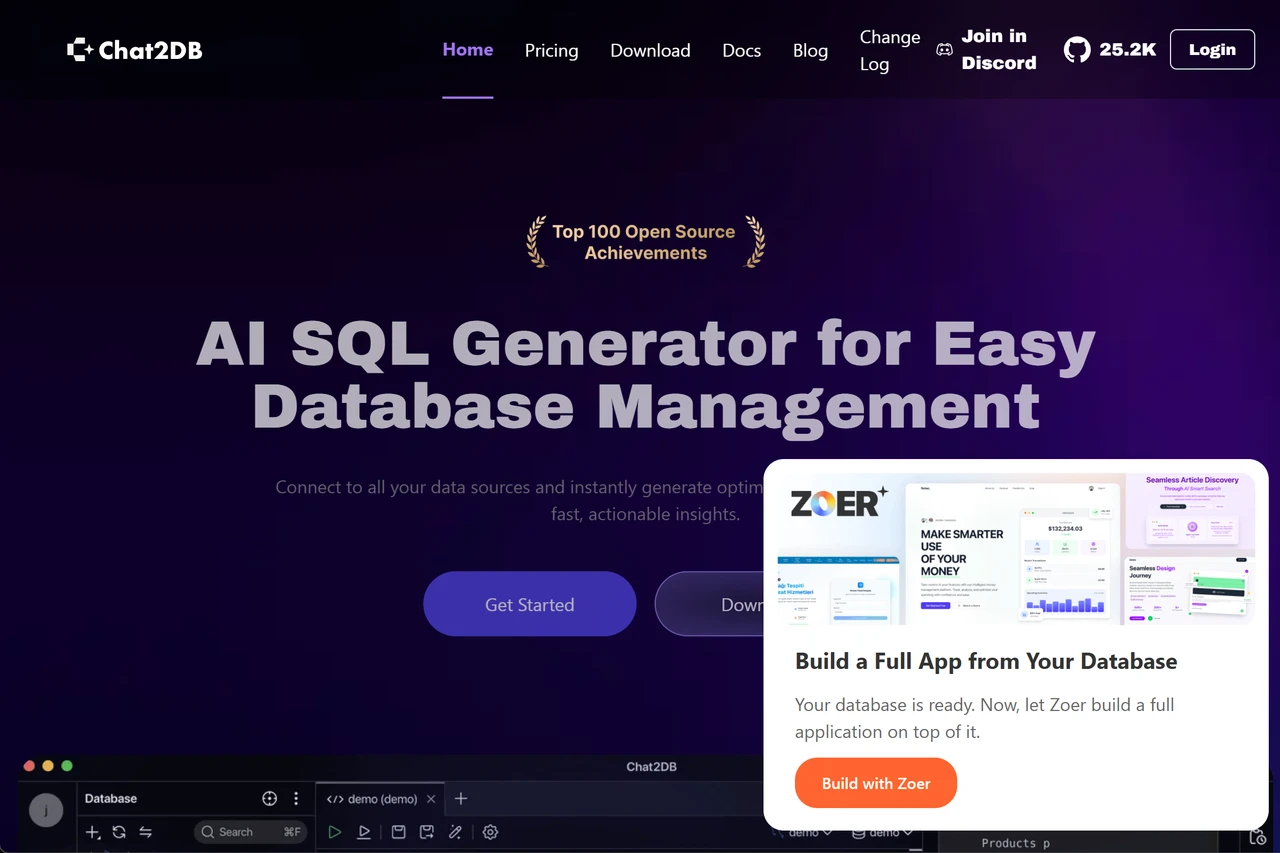
The structure includes:
- Getting Started (sequential)
- API Reference (database-driven)
- Guides (hierarchical by topic)
- Examples (matrix-linked)
This multi-structure approach serves different user needs—beginners follow sequential paths while experienced developers jump directly to specific API endpoints. citation
Media and Content-Heavy Sites
News Website Matrix Structure
The Guardian demonstrates effective matrix structure for news sites. Any article connects to:
- Related stories (by topic)
- Same author's articles
- Same section's latest news
- Trending stories
- Topic tags

This web of connections keeps readers engaged, increasing time on site and pages per session—key metrics for ad-supported media. Internal linking density in news sites often exceeds 20 links per article, creating countless pathways through content.
Recipe Blog with Searchable Database
Food blogs have evolved beyond simple chronological archives. Successful recipe sites like Minimalist Baker use database structures with multiple filtering options:
- By meal type (breakfast, lunch, dinner)
- By dietary restriction (vegan, gluten-free, low-carb)
- By ingredient (chicken, pasta, vegetables)
- By cooking method (one-pot, no-bake, slow-cooker)
- By preparation time (under 30 minutes, quick, etc.)
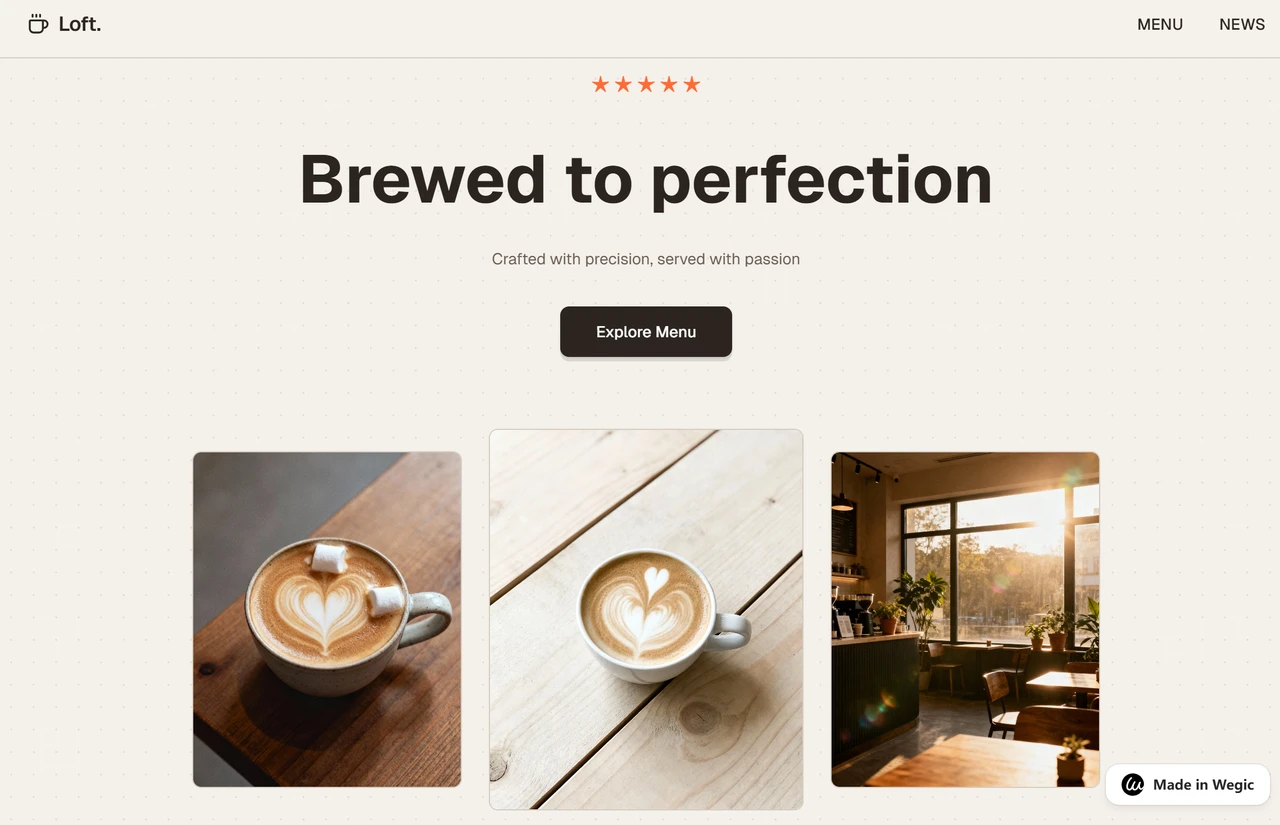
This structure acknowledges that users search for recipes in various ways. Someone might want quick vegan dinners while another searches gluten-free desserts. The database structure accommodates both. citation
Membership and Community Sites
Online Forum Structure
Forums like Reddit use database structures with hierarchical organization. The main structure is hierarchical (subreddits as categories), but within each subreddit, posts are dynamically sorted by various algorithms (hot, new, top, controversial).
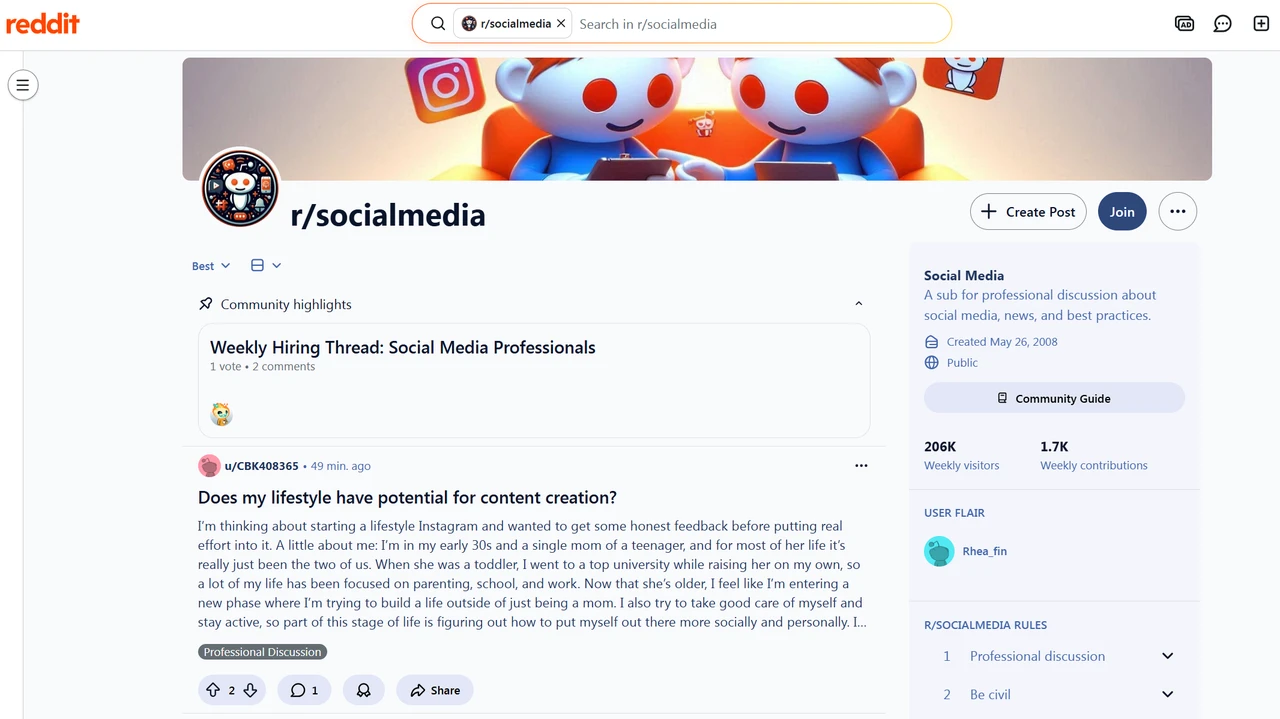
This hybrid approach balances organization with discovery. Users can browse specific communities (hierarchical) or let algorithms surface interesting content from across the platform (database-driven).
Membership Site with Gated Content
Membership sites often use hierarchical structures with access controls. The public-facing site follows standard hierarchy (About, Benefits, Pricing, Login), while the members-only area might use different structures depending on content type, for example, courses use sequential structures, resource libraries use hierarchical or database structures.
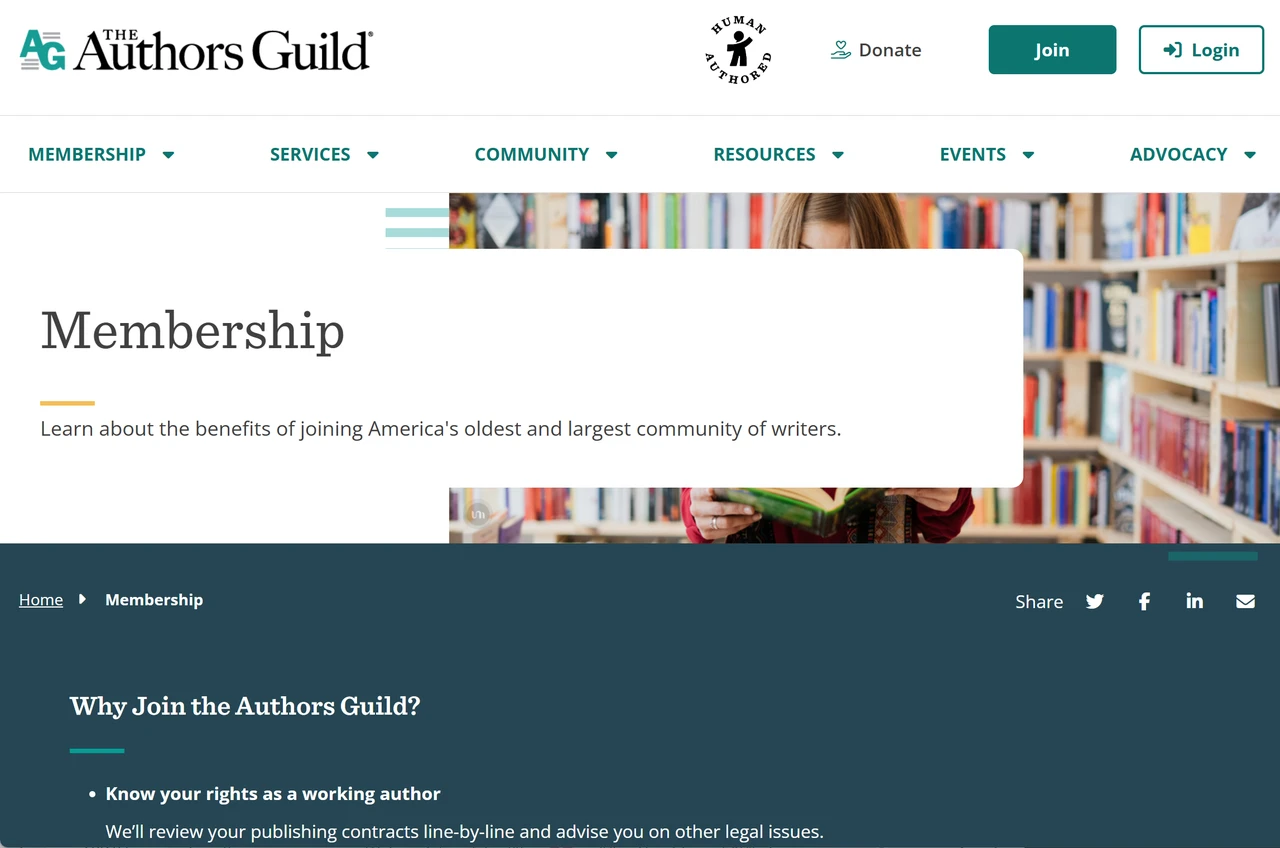
The key challenge is creating clear pathways for both logged-out visitors (who need conversion-focused flows) and logged-in members (who need efficient content access).
Landing Pages and Campaign Sites
Single-Page Linear Structure
Product launches and marketing campaigns often use single-page websites with linear scrolling structures. As users scroll, they progress through:
- Hero section (problem/solution)
- Benefits overview
- Features breakdown
- Social proof (testimonials/case studies)
- Pricing
- FAQ
- Final CTA
This structure controls the narrative completely, ensuring visitors receive information in the optimal sequence for conversion. Companies like Apple use this for product launches, guiding users through a carefully crafted story.
How to Choose the Right Website Structure for Your Goals
Selecting the appropriate structure isn't about following trends. I's about matching structure to your specific business goals and user needs. Here's a practical decision framework.
Match Structure to User Intent
Start by asking: What do visitors want to accomplish on my site? Different goals demand different structures.
- If users need to browse and compare options → Use hierarchical structure. E-commerce, service businesses, and portfolio sites benefit from clear categorization that helps users narrow choices systematically.
- If users need to complete a specific process → Use linear structure. Onboarding, checkout, course lessons, and application forms work best when users follow a predetermined path without distractions.
- If users need to explore freely and discover content → Use matrix structure. Blogs, news sites, and knowledge bases should interconnect related content, letting users follow their curiosity.
- If users need to search and filter large datasets → Use database structure. Real estate, job boards, and large e-commerce catalogs require dynamic filtering to help users find exactly what they need from thousands of options.
Consider Your Content Volume
Structure requirements change dramatically based on content scale:
- Small sites (5-20 pages): Simple hierarchical or even flat structures work perfectly. A local business or personal portfolio doesn't need complexity. Keep it to 2-3 levels maximum: Homepage > Category > Page.
- Medium sites (20-100 pages): Hierarchical structures with clear categorization become essential. You'll need thoughtful information architecture to prevent users from getting lost. Consider adding search functionality.
- Large sites (100+ pages): Hybrid structures combining multiple approaches work best. You might use hierarchy for main navigation, database functionality for product/content search, and matrix linking for related content. Robust search becomes mandatory. citation
Factor in Technical Resources
Your structure choice should align with your technical capabilities and maintenance capacity.
- No coding skills, limited budget: Start with hierarchical structures using website builders. Platforms like Wegic, Wix, or Squarespace handle the technical complexity while you focus on content organization. These tools provide templates that implement proven structures automatically. If you're evaluating options, check out our comprehensive guide to the best website builders for small business to find the right fit for your needs.
- Some technical knowledge, moderate budget: Consider WordPress with appropriate themes and plugins. You can implement more complex structures including database-driven filtering and matrix-style content relationships.
- Full development team, significant budget: Custom-built sites can implement sophisticated hybrid structures tailored exactly to your needs. You're limited only by imagination and budget.
You don't have to suffer from a technical storm. AI website builders like Wegic have democratized access to professional structures. You can now implement complex, well-optimized structures through conversation, without writing code or hiring developers. For a detailed comparison of different platforms, explore our guide on AI website builder alternatives to understand which tool best matches your technical skill level and project requirements.
Think About Future Growth of Your Website
Choose structures that scale with your ambitions. A structure that works for 20 products might collapse under 2,000.
Planning to add content regularly?
Please make sure your structure accommodates new categories and pages without requiring complete redesigns. Hierarchical structures scale well if you plan category expansion thoughtfully from the start.
Expecting rapid growth?
Database structures offer the most scalability. They handle thousands or millions of items without structural changes, you're just adding data, not rebuilding architecture.
Staying relatively static?
Simpler structures work fine. A portfolio that updates quarterly doesn't need the complexity of a daily news site. Website redesigns stem from outgrown structures rather than outdated designs. Planning for growth saves massive headaches and costs down the road.
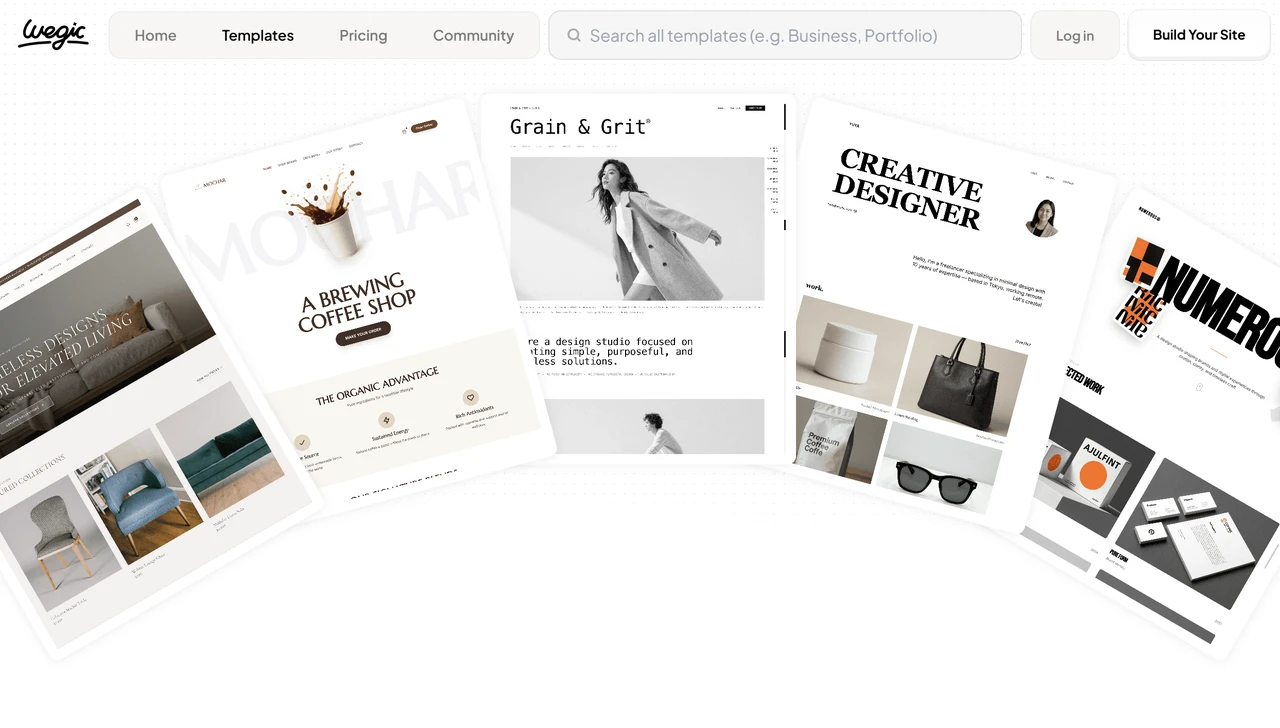
To help you better organize your website structure and design, Wegic compiles a bunch of website templates that all are well-designed and generated by Wegic AI Kimmy. Go to and take inspirations from Wegic Template.
Common Website Structure Mistakes to Avoid
Even experienced designers fall into structural traps. Avoid these common pitfalls:
Too Many Top-Level Categories
Websites with 10+ main navigation items overwhelm users. Research on decision paralysis shows that excessive choices reduce engagement and conversions.
- The fix: Limit main navigation to 5-7 items maximum. Group related pages under broader categories. For example, instead of separate menu items for "Web Design," "Logo Design," "Branding," and "Print Design," use a single "Services" menu with subcategories.
Orphaned Pages with No Internal Links
Orphaned pages exist in isolation without other pages linking to them. Users can't discover them through navigation, and search engines struggle to find and rank them.
- The fix: Audit your site regularly to identify orphaned pages. Add them to appropriate navigation menus or create contextual links from related content. Every page should be reachable through multiple pathways. citation
Inconsistent URL Structures
URLs should reflect your site structure. Inconsistent patterns confuse users and search engines. Compare:
Good:
Bad:
The good website structure example shows clear hierarchy and consistency. The bad example uses different URL patterns for similar pages, creating confusion about site organization.
Ignoring Search Functionality
Sites with more than 50 pages need robust search. Users often prefer searching over navigating, especially when they know exactly what they want.
Yet many sites bury search functionality or implement poor search that returns irrelevant results. Most of website visitors go immediately to the search box, and poor search experiences drive them to competitors. citation
- The fix: Make search prominent, especially on mobile. Implement filters for large catalogs. Showing suggested results as users type. Include search in your structural planning from day one.
Forgetting About Content Growth
Structures that work for 20 blog posts collapse under 200. Planning for growth prevents painful redesigns.
- The fix: Before finalizing structure, imagine your site with 10x the content. Does it still make sense? Can you add new categories without restructuring everything? Build flexibility into your hierarchy from the start.
Tips for Maintaining and Improving Your Website Structure
Website structure isn't "set and forget." Regular maintenance keeps your site performing optimally as content grows and user needs evolve.
Conduct Regular Structure Audits
Every 6-12 months, audit your site structure:
- Run crawl tests to identify orphaned pages, broken links, and excessive click depth
- Review analytics to find high-exit pages (structural dead ends)
- Check that new content fits logically into existing categories
Tools like Screaming Frog or Semrush Site Audit automate much of this process, flagging structural issues before they impact performance.
Update Internal Linking as Content Grows
New content creates opportunities for internal linking that didn't exist before. When you publish a new blog post about "email marketing strategies," go back to older related posts and add contextual links to the new content.
This ongoing linking maintenance strengthens your site's matrix-style connections, helping users discover related content and distributing SEO value across pages. Aim to add 3-5 internal links to each new piece of content, and add links from existing content to new pages. citation
Monitor User Behavior for Structure Problems
Analytics reveal structural issues that aren't obvious from sitemaps:
- High bounce rates on category pages suggest poor subcategory organization
- Low pages-per-session indicate weak internal linking
- Frequent use of search suggests navigation isn't meeting needs
- Heatmaps showing users clicking non-linked elements reveal expectation mismatches
Google Analytics, Hotjar, and similar tools provide insights that should inform structural improvements. If users consistently struggle to find something, your structure needs adjustment.
Keep Navigation Simple as You Grow
The temptation when adding content is to add navigation items. Resist this. Instead, organize new content within existing categories or create subcategories that don't clutter main navigation.
Amazon sells millions of products but maintains the same clean main navigation. They achieve this through thoughtful categorization and powerful search, not by adding menu items for every product type.
Implement Redirects When Restructuring
Sometimes structural changes require moving or consolidating pages. Always implement 301 redirects from old URLs to new ones. This preserves SEO value and prevents user frustration from broken links.
If you're merging two similar category pages, redirect the old URLs to the new consolidated page. If you're changing URL structure, redirect old patterns to new ones. Never leave broken links—they damage both user experience and search rankings.
Frequently Asked Questions
What is the best website structure for SEO?
Hierarchical structures with clear category hierarchies typically perform best for SEO because they help search engines understand content relationships and topical authority. Keep click depth under three levels, implement breadcrumb navigation, use descriptive URLs that reflect structure, and create robust internal linking between related pages. The key is making your structure obvious to both users and search engine crawlers through consistent navigation and semantic HTML.
How many pages should my website have?
There's no magic number. It depends on your goals and content needs. A local business might need only 5-7 pages (Home, Services, About, Contact, etc.), while an e-commerce site might have hundreds or thousands. Focus on having enough pages to thoroughly cover your topics and serve user needs, but avoid creating thin pages just to increase page count. Quality and purpose matter more than quantity.
Can I change my website structure after launching?
Yes, but plan carefully to minimize disruption. Implement 301 redirects from old URLs to new ones to preserve SEO value and prevent broken links. Inform users about major changes through announcements. Update your XML sitemap and resubmit to search engines. Consider phased rollouts for major restructures rather than changing everything at once. Use analytics to monitor the impact and address issues quickly.
What's the difference between website structure and site architecture?
These terms are often used interchangeably, but technically site architecture is broader. It encompasses structure plus navigation systems, URL schemes, internal linking strategies, and information hierarchy. Website structure specifically refers to how pages are organized and connected. Think of architecture as the complete blueprint and structure as the organizational framework within that blueprint.
How do I know if my website structure is working?
Monitor key metrics: bounce rate (under 50% is good), pages per session (higher indicates effective internal linking), time on site (longer suggests users find content easily), and conversion rates (good structure guides users toward goals). Use heatmaps to see where users click and scroll. Check search analytics to see if users search for things that should be easily accessible through navigation. High search usage often indicates navigation problems.
Should I use a flat or deep website structure?
Flat structures (fewer levels, more pages per level) work better for small sites and improve accessibility to content. Deep structures (more levels, fewer pages per level) become necessary for large sites with lots of content but can bury important pages too far from the homepage. Aim for a balanced approach: keep important pages within 2-3 clicks of the homepage while organizing content logically. Most sites benefit from structures that are wider rather than deeper.