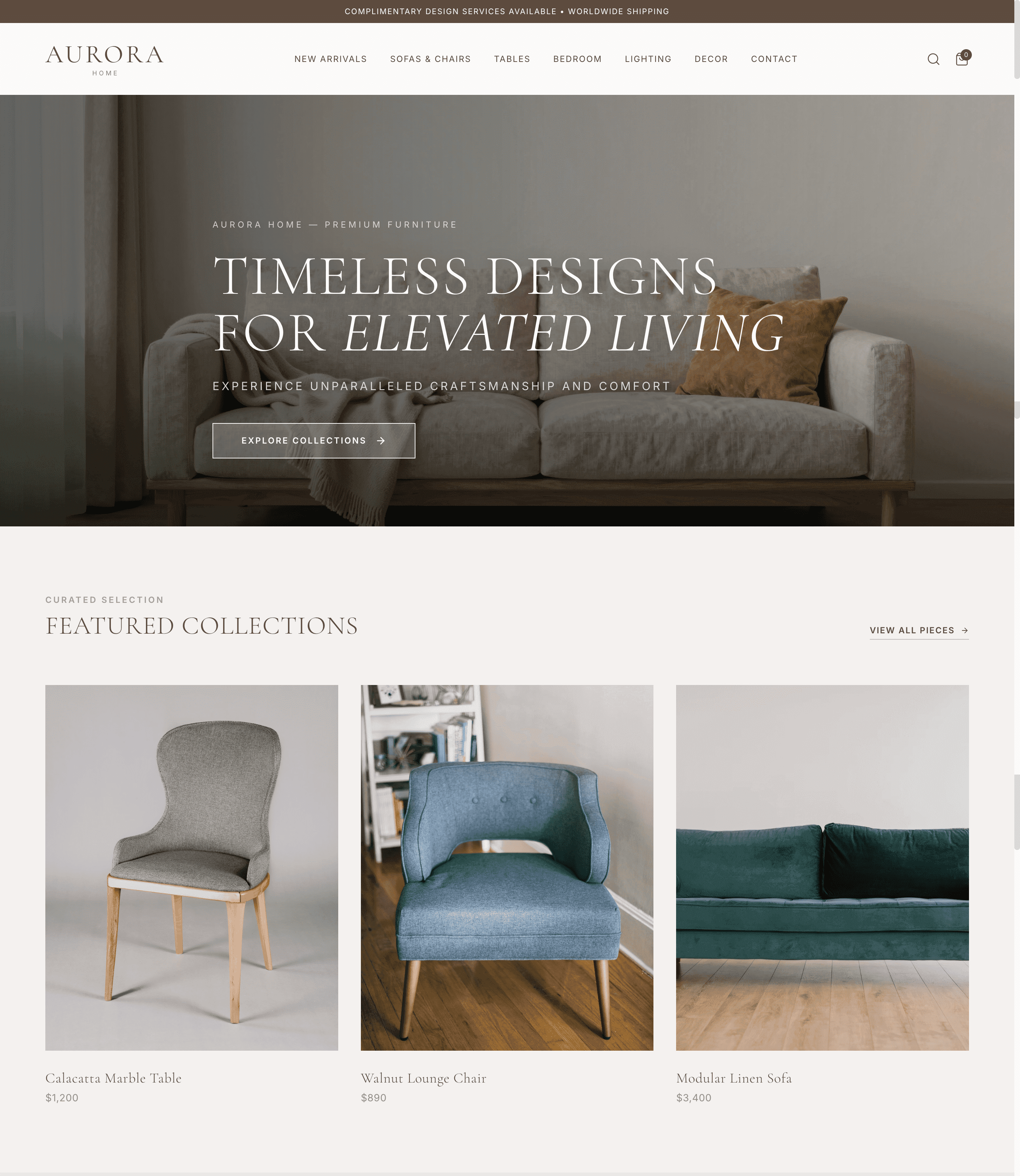
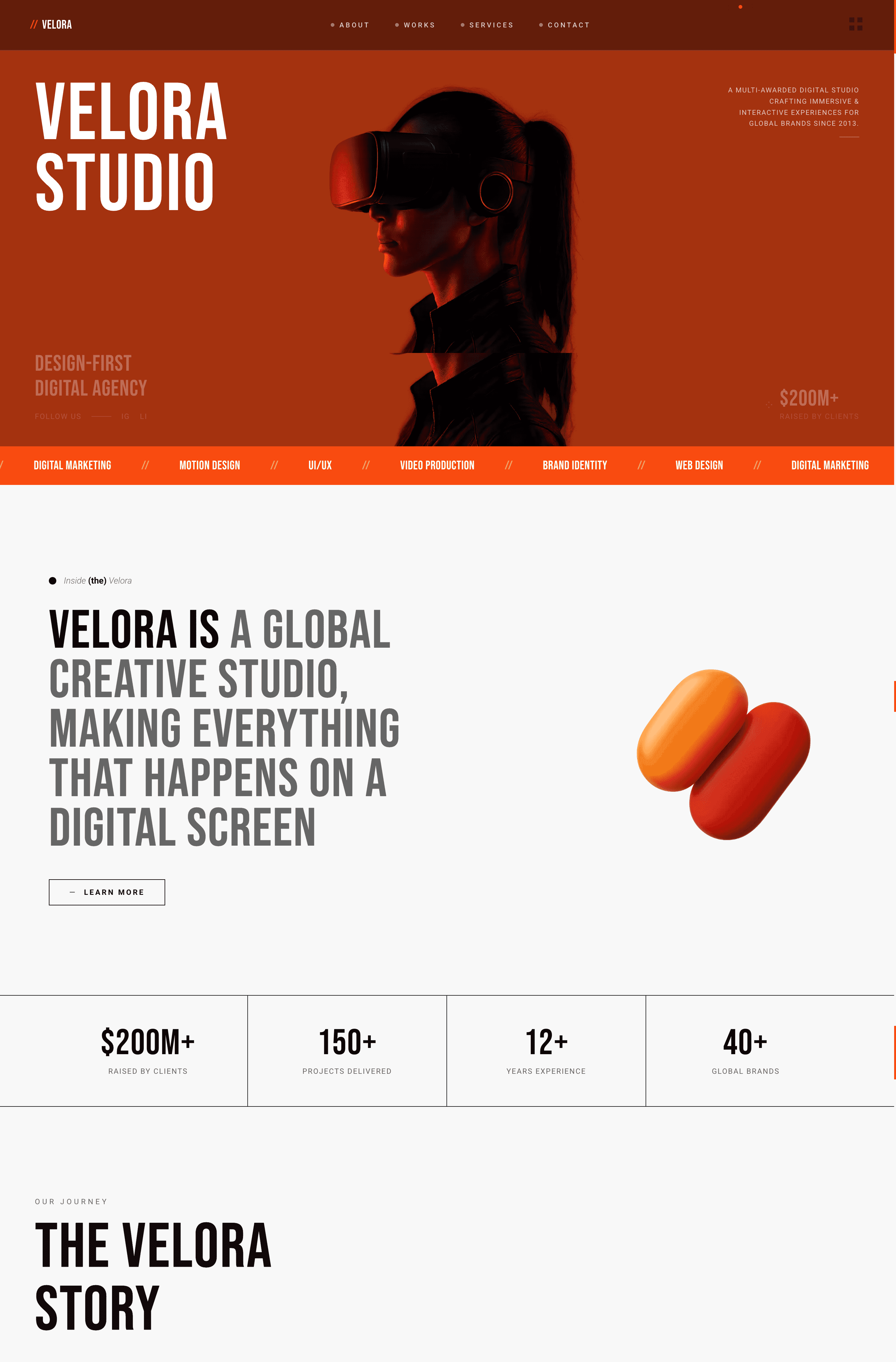
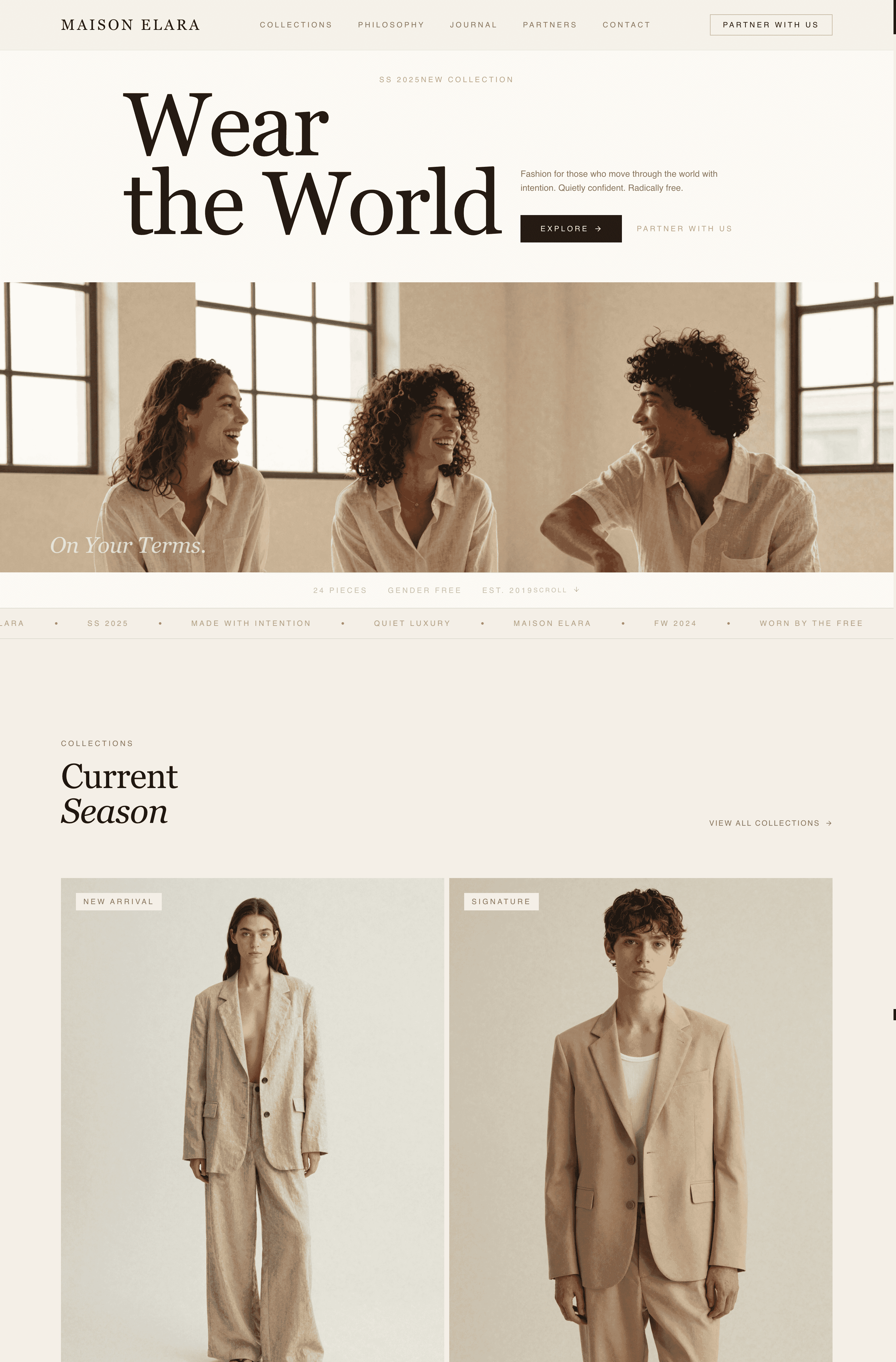
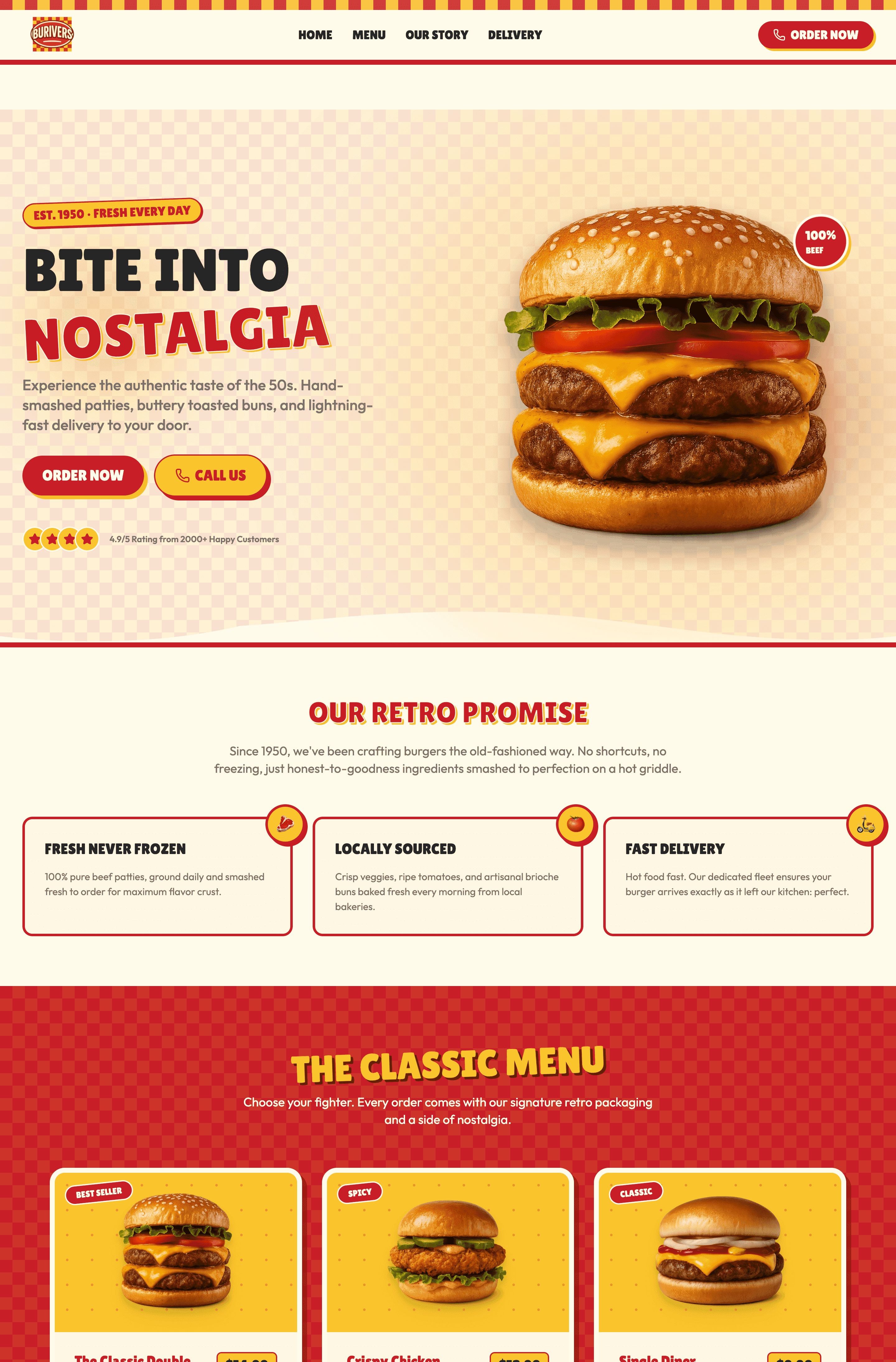
20 real landing page examples that actually convert, spanning B2B, SaaS, e-commerce, and lead generation are on deck. These pages demonstrate clear value propositions, strategic CTAs, and psychology-driven design. In this article, I will also show you how to build a high-converting landing page in under 10 minutes using Wegic. The difference between winning and losing the audience of these landing page designs? Focus, clarity, and removing every possible friction point.
What Actually Makes a Landing Page Work
Before we dive into examples, let's get one thing straight: a landing page isn't just any webpage. It's a conversion machine. According to research from McKinsey, 71% customers are expecting personalization and 76% are upset when they do not receive it.
Here's what separates landing pages from regular websites:
Landing pages have ONE GOAL. Everything exists to serve that goal. No navigation to distract. No sidebar clutter. Just the path from here's my problem to here's your solution.
Now let's look at what works in the real world.
20 Landing Page Examples That Actually Convert
Wegic
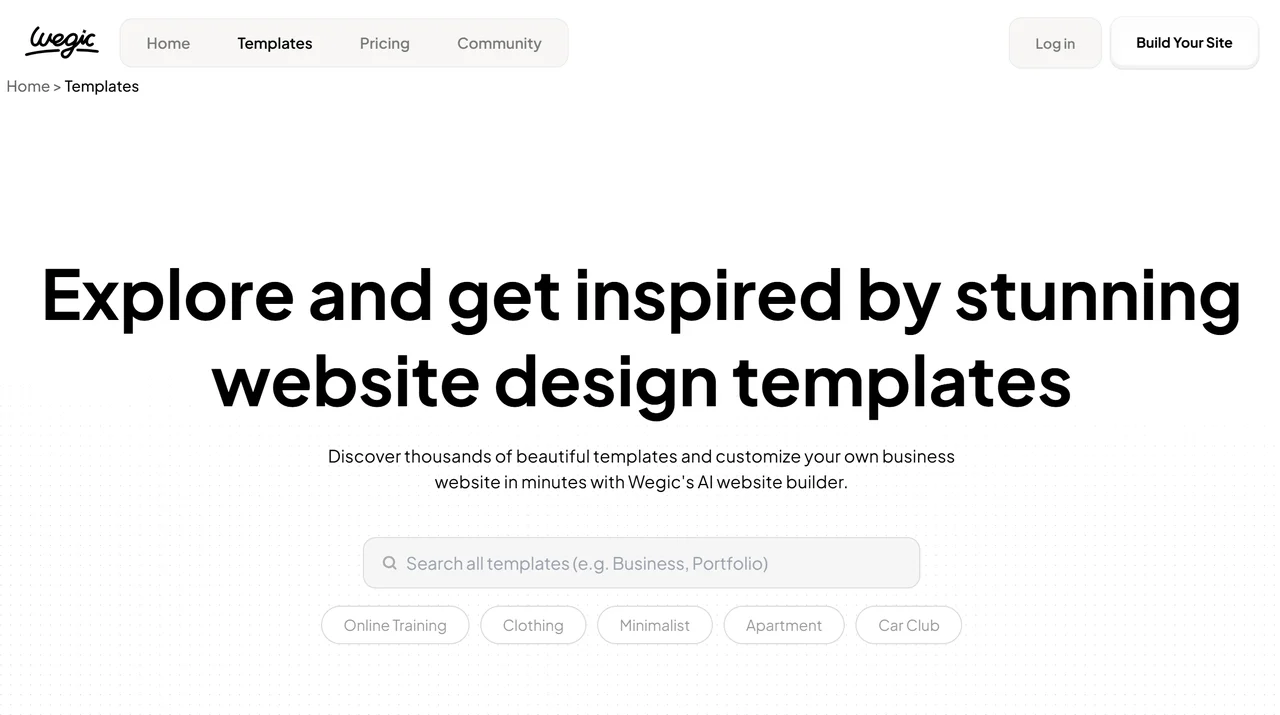
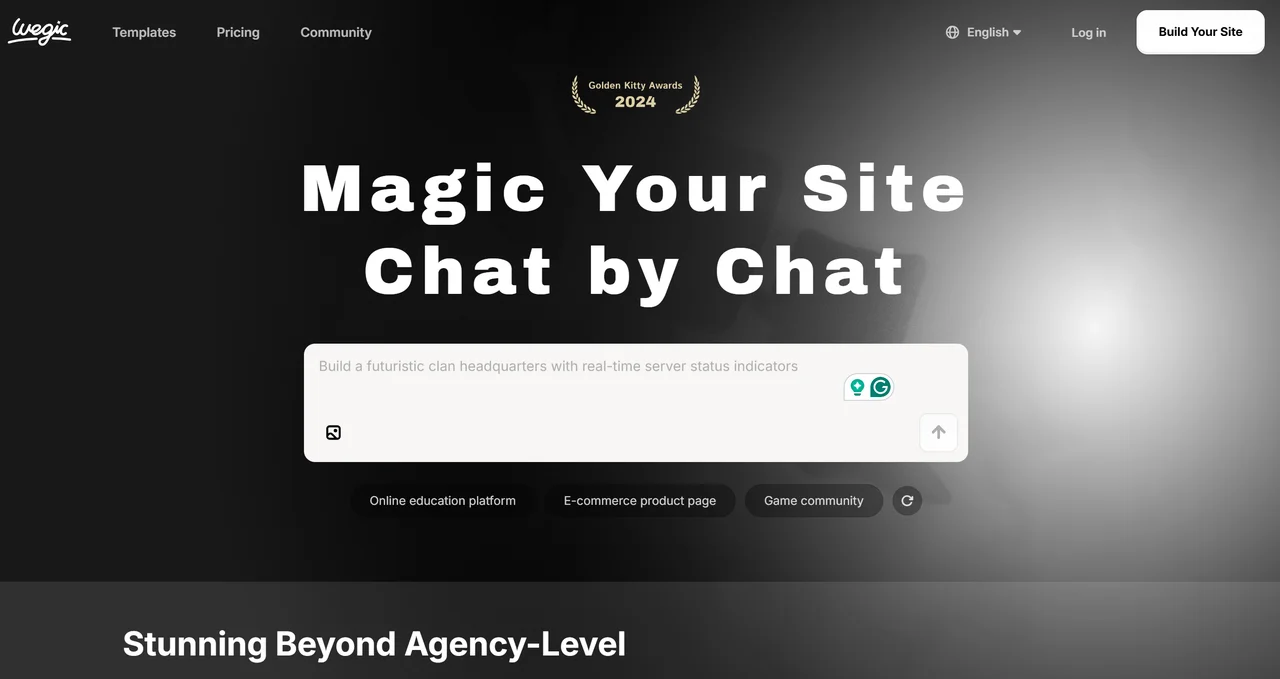
Wegic represents black and white web design. Clear and contrast colours match well. The webpage demonstrates the simplicity: tell the AI what you need, and get a complete website. No templates to browse. No drag-and-drop to learn. Just describe and publish.
- The bonus: The latest evolution in landing pages is AI. Wegic lets anyone create professional websites through natural conversation. It is perfect for small businesses and solopreneurs who can't afford agencies but need professional results.
Slack
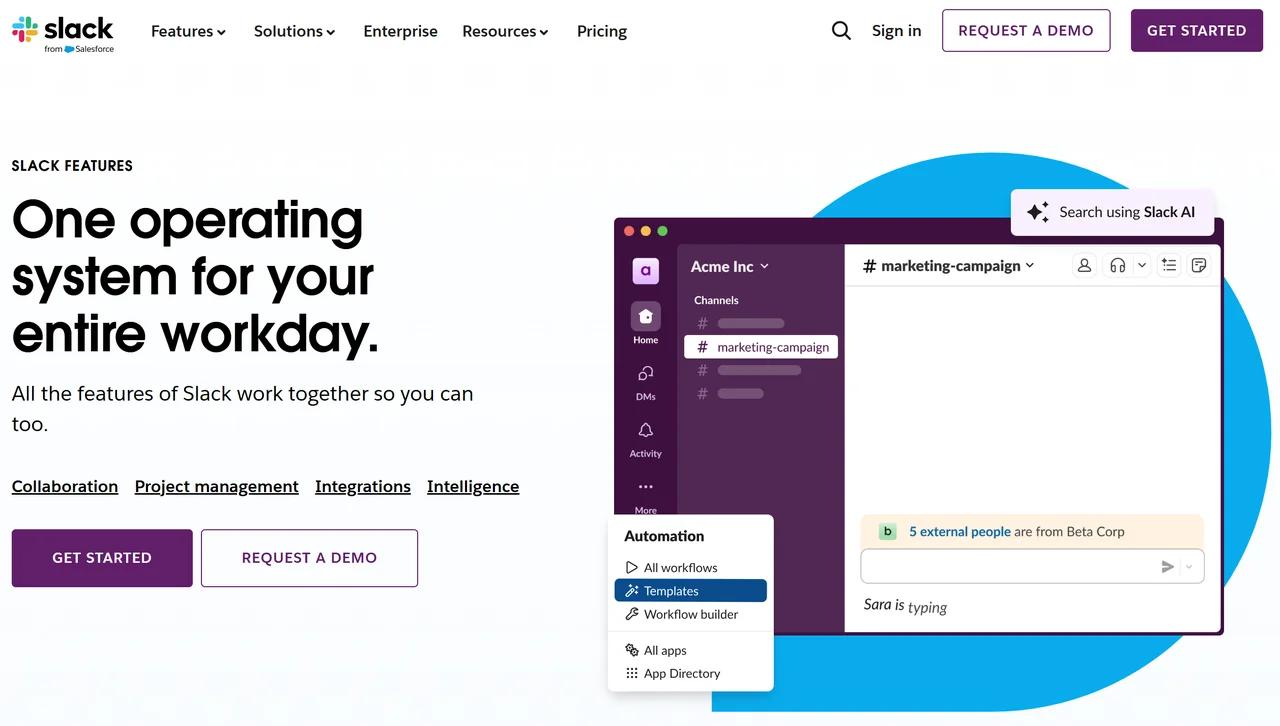
Slack's landing page demonstrates its product in action. The headline is crystal clear: "Where work happens." They show actual interface screenshots, list key features, and include prominent "Try for Free" CTAs throughout. The page removes pricing confusion or feature overwhelm.
- The bonus: Show, don't tell. Let visitors experience your product through the page itself.
Dropbox
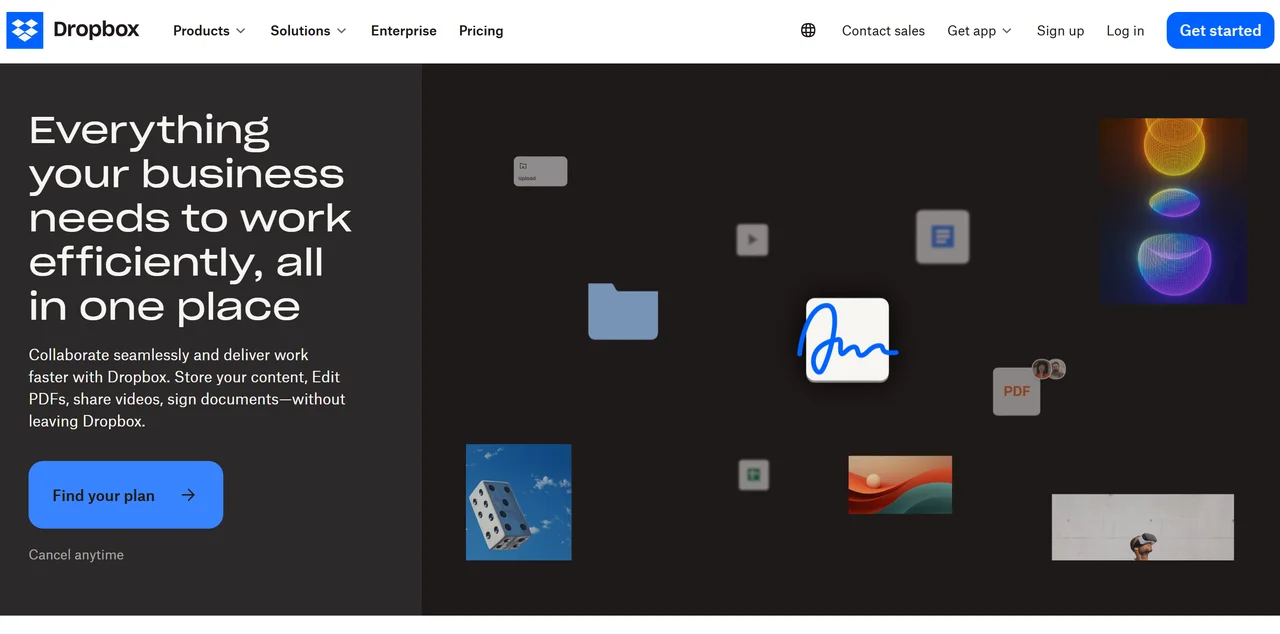
Dropbox Business targets teams. Their page leads with a specific benefit: "Secure content and collaboration for your business." They include real customer logos (Spotify, Autodesk, 23andMe) for instant credibility. The CTA is singular and clear: "Get Started."
- The bonus: Social proof from recognisable brands converts. Name-drop strategically.
Zoom
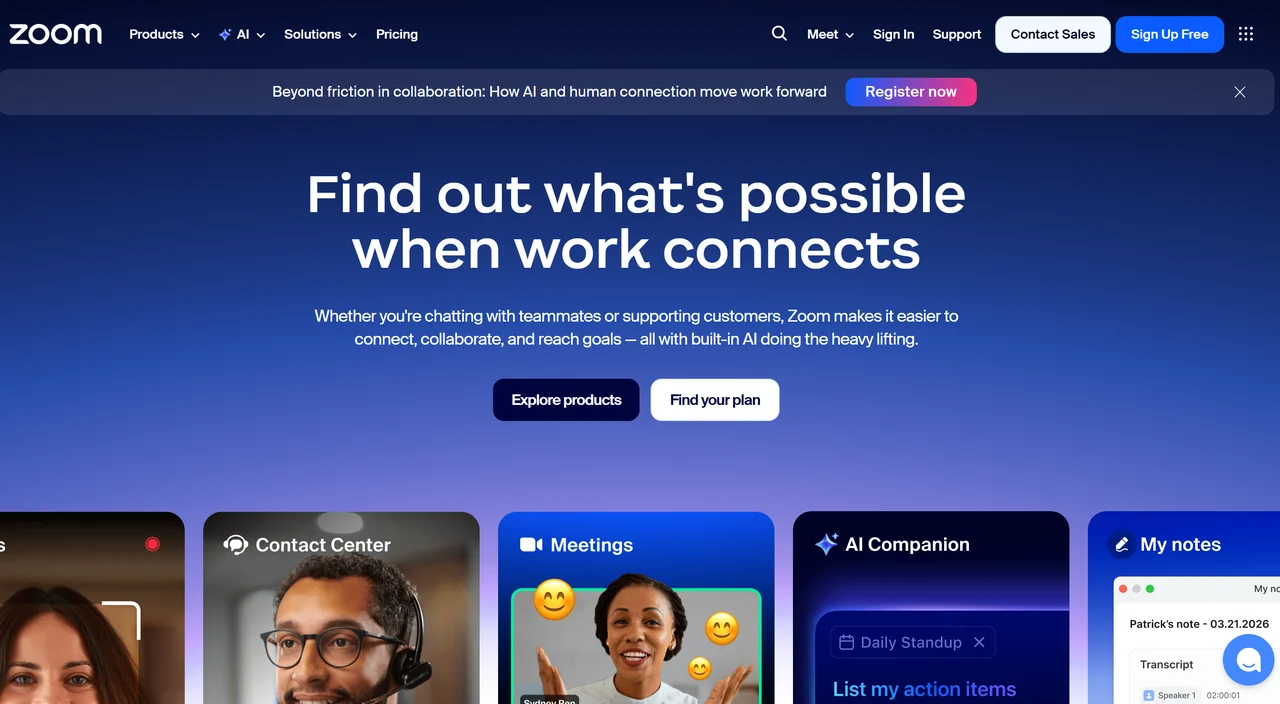
Zoom's homepage is actually a landing page for their core product. The above-the-fold section gives you everything: video preview, one-button joining, and the headline "One platform to connect." They reduce cognitive load to zero.
- The bonus: The best landing pages make the next step a no-brainer.
HubSpot
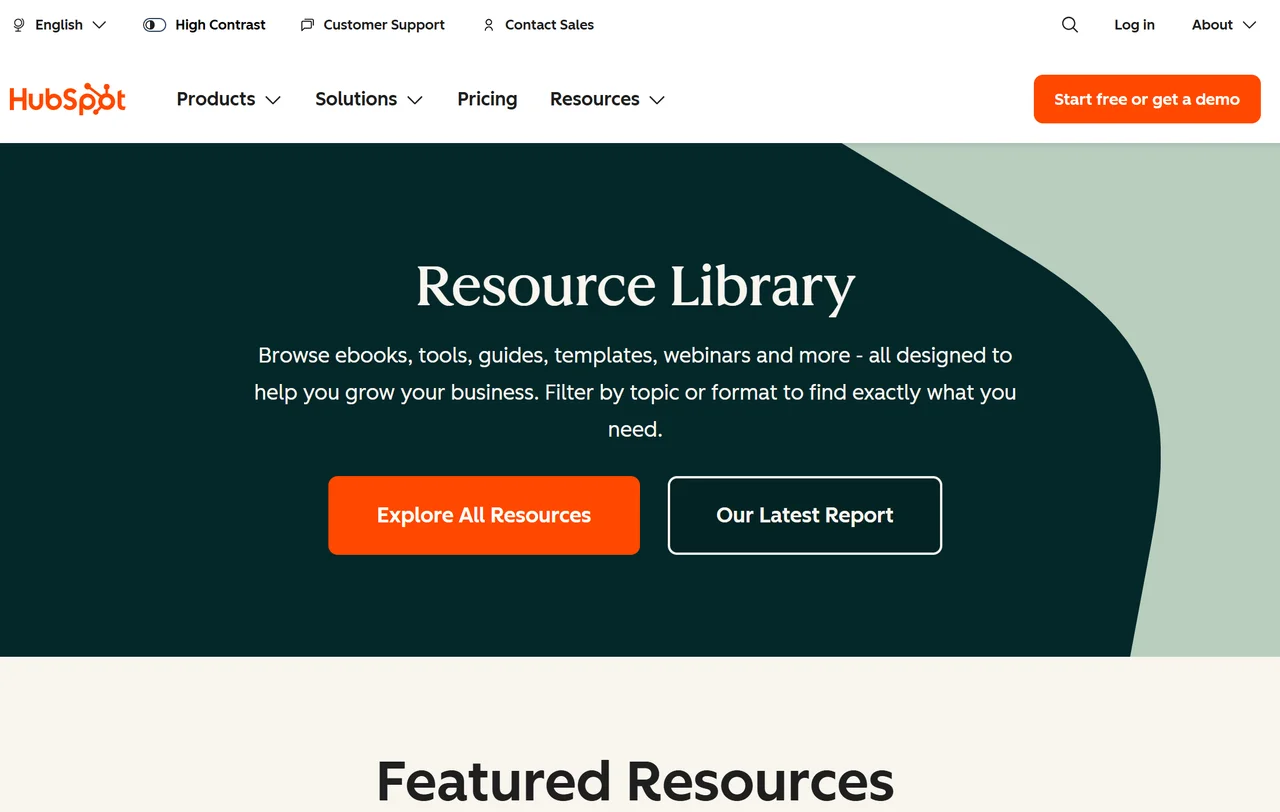
HubSpot offers free tools, templates, and guides. Their resource landing page acts as a lead magnet: give your email, get value. Each resource has a clear benefit statement and a simple download process. It's a lead-generation machine.
- The bonus: Gate your best content strategically. Valuable resources in exchange for contact info build qualified lists.
Notion
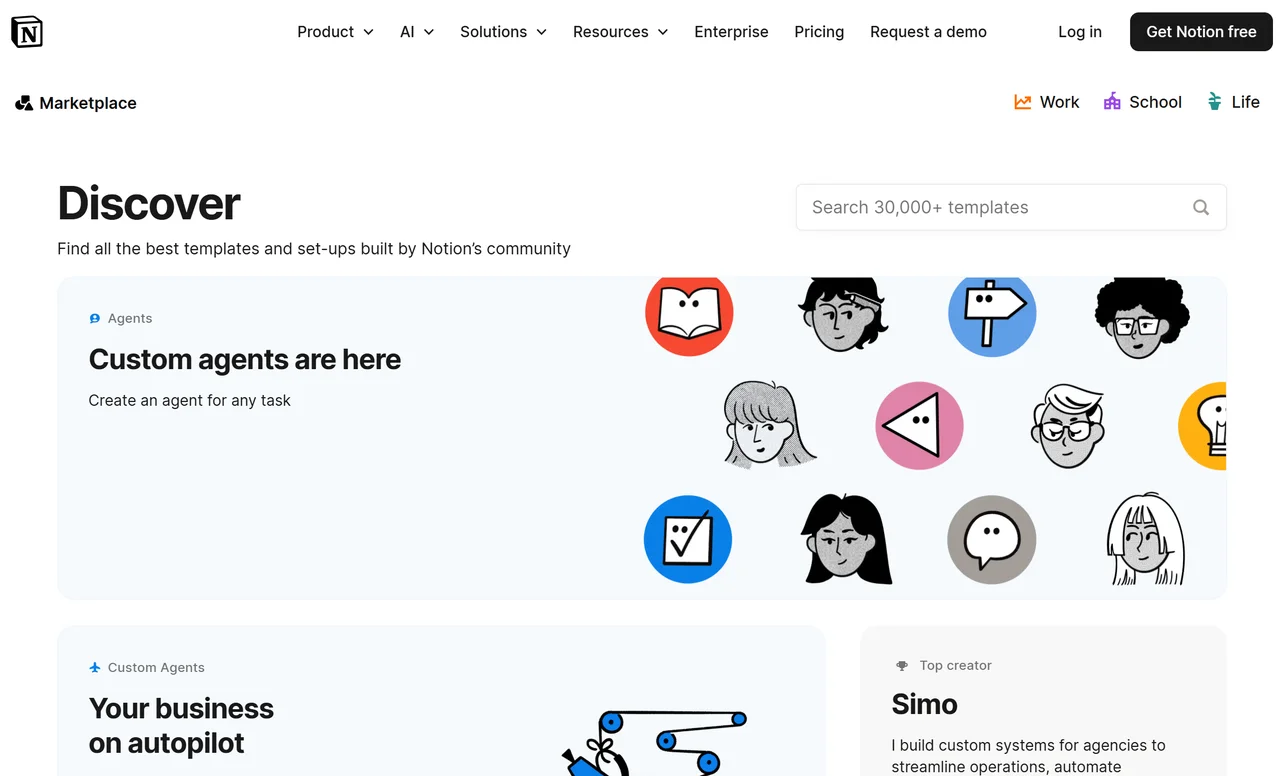
Notion's template page showcases user-created and official templates. Each has a preview image, use case description, and a one-click "Use Template" button. The page is visual, scannable, and action-oriented.
- The bonus: Templates lower barriers to entry. Show your product's possibilities through ready-to-use examples.
Kit
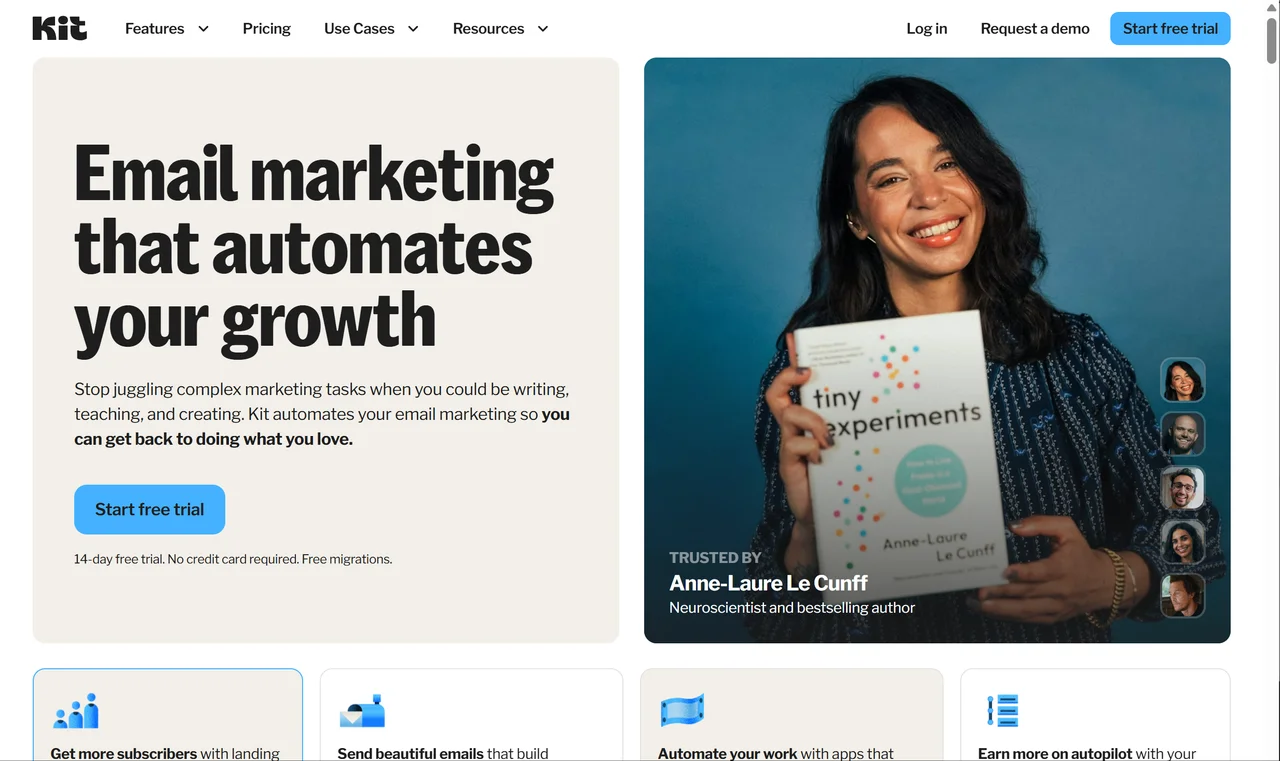
Kit targets creators (podcasters, bloggers, YouTubers). Their landing page speaks creator language: "The creator economy is here. Are you ready?" They focus on one outcome: "Make money from your creativity."
- The bonus: Speak your audience's language. Use their words, their goals, their dreams.
Calendly
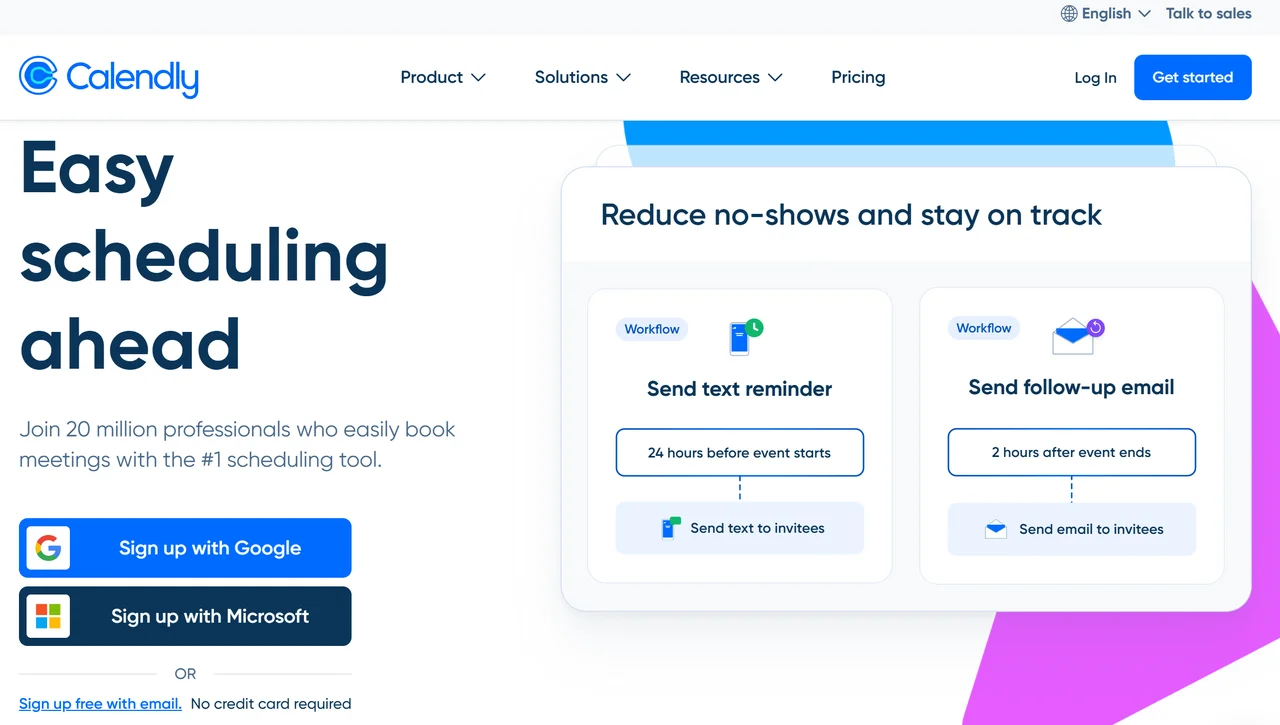
Calendly solves scheduling chaos. Their landing page demonstrates this instantly: a visual of the scheduling process, three clear steps, and the value proposition: "Scheduling meetings without the back-and-forth emails." Simple, direct, effective.
- The bonus: Show the process. Let visitors visualise the outcome.
Shopify
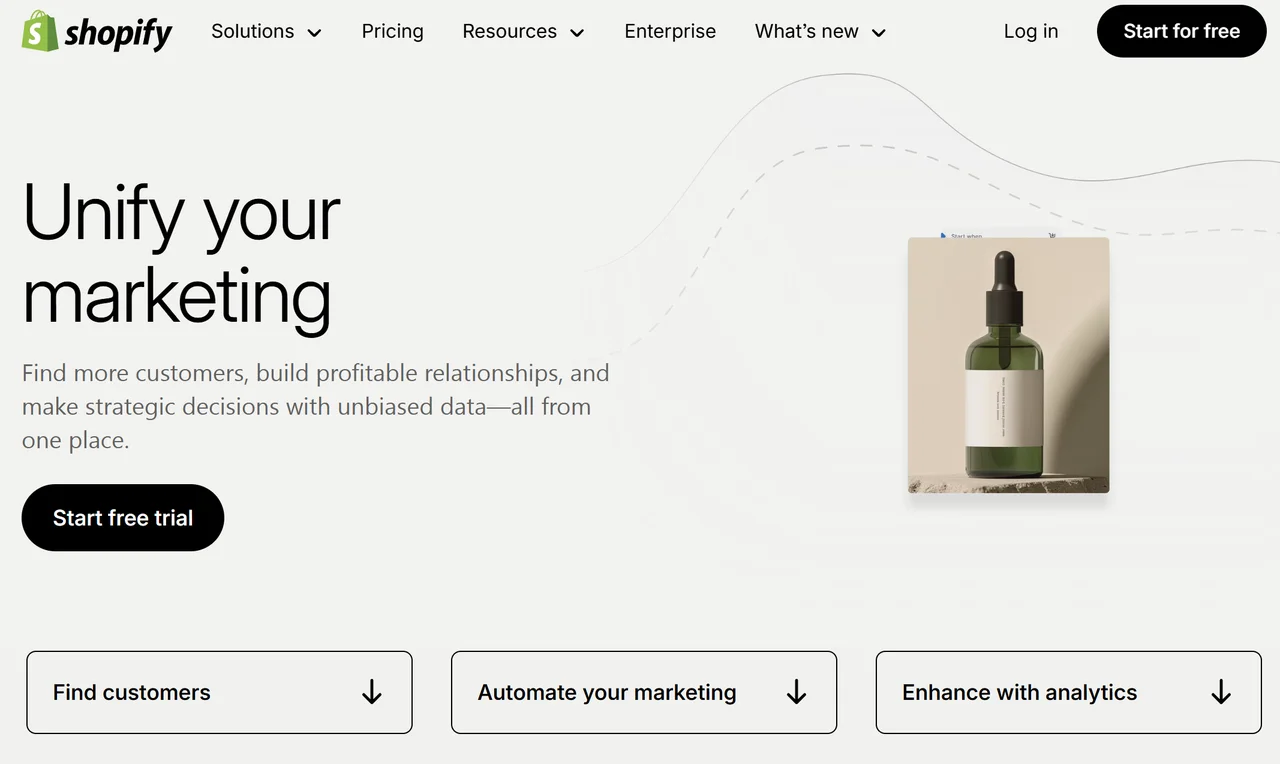
Shopify's Sell Anywhere promise is the headline. They show their product in action with merchant photos, highlight "point of sale" features, and include a clear "Start Free Trial" CTA. Trust signals (BBB accreditation, secure badges) appear strategically.
- The bonus: E-commerce landing pages must balance showing products with building trust. Security signals matter.
Trello
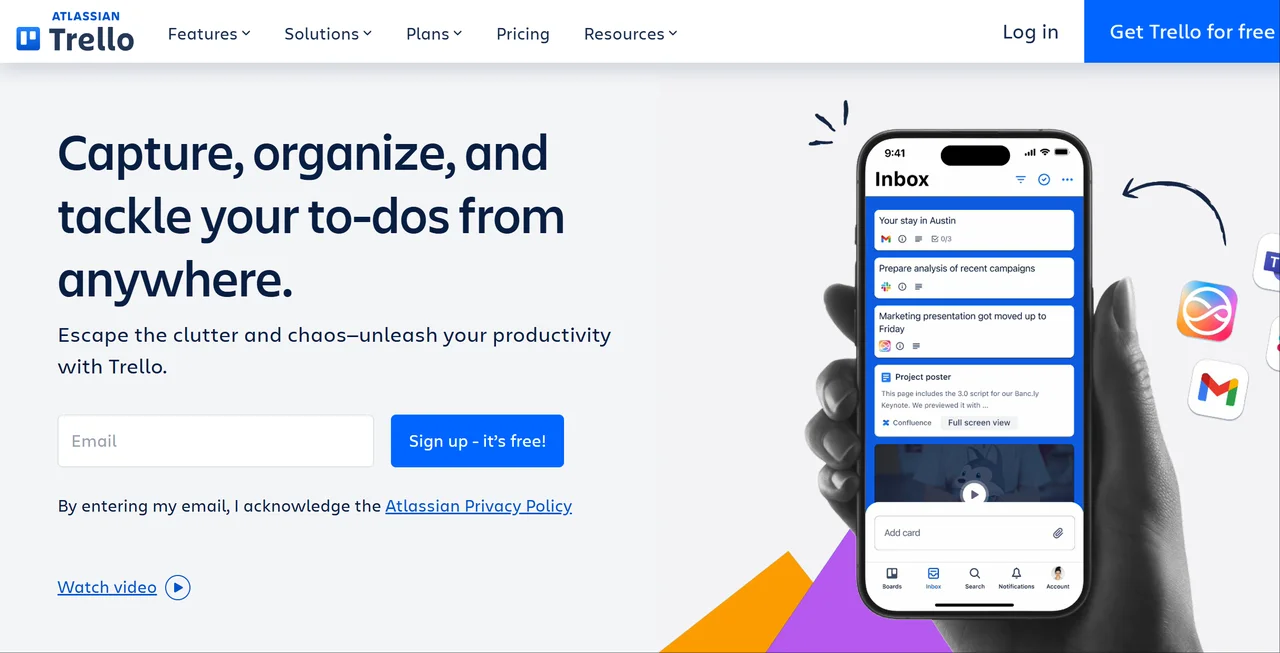
Trello's landing page is essentially a giant visual of their board interface. They show their product working. The value prop is simple: "Trello is the visual tool for work management." Boards, lists, cards are visually demonstrated.
- The bonus: If your product is visual, show it. Don't describe, remember to display.
Asana
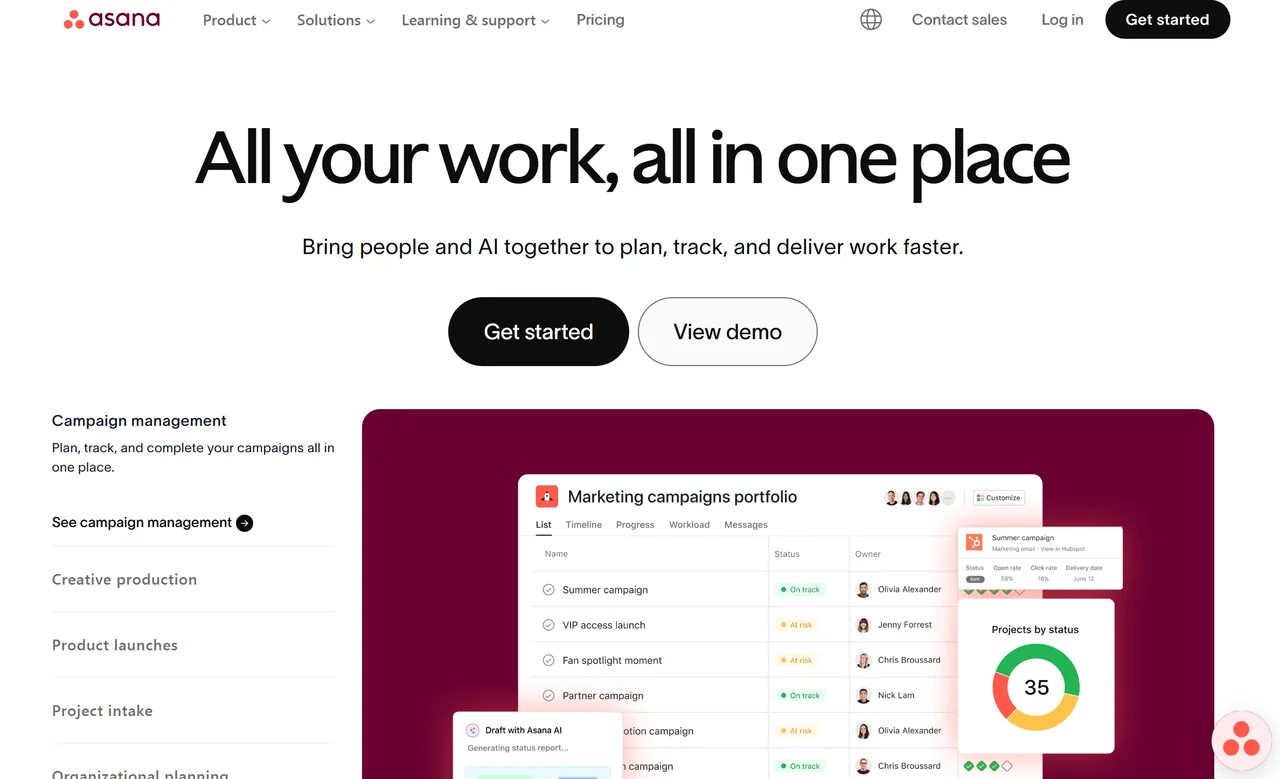
Asana's page targets teams and enterprises. They lead with the problem: Coordinate across teams and time zones. The solution: Get work done without the chaos. They include case studies from Spotify, Spotify, and others for credibility.
- The bonus: Enterprise selling requires proof. Case studies from recognisable names validate your claims.
Figma
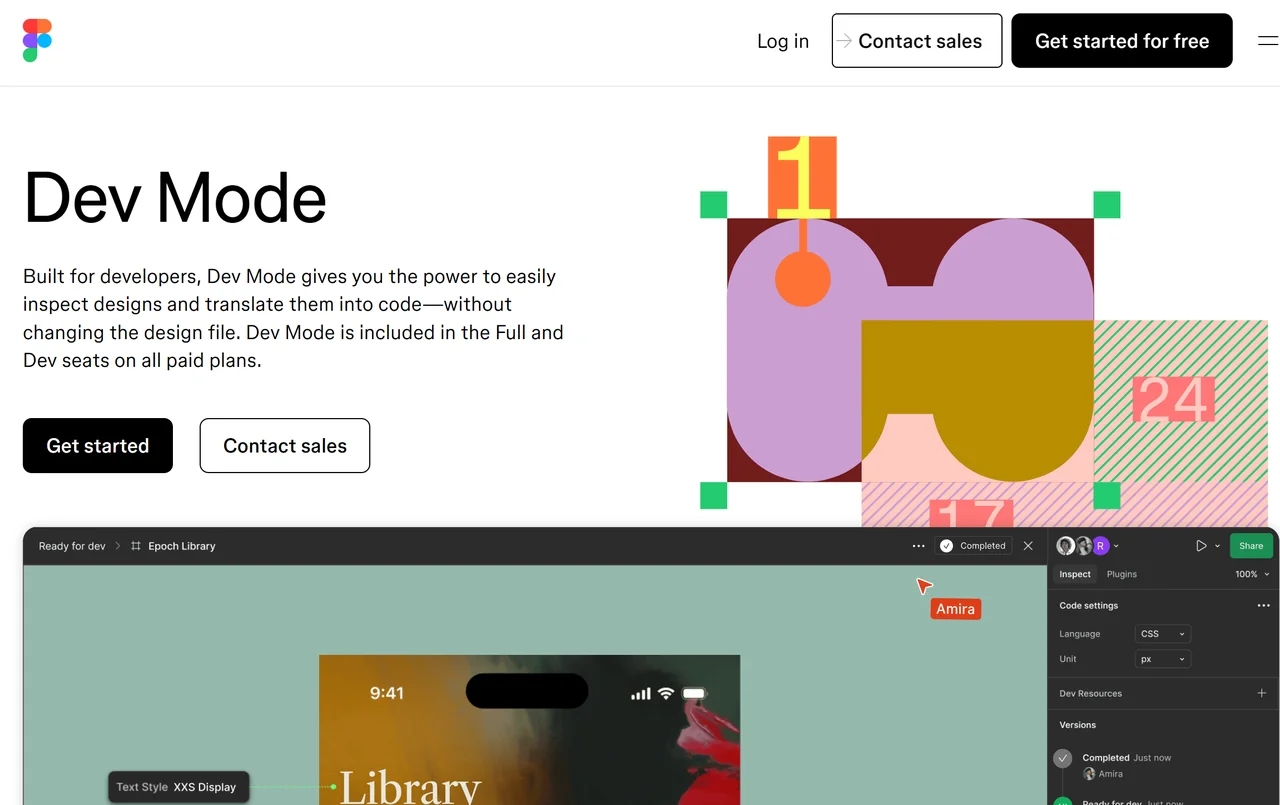
Figma's landing page is clean, bold, and tool-focused. The headline: The leading collaborative interface design tool. They show real design work, include Get Started Free prominently, and emphasise "for teams."
- The bonus: Professional tools need professional presentations. Quality design signals quality product.
Loom
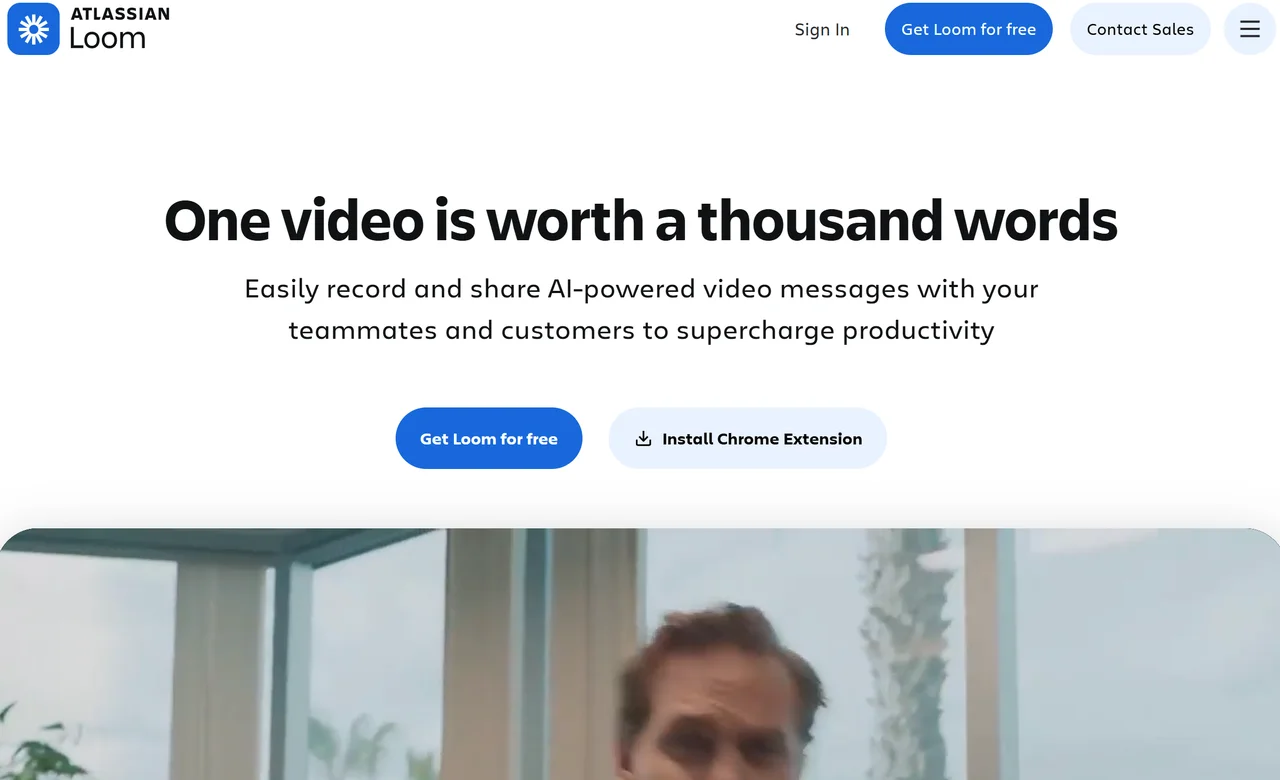
Loom sells async video. Their landing page IS async, showing rather than telling. They have a demo video above the fold, clear benefits (Say more, less), and emphasis on time saved.
- The bonus: If your product saves time, say exactly how much. Loom promises "3 minutes saved per person, every day."
Webflow
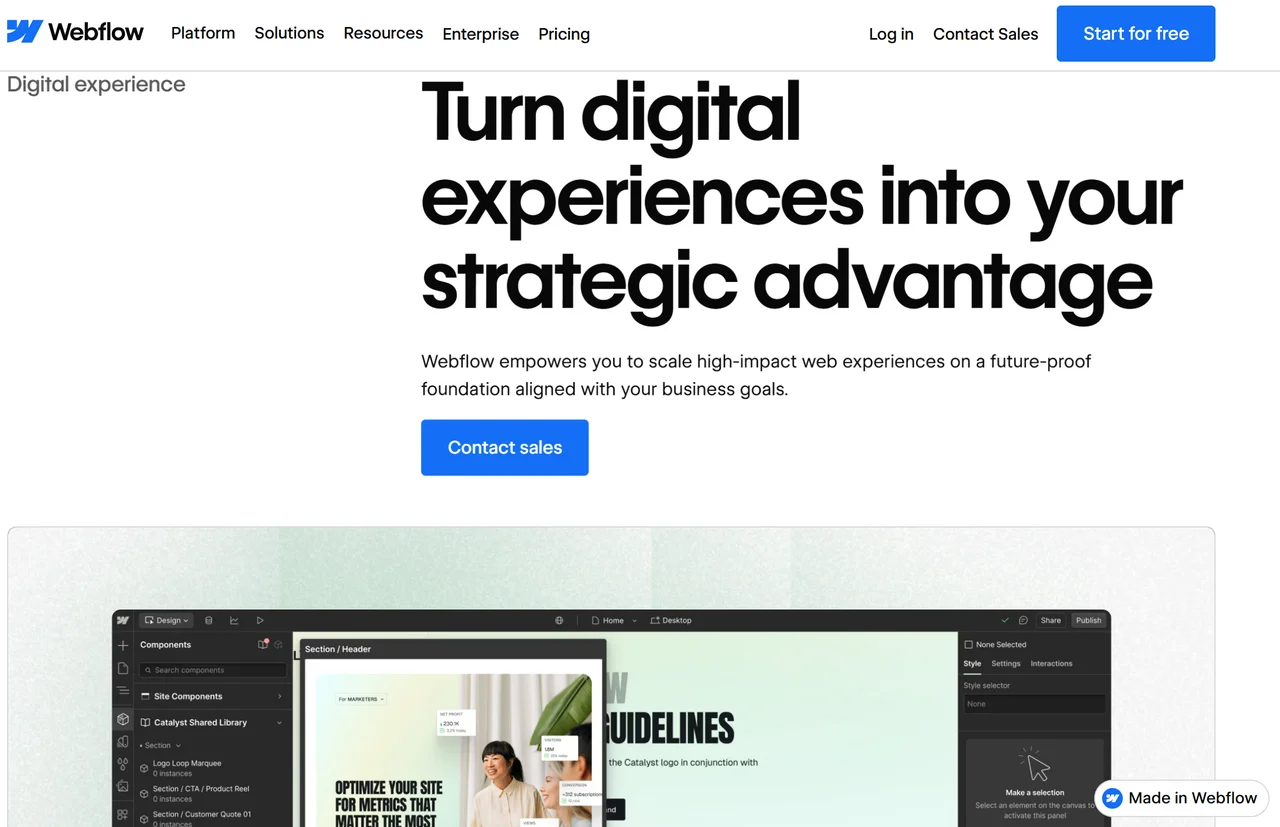
Webflow targets designers who want to build without coding. Their landing page demonstrates the "design in browser" workflow. They include template showcases and emphasize the "no-code" angle that designers keep control.
- The bonus: Find your niche's specific pain point. Webflow owns "design without code."
Airtable
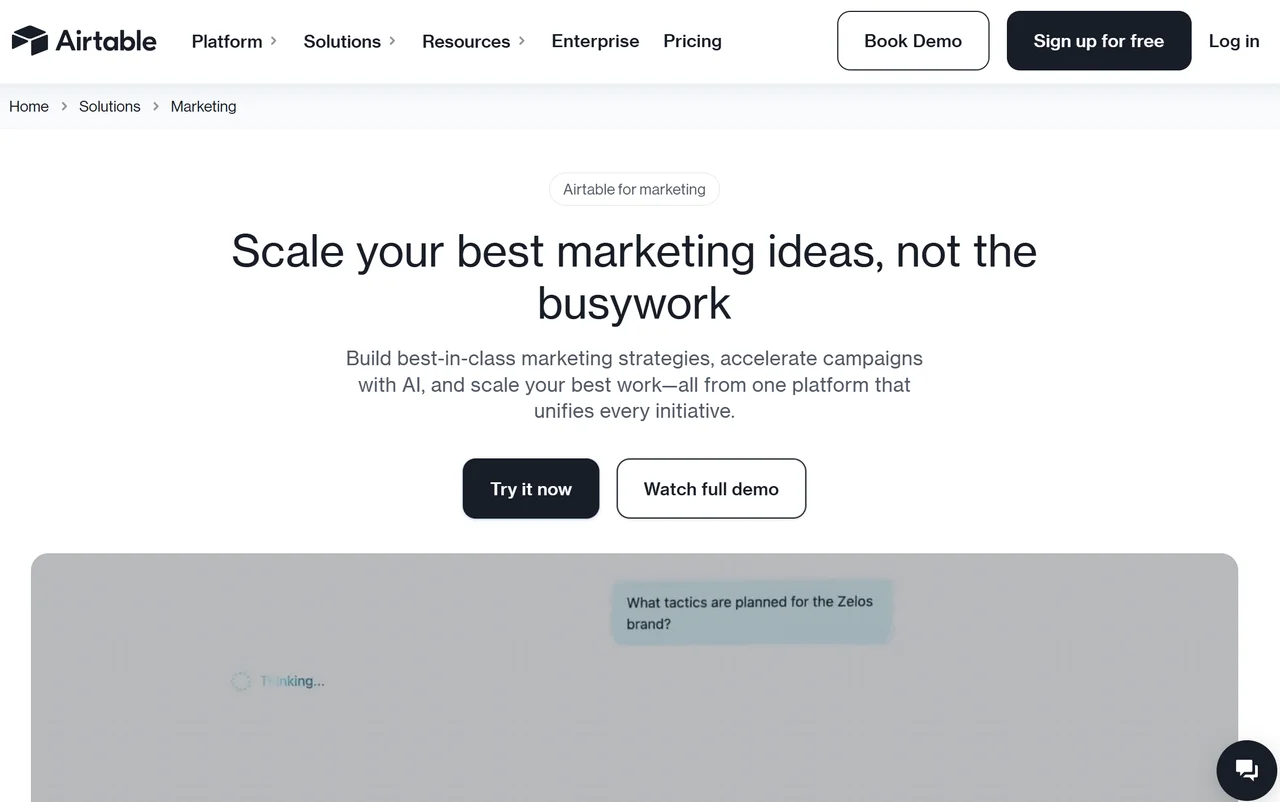
Airtable is "part spreadsheet, part database." Their landing page shows use cases: content calendars, project tracking, and event management. They visualise each use case with templates that people can recognise.
- The bonus: Abstract products need concrete examples. Show your product through familiar use cases.
Grammarly
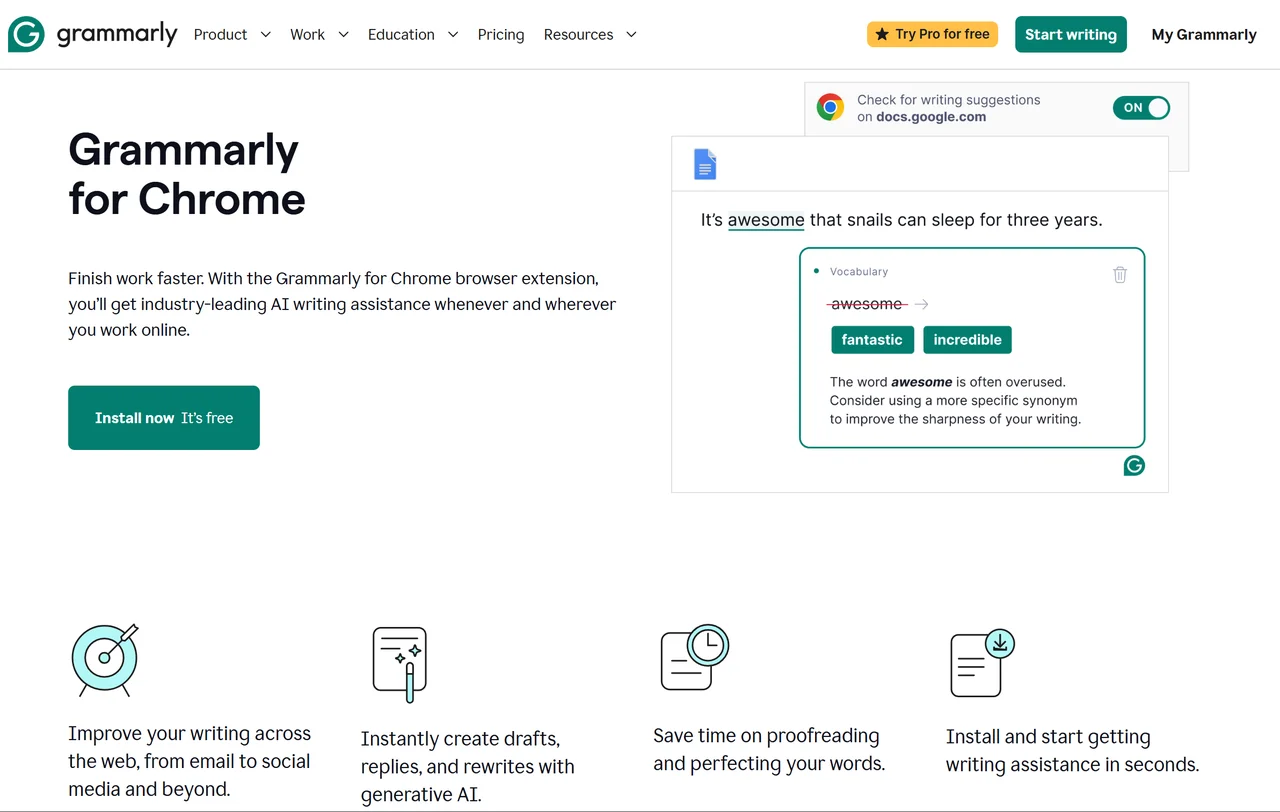
Grammarly's extension page focuses on the value: "Type with confidence." They show the extension in action, highlight key features (spelling, grammar, tone), and make installation frictionless.
- The bonus: Extension landing pages must demonstrate the product working. Show the before/after.
Canva
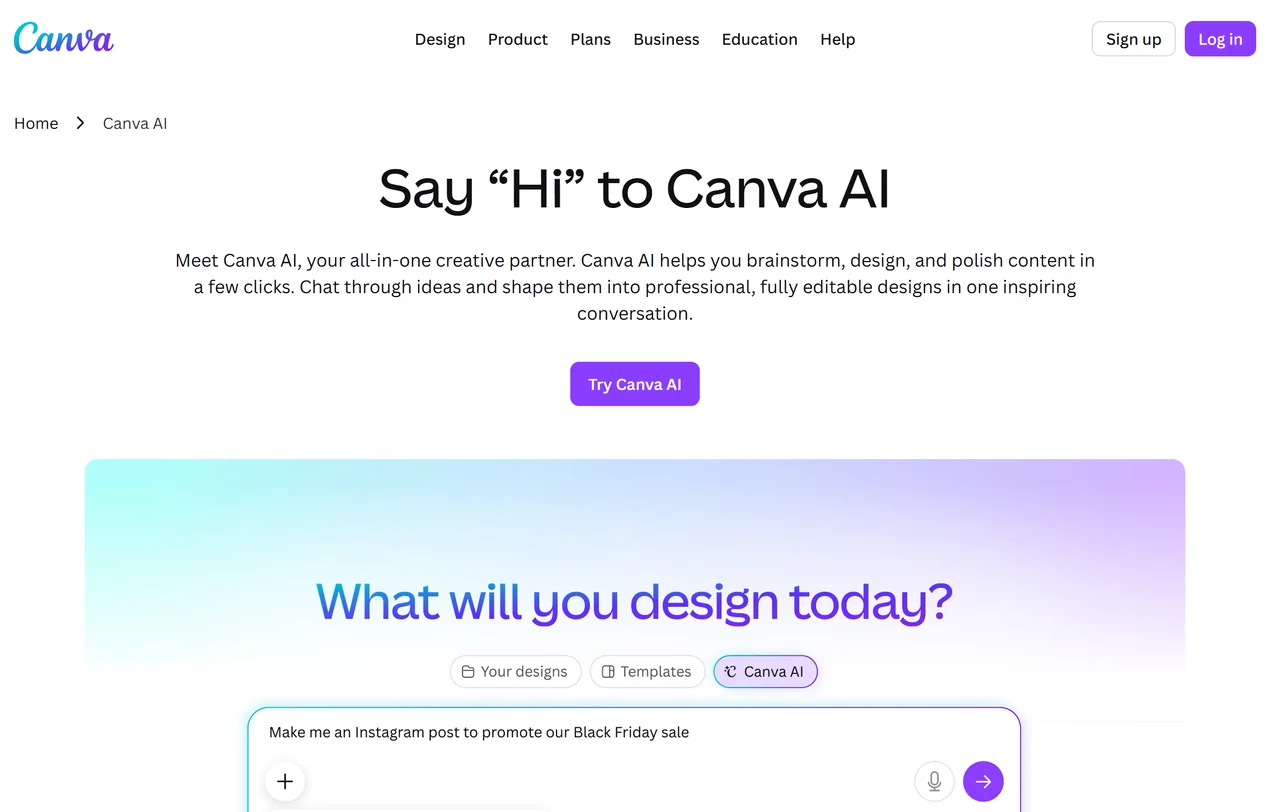
Canva's landing page is visual chaos at its best, showcasing millions of designs. The value: Design anything. Publish anywhere. They make design feel accessible: Anyone can create.
- The bonus: Democratisation is a powerful message. "Anyone can do this" removes intimidation.
Typeform
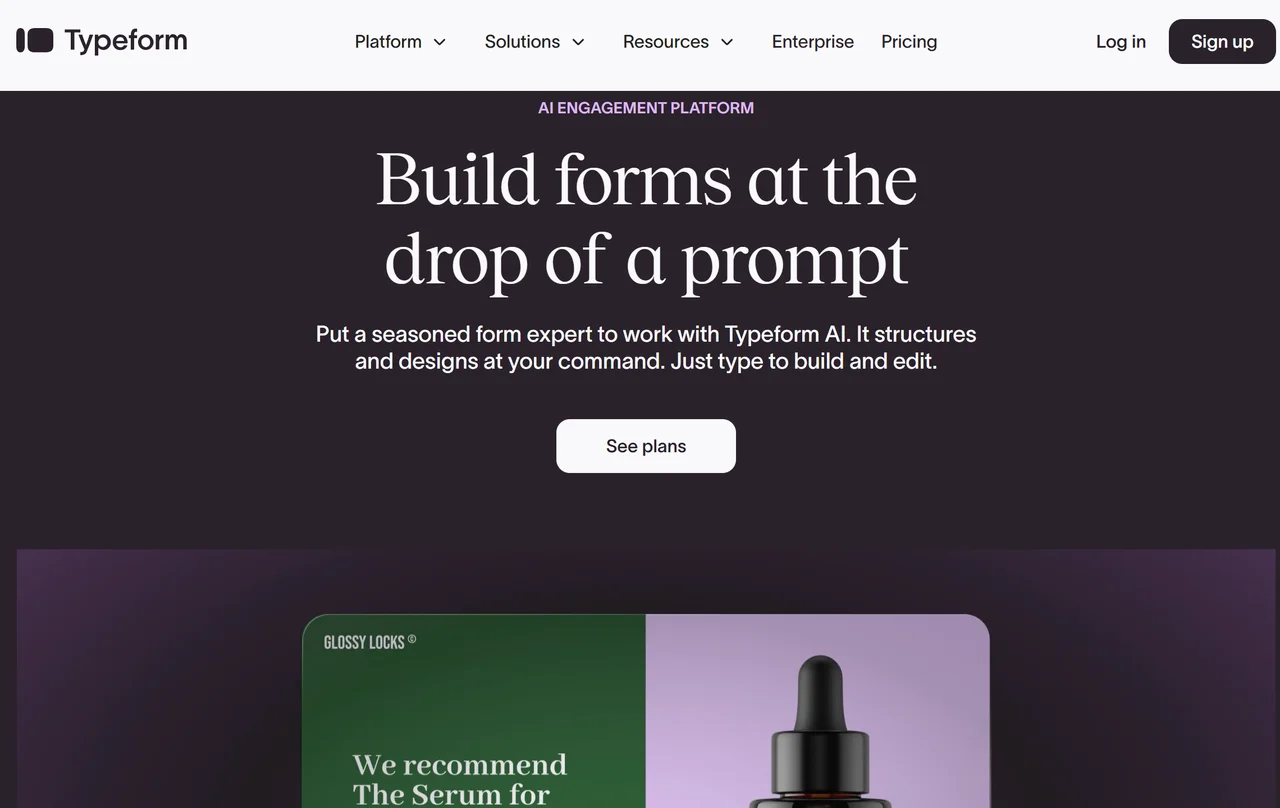
Typeform's landing page is a form: the one you answer questions as you scroll. They demonstrate their product through the page itself. The headline: "Forms for the modern web." The page converts because it IS the product.
- The bonus: Your landing page can BE your product demo. Let visitors experience your value directly.
Wix
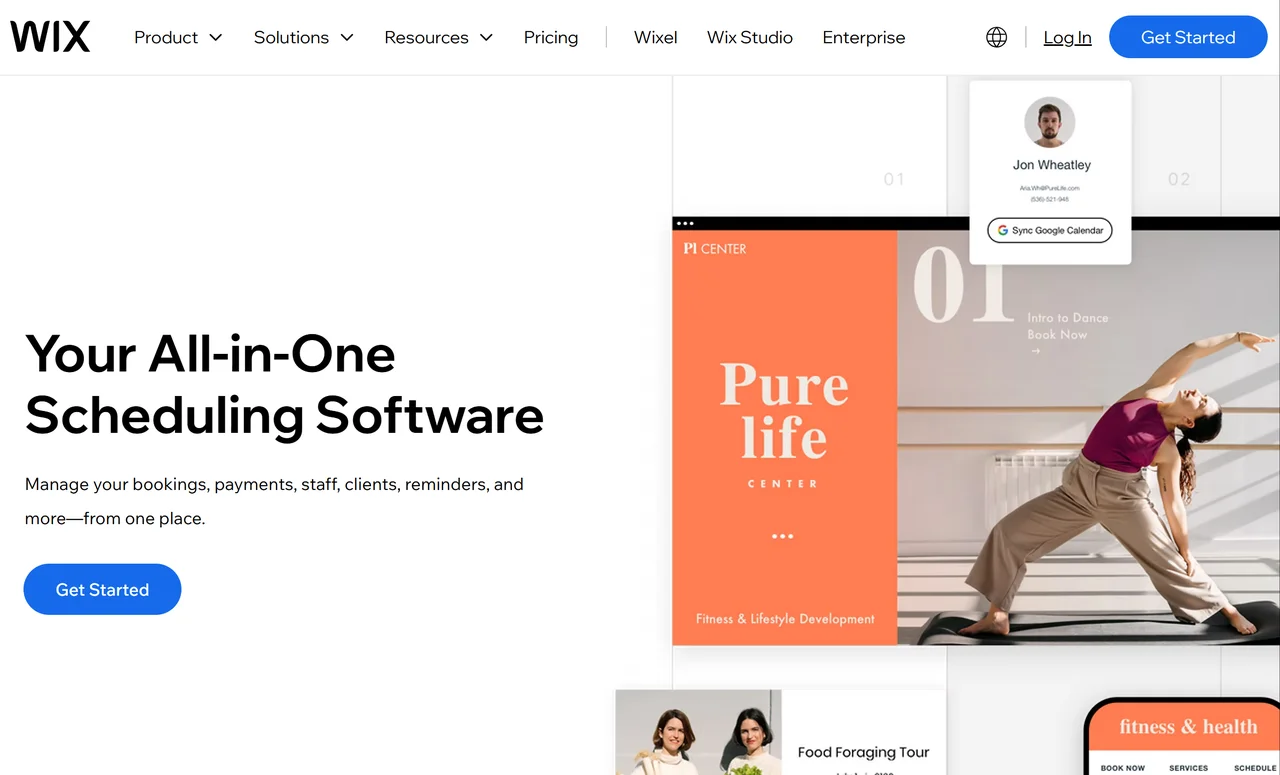
Wix leads with template. They show hundreds of starting points. The message: "Create a website you're proud of." They emphasize ease: "The freedom to create." Templates address the "I can't design" fear.
- The bonus: Address your visitor's deepest fear directly. Wix tackles "I'm not a designer" head-on.
Squarespace
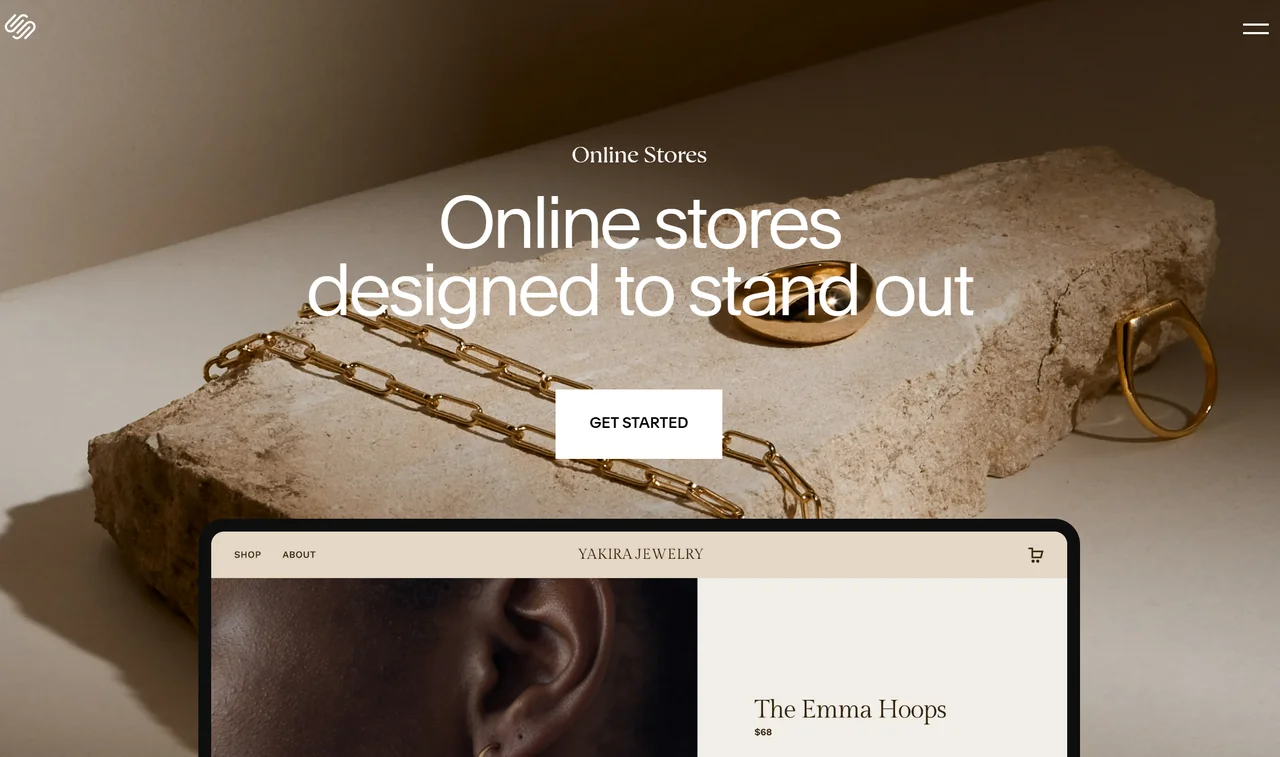
Squarespace sells beauty. Their landing page is visually attractive with award-winning photography, elegant typography, minimal layout. The value proposition: "Create a website as unique as your brand."
- The bonus: If you sell aesthetics, your page must embody them. Your landing page is your first portfolio piece.
What Makes These Landing Pages Work: The 5 Essentials
After studying hundreds of these examples, here's the pattern:
Singular Focus
Every winning landing page has ONE goal. Not learn about us. Not browse products. One specific action: sign up, download, buy, book. Everything else is removed.
Clear Value Proposition (In 5 Seconds)
Visitors decide in 0.05 seconds whether to stay or leave. Your headline must immediately answer: What do you offer? and Why should I care?
Strategic CTAs
According to Unbounce, the best landing pages use action-oriented CTAs. Use specific language: Get Your Free Guide beats Submit. Start Your Trial beats Sign Up.
Social Proof
Logos, testimonials, case studies—these build instant credibility. Place them where visitors might hesitate: near the CTA.
Minimal Distractions
No navigation links to other pages. No sidebar elements. No "click here to go to the blog." Every escape route is a conversion killer.
How to Build a Landing Page with Wegic AI
You just saw what makes great landing pages work. Now I will show you how to create a high-converting SaaS landing page with Wegic AI.
Step 1: Say What You Want
I opened Wegic and typed:
I need a landing page for a project management SaaS tool. Professional, modern, focused on getting visitors to sign up for a free trial.
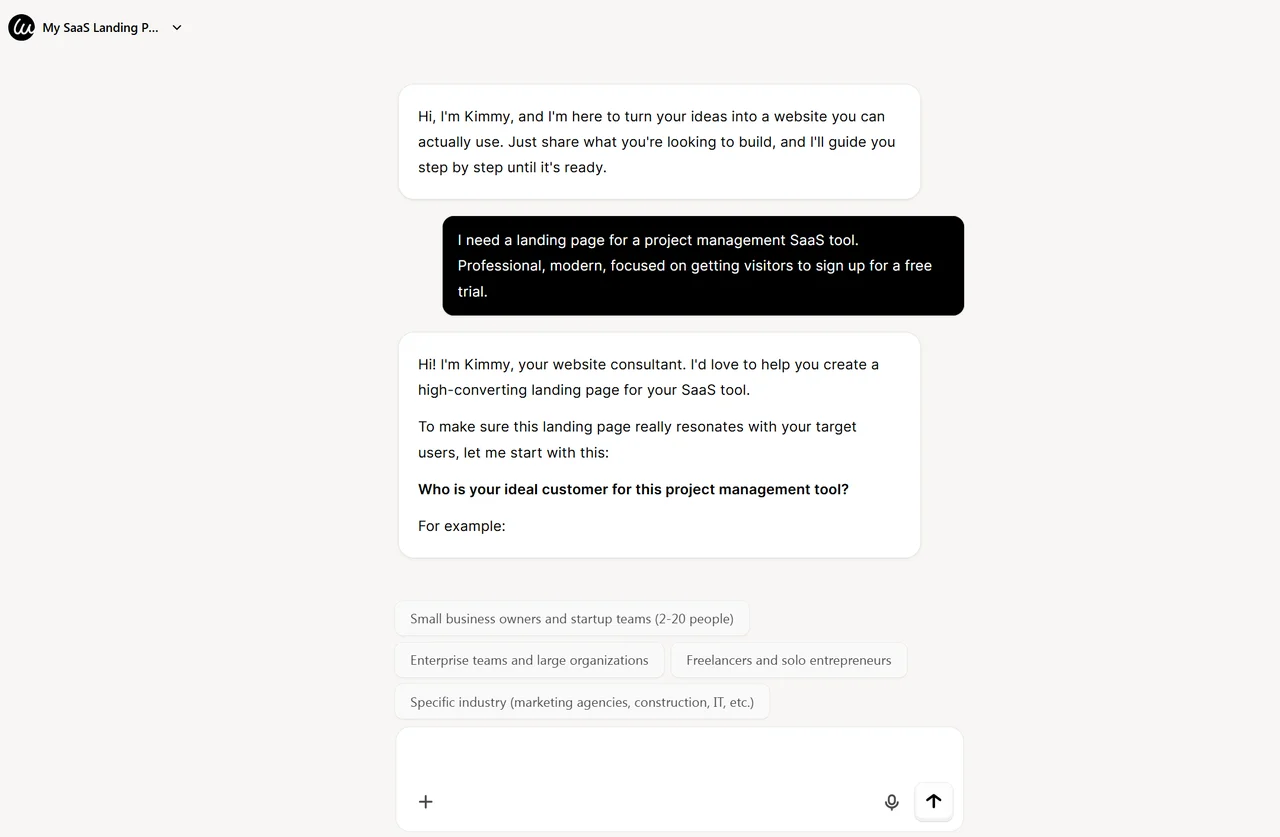
Kimmy confirmed my request and started gathering details by suggesting some bubbles of potential answers.
Step 2: Quick Details
Wegic asked about my target audience, key features, and style preferences. Each question took seconds. After a round of conversstion, I found that I combed my thoughts better with these pop-up suggestions.
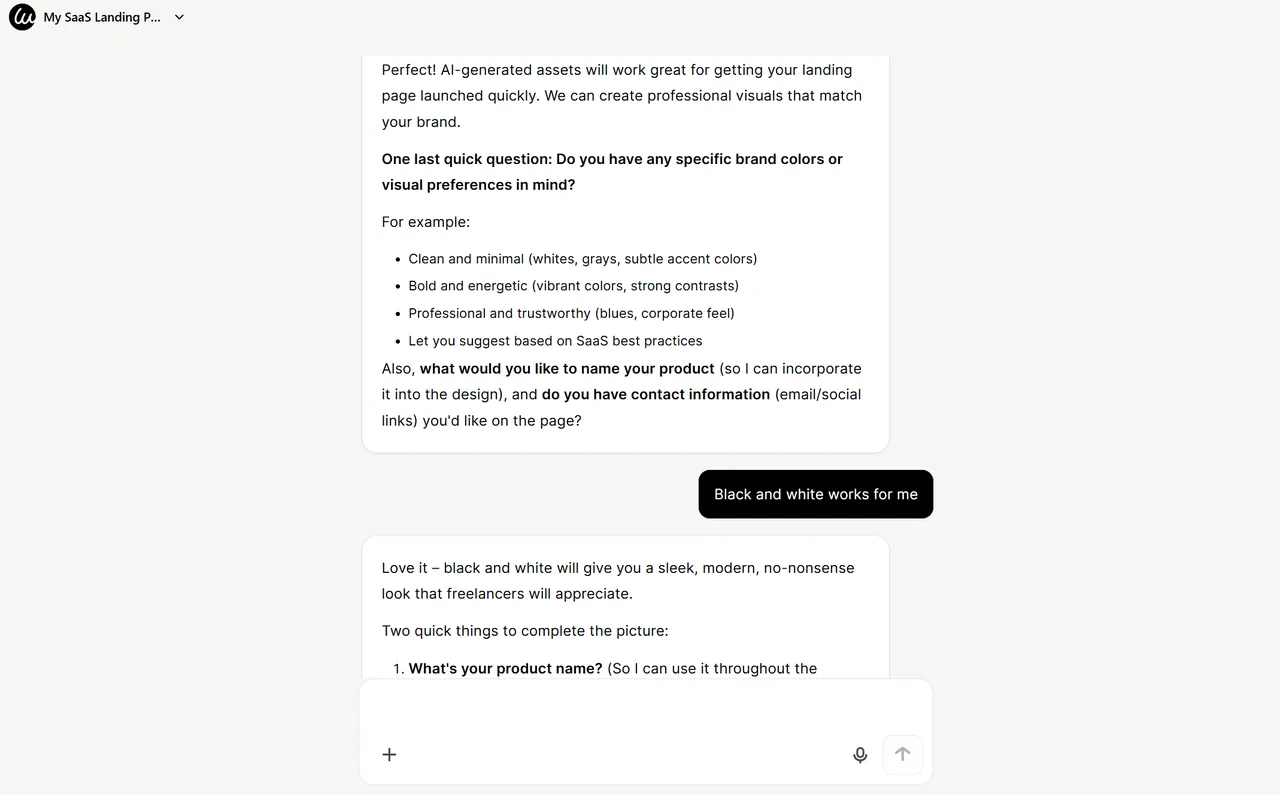
I specified:
- Product name: SavemyTime
- Major user journey: Watch demo/video → then sign up for trial
- Brand color: Black and white for a modern and no-nonsense look
- Contact info: Email address and social media links
Step 3: Design Options
Within 90 seconds, Wegic generated 5 stunning landing page design style options for my SavemyTime landing page. Each was polished and conversion-focused.
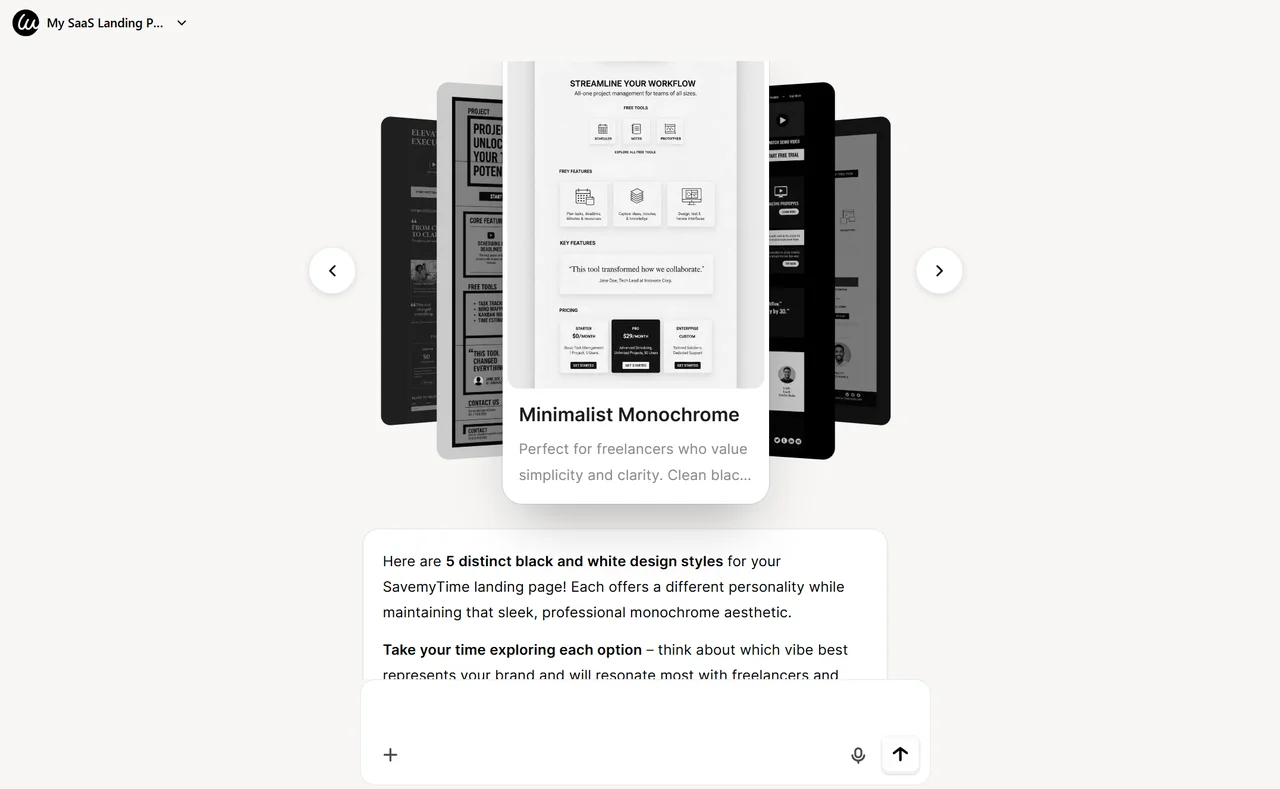
I chose "Minimalist Monochrome style". I thought this vibe best represents my brand and will resonate most with freelancers and solo entrepreneurs.
Step 5: Refine Through Chat
Here's the magic. I wanted to add a "See Pricing" link below the hero. I typed:
Replace the “One Workspace. Zero Chaos.“ with a carousal. Brainstorm some short yet compelling slogan.
Done.
Your Landing Page Is Your Salesperson
You now have 20 examples of landing pages that convert and the principles behind why they work. The difference between a landing page that gathers dust and one that generates leads? Once again, focus, clarity, and removing every possible friction point.
The old whammy, like hiring designers, learning code, bamboozled layouts, is dead. AI-powered landing-page builders like Wegic create professional landing pages in minutes while you enjoy your cup of coffee.
Ready to build a high-converting landing page? Head to Wegic and start chatting.
Your landing page is your 24/7 salesperson. Make it work while you sleep.
Frequently Asked Questions
What is a landing page on a website?
A landing page is a standalone page with ONE purpose: conversion. Unlike regular website pages with navigation to other areas, a landing page removes all distractions and guides visitors toward ONE specific action: signing up, downloading, buying, or contacting.
What makes a landing page high-converting?
High-converting landing pages have clear value propositions, strategic CTAs, social proof, minimal distractions, and fast loading times.
Can I build a landing page without design skills?
Absolutely. Wegic lets you build professional landing pages through conversation. You describe what you need, and AI builds it.
What's the difference between a landing page and a homepage?
A homepage is a gateway. It's designed to navigate visitors to multiple areas of your site. A landing page is a destination. It's designed to convert visitors on ONE specific action. No navigation, no distractions.
How do I create a simple landing page?
Start with: (1) Clear headline answering what you offer, (2) Value proposition explaining why it matters, (3) One CTA button, (4) Social proof. Use Wegic's AI website builder to generate a complete page in minutes.
Are Wegic landing pages mobile-friendly?
Yes. All Wegic-generated pages are fully responsive from day one. They work perfectly on desktops, tablets, and mobile devices automatically.