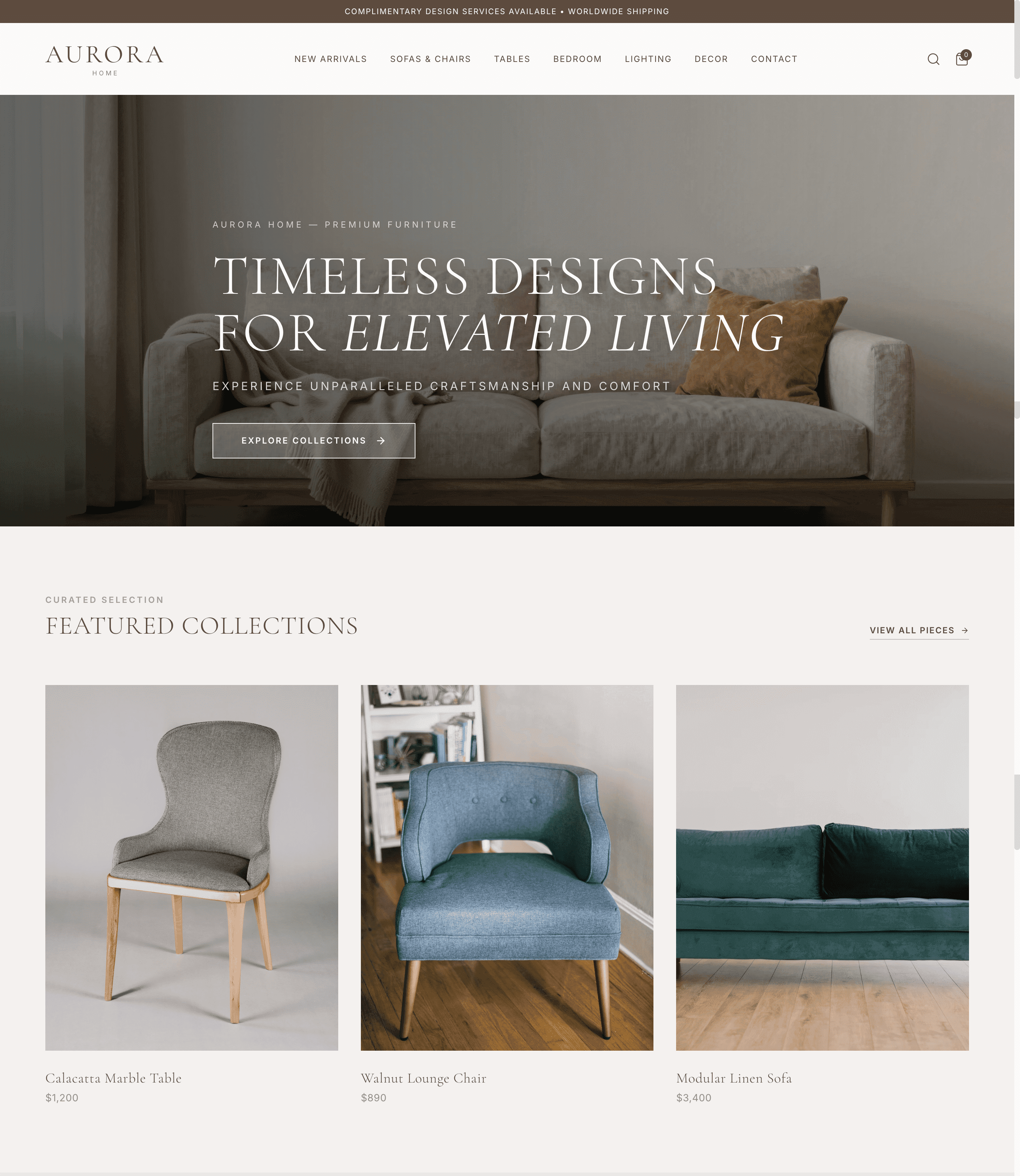
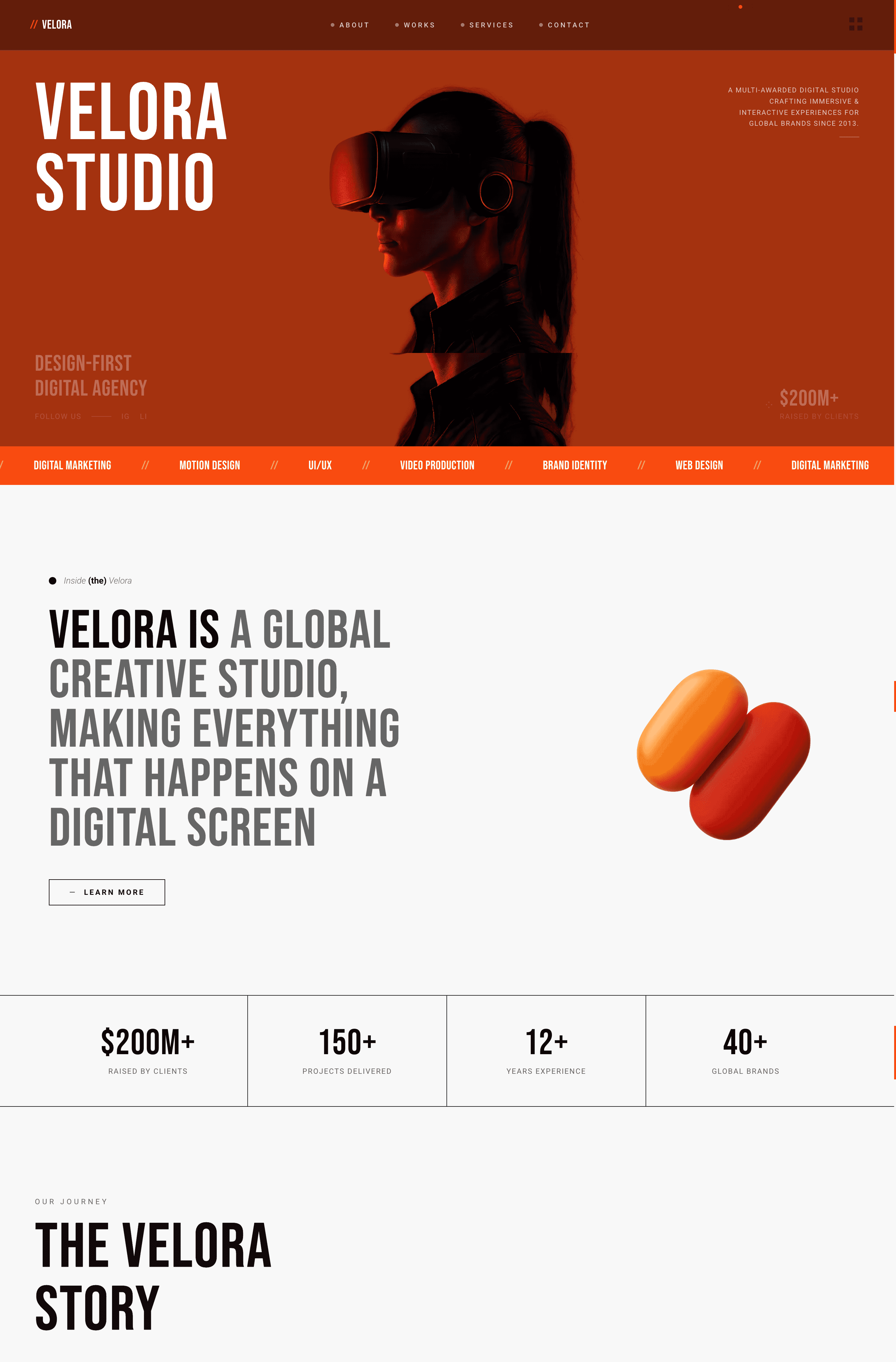
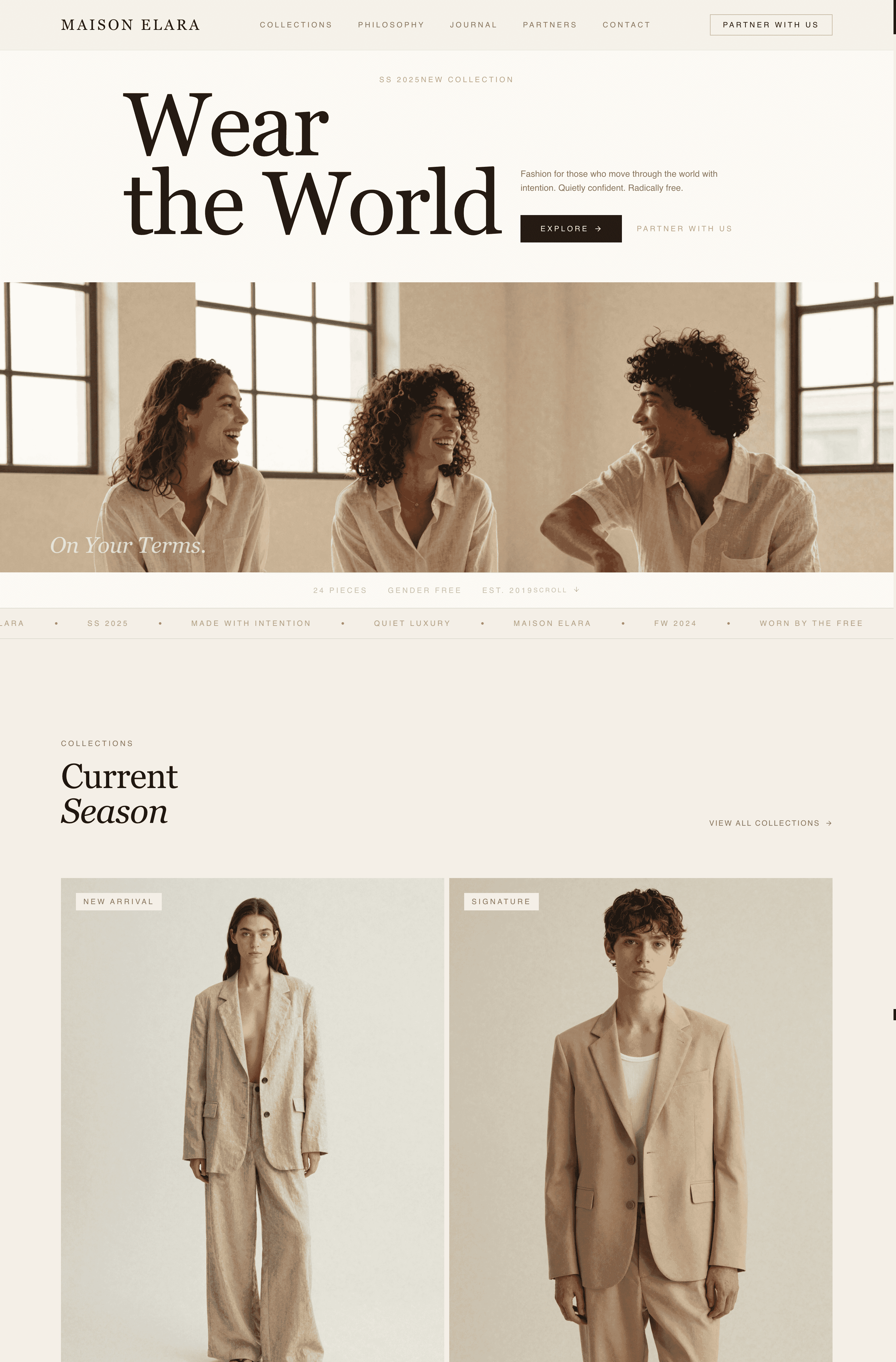
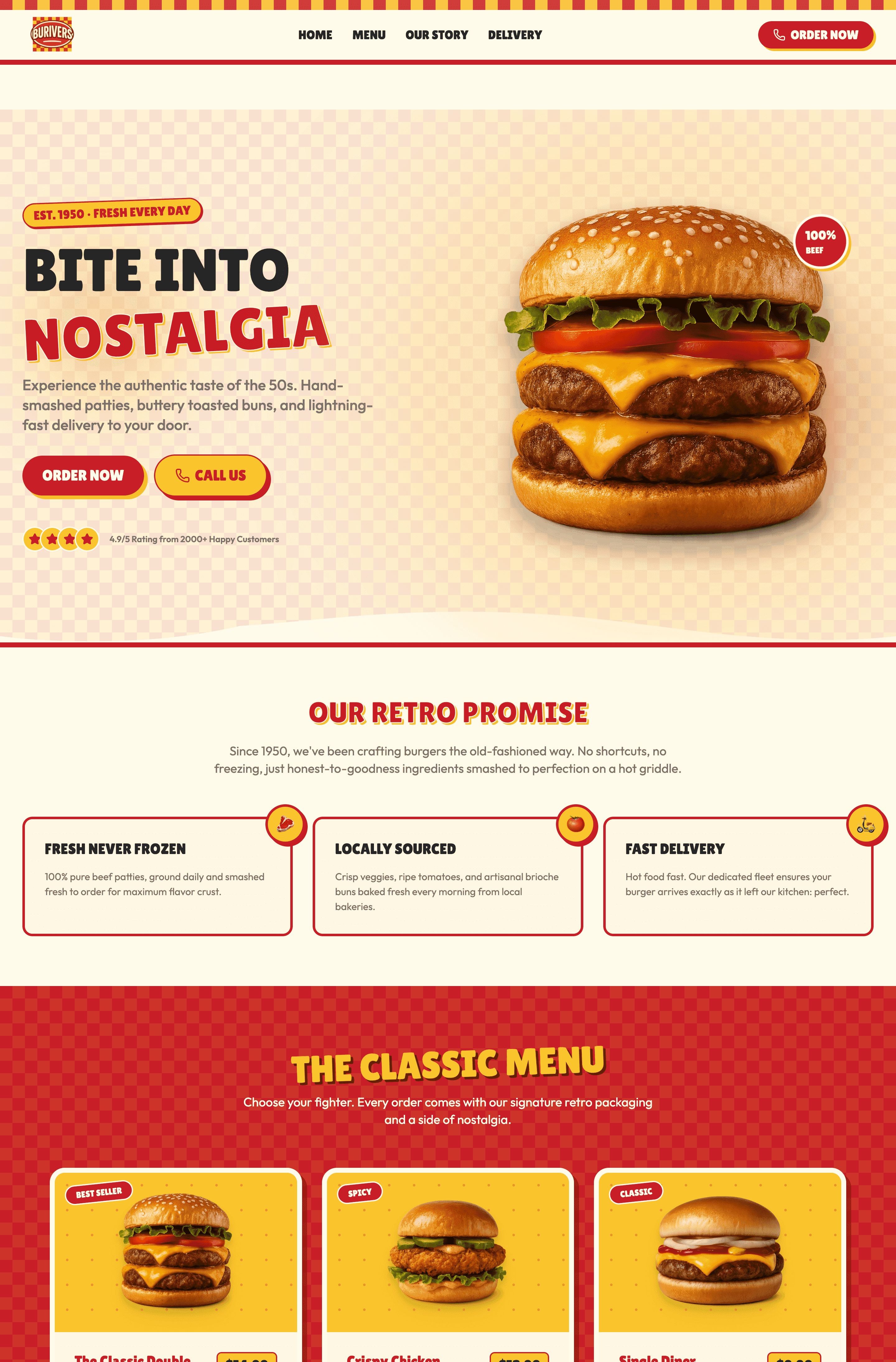
I've collected 22 real website design examples (11 outstanding, 11 improvable) that showcase exactly what works and what destroys user experience. What is the difference between good and bad websites? Clarity, speed, purpose, and respecting your visitor's time. The old barrier to building a site is officially dead. Stay tuned, and I'll show you how to build a professional, well-designed website in under 10 minutes using Wegic.
Why Good Website Design Matters More Than Ever
Here's a number that stops me cold every time: 75% of users judge a company's credibility based on its website design. That's not a typo. Three out of four people decide whether to trust you based on how your site looks.
According to Forbes, 38% of people will stop engaging with a website if its layout is unattractive. Yet somehow, bad websites keep multiplying like digital weeds.
Let me show you what separates the good from the catastrophic. And then show you exactly how to build something worthy of the "good" list.
11 Outstanding Good Website Design Examples
Apple
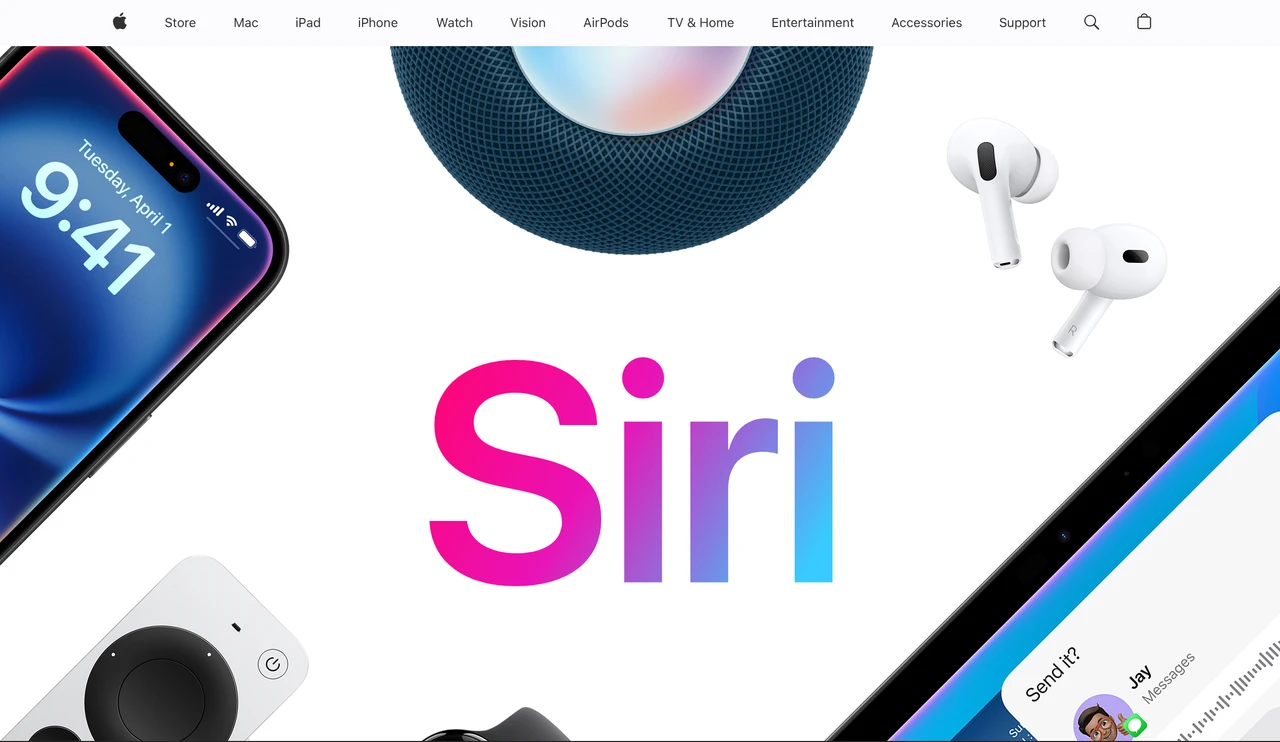
Apple's Siri page demonstrates masterful restraint. The design leads with a bold headline, immediately presents voice interaction, and guides users naturally through capabilities without overwhelming them. Every element serves a purpose.
- Key takeaway: White space is strategic. Apple proves that showing less actually sells more.
Amazon
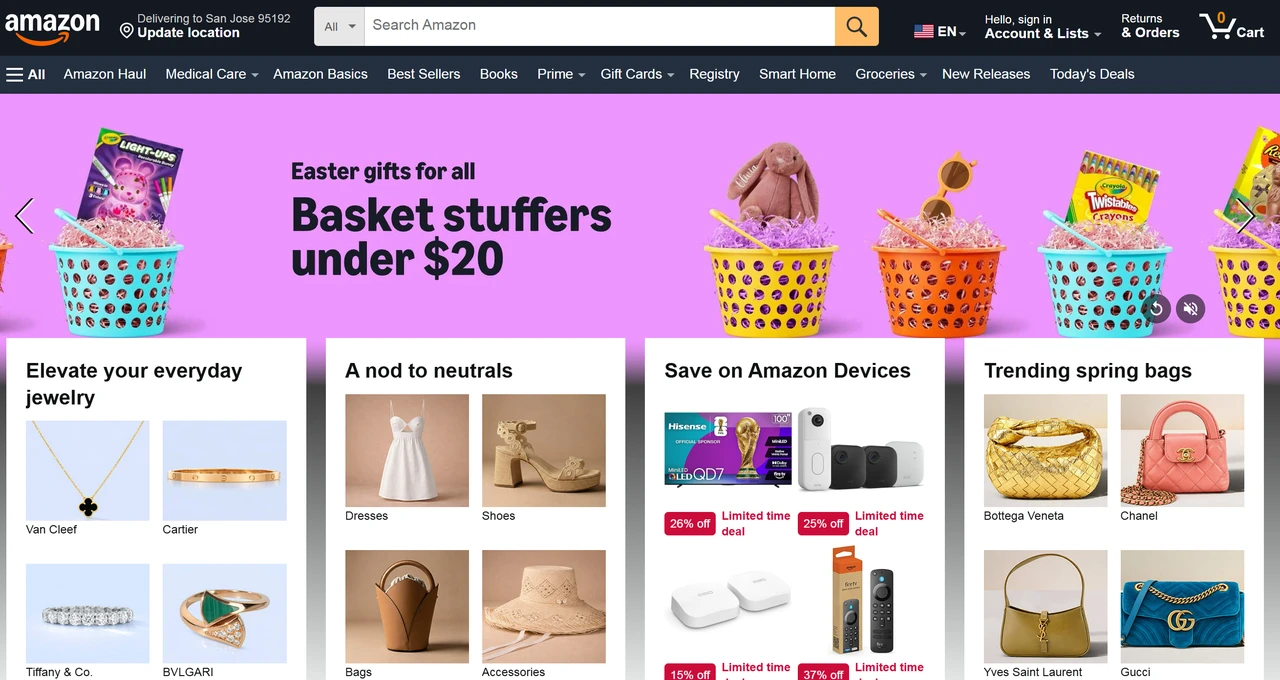
Love it or hate it, Amazon's UX is ruthlessly effective. The search bar dominates. Categories are instantly accessible. One-click purchasing exists. Product pages include reviews, comparisons, and transparent pricing. The mobile experience is seamless.
- Key takeaway: E-commerce is about reducing friction between "want" and "bought."
Airbnb
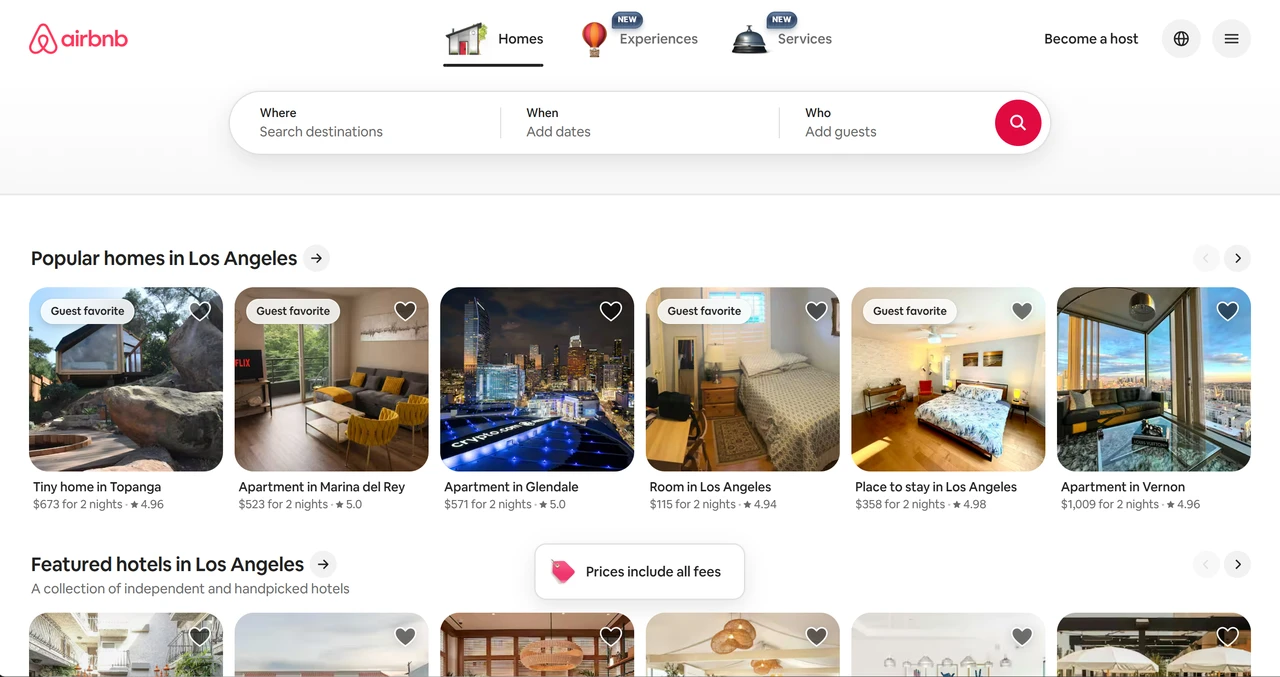
The search experience is intuitive: enter location, dates, guest count, and boom: instant results. Filters help refine choices. Every listing includes high-quality images, detailed descriptions, pricing, highlights, and ratings. Saving favourites is one click. The design feels human, not corporate.
- Key takeaway: Travel planning is stressful. Good design reduces that stress. Your site should solve problems, not create them.
Stripe Press
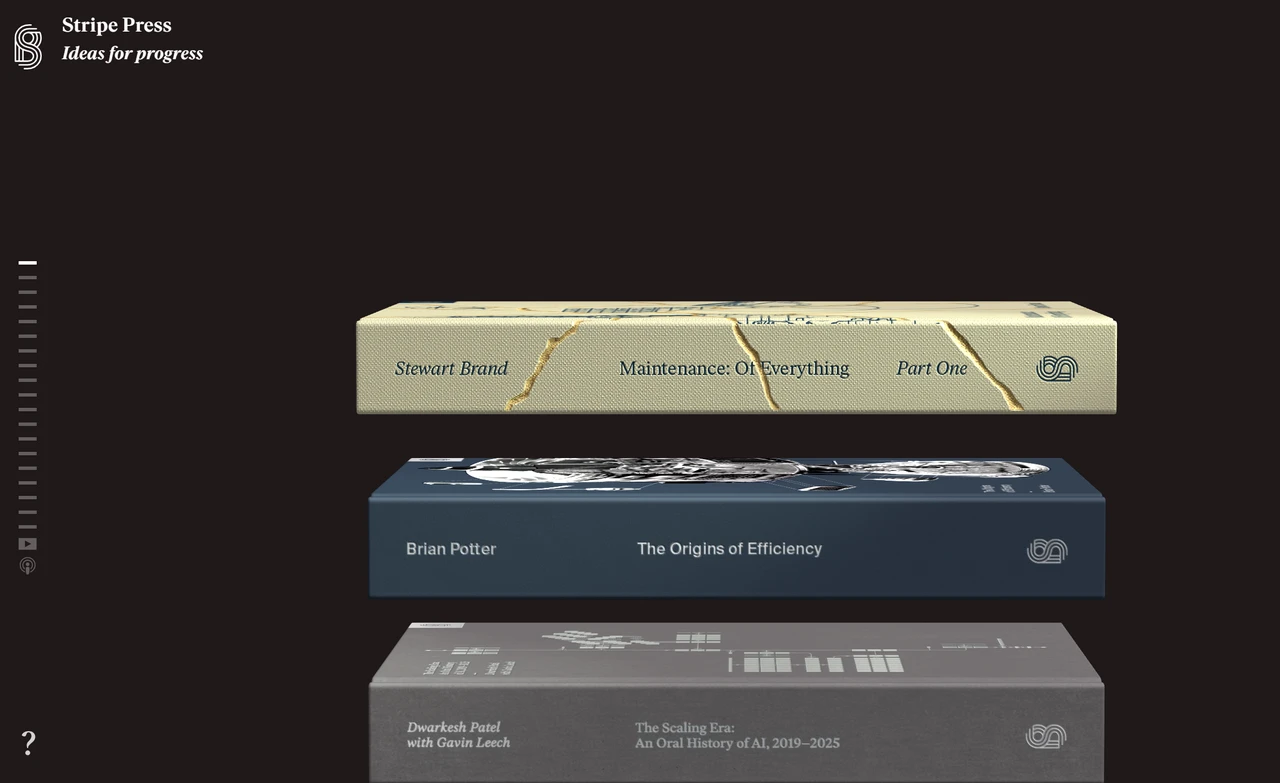
Stripe Press combines bold typography with meticulous information architecture. The site feels premium without being stuffy. Every book is presented with clear visuals and compelling descriptions. The checkout process is invisible.
- Key takeaway: When selling intellectual products, let the content breathe. Trust your audience to read.
Teenage Engineering
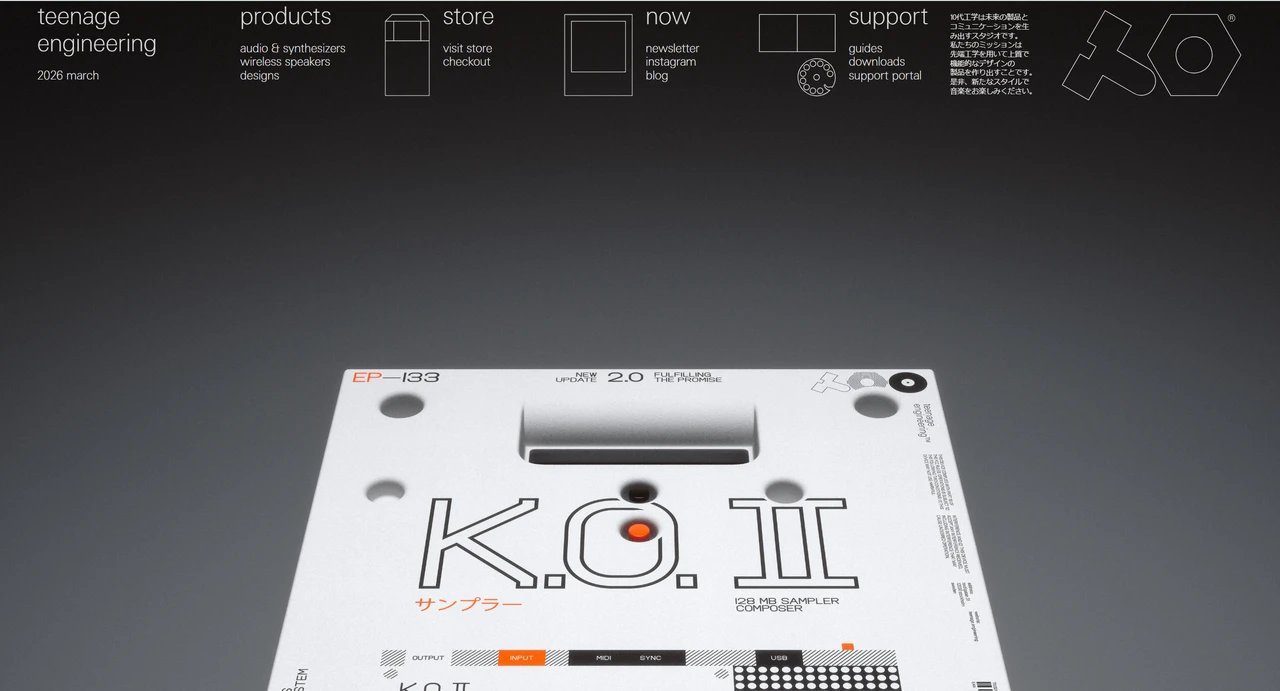
This site is quirky, distinctive and fun. The same with their products. The dark aesthetic with orange accents creates instant recognition. Product pages explain everything technical while maintaining the brand's playful personality. It's a masterclass in brand consistency.
- Key takeaway: Don't be afraid to have a personality. Generic sites are forgotten. Weird gets remembered.
Mode
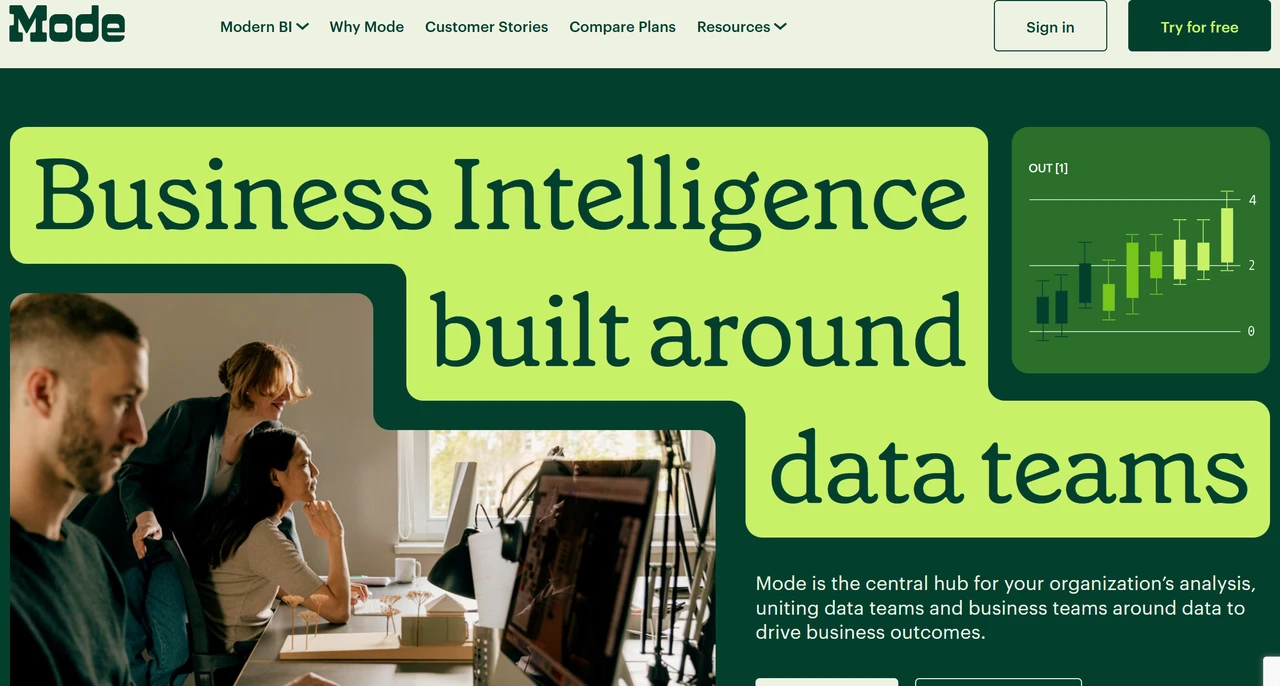
Mode serves data analysts and business professionals. The product demonstration is built into the experience. You understand what Mode does by using the site.
- Key takeaway: Your website should demo your product.
Appwrite
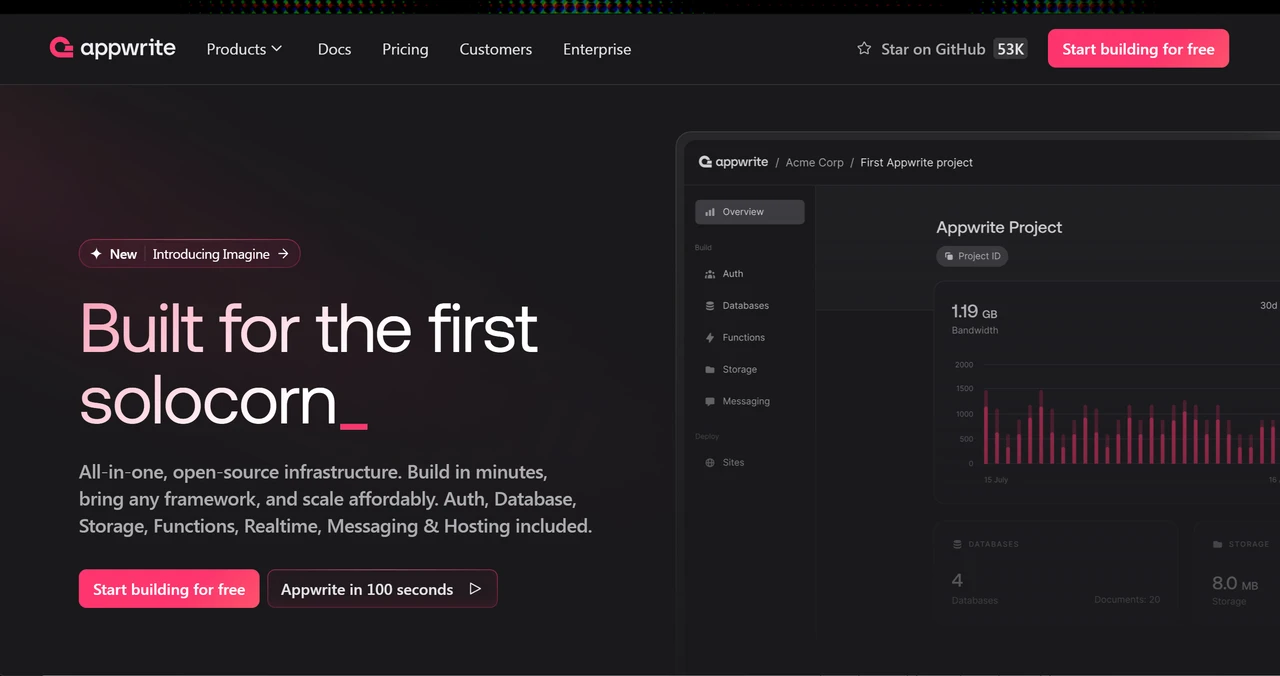
Appwrite's developer-focused site balances technical depth with accessibility. Documentation is clear. The visual design uses dark mode effectively. Code snippets are copy-paste ready. Community contributions are visible.
- Key takeaway: Even complex technical products can have beautiful, accessible websites. Complexity isn't an excuse for poor design.
Lusion
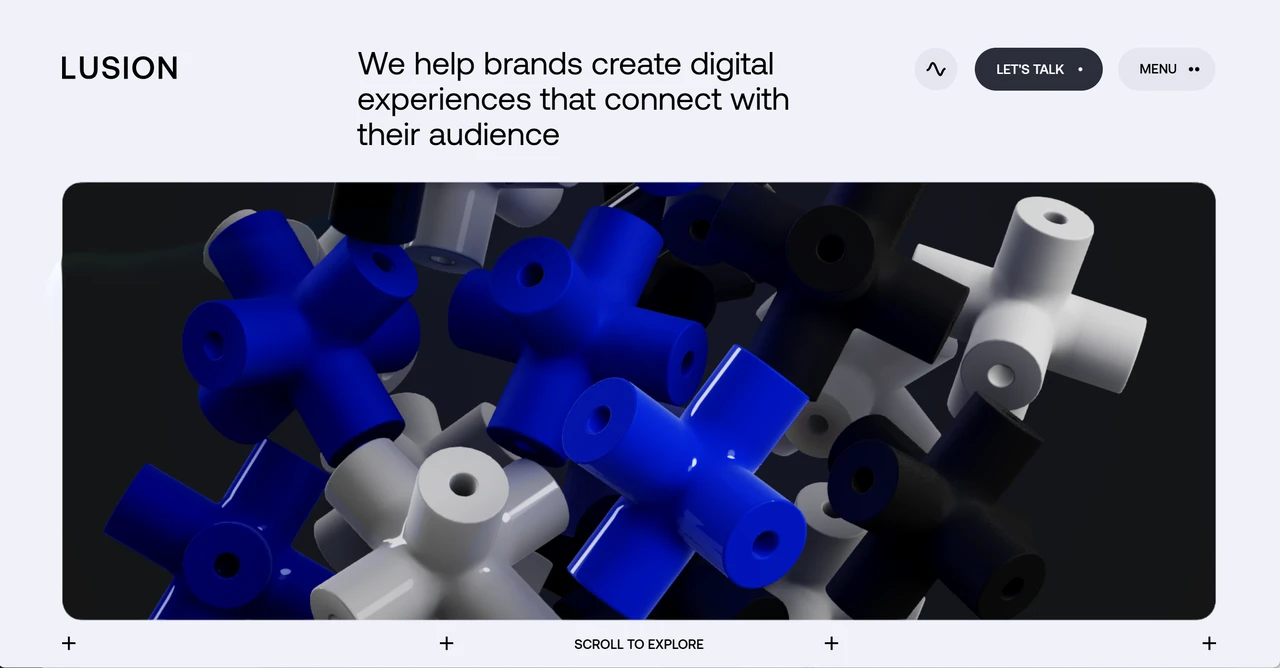
Lusion is a creative agency that shows rather than tells. Their site is an immersive experience with stunning 3D elements, smooth animations, and purposeful interactions. It's technically impressive AND serves the brand perfectly.
- Key takeaway: Creative agencies: your site should be your best project. If you can't design brilliantly yourself, why should clients trust you to design for them?
Spotify Design
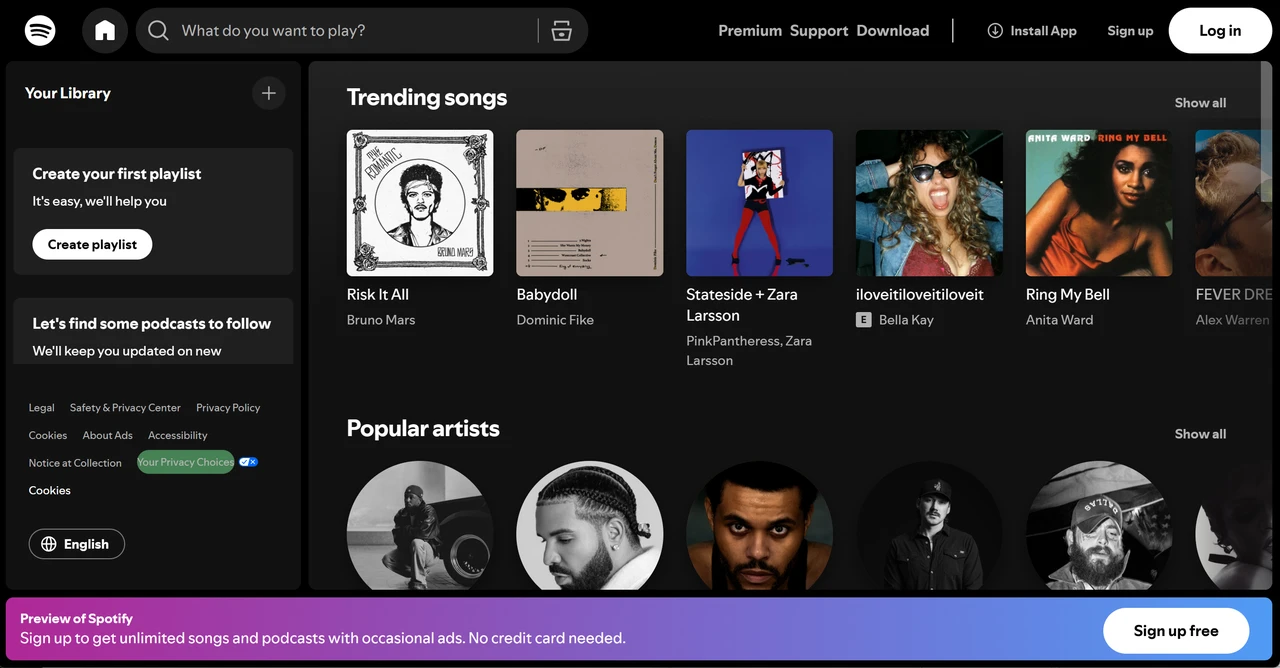
Spotify's design hub showcases its design thinking process. Case studies are beautifully structured. Content is organised logically. The site inspires while informing. It makes you want to work there.
- Key takeaway: A careers page is a design project. Show your process, not just your finished work.
Dropbox
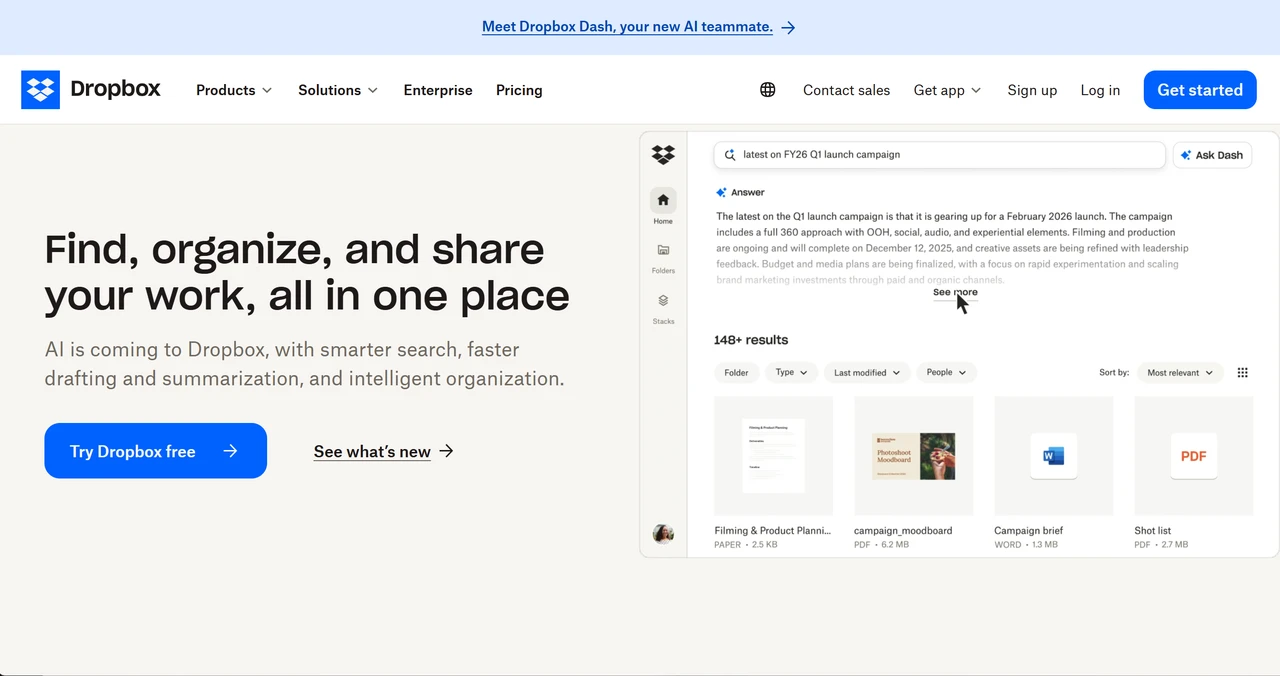
Dropbox stripped away complexity and focused on one message: your files, anywhere. The homepage is clean, direct, and conversion-focused.
- Key takeaway: Sometimes the best design is knowing what to remove. Clarity beats cleverness.
Re:Coded
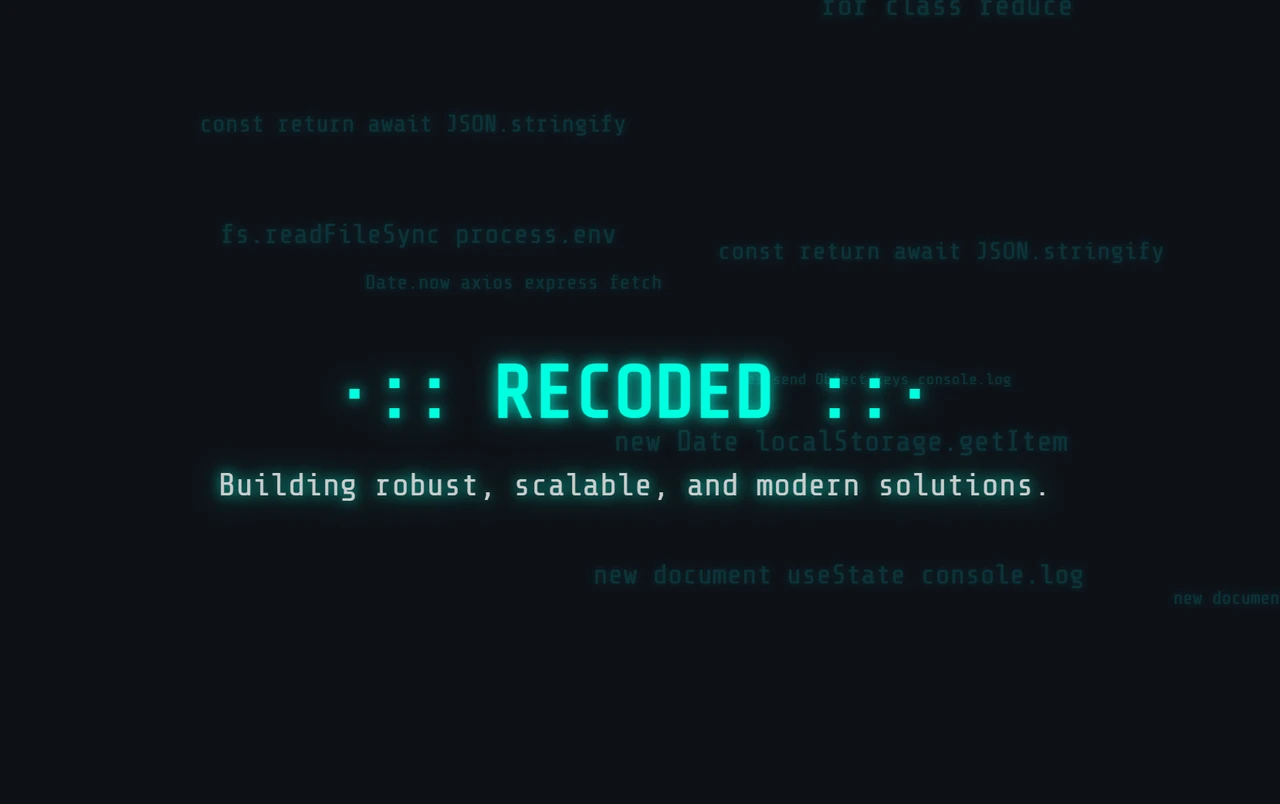
This educational platform for coding courses demonstrates a clear homepage. Bold headlines pair with concise descriptions.
- Key takeaway: Nonprofits and educational organisations deserve good design too. Purpose-driven sites can still be professionally executed.
11 Catastrophic Bad Website Design Examples
Craigslist
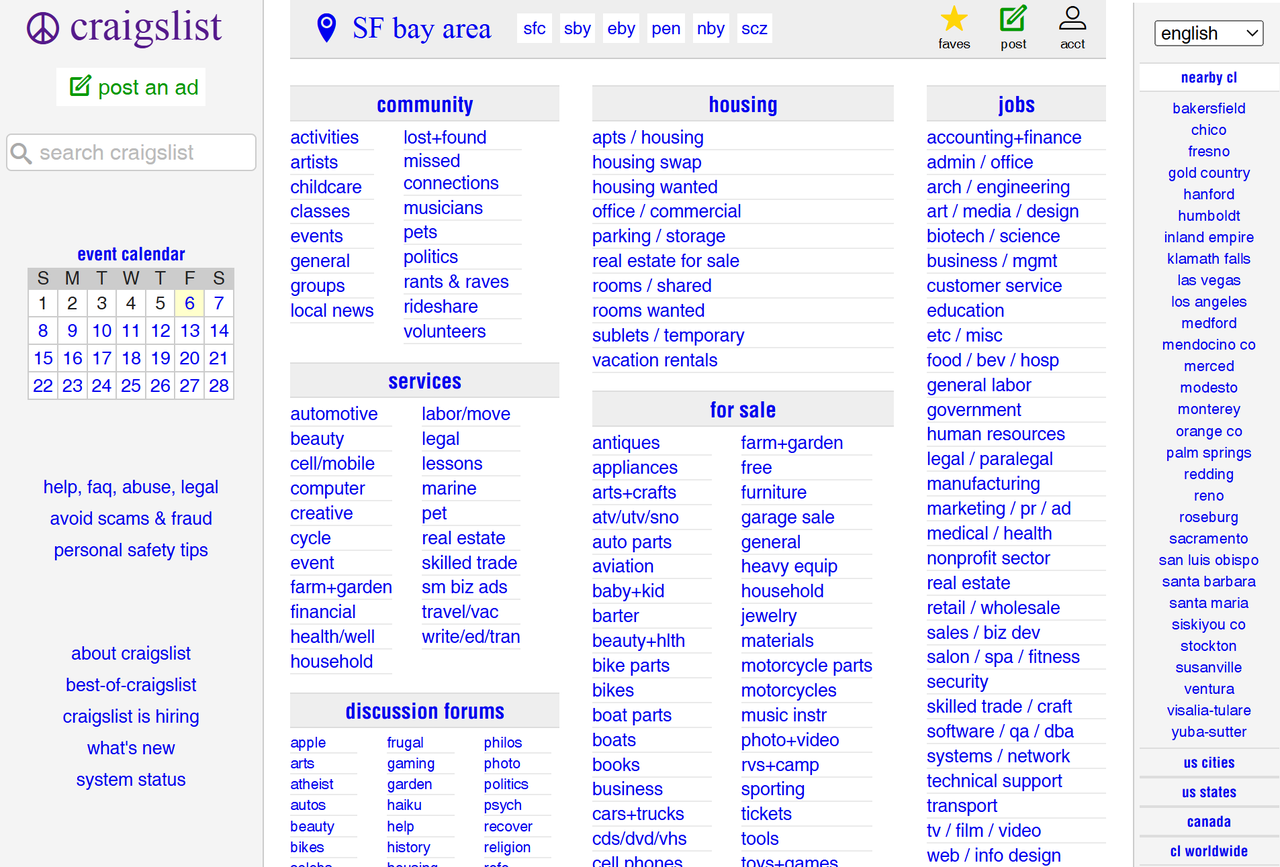
This classifieds giant hasn't updated its design since 1995. The homepage displays every category simultaneously, creating visual chaos. Images are tiny and low-quality. Navigation is limited to two dropdown menus. There's no mobile optimisation to speak of.
- Key takeaway: Functionality can survive bad design for a while, but eventually, technical debt comes due.
Arngren
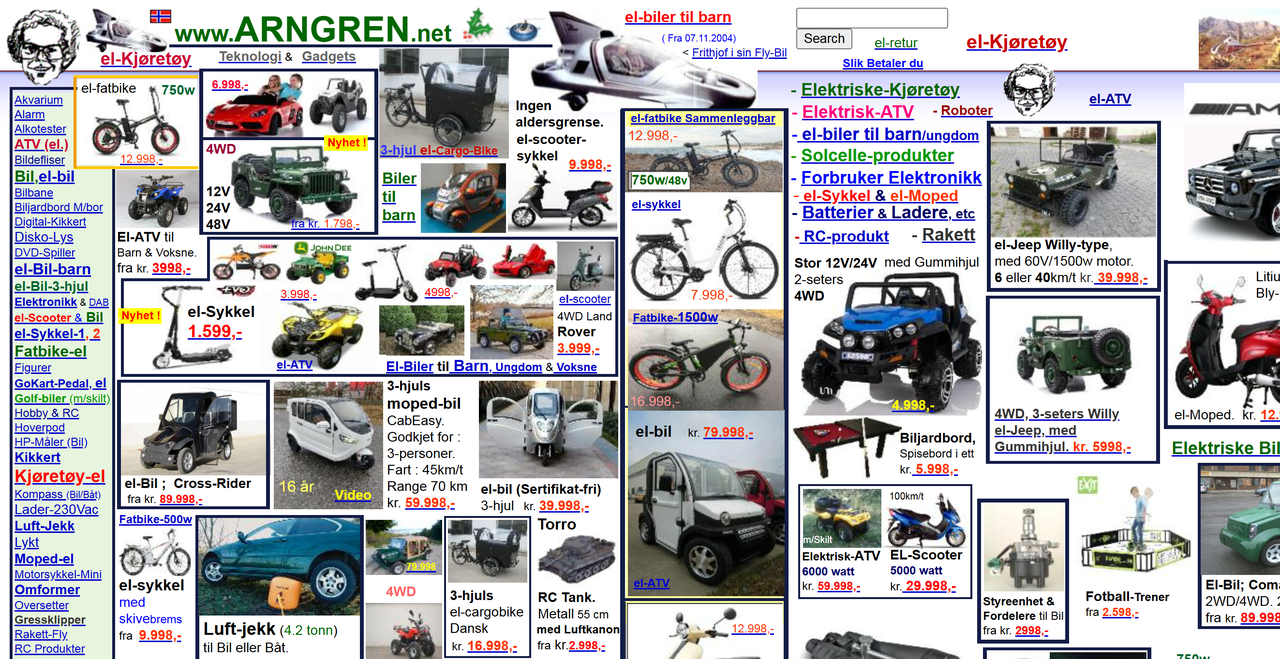
This Norwegian e-commerce site looks like a time capsule from 1988. The homepage is packed with overlapping images of varying dimensions. There's no hamburger menu—just a chaotic list of categories in different fonts and colours. Loading times are painfully slow regardless of device or connection speed.
- Key takeaway: If your site looks like a scam, people won't buy.
Ling's Cars
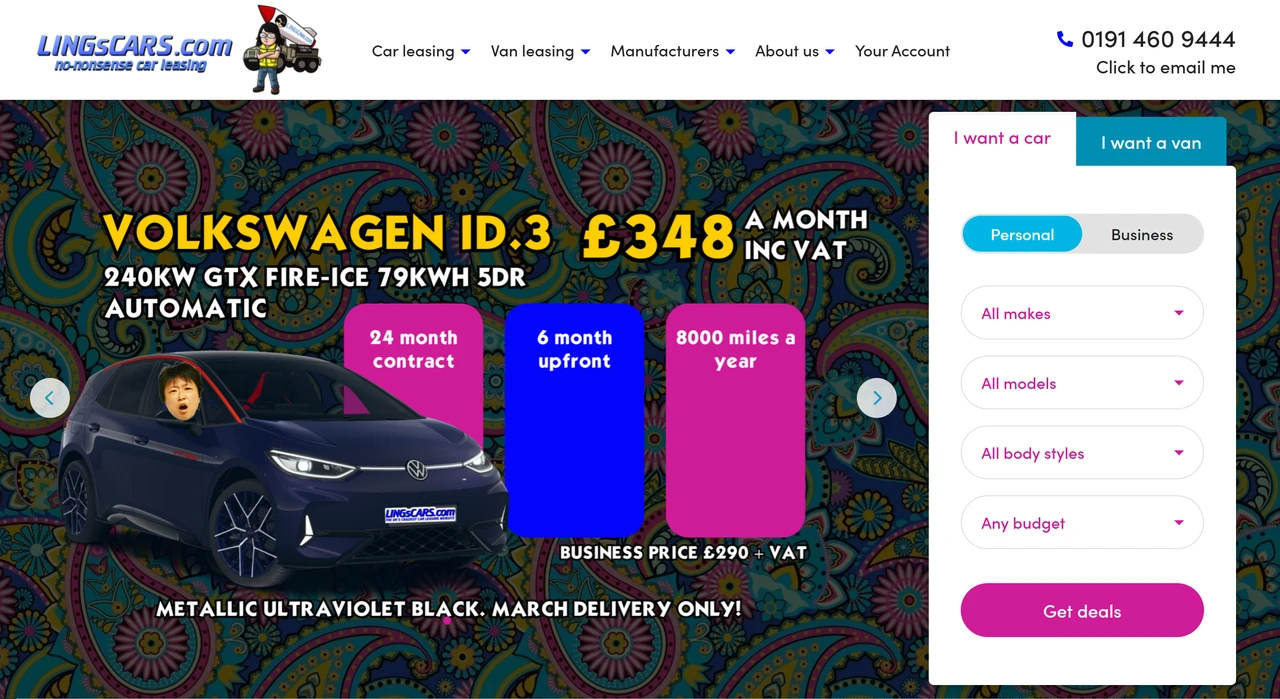
This UK car leasing site uses cartoonish illustrations instead of real car images, signalling potential fraud. The mega menu has broken links. Data appears outdated. The owner focuses more on self-promotion than website maintenance. It's aggressive, confusing, and deeply unprofessional.
- Key takeaway: Your images represent your brand. Stock photos are better than misleading ones.
ZARA
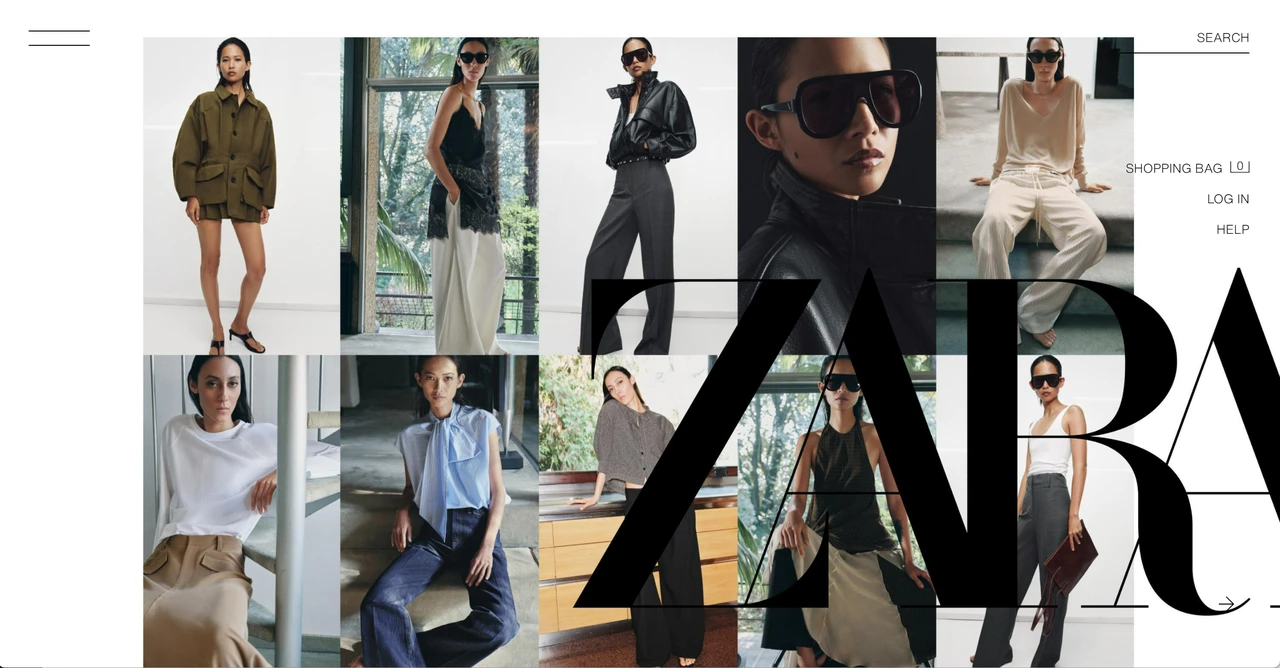
ZARA's shows a few model images with no clear commercial purpose. Users couldn't find the hamburger menu. The category jump buttons disappeared when scrolling. The sticky brand logo blocked the content view. Every element seemed designed to frustrate shopping.
- Key takeaway: Even major brands can produce terrible UX. Brand recognition doesn't equal good design.
Yale School of Art
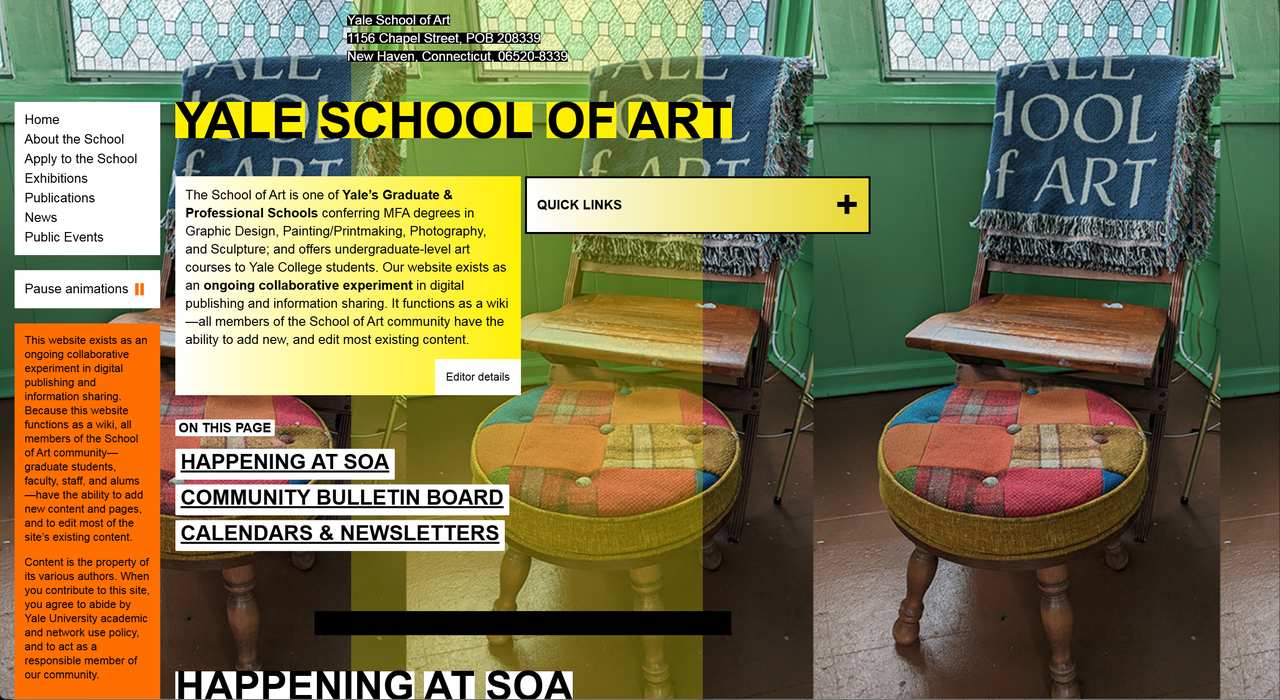
This prestigious art school's website looks like a chaotic scrapbook. Homepage sections are scattered unpredictably. It's unclear what's clickable and what's decorative. The only sensible navigation is "Quick Links." The colour palette, shapes, and forms are inconsistent. It signals "we don't update this."
- Key takeaway: Art schools can afford experimental design—but confusion isn't experimentation. Even avant-garde needs logic.
MSN
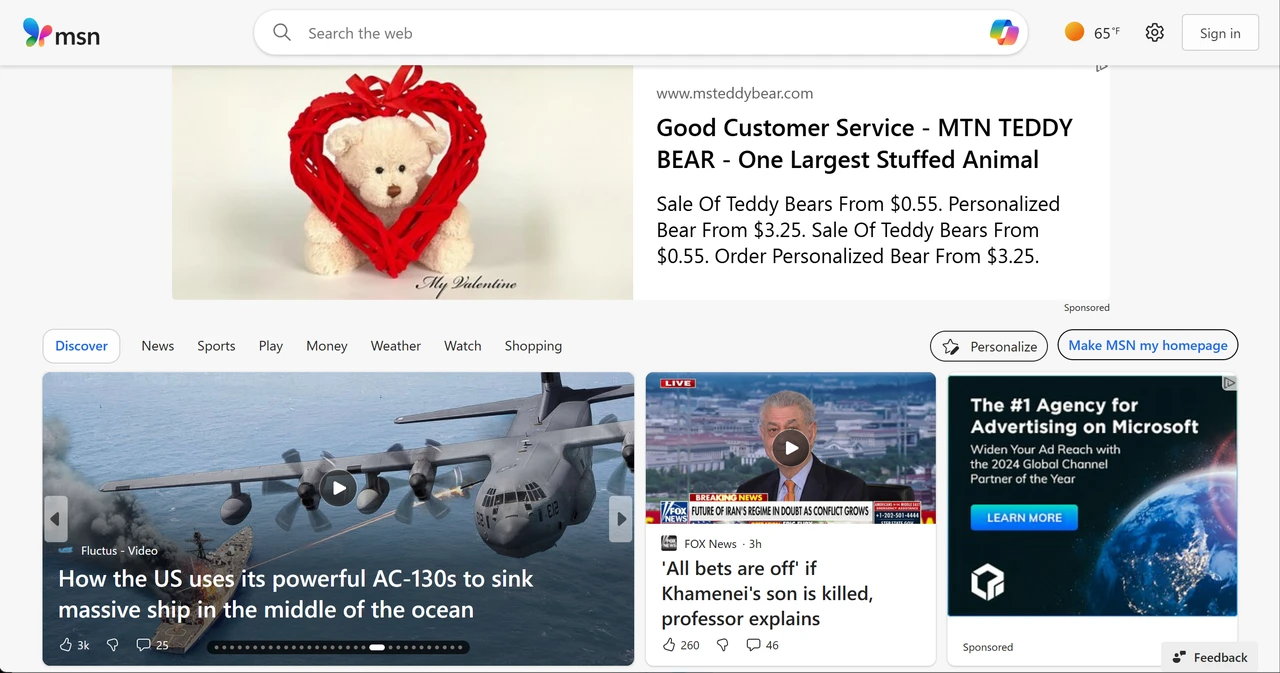
Portal sites from the early 2000s were information overload nightmares. Every inch of screen space was monetized. News headlines competed with ads, weather widgets, stock tickers, and email prompts. Finding actual content required excavation.
- Key takeaway: Information is not engagement. More content doesn't mean a better experience.
eBay
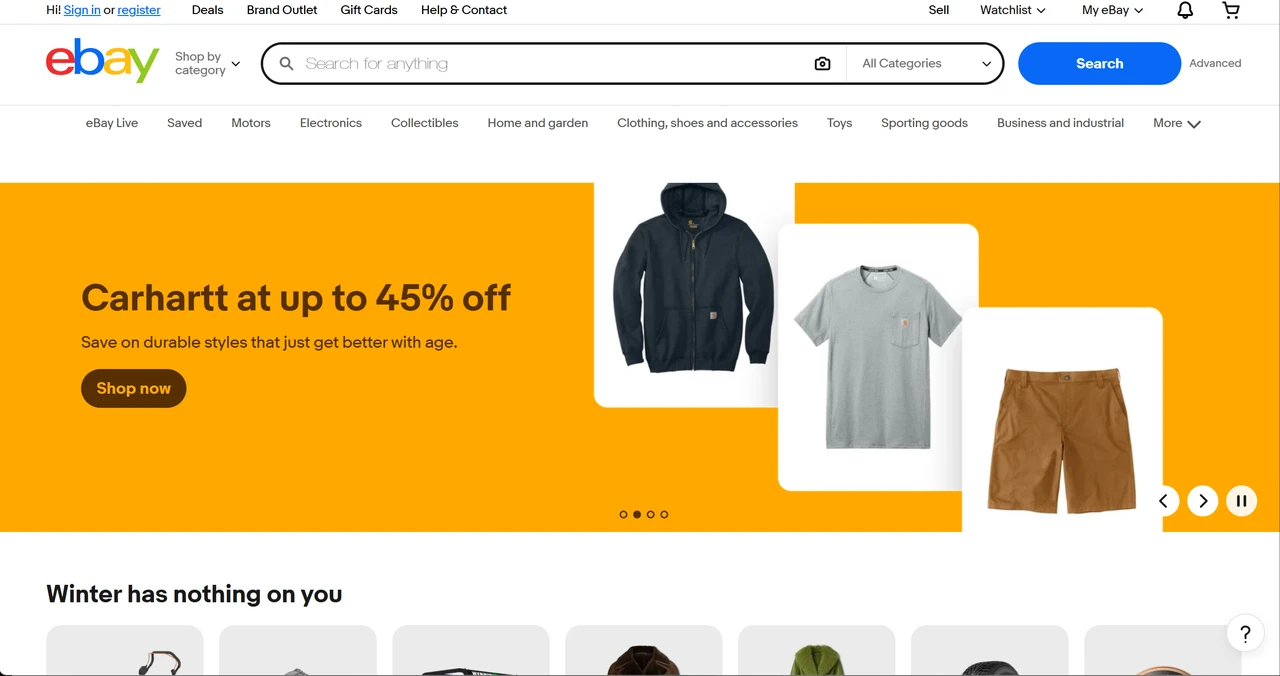
eBay's design was an advertisement graveyard. Listings were surrounded by "sponsored" intrusions. The interface was cluttered with upsells, premium placement notices, and competing CTAs. Finding actual products through the noise was exhausting.
- Key takeaway: Every add-on has a cost. Sometimes called "feature creep", each new element reduces focus.
MySpace
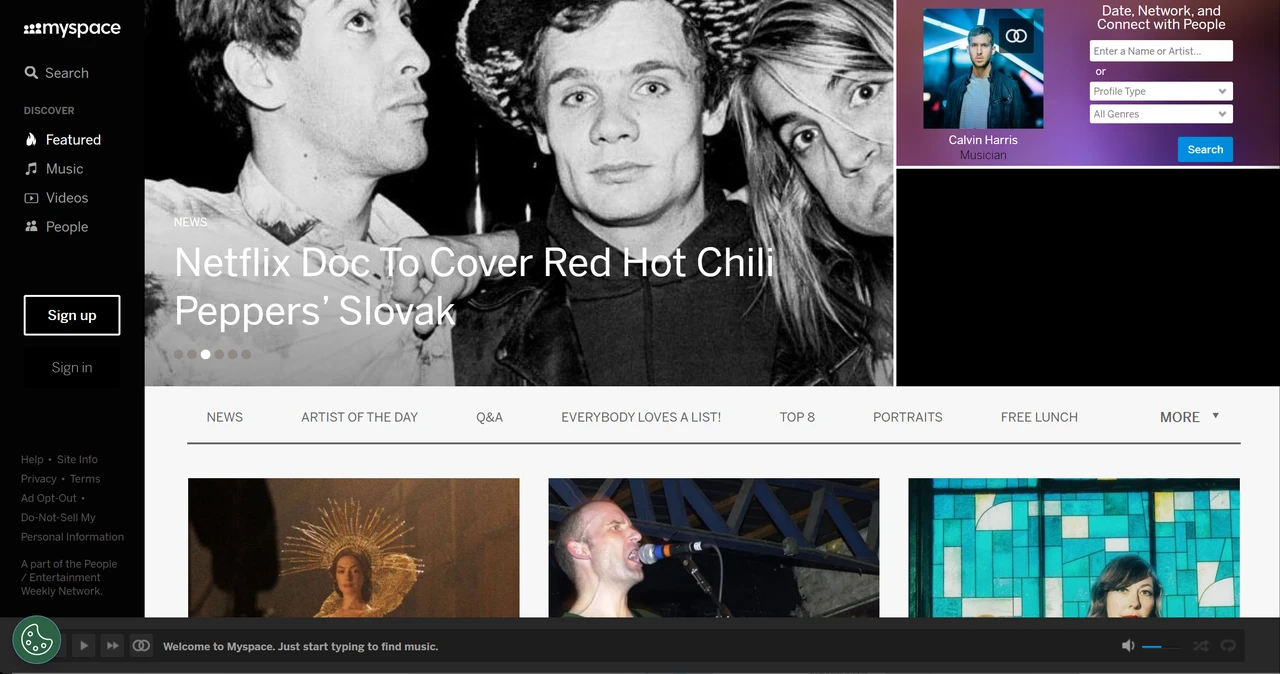
Remember when every profile looked like a Christmas tree exploded? Custom backgrounds, animated GIFs, auto-playing music, scrolling text. Personal expression trumped readability. Profiles were impossible to navigate. The "users can do whatever they want" philosophy destroyed usability.
- Key takeaway: Freedom without structure creates chaos. Offer customisation, but within thoughtful guardrails.
Wikipedia: Skin
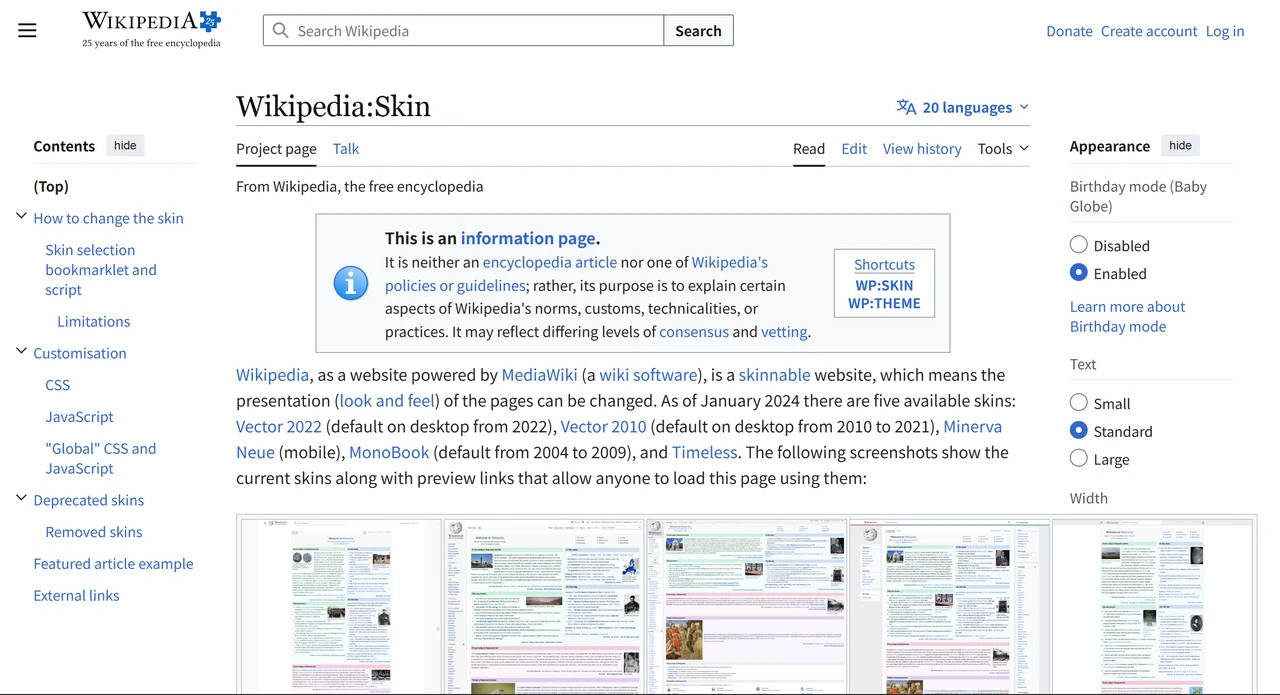
Wikipedia's attempt at "accessible" skins sometimes went wrong—extreme colour contrasts, unreadable text, disorienting layouts. The lesson? Accessibility requires testing with actual users—not just good intentions.
- Key takeaway: Accessibility is complex. Test with diverse users. What works in theory often fails in practice.
GE's 90s Corporate Site
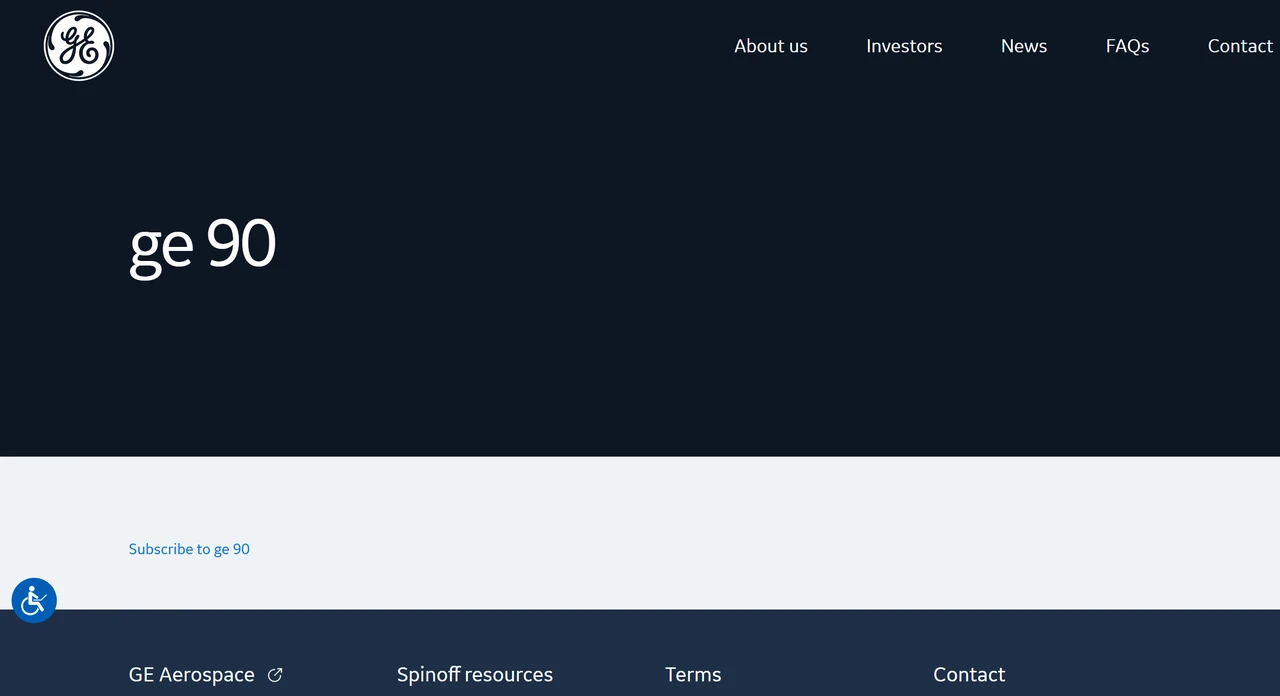
General Electric's corporate site from the 90s was an HTML wonder of frames, blinking text, and "under construction" GIFs. It embodied everything wrong with early web design—tech-forward but user-hostile.
- Key takeaway: Being cutting-edge doesn't equal being good. Innovation without user research is just experimentation.
Flash Era Corporate Sites
Remember when corporate sites required Flash plugins? The sites were beautiful but unusable. No mobile support. No SEO. Every "interactive experience" actually prevented engagement. The Flash era taught the industry that form must serve function.
- Key takeaway: Cool technology that frustrates users is just cool frustration. You should always prioritise user experience over technical showmanship.
What Separates Good from Bad
After analysing hundreds of these examples, here's what separates the brilliant from the broken:
Clarity Over Cleverness
Good websites answer one question immediately: "What does this company do?" Bad websites make you figure it out.
Speed Is a Feature
According to research from Google, 53% of mobile users abandon sites that take more than 3 seconds to load. Every second of delay tanks conversions. Good design is fast design.
Navigation Should Be Invisible
Users shouldn't think about navigation. They should click and arrive. Good sites have 3-5 main categories. Bad sites require a map.
Mobile Isn't Optional
As noted by Statista, 62.54% of global web traffic comes from mobile devices in Q2 2025. If your site doesn't work on phones, you're ignoring the majority.
Purpose Drives Every Decision
Every element should serve a goal. Good sites have strategic CTAs. Bad sites have "contact us" buried in footers with no clear purpose.
How to Build a Well-Designed Website in 10 Minutes
Here's where hope enters the chat.
You just saw what separates good from bad. But building a professional site used to require design skills, coding knowledge, or expensive agencies. You don't have to learn that anymore.
I tested Wegic. An AI website builder that creates complete, professional websites through conversation. Facts speak louder than words.
Building a Professional Business Site
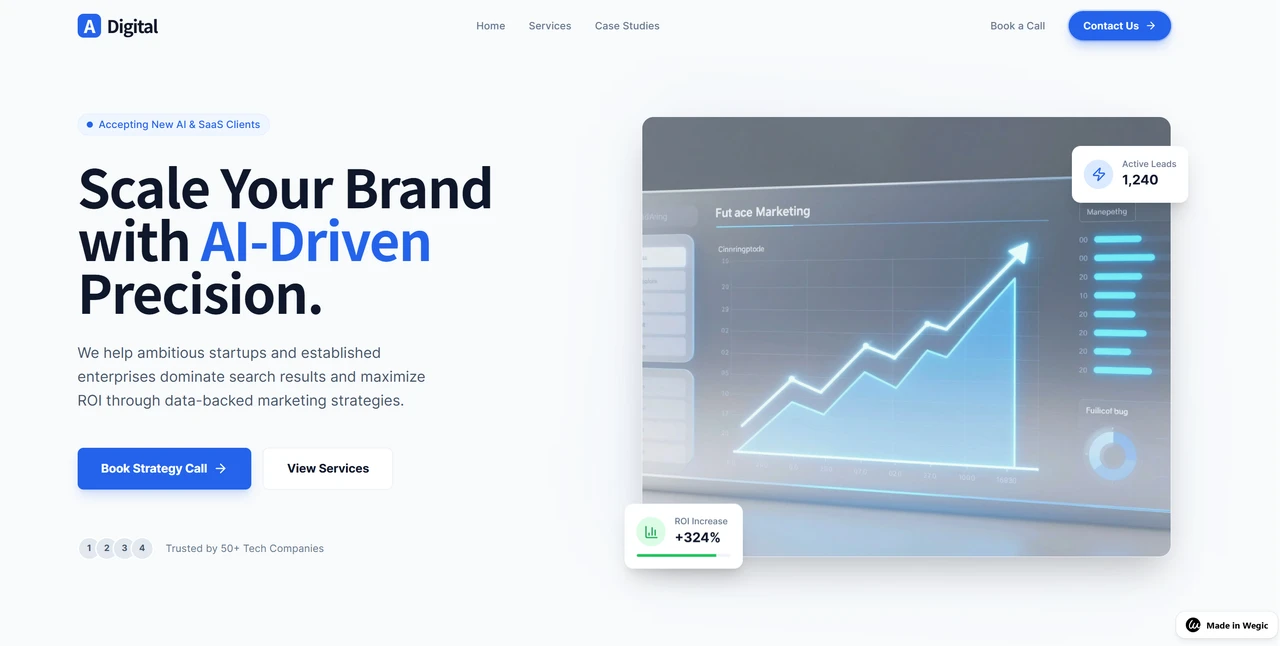
I built a website for a fictional digital marketing agency called "ClearView Marketing." Here's exactly how it went:
Step 1: Describe What You Need
I opened Wegic and typed:
"I need a professional website for a digital marketing agency. Clean, modern, focused on showing services and client results."
One sentence. That's it.
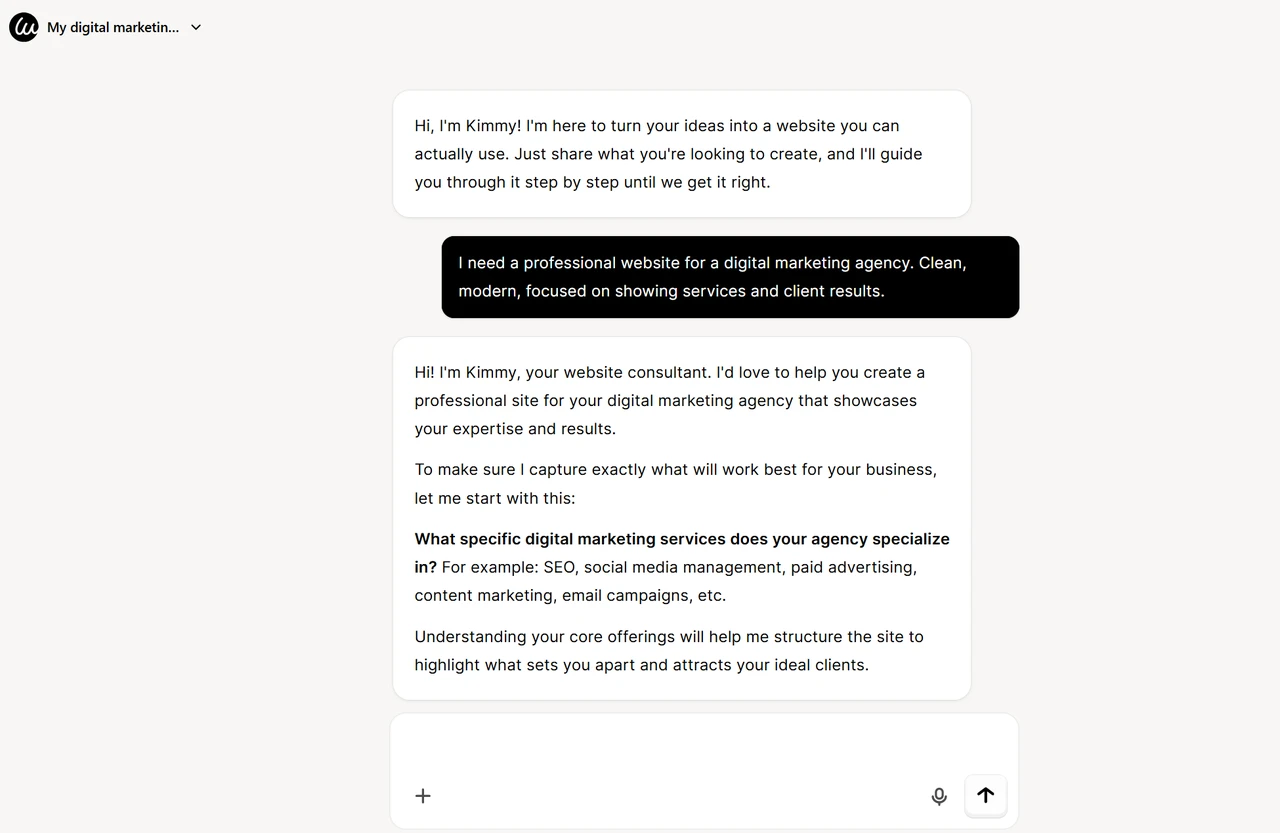
Kimmy acknowledged my request and started gathering details.
Step 2: Answer Quick Questions
Wegic asked about my target audience, key services, and style preferences. Each question took 5 seconds.
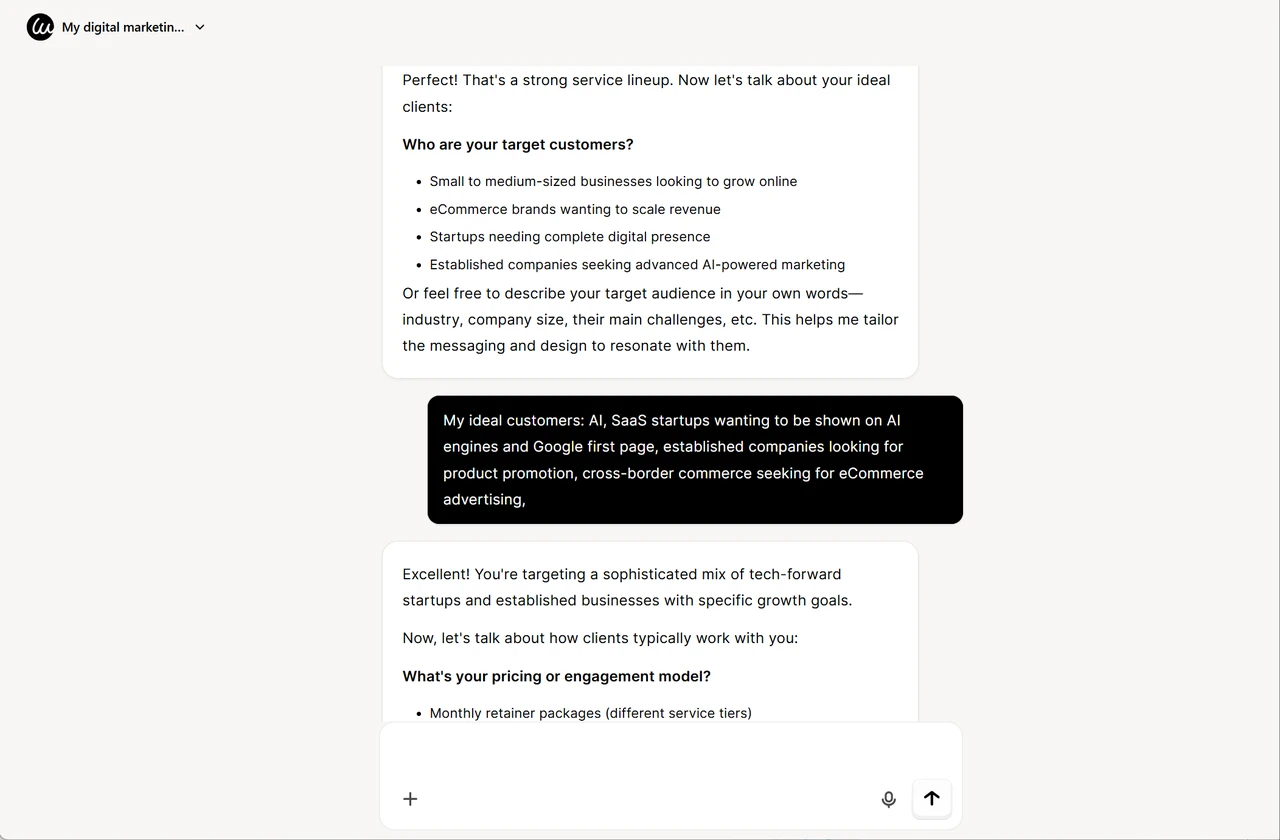
I specified:
- Target Customers:
- AI/SaaS startups seeking visibility on AI engines and the Google first page
- Established companies looking for product promotion
- Cross-border commerce businesses need eCommerce advertising
- Design Style: Tech-Forward Minimalist
- Website Language: English
- Content Plan:
- Hero section with a clear value proposition
- Services showcase (AI SEO, backlink building, social media, PPC, eCommerce marketing)
- Client results with upward-trending data charts and case studies
- Process/methodology section
- Contact section with meeting booking CTA
- Contact Information:
- Phone: +1 267-783-4298
- Email: adigitalmarketing@gmail
- Calendar: Calendly booking link
- Location: San Jose, CA (Google Map integration)
- Social Media: LinkedIn, Facebook, X, Instagram, Threads, YouTube (placeholder icons)
- Collected Assets: AI-generated professional placeholders, including upward data charts for use cases
Step 3: Review Design Options
Within 90 seconds, Wegic generated 5 complete design concepts. Each was professionally executed with different vibes: bold, minimal, creative, and corporate.
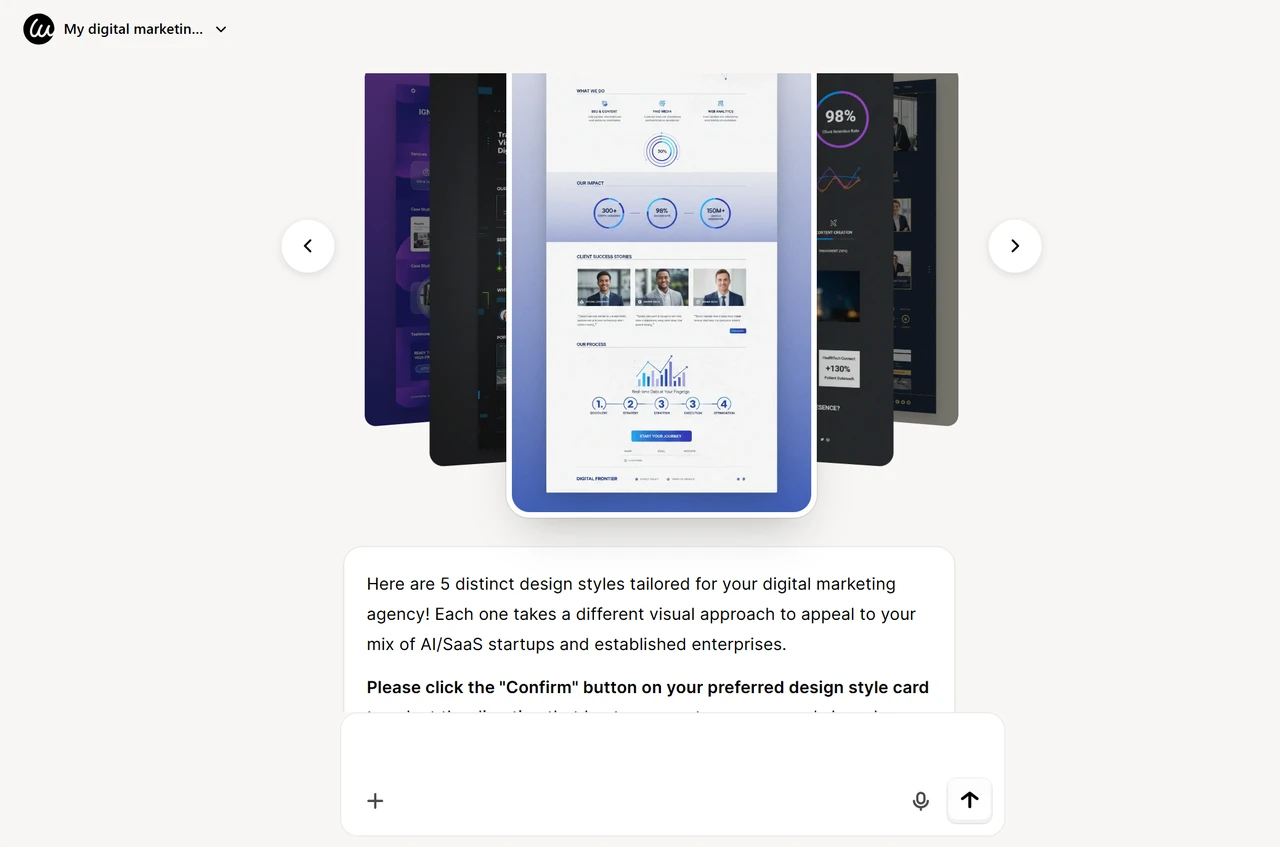
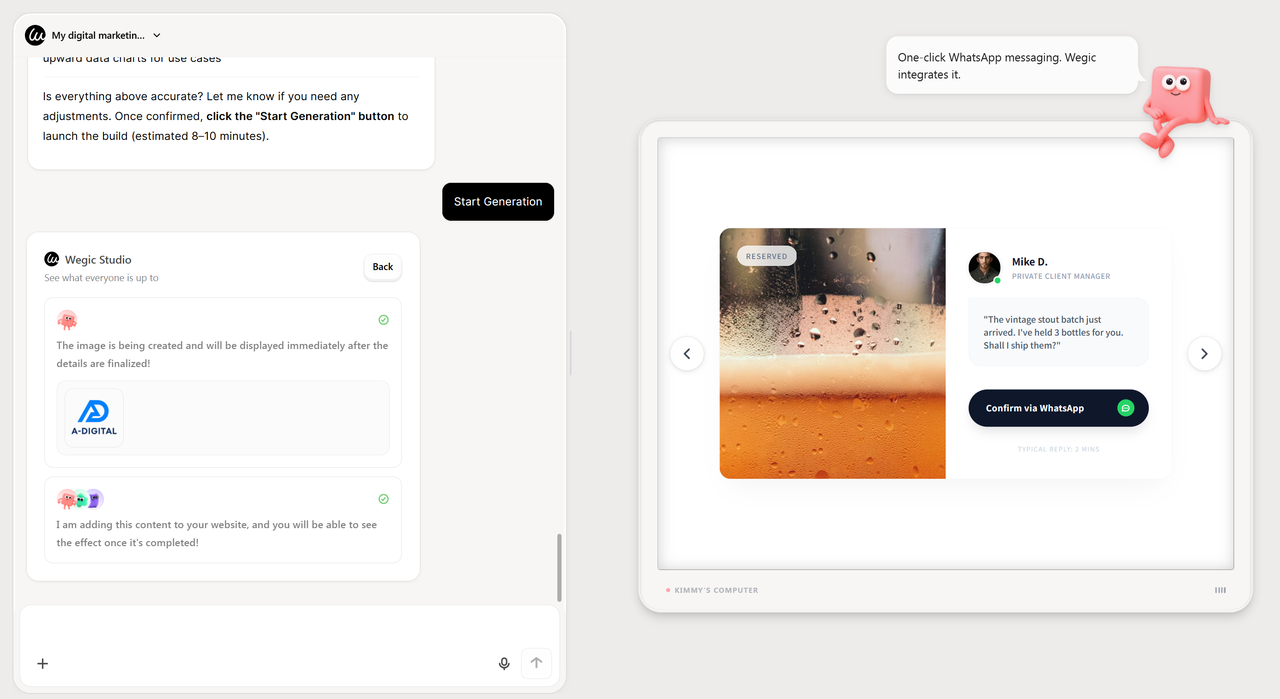
I chose "Tech-Forward Minimist" and asked Kimmy to generate my site. It said that the process was estimated to be 8-10 minutes, so I've developed a habit of looking into what Wegic Studio is thinking when building and designing my website under construction:
Step 4: Refine Through Conversation
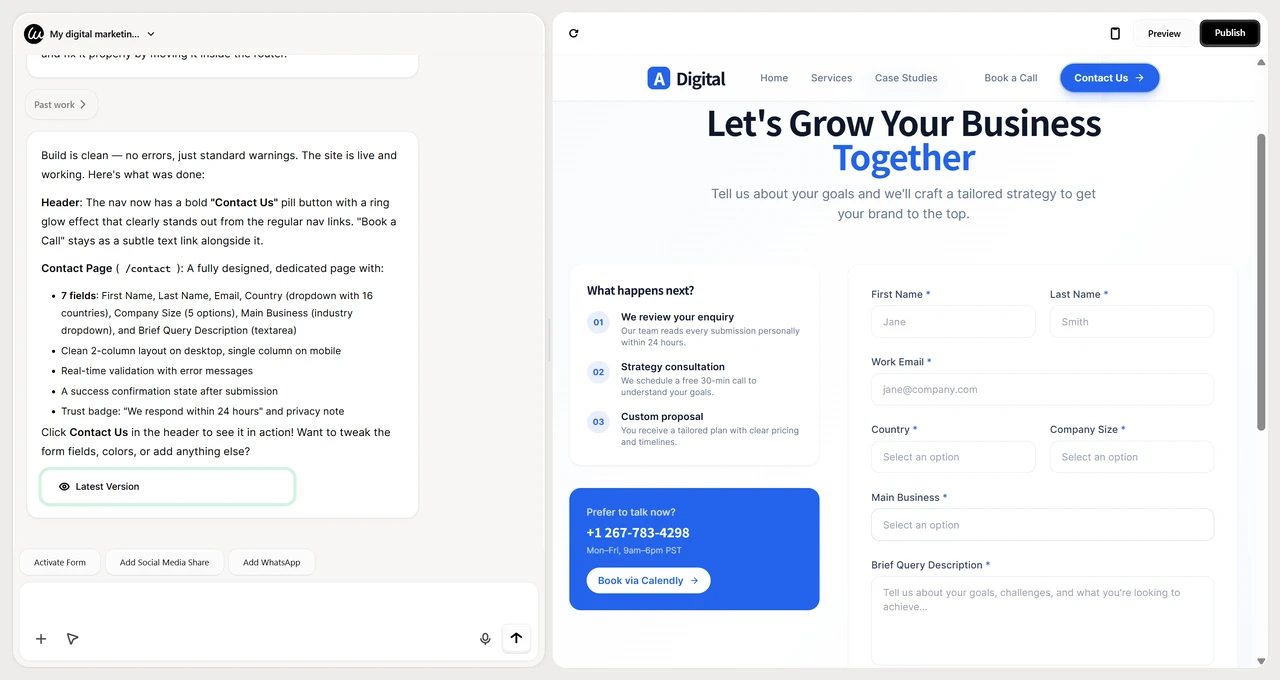
Here's the magic. I wanted to add a "Book a Call" button prominently. I typed:
"Add a 'Contact us' button in the header, make it stand out"
That's what it created:
The Final Result
Here's what my website's latest version looked like:
Good Website Design Is Accessible in 2026
You now have 22 examples of what works, what destroys it, and why. The gap between professional and amateur isn't talent. It's tools.
The old way (hiring designers, learning code, spending months) is dead. The new way? AI-powered builders like Wegic create professional sites in minutes.
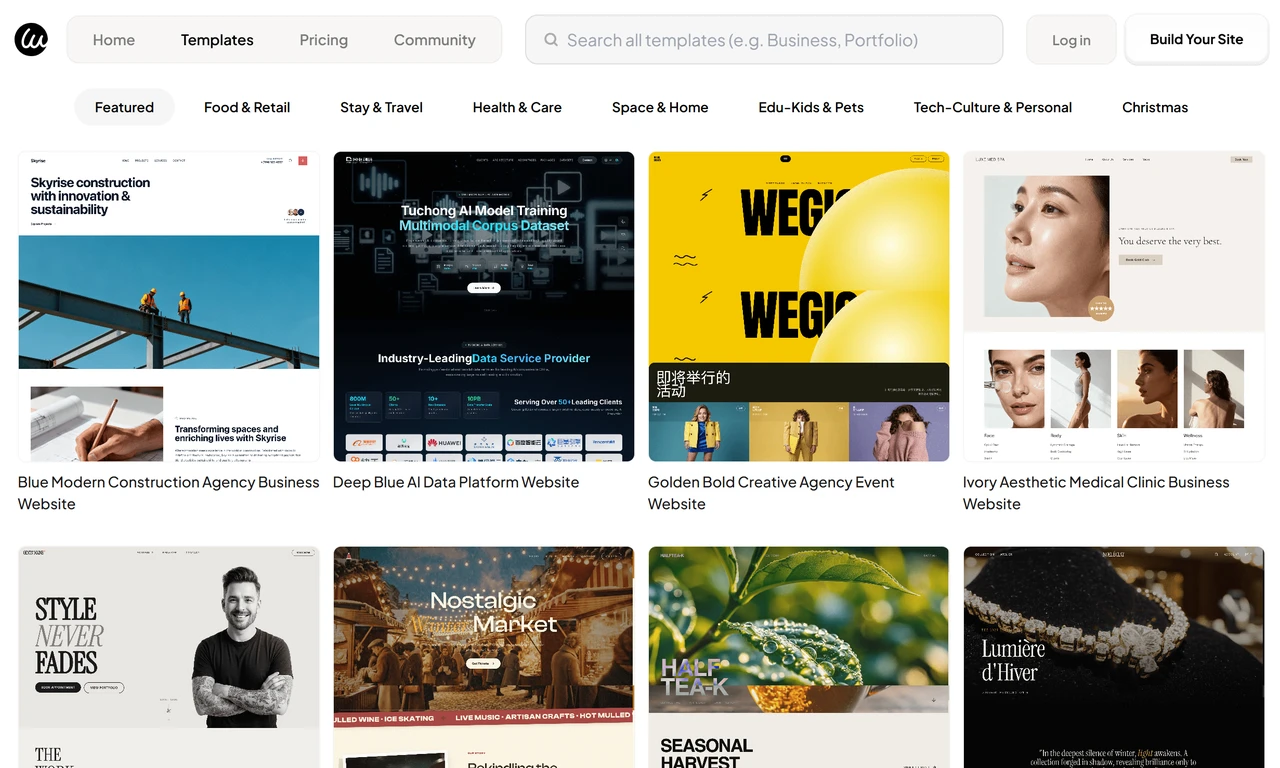
Good website design examples should be achievable. Now they are. In Wegic Templates, you can find well-designed, good website design examples to get inspiration.
Ready to build something professional? Head to Wegic and start chatting. Your well-designed website is closer than you think.
Frequently Asked Questions
What makes a website design "good"?
Good website design prioritises clarity, speed, and user experience. It answers "what do you do?" within 3 seconds, loads quickly, works on mobile, and guides visitors toward actions. Every element serves a purpose. Want to build a good site fast? Try Wegic's AI website builder for professional results without the complexity.
What makes a website design "bad"?
Bad design confuses visitors, loads slowly, breaks on mobile, and prioritises flash over function. Cluttered layouts, poor navigation, and broken links destroy trust instantly. Users form opinions in 0.05 seconds. Building a website with AI tools like Wegic eliminates these common mistakes.
How much does professional website design cost?
It varies. Wegic offers a free start. Traditional builders: $10-30/month. Hiring an agency: $2,000-50,000+. The best approach: start free, upgrade when you need more.
Can I build a professional website without design skills?
Absolutely. Wegic is built specifically for people who've never designed anything. You describe what you want, and AI builds it. 80% of users had zero experience.
What's the best website design template for a small business?
For most small businesses, clean and simple wins. Look for templates with clear CTAs, mobile responsiveness, and fast loading. Wegic's business templates are built specifically for this.
How do I know if my website design is good?
Three tests: (1) Can someone understand what you do within 3 seconds? (2) Can they find what they need within 3 clicks? (3) Does it work perfectly on mobile? If yes, your design is good.