AI Replica Website Builder: Paste a URL, Ship a Site You Own
Paste a URL. Upload a screenshot. Sketch a layout on a napkin. Wegic's AI replica website builder reads the reference, extracts the structure and design tokens, then hands you the keys—swap in your brand, copy, and assets through chat until the site that ships is unmistakably yours.

Replica capabilities that put Wegic ahead of every website cloner
Five capabilities a serious AI replica website builder should ship with—visual reference inputs, design token extraction, cross-platform migration, full-site reconstruction, and an ethical reference-to-edit workflow—all baked into Wegic from day one.
Feed Wegic a URL, a screenshot, or a hand-drawn reference
Wegic's AI replica website builder takes all three input modes: live URL, static screenshot, or napkin sketch. The Upload Reference Image help docs and the dynamic website builder overview walk through each path.
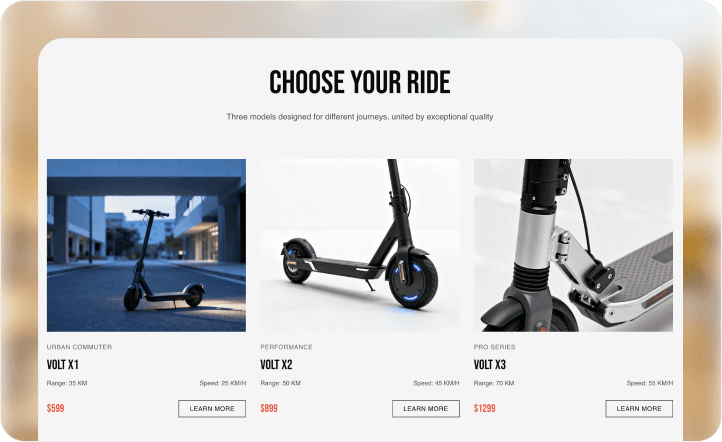
Swap design tokens in chat—colors, fonts, copy, imagery
Rebrand the whole website replica happens in plain English, not CSS. Explore the full conversational DIY website builder flow that makes this possible.
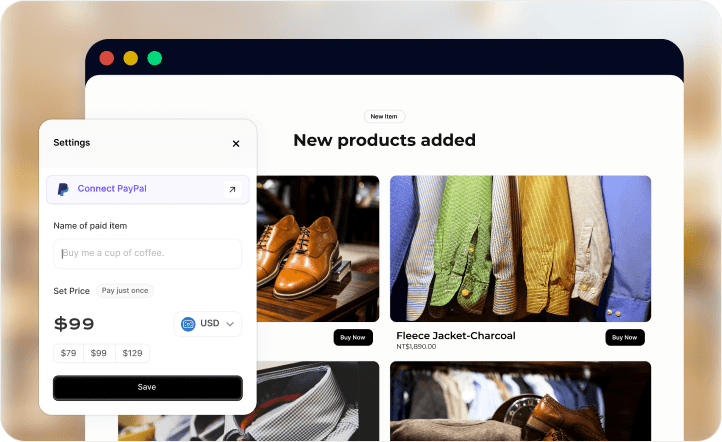
Migrate from WordPress, Webflow, Squarespace, or Wix
Point Wegic at your old WordPress, Webflow, Squarespace, or Wix site, and the AI replica website builder rebuilds it on a modern stack with fresh SEO. The complete Wegic redesign-with-AI playbook walks through the full migration flow.
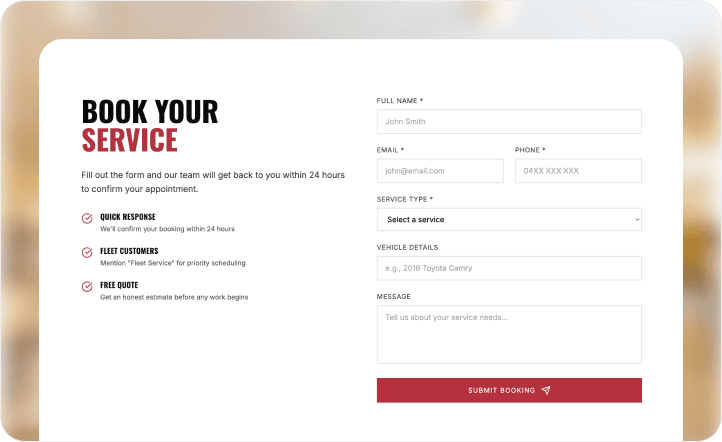
Rebuild every page, not just the homepage
Wegic's AI replica website builder traces the full sitemap, detects template patterns across inner pages, and rebuilds the entire site as a linked multi-page website replica with navigation and breadcrumbs intact.
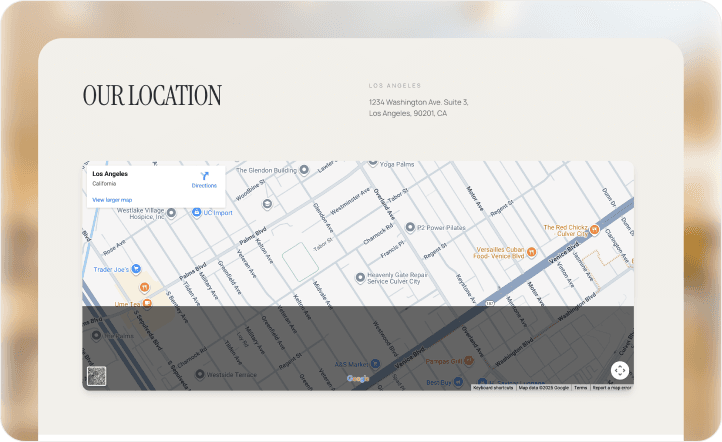
Reference-to-edit workflow—ethical by design
Wegic draws the line explicitly: replicate structure and layout patterns freely; original copy, logos, and brand imagery stay with their owners. Every Wegic replica website session defaults placeholder copy and stock assets for you to override—so what ships is your site, not someone else's.
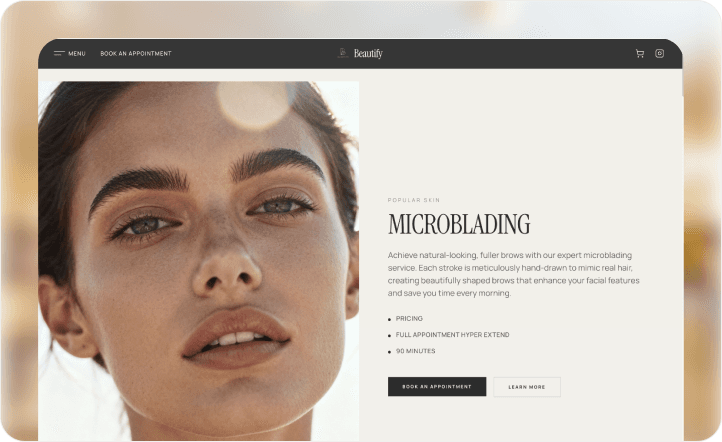
Replica starting points for every reference-to-production workflow
Why freelance designers and agencies call Wegic their AI replica website builder
Client emailed me a reference link and the classic brief—'make ours look like this, but with our brand.' No Figma, no spec. I pasted the URL into Wegic's AI replica website builder, got a clean structural replica back in under two minutes, then chatted it through: swap the palette to ours, pull the copy from their brief doc, re-render the hero with their product screenshot. Shipped the same afternoon. Client thought I had three designers on it. This is how I start every engagement now—Wegic handles the replica, I handle the craft.

The Wegic engine powering every replica website build
Under the hood of every AI replica website builder session sits the production-grade Wegic infrastructure that already powers 500,000+ live sites—from AI coding to one-click publishing.
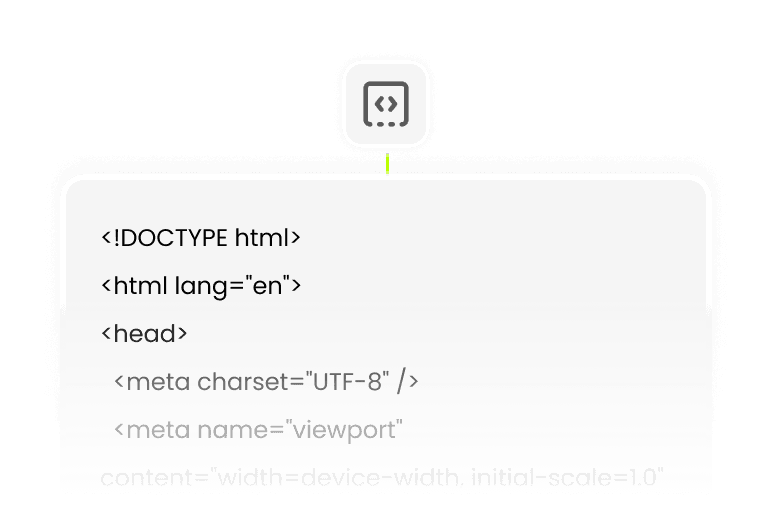
AI coding
Wegic writes production-grade HTML, CSS, and JS for every durable replica website.

Conversational AI editing
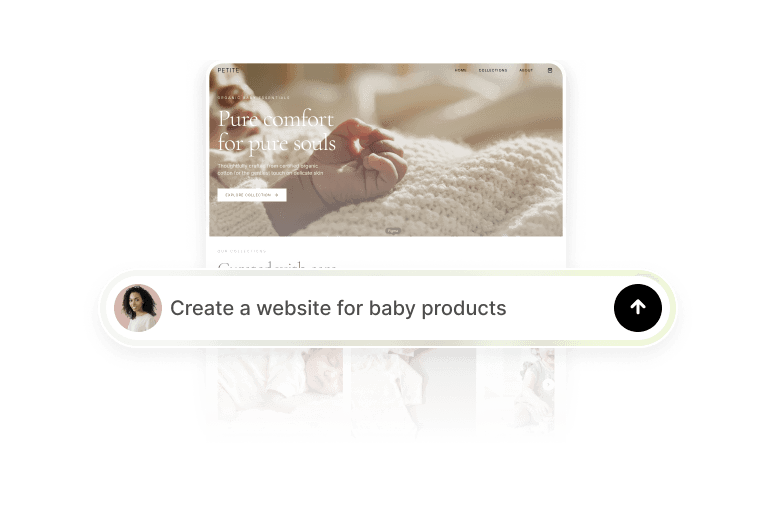
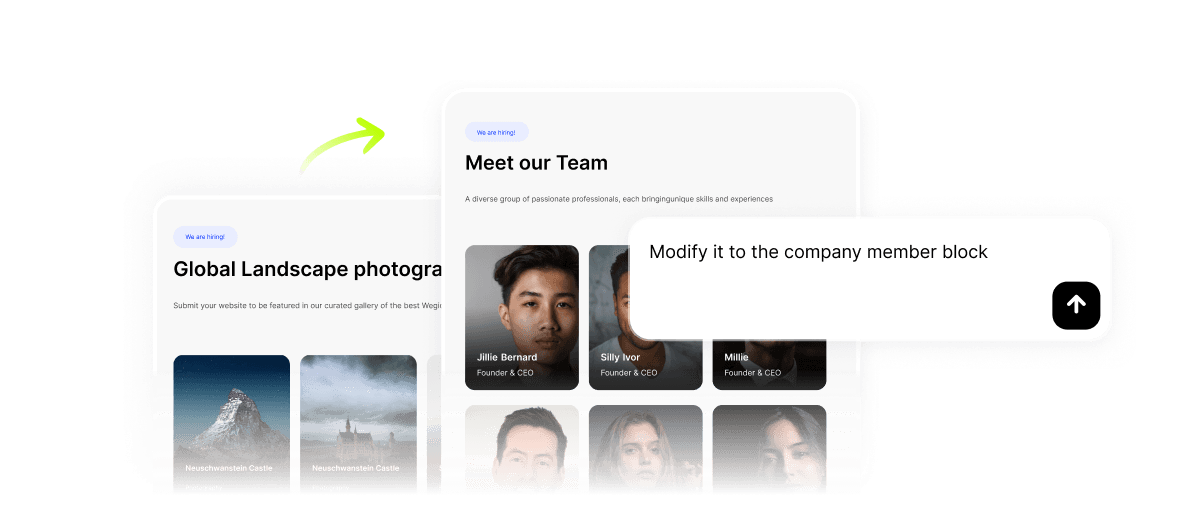
Refine every Wegic replica by chatting—rebrand, rewrite, reshape, no code.
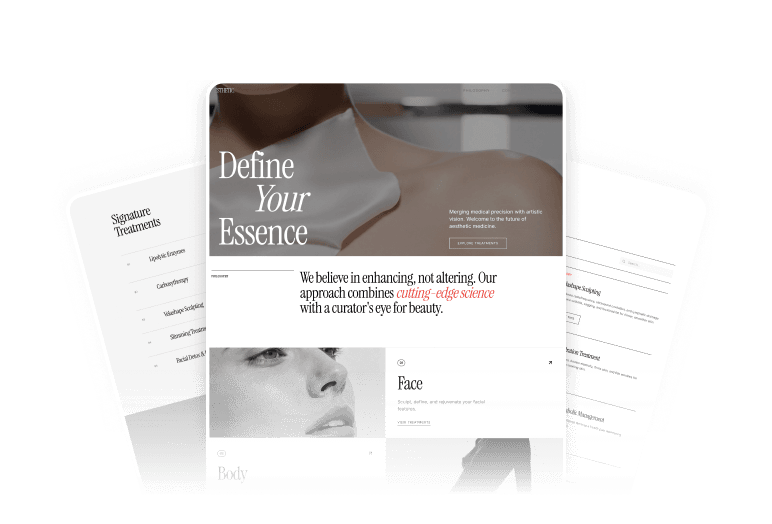
SEO Center with full schema support
Every Wegic website replica ships with a live SEO Center—meta, sitemap, schema.
Custom domain & reliable hosting
Connect yoursite.com—Wegic handles SSL, global CDN, and uptime automatically.
One-click publishing
Hit publish—your Wegic replica website goes live worldwide instantly.
Build an AI replica website with Wegic in 3 steps
Feed Wegic your reference
Paste a URL, drop a screenshot, or sketch a layout. Wegic's AI replica website builder parses structure, color tokens, and section rhythm in under 60 seconds.
Rebrand through chat
Swap colors, typography, imagery, and copy conversationally. Your website replica becomes unmistakably your brand—structure kept, identity rewritten.
Publish as your own site
Hit publish. Wegic pushes your replica live on a custom domain with SSL, SEO, and sitemap baked in—done in minutes, not weeks.
Frequently asked questions
Is it legal to replicate a website with AI?
Short answer: layout and structural patterns are generally not copyrighted; original copy, logos, brand assets, and imagery are. Wegic's AI replica website builder is built around a reference-to-edit workflow—you take structure as inspiration, then replace owned elements with your own brand. Using any website cloner—Wegic or otherwise—to copy a site pixel-perfect for phishing, impersonation, or passing off someone's brand is wrong and violates Wegic's terms of service. When in doubt, only replicate sites you own or have explicit permission to reference.
What reference inputs does Wegic accept?
Three input modes are supported. A live URL works for any public, crawlable site. A static screenshot works for sites behind auth, private designs, or image-only references like a Dribbble shot or a Behance case study. A hand-drawn sketch works for rough layout ideas you want rendered into a real design. The step-by-step Upload Reference Image documentation walks through each path with screenshots.
How faithfully does Wegic's AI replica website builder copy a reference?
High-fidelity on structure: navigation hierarchy, section order, grid layout, spacing rhythm, and typography scale are preserved closely. Intentionally loose on owned brand elements: original copy and imagery are swapped for generic placeholders that prompt you to override them. If you're looking for a pixel-perfect forensic copy, Wegic's AI replica website builder isn't the right tool; if you want a production-ready structural starting point you can confidently rebrand into your own site, Wegic is purpose-built for exactly that.
Is Wegic's AI replica website builder free?
Yes. Wegic ships a free plan with 70 credits—enough to build, refine, and publish a full replica website, no credit card required. Upgrade to unlock custom domains, unlimited pages, priority AI capacity, and Premium features only when you actually need them. See Wegic's pricing page for the full plan breakdown.
Can I migrate my WordPress, Webflow, Squarespace, or Wix site to Wegic?
Yes—this is one of the most common use cases of the Wegic AI replica website builder. Feed Wegic your old site's URL and the AI rebuilds it on a modern, mobile-first, SEO-fresh stack. Blog archives, landing pages, product catalogs, and inner pages all come across. The Wegic redesign-with-AI guide covers the migration playbook end-to-end, including content mapping and SEO preservation.
How does Wegic compare to other AI website cloners?
Most AI website cloners do URL-in, static-HTML-out—and that's it. Wegic's AI replica website builder differs in four meaningful ways: accepts screenshots and sketches alongside URLs, exposes extracted design tokens as chat-editable variables, rebuilds full multi-page sites instead of only landing pages, and ships every replica with production-grade SEO Center and JSON-LD schema. For a broader landscape view of AI website tools, see Wegic's 12 AI website tools comparison.
Do I need coding or design skills to use Wegic?
None. If you can paste a URL and describe a brand, Wegic handles everything else—HTML, CSS, JavaScript, responsive layout, JSON-LD, hosting, SSL, sitemap. The Wegic AI replica website builder is engineered so non-technical founders, freelance designers, and agency project managers can go from reference to a live, rebranded site without writing a single line of code.
Create a website for any business with AI

Russian Jewelry website builder

Saks Fifth Avenue website builder

Saturn website builder

Scale Model website builder

Sbd Employee website builder