Create a Pay with PayPal Website Using AI
Build a professional website where customers can explore your products or services and find a clear path to payment. Present pricing, organize purchase options, and connect supported PayPal payment methods.

Make Paying with PayPal Simple for Your Customers
Customers should understand what they’re buying, how much they’ll pay, and what happens after payment. Create a shopping or service website that connects product discovery with clear payment information and an appropriate checkout path.
Present Products and Services Clearly
Show what customers can purchase, including product details, service descriptions, images, available options, and relevant information that helps them decide before reaching payment.
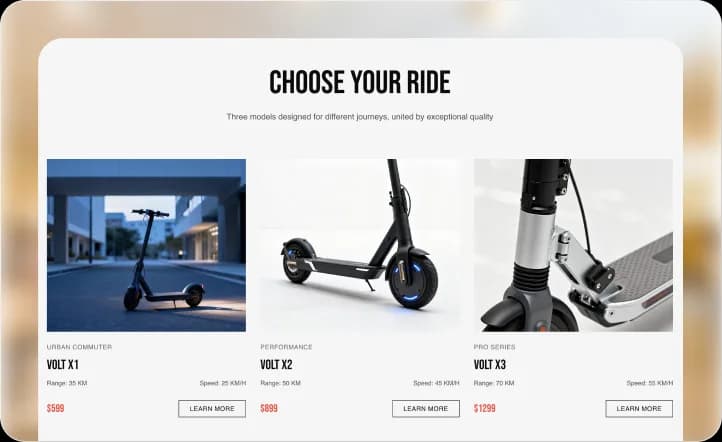
Make Pricing Easy to Understand
Display accurate prices, package details, applicable fees, and relevant purchase conditions so customers understand the cost before proceeding to PayPal or another supported payment method.
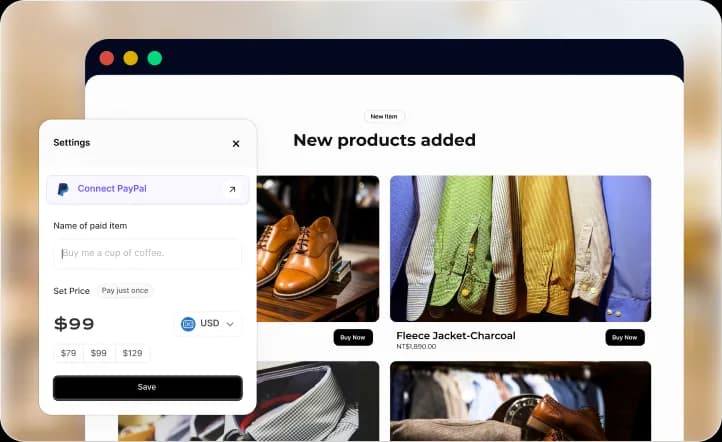
Guide Customers to PayPal Payment
Provide an appropriate payment button, checkout option, or external payment link where supported, giving customers a clear next step after choosing what to buy.
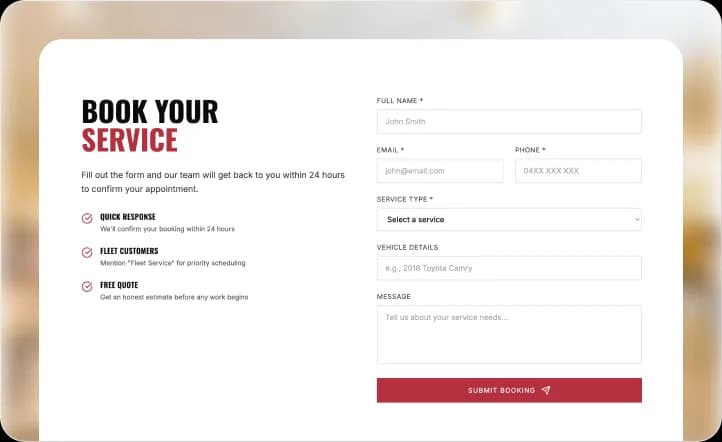
Explain the Payment Process
Help customers understand when they’ll leave your website, where payment takes place, and what they should expect after completing a transaction through the configured provider.
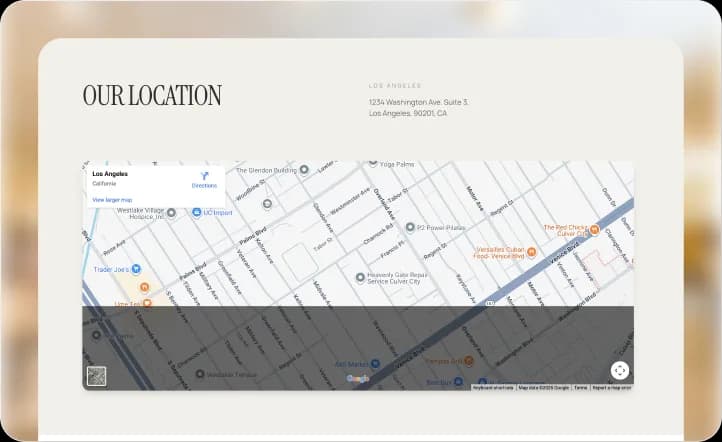
Keep Payment Support Accessible
Make refund policies, order questions, contact information, and customer support easy to find so visitors can resolve concerns before or after making a payment.
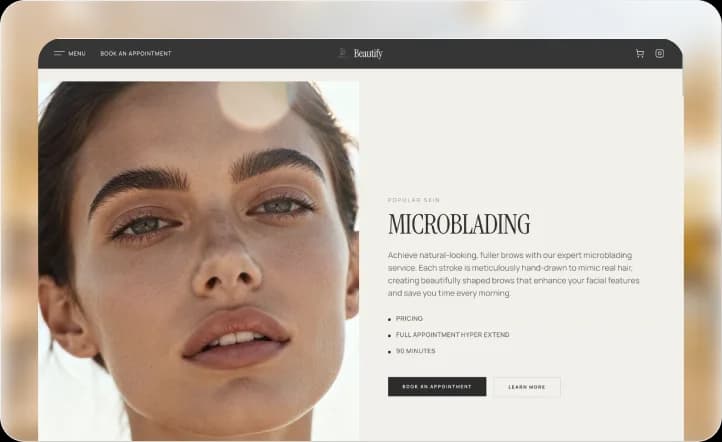
Find a Website Design That Fits How You Sell
Give Customers More Confidence Before They Pay
I wanted customers to understand exactly what they were purchasing before reaching the payment step. Having product details, pricing, and purchase instructions together makes the buying process much easier to follow.
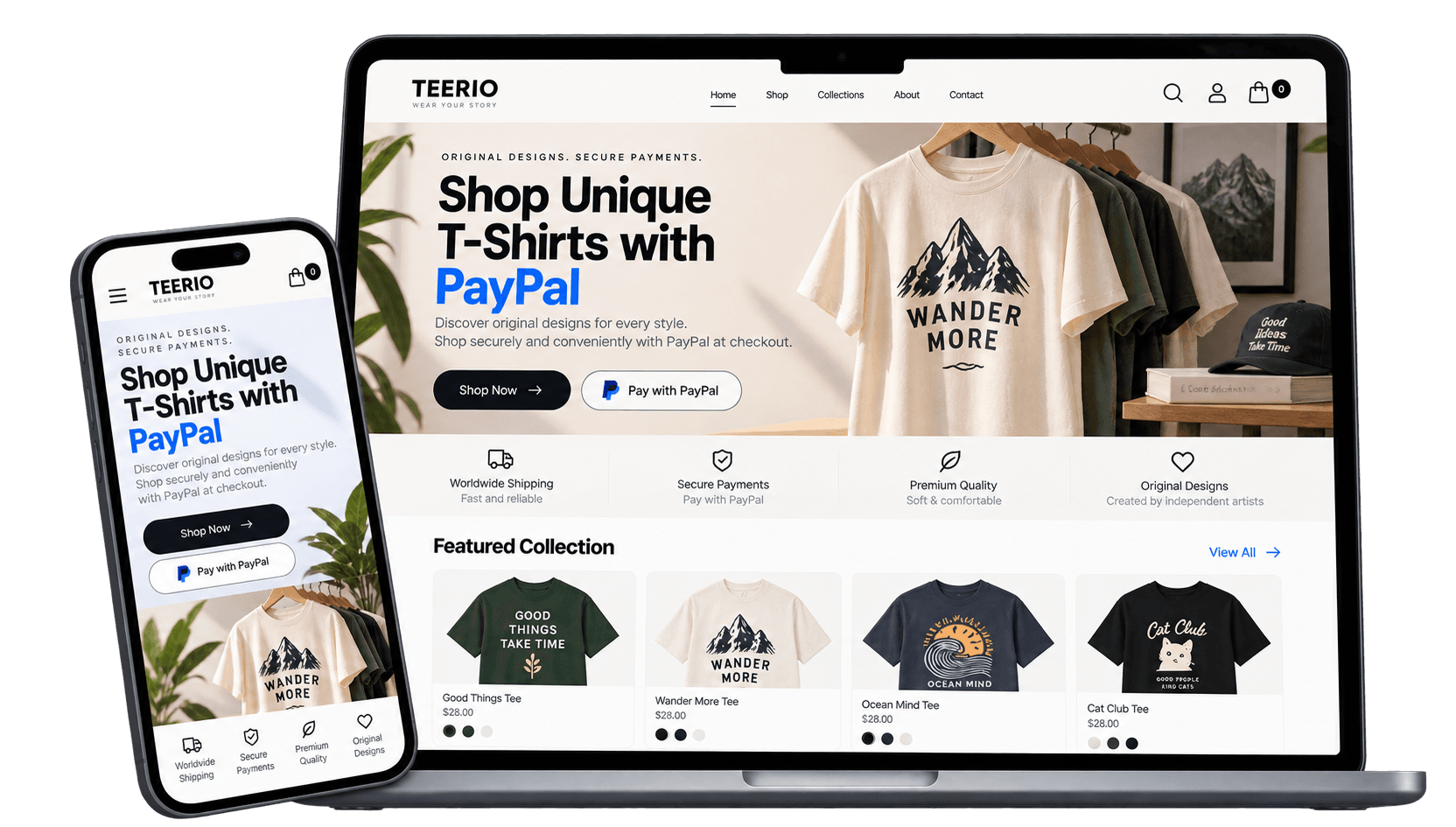
Build a Better Experience Around Every Payment
A payment button is only one part of the buying journey. Use Wegic AI to create the pages, information, and customer experience that help visitors make informed purchase decisions.
Create Pages for Different Offers
Build dedicated pages for products, service packages, subscriptions you genuinely offer, or other purchase options so customers can understand each offer before paying.
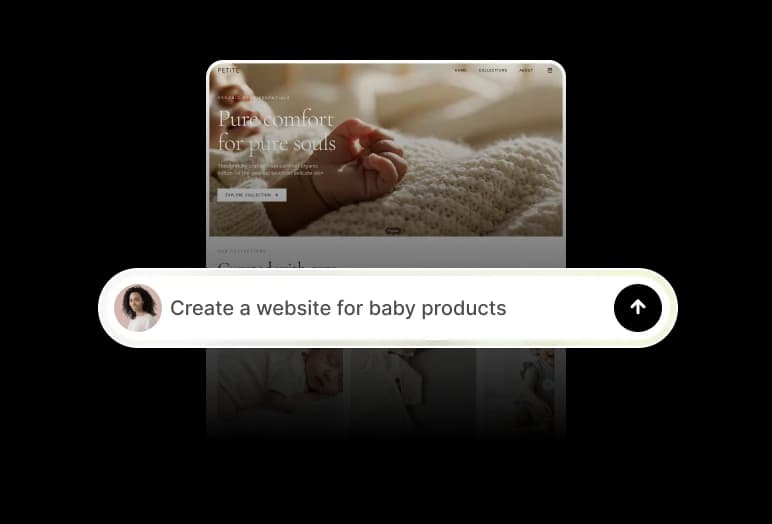
Connect Shopping with Payment
Organize product selection, cart functionality where applicable, and supported payment options into a clear purchasing journey that fits your business model.

Build Trust Before Checkout
Present business information, accurate product descriptions, customer support, refund conditions, and other relevant policies to help visitors evaluate their purchase.
Refine the Experience with AI
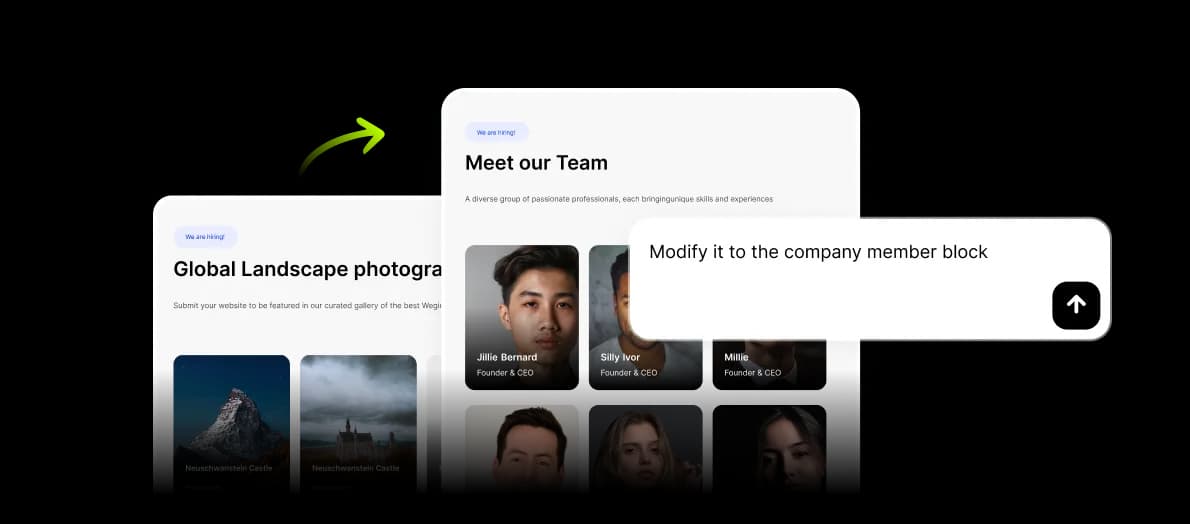
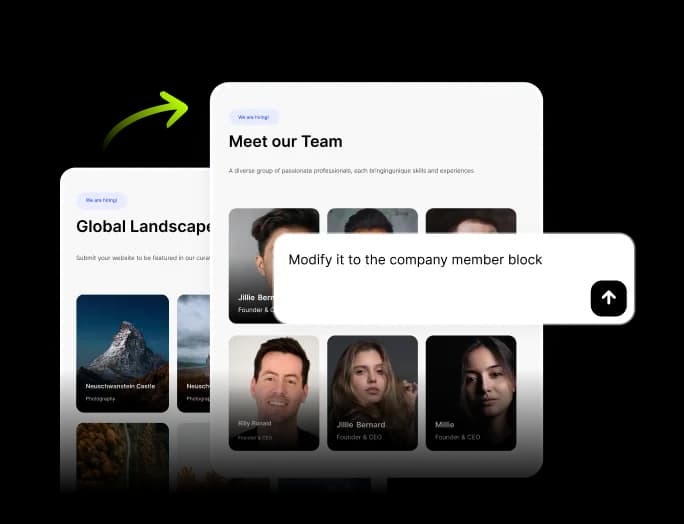
Use conversation to update pricing content, improve page layouts, clarify payment instructions, or adjust the information customers see before reaching checkout.
Publish Your Website with Hosting
Launch your website with hosting included and keep your product, service, and payment information accessible to customers across desktop and mobile devices.
How to Create a Website That Accepts PayPal Payments
Describe Your Business and Payment Needs
Tell Wegic what you sell, who your customers are, how you price your offers, and where PayPal should fit into the intended purchasing journey.
Build Your Website and Payment Path
Add your real products, services, pricing, policies, and purchase instructions. Configure available payment functionality or appropriate external PayPal payment links where supported.
Test the Experience and Publish
Review product information, payment destinations, customer instructions, and the mobile experience. Verify your configured payment flow works as intended before publishing your website.
Frequently asked questions
Can I create a website where customers pay with PayPal?
Yes. You can create a website that presents products or services and provides a path to PayPal payments. The available payment experience depends on supported integrations, external payment links, and your payment account configuration.
How do I accept PayPal payments on my website?
Start by creating your website and adding products, services, and pricing. Then configure a supported payment method or an appropriate PayPal payment link, and test the transaction flow before launch.
Can I add a PayPal payment button to my website?
You may be able to direct customers to an external PayPal payment page through a supported button or link. Native PayPal button or checkout integration depends on the website builder’s available capabilities.
Can I use PayPal to sell products online?
PayPal can support payments for eligible products and services, subject to its account, regional, and business requirements. Your website should clearly present what customers are purchasing and how payment is completed.
Can customers pay with PayPal on mobile devices?
PayPal offers mobile payment experiences, but the exact process depends on the payment method or checkout flow you configure. Test the complete experience on mobile before publishing.
Explore More Online Payment Website Ideas

Penny Lane website builder

Penguin website builder

Pc Components website builder

Peptide website builder

Pepper website builder
