Build Your Nurse Practitioner Website with AI
Give prospective patients a clear place to understand your practice before they reach out. Present your services, professional background, care approach, and practical patient information in one trustworthy website.
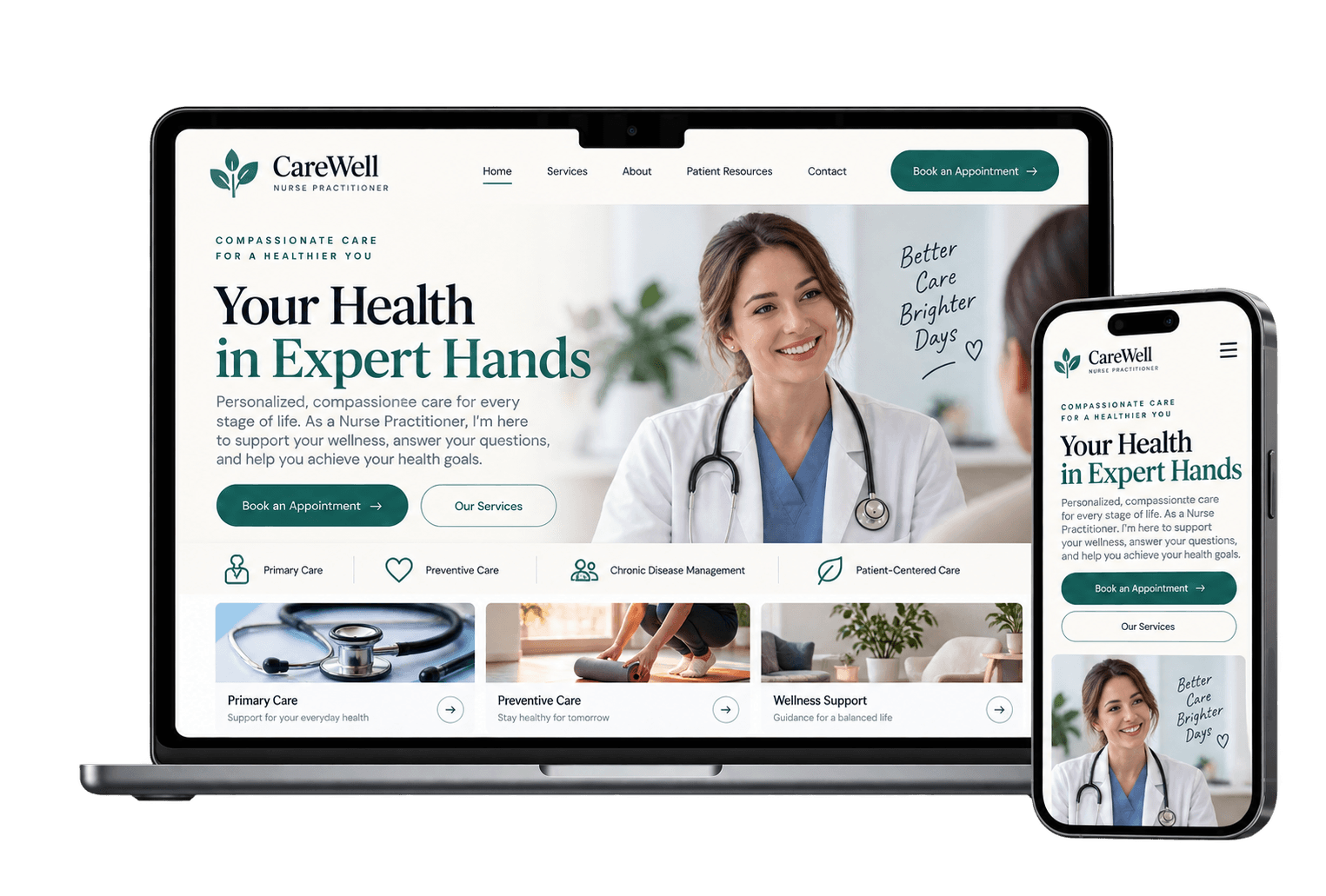
Start with a Website Designed for Patient Trust
Explore healthcare, wellness, and professional service templates, then customize the typography, imagery, information hierarchy, and pages around your practice and patient experience.
Answer the Questions Patients Have Before They Contact You
Explain What You Provide
Define Your Care Focus
Introduce Yourself Properly
Present Verified Credentials
Clarify Where Care Happens
Make the Next Step Obvious
Make the First Patient Experience Start Before the Appointment
A useful practice website can reduce uncertainty before a patient ever reaches your office by making practical information easier to find at the moment they need it.
Prepare Patients for Visits
Explain appropriate appointment preparation, what patients may need to bring, arrival information, office procedures, and other practical details relevant to your practice.
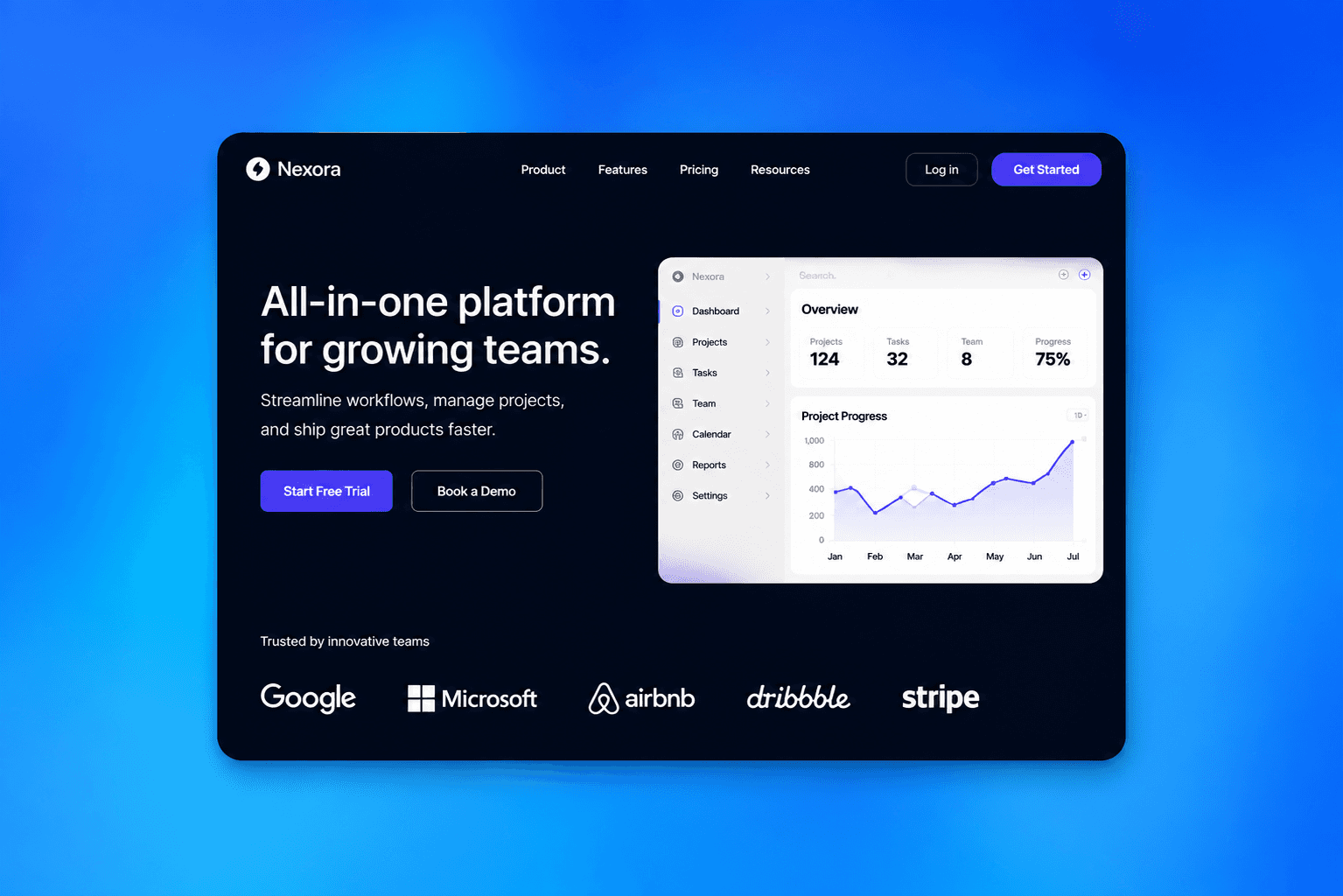
Explain Insurance and Payment
Where applicable, provide accurate insurance, self-pay, billing, or payment information and explain how patients can confirm details that depend on individual coverage.
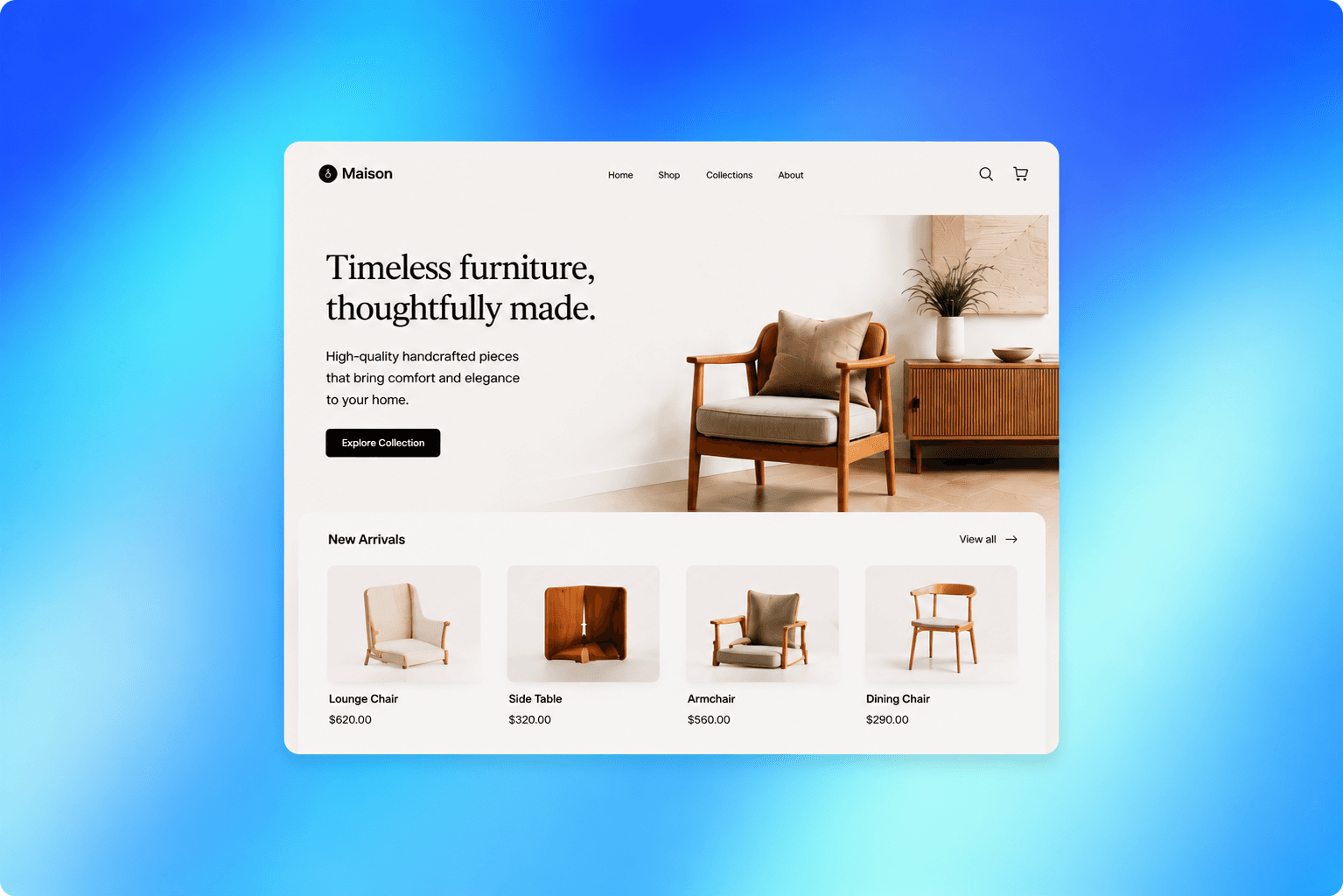
Answer Common Questions
Address recurring questions about appointments, services, office policies, referrals, communication, and other practice-specific topics before patients need to call for basic information.
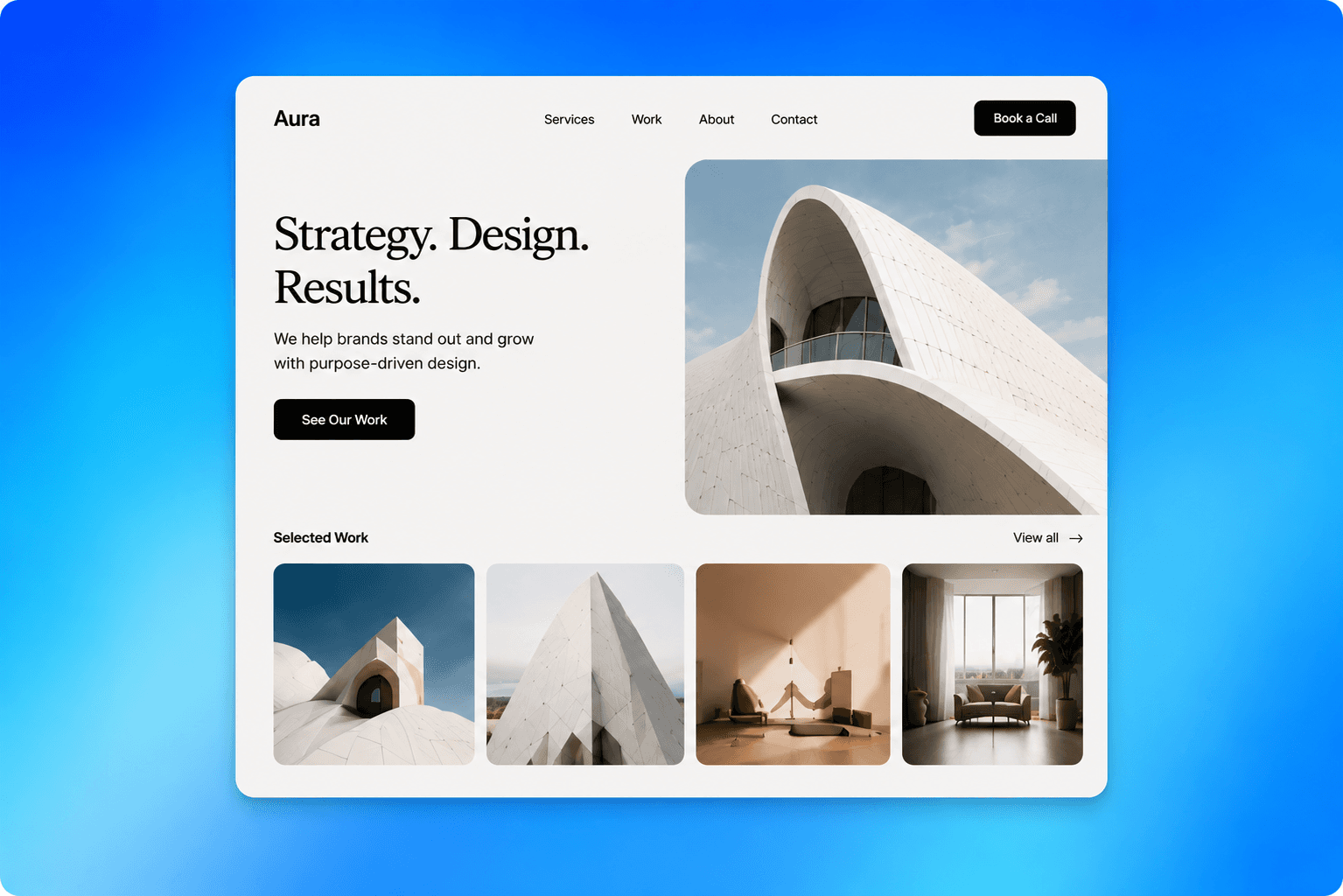
Simplify Appointment Requests
Use supported scheduling or contact paths to help patients move from understanding your practice toward an appropriate appointment request or initial conversation.
Build a Practice Presence Patients Can Understand
I wanted patients to understand my services and approach before calling the office. Having the most important practice information organized clearly has made the website much more useful than a basic provider profile.
Patients often had the same questions about appointments, location, and what to expect. Bringing those answers together gives them a much clearer starting point before they reach out.
How to Create a Nurse Practitioner Website with AI

Tell AI About Your Practice
Describe your professional background, genuine areas of care, services, patient population, location, appointment model, and the questions prospective patients commonly ask.

Add Your Verified Practice Information
Replace examples with your actual biography, credentials, services, professional imagery, office details, patient resources, policies, insurance information where appropriate, and contact details.

Review the Patient Journey and Publish
Check healthcare information for accuracy, make important patient details easy to find, configure appropriate supported appointment paths, connect your domain, and publish.

Frequently asked questions
What should a nurse practitioner website include?
A useful practice website can include services, areas of care, verified credentials, provider biography, care approach, location, office hours, patient resources, policies, FAQs, and appropriate appointment information.
How should I present my nurse practitioner services online?
Describe only services you genuinely provide and keep the language understandable to patients while remaining accurate to your professional scope and applicable requirements.
Should I put my nurse practitioner credentials on my website?
Yes. Accurately presenting relevant education, licensure, certifications, and professional background can help prospective patients understand who provides their care.
Can I create separate pages for different services?
Yes. Dedicated pages can give patients more useful information about genuine areas of care and create clearer search context than listing every service in one short section.
What patient information should I provide before an appointment?
This depends on your practice, but relevant information may include location, hours, preparation guidance, required documents, policies, insurance or payment information, and appropriate contact details.
Can patients request appointments from the website?
You can create an appropriate appointment journey using supported scheduling or contact functionality depending on how your practice handles requests.
Can I create location pages for my practice?
If you genuinely practice at multiple locations, individual pages can help patients find accurate addresses, hours, contact information, services, and other location-specific details.
Can I build a nurse practitioner website without coding?
Yes. Wegic AI can help create the initial website and let you refine its pages, practice information, content, design, and supported functionality through conversation.
Explore More Healthcare Website Ideas

Hotel Service Manager website builder

Patient Care Technician website builder

Political Analyst website builder

Project Scheduler website builder

Physical Therapy Aide website builder

Loan Consultant website builder




Give Patients a Clearer Way to Understand Your Practice