Build Your Django Website with AI
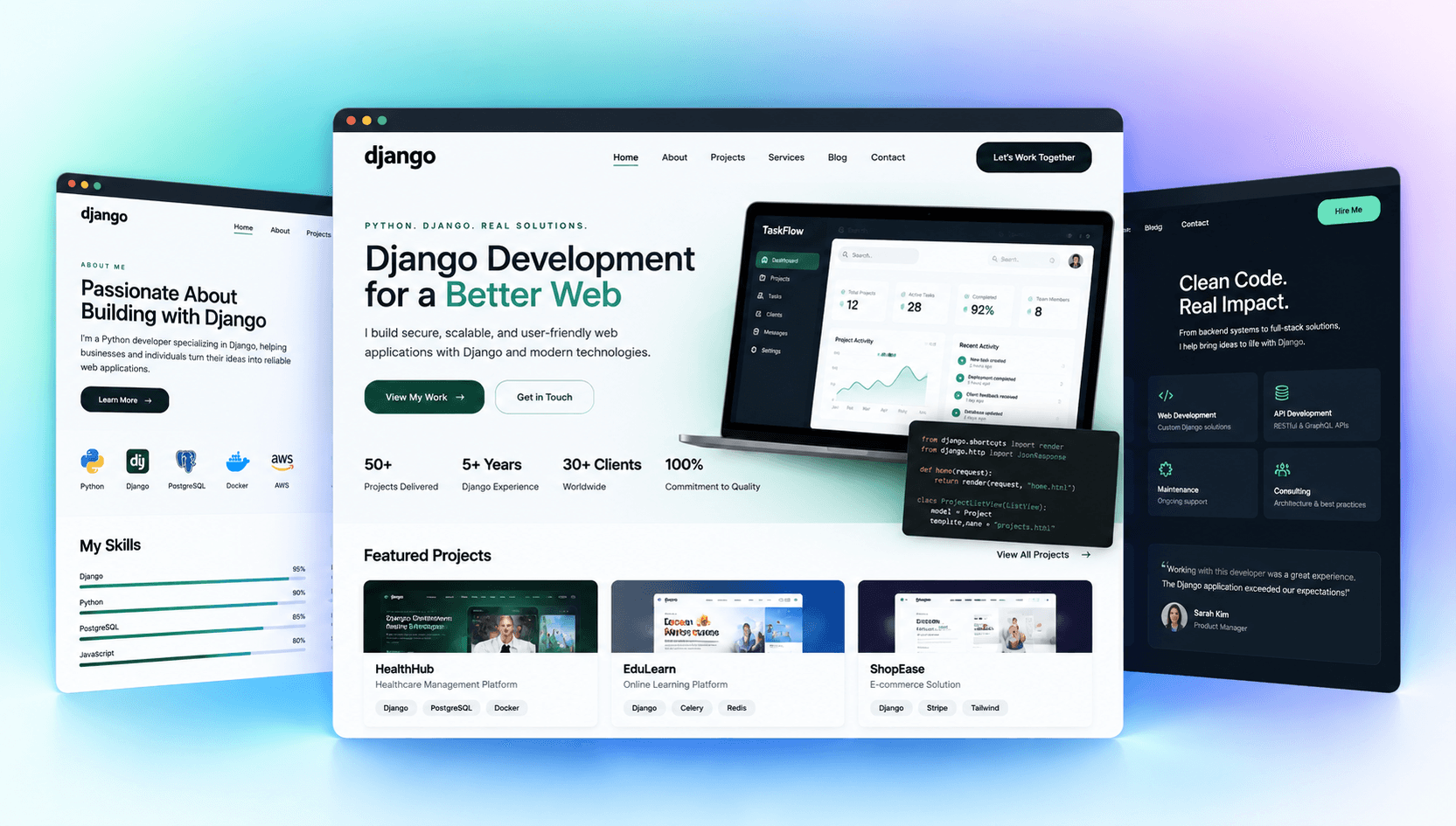
Give your Django projects and Python expertise a professional home online. Showcase what you’ve built, explain your technical capabilities, share documentation, and help potential clients or collaborators understand your work.
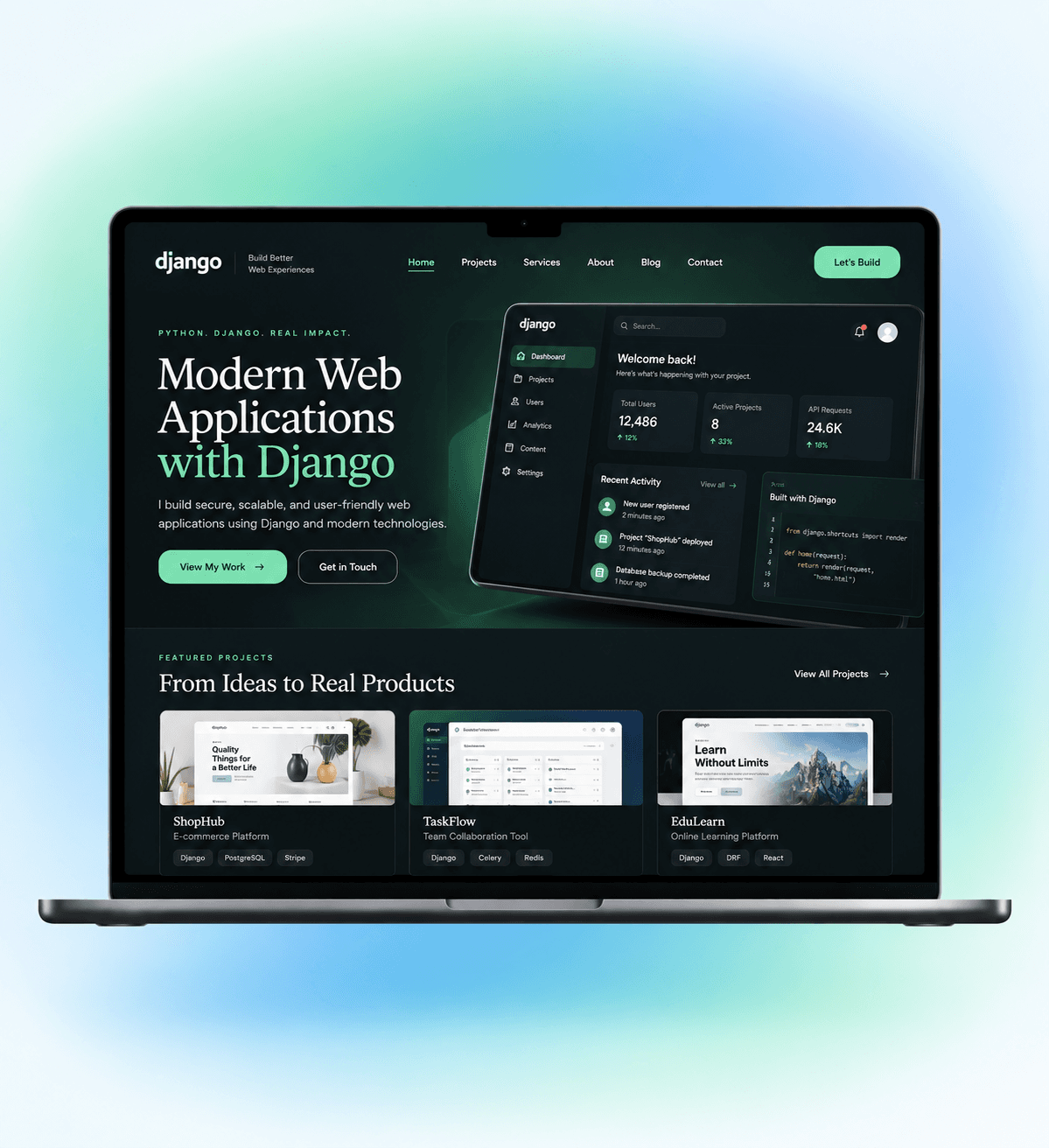
Turn Your Django Work into a Website People Can Understand
A repository shows your code. Your website should explain why the project matters. Give clients, employers, users, or contributors enough context to understand what you build, how it works, and where your Django expertise fits.
Showcase Django Projects
Bring your web apps, APIs, platforms, dashboards, and other Django projects together with screenshots, descriptions, technical context, and links to relevant resources.
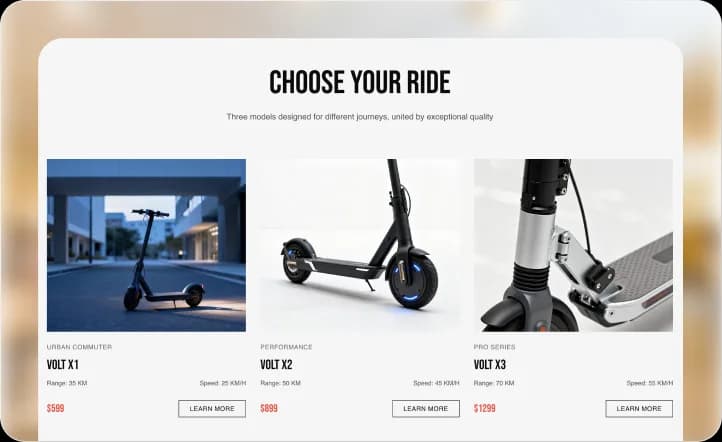
Present Your Tech Stack
Show how Django fits alongside Python, PostgreSQL, REST APIs, frontend frameworks, cloud services, and other technologies you actually use.
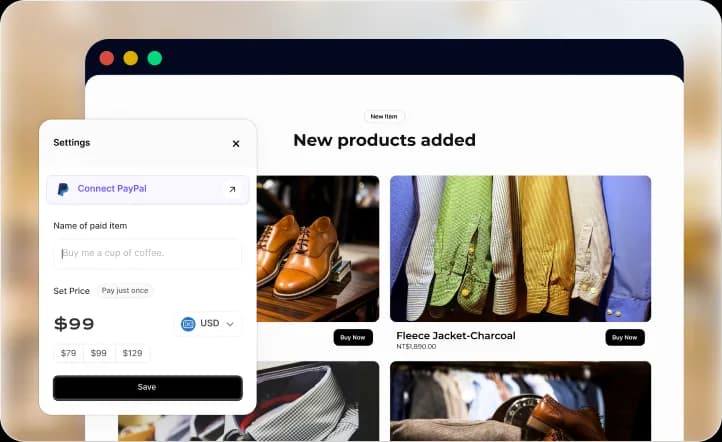
Explain Development Services
Turn backend development, API engineering, application development, maintenance, or other Django expertise into clear service pages prospective clients can understand.
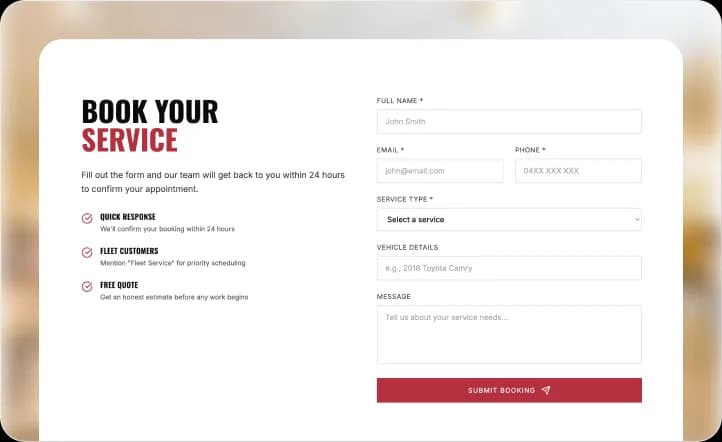
Build Technical Case Studies
Go beyond finished screenshots by explaining the challenge, architecture, development approach, technical decisions, and outcomes behind selected projects.
Connect Your Developer Presence
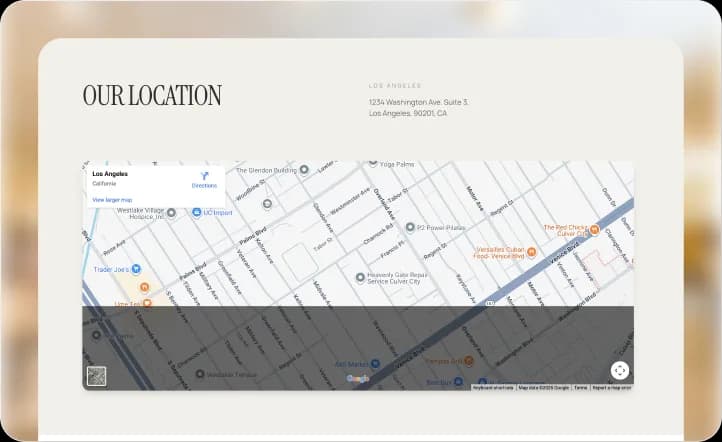
Bring your website together with GitHub, documentation, technical writing, professional profiles, or other channels where visitors can explore your work further.

Find a Professional Look for Your Django Website
Built for Developers Who Want Their Work to Speak Clearly
My GitHub showed the code, but it didn’t explain what each project actually solved. Wegic helped me present my Django work with enough context for potential clients to understand what I can build.
Make Your Django Expertise Easier to Evaluate
Technical credibility comes from more than listing frameworks. Give potential clients, employers, users, or collaborators enough evidence to understand the problems you’ve solved and the experience you bring.
Show Real Project Outcomes
Connect Django development to actual project goals and results so visitors understand what your technical decisions enabled rather than seeing a list of technologies alone.
Explain Your Development Process
Show how you approach requirements, architecture, development, testing, deployment, and iteration to give prospective clients a clearer picture of working with you.

Publish Technical Content
Share original Django articles, project notes, engineering insights, or development resources that demonstrate expertise while creating additional ways for people to discover your work.
Generate Project Inquiries
Create clear contact paths for prospective clients to share their project requirements, development needs, timelines, and other useful context before you respond.
Support Your Projects
Give active Django applications a permanent destination for documentation, updates, FAQs, release information, community resources, or other supporting content.
How to Create a Django Website with AI
Describe Your Django Work
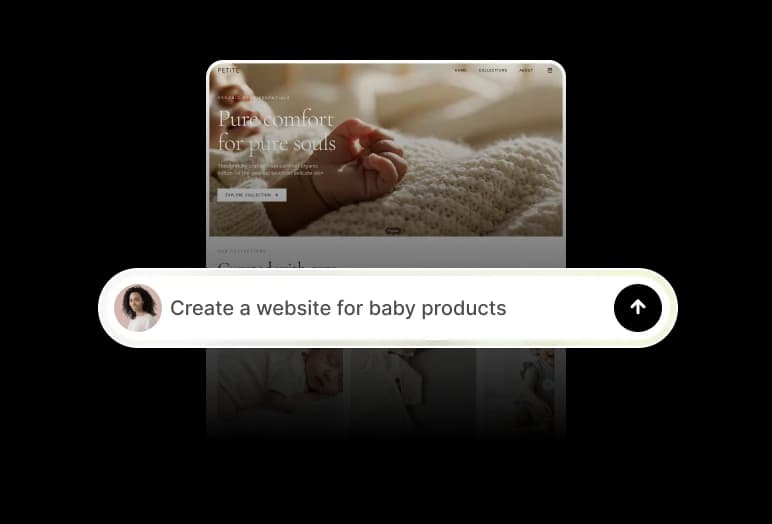
Tell Wegic about your projects, Python and Django experience, development services, target audience, technical stack, and what you want visitors to learn or do.
Add Projects and Technical Proof
Replace generated examples with your actual project screenshots, case studies, technologies, documentation, GitHub links, services, and other evidence of your work.
Customize and Publish
Refine the design around your professional identity, review your technical information, connect relevant developer channels and your domain, then publish your website.
Frequently asked questions
What is a Django website?
A Django website can refer to a website or web application developed with the Django Python framework, or a professional website used to showcase Django development projects and expertise.
What should a Django developer website include?
Useful sections can include projects, case studies, development services, technical skills, your technology stack, about information, GitHub links, technical content, and contact information.
Can I showcase Django projects on my website?
Yes. Create dedicated project or case-study pages with screenshots, descriptions, technologies, challenges, development decisions, and links to relevant resources.
Should I link my GitHub profile?
For developers, connecting relevant repositories or your GitHub profile can give technical visitors another way to evaluate your work alongside the more contextual presentation on your website.
Can I use the website to get Django development clients?
Yes. Explain the services you provide, demonstrate relevant project experience, answer common client questions, and create a clear inquiry path for prospective projects.
Can I publish Django tutorials or technical articles?
Yes. You can create content sections for your own tutorials, engineering articles, project notes, and other original technical resources.
Does Wegic generate Django application code?
This page should not imply that Wegic itself is a Django application generator unless that capability exists. Wegic can instead be positioned here as helping create the website used to present your Django work, services, or projects.
Can I build a Django portfolio website without coding?
Yes. Wegic AI can help generate the website and let you refine its pages, content, design, projects, and supported functionality through conversation.
Explore More Developer Website Ideas

Does Miniso Have An website builder

Disney Park website builder

Disney Springs website builder

Disney World Candy website builder

Disney Home website builder
