Build Your Archive Website with AI
Turn documents, photographs, records, stories, and collections into an organized digital archive people can explore. Preserve what matters while making every item easier to discover and understand.
Turn a Collection of Records into Something People Can Explore
An archive becomes useful when visitors can understand what’s inside and find what matters to them. Build clear paths through collections while preserving the context behind individual records.
Organize Your Collections
Group photographs, documents, publications, recordings, artifacts, or other materials into meaningful collections that give visitors a clear starting point for exploration.

Make Records Easy to Find
Structure archive content around useful categories, dates, subjects, people, places, or other relevant information so visitors can narrow down large collections.

Give Every Record Context
Create dedicated pages with titles, dates, descriptions, creators, sources, images, and other relevant information that explains what each archived item represents.

Bring Visual History Forward
Use galleries and image-led collections to make photographs, scans, posters, manuscripts, artwork, and other visual materials easier to browse and appreciate.

Connect Related Stories
Link records through shared people, periods, locations, subjects, or collections so visitors can move naturally from one piece of the archive to another.

Find a Design That Lets Your Collection Speak
Built for Collections Worth Preserving
I had years of photographs, newspaper scans, and notes sitting in separate folders. Wegic helped me turn them into a website where people can actually browse the collection and understand the stories behind it.

Make Your Archive Useful Beyond Preservation
Digital preservation is only the beginning. Give researchers, communities, students, and curious visitors ways to discover relationships, understand context, and spend more time with your collection.

Create Research-Friendly Records
Present useful metadata and descriptive information consistently so researchers can understand individual materials without losing their relationship to the broader collection.

Tell Stories Across Collections
Combine related records into exhibitions, timelines, themes, or editorial stories that turn separate archive items into richer narratives visitors can follow.

Open Collections to More People
Bring materials online so audiences beyond your physical location can discover collections, explore historical resources, and learn from what you’ve preserved.

Keep Growing the Archive
Add newly digitized documents, photographs, oral histories, records, and collections over time without rebuilding the entire website whenever the archive expands.

Invite Community Contributions
Create clear contact or submission paths for people who may have additional photographs, stories, information, or materials relevant to your archive.
How to Create an Archive Website with AI
Describe Your Archive
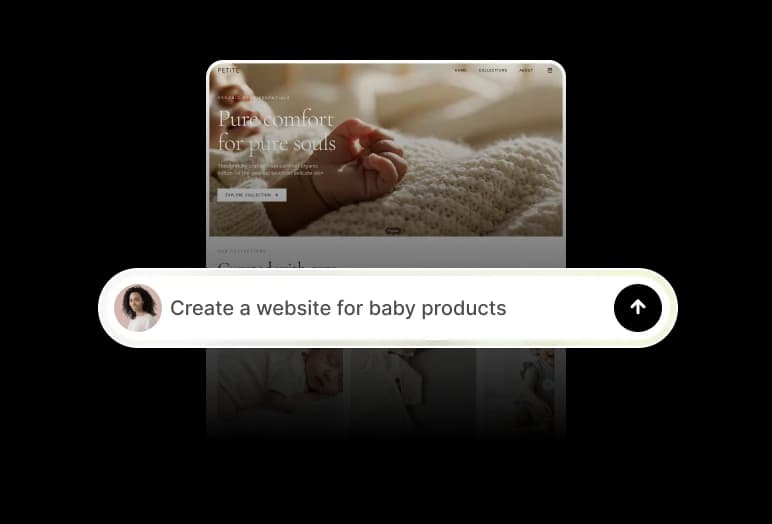
Tell Wegic what you’re preserving, who the archive is for, the types of materials it contains, and how you want visitors to explore the collection.
Build Your Collections and Records
Add real photographs, documents, descriptions, dates, sources, categories, and other relevant information while organizing materials into a structure visitors can understand.
Review and Publish Your Archive
Check record accuracy, sources, permissions, navigation, and collection relationships, then connect your domain and publish the archive when it’s ready for visitors.
Frequently asked questions
What is an archive website?
An archive website is an online space for organizing and presenting collections such as historical documents, photographs, records, publications, recordings, or other preserved materials.
What should an archive website include?
It can include collection pages, individual records, images or scans, dates, descriptions, creators, sources, categories, contextual information, search or browsing paths, and related materials.
How should I organize a digital archive?
The best structure depends on the collection. Materials can be organized by collection, period, subject, person, location, material type, or other meaningful relationships.
Can I create an archive for historical photographs?
Yes. Photography archives can use visual collections alongside dates, locations, photographers, subjects, descriptions, sources, and related historical information.
Can an archive website be used for research?
Yes. Clear record pages, consistent metadata, collection structures, source information, and useful navigation can make archived materials easier for researchers to discover and understand.
Can people contribute material to my archive?
You can create supported forms or contact paths for people to submit information about potential materials or contributions, while keeping your own review and verification process.
Can I build an archive website without coding?
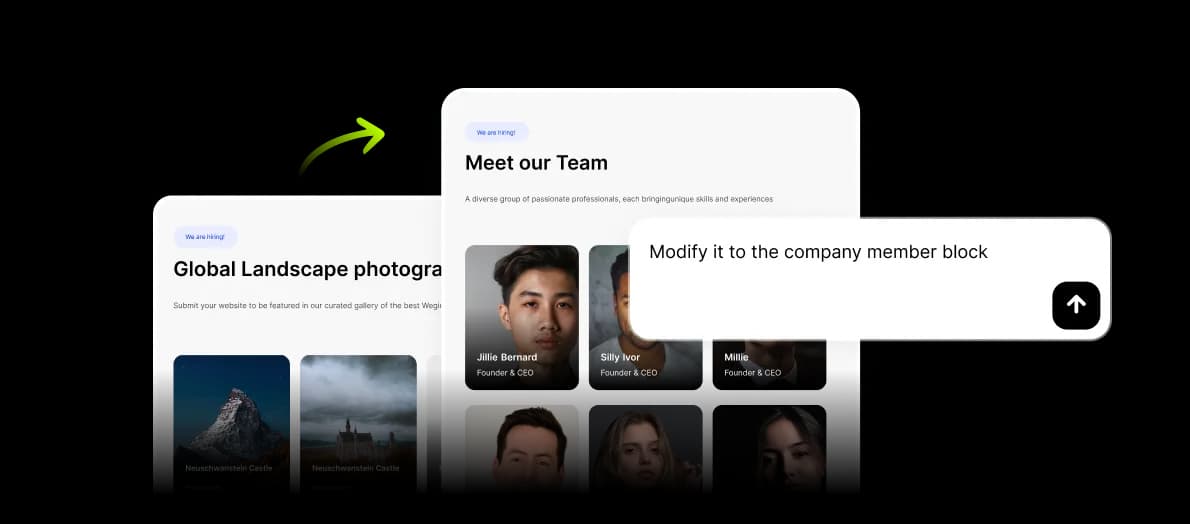
Yes. Wegic AI can generate the initial website structure and let you refine its collections, content, pages, design, and supported functionality through conversation.